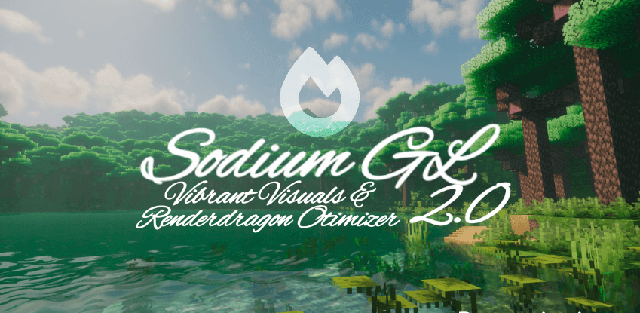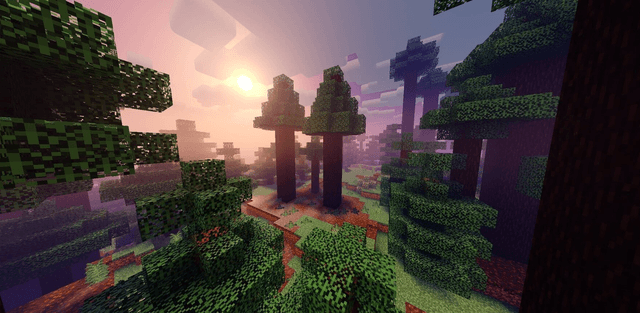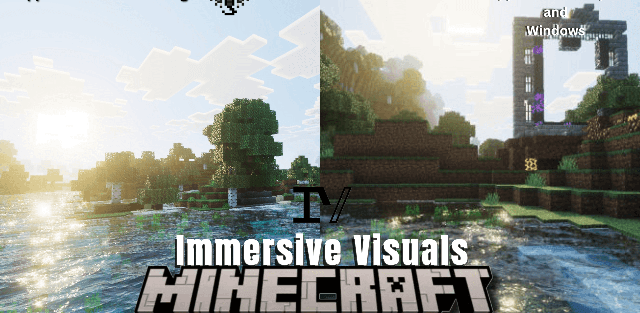
How to enable: import the pack, activate it in Global Resources or in the world resource packs, then select Vibrant Visuals in Settings > Video > Graphics Mode. A device that supports this mode is required.
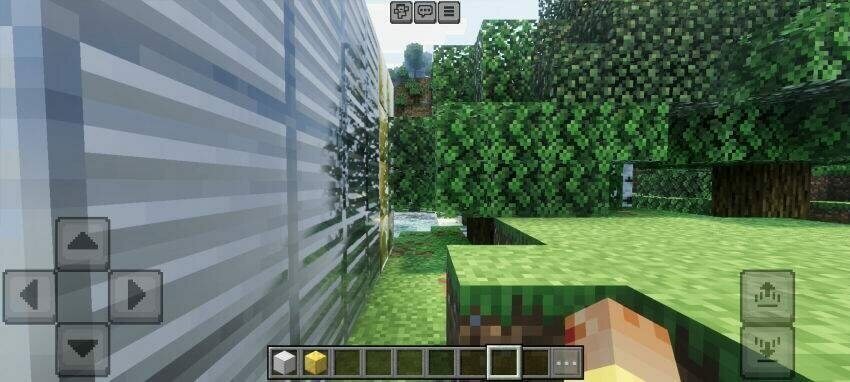
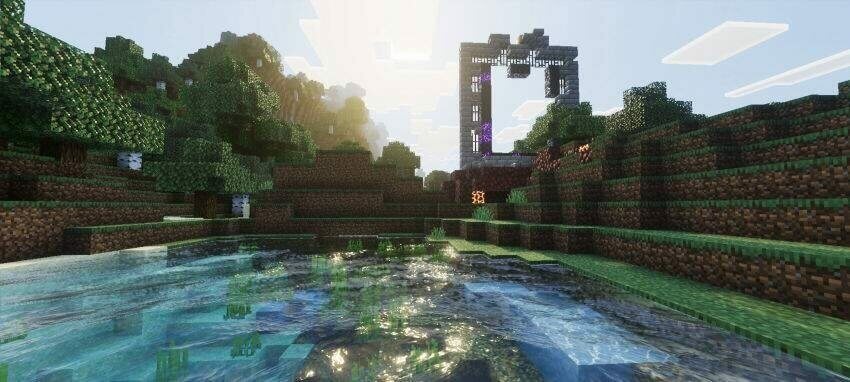
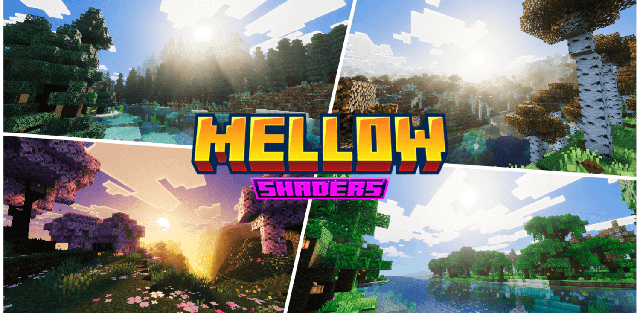
Immersive Visuals enhances the way light interacts with water and block surfaces. Rivers receive moving waves, reflections and caustic patterns, while metallic and other PBR materials respond more clearly to their surroundings.
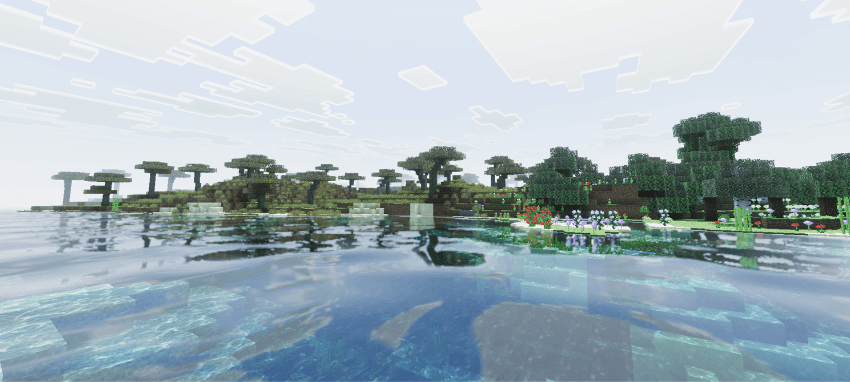
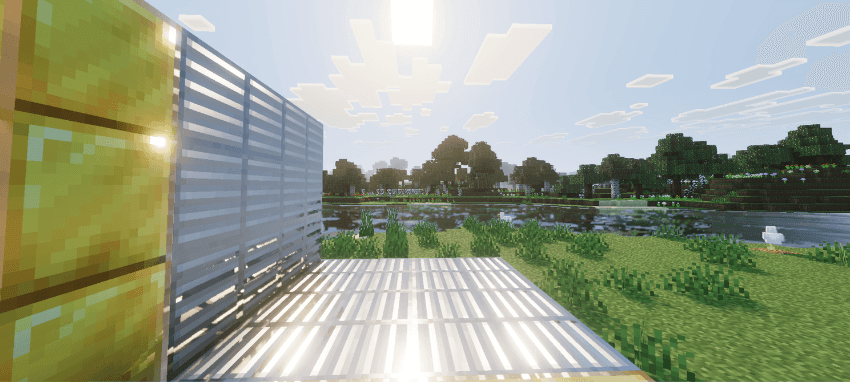
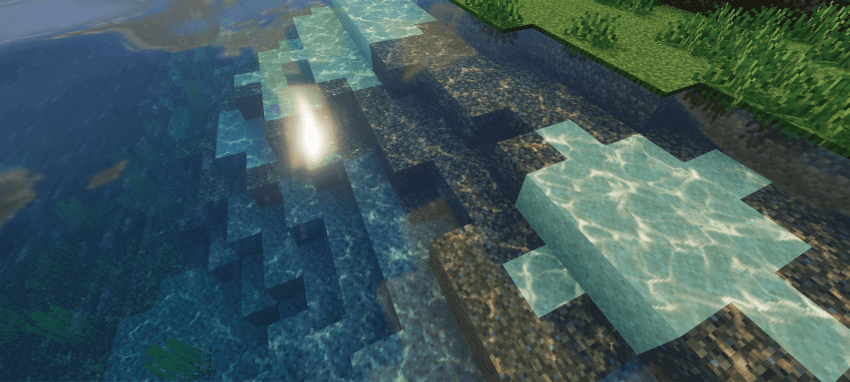
Color grading, biome fog and sunlight are adjusted together for a brighter outdoor look. Sunbeams become especially visible around trees and buildings. The supplied download is the author’s latest 1.1 release.
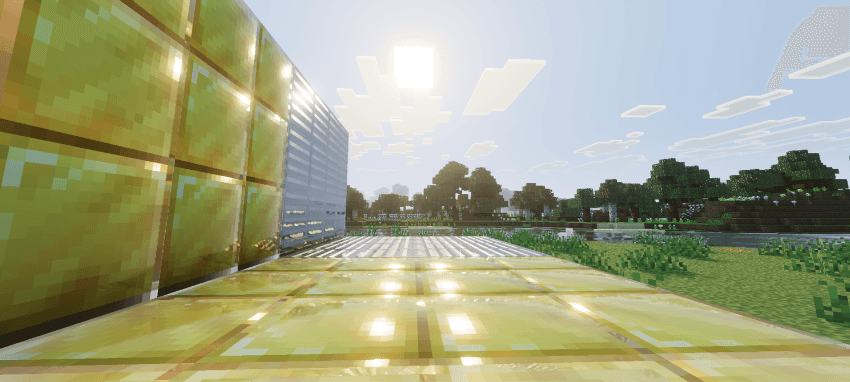
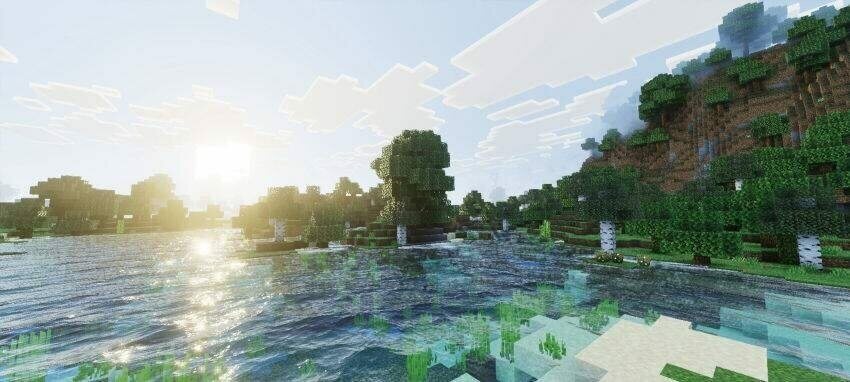
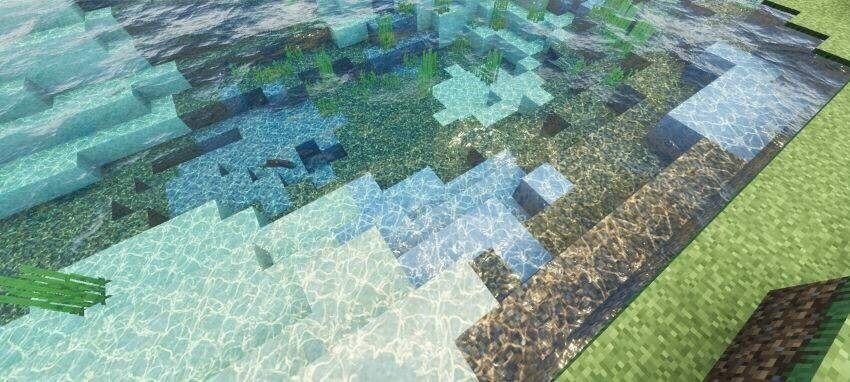
The intended reflections and volumetric lighting require Vibrant Visuals on a supported device. The pack does not install a separate shader loader or make an unsupported device compatible with that graphics mode.