Author: OdderWorks
On a phone, open the resource-pack settings and move the subpack slider to the left to select Lite mode. The default mode is intended for PC. Version 1.1.1 fixes invisible mobile portals and the appearance of grabbed blocks.
Portal gun controls
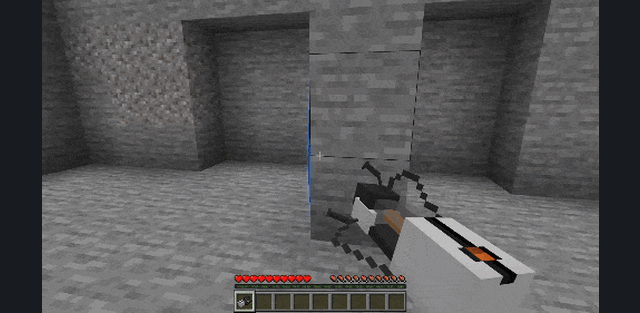
Obtain a diamond to unlock the recipes in the recipe book. Sneak while using the portal gun to cycle through blue portal, orange portal, grab and remove modes. Use the gun normally to perform the selected action. In grab mode, use it again to release the object.
Test chamber devices
Aerial Faith Plates launch players. Use a plate to adjust its launch and sneak-use to rotate it. Excursion Funnels push or pull objects and can pass through portals; use changes their operation, while sneak-use turns the beam off.
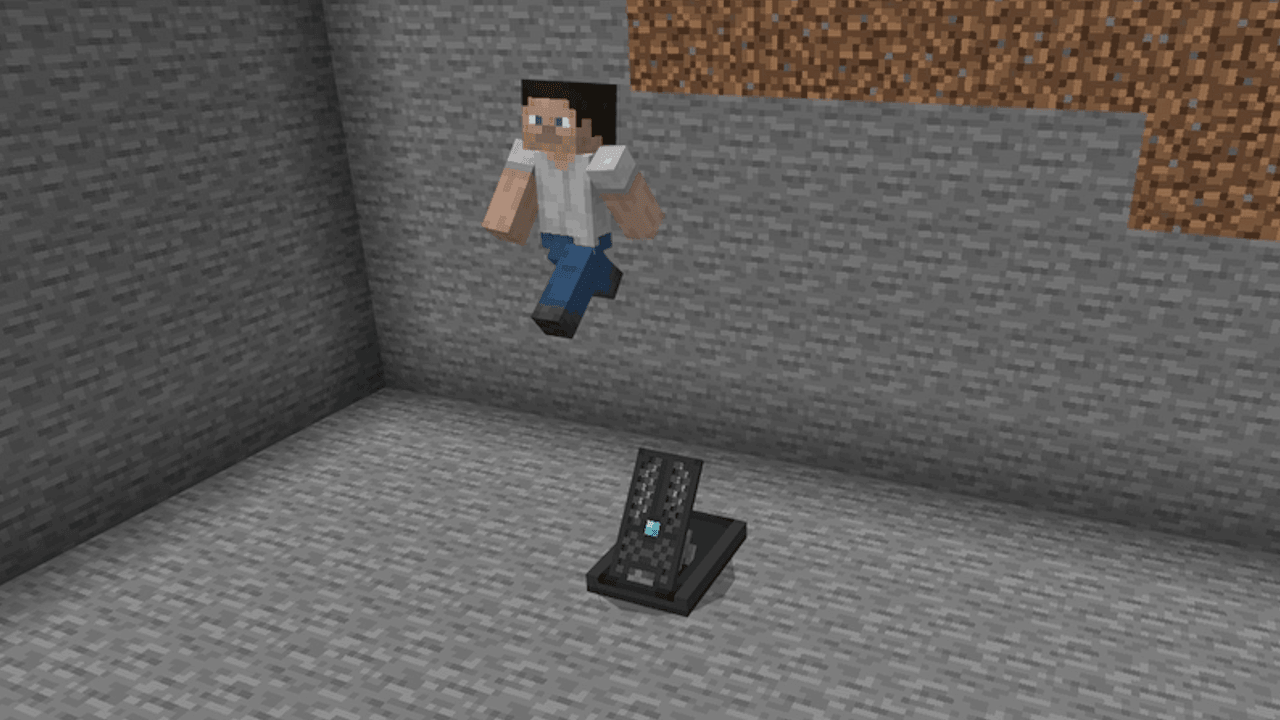
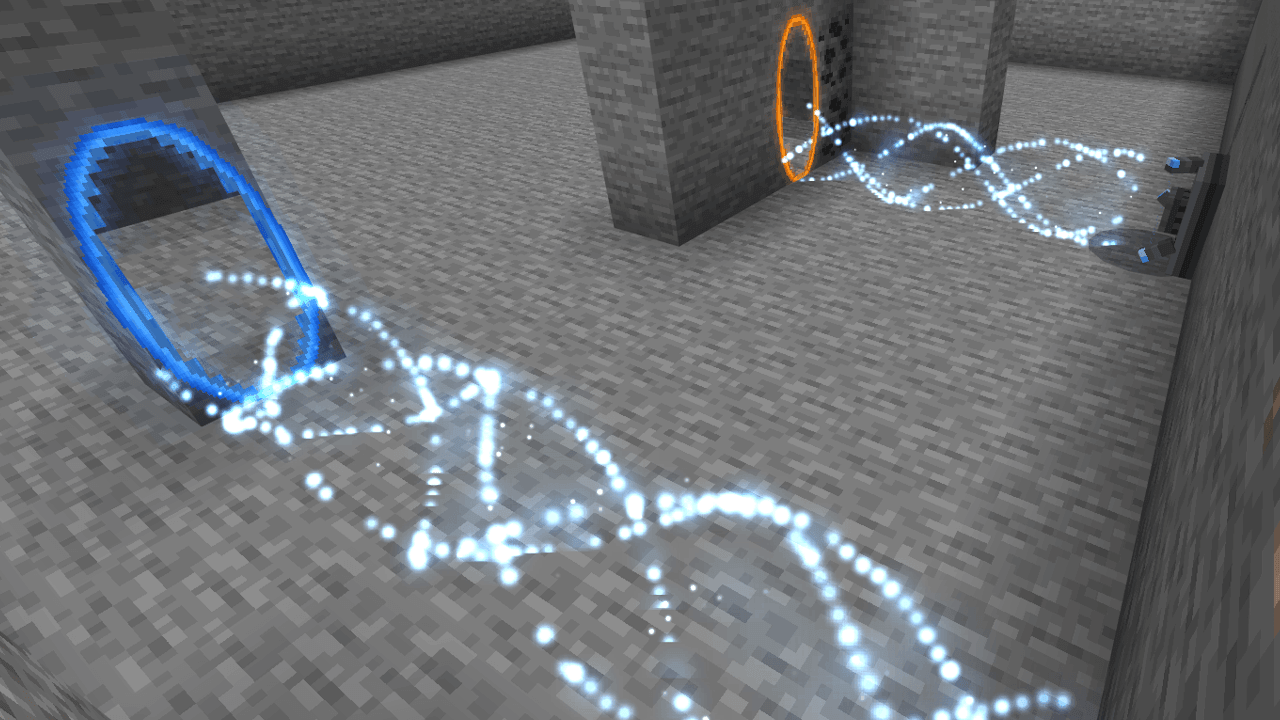
Thermal Discouragement Beams damage targets and can also travel through portals. Interact to toggle a laser. Glass redirects it according to the direction in which the glass was placed. Combine these devices to build routes and hazards inside a test chamber.
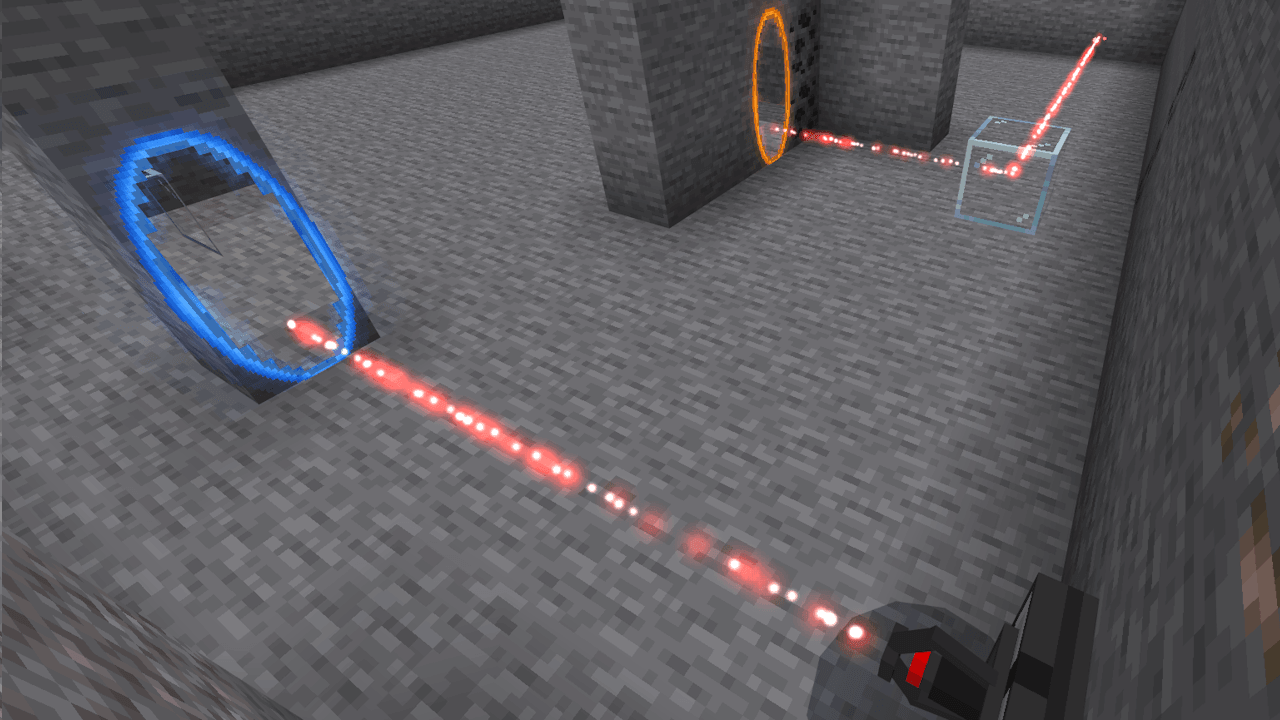
Blue Repulsion Gel makes surfaces bounce, while orange Propulsion Gel increases movement speed. The portal view works best in enclosed spaces. With Vibrant Visuals, the view-through visual effect is unavailable, although the portal mechanics continue to work.
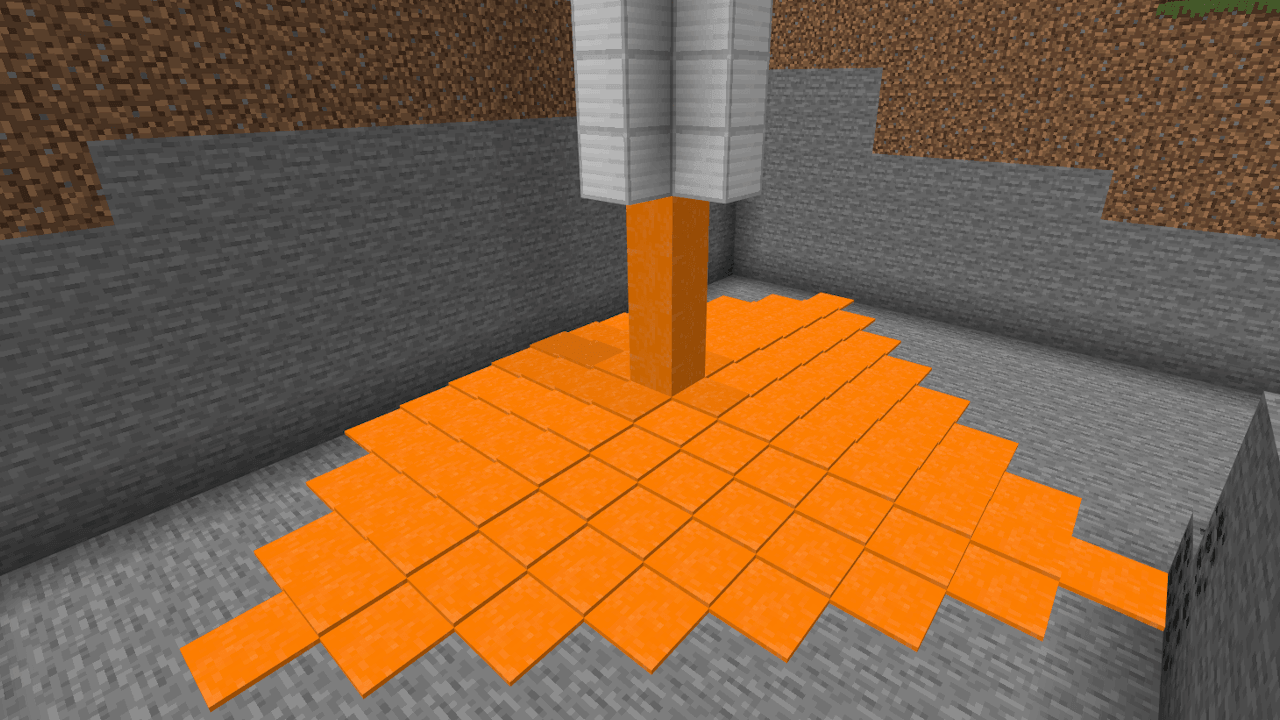
The devices form a construction kit for custom puzzles. A launch plate can send the player toward a gel-covered surface, while a funnel or laser can be redirected through the portal pair. Mobile players should select Lite before evaluating the portal visuals.