Author: PnTMC
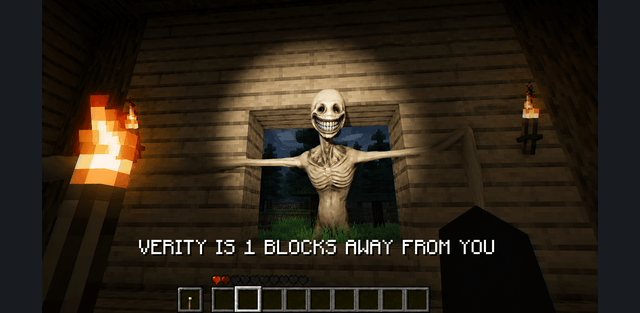
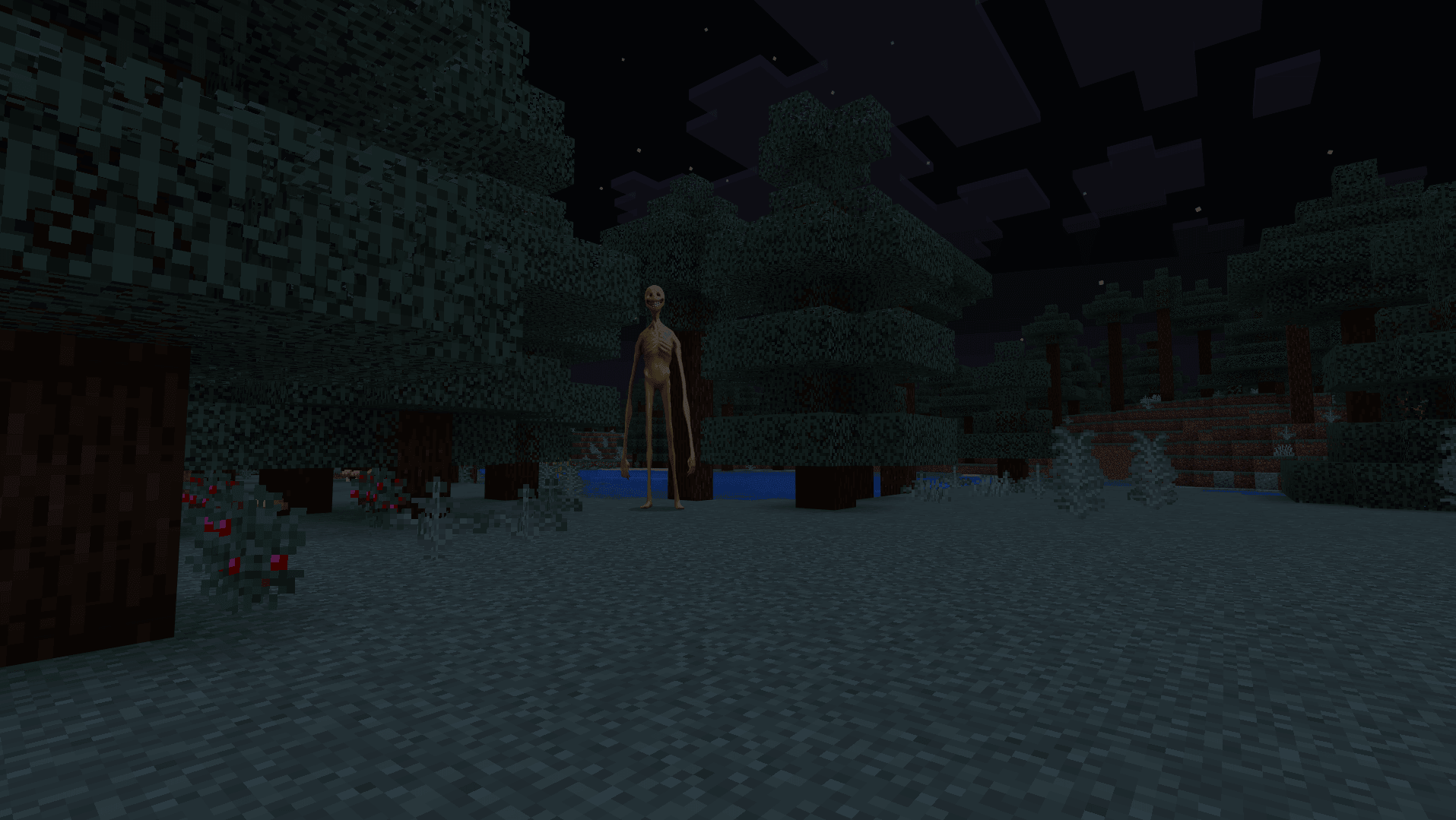
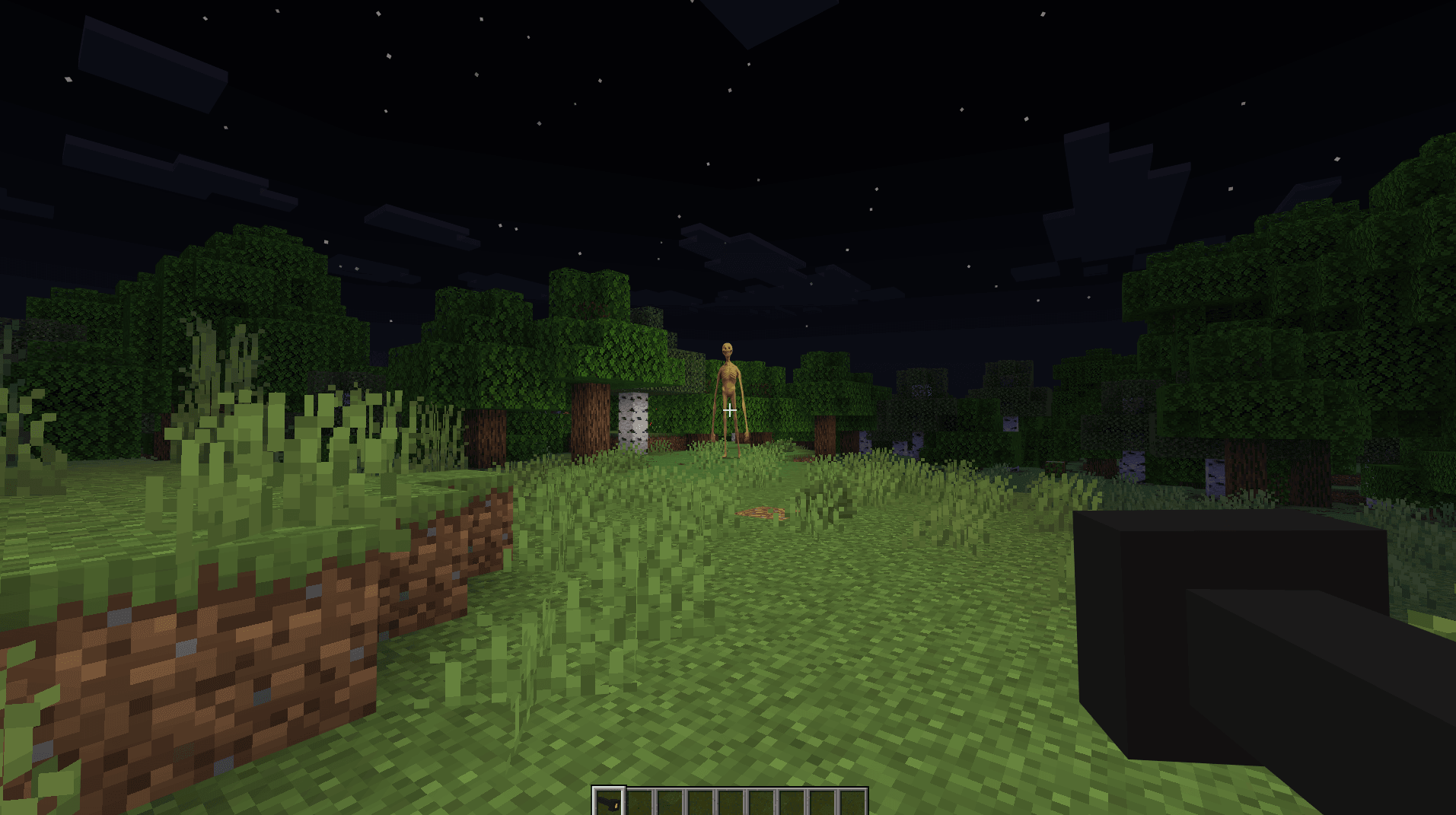
Verity begins as a yellow companion who can talk, answer questions, solve calculations and help with information about the world. Its face and behavior change as the encounter develops. Over time, the seemingly helpful presence becomes a horror experience.


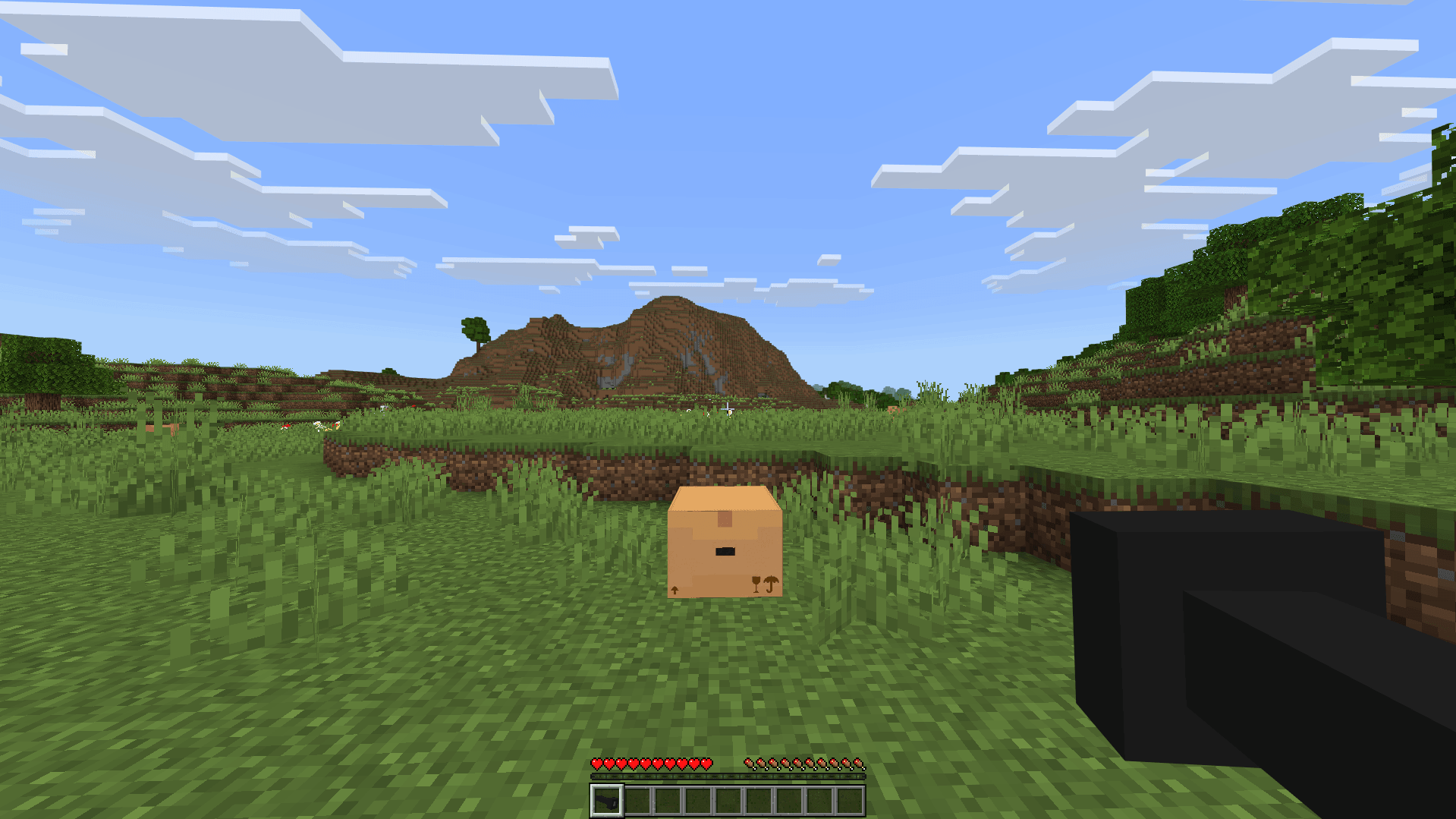
Talking to Verity
Approach Verity to talk through chat. The Hey Verity item provides another way to interact. Conversations can include calculations, ore locations, sounds and songs. After time passes or Verity becomes angry, the encounter can escalate and another presence may arrive.

Conversation setup
This port needs a separate helper running alongside Minecraft for AI conversation and voice. The setup supports Windows, Android and iOS, with different helper environments. Windows uses Python; Android uses Termux and Termux:API; iOS uses a-Shell. The helper requires configured Groq and Fish Audio credentials. These external services process the conversation and voice.
Enable Beta APIs, cheats and WebSockets; turn off Require Encrypted WebSockets for the local connection. Start the helper and run /connect 127.0.0.1:3000 after entering the world. On iOS, use text chat: microphone input and the !talk command are not supported. Importing the addon alone does not complete this setup.
This is PnTMC's port of ThatMob's Verity. The file is the 4.0.0 edition adapted for Minecraft 26.60. The helper must stay running during play, and the world connection must be established again after joining. Keep the platform-specific setup in mind when choosing a device for voice interaction.