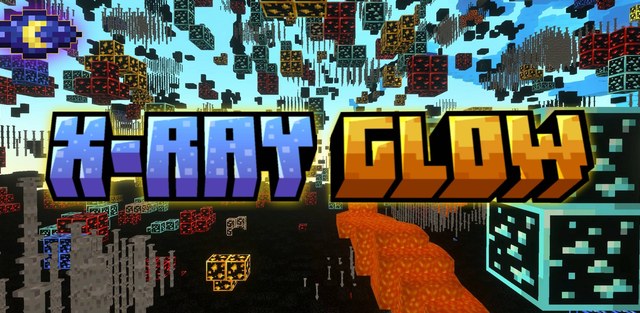
X Ray Glow is a Minecraft Bedrock texture pack made for faster resource searching. It makes valuable ores stand out, reveals underground spaces and helps players navigate caves without changing survival rules.
The author emphasizes that the pack does not disable achievements. It can be used in single-player worlds and multiplayer, but server rules should be checked first because x-ray textures may count as an unfair advantage.
Features
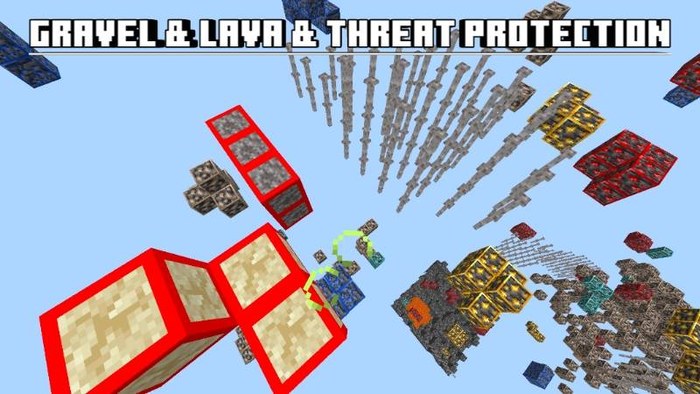
- Visible ores: valuable blocks become outlined and easier to spot from a distance;
- Underground view: the pack helps reveal caves, gaps and structures below the surface;
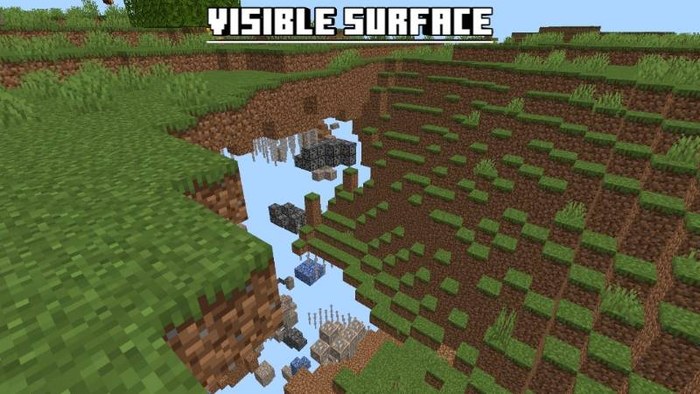
- Surface visibility: separate screenshots show that the pack can help with outside navigation too;
- Achievements: using the resource pack does not disable standard achievements;
- Multiplayer: the author lists server support where server rules allow it.
Settings
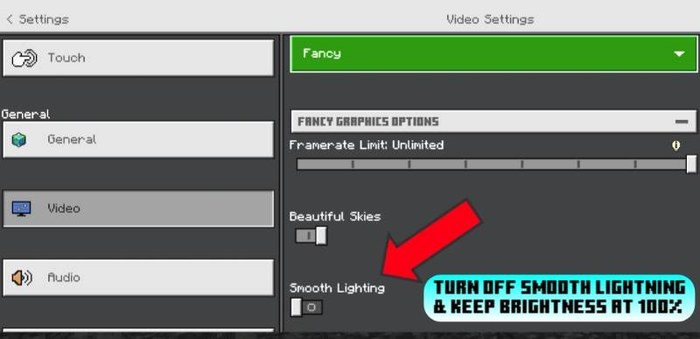
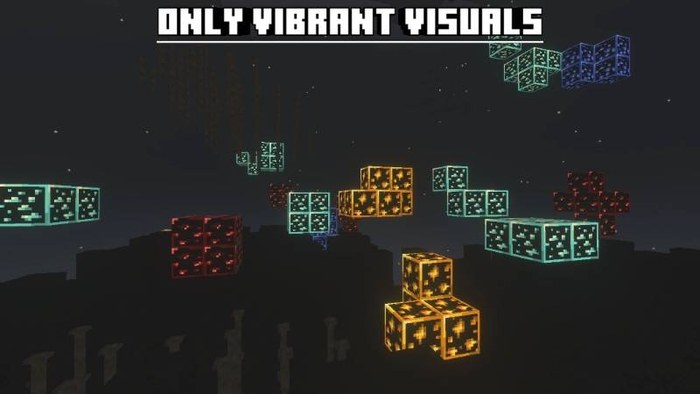
For correct display, the author recommends turning off Smooth Lighting, setting brightness to 100% and enabling Vibrant Visuals if the device can run it without noticeable lag.
If the game becomes slow after enabling the enhanced visual mode, it is better to keep basic visibility and disable extra effects. This keeps the main ore-finding function while reducing device load.
Night Vision
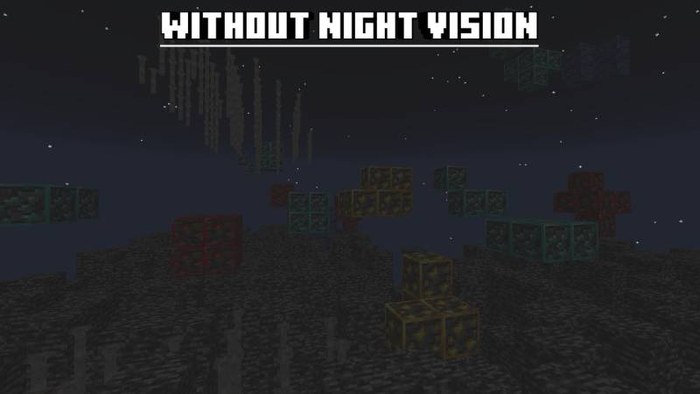
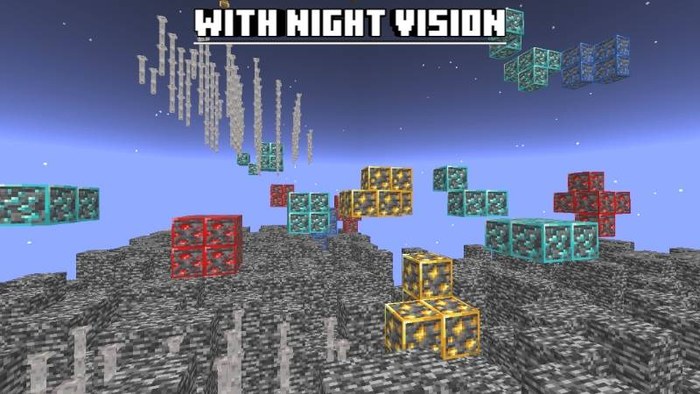
The latest update adds night vision for Vibrant Visuals. This makes ores and caves easier to read in darkness and helps players distinguish useful blocks from the surrounding terrain.
The source shows comparisons without night vision, with night vision and with only Vibrant Visuals enabled. This helps players choose settings for their device.
Usage
The pack is useful for finding diamonds, iron, gold, copper, redstone and other valuable resources. It also helps in test worlds, underground checks and cave navigation.
The author allows showcases in videos and streams with credit to the official page. Reuploads, distribution through monetized shorteners and republishing edited versions are not allowed.
Screenshots