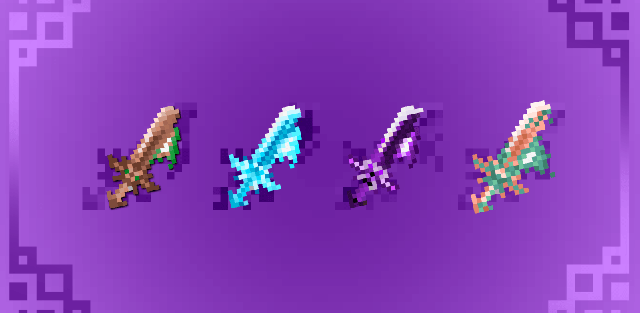
Fancy Hotbar replaces the standard quick-access bar with a cleaner Hive-inspired design. The pack changes slot icons and the hotbar appearance without affecting gameplay.

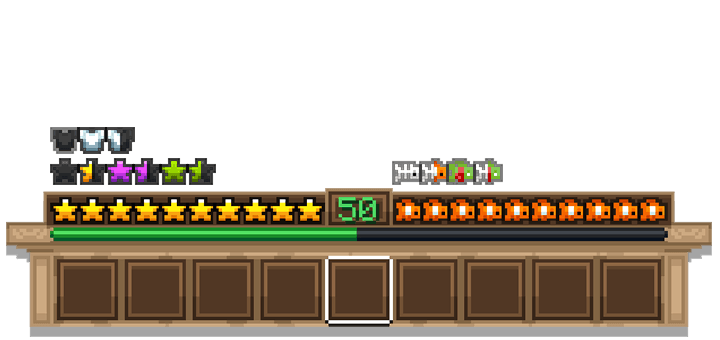
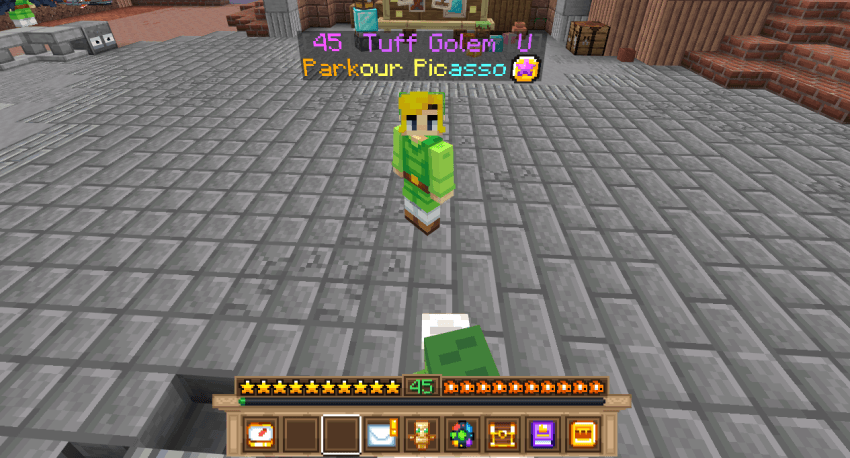

Fancy Hotbar - Fancy Hotbar replaces the standard quick-access bar with a cleaner Hive-inspired design. The pack changes slot icons and the hotbar appearance without affecting gameplay.

Fancy Hotbar replaces the standard quick-access bar with a cleaner Hive-inspired design. The pack changes slot icons and the hotbar appearance without affecting gameplay.
Download the .mcpack file, open it with Minecraft and wait for the import to finish. Then enable the pack under Resource Packs for the selected world or in Global Resources.