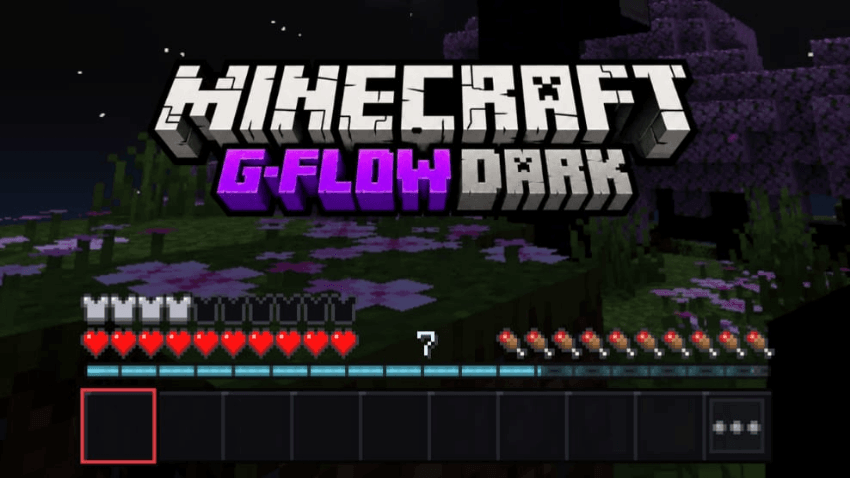
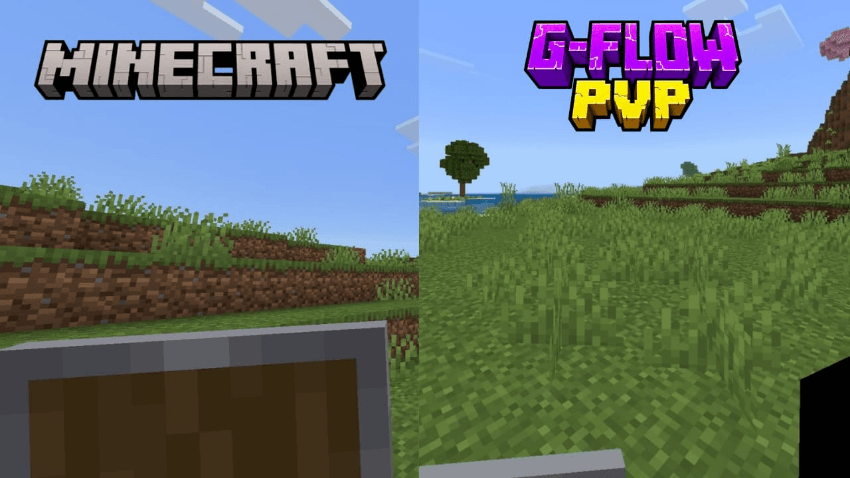
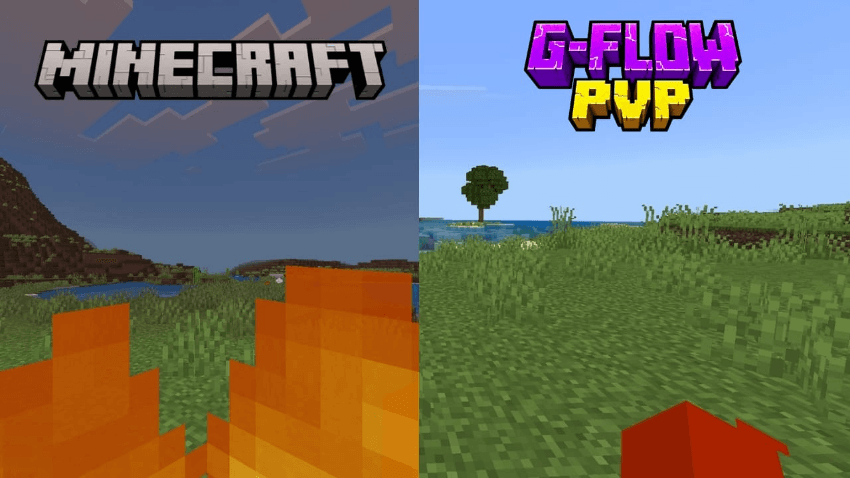
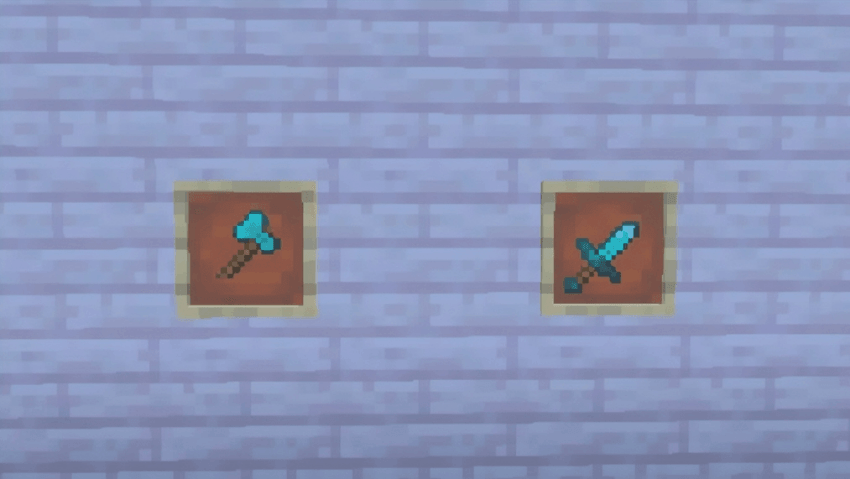
G-Flow PvP is a 16x combat resource pack designed to keep important information visible during fast fights. Shields are lowered and become smaller while blocking, fire and soul fire occupy less of the screen, and swords and axes use shorter profiles.

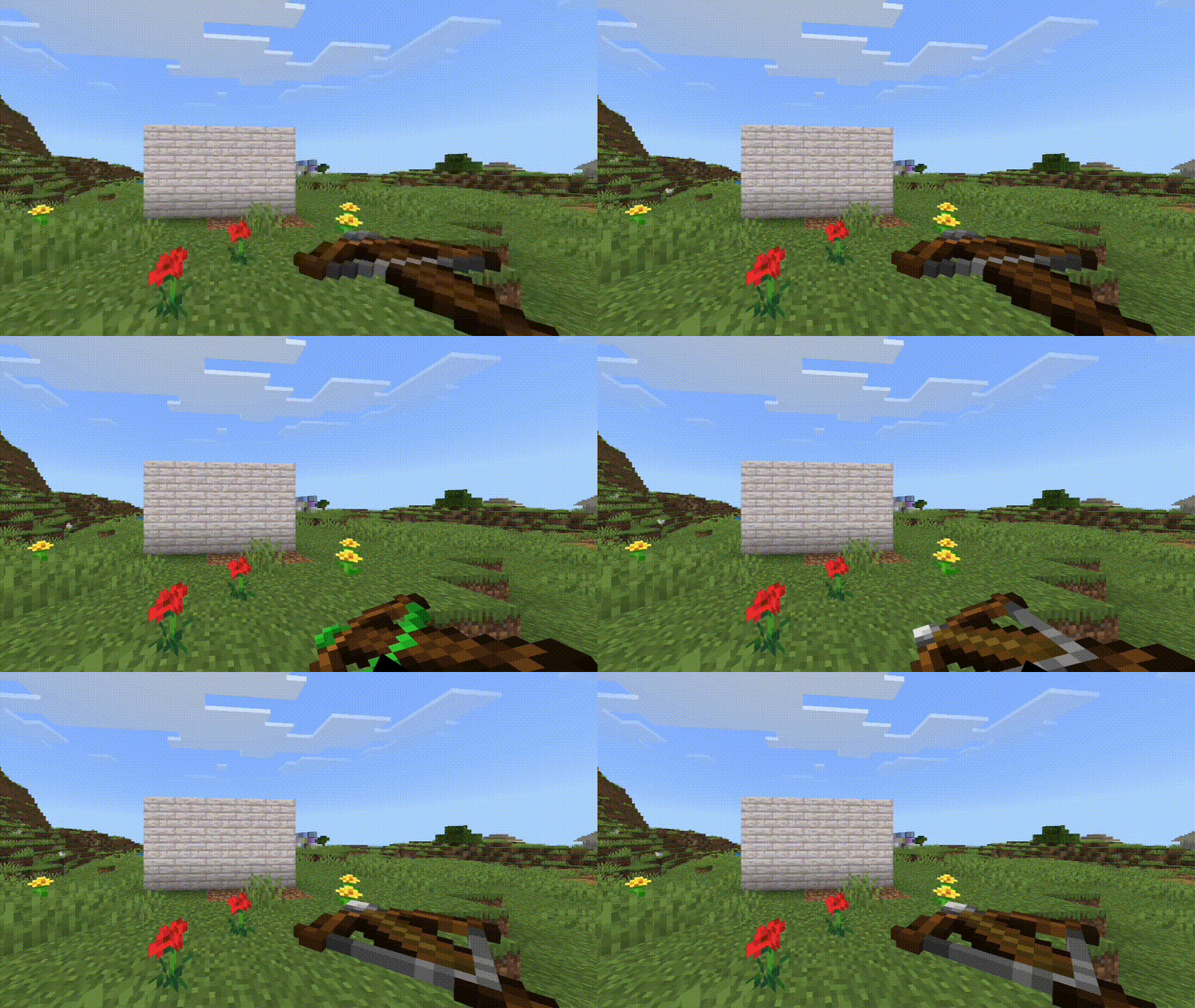
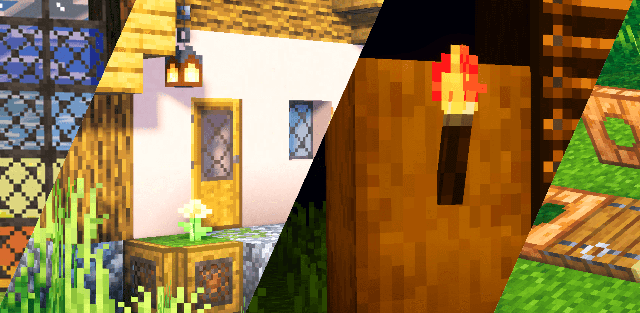
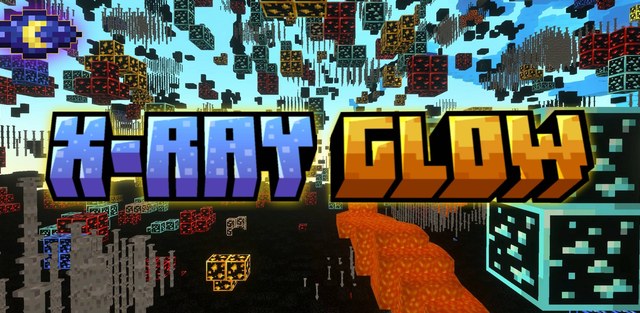
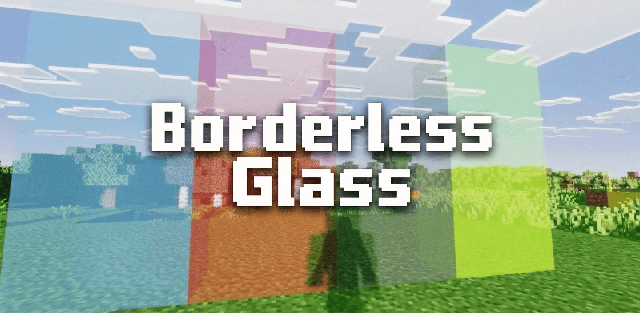
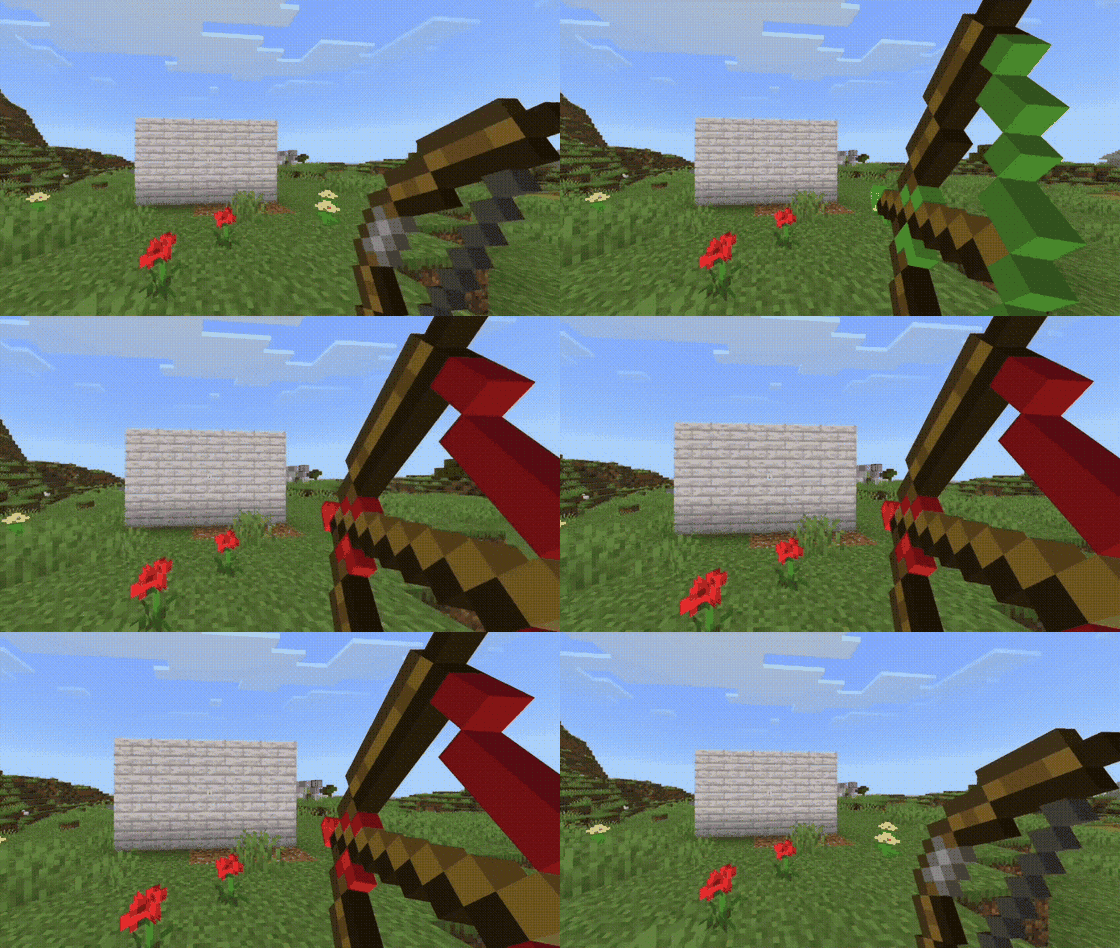
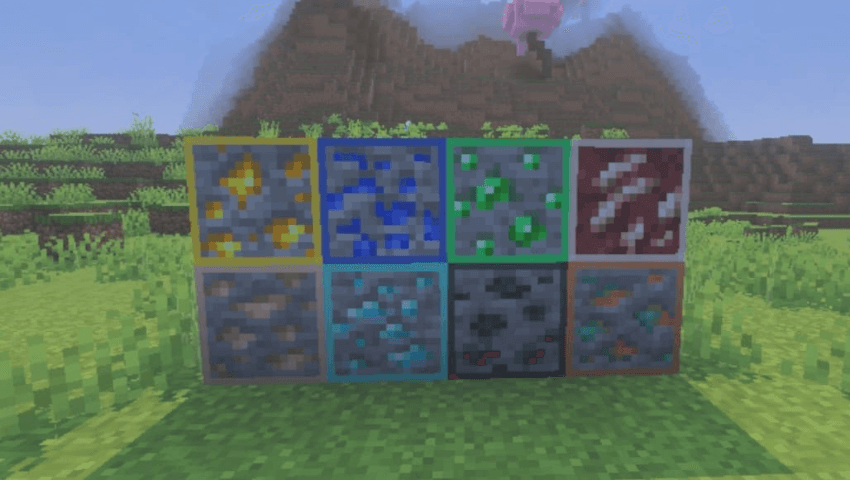
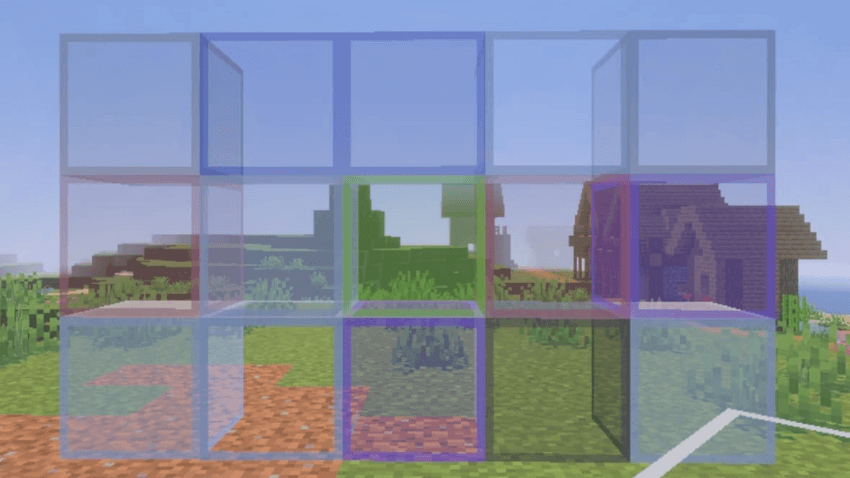
Bow and crossbow pull stages change from green to yellow and red, making charge easier to read. Critical and sharpness particles are smaller, ores have thin natural-color outlines, glass keeps a visible frame while becoming clearer, and water uses greater transparency.
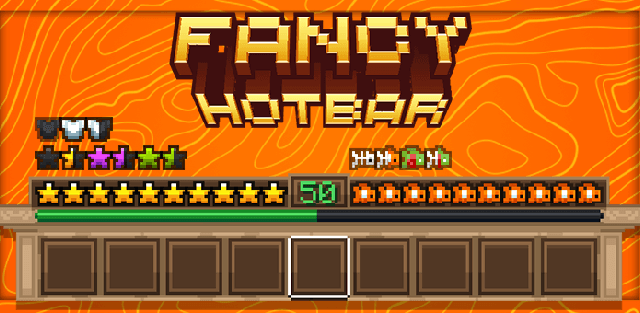
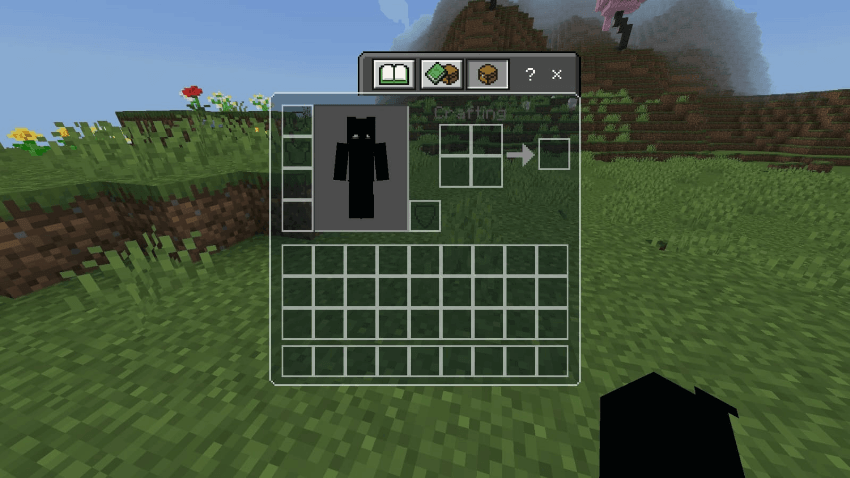
The pack also removes the carved-pumpkin blur. Inventory slots, hotbar and recipe book use a translucent dark-teal design, while loading screens keep the familiar beveled shape with a darker treatment.
It is lightweight and intended for competitive Bedrock play on desktop or mobile. The changes improve visibility without adding gameplay advantages such as new reach, damage or automated actions.