How to enable: import the pack, activate it in Global Resources or in the world resource packs, then select Vibrant Visuals in Settings > Video > Graphics Mode. A device that supports this mode is required. The original instructions name Deferred Technical Rendering/PBR on Minecraft 1.21.80+. Use the corresponding supported PBR rendering mode; ordinary graphics do not provide the ore emission.
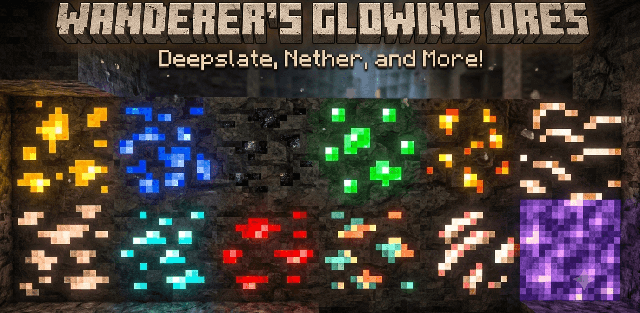
Glowing X-Ray highlights ore textures so exposed deposits stand out in darkness. Its materials cover stone and deepslate ores, Nether ores and ancient debris, with bright details that help separate them from surrounding rock.
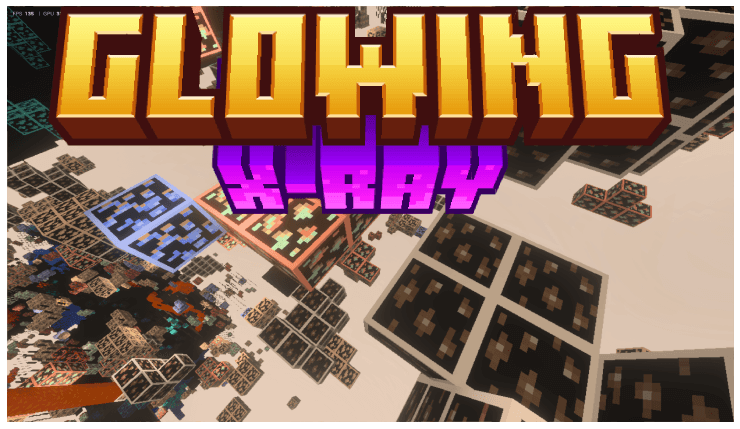
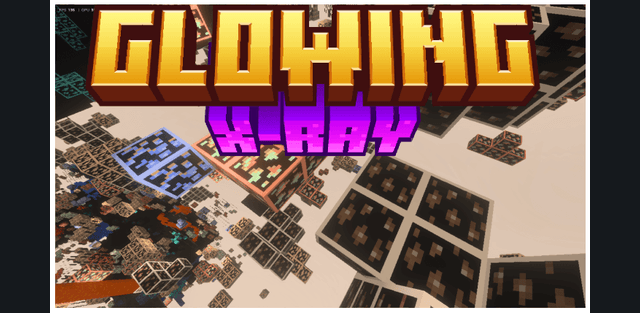
Despite the name, this pack does not make walls transparent. You still need to uncover the deposit or see its exposed face. The visual changes include emissive material maps and particles, not a new mining tool or an automatic ore detector.
Version 1.2 is included. PBR rendering is essential to the intended appearance, so enabling the resource pack while staying in basic graphics will not show the full luminous effect.