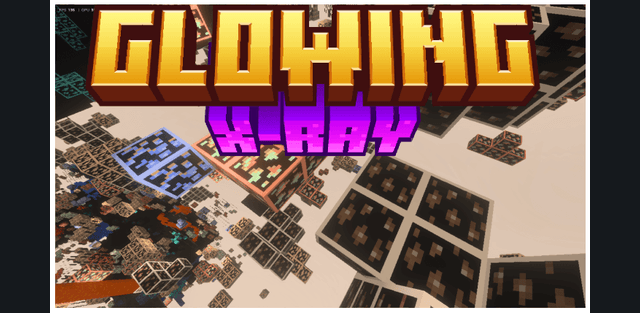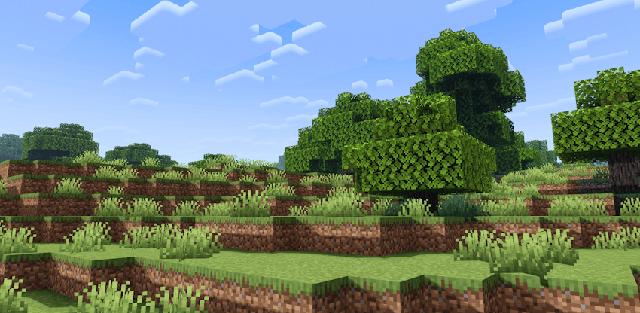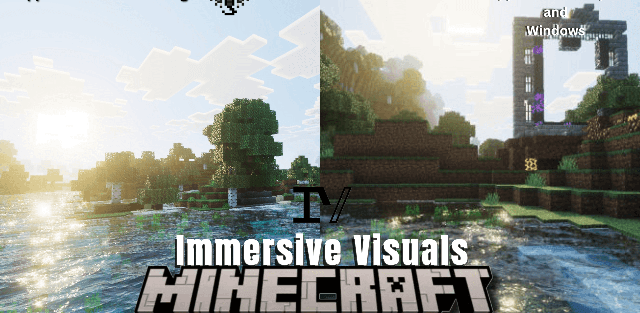
How to enable: import the pack, activate it in Global Resources or in the world resource packs, then select Vibrant Visuals in Settings > Video > Graphics Mode. A device that supports this mode is required. Select Xray Essential, Xray 100% except lava & water, or Xray 100% using the pack settings.
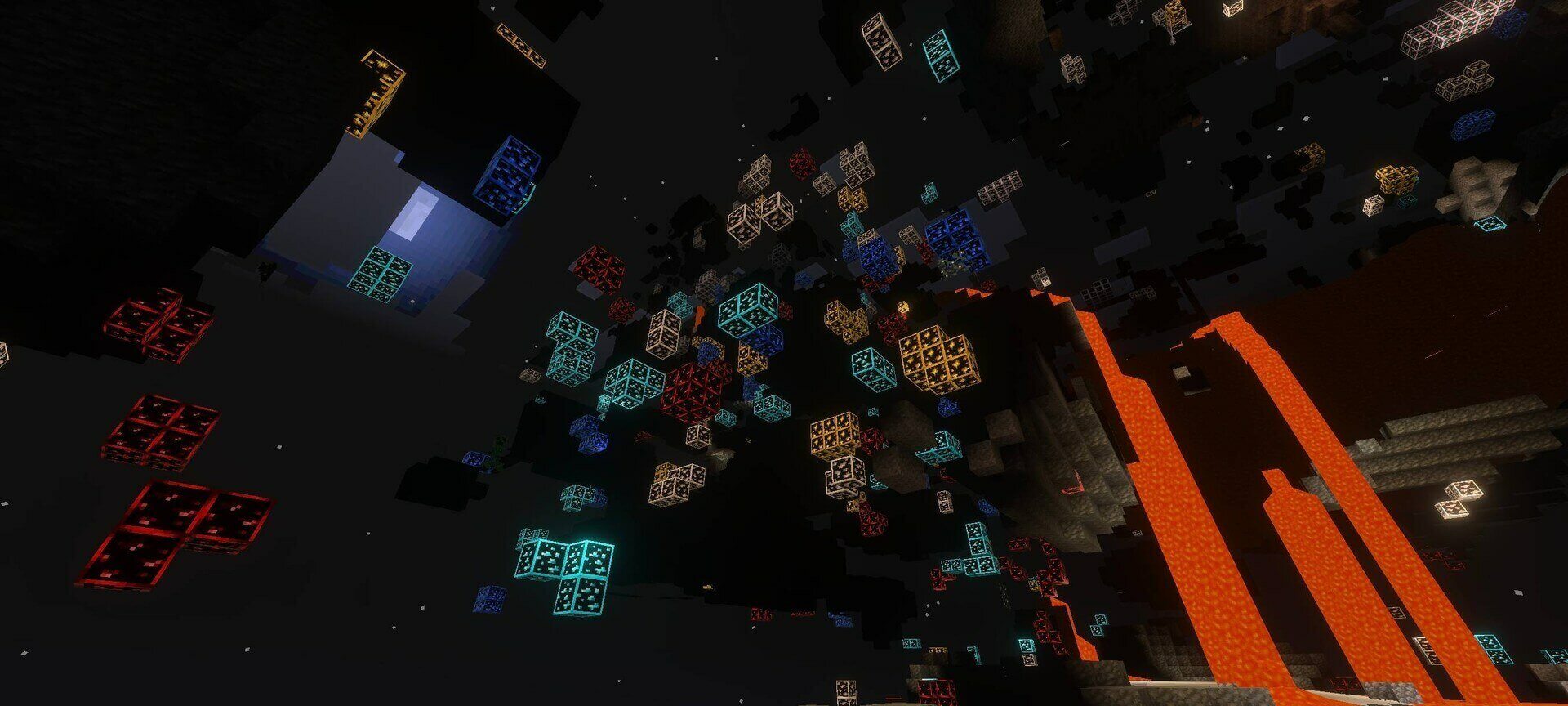
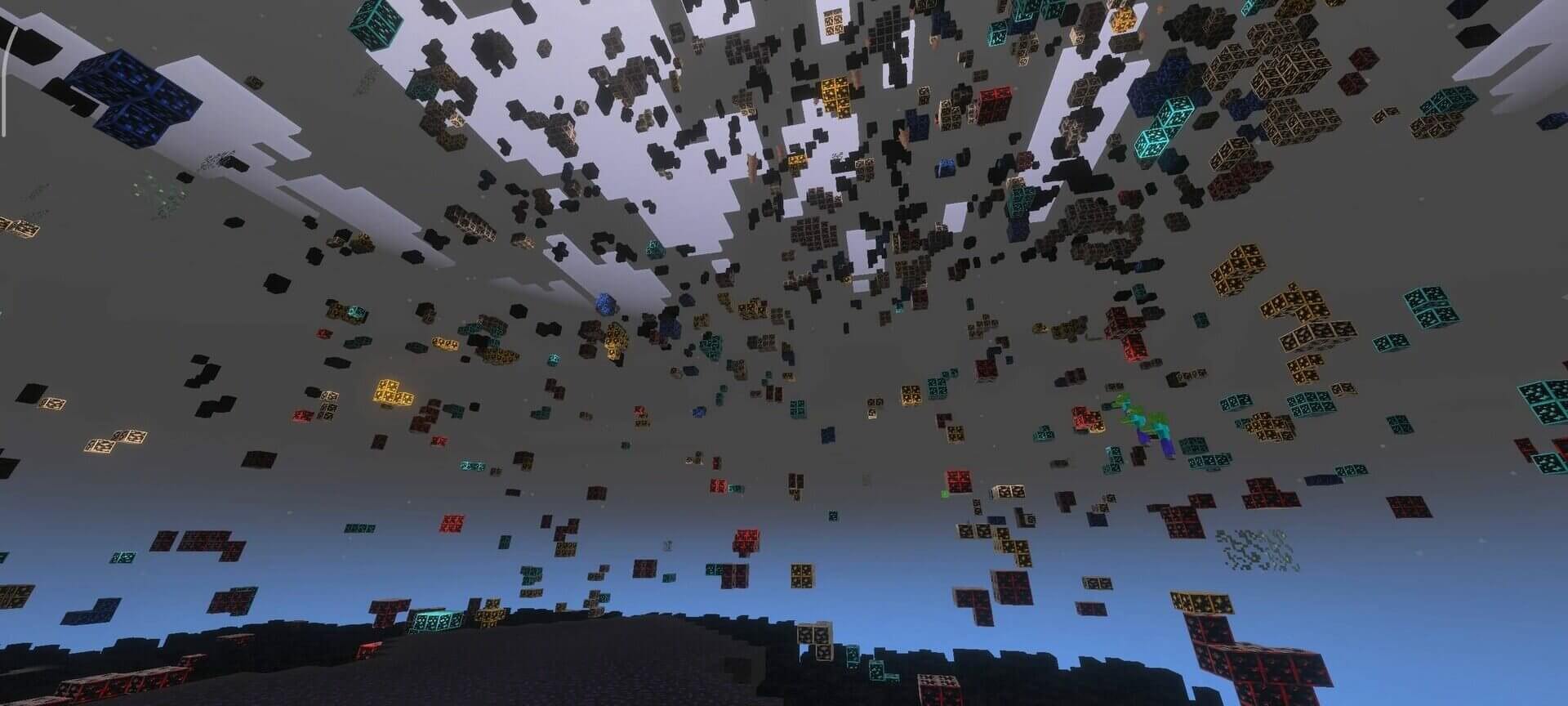
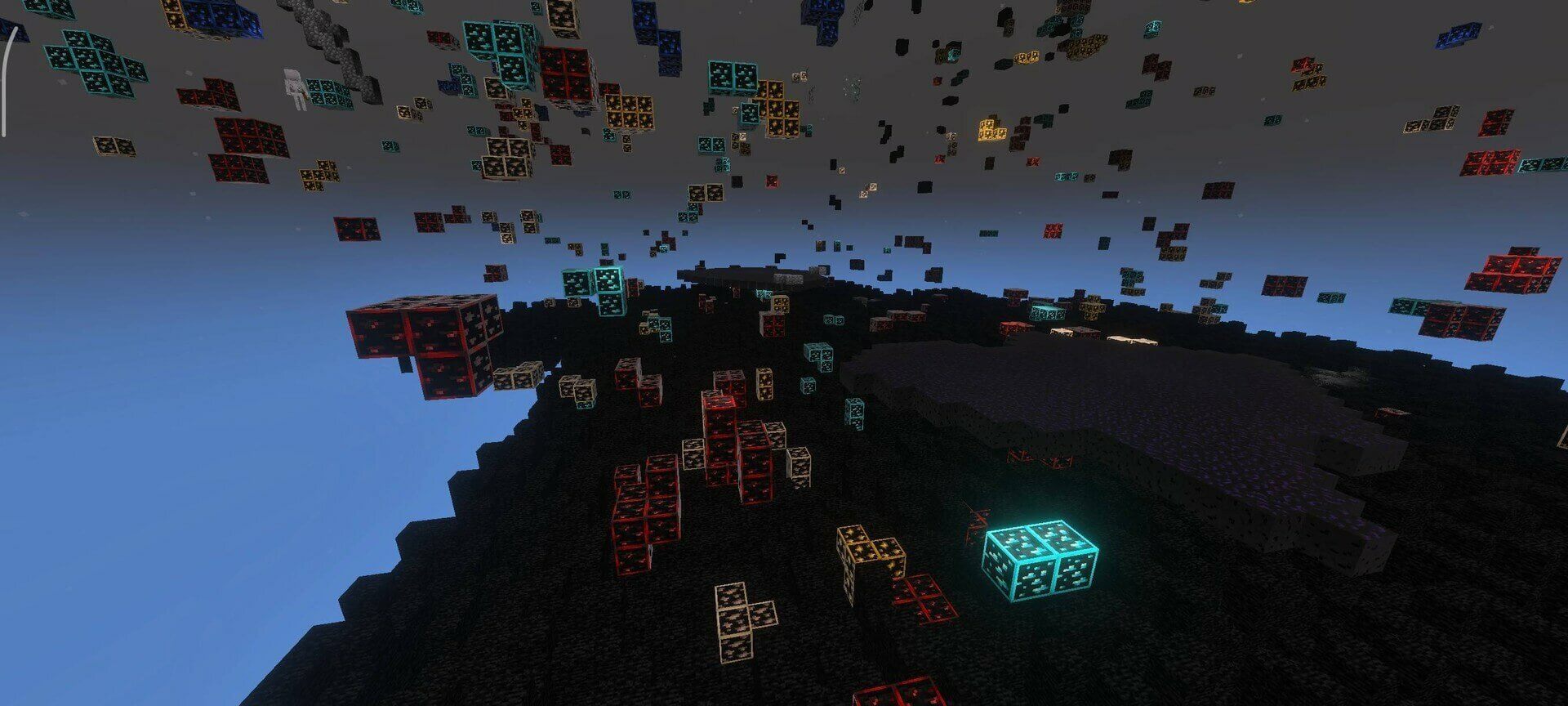
Glow Xray reveals ore deposits by making surrounding terrain transparent and giving ores a luminous appearance. Unlike a simple glowing-ore texture pack, it can show deposits that would normally be hidden by rock.
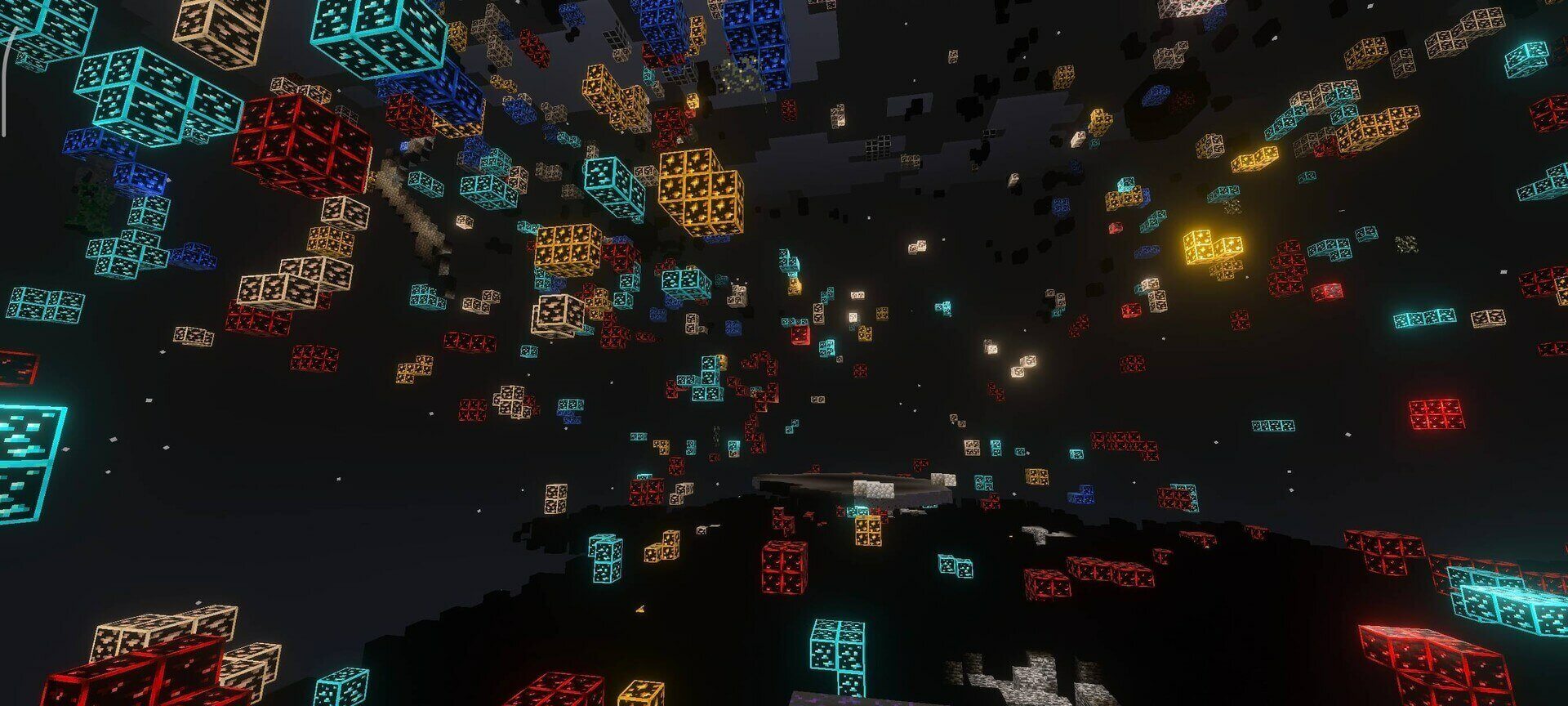
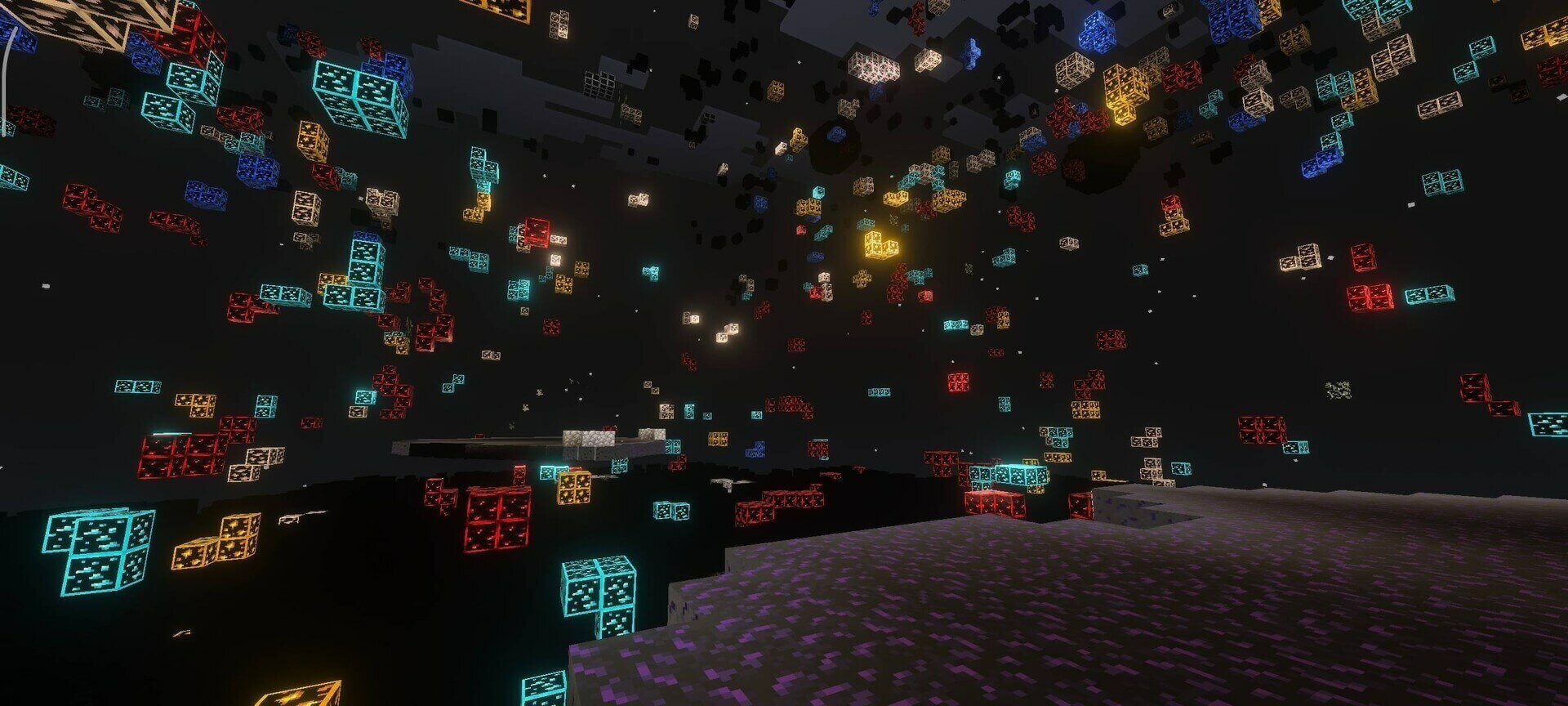
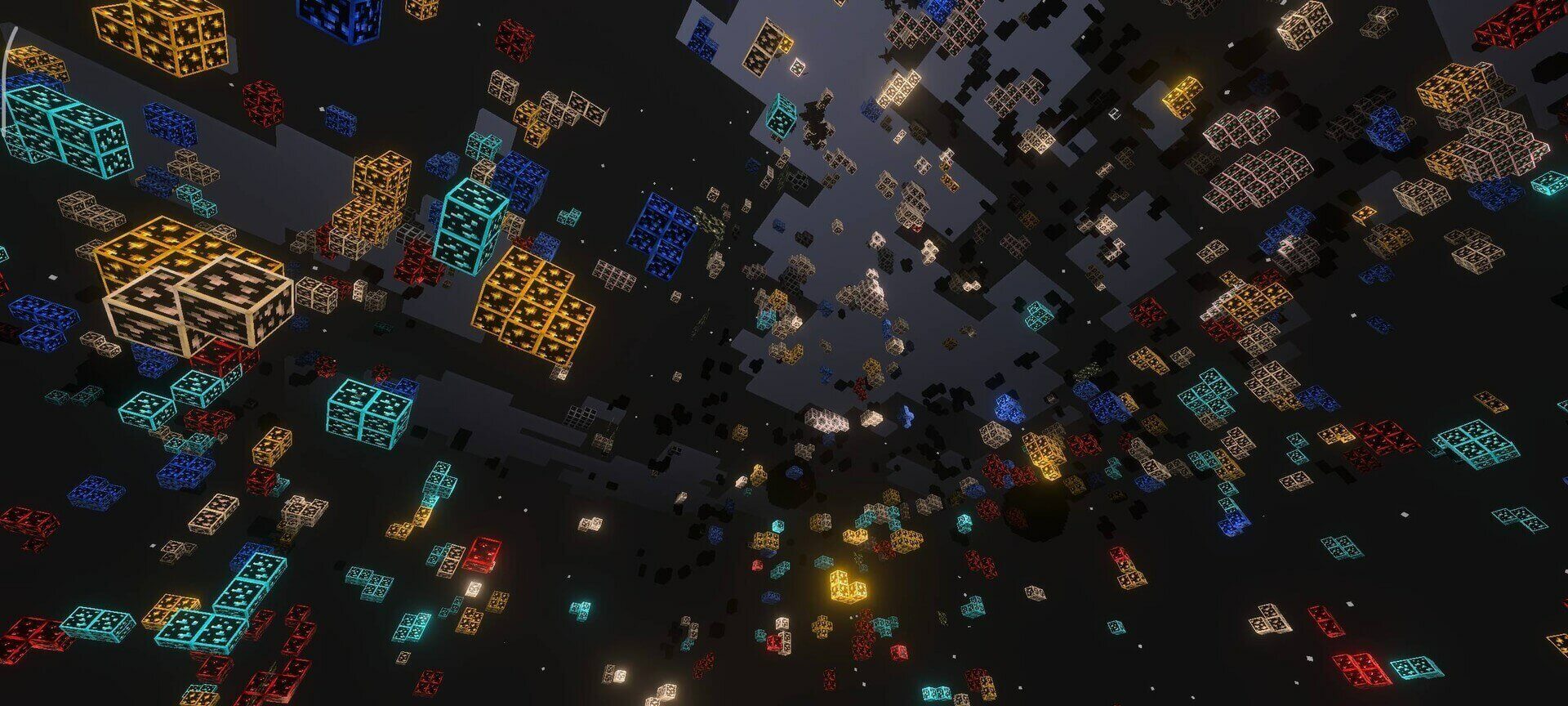
Essential removes common enclosing blocks such as stone, deepslate and netherrack while leaving more of the environment visible. The full modes hide much more terrain, with a separate option that keeps lava and water visible. Choose that option if you want to see those hazards while mining.
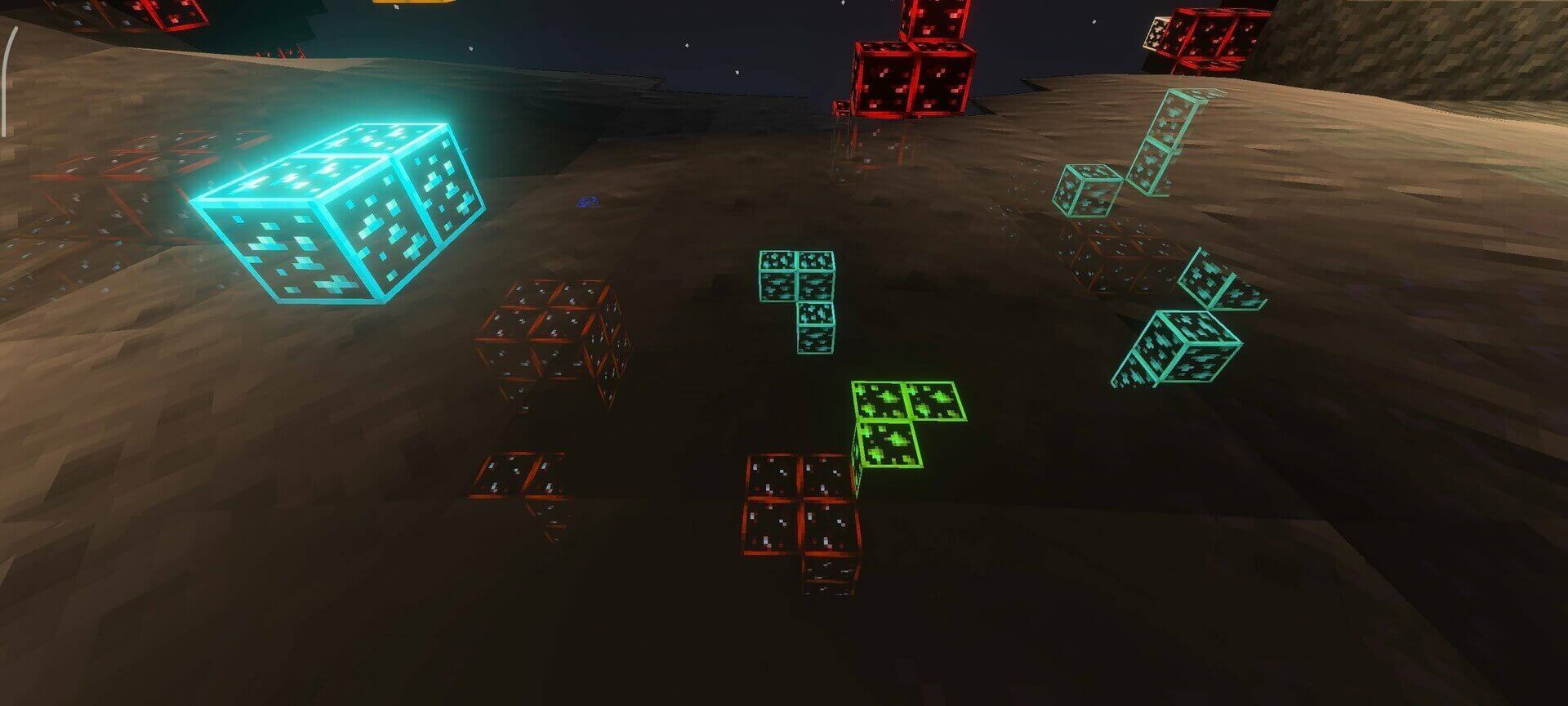
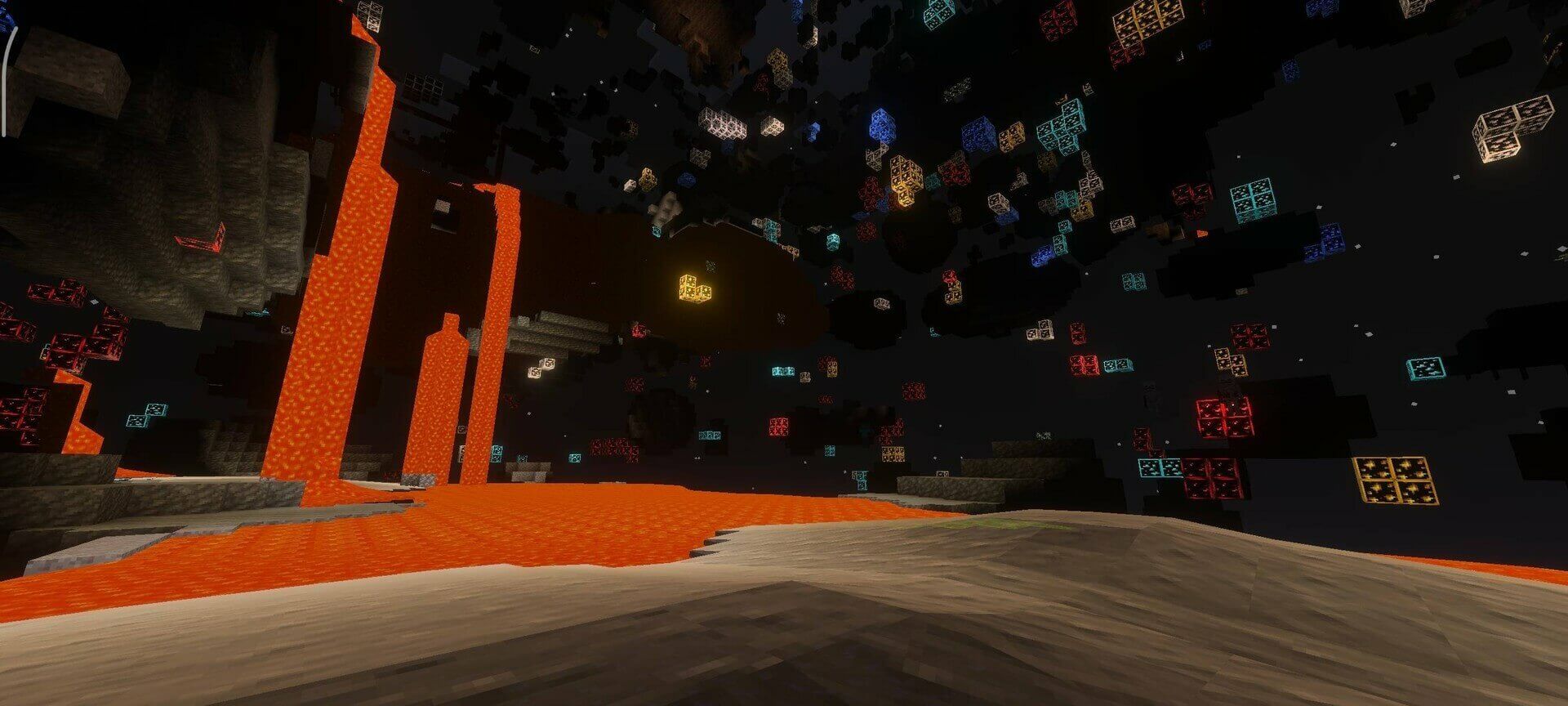
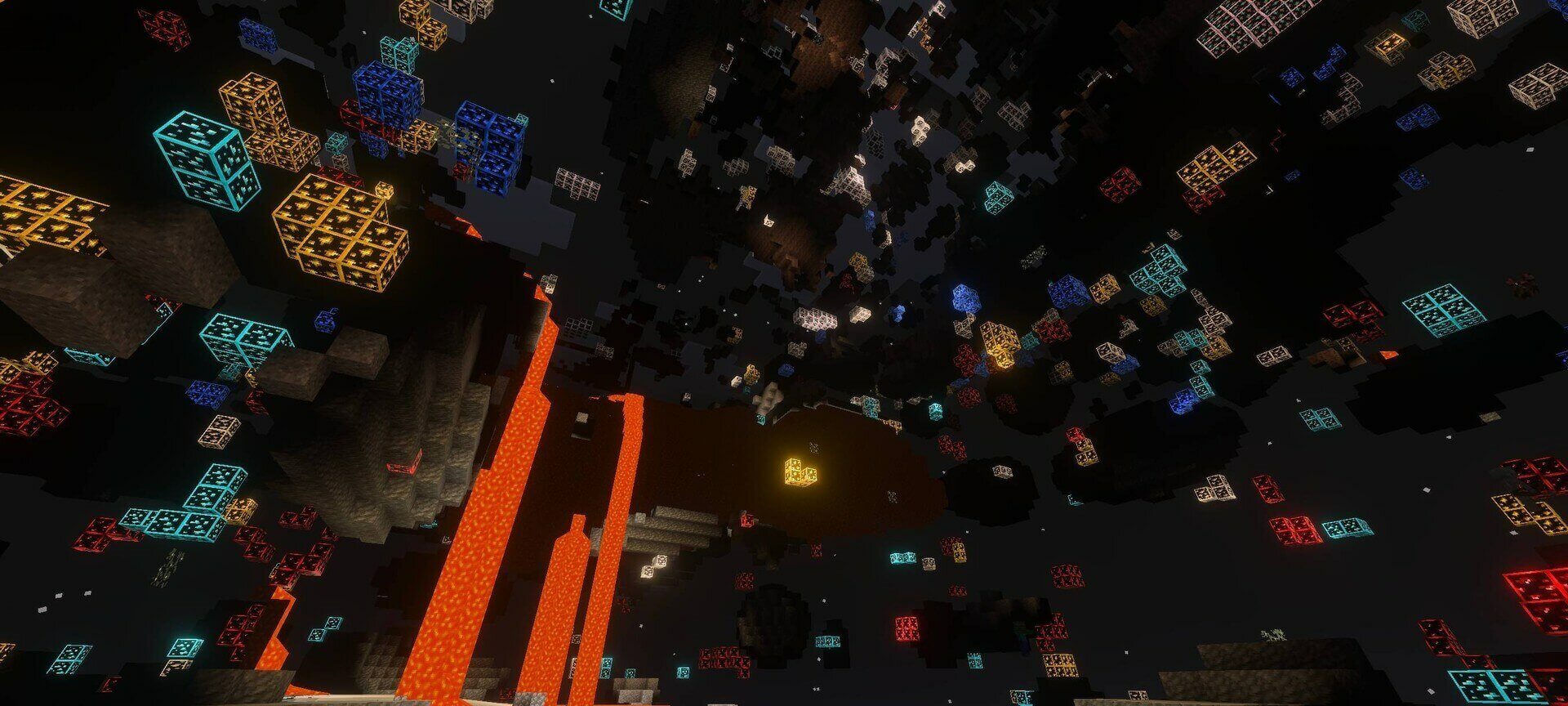
The plain Xray 100% setting also hides liquids. Xray 100% except lava & water preserves them, while Essential is the more selective option for clearing common rock around deposits.