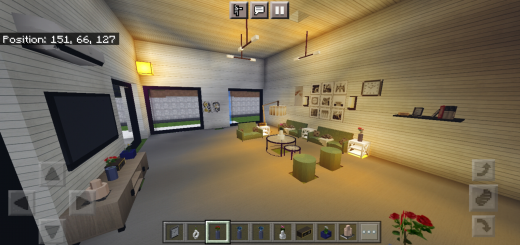
It is high-quality, beautiful, comfortable and close to reality furniture and contains prominent and beautiful details. It contains more than 210 pieces of furniture for a bedroom, kitchen, bathroom and living room, and certainly not completed yet.
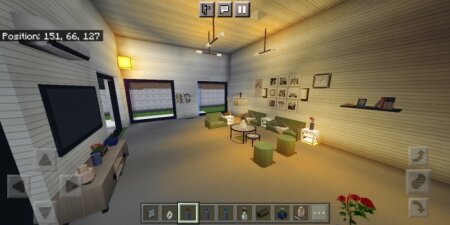
- More than 30 pieces of living room furniture have been added in a new color and model
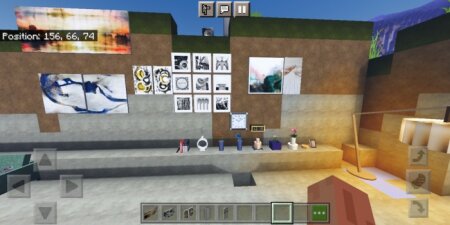
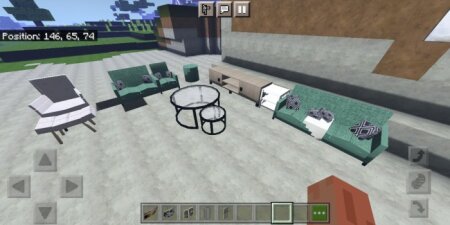
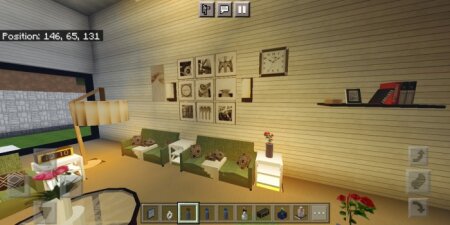
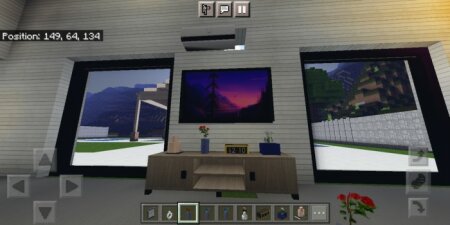
- New sofas, light and a chair with a cushion were added, a new air conditioner, a TV base, flower vases, decorative pieces of books, clocks, wall paintings and tables were added.
- We now have 2 bedrooms, 2 living rooms, 2 bathrooms, 2 kitchens, and 1 outdoor patio
Contents210
- Treasury TV
- wall paintings
- Multiple lights
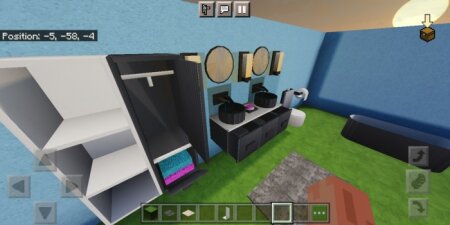
- Mirror
- Bed
- closet underside
- small cabinet
- Large closet with mirror
- sofa
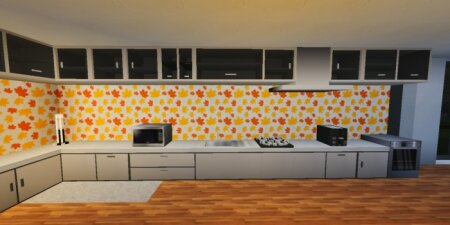
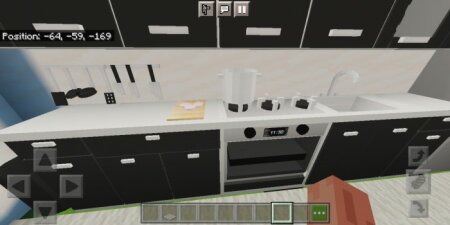
- Microwave
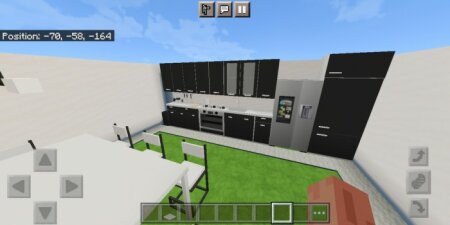
- Chairs and dining table
- Top shelves and floor shelves
- Gas
- oven
- refrigerator
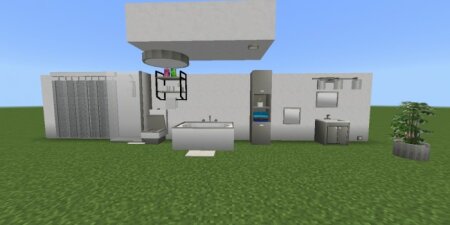
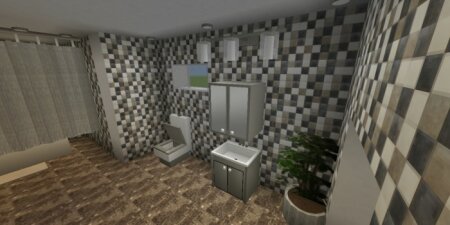
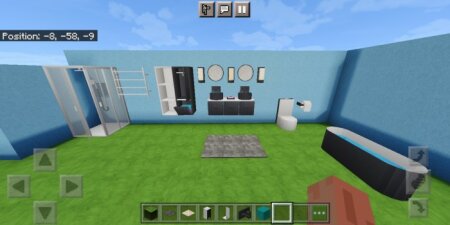
- bathtub
- WC
- hand wash
- bathroom shelves
- flower vase
- shower curtain
- And more
How to make furniture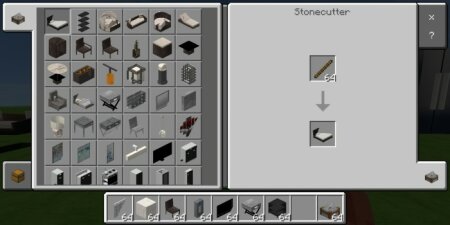
in creative mode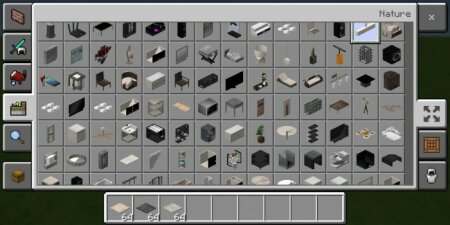
Click on the curtain to open or close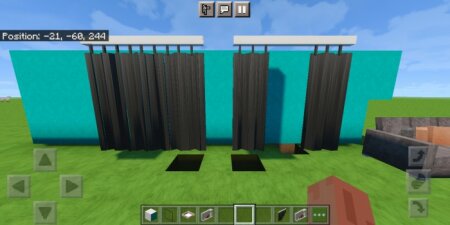
Press the heater to turn on or off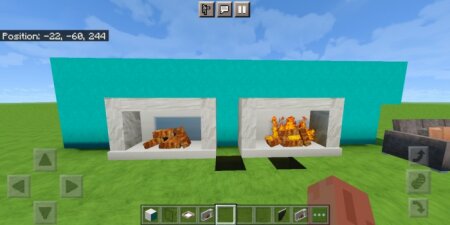
Click on the sofas to sit down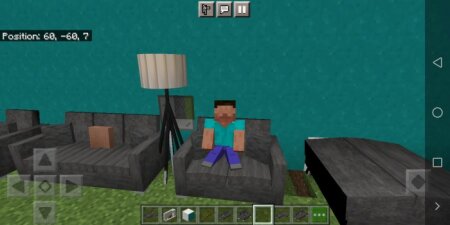
Some pictures
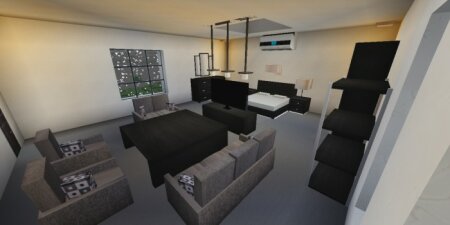
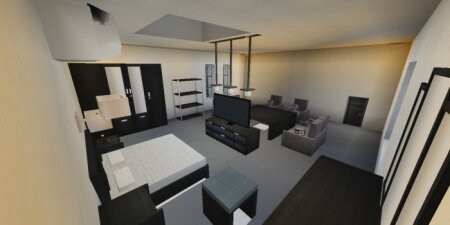
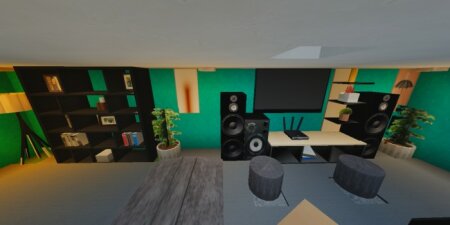
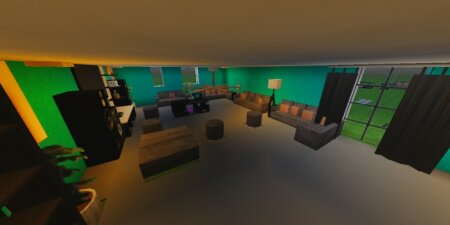
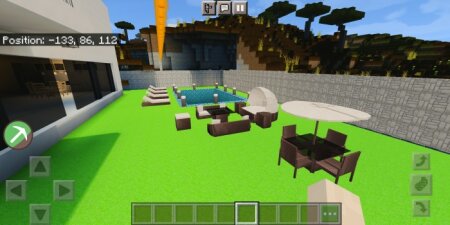
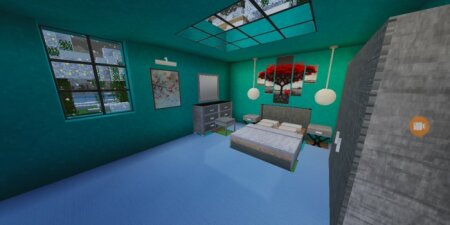
Important note:
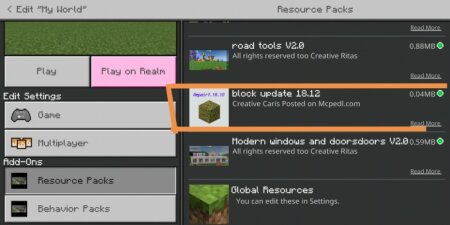
You must apply the update blocks in order to work, otherwise only update blocks will appear![]()
You must activate the trial options, otherwise it will not work for you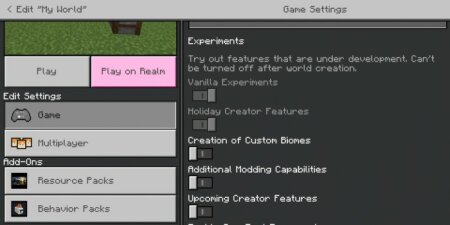
Don't know how to download, well this video will help you