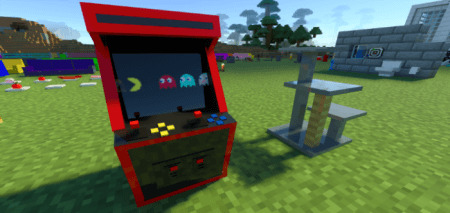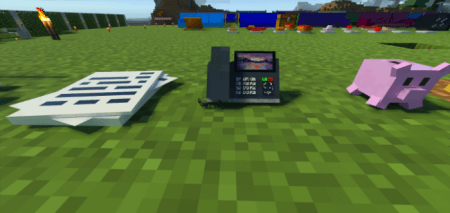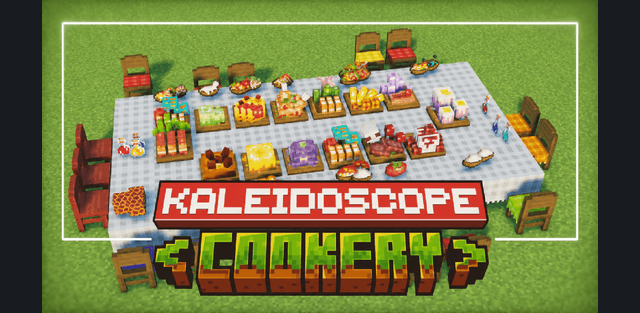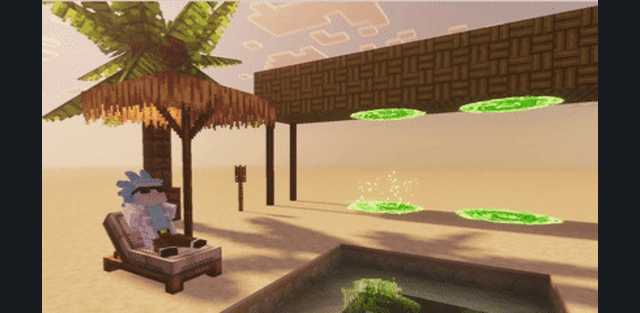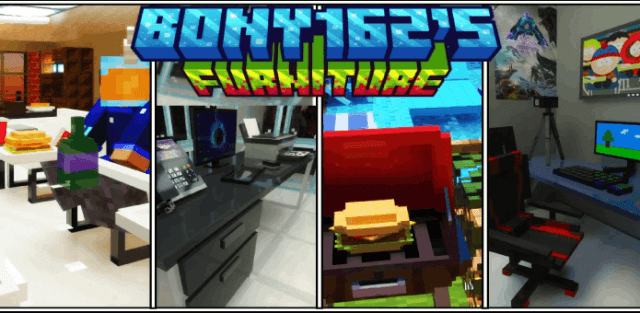
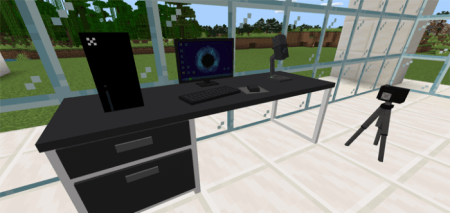
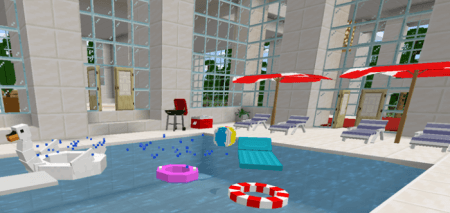
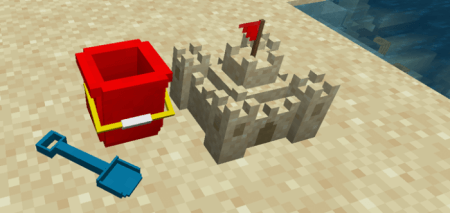
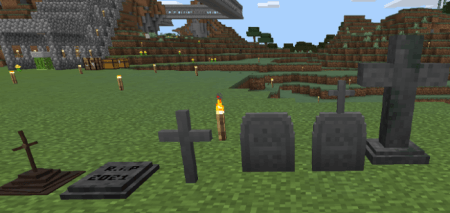
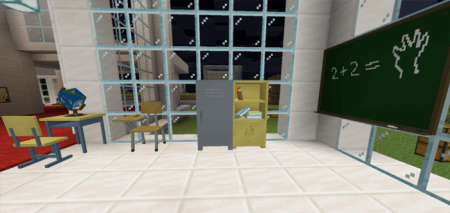
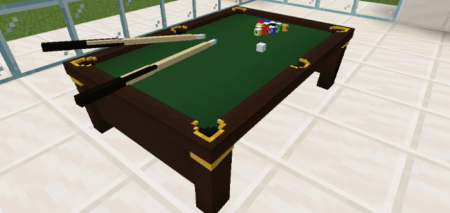
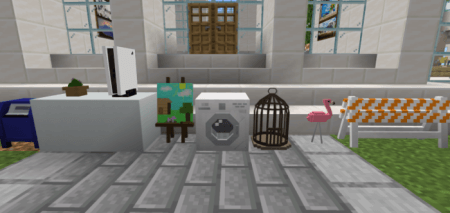
This furniture addon adds 300+ different types of working furniture that you can use to decorate your world, including chairs, couches, tv, lamps, stove, toaster and a lot more blocks.
Interact able Blocks:
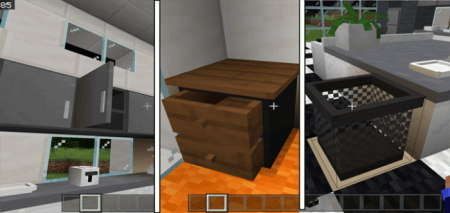
Blocks with inventory slots: clicking on any of these blocks will allow you to access there inventory.
- Kitchen Cabinet
- Drawer
- Trash cans
- Refrigerator
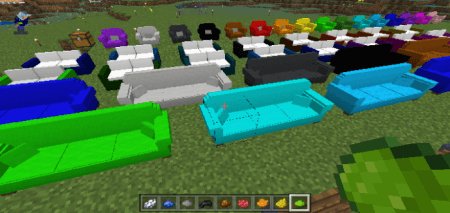
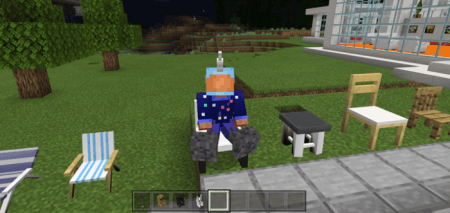
Chairs/Couch: You can click on any of the chairs or couches and you will be able to sit on them
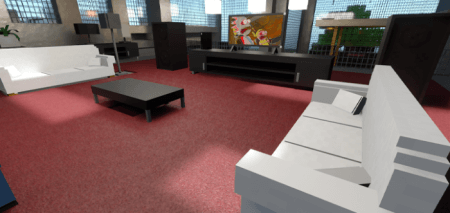
TV: You can interact with the TVs and change there channels, there are 6 different channels available 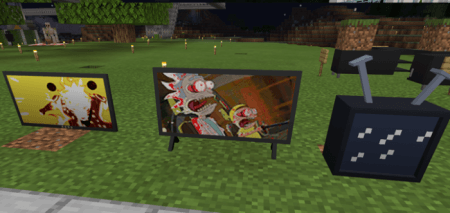
Toaster: You can interact with the toaster by holding a piece of bread in your hand, this will add toast to it, if you click on it again it will cook the toast.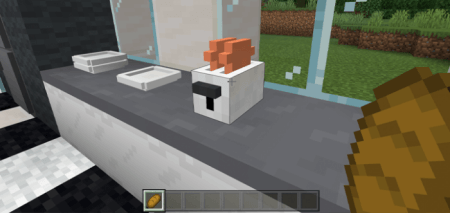
Plates: Small plates can be stacked by interacting with it using another plate, You can add a cooked chicken to the big plates, clicking on it again will eat the chicken.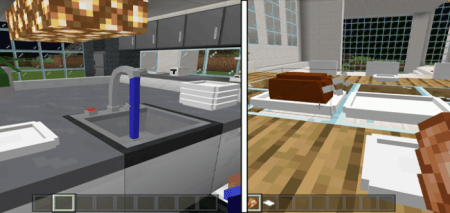
Lamps: Lamps can be turned on and off by clicking on them.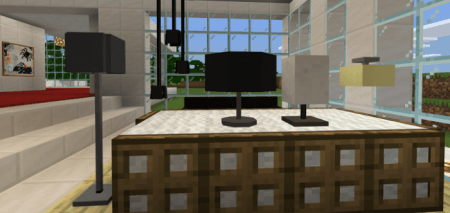
Boom Box: Clicking on the boom box will start playing a song, to stop the music click on it again.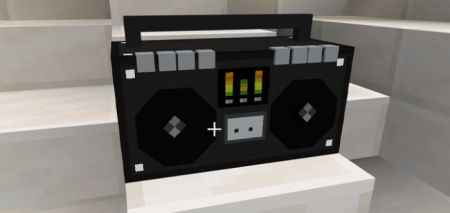
HOW TO OBTAIN FURNITURE:
Survival:
All furniture can be crafted in the crafting table or work bench
To obtain any of this furniture in survival you have to find a wandering trader, they will trade all the furniture between 1-5 emeralds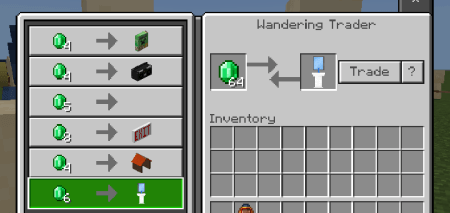
Creative: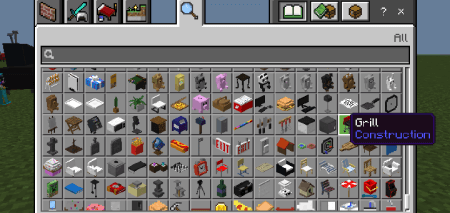 You can also obtain all the furniture in the creative inventory
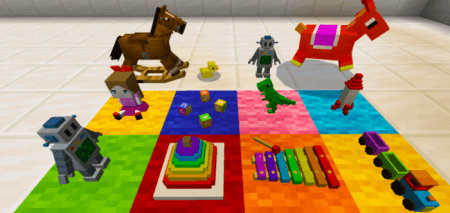
Toy Rocket, robot, xylophone, rubber duck, bouncy horse, rocking horse, blocks, dinosaur, doll, stacking rings
Books: Interacting with a book with another book will allow you stack them up to 5 books high 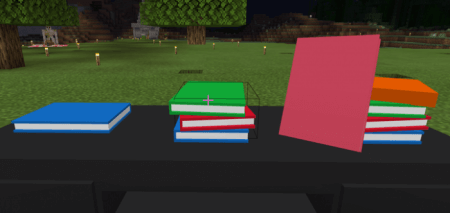
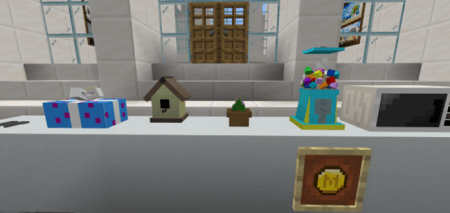
Gumball Machine: You can interact with the gumball machine using a minecoin and it will drop gumballs with special effects