How to enable: activate the pack in Global Resources, then choose Performance, Balanced or Ultra with the settings button. The author specifies the standard Bedrock client, without a shader loader, Vibrant Visuals or experimental switches.
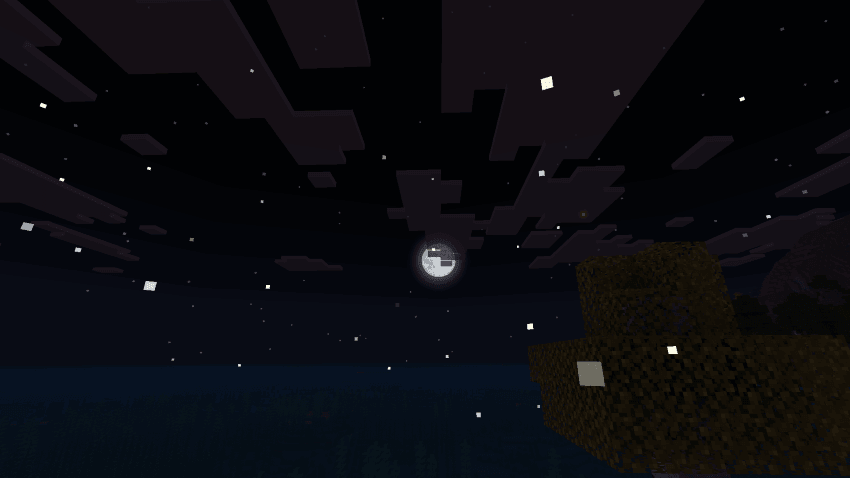
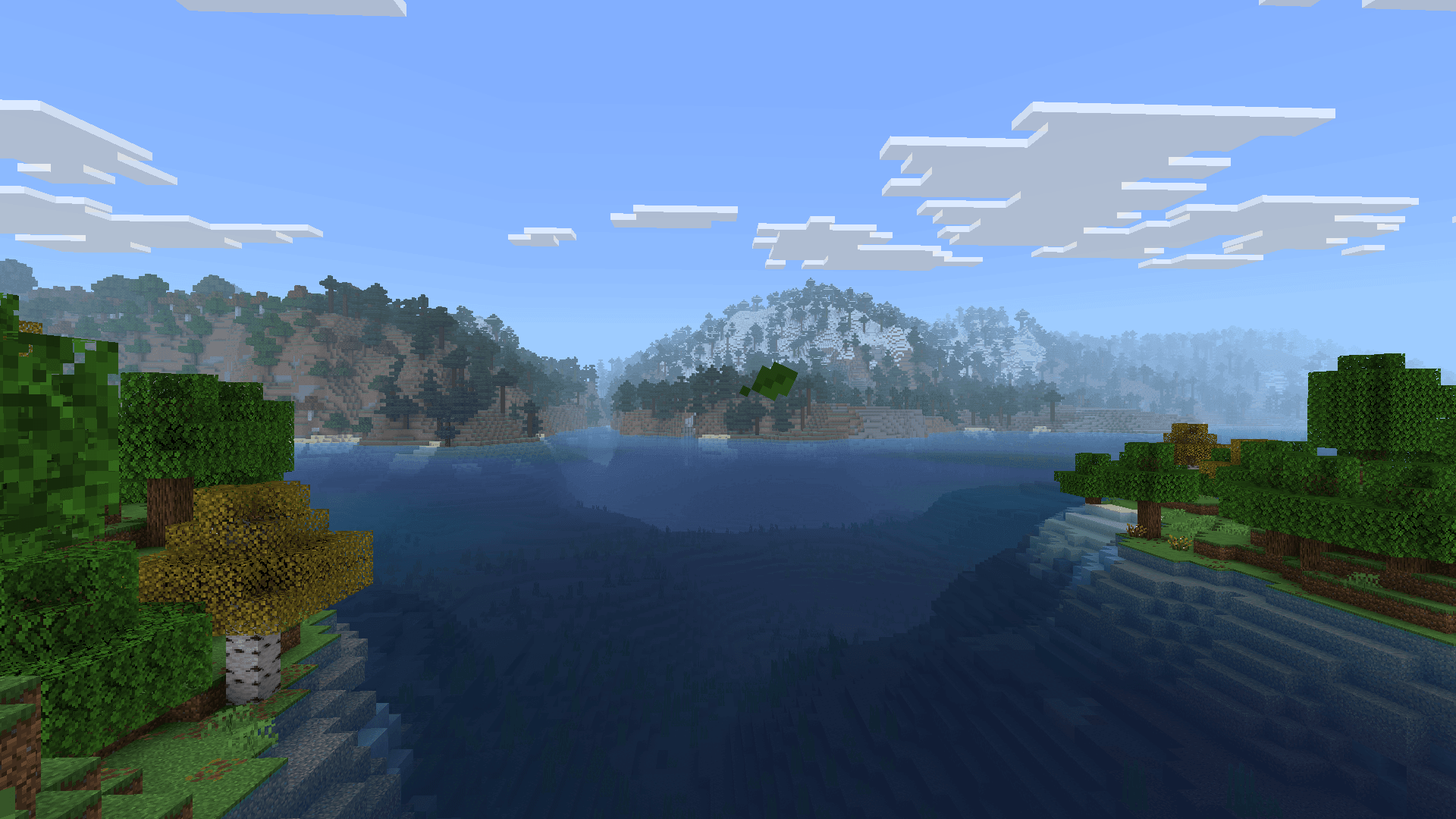
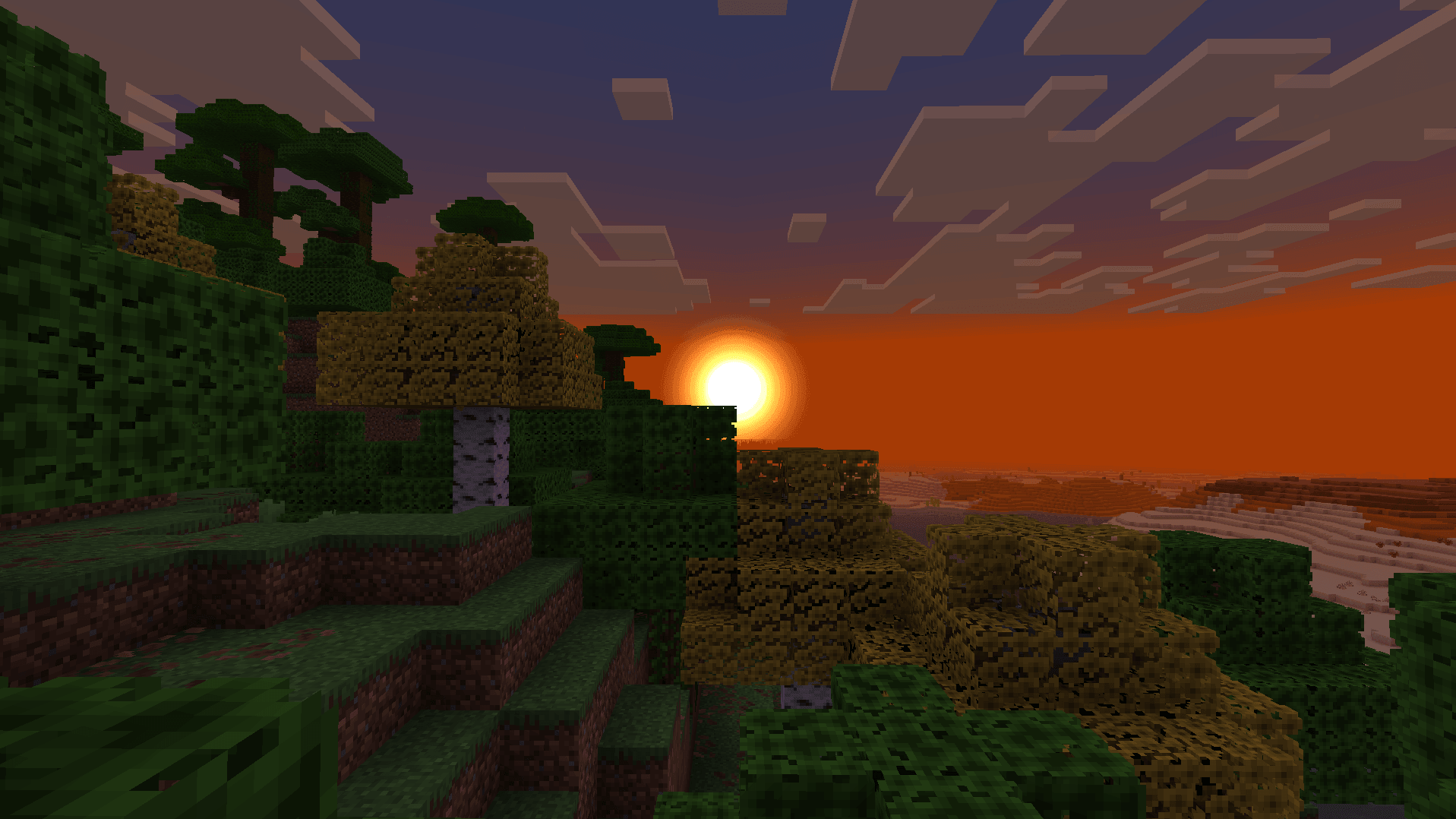
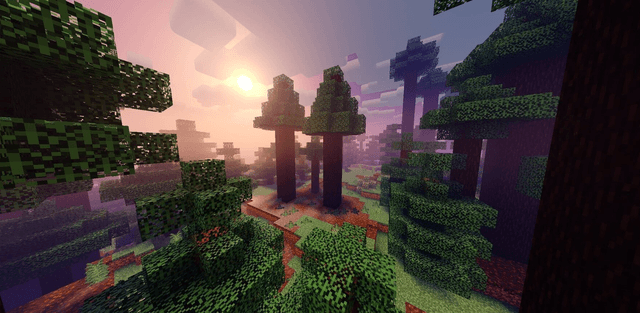
ZenXveda Vanilla+ Shaders uses resource-pack effects to give familiar landscapes a softer, more atmospheric look. Biome-colored fog separates snowy areas, forests, deserts and other environments, while revised skies and foliage add detail to the scene.
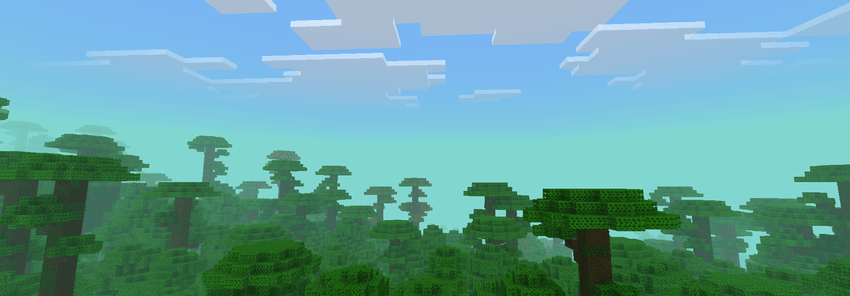
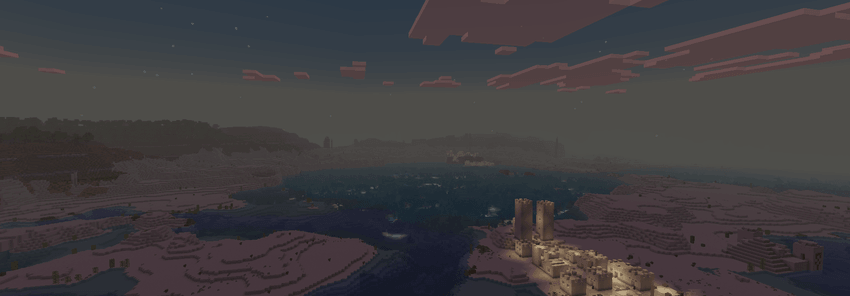
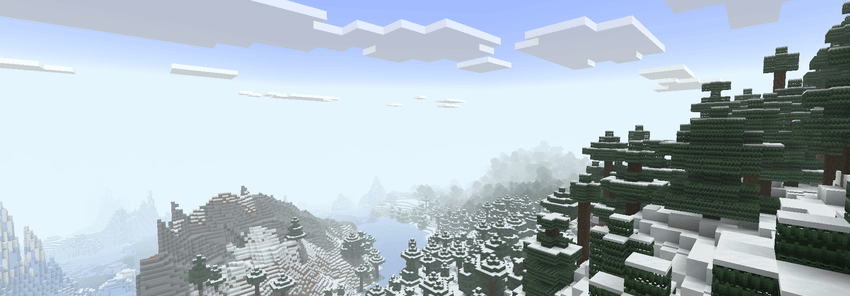
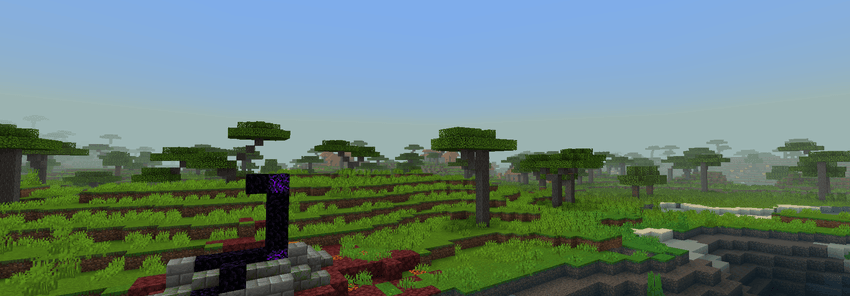
Performance keeps the simpler ore and vegetation changes. Balanced adds effects such as rays and shooting stars, while Ultra includes the more decorative night effects, including auroras and fireflies. The presets are intended to let you trade visual detail for a lighter presentation.
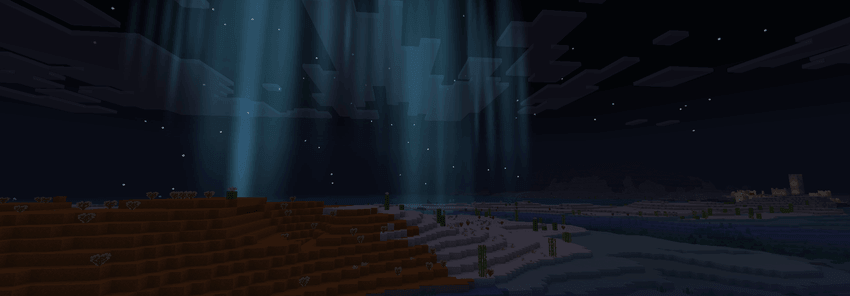
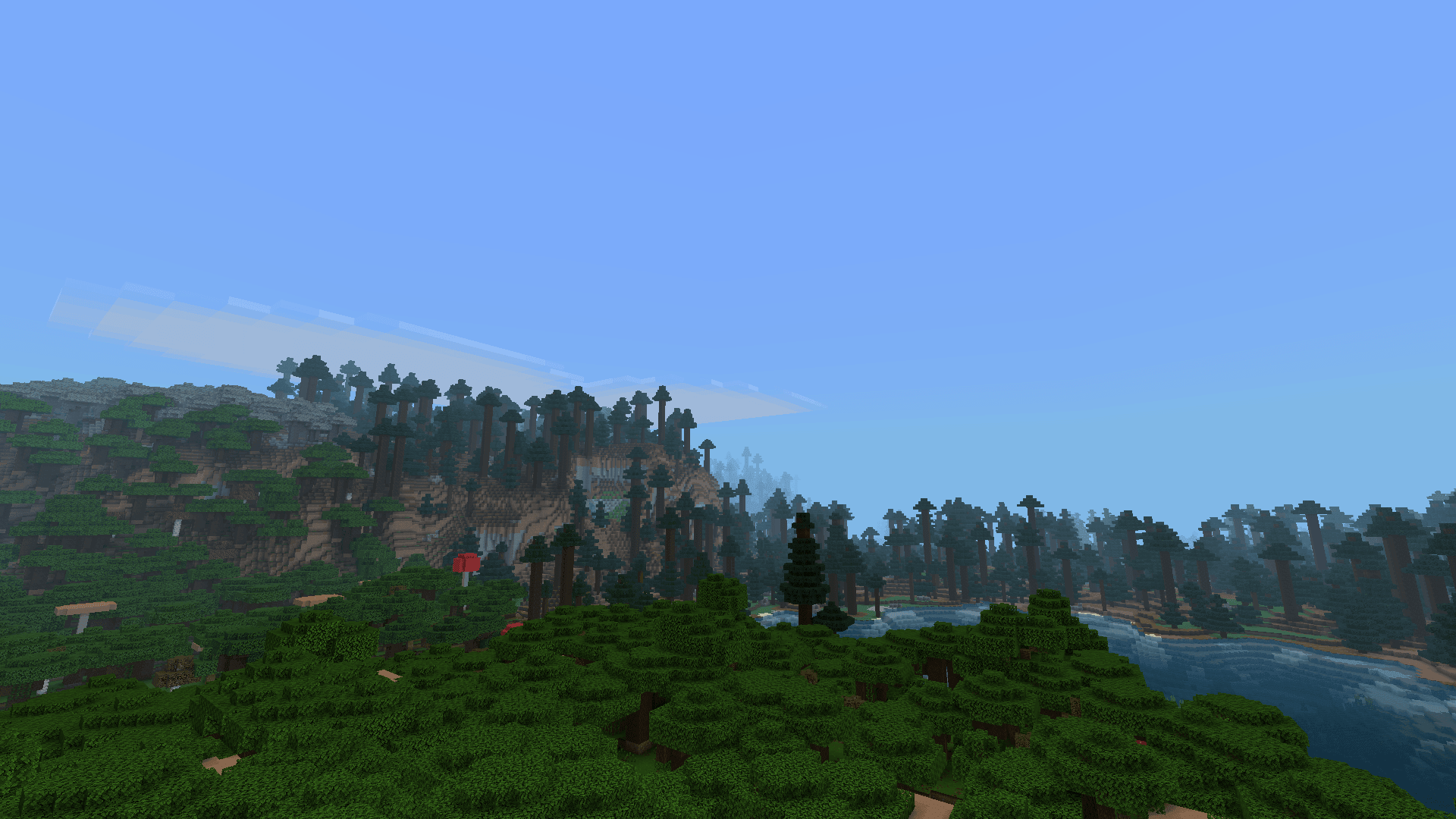
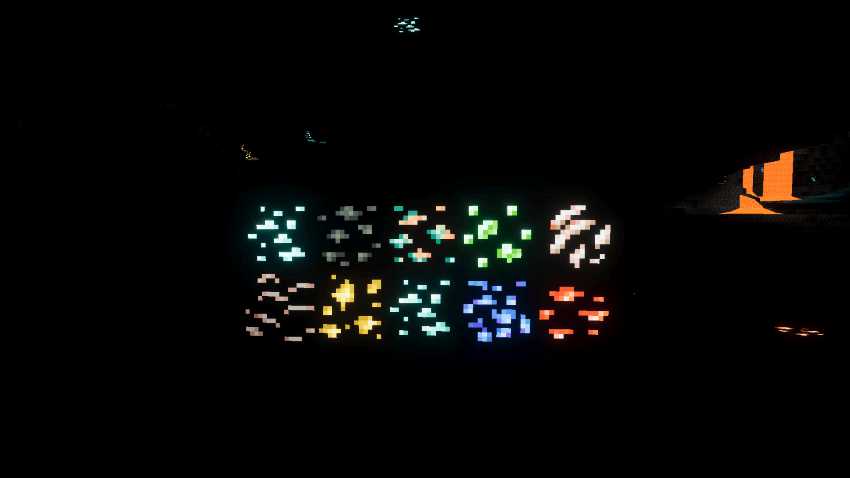
Version 1.0.4 is the supplied release. The author lists compatibility through Minecraft 26.50+, and the file itself requires at least 1.21.50. Presets change the available effects, so screenshots from Ultra should not be expected to match Performance.