How to enable: Activate the resource pack and enable Vibrant Visuals. The shader does not work without this mode.
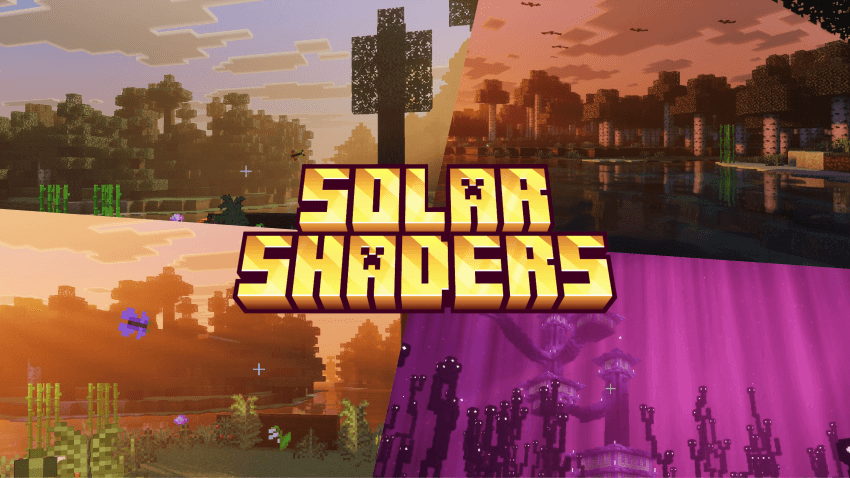
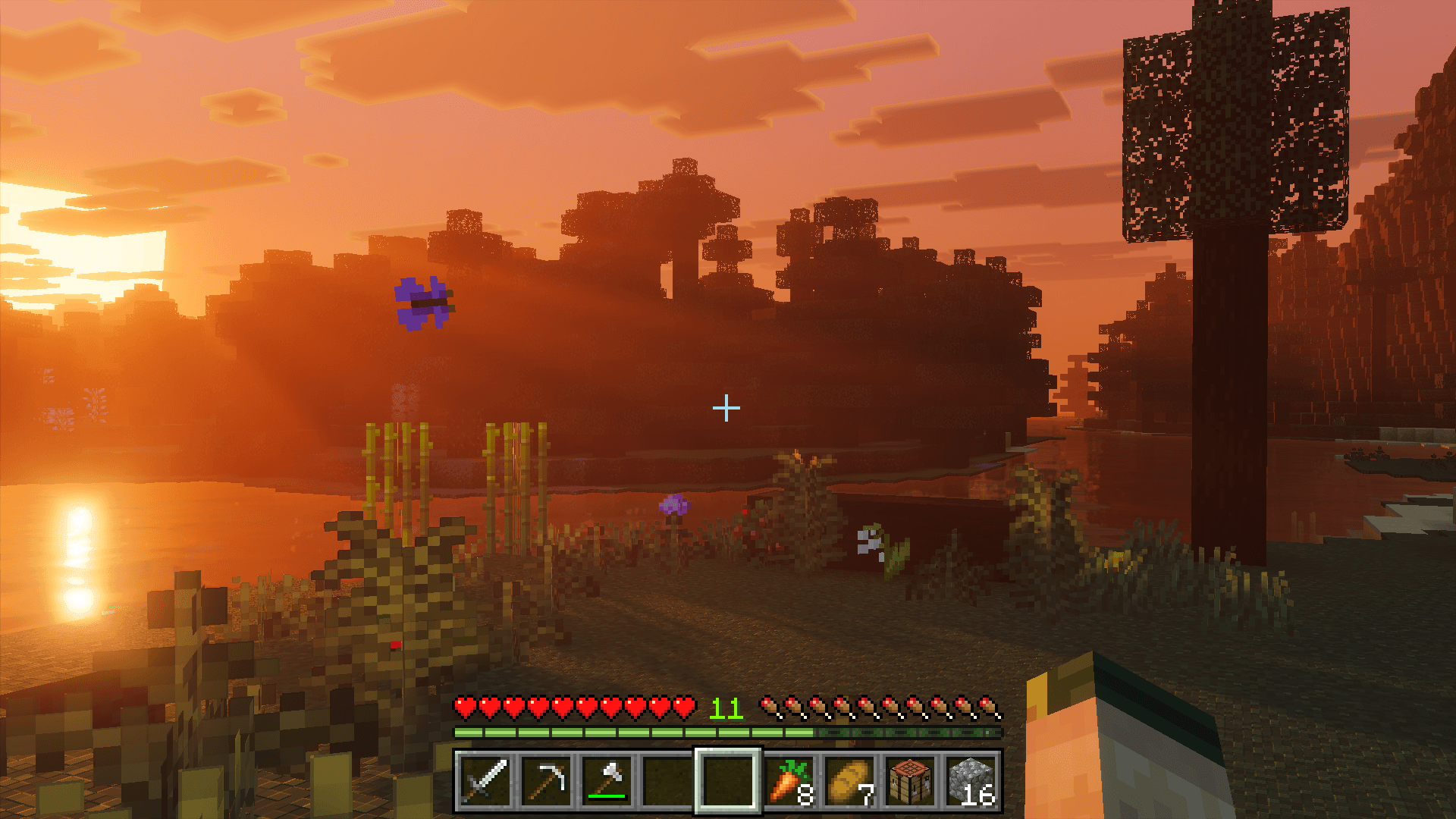
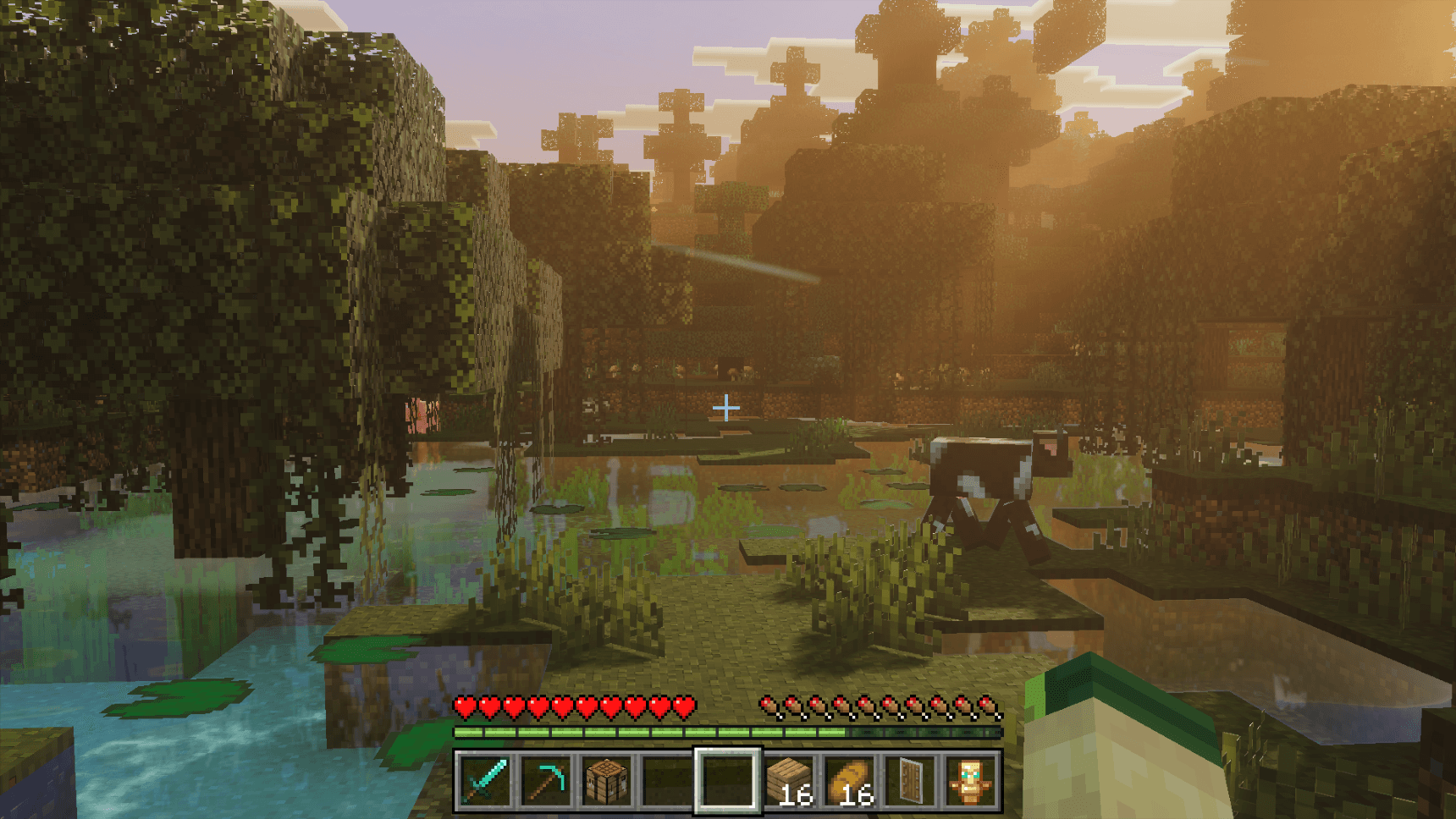
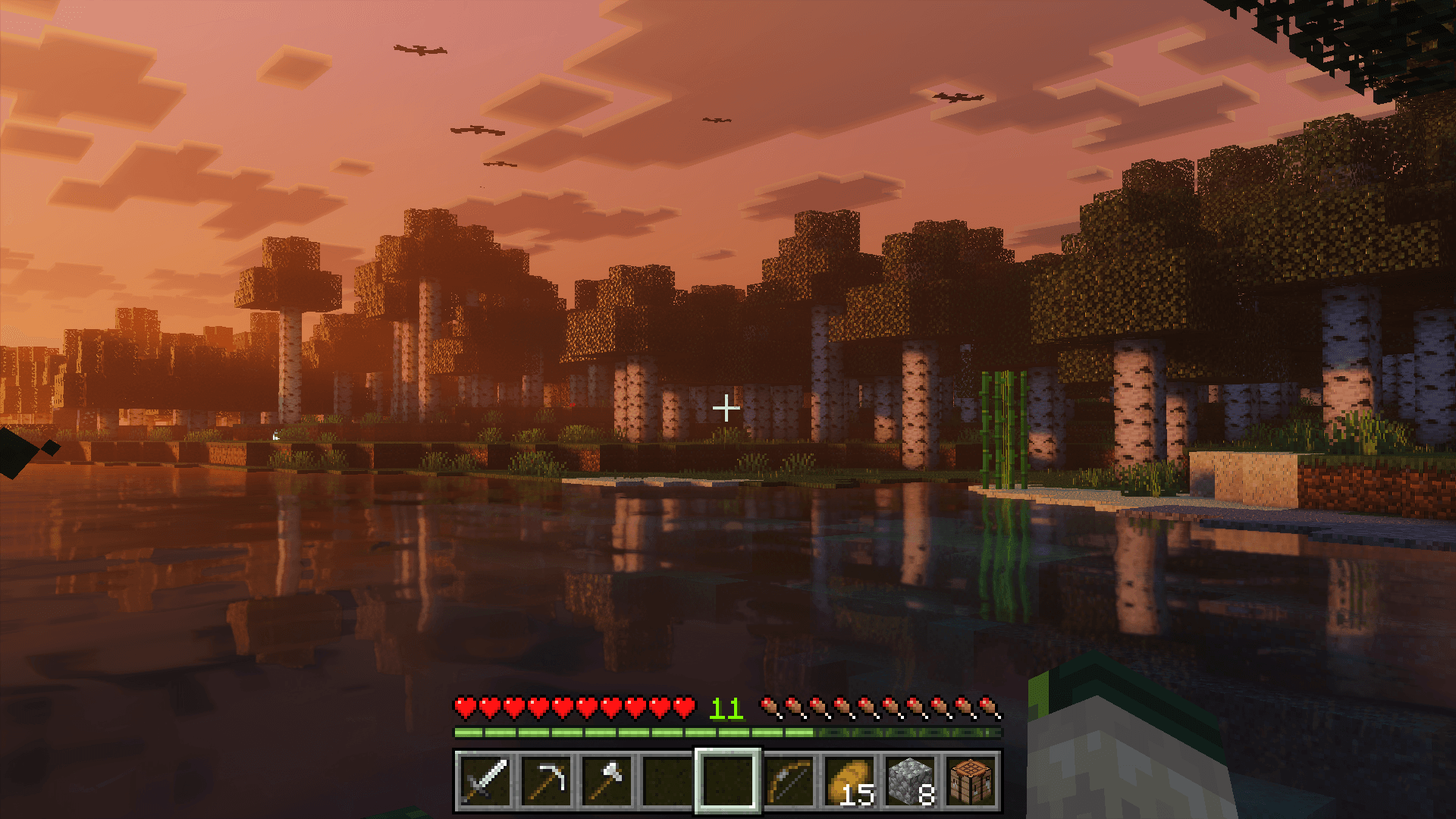
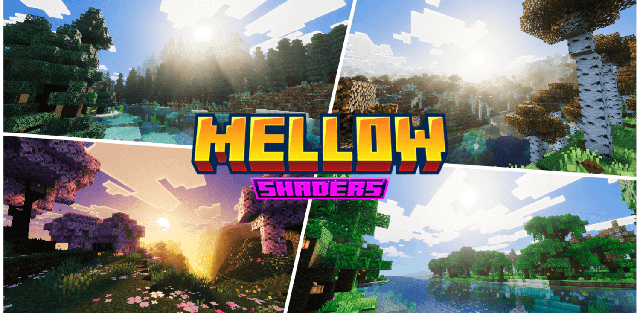
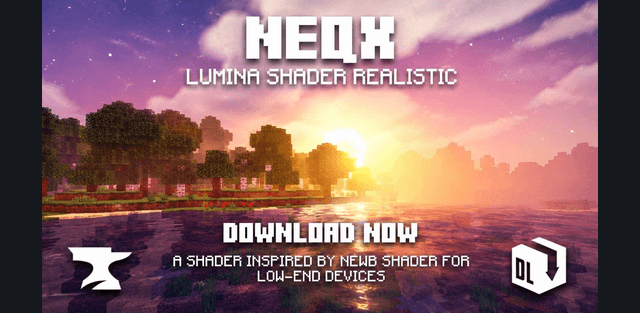
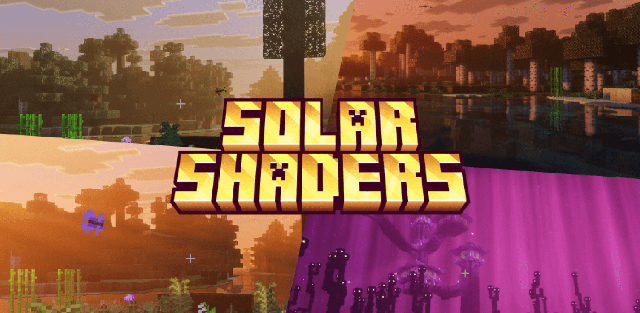
Solar Shaders bathes the world in a permanent golden hour with amber god rays, layered skies, and volumetric fog tuned for different biomes.
Features
- biome-specific lighting, fog, and color grading
- golden volumetric rays and layered skies throughout the day
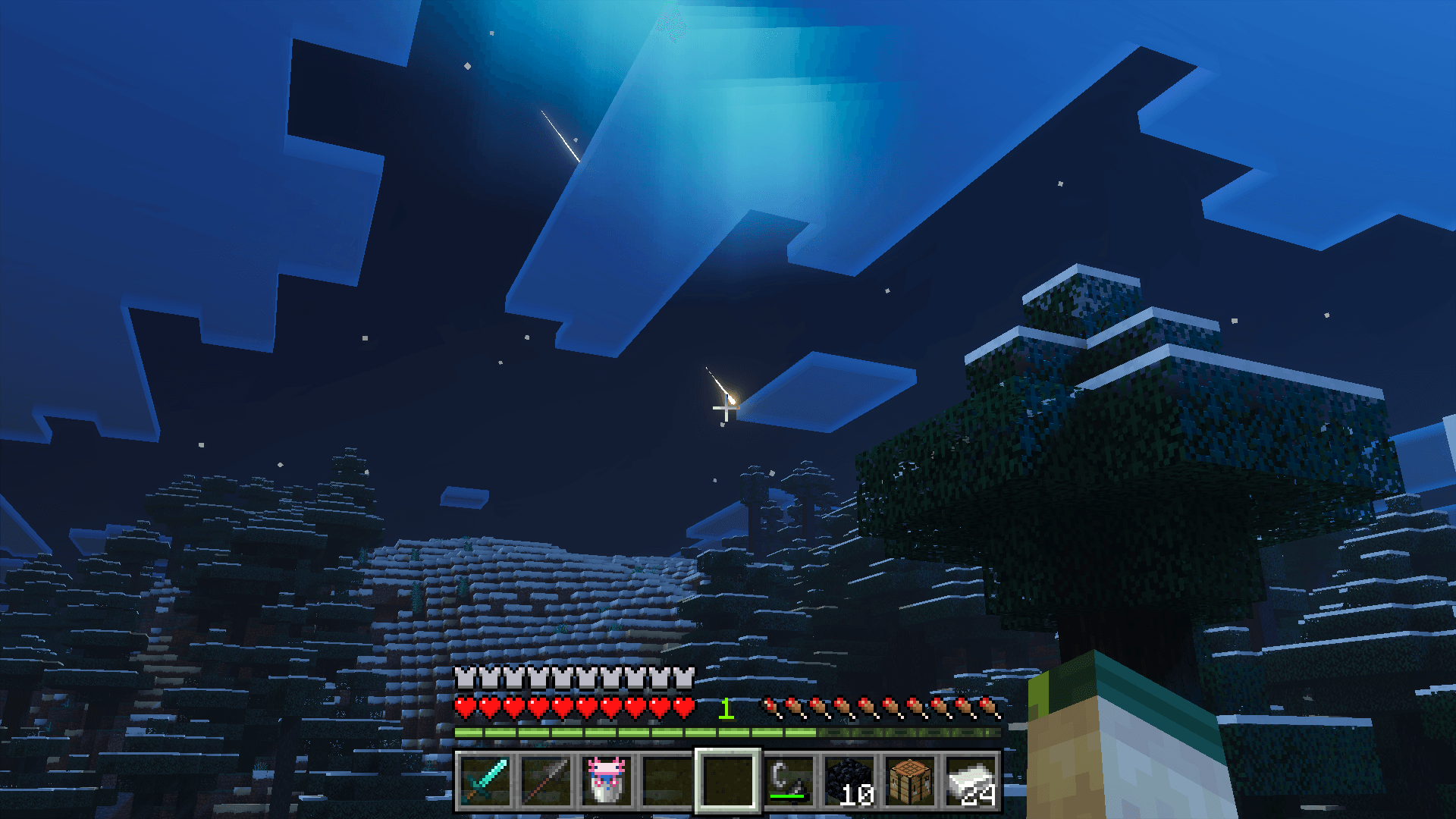
- auroras, shooting stars, wind, dust, birds, and butterflies
- custom End ambience with meteors
- colored lights and PBR textures
- an optional particles-off subpack for weaker devices
Screenshots