Author: tcn_Creations
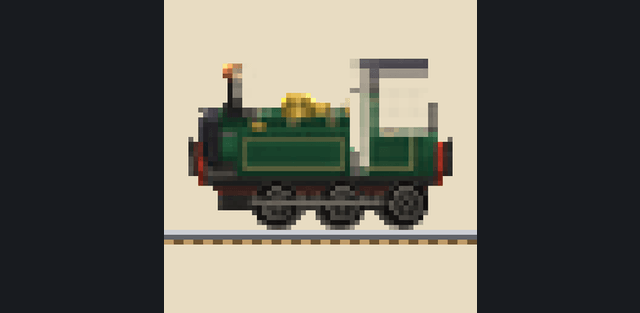
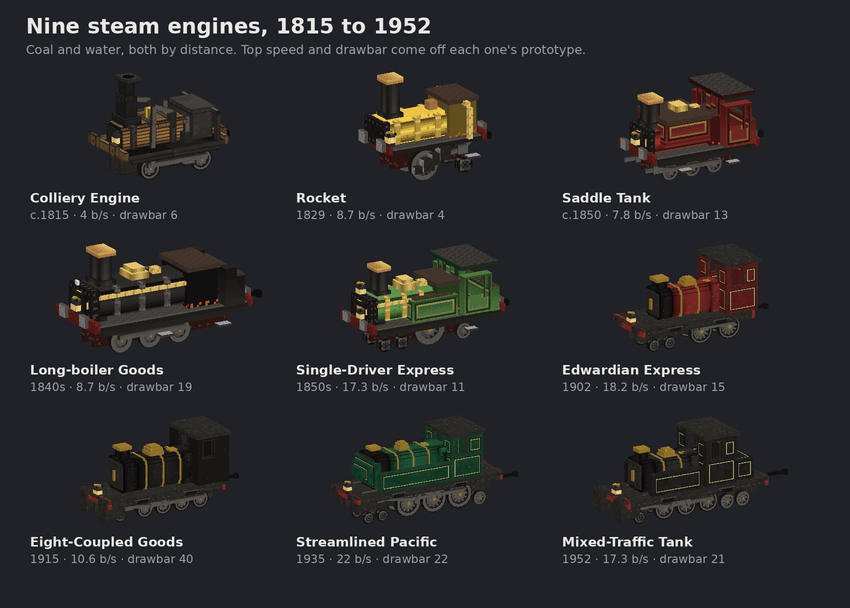
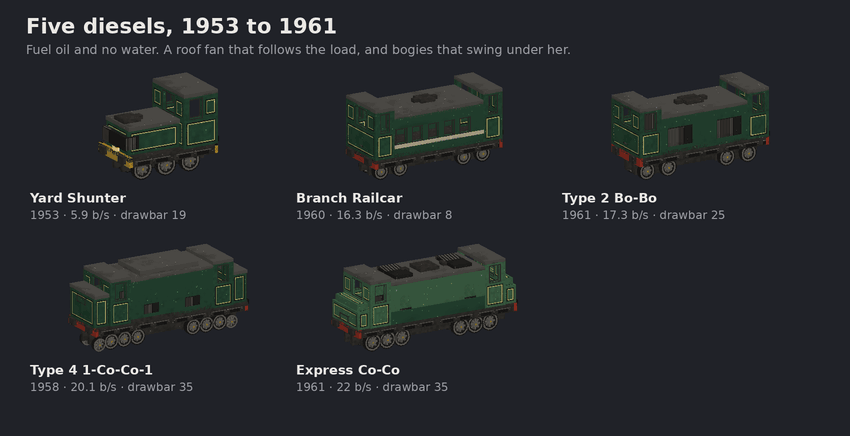
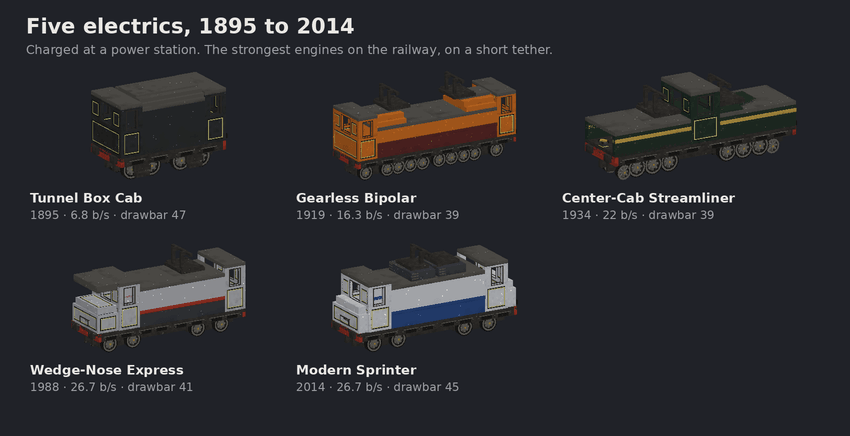
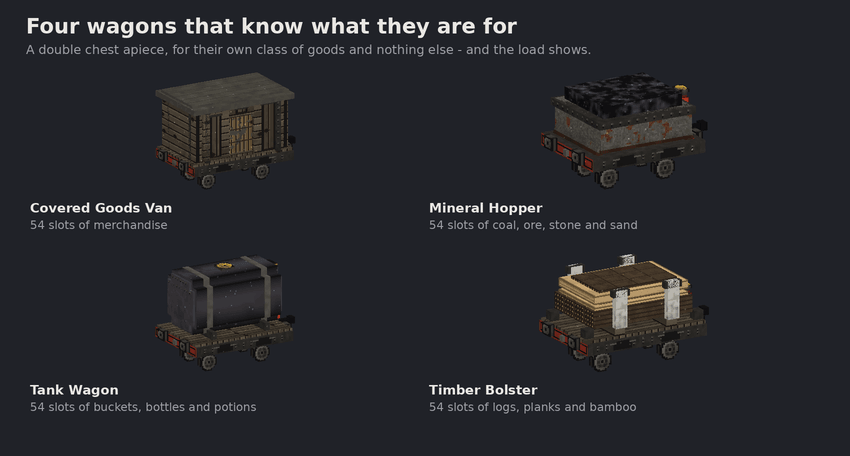
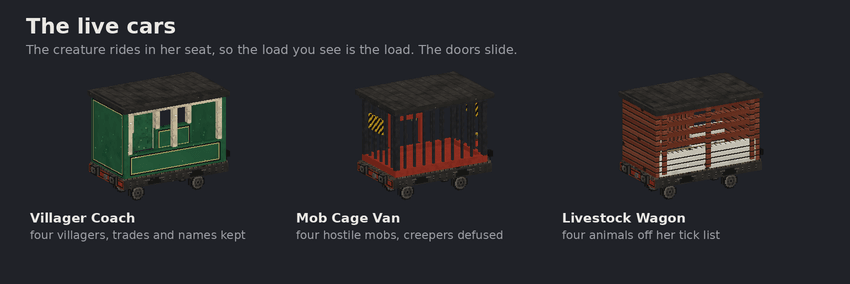
Iron Road is a railway system with its own track, locomotives, wagons and operating infrastructure. Nineteen engines use steam, diesel or electric power; eleven wagon types transport cargo, passengers and creatures. Trains can follow routes through unloaded chunks while the world is running.
1. Build a line
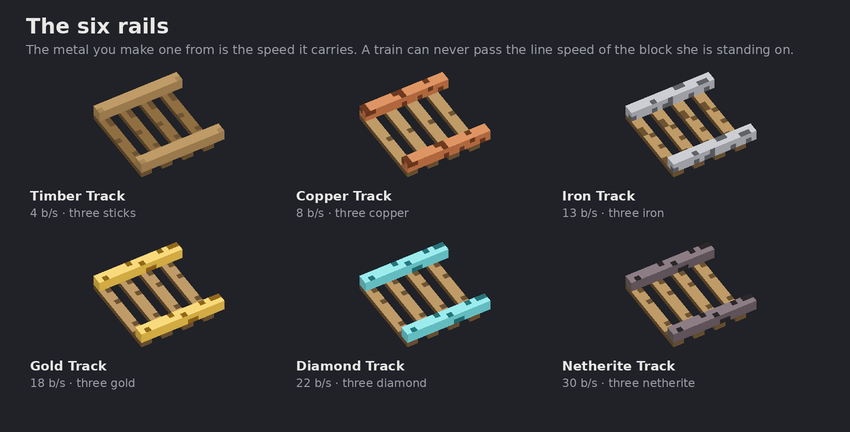
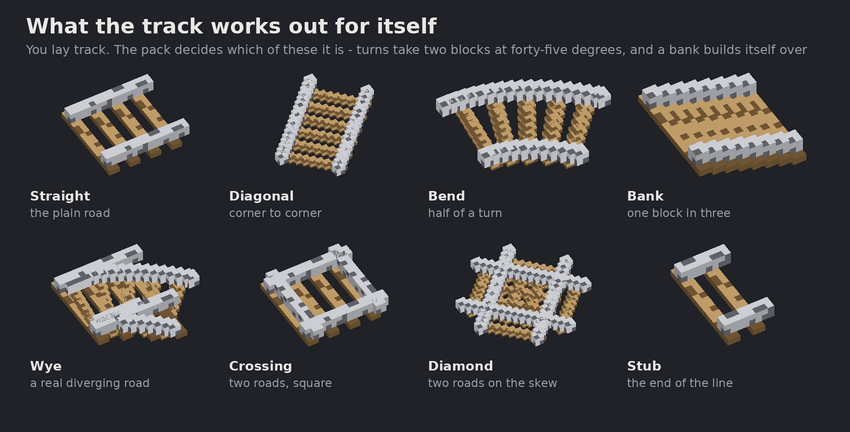
Use Iron Road track, not vanilla rails. Timber, copper, iron, gold, diamond and netherite rails have progressively higher speed limits. Curves use 45-degree bends; gradients form automatically when track rises. Sneak-use the railhead to preview and lay a longer route, with a visible check of the rails you can afford.
2. Choose and supply a train
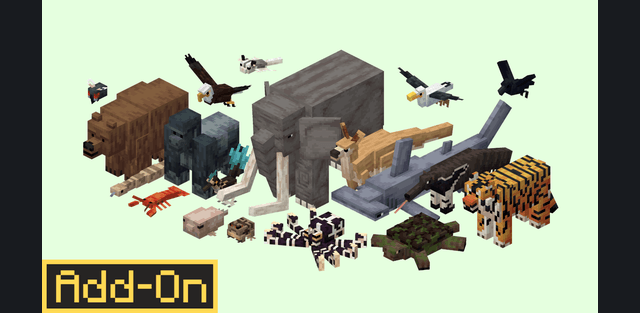
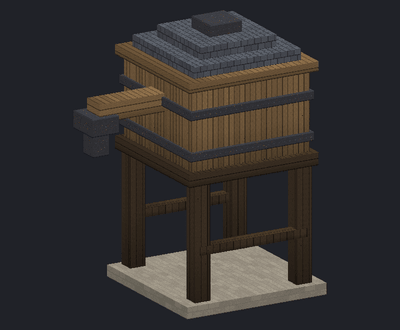
Steam engines need fuel and water; diesels use fuel oil, while electric engines recharge at power stations. A train is limited by its engine, rails, curves, load and braking distance. Couple wagons for general goods, bulk minerals, timber, liquids or living cargo. Sneak-interact with a wagon to uncouple part of the train.
3. Drive or automate
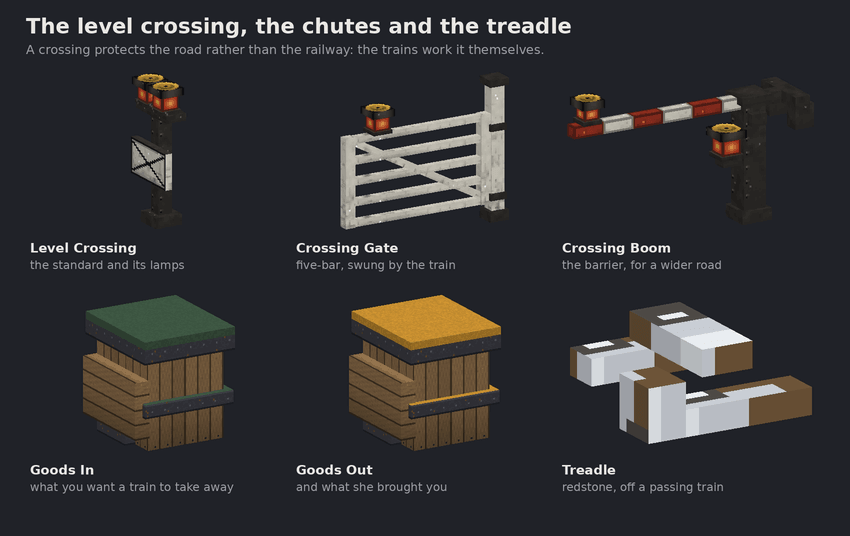
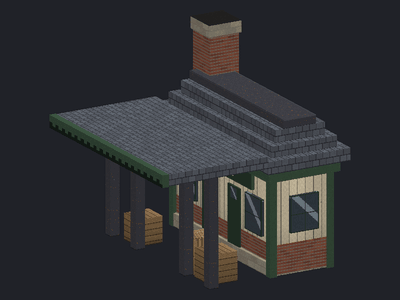
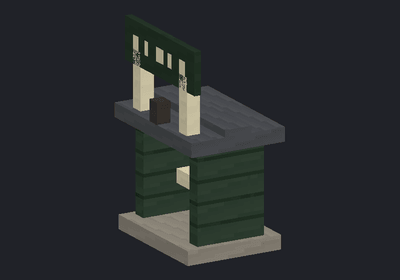
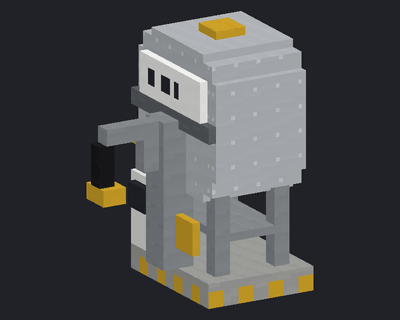
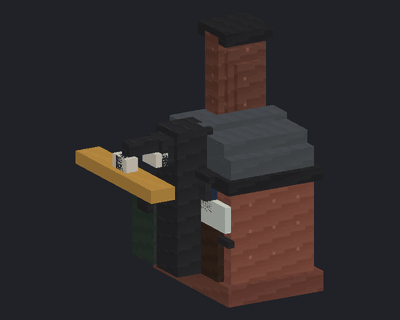
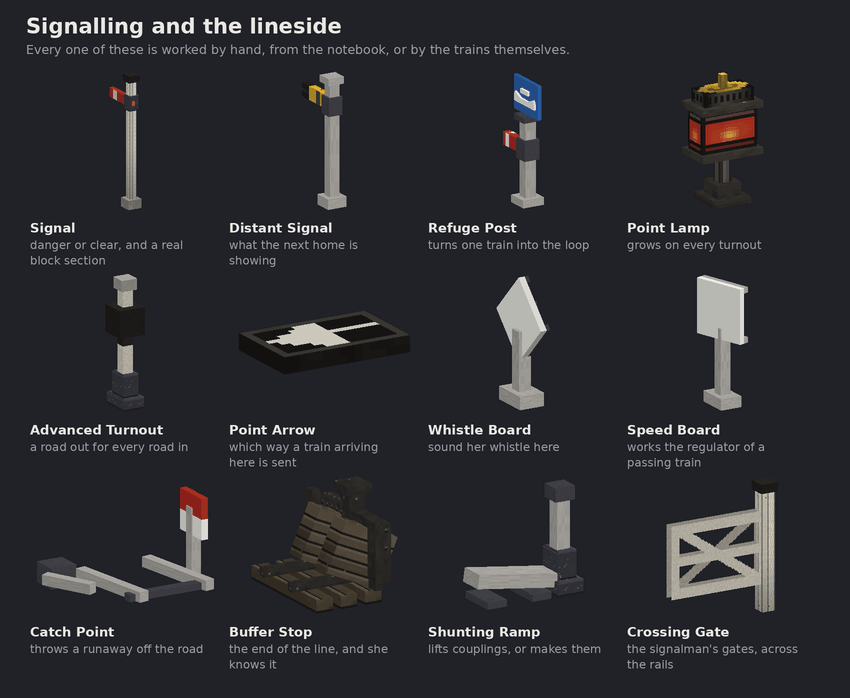
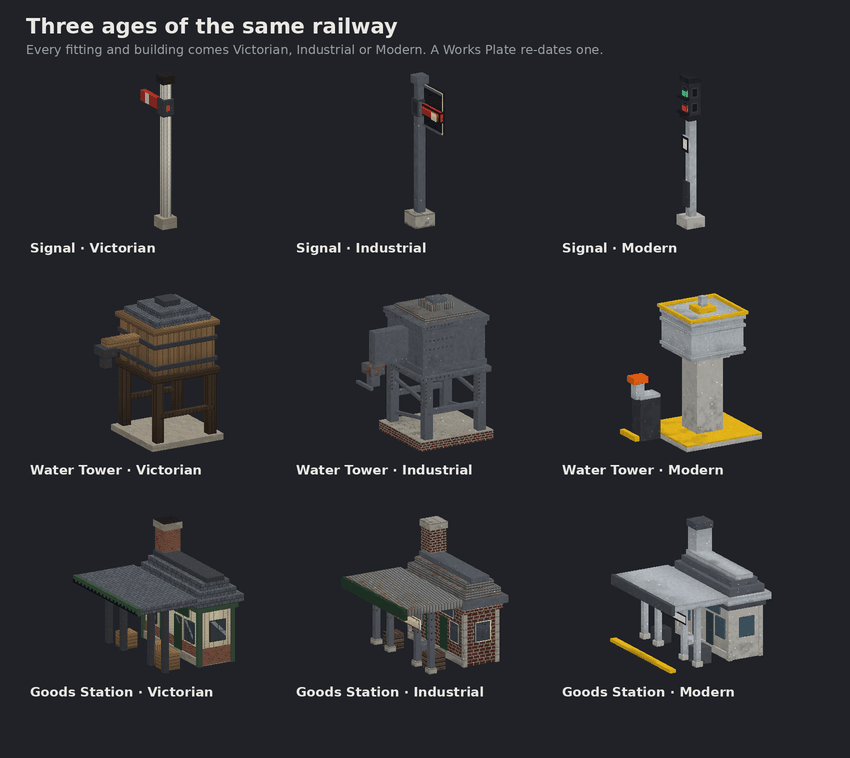
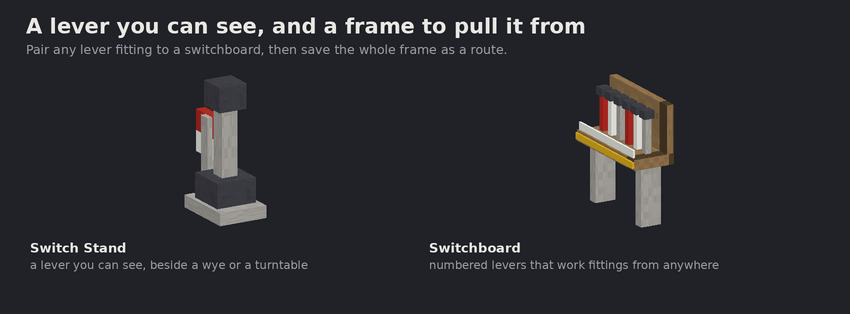
Tap track beside a stopped engine with an empty hand to start it; sneak-tap to stop. While aboard, movement controls change throttle notches and jumping opens the driving screen. /ironroad:drive opens it directly. Stations load and unload goods; towers, fuel points and power stations service locomotives. Signals, switches, crossings and turntables organize the network, and timetables support up to twelve stops.
4. Guides and useful settings
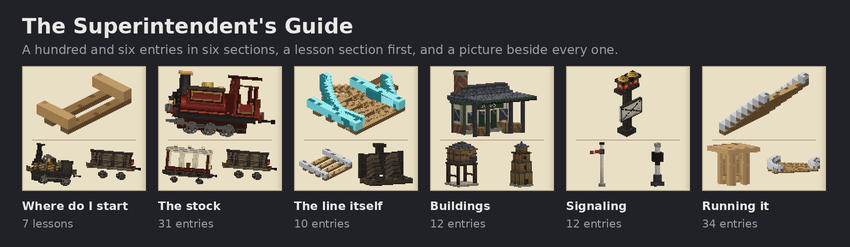
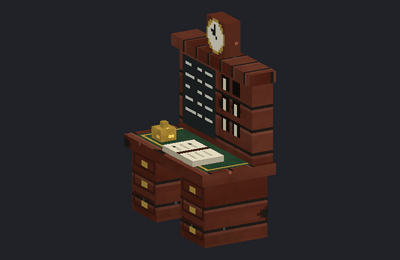
The starting guide teaches the basics and shows recipes. The notebook manages trains and infrastructure; /ironroad:map shows the railway and /ironroad:why helps explain stopped traffic. Choose /ironroad:rules relaxed for simpler operation or /ironroad:rules light for a lighter simulation. Interfaces include Russian. Experiments are not required. By default the railway pauses when nobody is in the world; running in unloaded chunks does not mean it keeps running after the world is closed.