Addon: Architectual Blocks
Author: Dungeons_Estudio
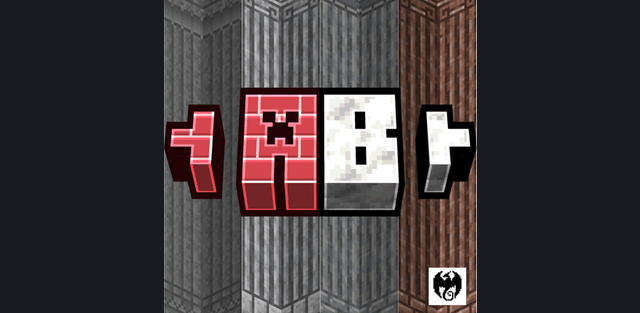
Architectual Blocks expands construction with more than 500 decorative blocks in version 1.3. It adds coordinated material families for walls, floors, columns and detailed facades while keeping the designs close to Minecraft building materials.

Materials and shapes
Stone, granite, andesite, diorite, deepslate, tuff, dripstone, calcite and smooth basalt receive additional building variants. Other sets include sulfur and cinnabar, while the current update adds sandstone, resin, brick and prismarine options. Depending on the material, the selection includes bricks, polished or smooth surfaces, pillars, stairs, slabs and walls.
Survival crafting
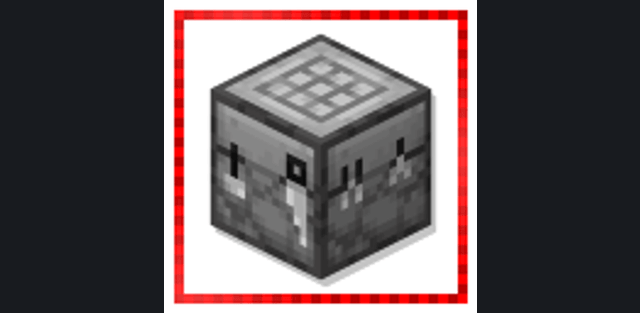
Use the stonecutter with the corresponding base material to obtain decorative forms. This makes the collection usable in survival rather than only through the Creative inventory.
The stone families are designed to work as sets: a wall can use the same base material as its stairs, slabs, polished trim and pillars. Version 1.3 expands that approach to sandstone, resin, brick and prismarine. The stonecutter is the main way to turn a base resource into the matching decorative form.
For Minecraft 26.50
How to install the add-on
Download the .mcaddon or .mcpack file, open it with Minecraft and wait for the import to finish. Then enable the resource and behavior packs in the world settings. If the add-on requires experiments, turn them on before launching the world.