Author: Iced Fox Studios
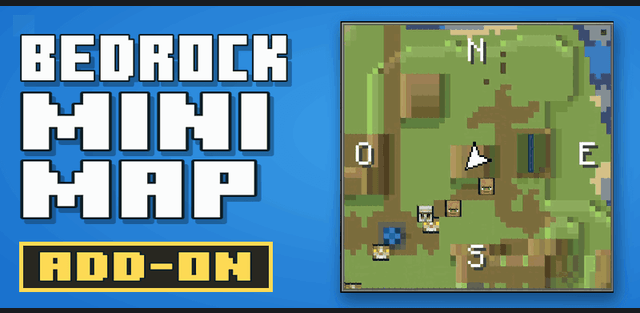
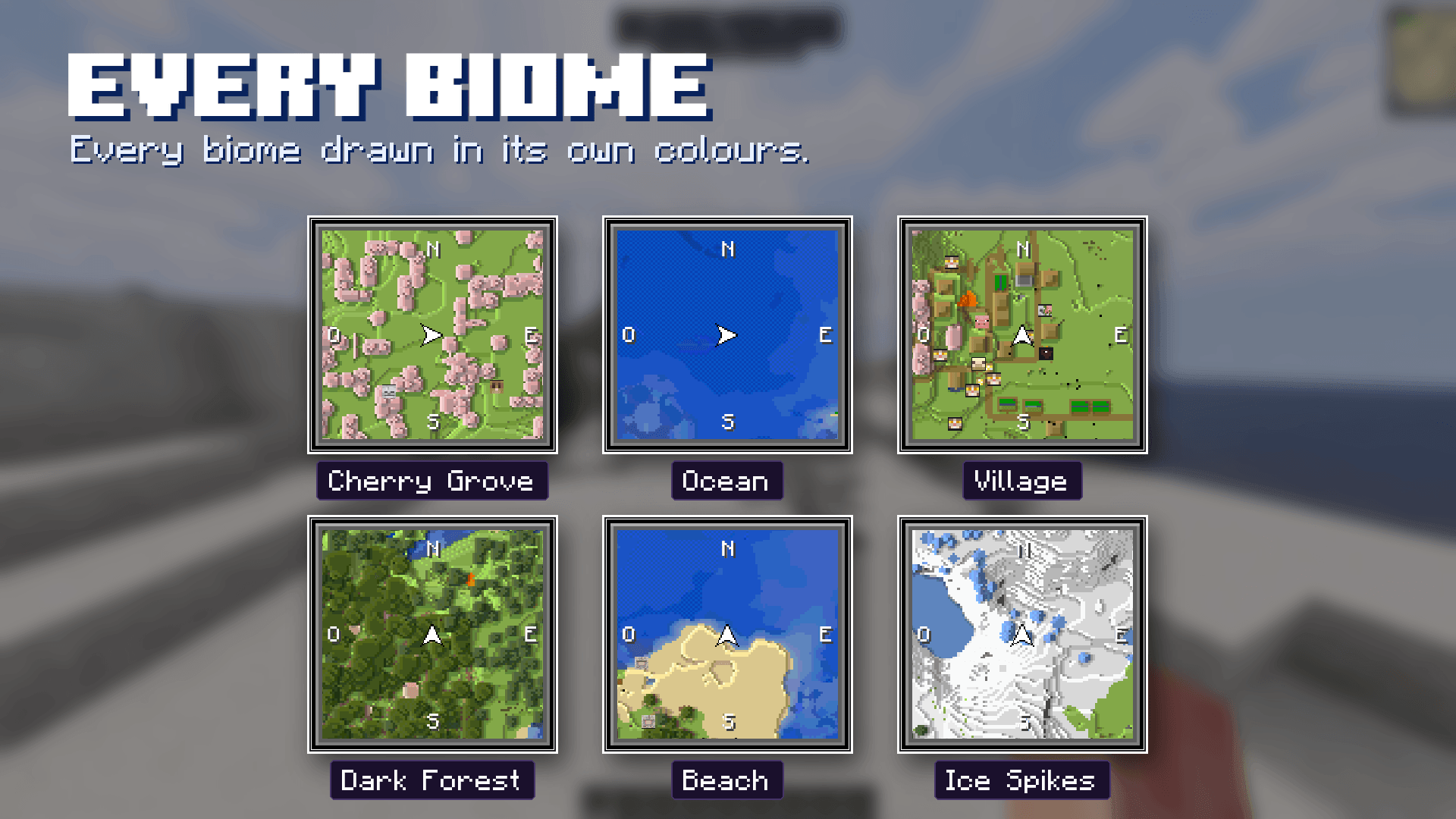
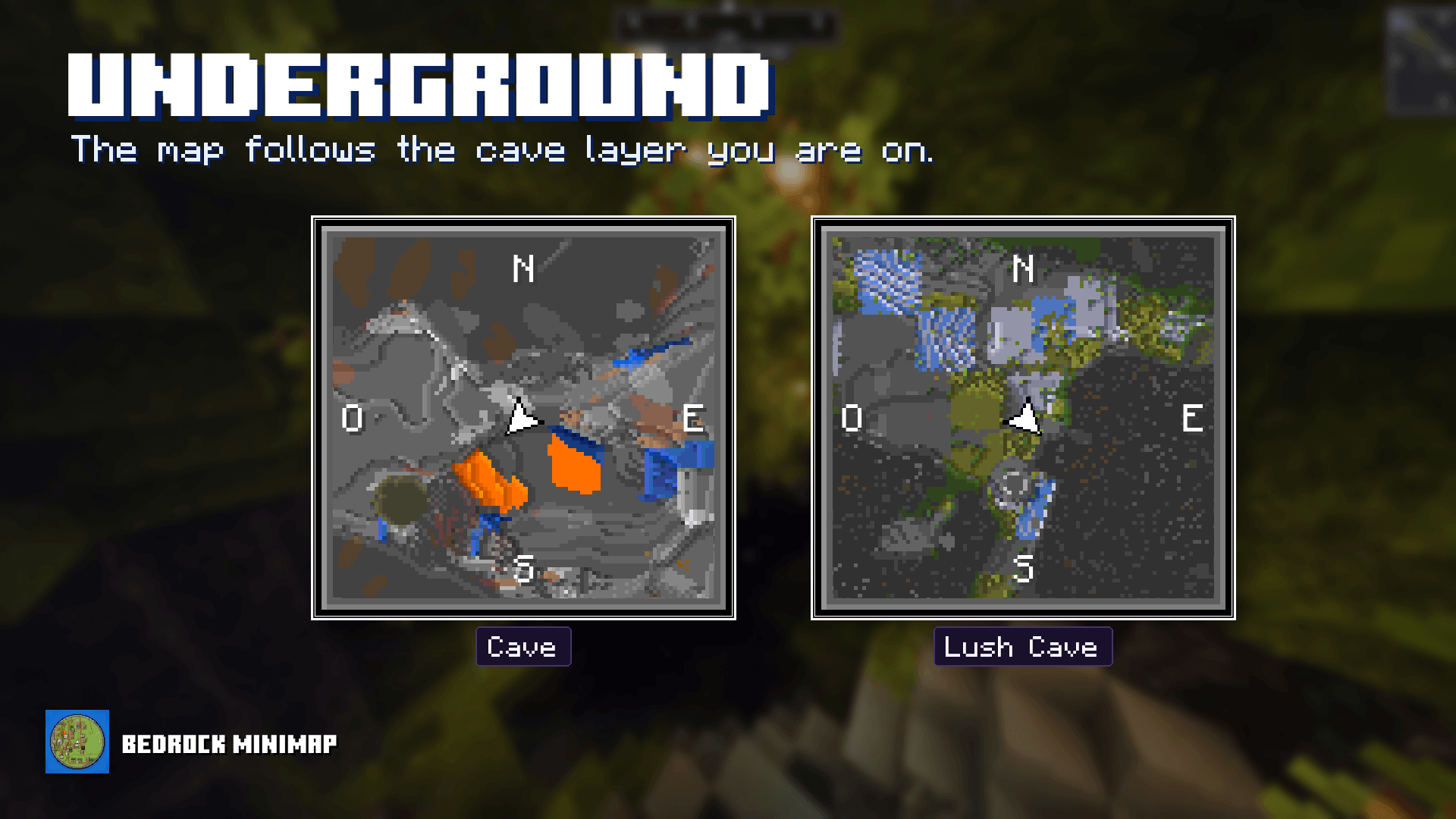
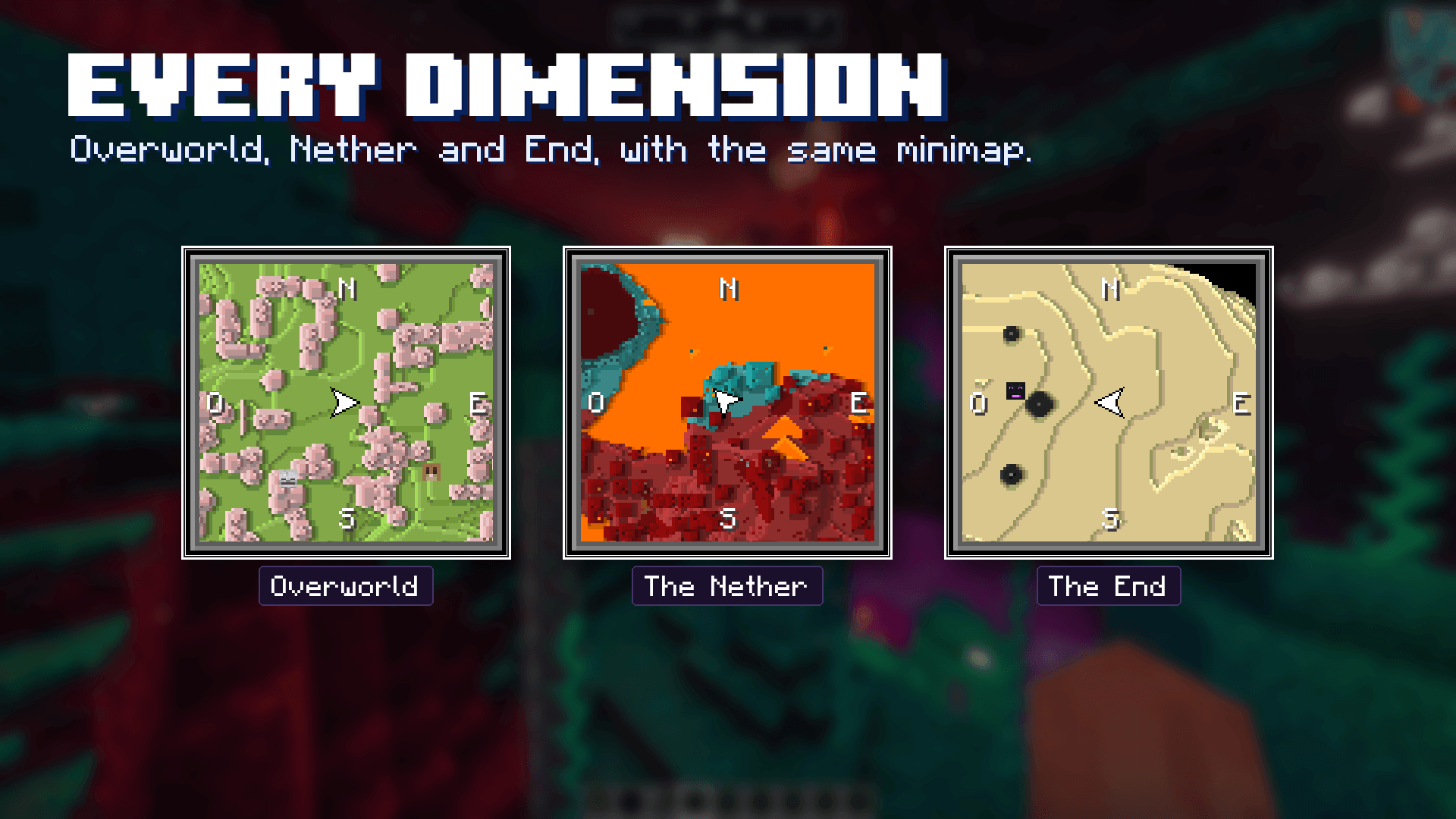
Bedrock Minimap & Compass places a live terrain map, direction bar and coordinates on your HUD. The map shows nearby land and mob markers, changes its colors for biomes and follows underground cave layers. It supports the Overworld, Nether and End.
Settings menu
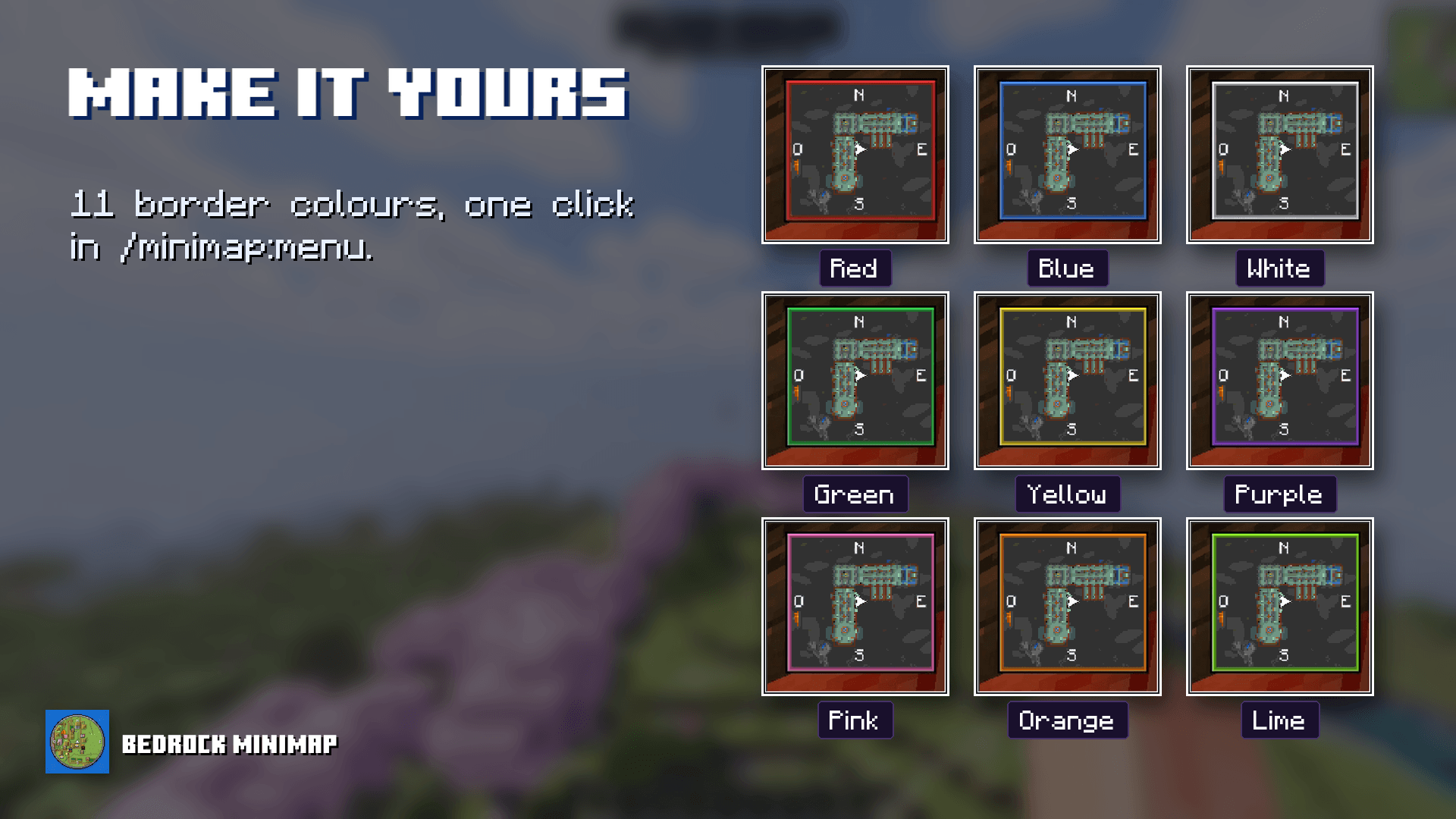
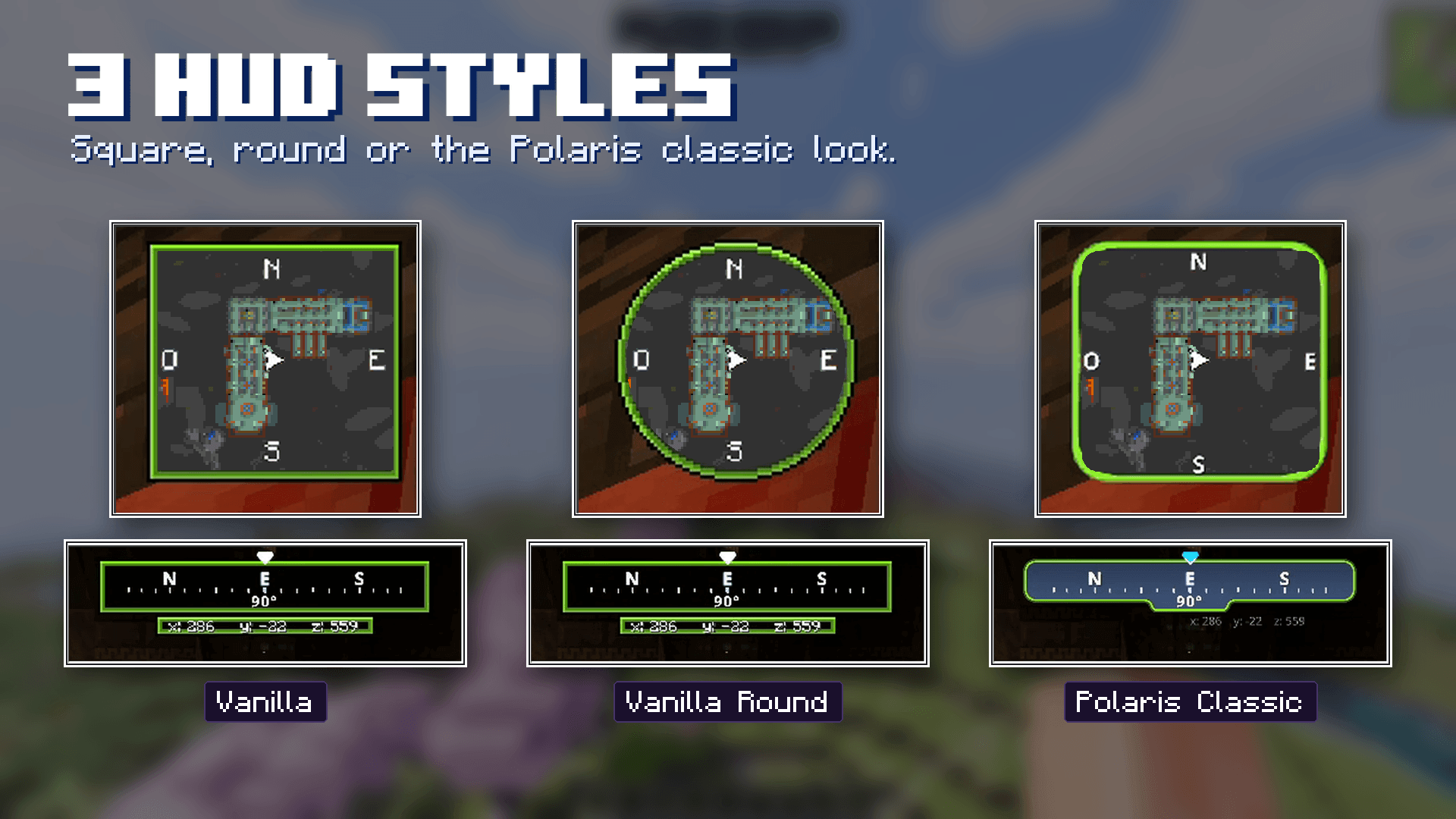
Run /minimap:menu to open all controls. Choose a square, round or Polaris-style HUD, change the border color and toggle the compass, coordinates, biome and time display. Biome tinting affects the map colors; already scanned areas update when scanned again.
Waypoints and commands
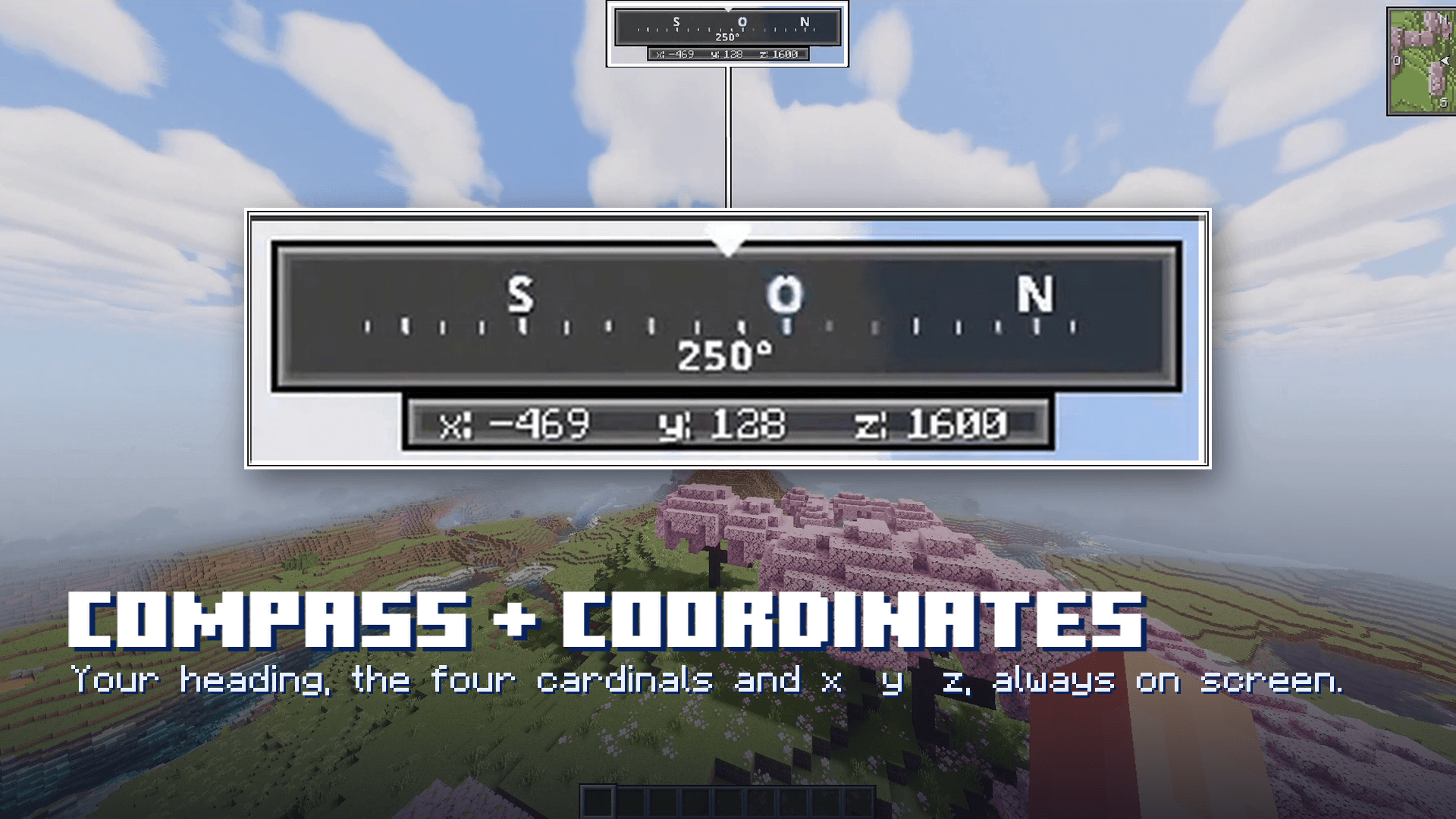
Use the menu to save your current position with a name and icon. Saved places and death markers can be hidden or deleted individually. Their information includes coordinates and dimension. /minimap:minimap toggles the map, /minimap:compass the direction bar and /minimap:coords the coordinates.
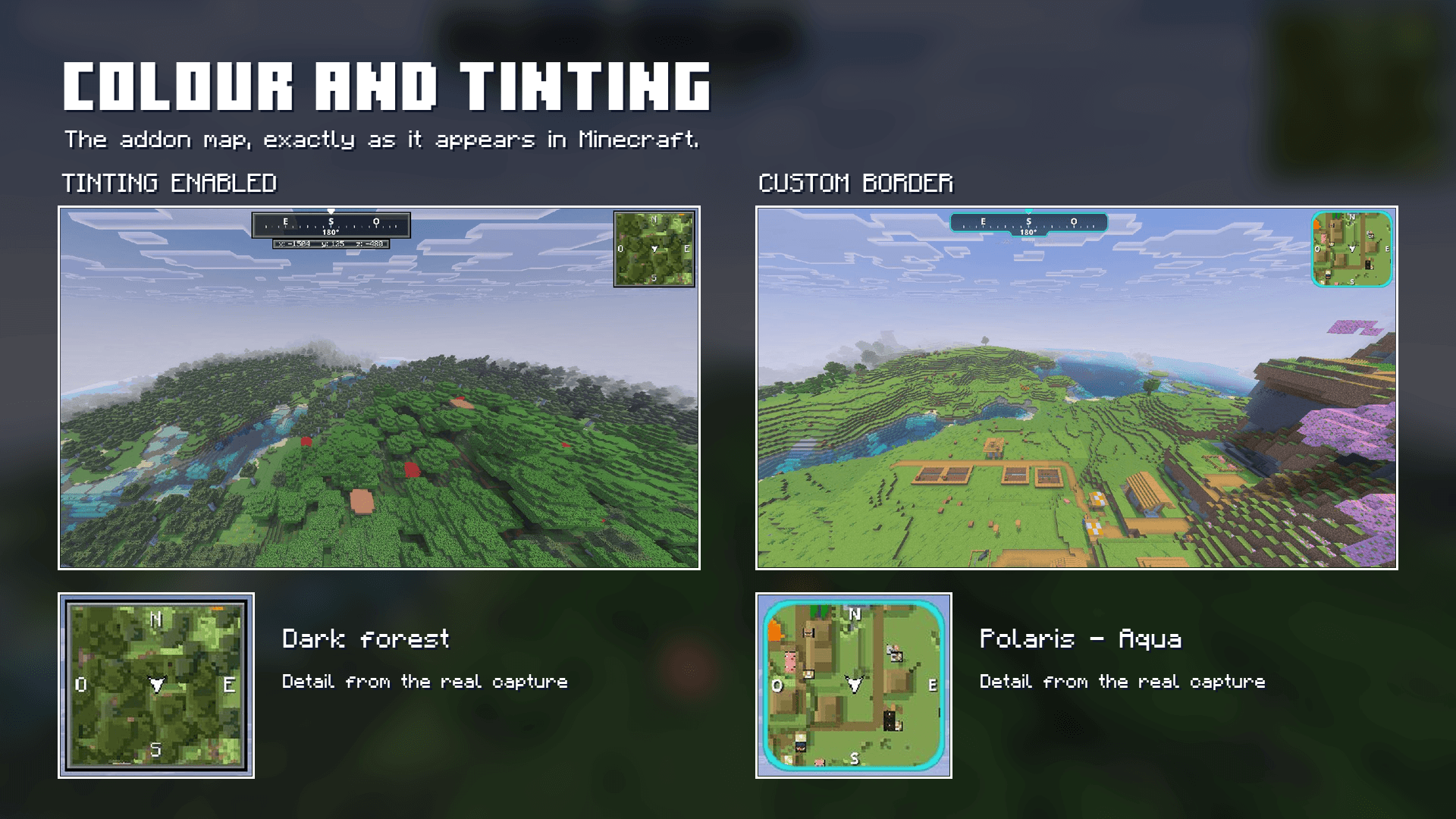
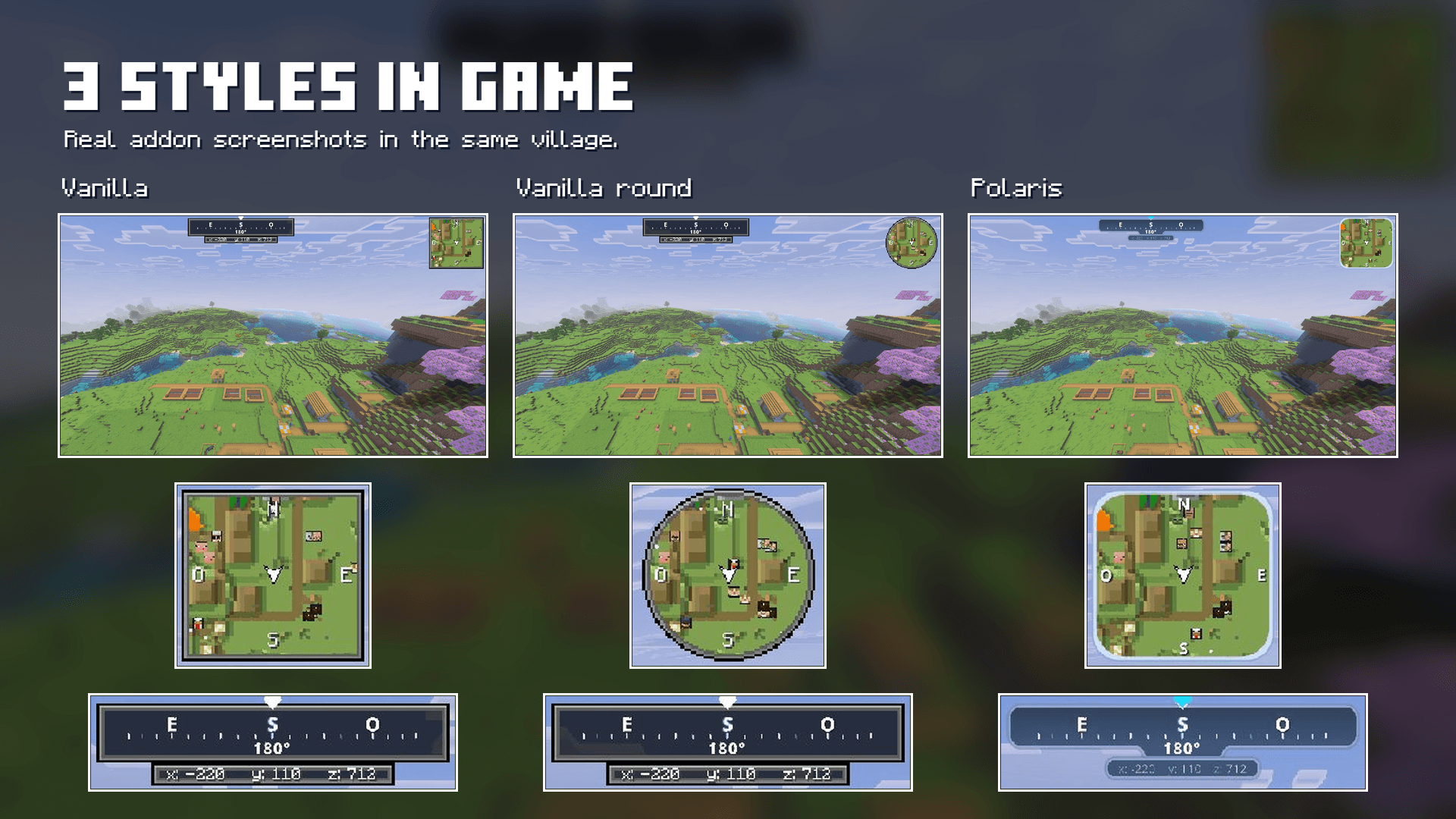
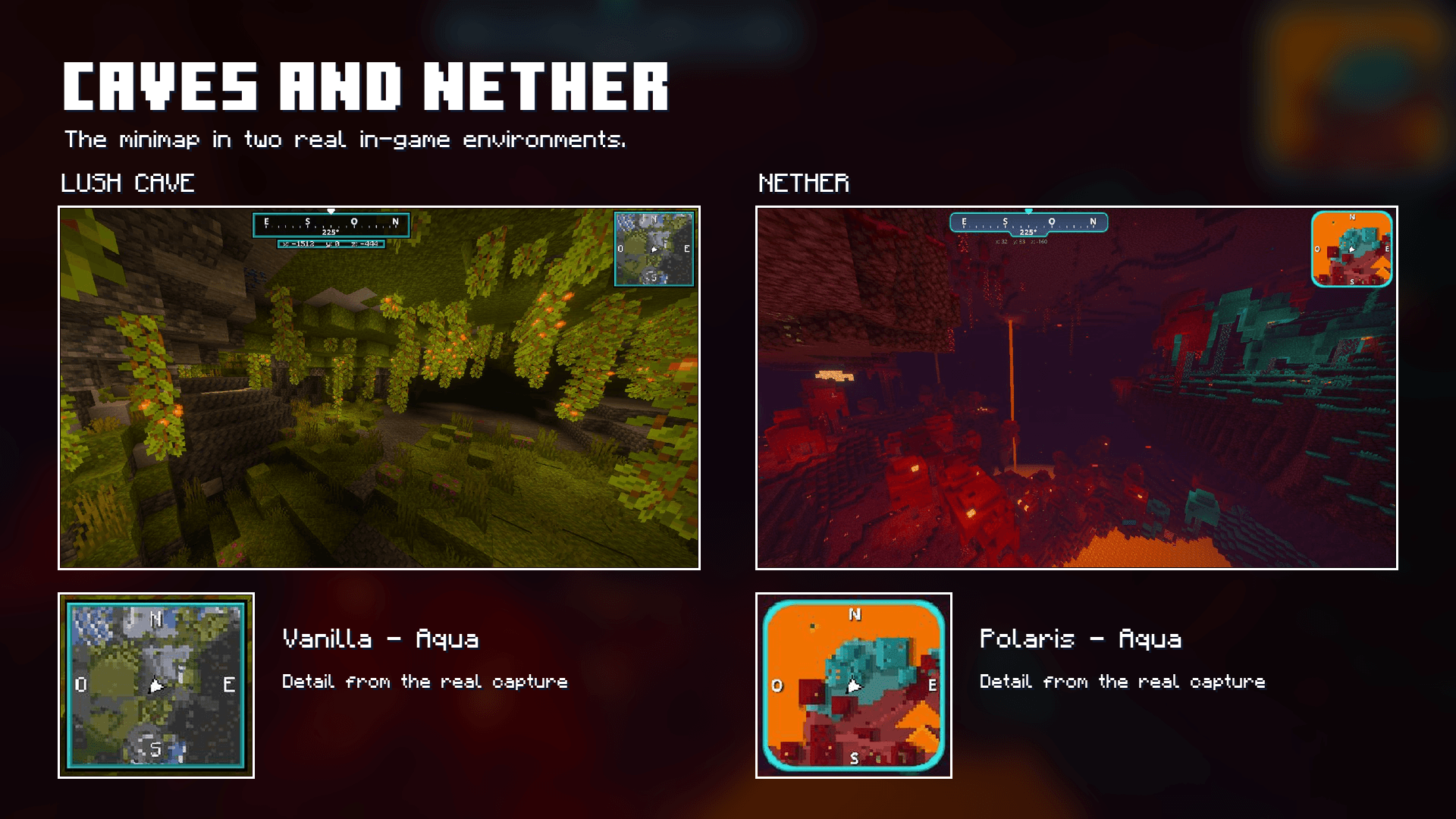
For example, /minimap:style vanilla_round selects the round layout and /minimap:color aqua changes the border color. Version 0.8.4 uses the stable Script API, so Beta APIs are not required. Activate both the behavior and resource packs to load the map logic and HUD.