Addon: The Dreamlands
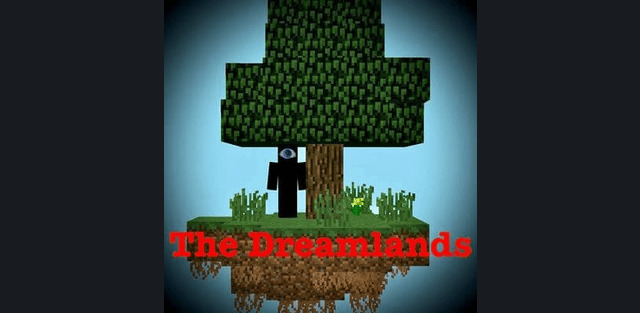
Author: SpartanJet
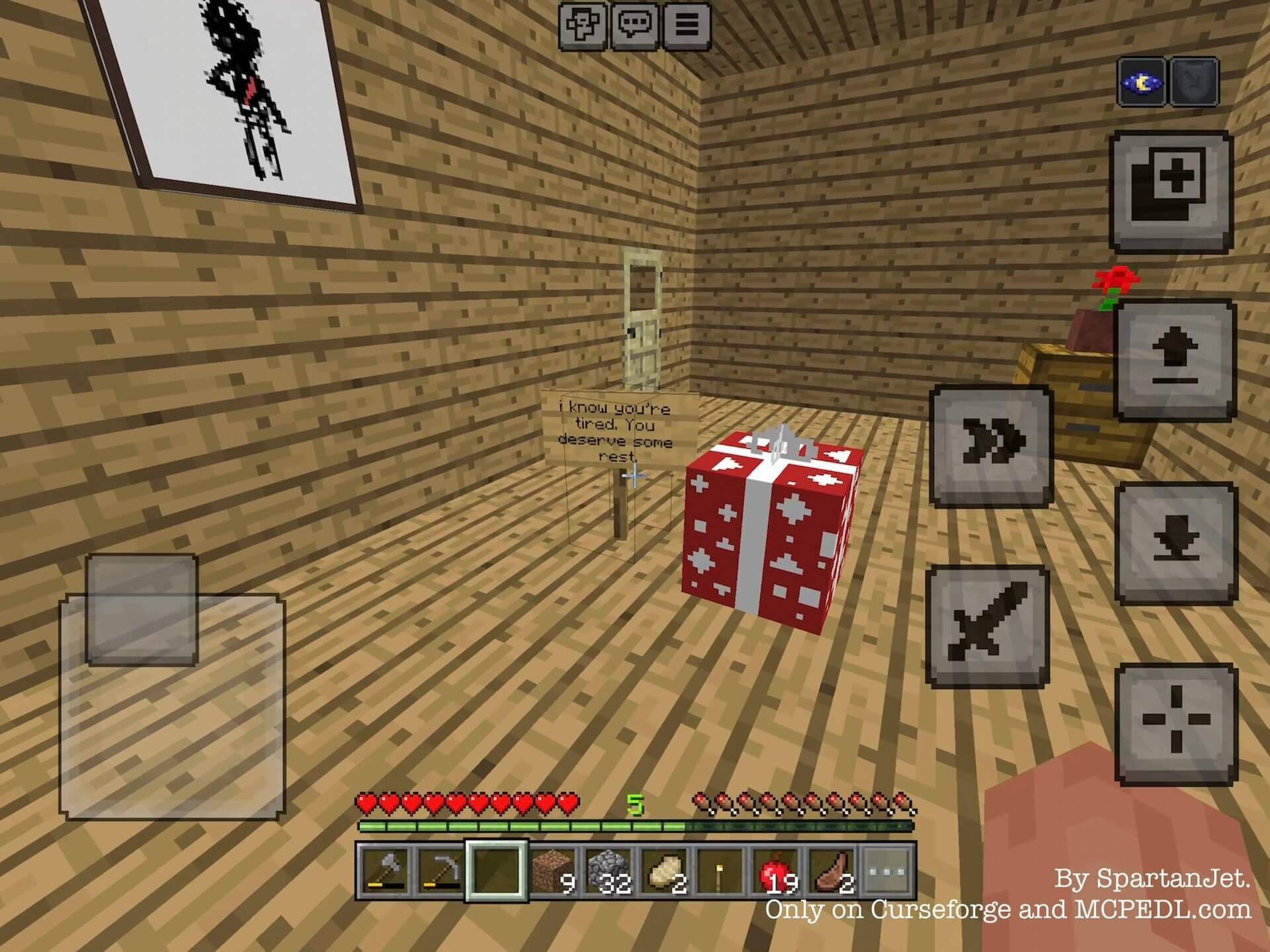
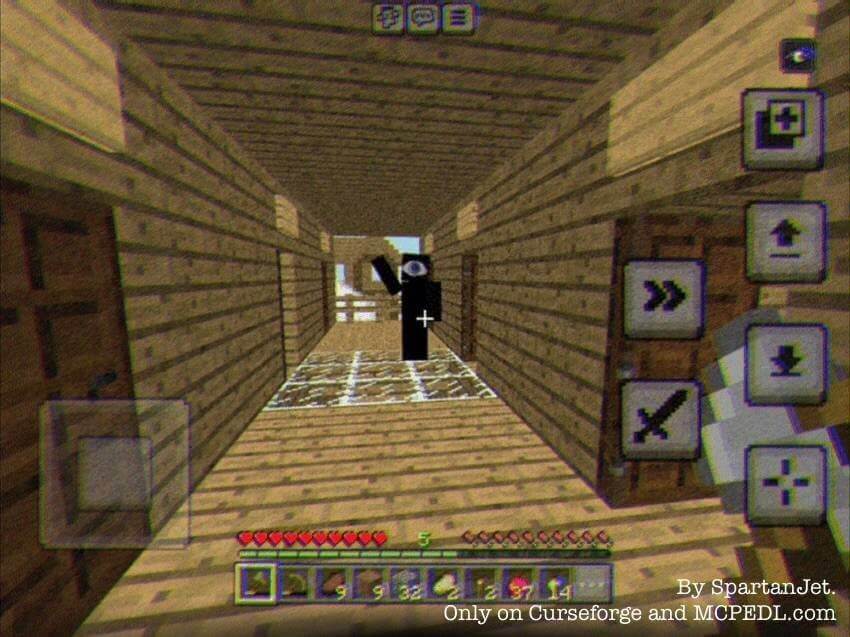
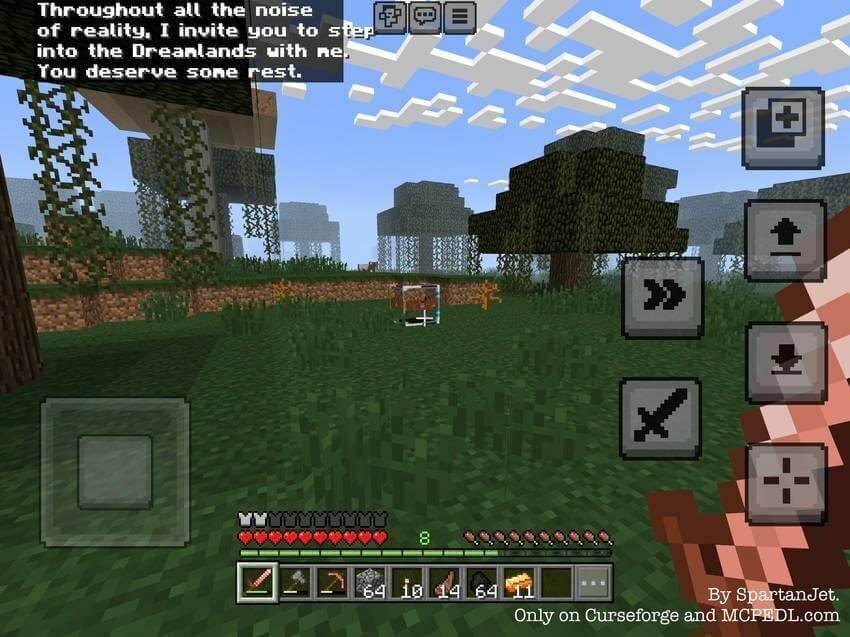
The Dreamlands adds a liminal horror dimension inspired by dreams and unsettling empty places. The Dreamer appears friendly and invites you to stay, but trying to escape changes the situation. The focus is exploration, unusual spaces and searching for a way back.
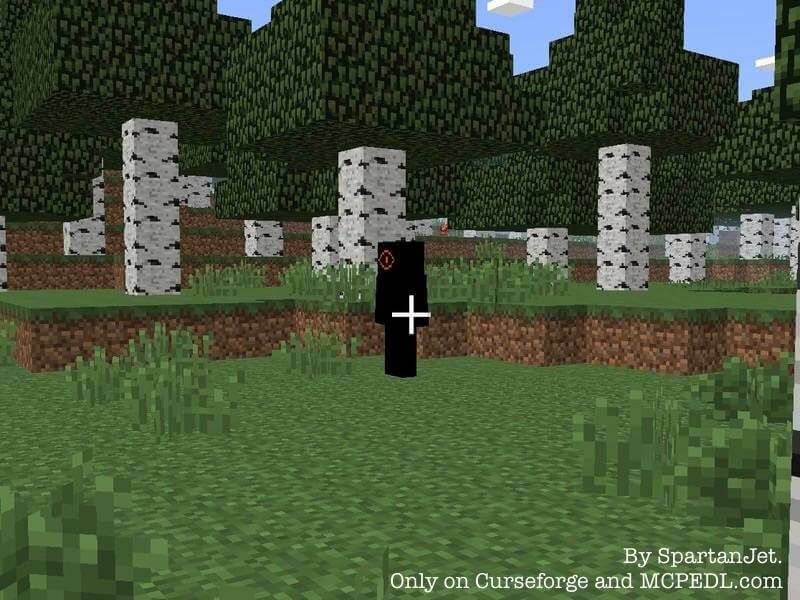
Entering and escaping
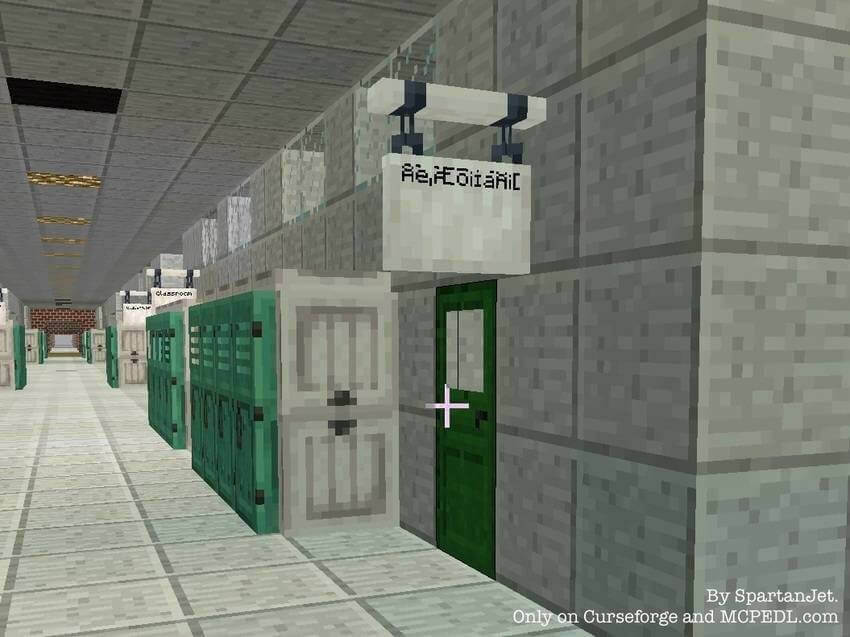
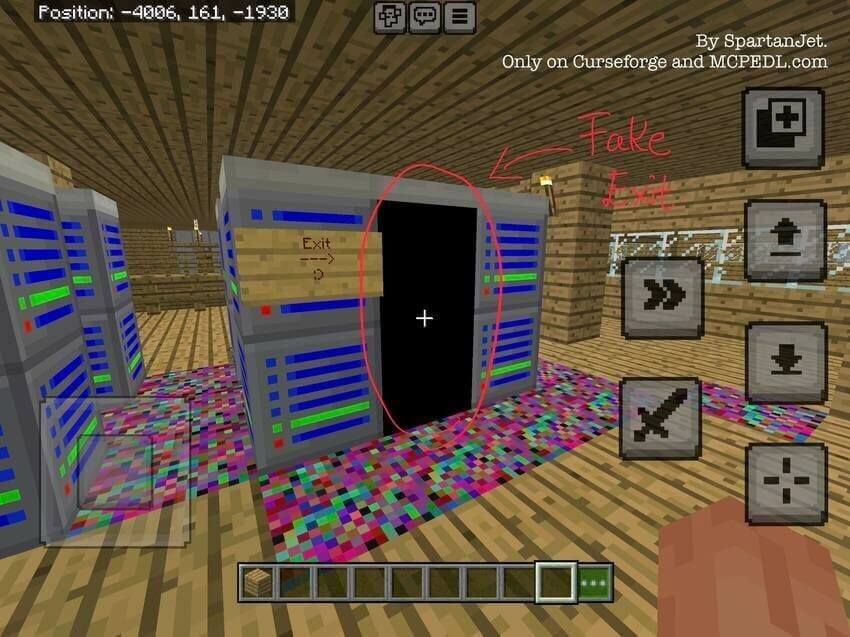
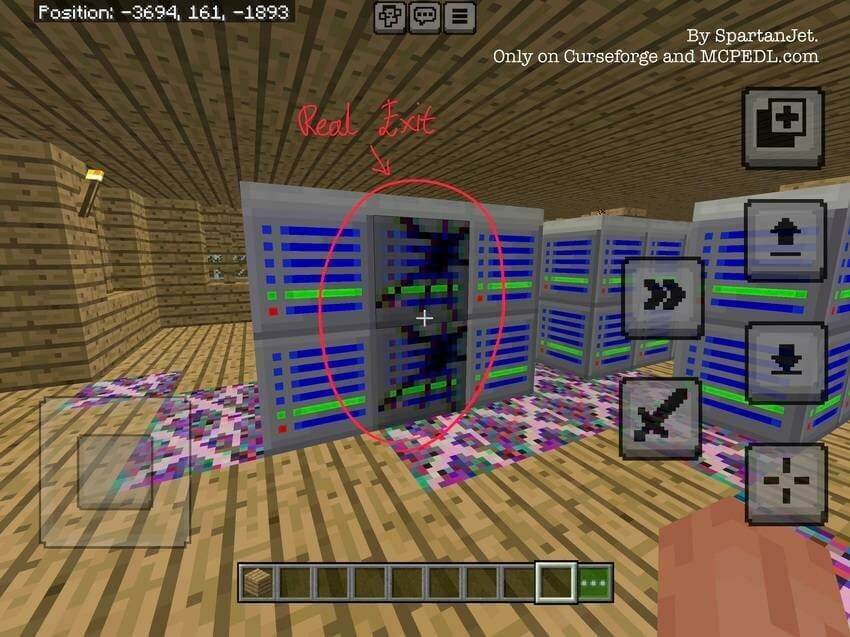
After roughly five minutes a portal can appear, or the entity can transport you. Look for unusual structures and exits to move between levels. Some portals are false: pay attention to their appearance and the surrounding clues instead of assuming every doorway leads home.
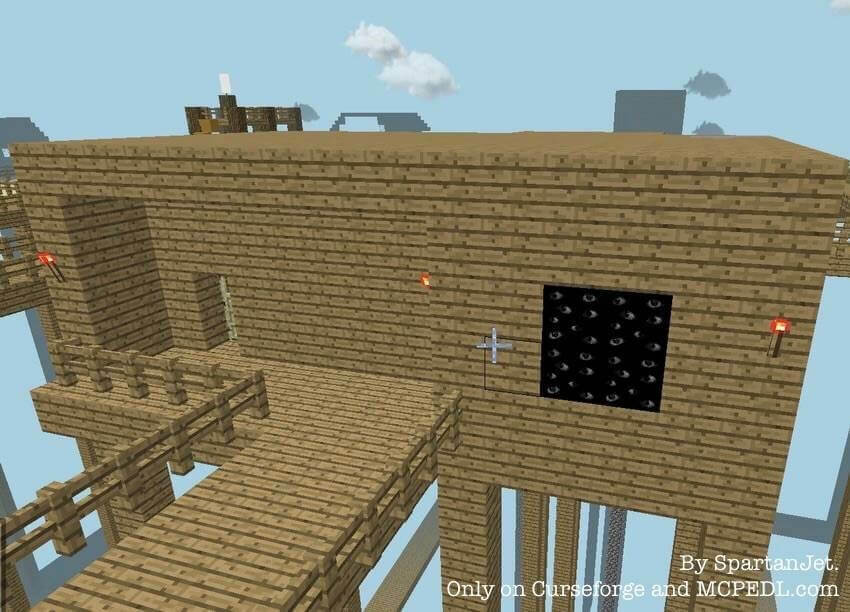
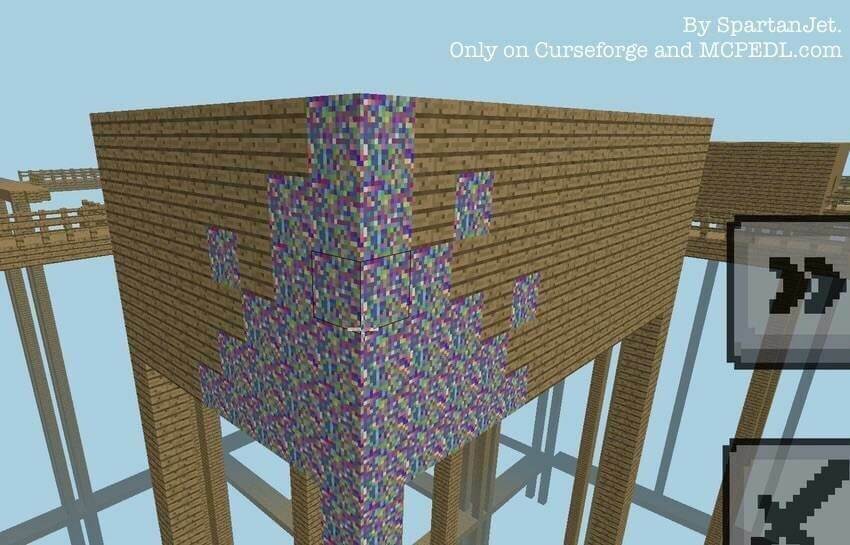
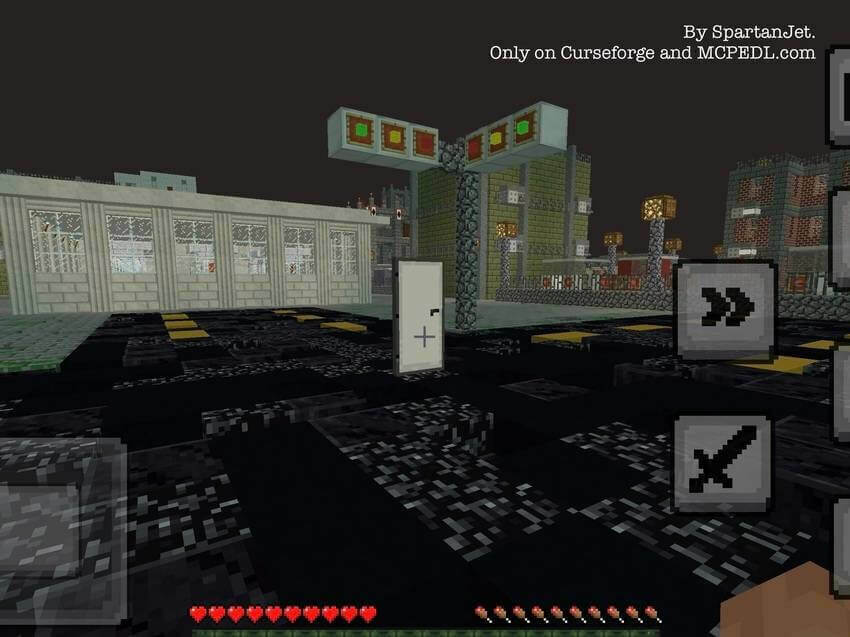
Levels and the current update
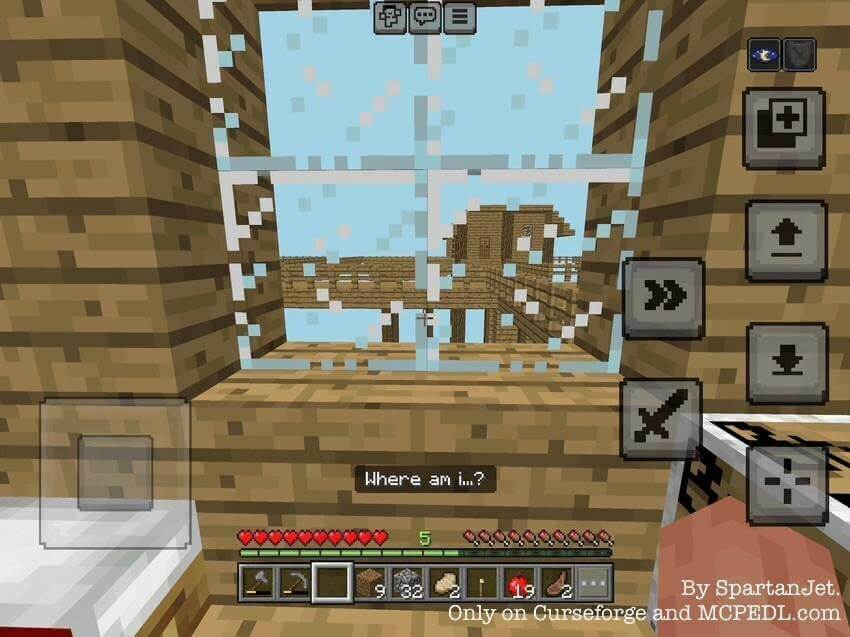
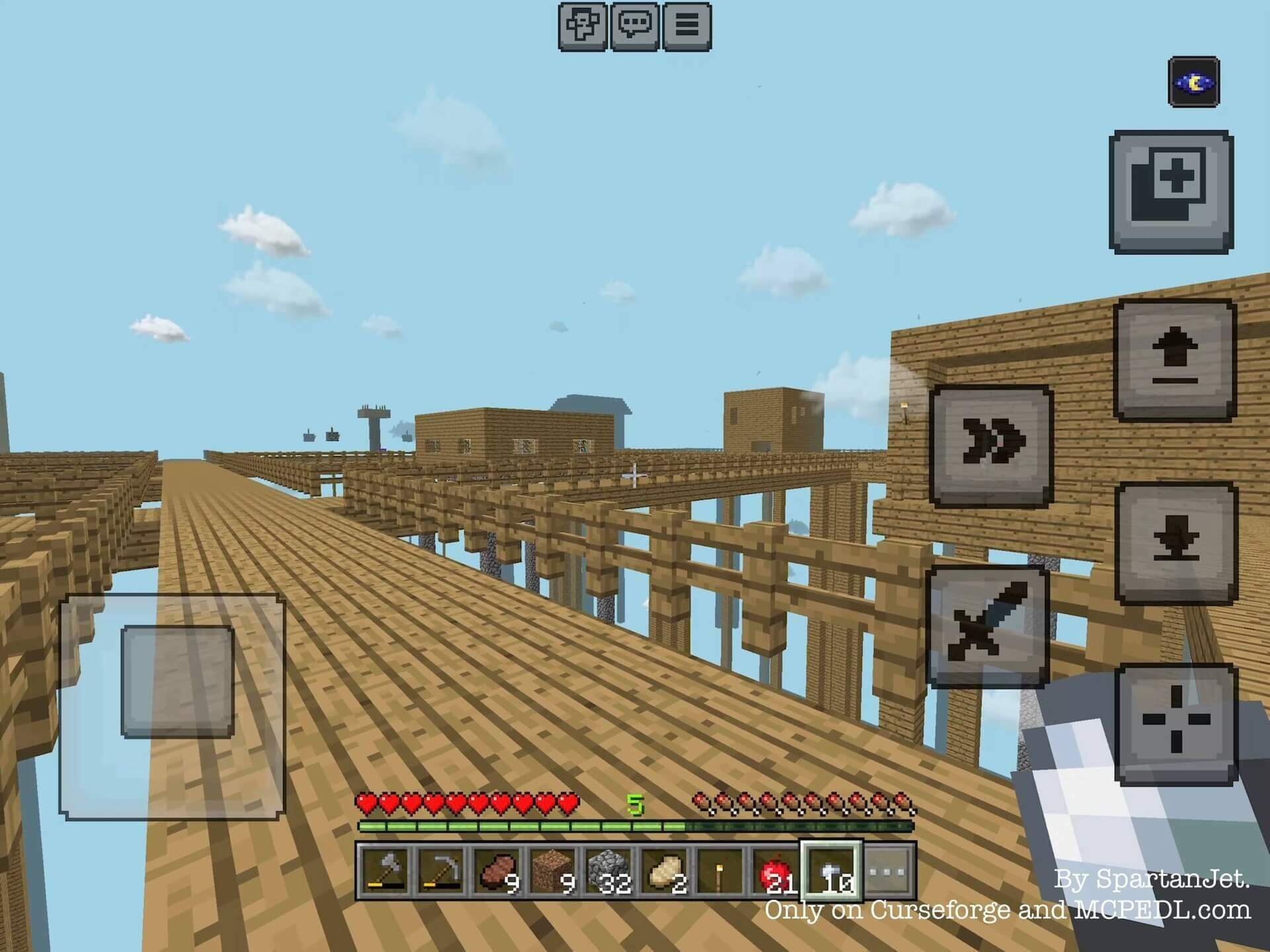
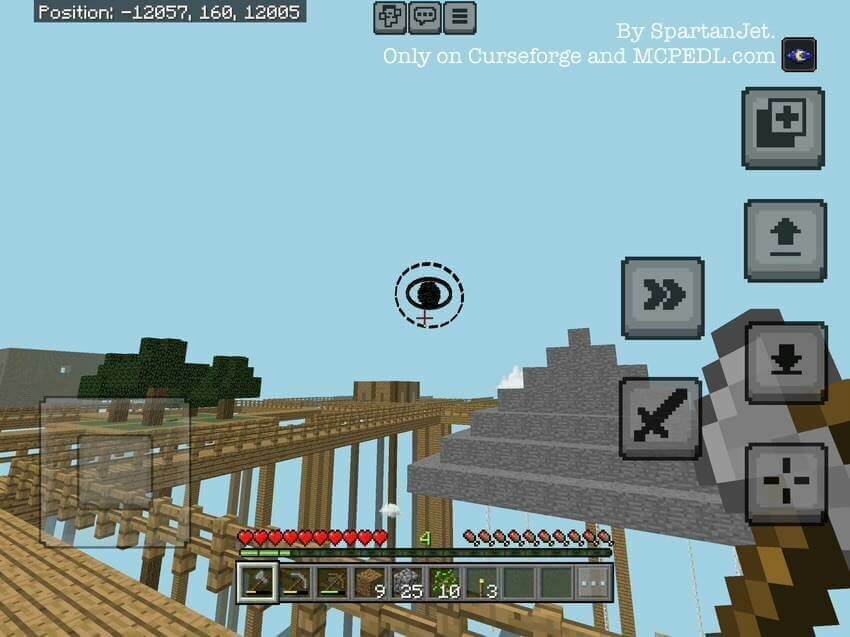
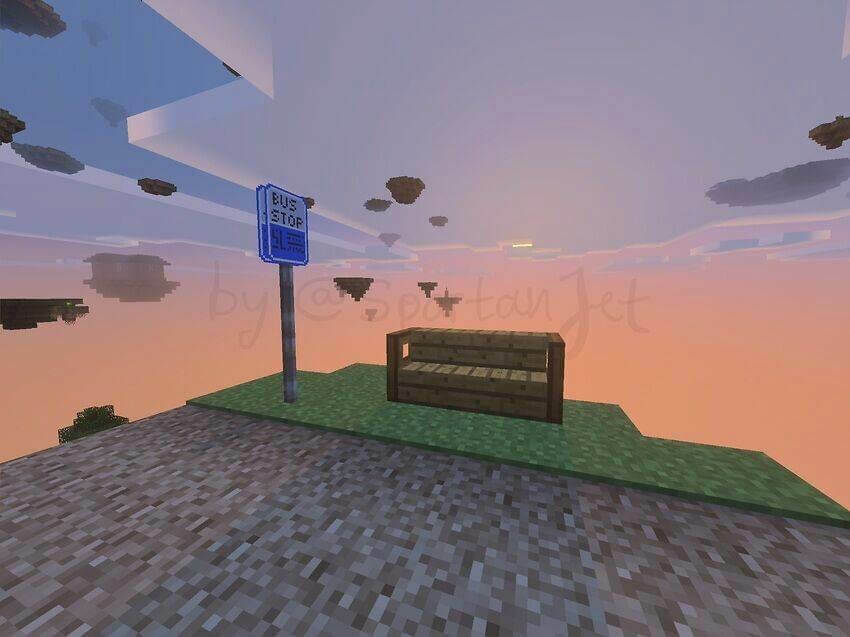
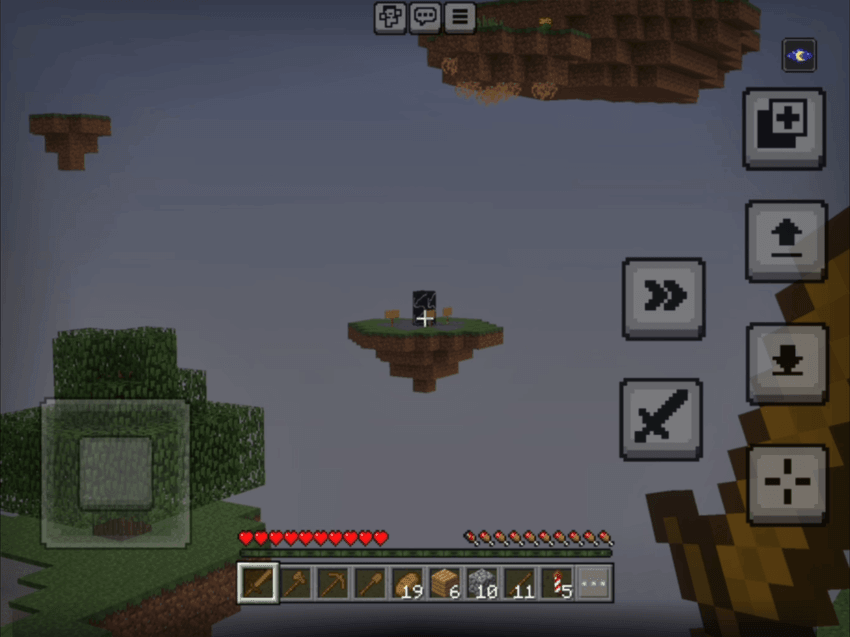
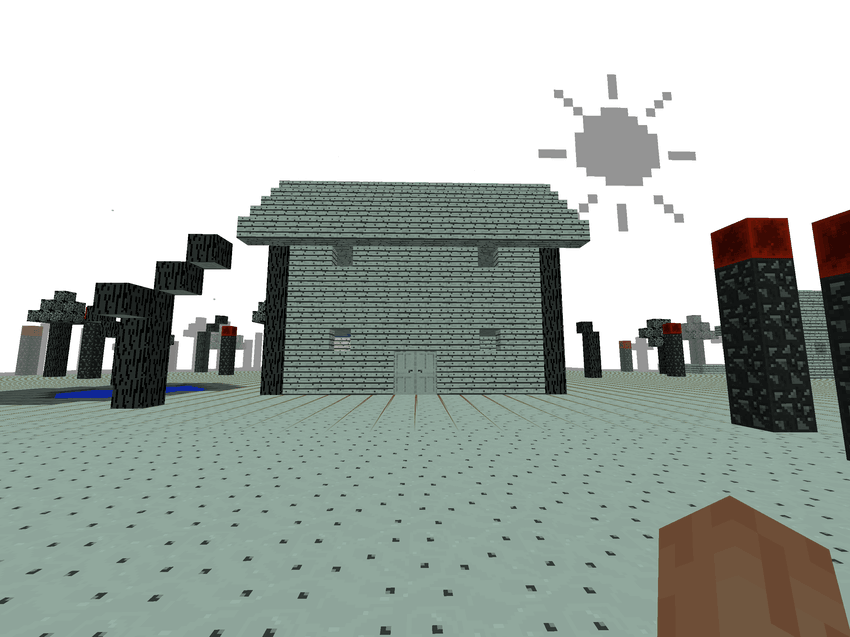
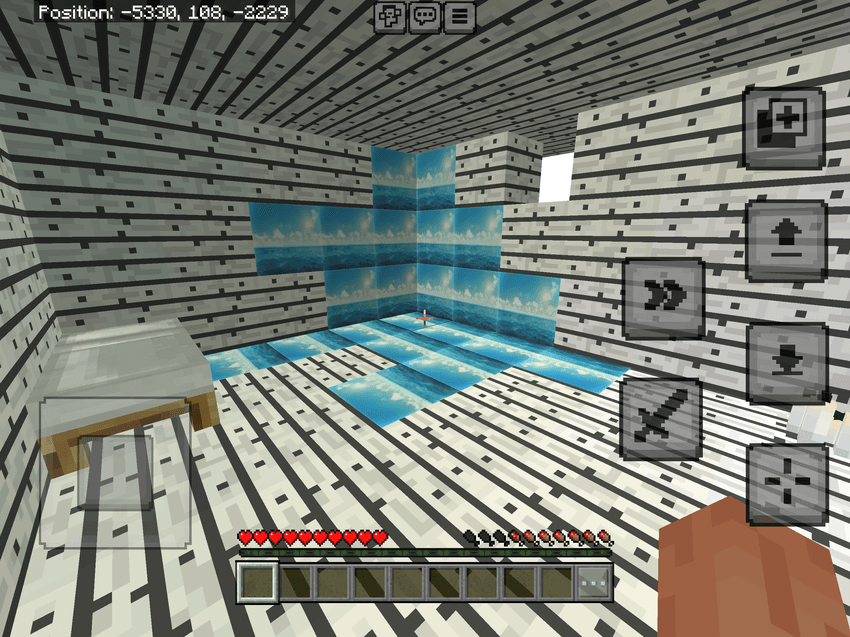
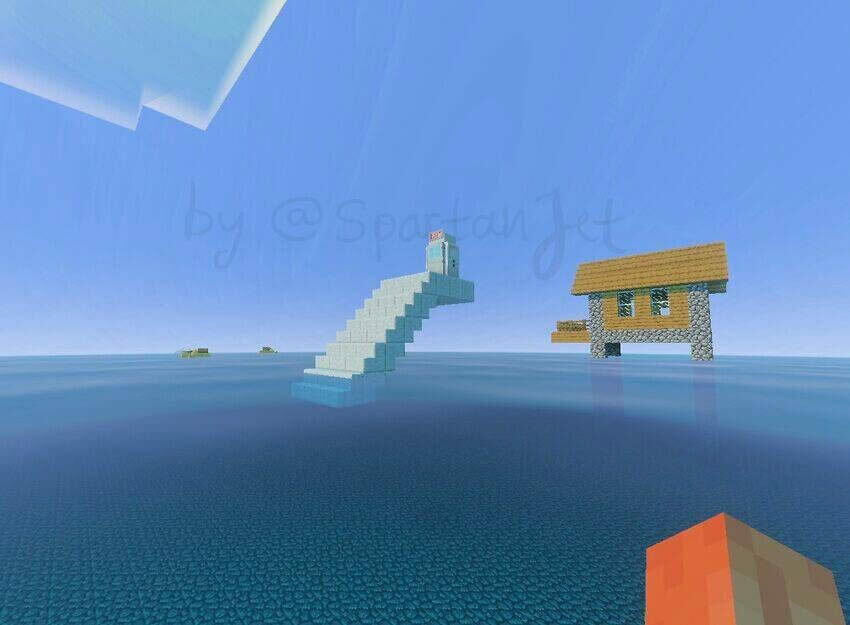
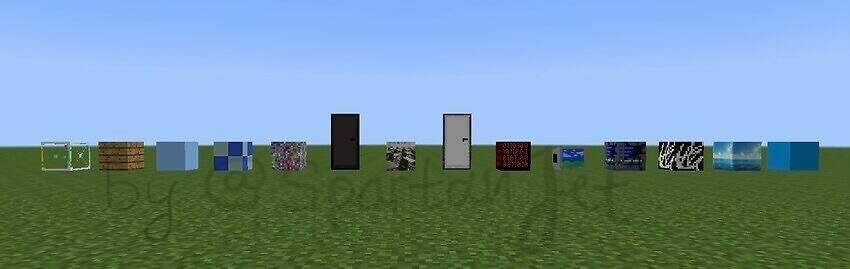
The locations range from suspended wooden rooms to strange public interiors, floating land and distorted landscapes. Update 0.5 introduces six new levels, sublevels, phases after repeated escapes and events in the Overworld. Version 0.5.1 fixes level-four generation. Rare exits may return you to ordinary reality.
Experimental toggles are not needed. If the large locations run slowly, reduce render distance and graphics settings. Explore with a backup of any existing world you want to keep.
Repeated escapes affect the encounter rather than simply resetting it. The updated progression includes phases and events outside the dimension, so returning to the Overworld does not make every change irrelevant. Suspicious entrances, false exits and different sublevels are intended to be investigated through their surroundings.
For Minecraft 26.50
How to install the add-on
Download the .mcaddon or .mcpack file, open it with Minecraft and wait for the import to finish. Then enable the resource and behavior packs in the world settings. If the add-on requires experiments, turn them on before launching the world.