Addon: PUREVFX

Author: PROMO_ADDON
Weather and surroundings
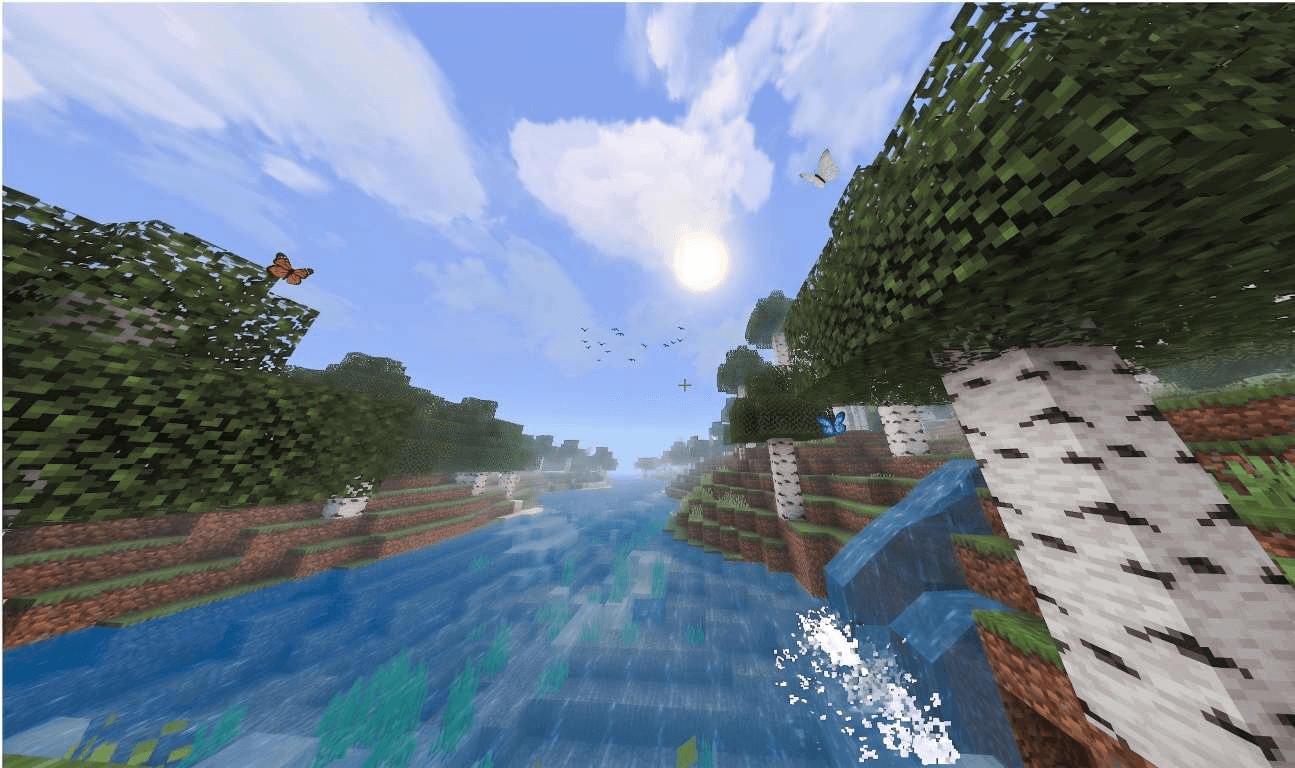
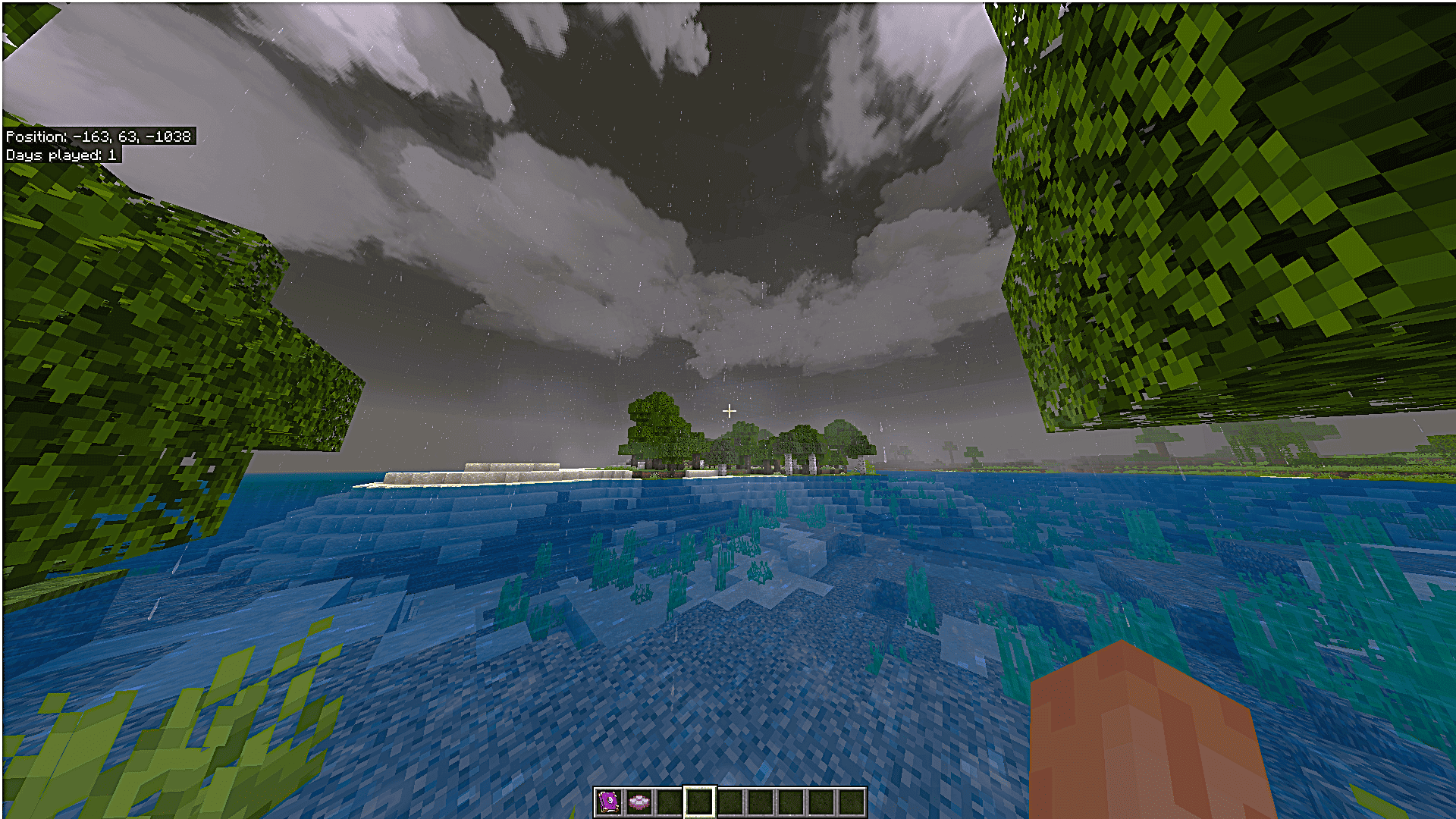
Rain, thunderstorms, snowstorms and desert sandstorms change the atmosphere of different biomes. Butterflies, fireflies, falling leaves, cold breath and footprints add small details around the player. Waterfalls produce mist, while water and lava react with splashes and particles.
Light and the sky
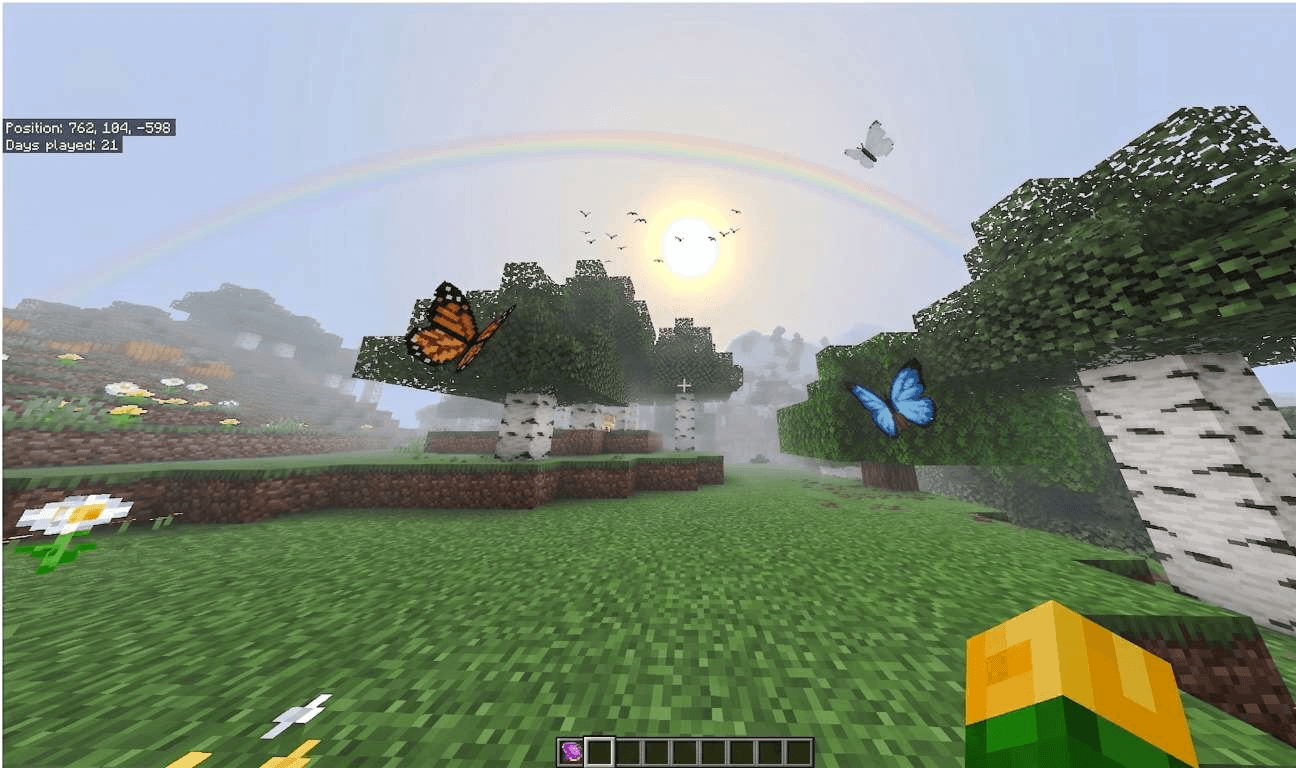
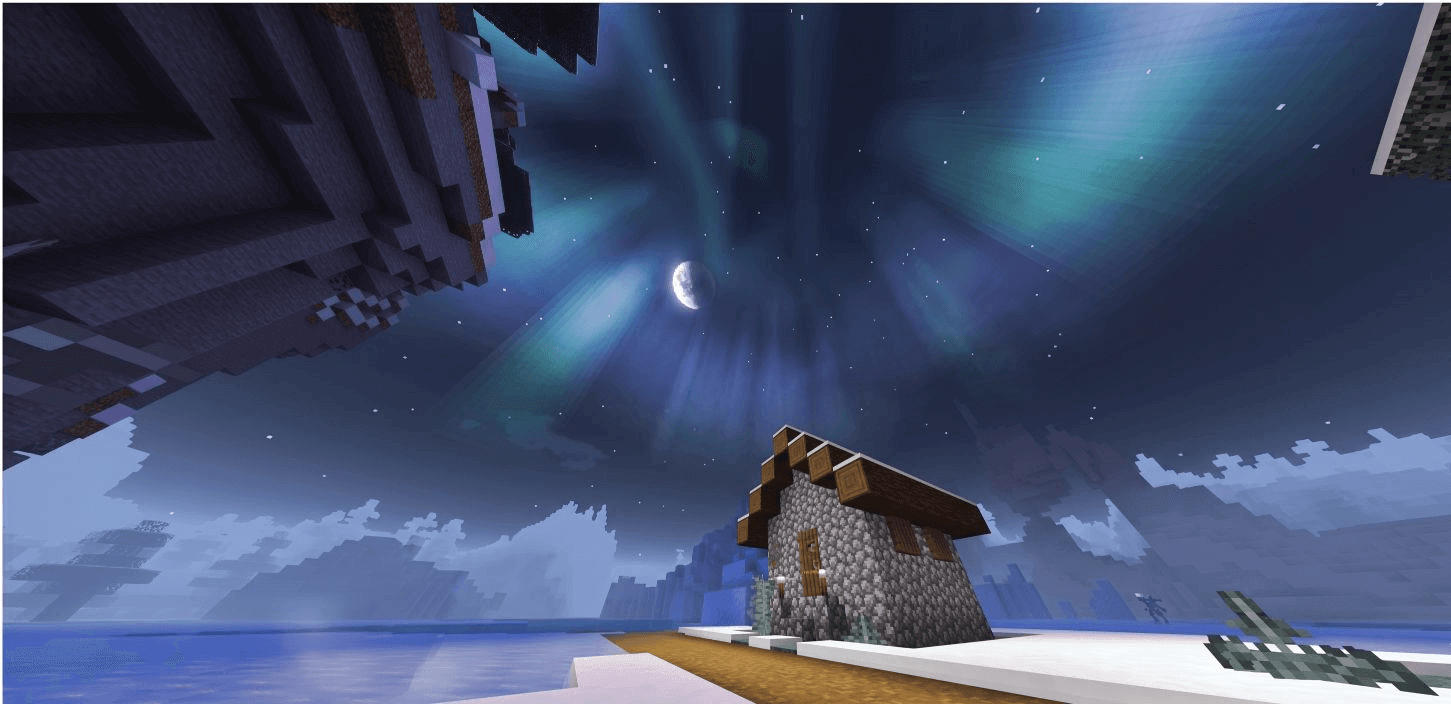
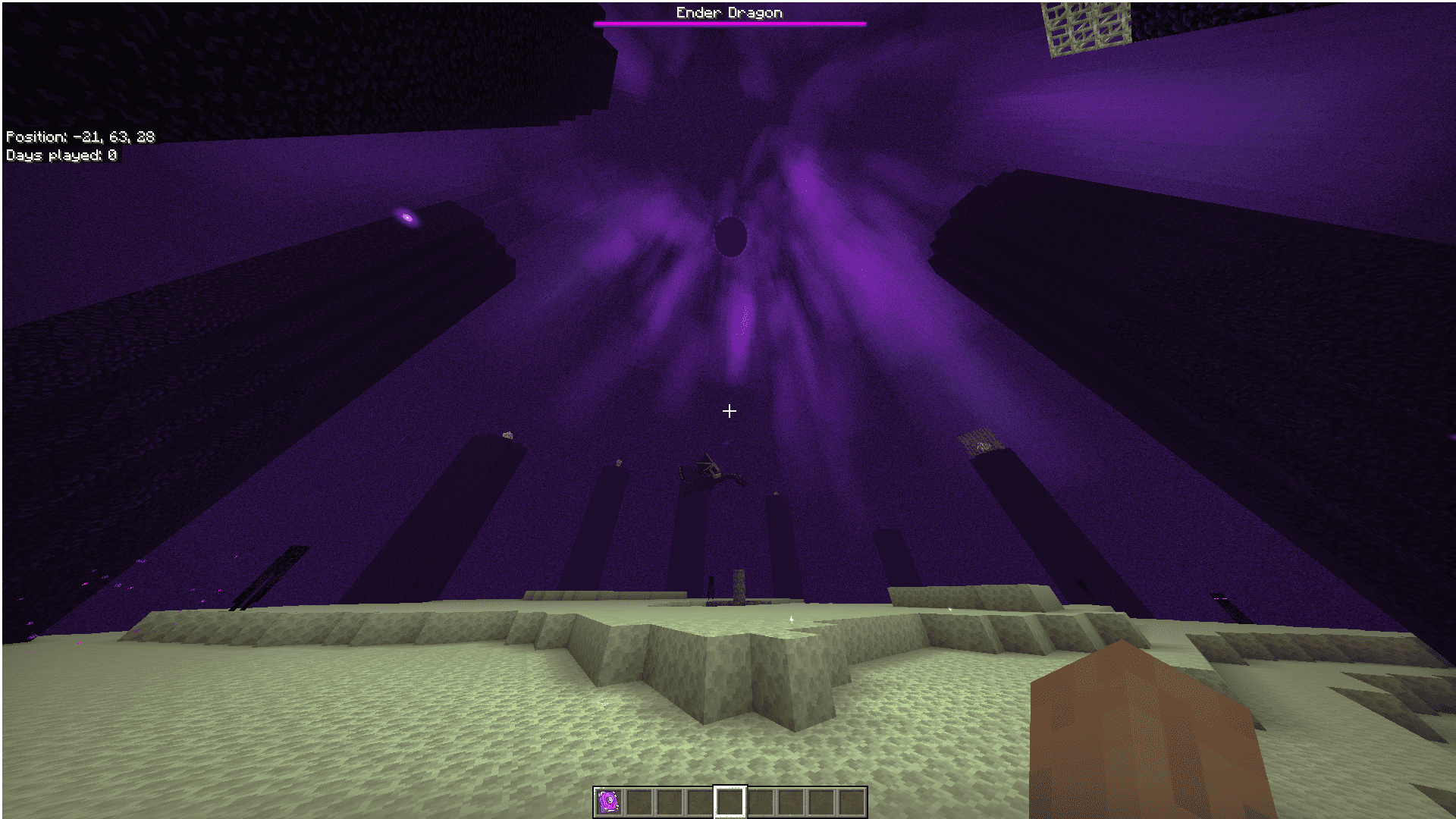
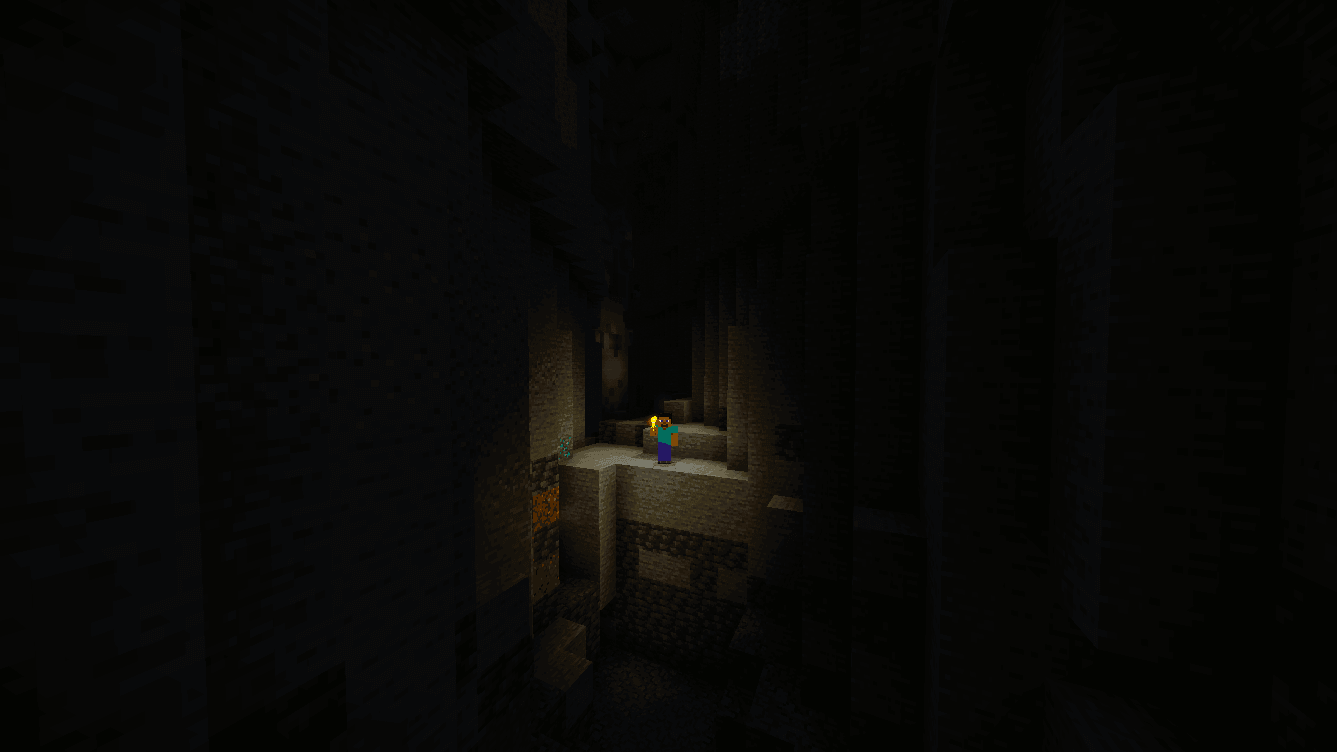
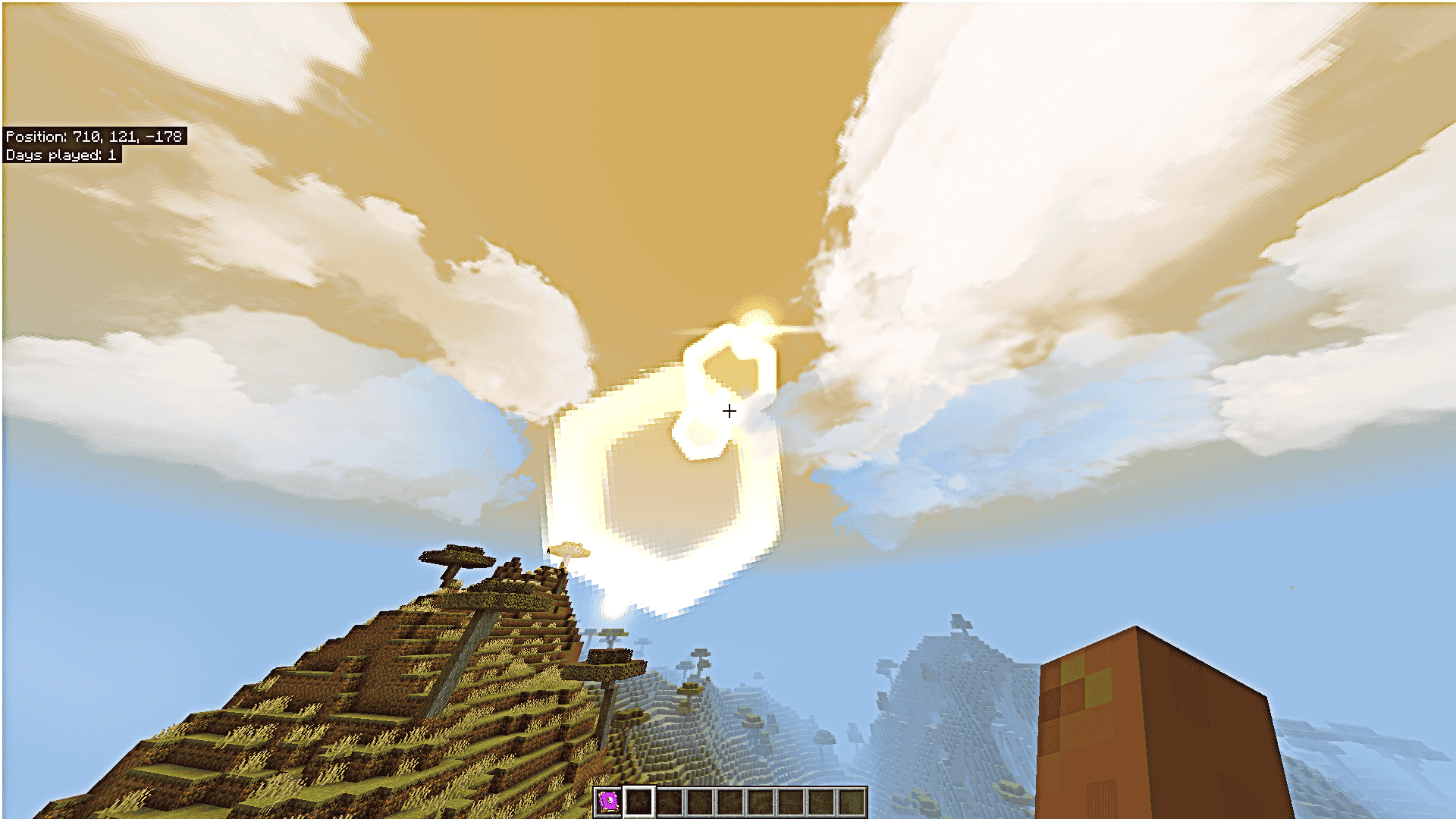
Torches and other supported light sources illuminate their surroundings when held or dropped. Glowing embers, sunlight effects and atmospheric particles complement rainbows after rain, auroras on cold nights and shooting stars. The End also receives its own ambient effects.
Combat and sound
Hits, explosions and fire gain additional visual effects. Blood effects can be switched off separately. Environmental audio covers wildlife, weather and caves, with volume controls for adjusting the soundscape.
Personal settings
Open the Settings Book to manage the Weather, Environment, Sky, Combat and Ambient Sound categories. Individual effects can be enabled or disabled, or configured through the Low, Medium, High and Realistic presets. Start with a lower preset if the extra effects make the game less comfortable to play.
Minecraft version stated by the author: 26.30
How to install the add-on
Download the .mcaddon or .mcpack file, open it with Minecraft and wait for the import to finish. Then enable the resource and behavior packs in the world settings. If the add-on requires experiments, turn them on before launching the world.