Yesterday, 23:34

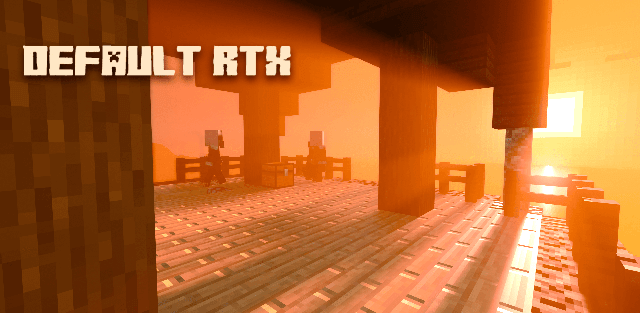
Shader: Default RTX

16
0
1
Shader: Default RTX

How to enable: This pack is intended for Windows hardware that supports Minecraft RTX. Activate the resource pack, then enable ray tracing in Video settings.

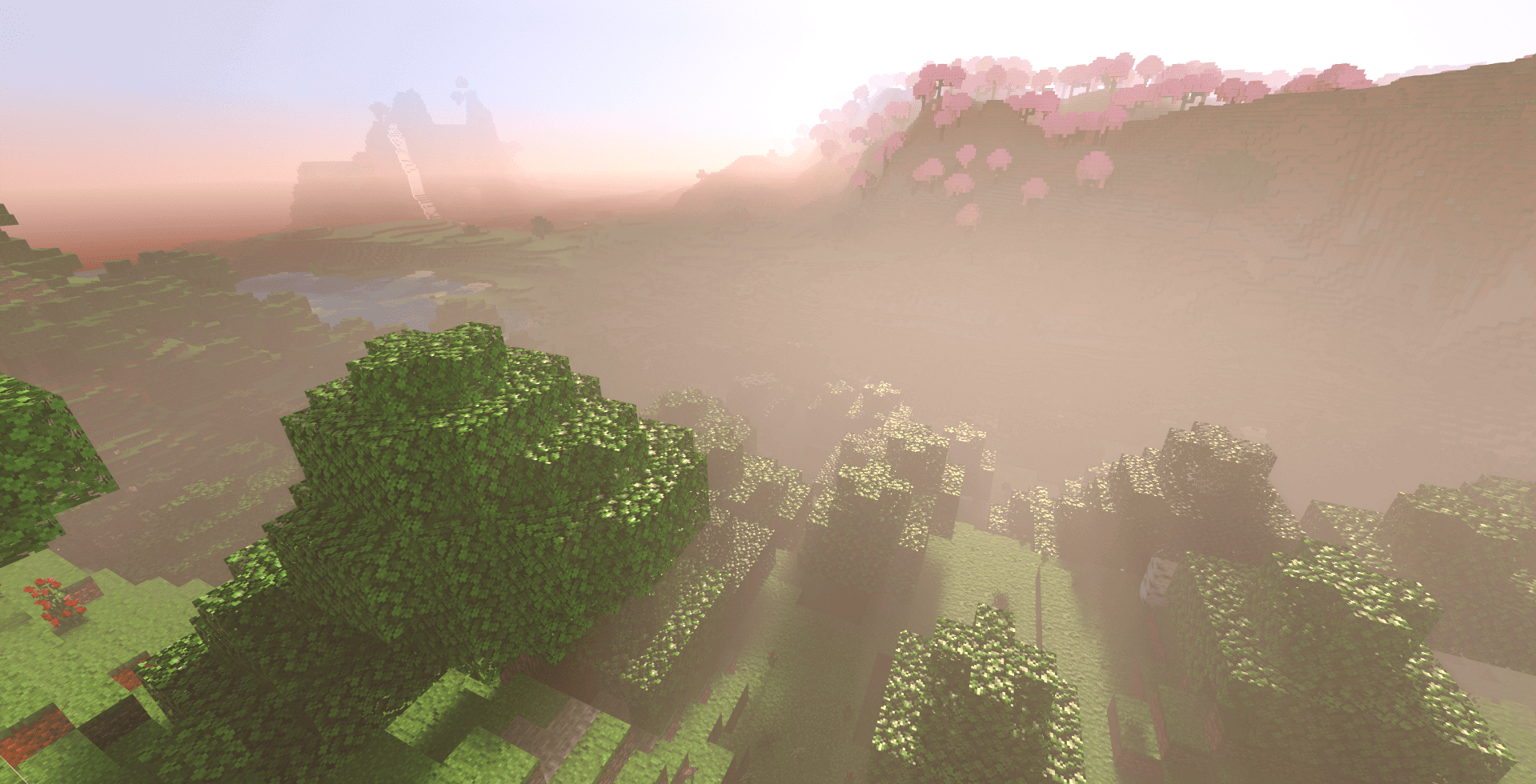
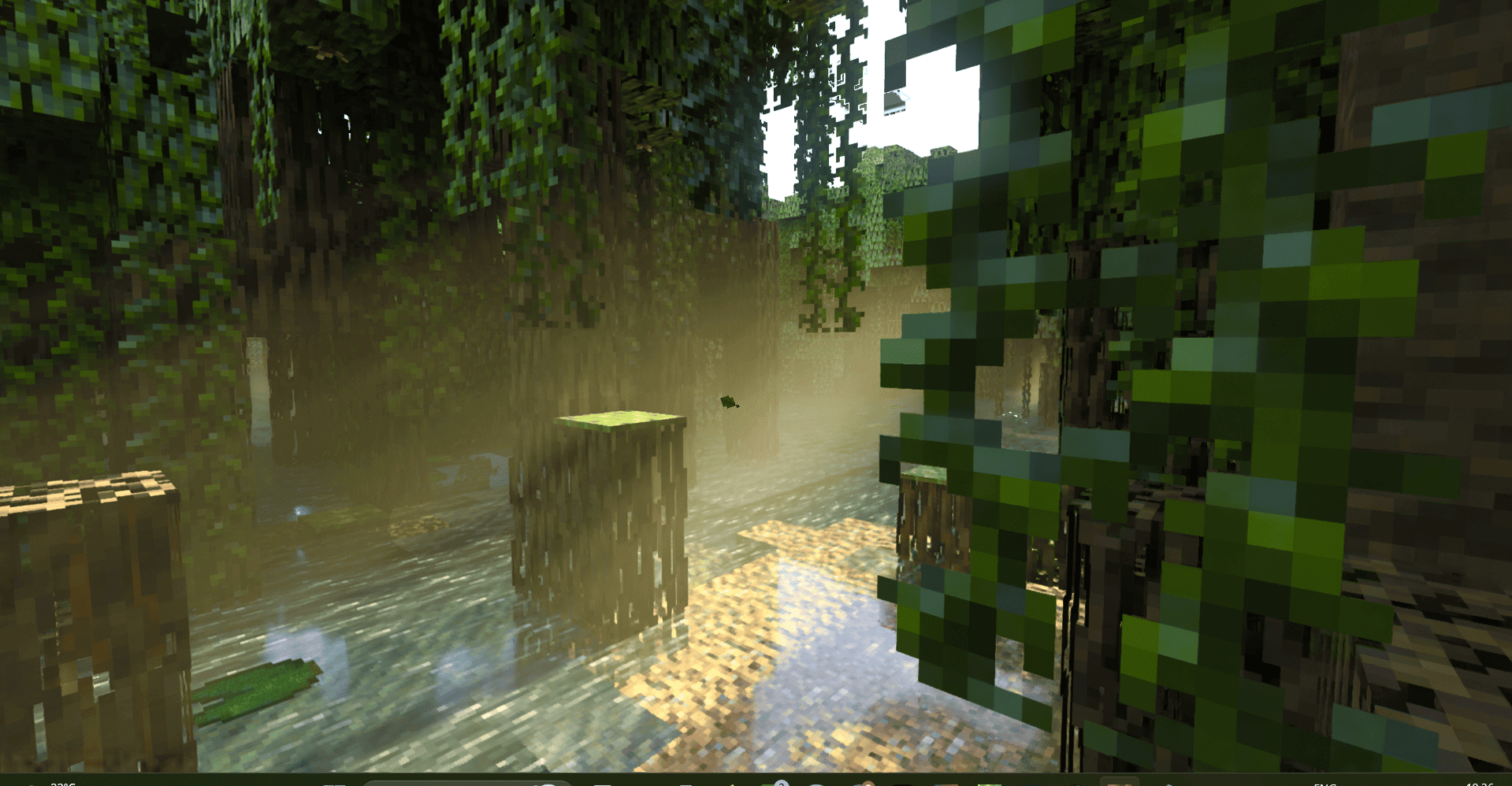
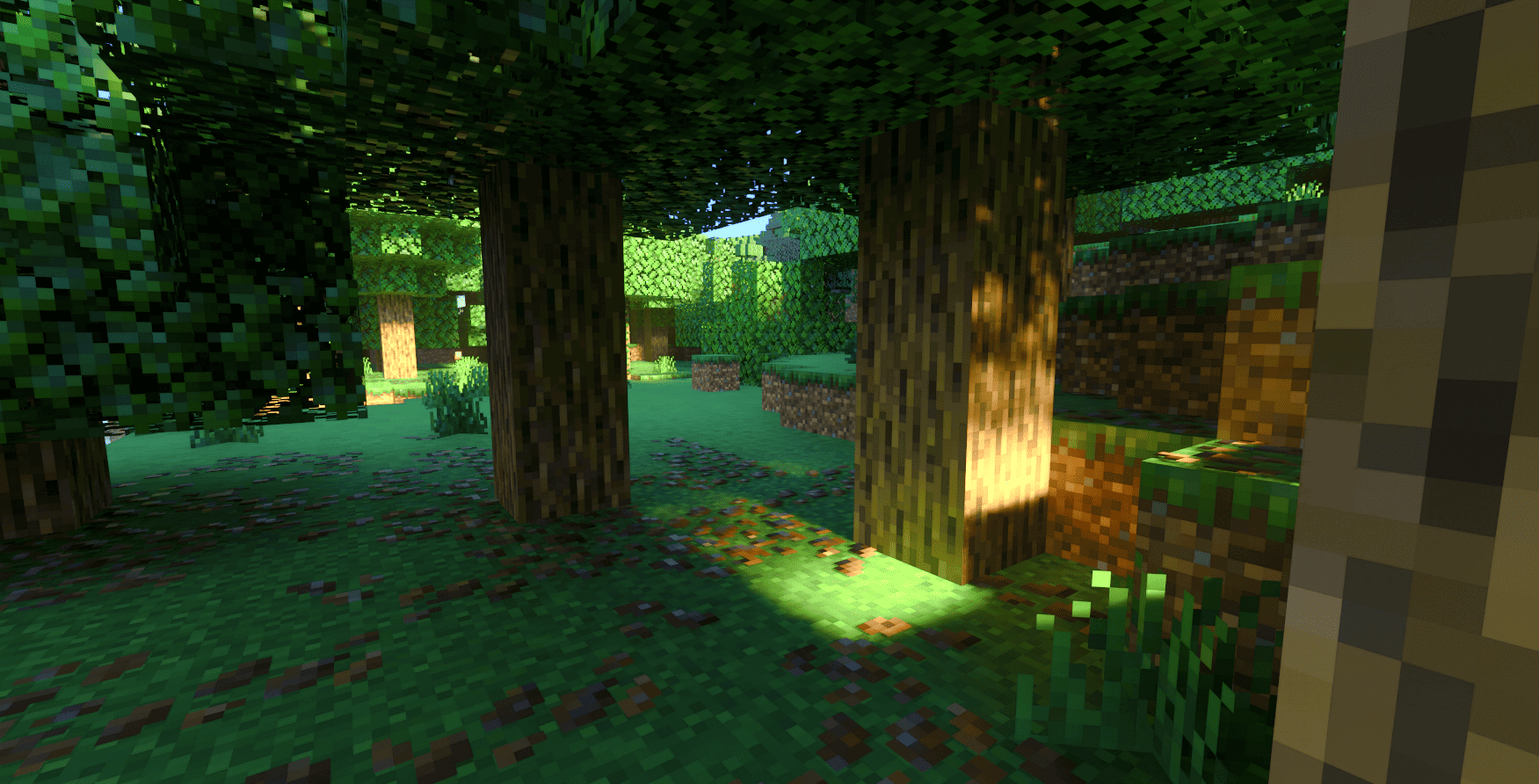
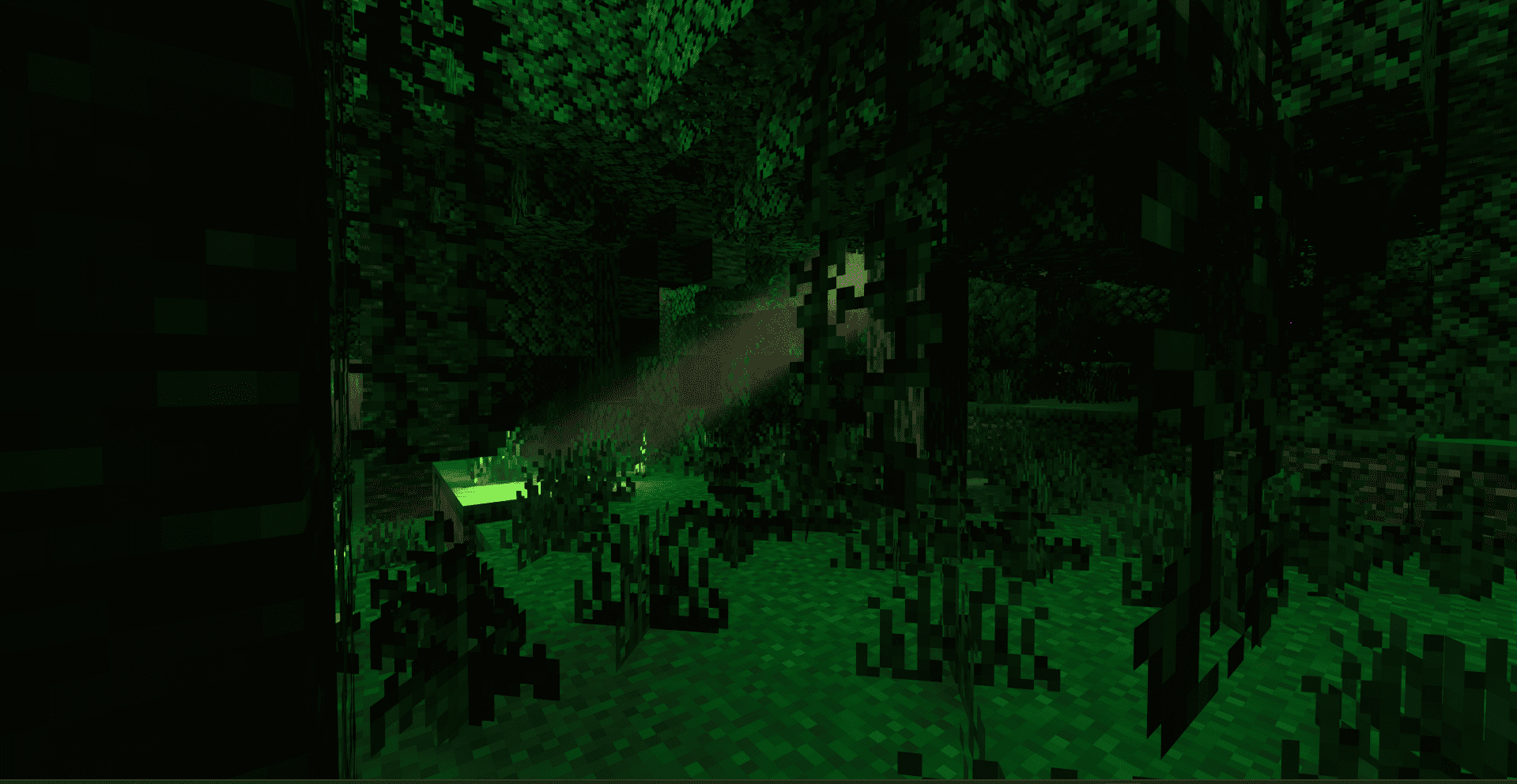
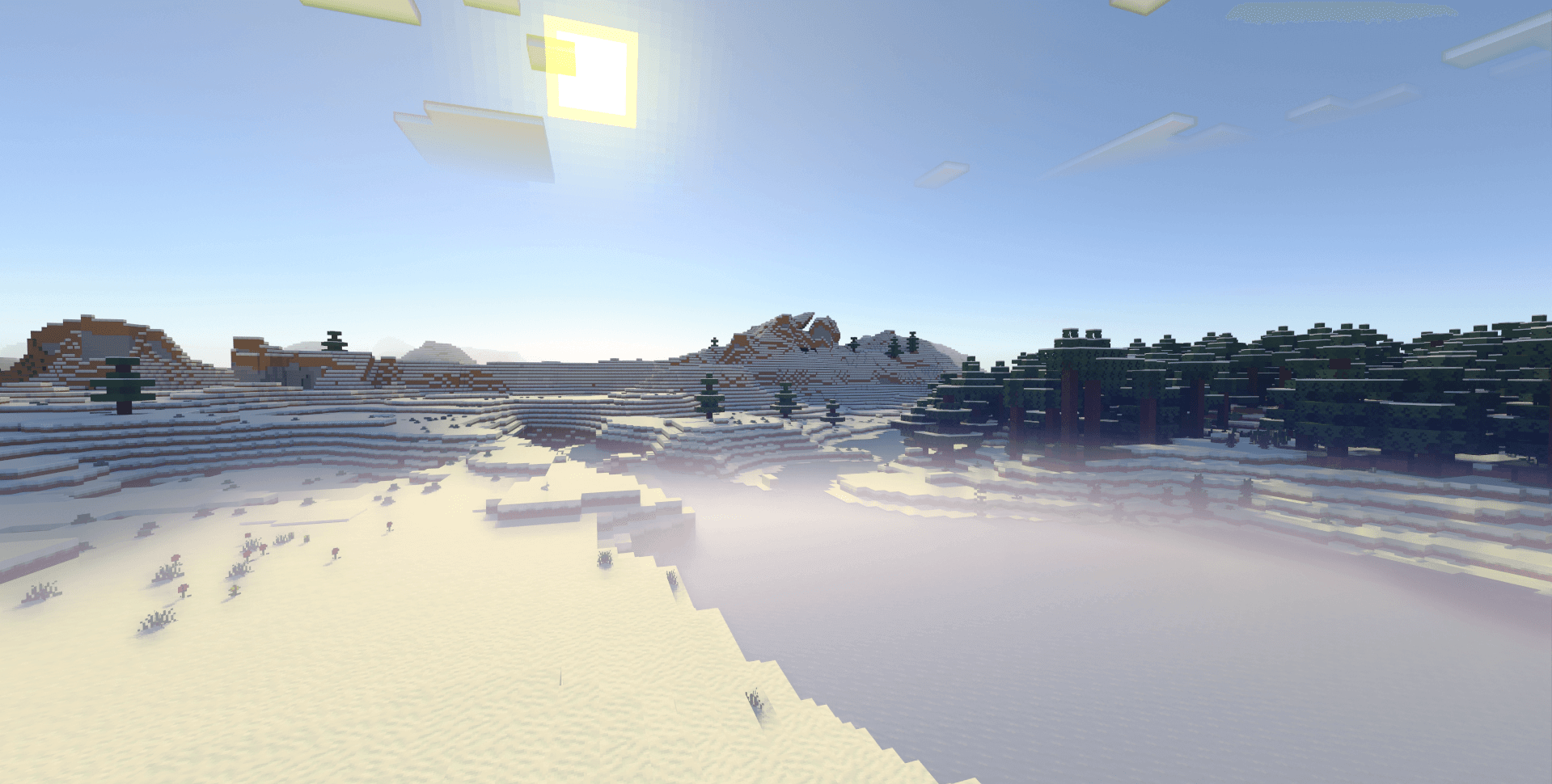
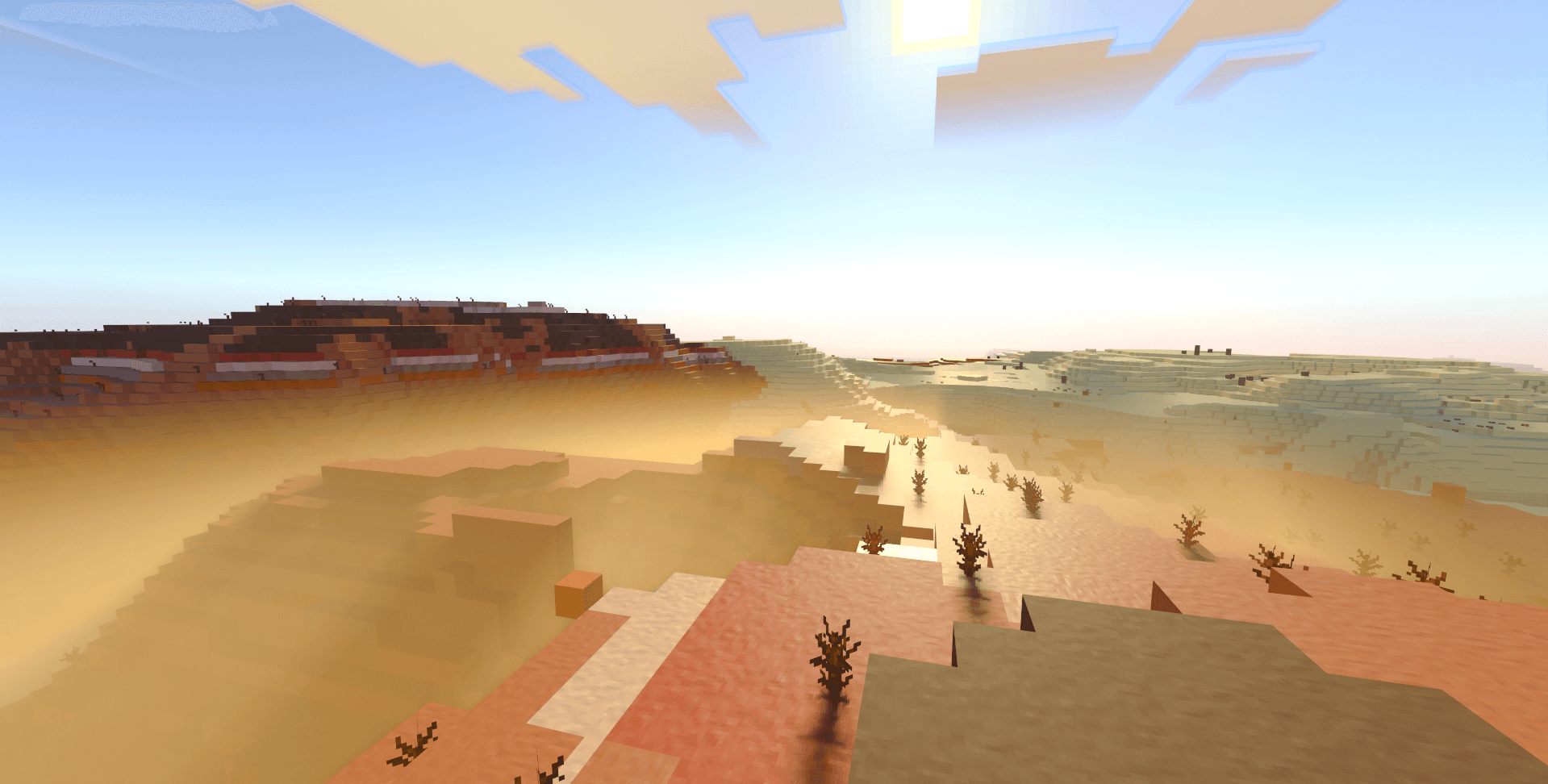
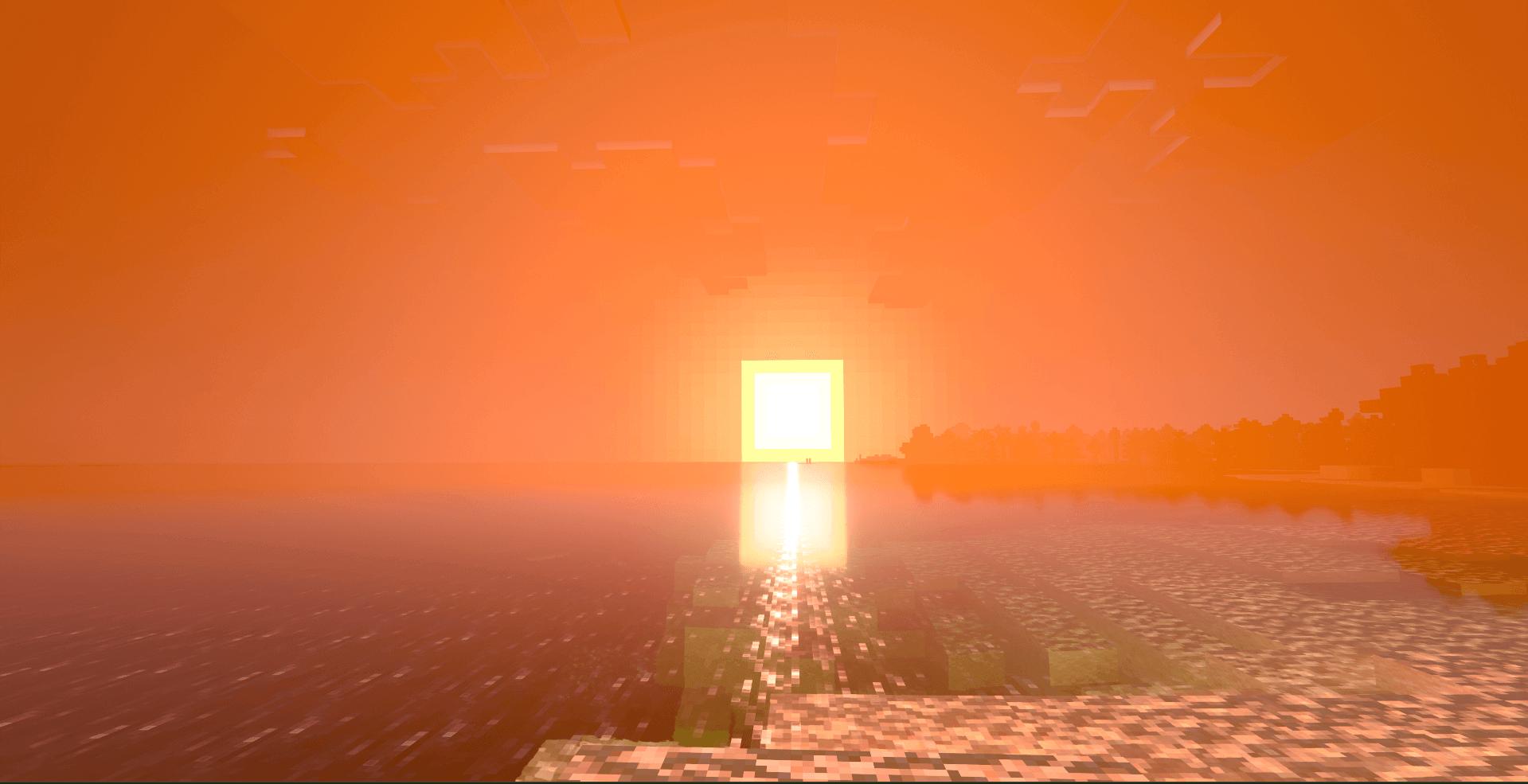
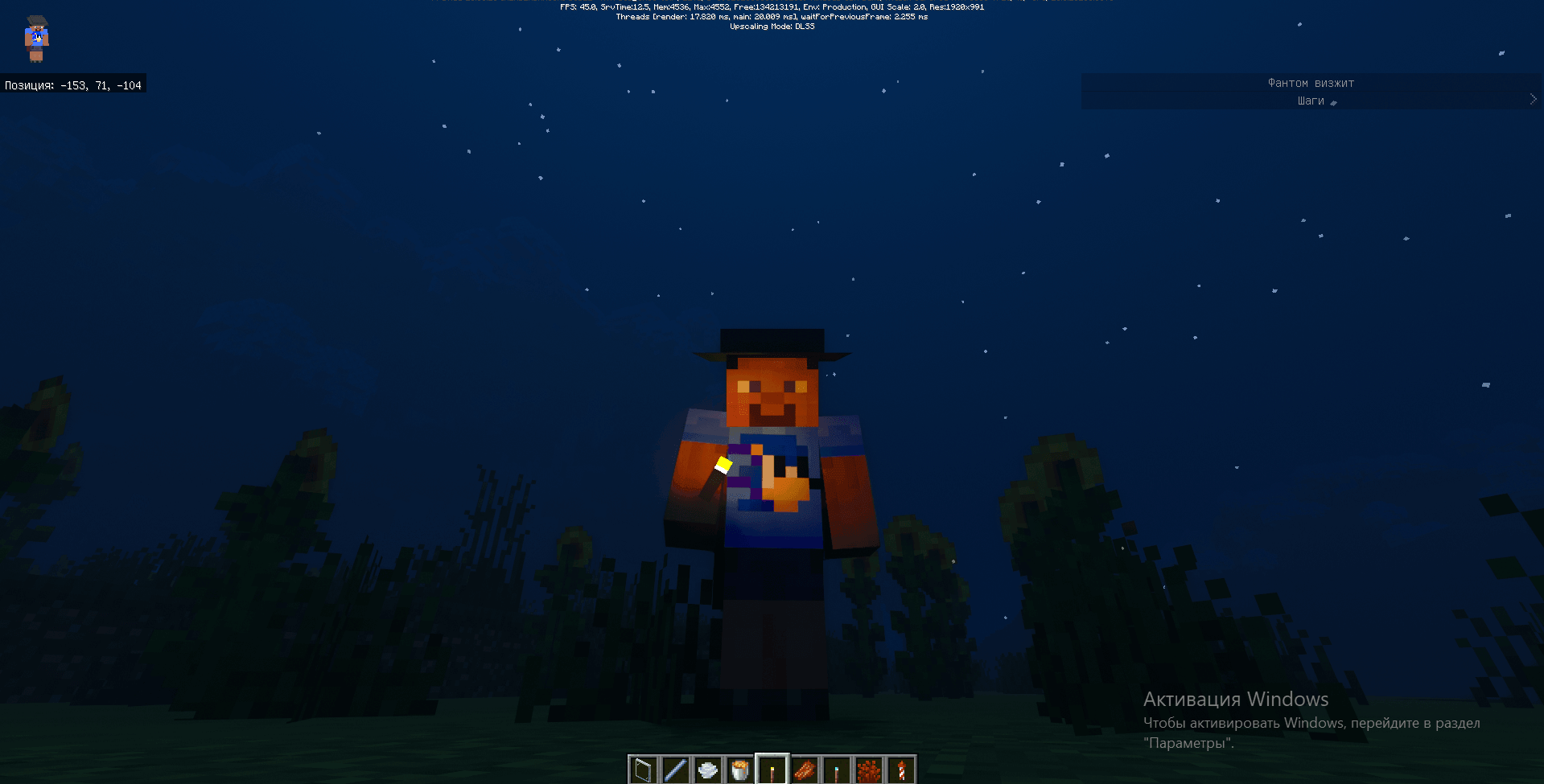
Default RTX is a third-party ray-tracing resource pack that combines vanilla textures with PBR materials, volumetric fog, and enhanced entity configurations.

Author: PawsLight.

Features

  • PBR materials for blocks
  • volumetric fog and ray-traced lighting
  • entity configurations for ray tracing
  • the familiar vanilla textures
  • fixes for visual issues in Minecraft RTX
  • support for single-player, servers, and Realms

Screenshots
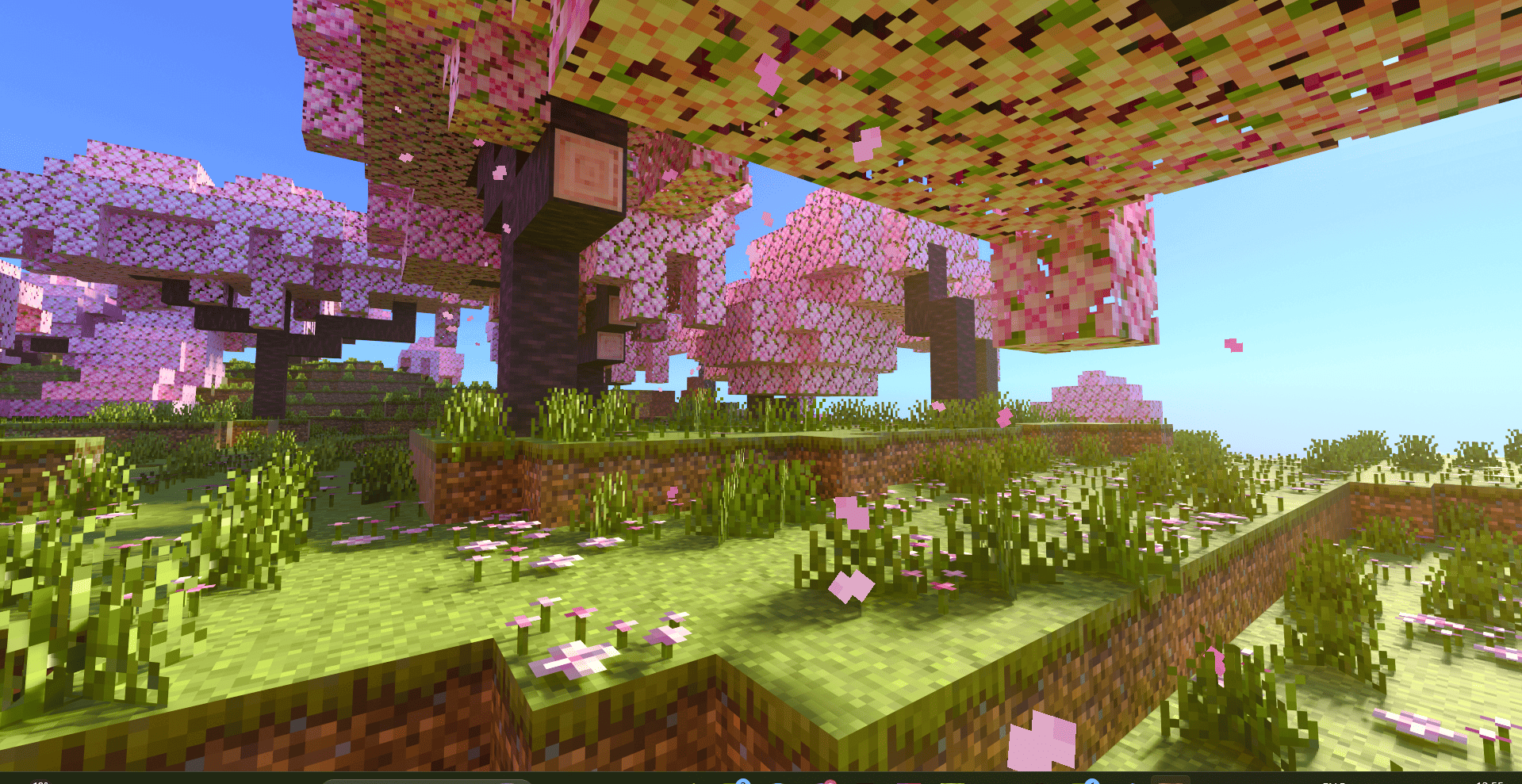
Default RTX 1

Default RTX 2

Default RTX 3

Default RTX 4

Default RTX 5

Default RTX 6

Default RTX 7

Default RTX 8

Default RTX 9

Default RTX 10


Download Default RTX (.mcpack)
Download

[3.62 Mb] Downloads: 4


How to install the shader

Download the .mcpack file, open it with Minecraft and wait for the import to finish. Enable the pack in the world's Resource Packs settings. Shader compatibility depends on the Minecraft version and graphics mode.

Supported Minecraft Versions
26.40

Author: Steve

Category: Shaders

Оставить комментарий
reload, if the code cannot be seen