Yesterday, 22:23

Shader: Luminous Dreams

36
0
1
Shader: Luminous Dreams

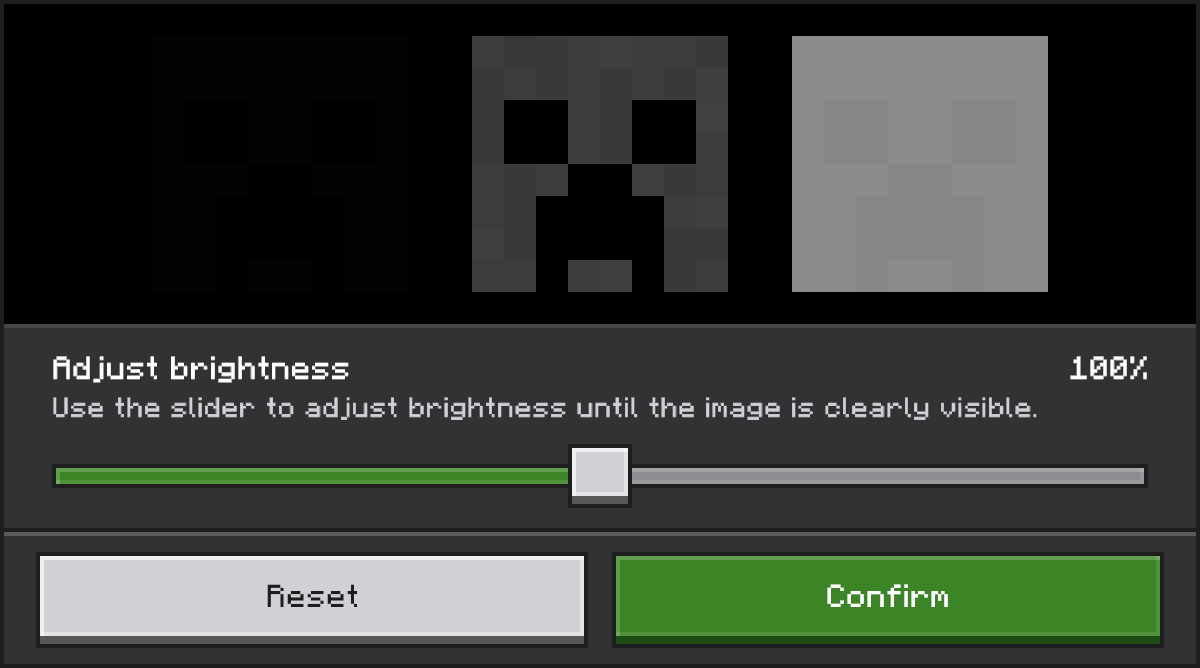
How to enable: Activate the resource pack and select the Vibrant Visuals deferred renderer. For the intended look, use the brightness setting shown below.

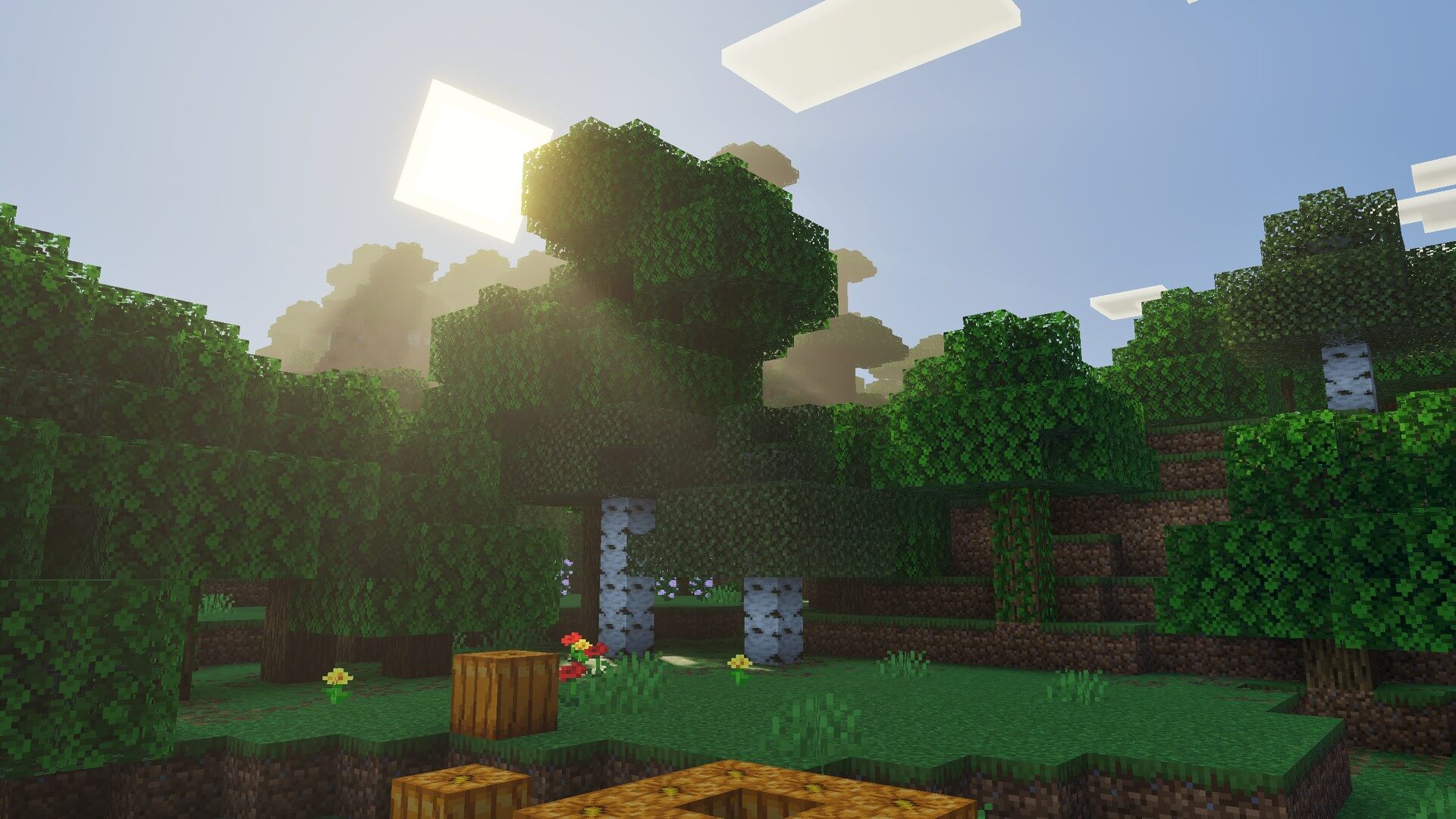
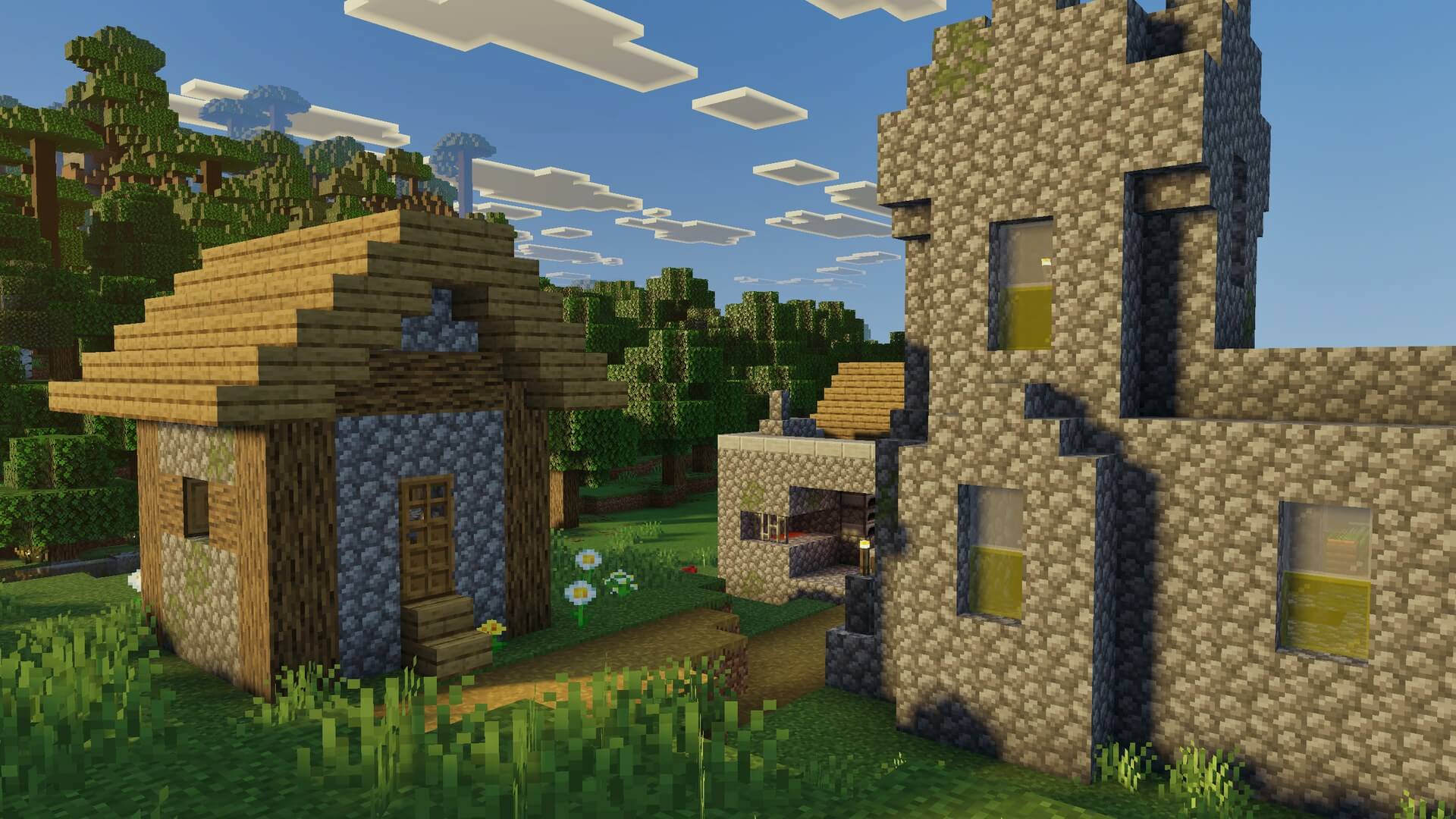
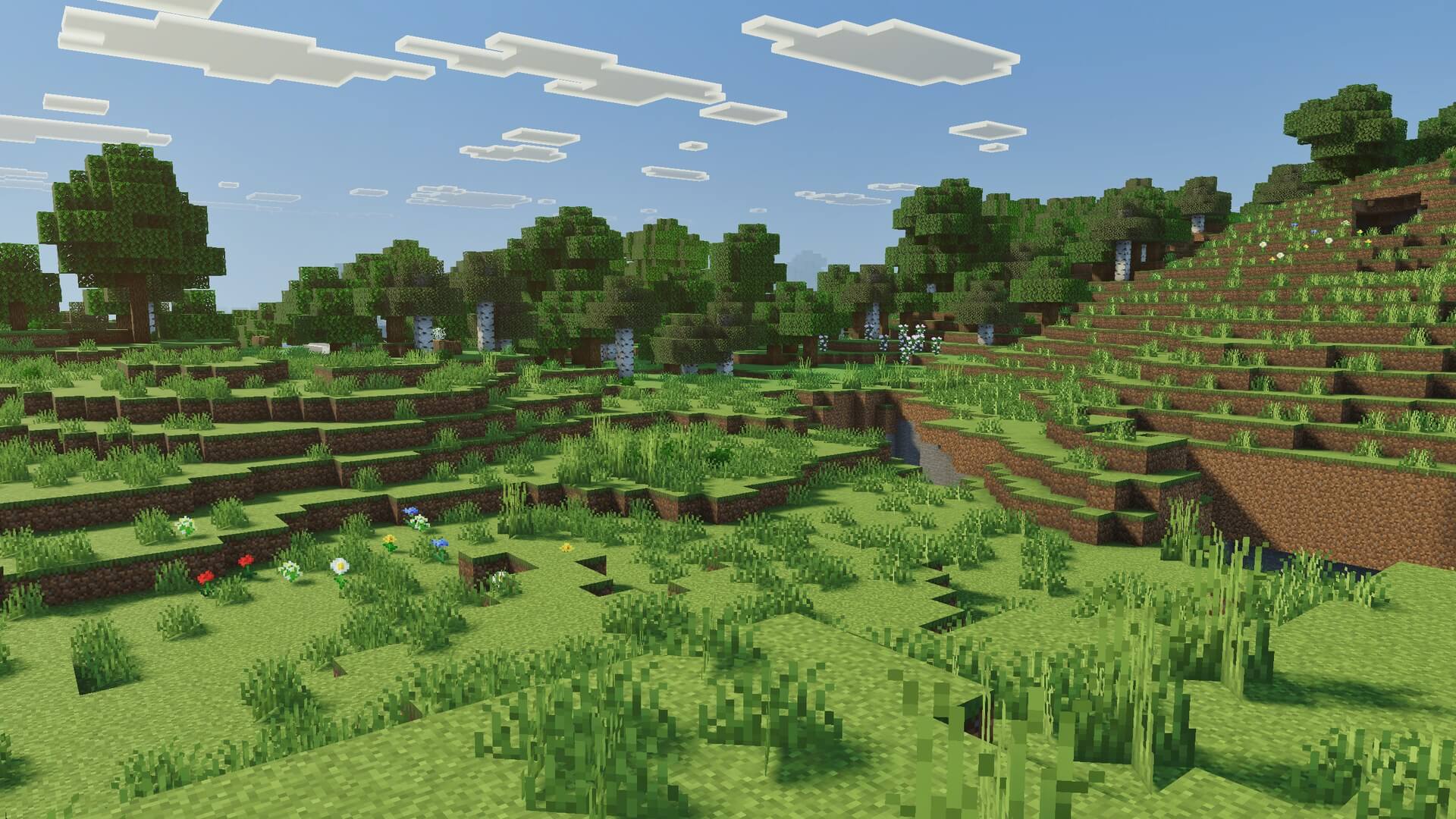
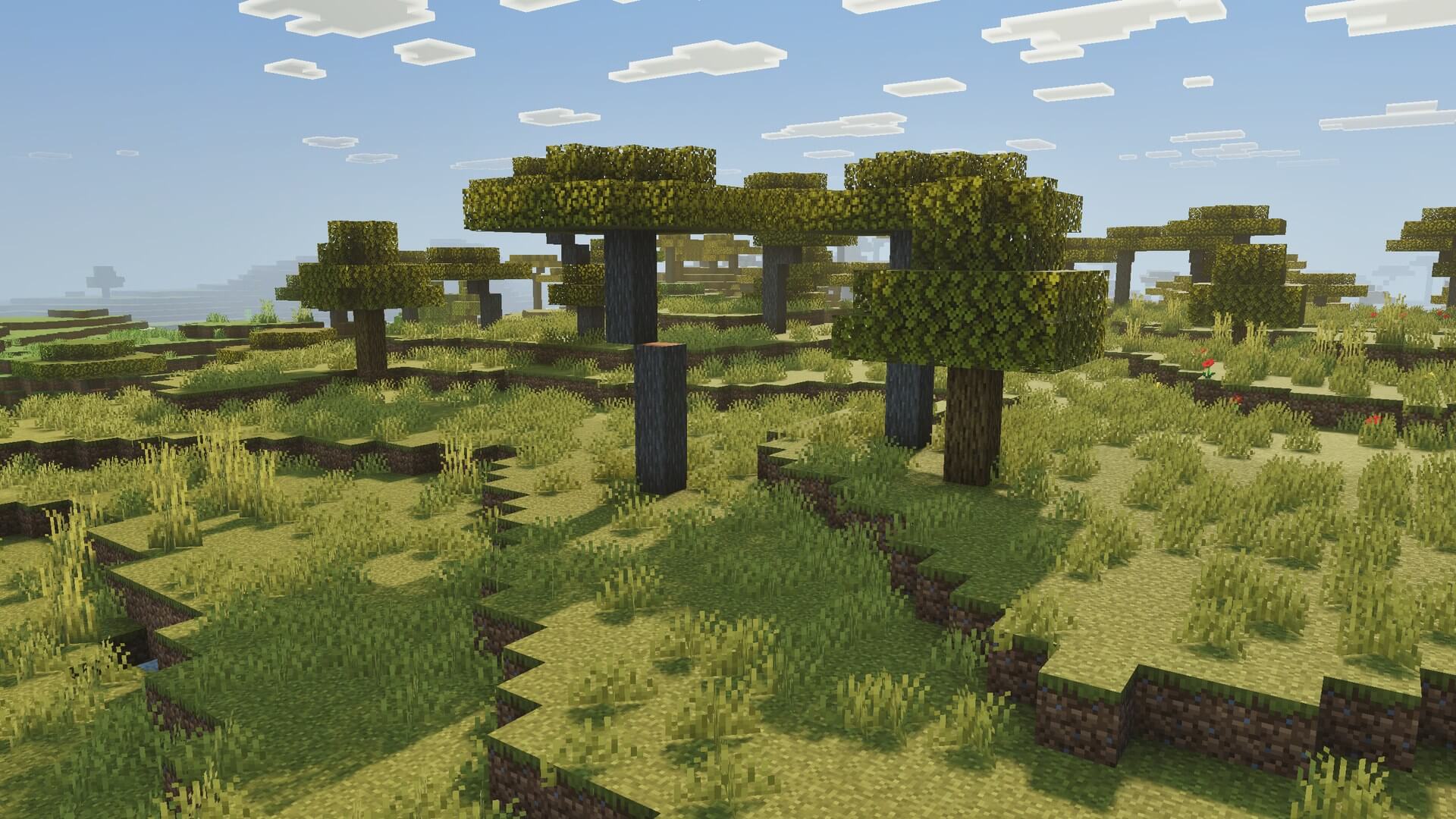
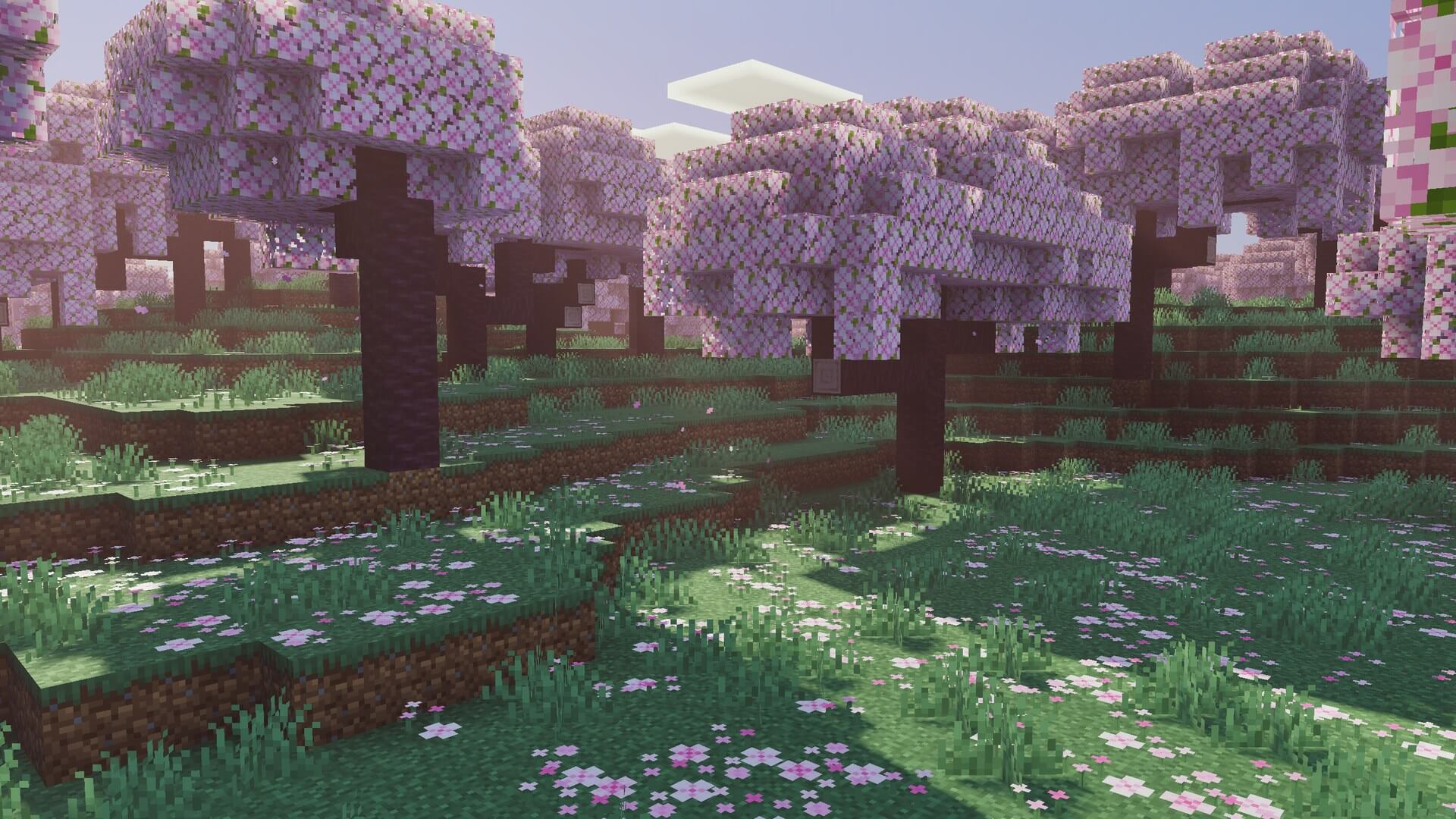
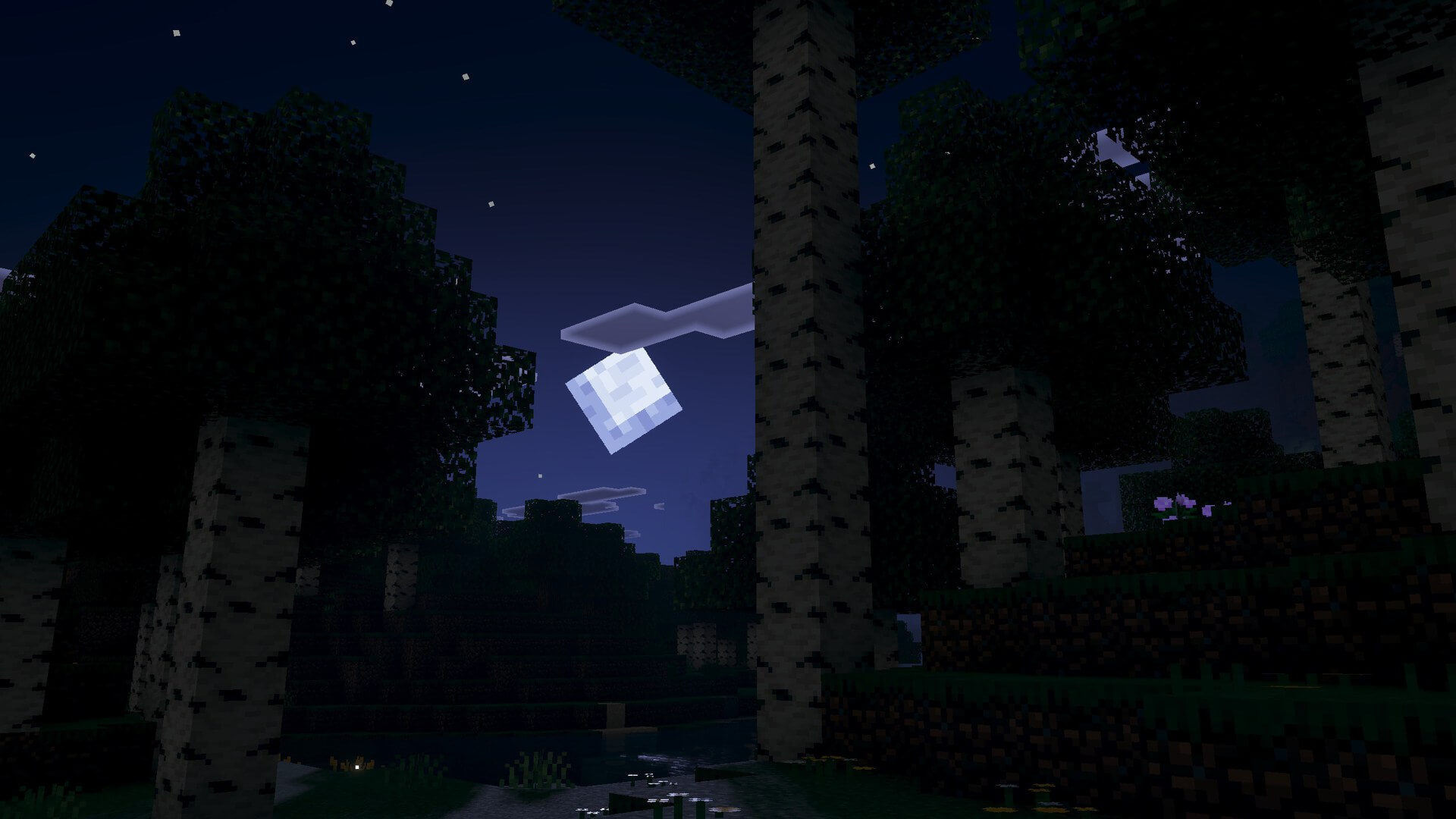
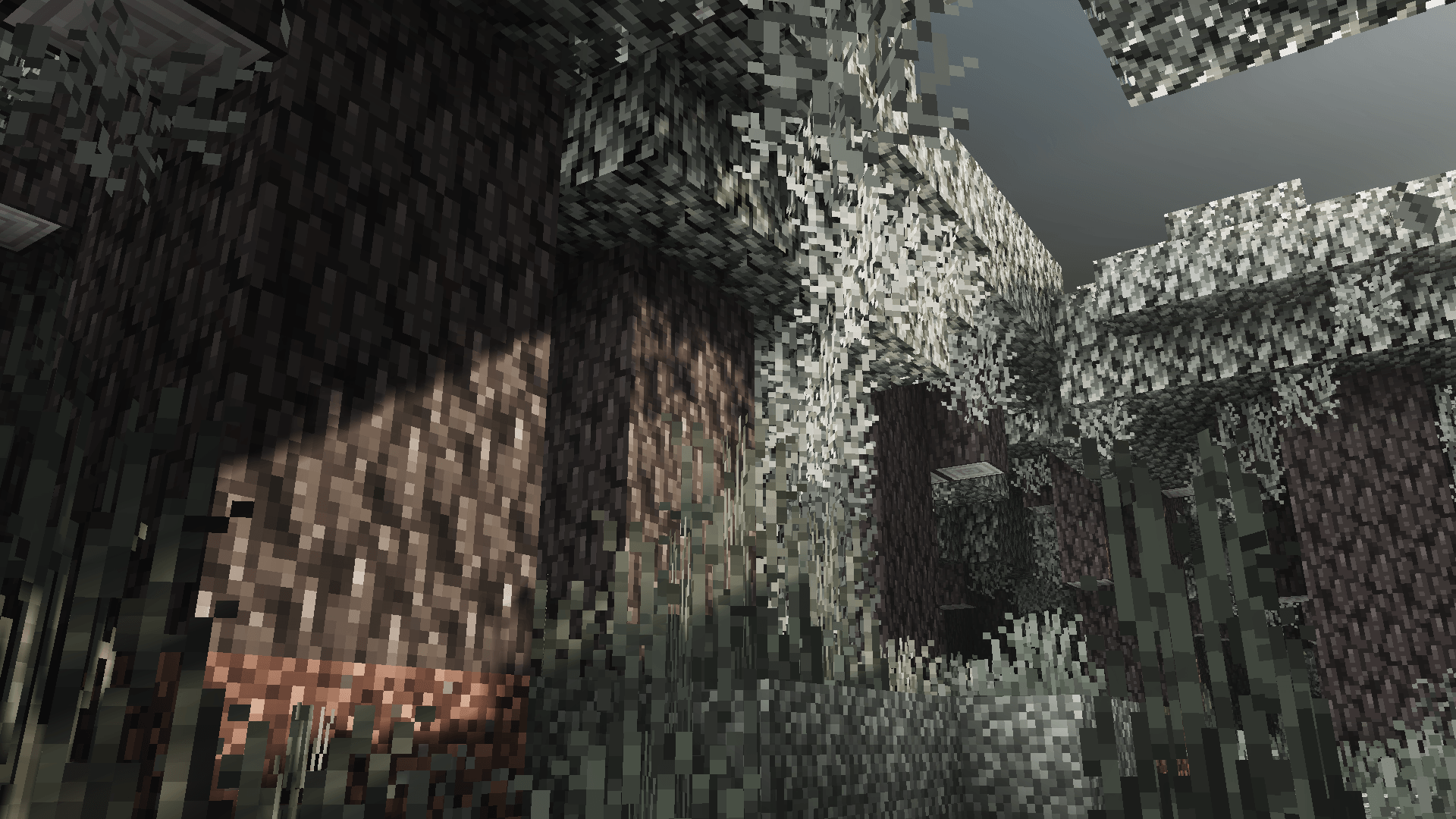
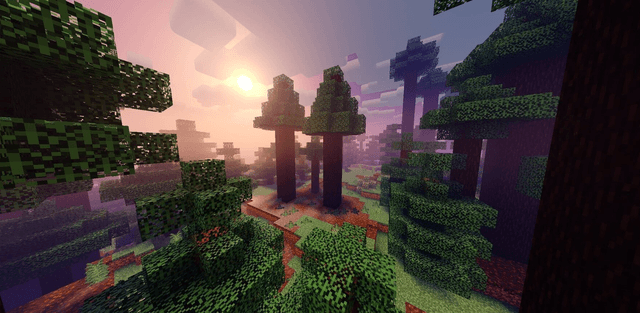
Luminous Dreams is a stylized deferred graphics pack with soft lighting, glowing atmosphere, and rich environmental detail. Instead of photorealism, it creates a warm visual identity that fits Minecraft.

Author: xxpoggyislitxx.

Features

  • soft warm lighting and a glowing atmosphere
  • expressive clouds, water, and environmental detail
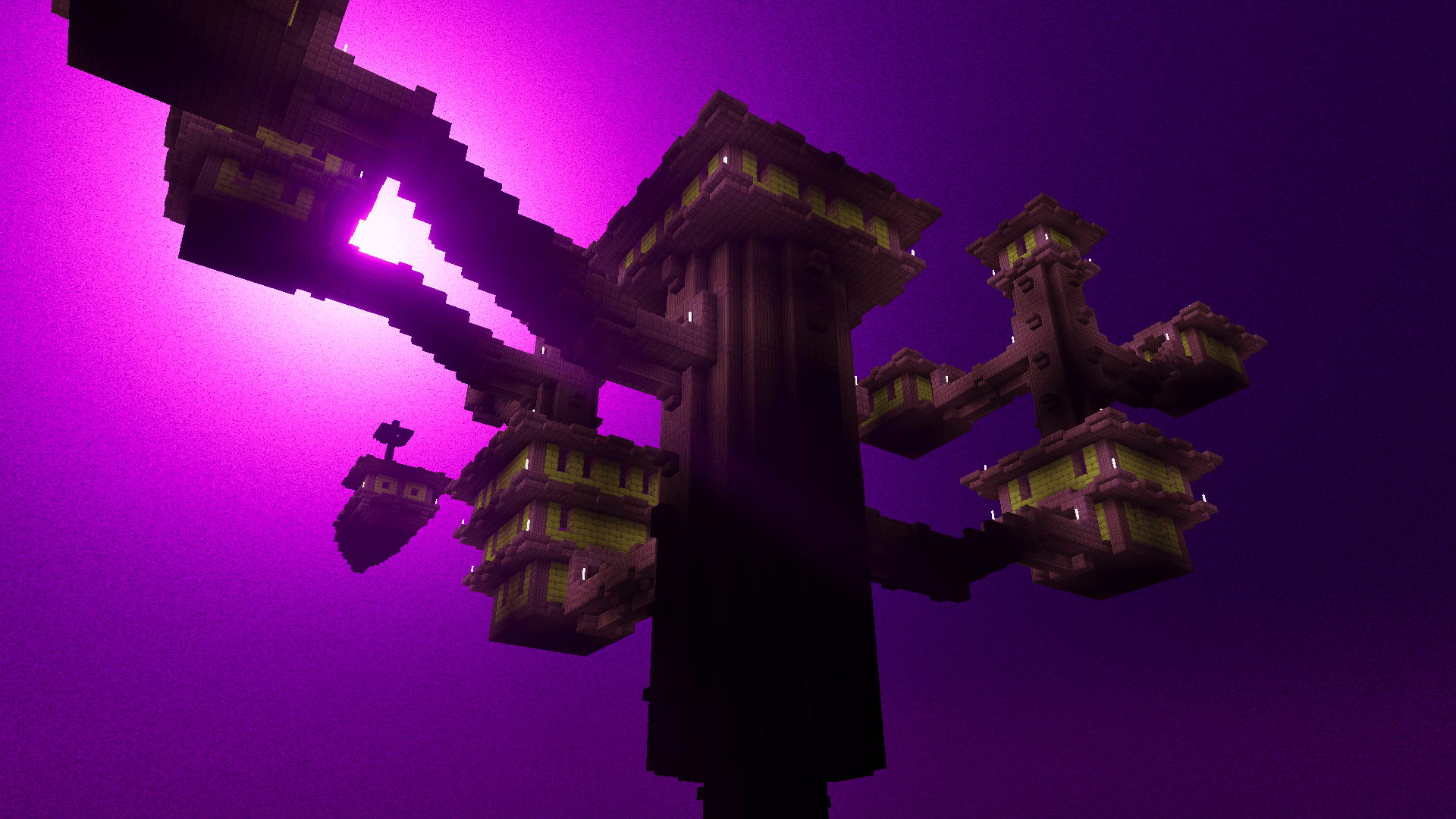
  • a corrected End sky
  • a calmer, duller Pale Garden
  • a consistent stylized look across dimensions

Screenshots
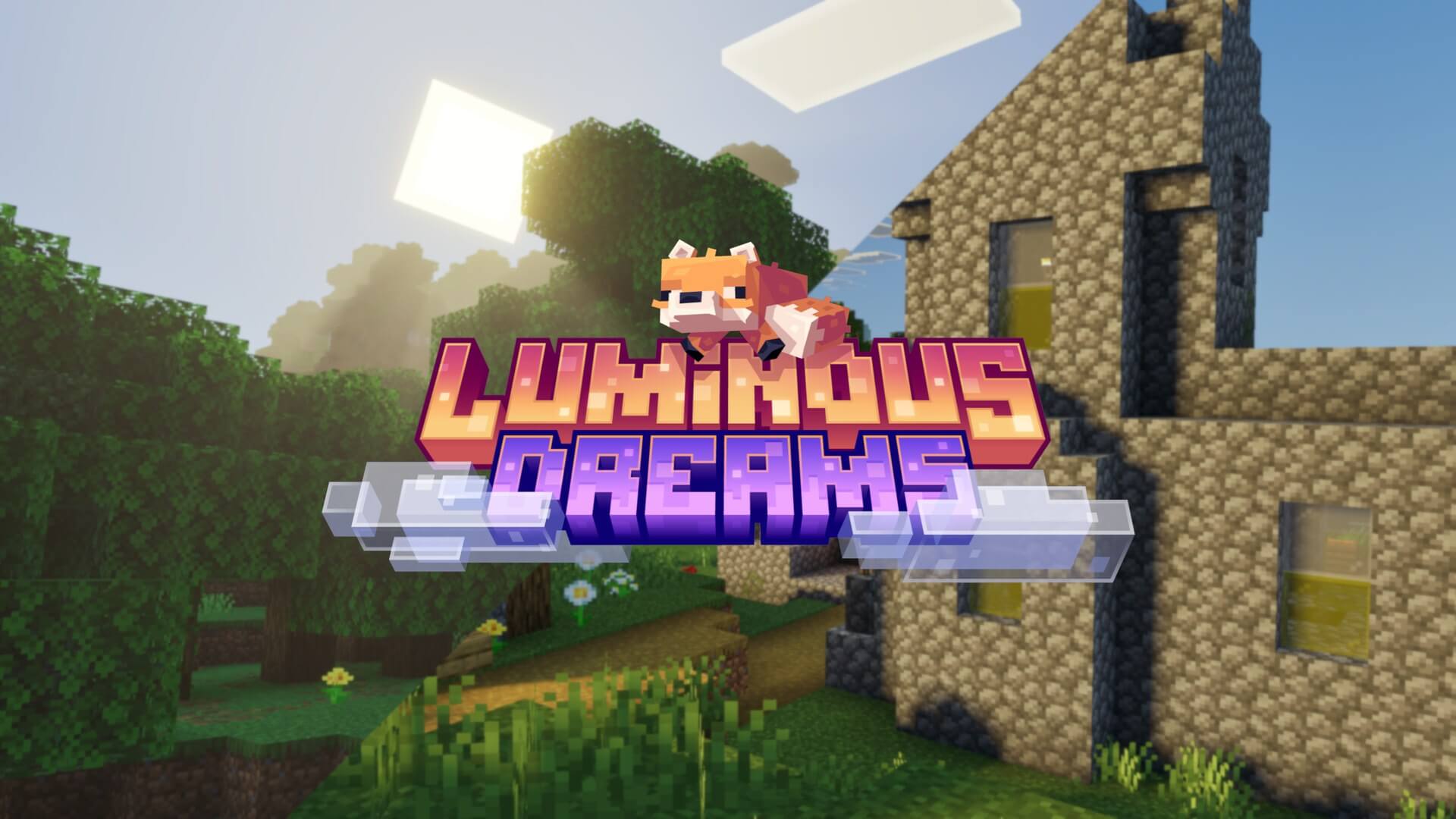
Luminous Dreams 1

Recommended brightness setting:
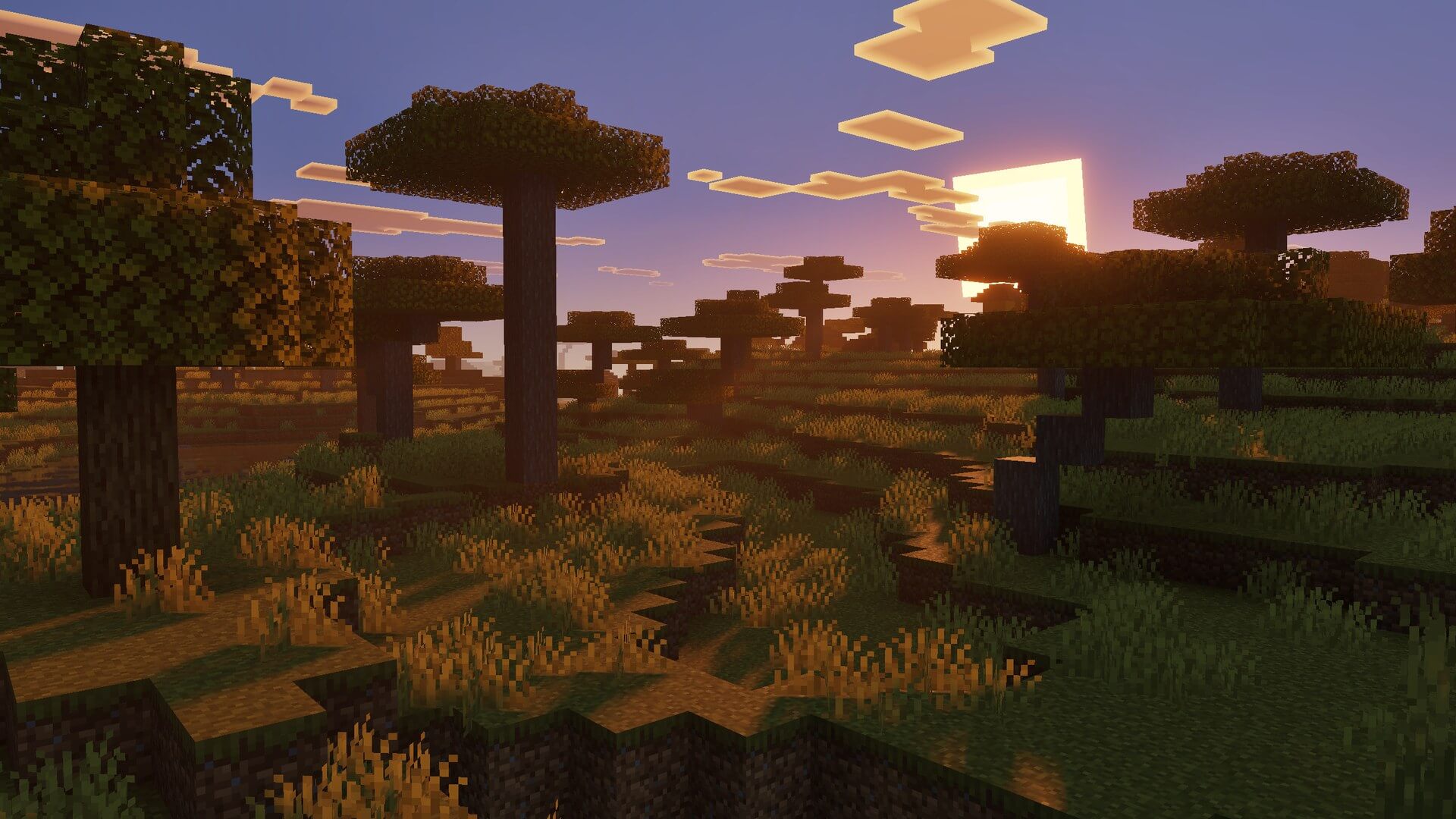
Luminous Dreams 2

Luminous Dreams 3

Luminous Dreams 4

Luminous Dreams 5

Luminous Dreams 6

Luminous Dreams 7

Luminous Dreams 8

Luminous Dreams 9

Luminous Dreams 10

Luminous Dreams 11


Download Luminous Dreams (.mcpack)
Download

[5.85 Mb] Downloads: 13


How to install the shader

Download the .mcpack file, open it with Minecraft and wait for the import to finish. Enable the pack in the world's Resource Packs settings. Shader compatibility depends on the Minecraft version and graphics mode.

Supported Minecraft Versions
26.40

Author: Steve

Category: Shaders

Оставить комментарий
reload, if the code cannot be seen