Yesterday, 23:34

Shader: BSLB Dreamy Visuals

17
0
1
Shader: BSLB Dreamy Visuals

How to enable: Activate the resource pack in the world settings and make sure Vibrant Visuals is enabled.

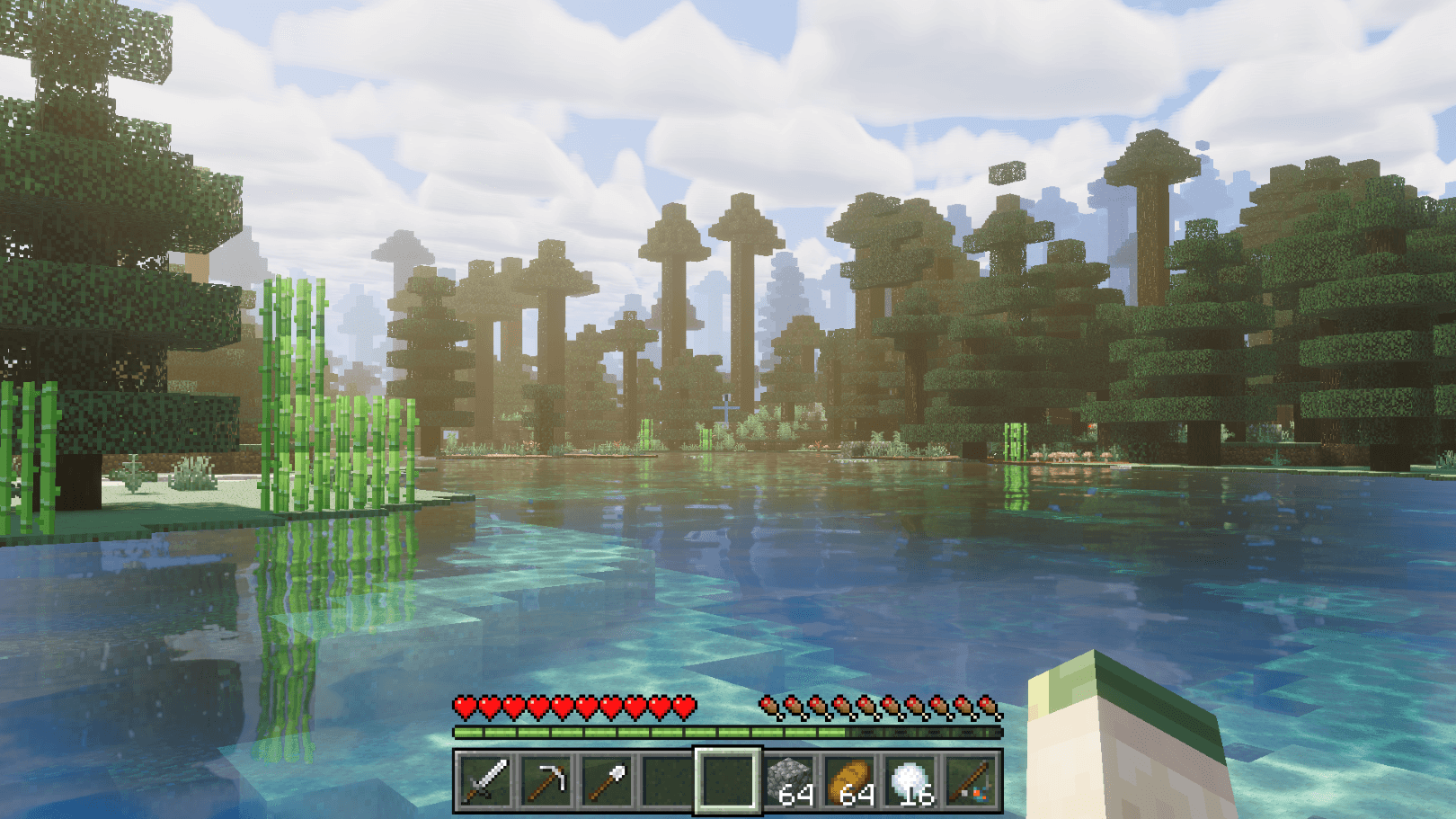
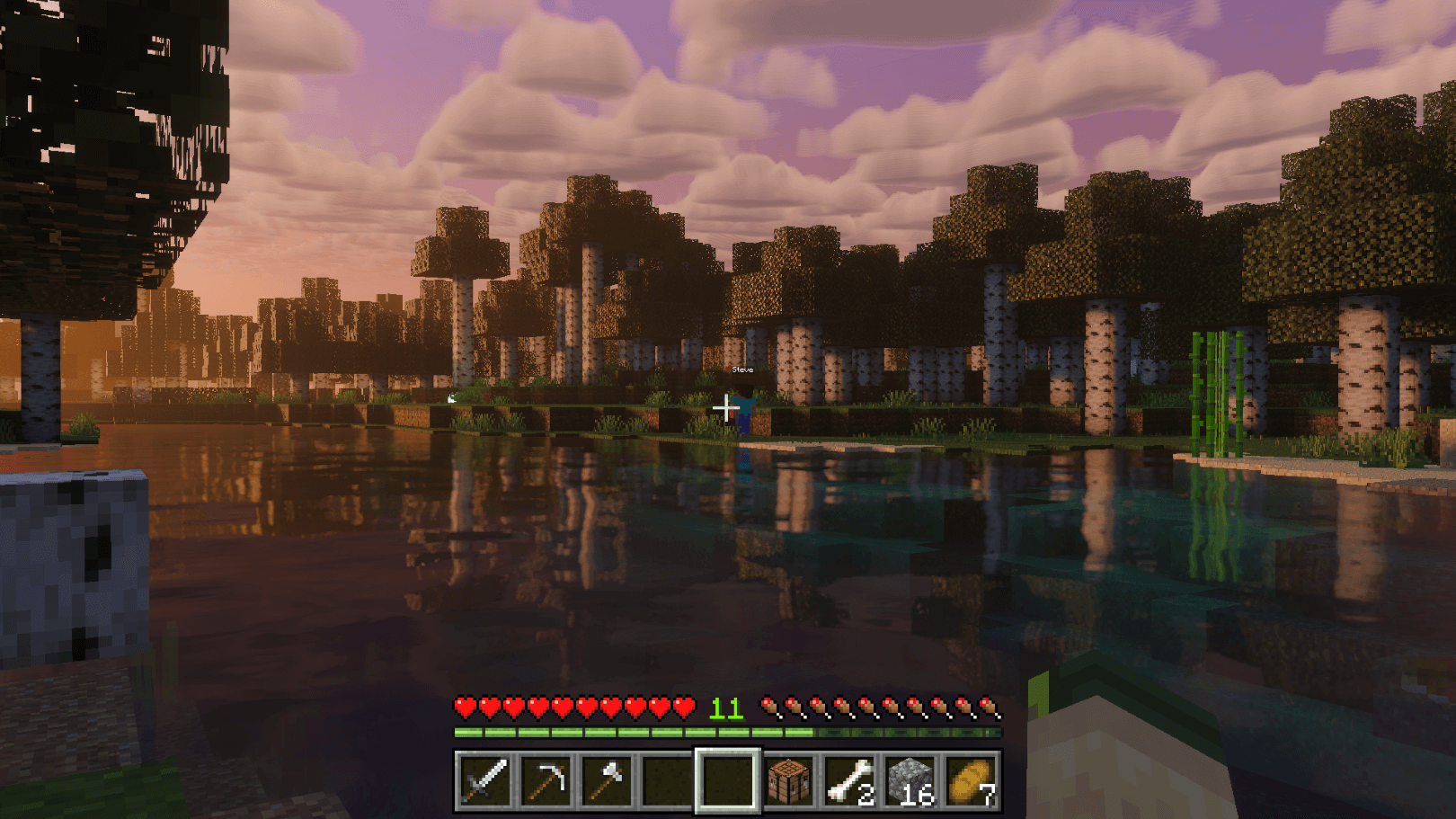
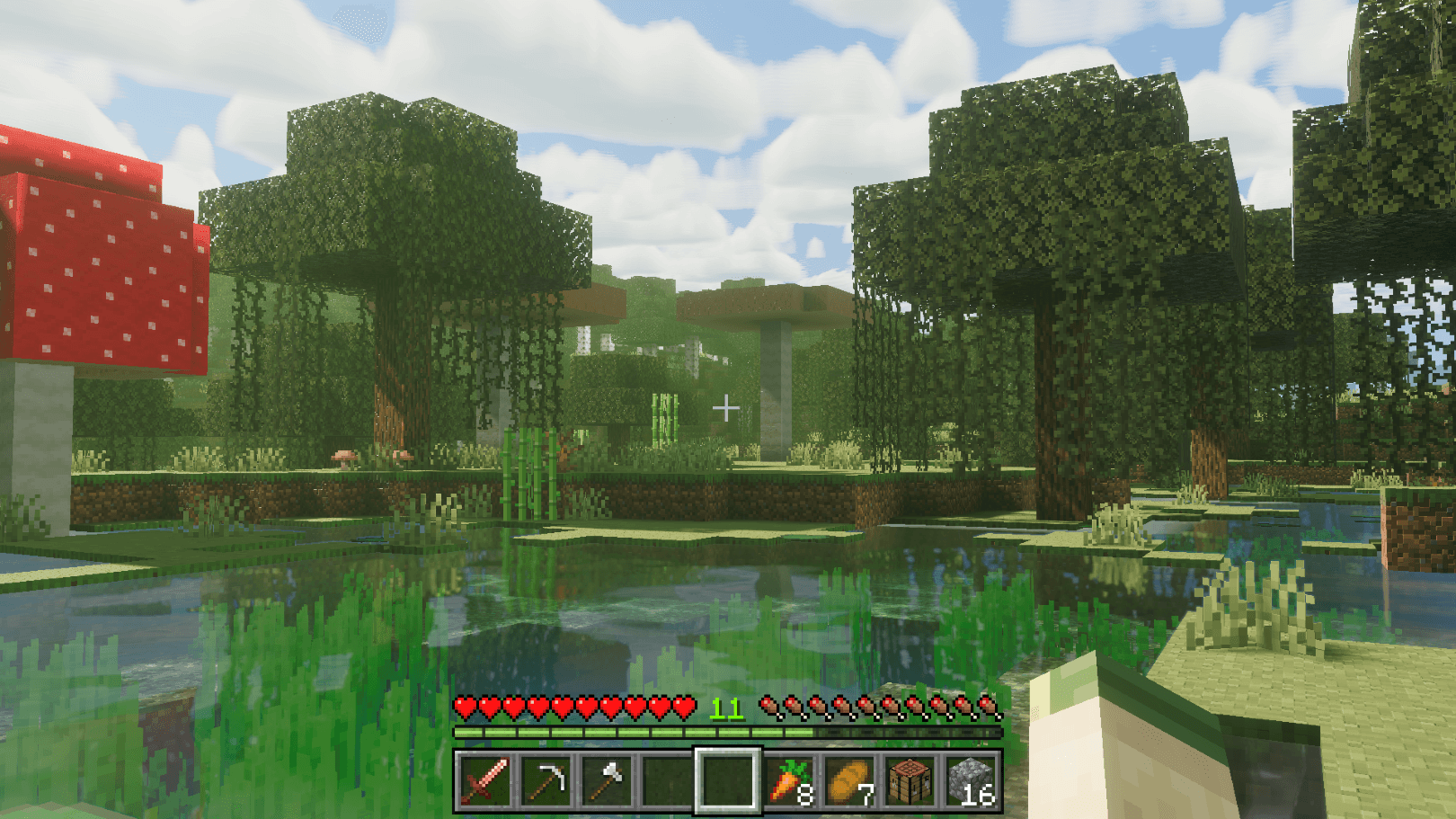
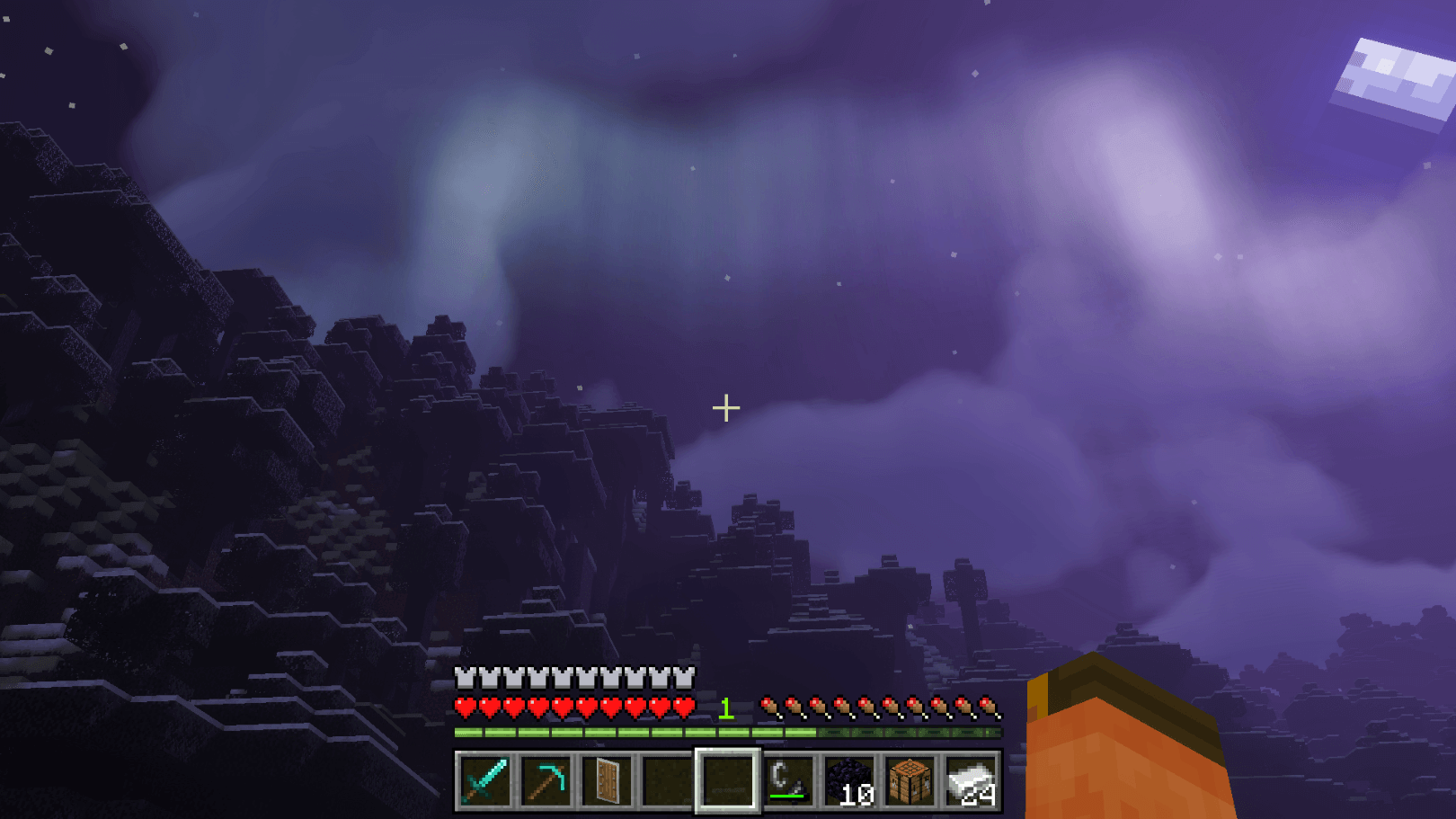
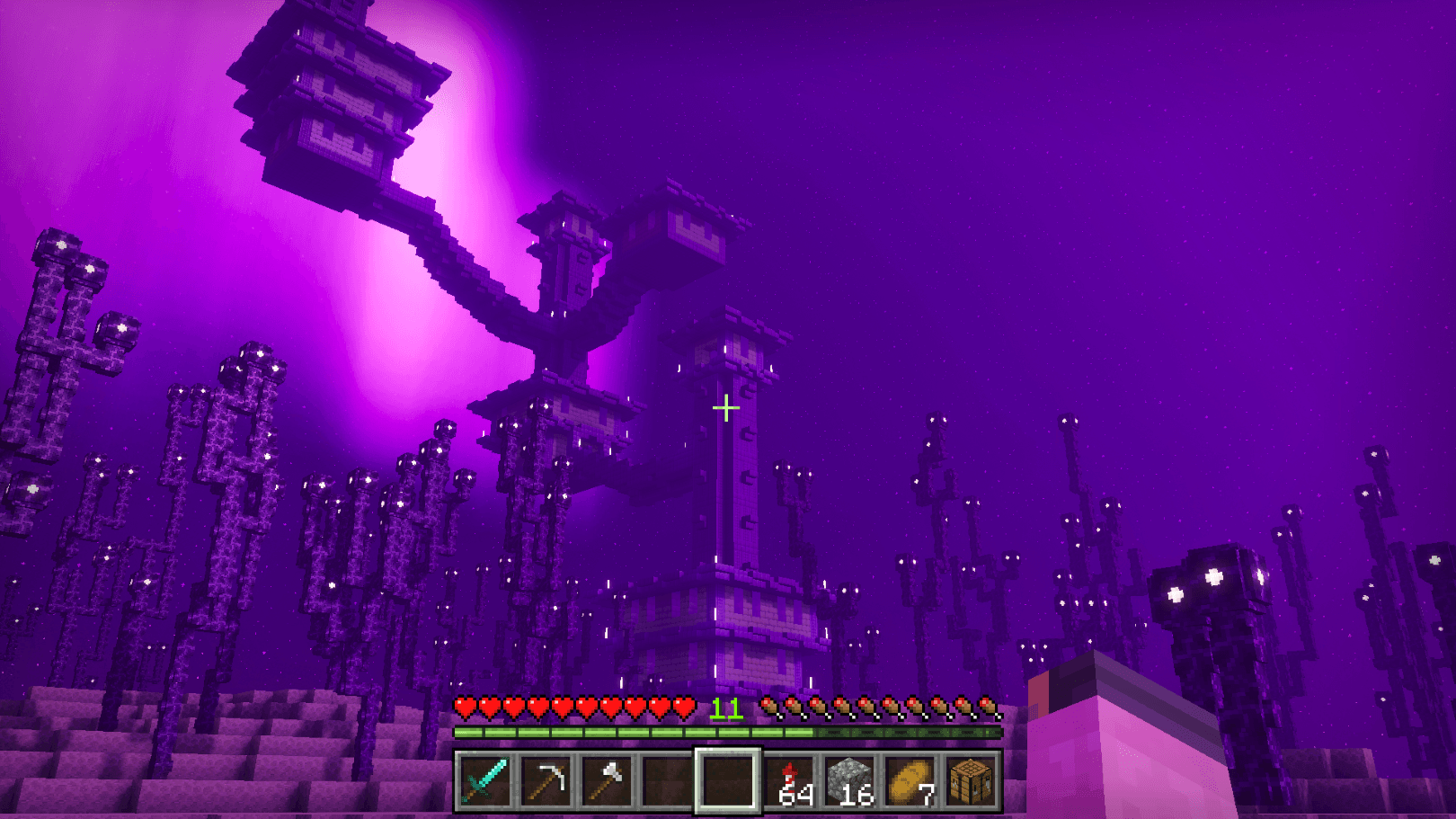
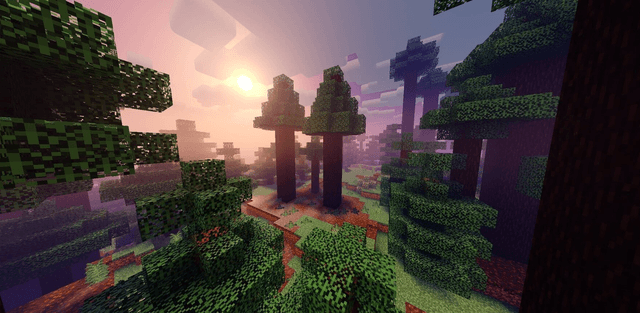
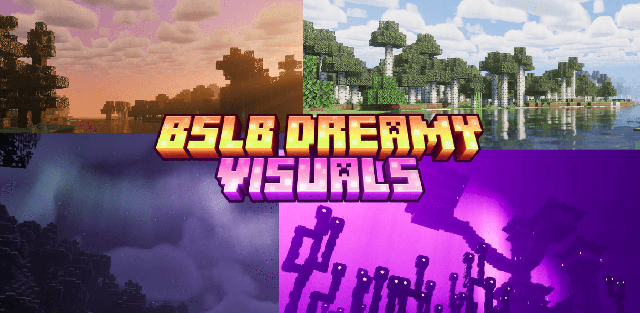
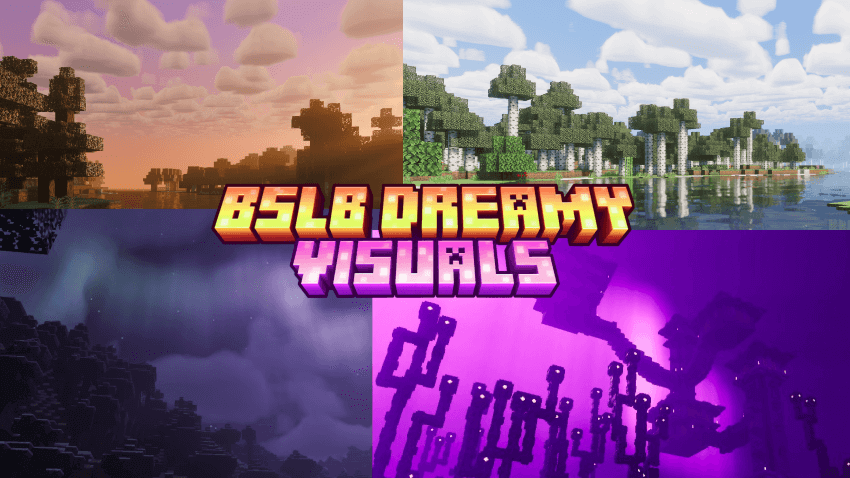
BSLB Dreamy Visuals gives the world a soft, dreamy atmosphere with golden god rays, hand-tuned skies from dawn to midnight, and lighting that changes from biome to biome.

Author: HoneyStudios.

Features

  • custom fog, lighting, and color grading for all 88 biomes
  • volumetric god rays with time-based density
  • reworked Nether, End, and Deep Dark atmosphere
  • colored light sources and custom water tuning
  • a choice between vanilla and BSLB clouds
  • compatibility with other resource packs

Screenshots
BSLB Dreamy Visuals 1

BSLB Dreamy Visuals 2

BSLB Dreamy Visuals 3

BSLB Dreamy Visuals 4

BSLB Dreamy Visuals 5

BSLB Dreamy Visuals 6


Download BSLB Dreamy Visuals (.mcpack)
Download

[9.37 Mb] Downloads: 3


How to install the shader

Download the .mcpack file, open it with Minecraft and wait for the import to finish. Enable the pack in the world's Resource Packs settings. Shader compatibility depends on the Minecraft version and graphics mode.

Supported Minecraft Versions
26.40

Author: Steve

Category: Shaders

Оставить комментарий
reload, if the code cannot be seen