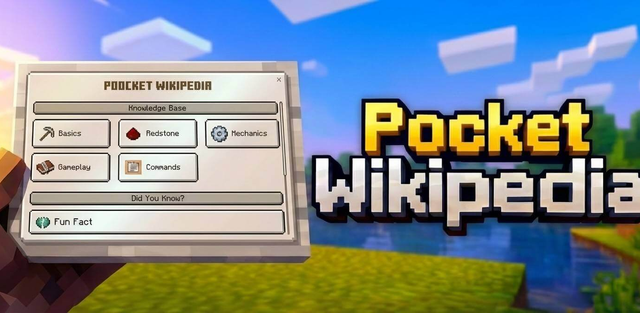
Pocket Wikipedia adds a built-in Minecraft encyclopedia that can be opened without leaving the game. The information is organized through a dark custom interface with tabs, illustrations and short practical explanations.
Knowledge categories

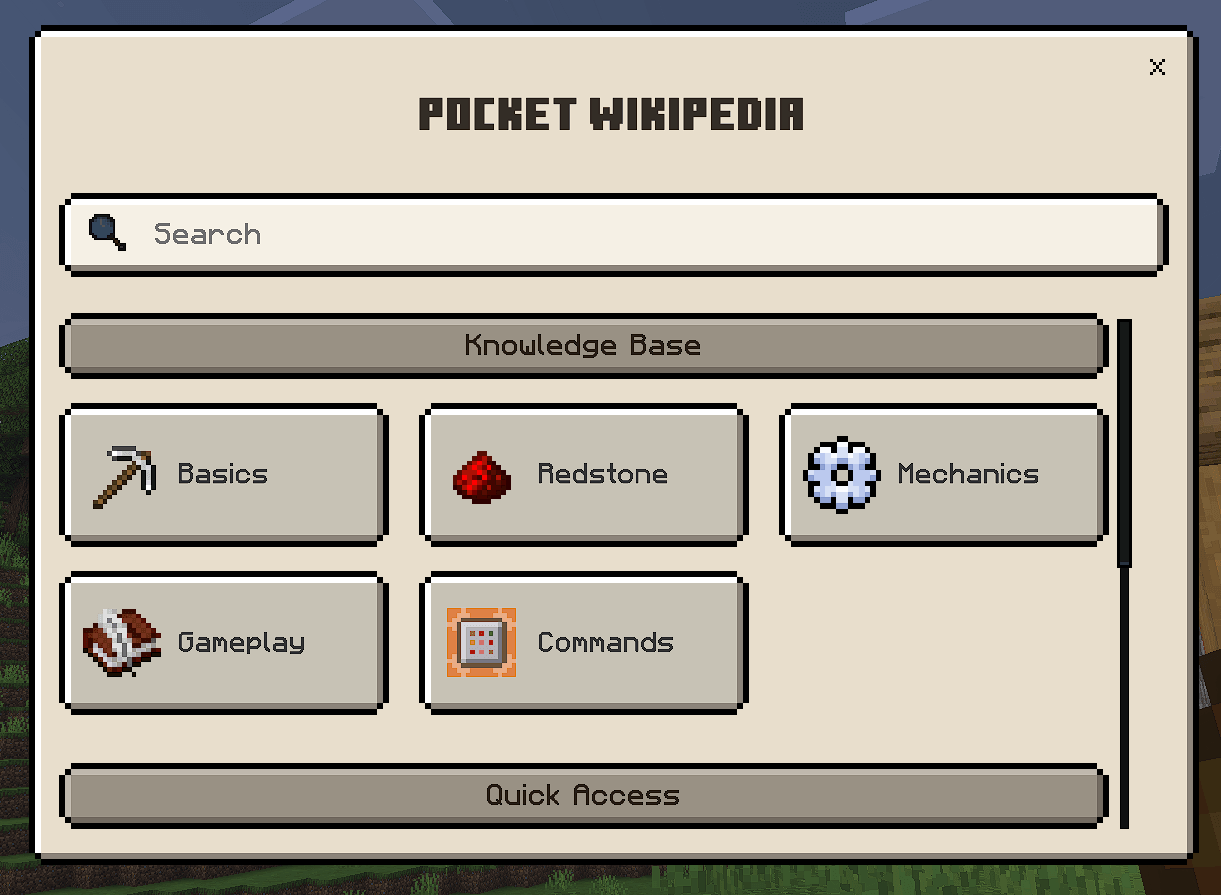
- Basics: first-day survival, mining, crafting and essential resources.
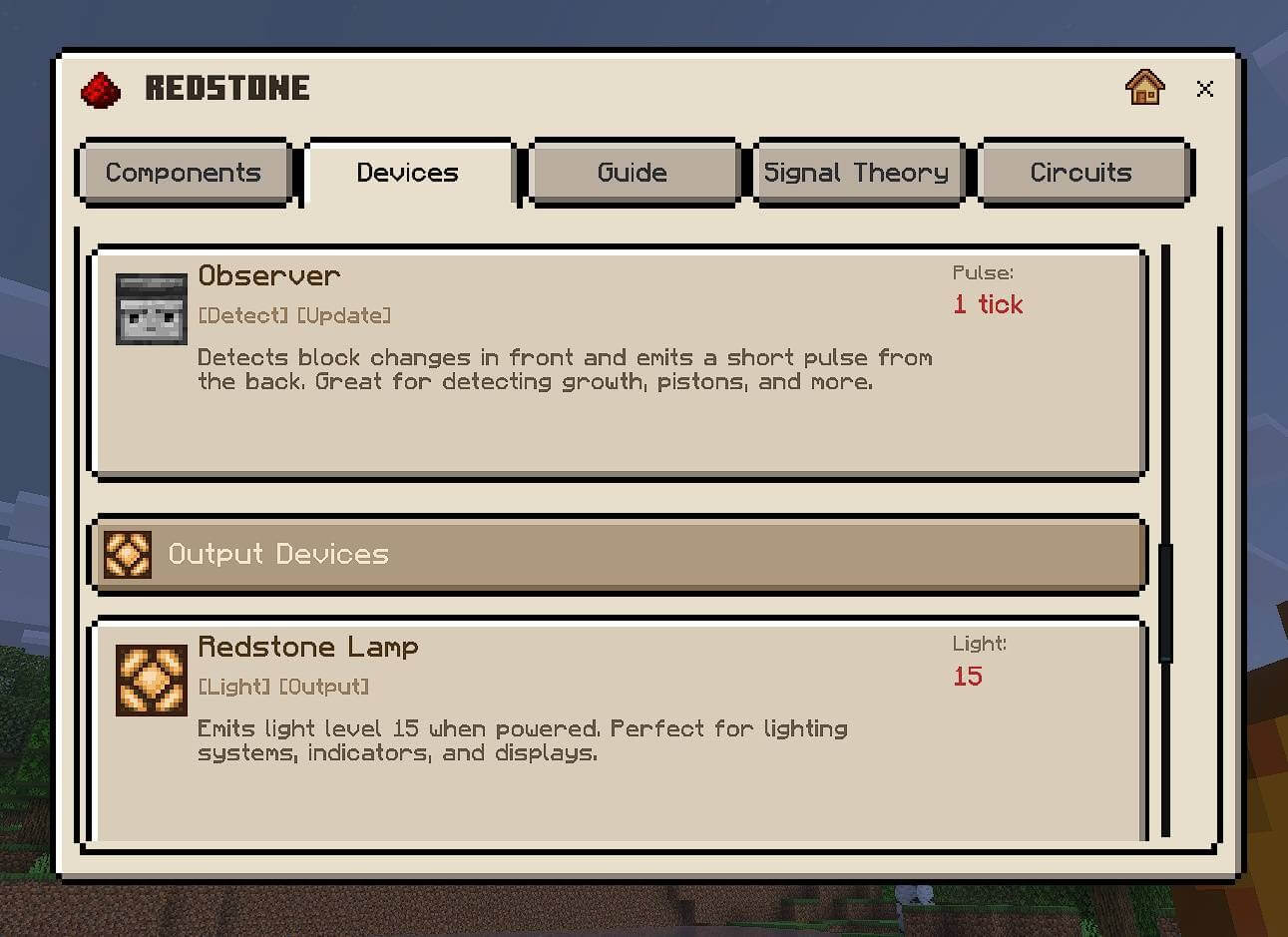
- Redstone: components, signal behavior, logic gates, flying machines, item sorters and other circuits.
- Mechanics: hunger, health, combat, enchanting, mob behavior, light levels, weather and the day-night cycle.
- Gameplay: progression routes, the Nether, the End, End Cities, combat advice and different play styles.
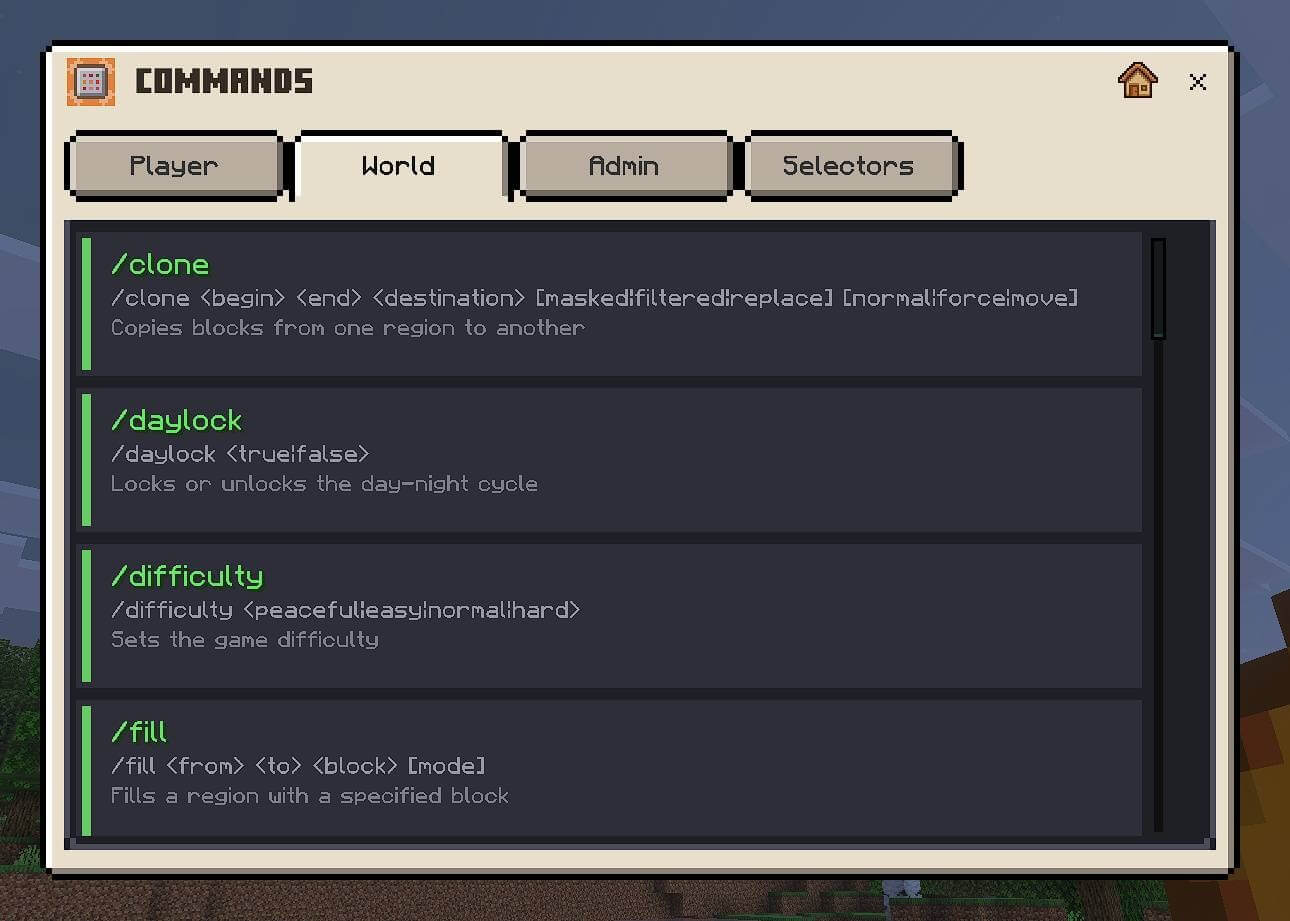
- Commands: syntax, examples and permission requirements for player, world and administrator commands.
Interface
The encyclopedia uses tabbed navigation and includes around 50 illustrations for circuits, mechanics, dimensions and survival techniques. Tips are placed next to the relevant subjects instead of being collected in a separate menu.
How to open it
Take an ordinary book and use it while holding it. The encyclopedia opens directly in the game, where categories and individual topics can be selected.
The interface includes English, French, Spanish, Arabic and Simplified Chinese localizations. It can also work alongside the separate Pocket Wikipedia Index extension, which connects the two reference systems.