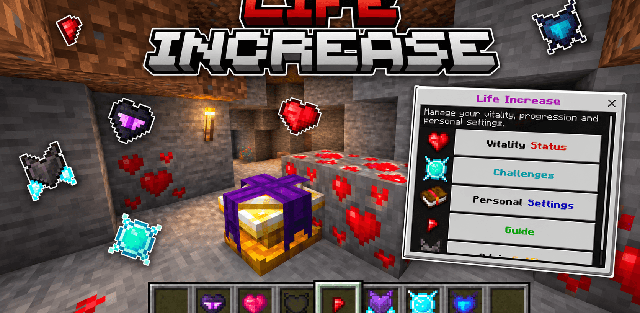
Life Increase turns maximum health into a separate survival progression system. Instead of receiving extra hearts immediately, players mine a new resource, craft upgrades and gradually unlock stronger vitality tiers while exploring the world.
Health progression
- A Life Heart permanently increases maximum health. By default, one heart adds two regular hearts.
- The world owner can set the overall limit, up to 100 hearts.
- Progress is divided into four tiers: Overworld, Nether, Ascendant and End.
- Nether, Ascendant and End Life Cores unlock the corresponding tiers and must be used in order.
- Empty Hearts can remove previously obtained upgrades when a player wants to change the build.
Life Ore and crafting
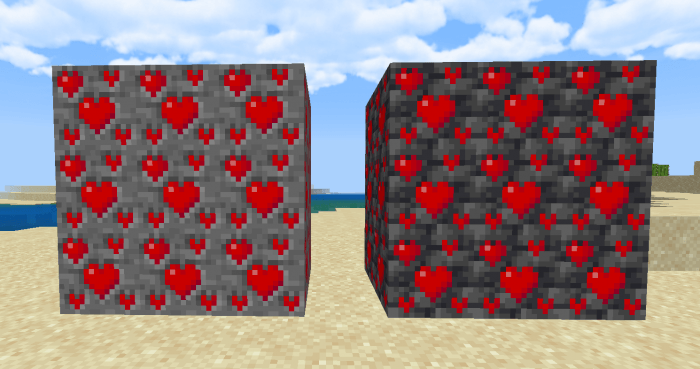
Life Ore and Deepslate Life Ore generate underground in the Overworld. Mining them with an iron pickaxe or better yields Life Fragments. Fortune increases the number of fragments, while Silk Touch preserves the ore block.
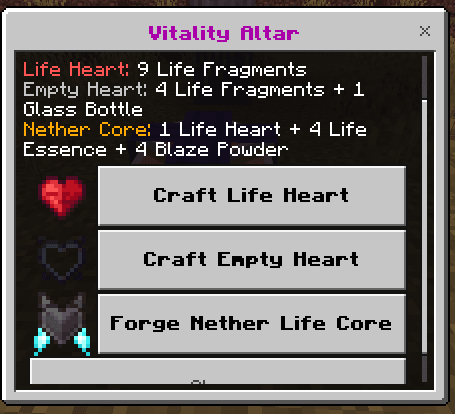
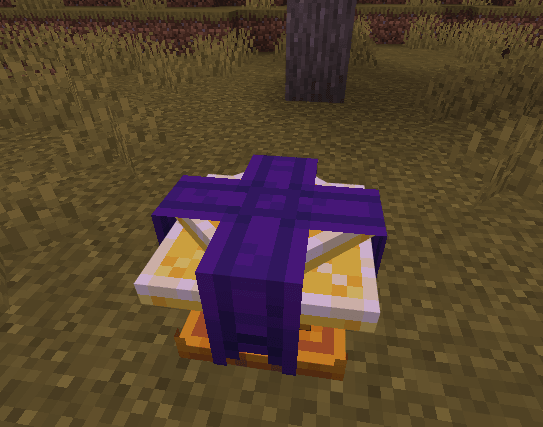
The Vitality Altar is the central crafting station. It is made from amethyst shards, Life Fragments, gold ingots and crying obsidian, and is used to create Life Hearts, Empty Hearts and progression cores. The default Life Heart recipe costs nine fragments, but the owner of the world can change that value.
Life Essence and rewards
Life Essence is an adventure resource obtained from hostile mobs, repeatable challenges and exploration. Strong enemies such as the Warden, Wither and Ender Dragon can be included in the reward system. Visiting the Nether and End for the first time also contributes to progression.
Repeatable challenges
- Mine 25 valid Life Ore blocks to receive two units of Life Essence.
- Defeat 100 valid hostile mobs to receive four Life Fragments.
- Completed challenges restart automatically, so they remain useful during a long survival playthrough.
Guide and settings
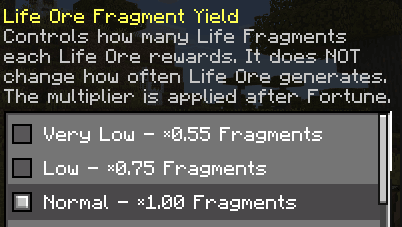
The in-game guide explains recipes, vitality tiers and challenge progress. World owners can configure the health cap, Life Heart cost, death behavior, resource yield and compatibility with custom pickaxes, ores and bosses. Personal options are stored separately for each player.
The add-on supports multiplayer and Realms, does not replace player.json and can be combined with many other behavior packs.