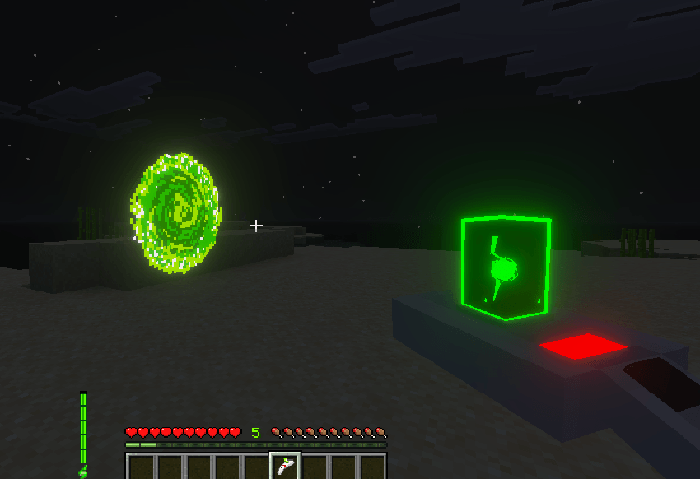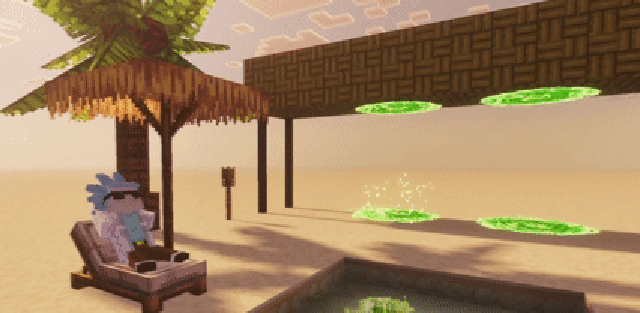
Portal Gun is a technology addon for Minecraft Bedrock that adds functional portals for fast travel. Players create an entrance and an exit, link them together and move across long distances without roads, boats or tunnels.
The author notes that the project is still in active development, so bugs and unfinished features may appear. The core idea already works: portals can be reopened, linked to other portals, used for travel and configured through the item menu.
Features
- Linked portals: players can create multiple portals and connect them together;
- Dimension travel: travel works inside the normal world and between different dimensions, including many custom dimensions;
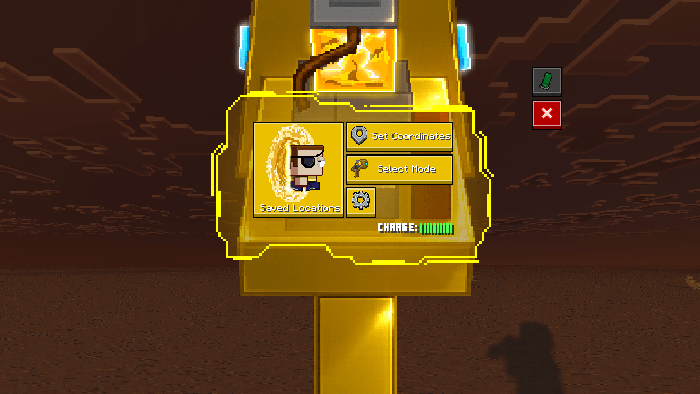
- Favorite locations: important spots can be saved for faster returns to selected coordinates;
- Visual variants: the gun has several skins, including unusual versions and Rick and Morty-inspired accessories;
- Fall protection: linked portals can help prevent fall damage after a long drop;
- Item tracking: if the gun is dropped or lost after death, it can be tracked.
Crafting and Refilling
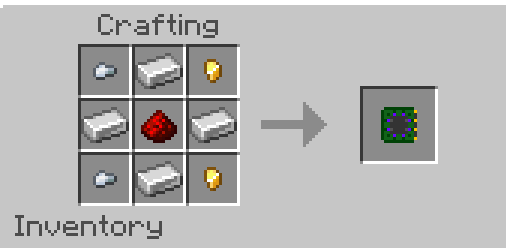
The page shows recipes for the chip, dark matter dust, phase matter, empty tube, beaker, portal gun bases, several gun versions, travel solutions, quantum isotope and cosmetic accessories.
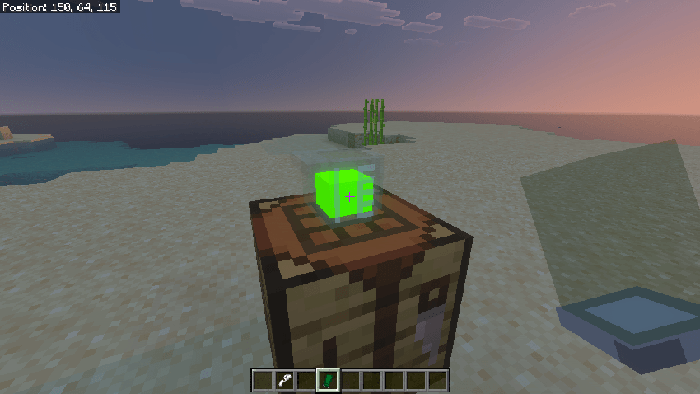
To prepare a charge, craft a travel solution, place it on the ground and interact with it using an empty tube. The filled tube becomes Portal Fluid. Then place Portal Fluid in the offhand and interact with the portal gun base to assemble the finished device.
Coordinates and Dimensions
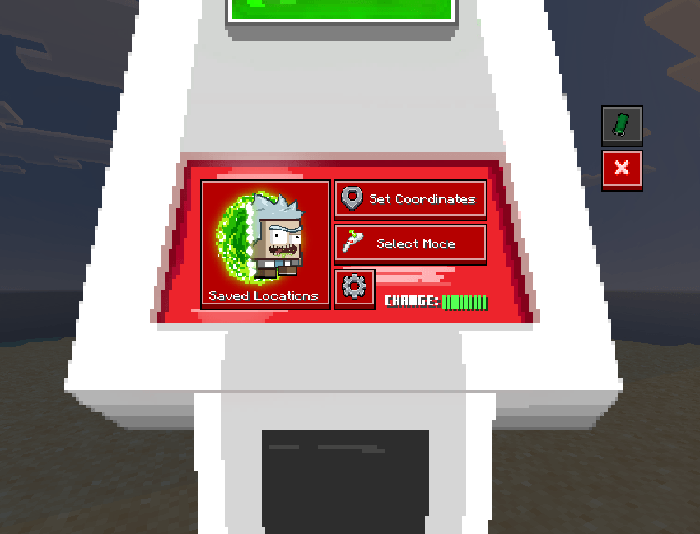
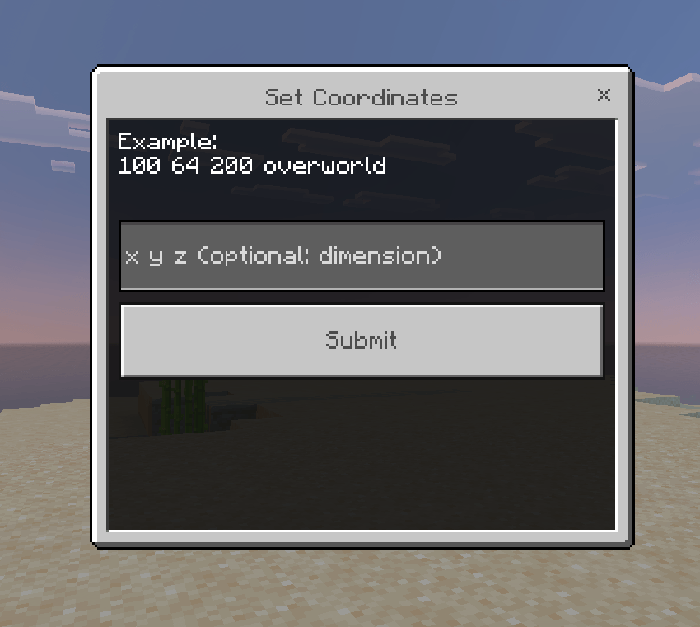
The gun menu can set a destination with coordinates and a dimension name. The source examples use the format x y z dimension_id, such as 100 64 200 overworld or minecraft:overworld. Custom dimensions need their exact internal identifier.
If the player does not know that identifier, the author suggests opening the built-in terminal in settings and running coords. The terminal then shows the current coordinates and exact dimension ID for portal configuration.
Update
The update reduces portal animation frames, keeps portal links after reopening a world, prevents water from pushing portals, fixes fishing hook behavior and removes unnecessary file data.
It also fixes the blue-fluid Prototype Portal Gun losing charge, portals receiving status effects, portals floating after being pushed, tube drops when the inventory is full and Ender Dragon portal travel. The Portal Gun HUD charge bar can now be enabled or disabled in behavior-pack settings.
Screenshots