How to enable: use a compatible RenderDragon shader loader, import the pack and activate it in Global Resources, then restart the game. Importing it into the standard client alone does not enable its shader effects. Use MB Loader on Android, Wyvern on Windows or Hynis on iOS.
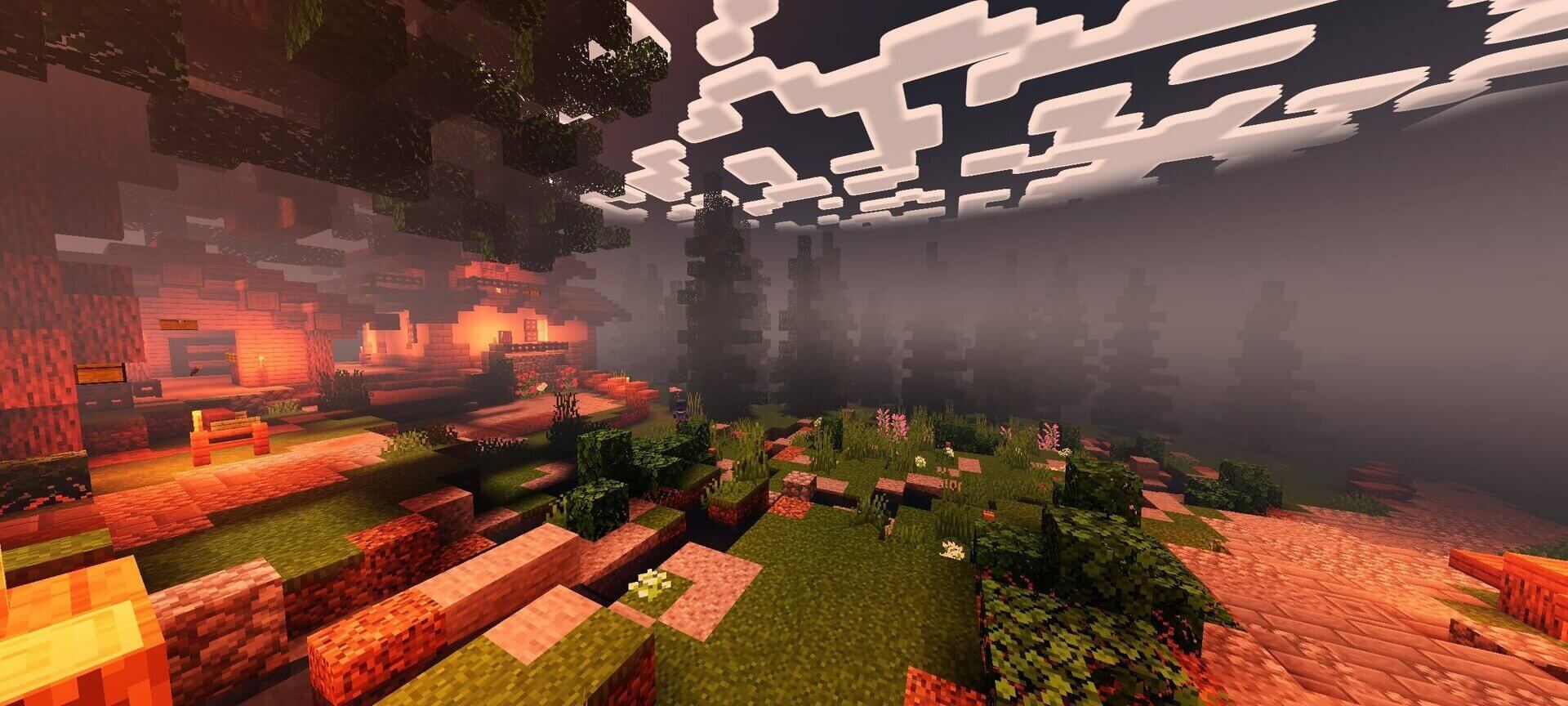
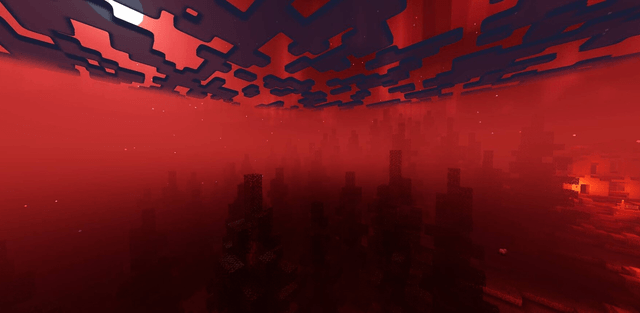
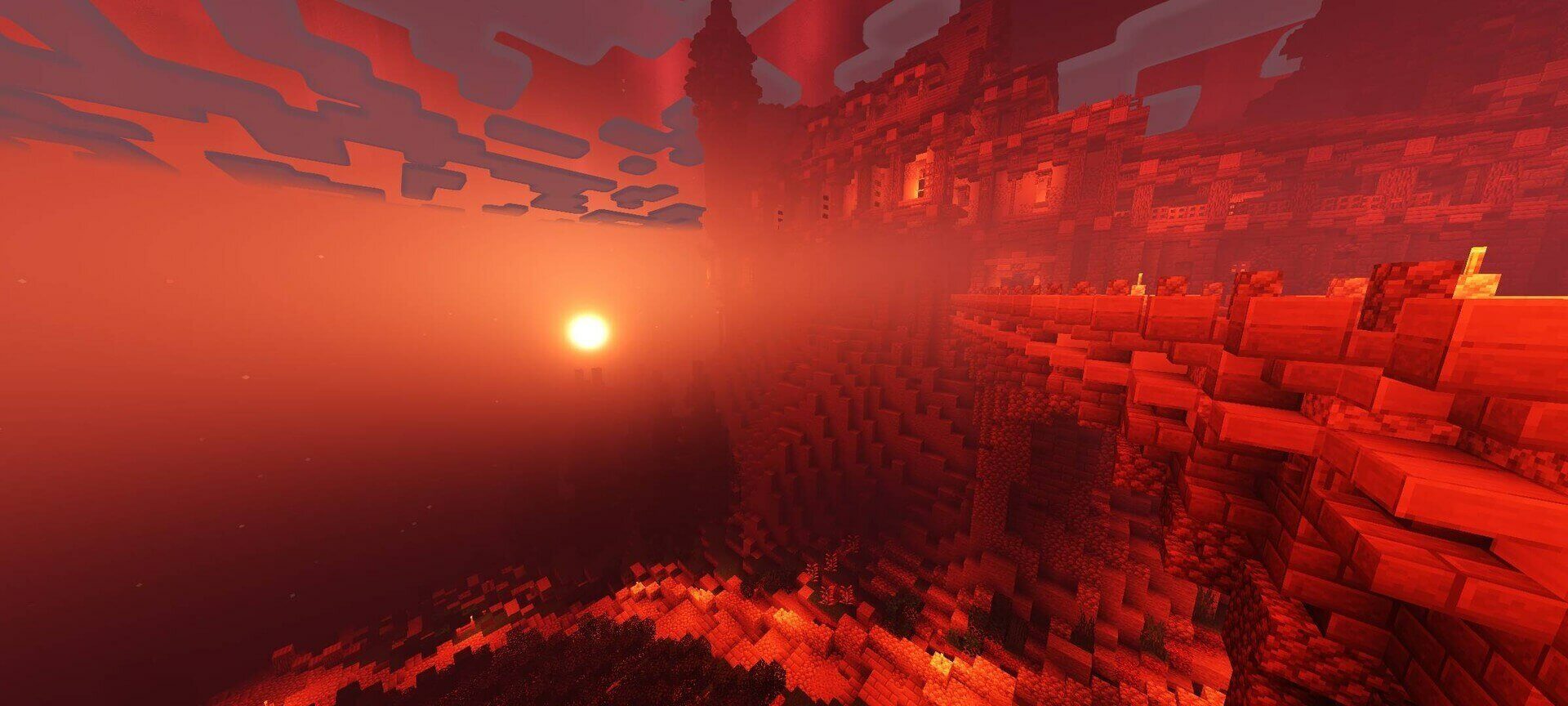
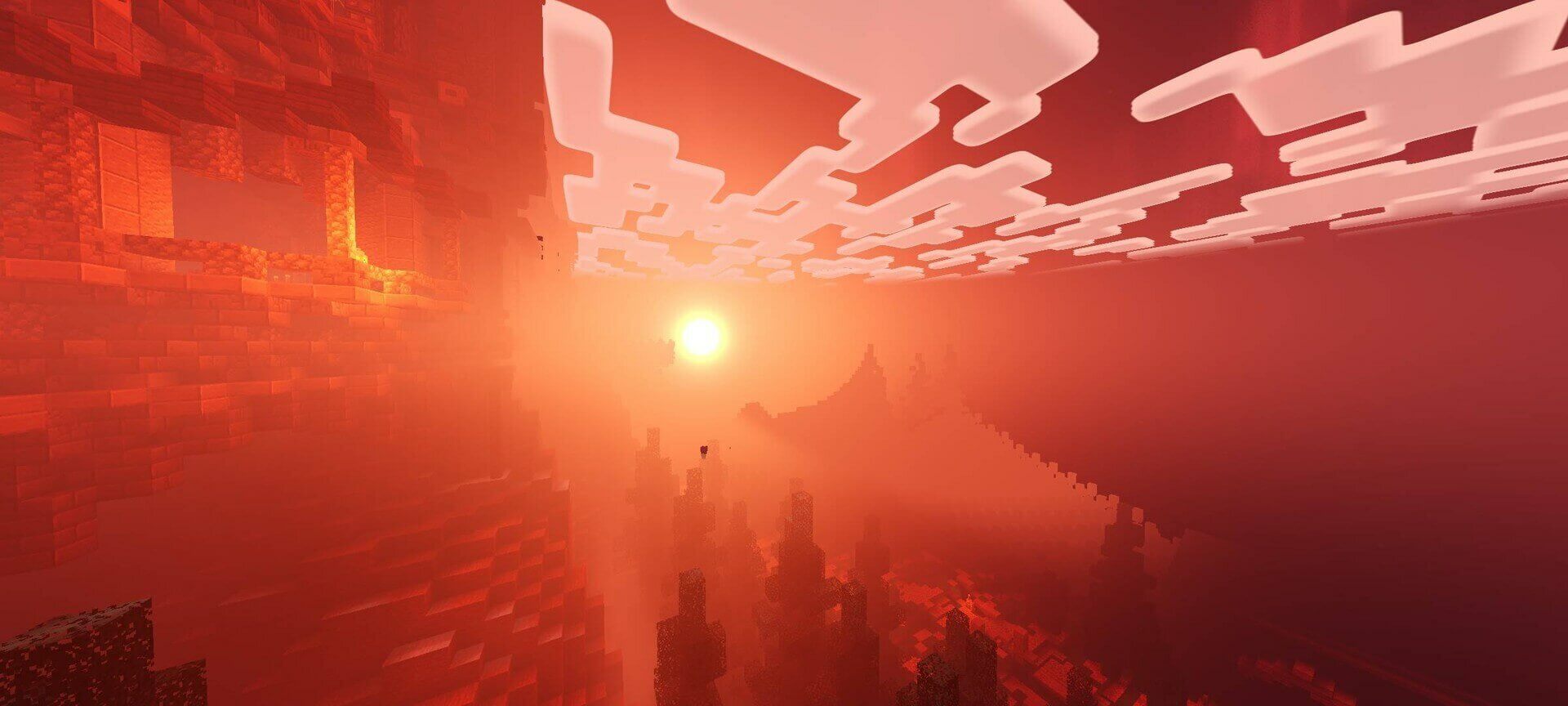
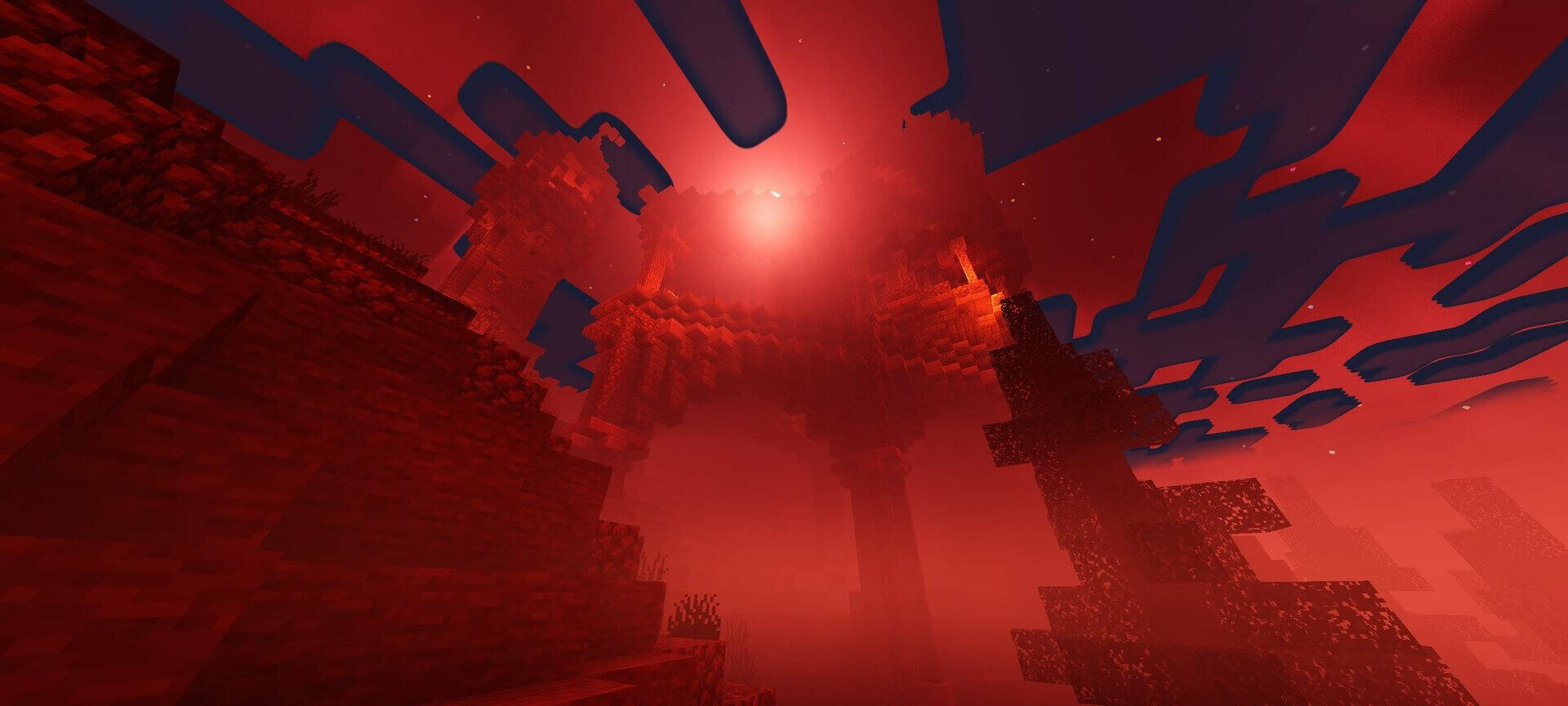
Newb Hysteria changes Minecraft into a blood-red horror landscape. Red skies and moonlight sit above deep shadows, heavy ground fog and dimmer-looking torchlit areas. Rain, murky water and wet reflections make familiar routes feel less welcoming.
The End receives a dark cosmic backdrop, while ores remain luminous in caves. Moving vegetation and hanging lights add subtle motion to the scene. These changes create atmosphere; the shader does not add a new monster or horror encounter.
The source page previously called the project CraftEdge Horror. The supplied updated file is Newb Hysteria, with release notes indicating support for Minecraft 26.50.