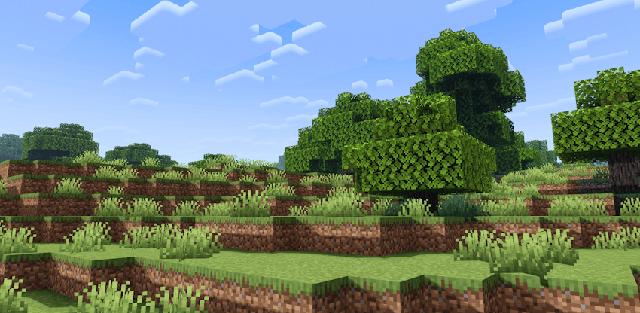
How to enable: use a compatible RenderDragon shader loader, import the pack and activate it in Global Resources, then restart the game. Importing it into the standard client alone does not enable its shader effects. Use MB Loader on Android, Wyvern on Windows or Hynis on iOS. This download is the High edition, not the separate Potato, Low or Medium files.
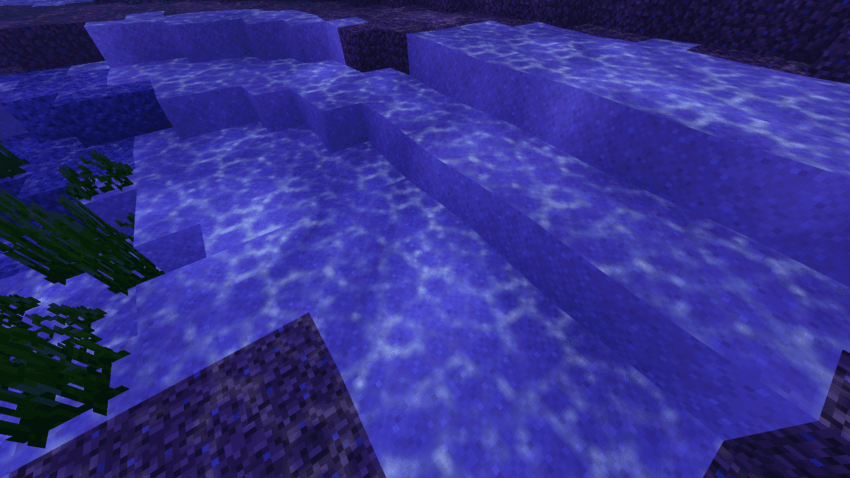
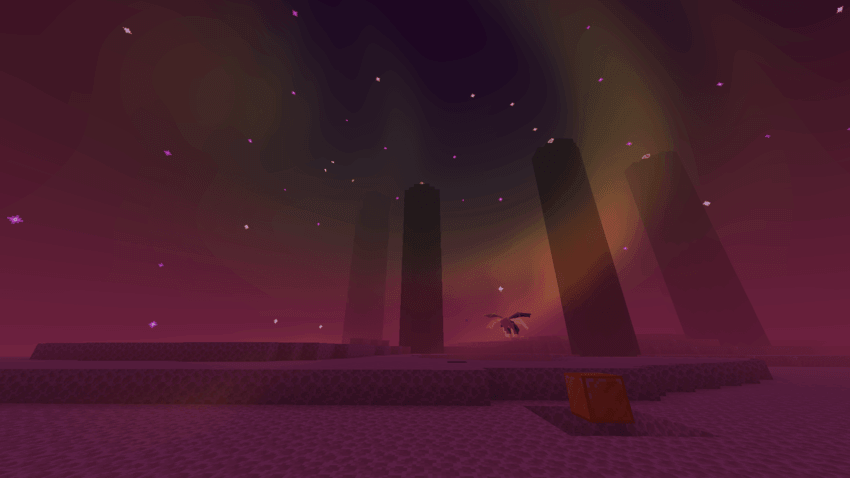
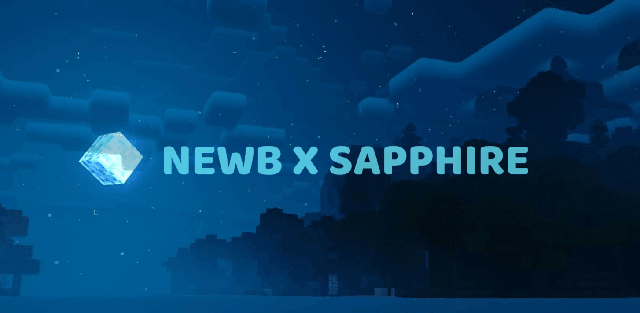
Newb X Luminescent emphasizes luminous water, moving underwater caustics and blue-purple underwater colors. The High edition combines reflections with layered clouds and night auroras, while the End keeps a darker, otherworldly atmosphere.
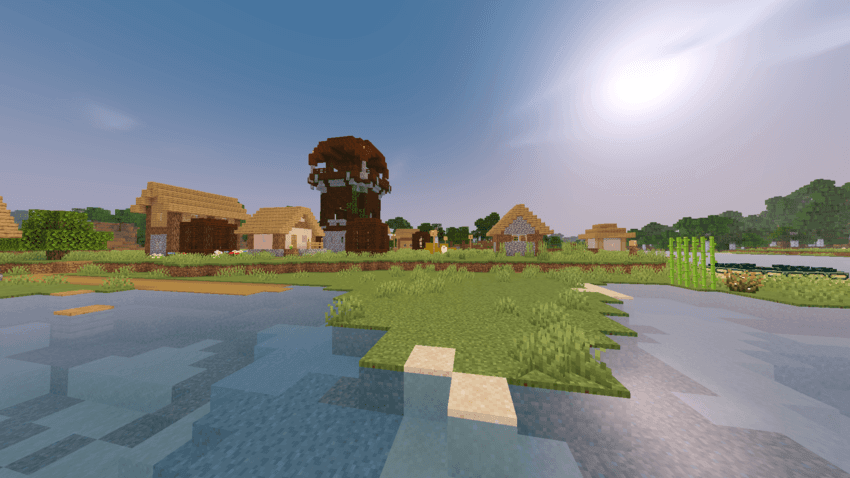
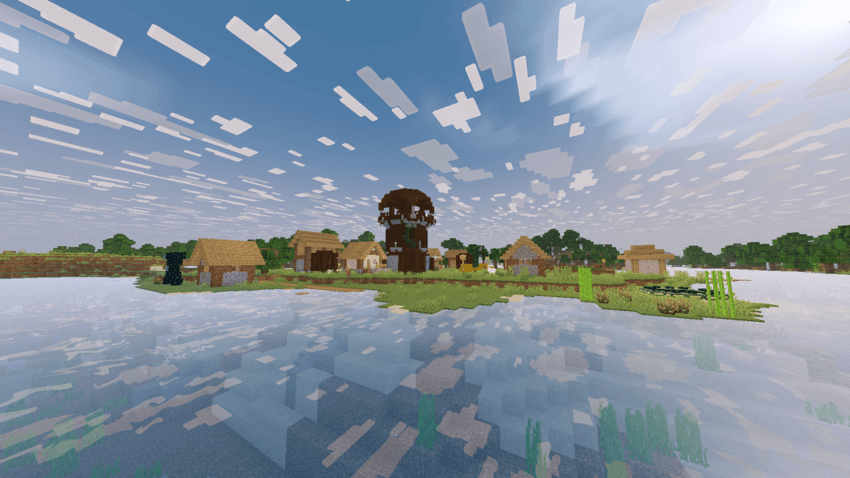
Its settings include several cloud styles, an optional chunk-loading animation and variants without fog, waves or both. These options customize the High package; they are not the separate lower-quality editions published by the author.
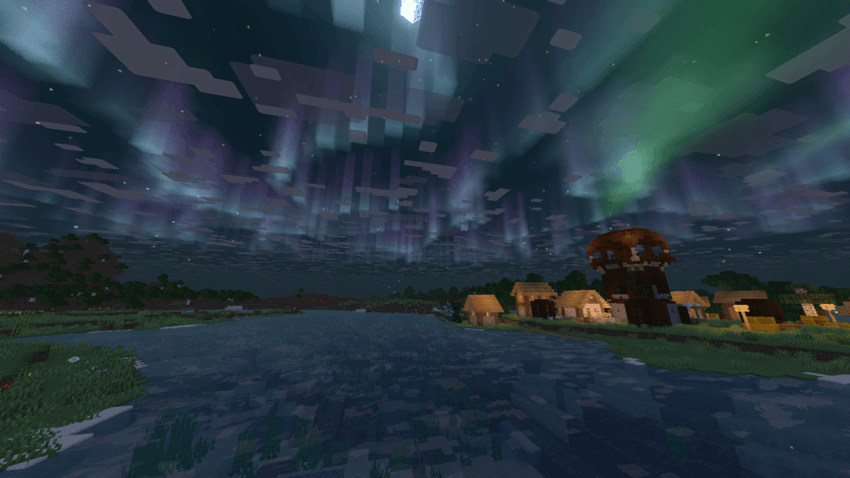
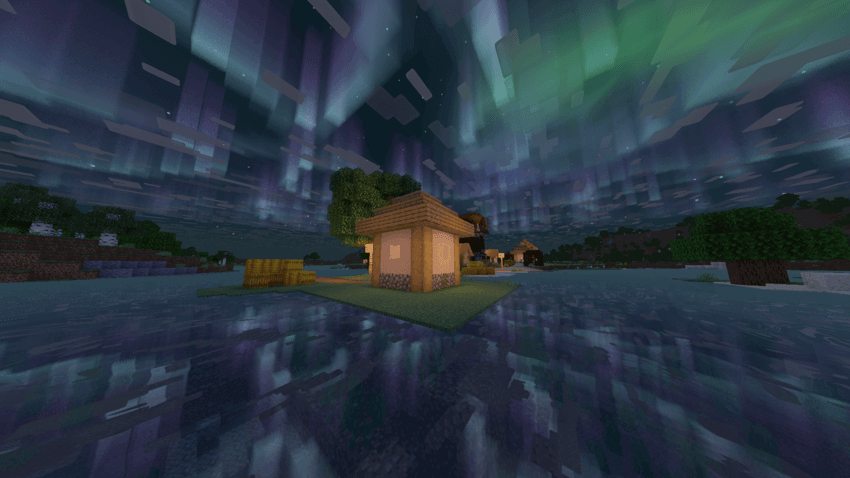
High is the most complete of the separately offered quality editions. Choose a no-wave or no-fog subpack when those effects are undesirable, but expect the overall package to remain more demanding than the author’s separate Potato version.