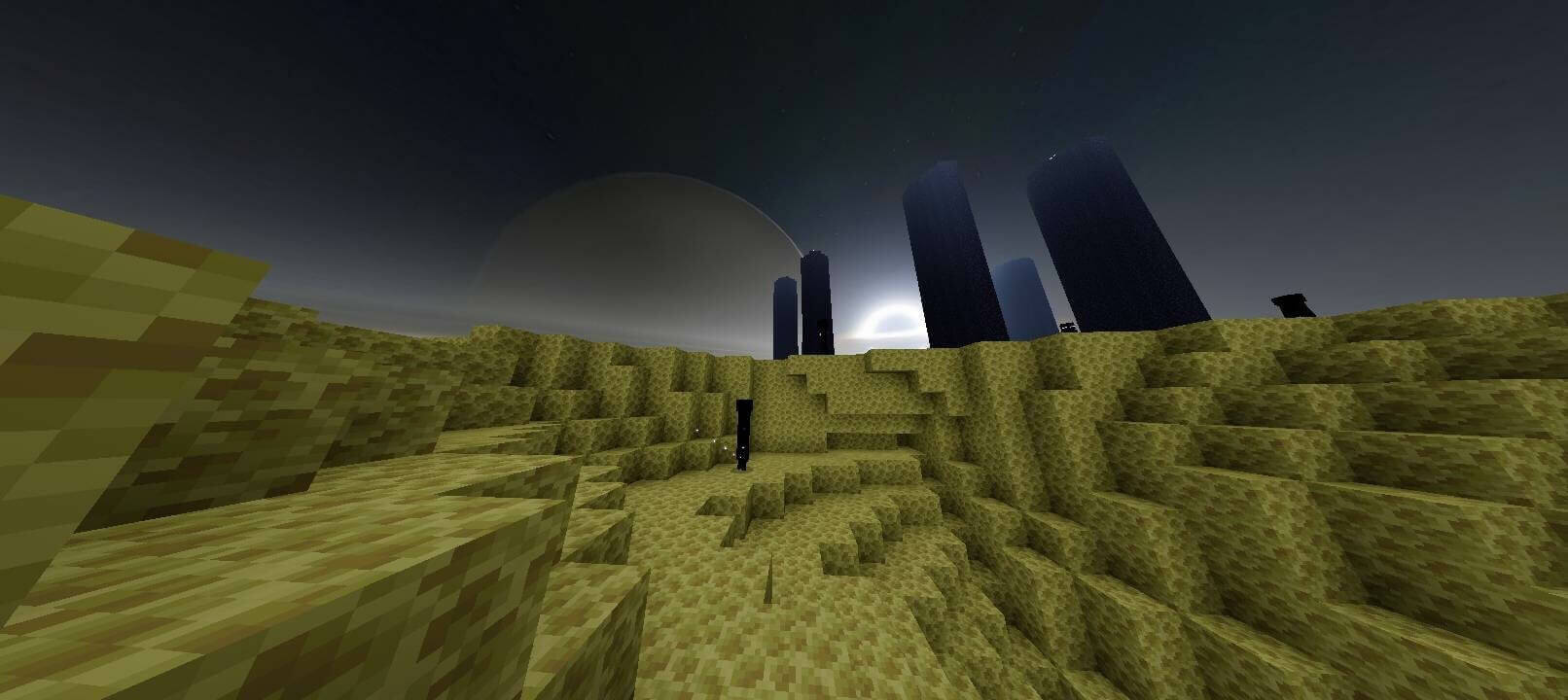
How to enable: MB Loader and a compatible Newb shader are both required. Activate that shader first and place IterationT End Skybox above it in Global Resources. The downloaded file requires Minecraft 26.51 or newer.
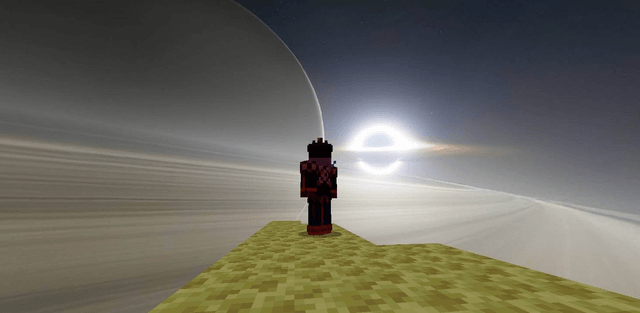
IterationT End Skybox replaces the End backdrop with a large cosmic scene: a dark celestial body, a bright ring and light stretching across the horizon. It changes the distant sky rather than adding structures or a new dimension.

This is an extension for compatible shaders, not a standalone visual pack for the standard client. The author lists Newb variants such as Complementary Reimagined, Unwind, Trailer, Nebula, Stars, Vibrance and Supplementary as compatible examples.

The resource-pack order matters because IterationT must replace the sky supplied by the base shader. The latest download is labeled 1.2 on the page, but its internal minimum game version is 26.51; that requirement takes precedence over the older 26.5X wording.