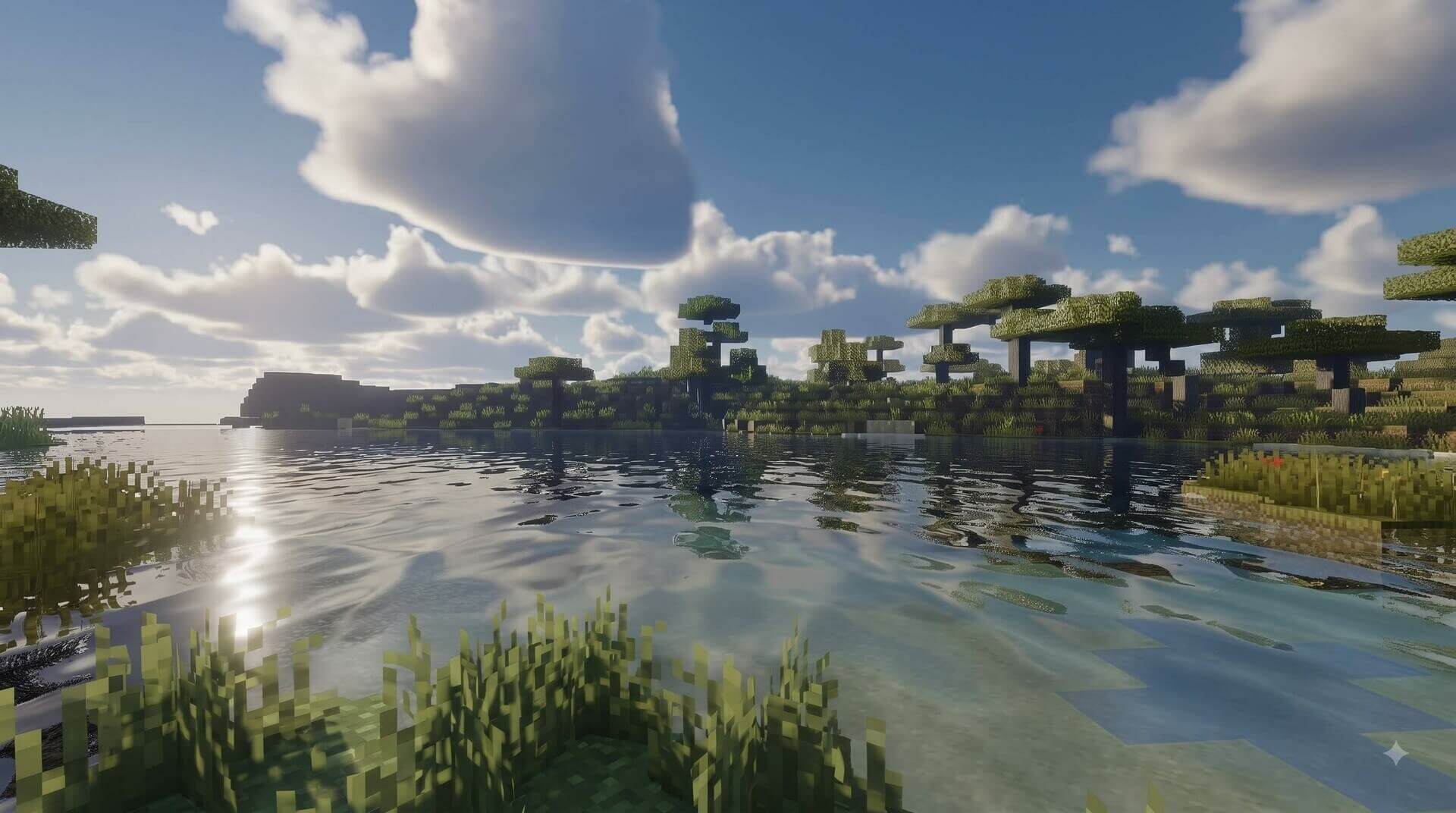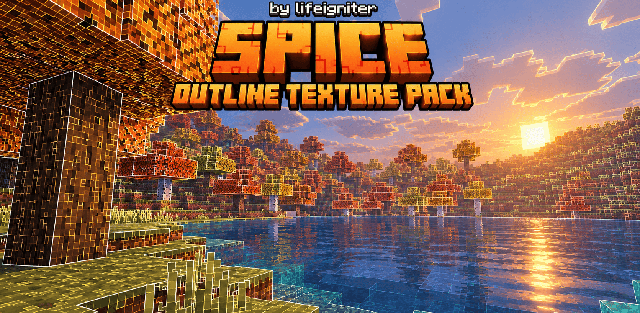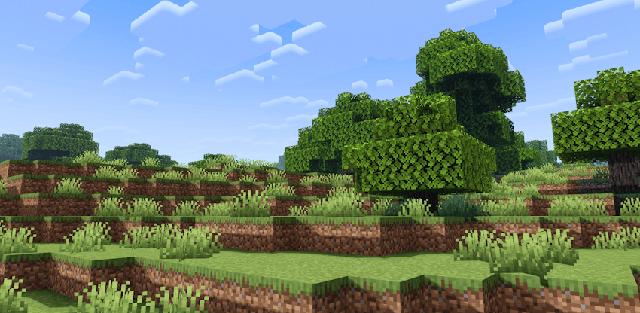
How to enable: import the pack, activate it in Global Resources or in the world resource packs, then select Vibrant Visuals in Settings > Video > Graphics Mode. A device that supports this mode is required. Place it above conflicting texture packs. The author also lists RTX as an alternative where supported.
Realistic Debo Shader gives surfaces a more natural appearance through detailed material maps, restrained colors and softer-looking lighting. Stone, wood and foliage are designed to look less flat without changing the shape of Minecraft blocks.
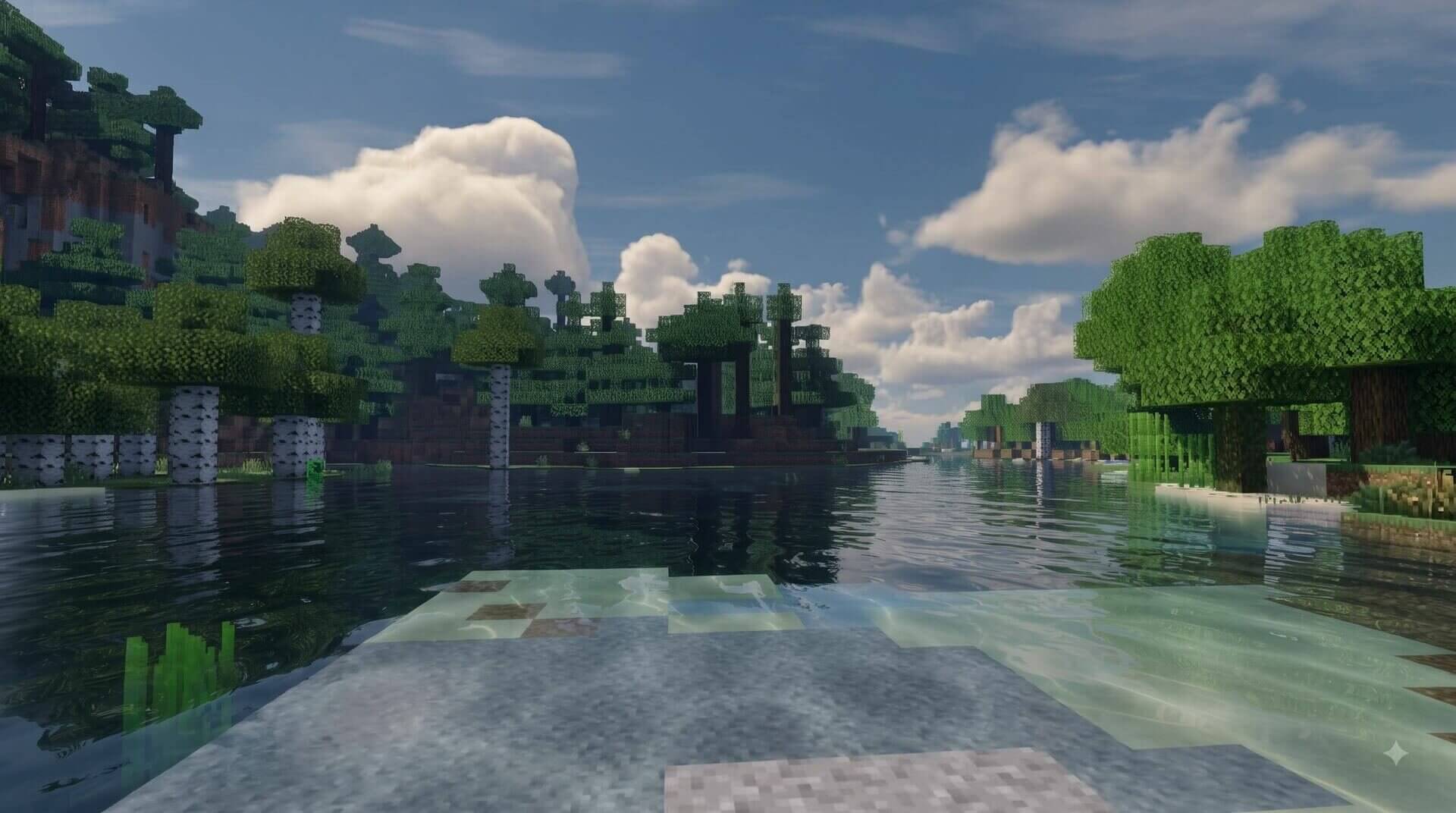
Shallow water stays clear, bright areas use warmer tones, and the sky balances them with cooler colors. Its PBR detail is intended for enhanced rendering rather than the basic graphics mode. The author lists support for the 1.21 and 26 game branches without naming a precise latest patch.
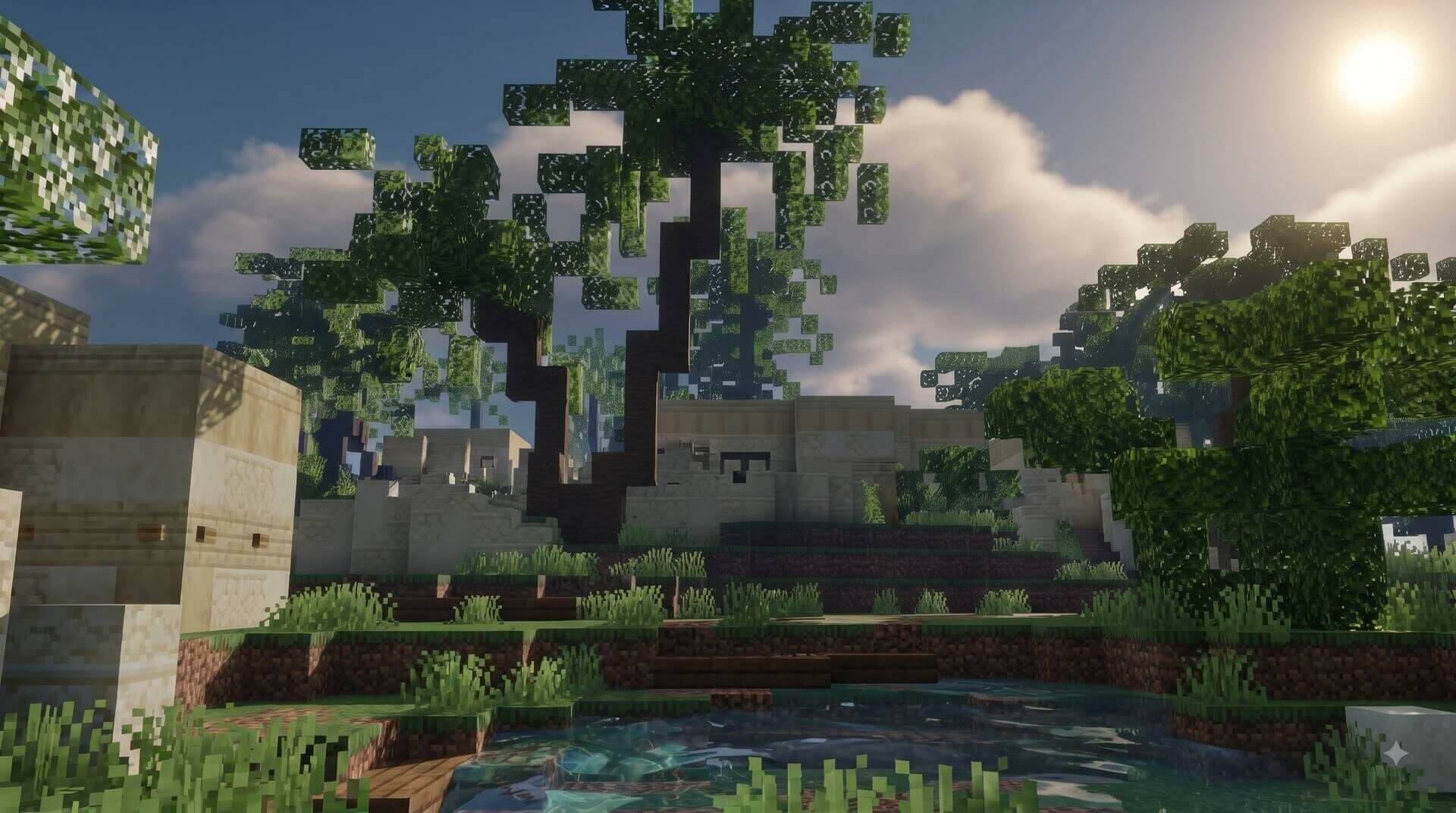
With Vibrant Visuals enabled, adjust shadow, volumetric fog and reflection quality to suit the device. These rendering settings affect the result more than the small download size suggests.