Today, 16:37

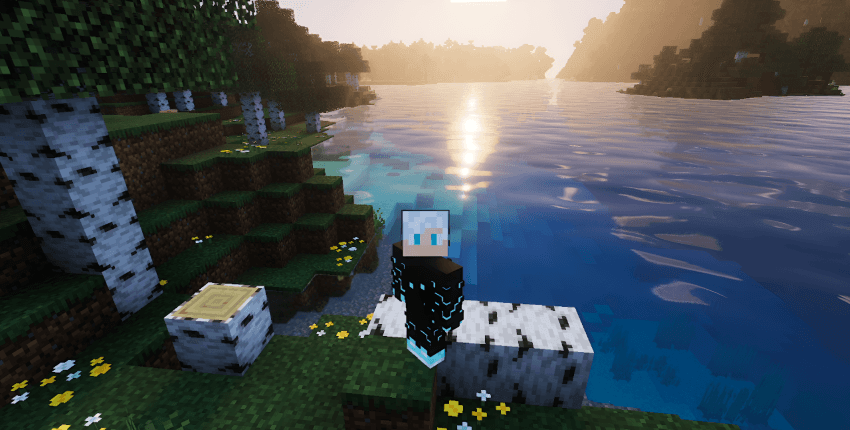
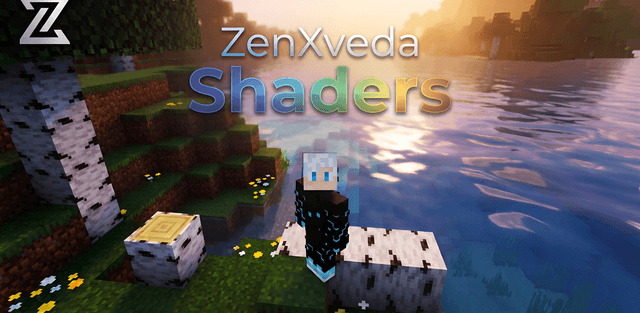
Shader: ZenXVeda Shaders

0
0
1
Shader: ZenXVeda Shaders

How to enable: Activate the pack in Global Resources and choose a suitable mode. Real Ray Tracing PBR mode requires Deferred Technical Preview.

ZenXVeda combines three graphics modes: PBR for high-end devices, simulated ray tracing for mid-range hardware, and a lighter mobile option.

Author: ZenXVeda.

Features

  • three performance profiles
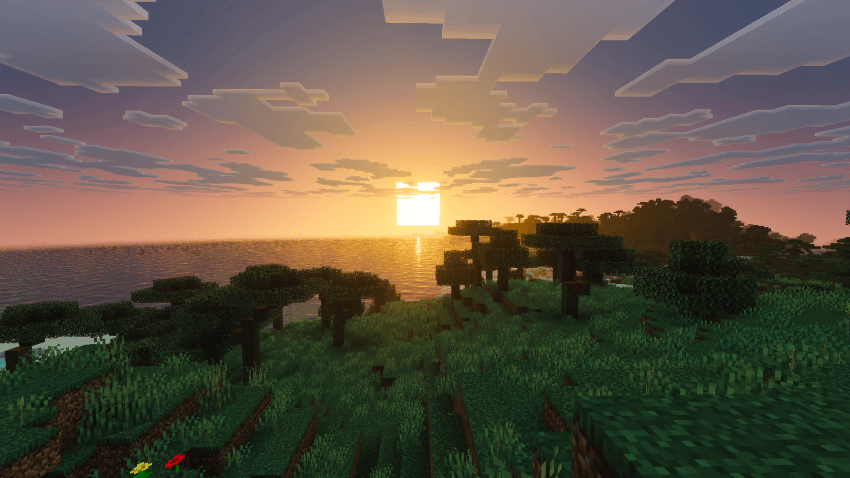
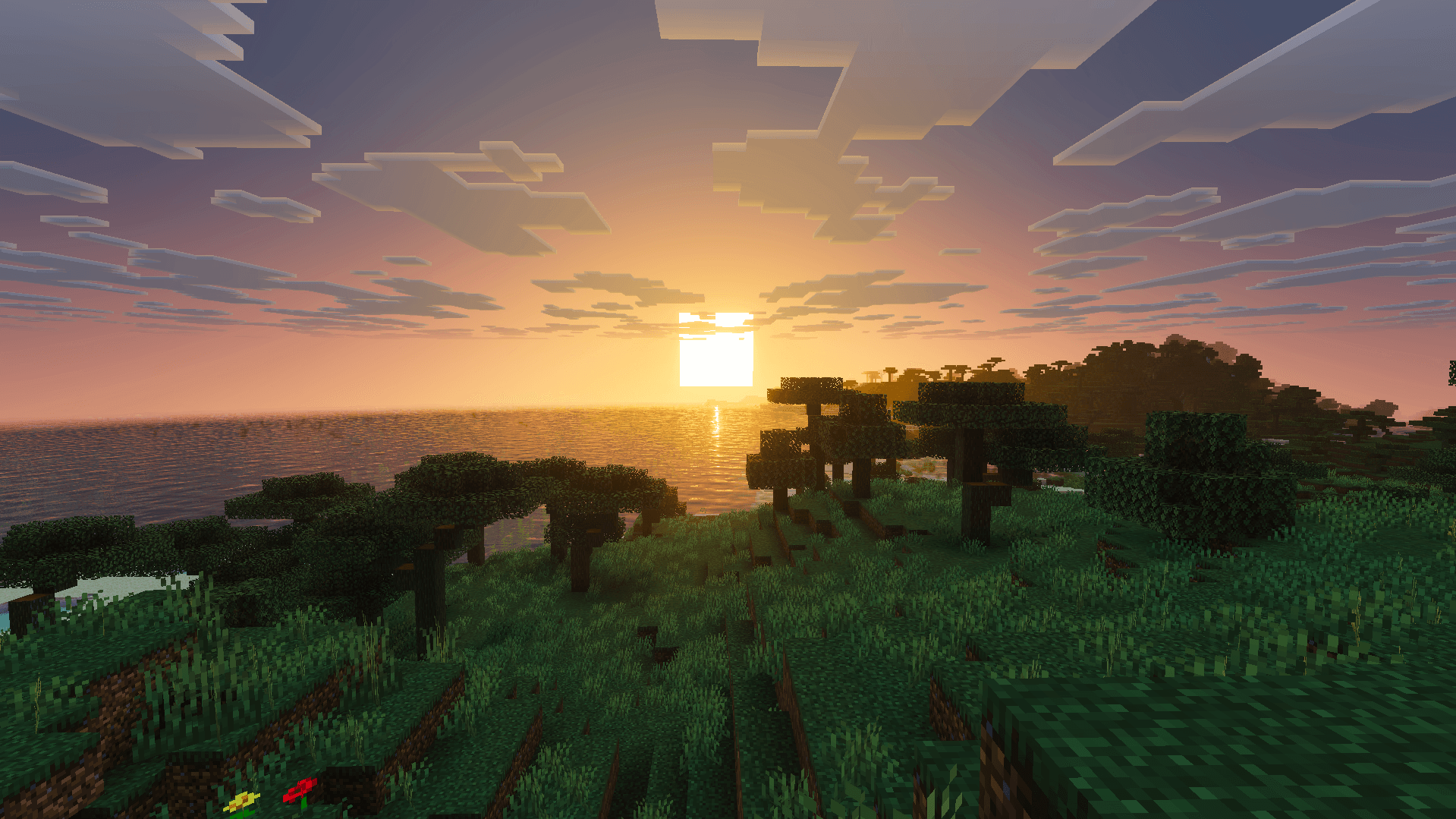
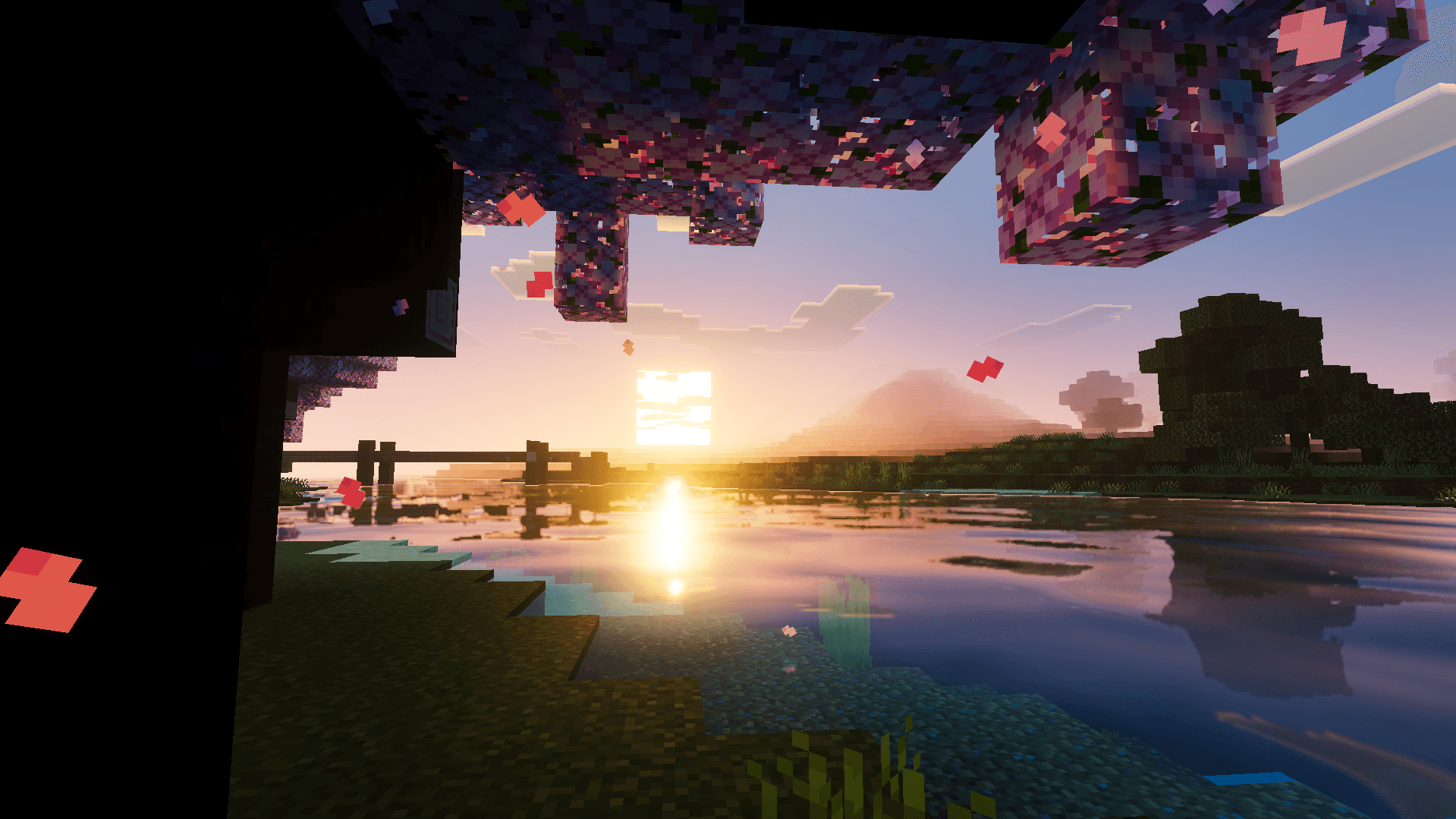
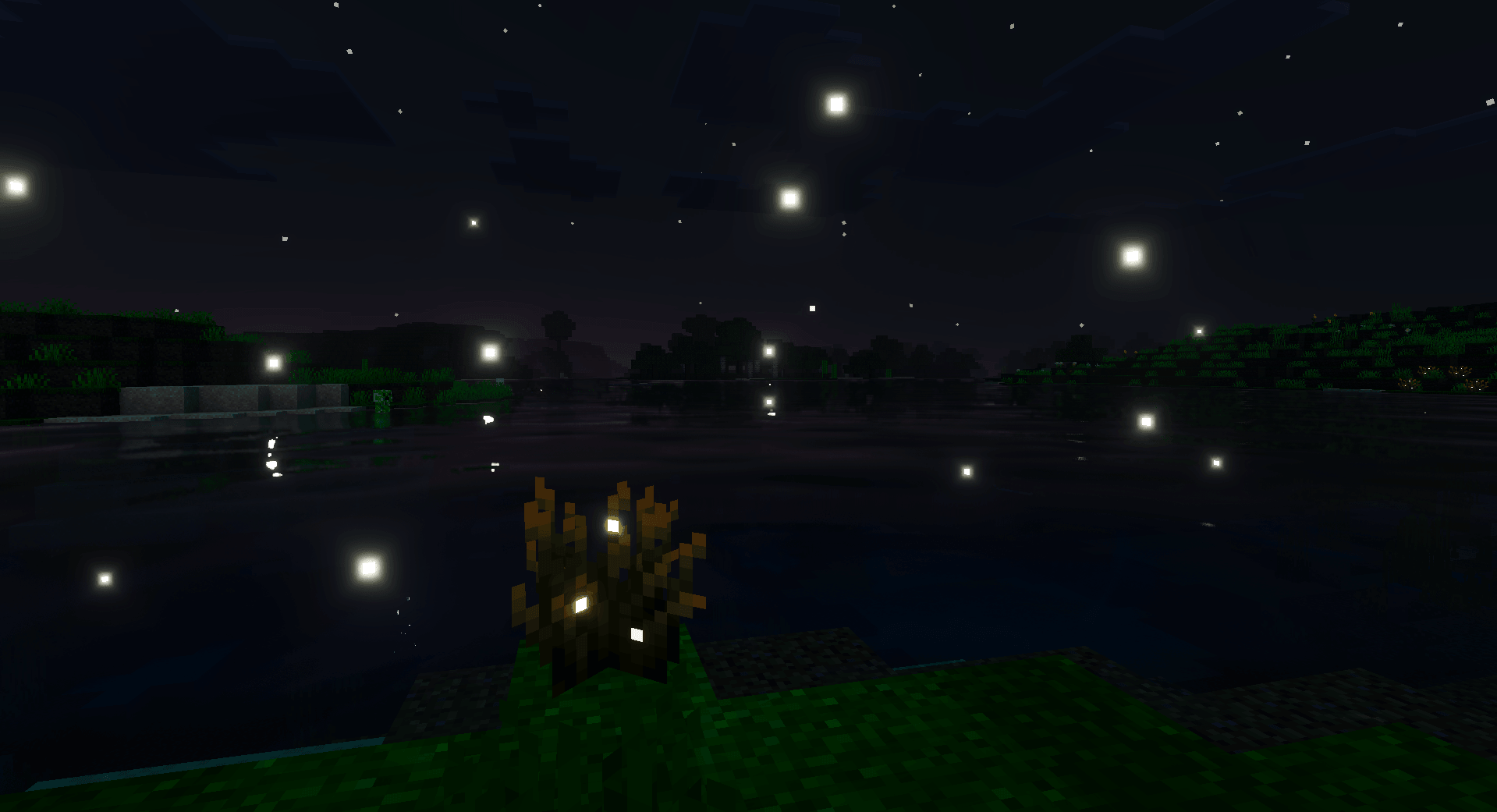
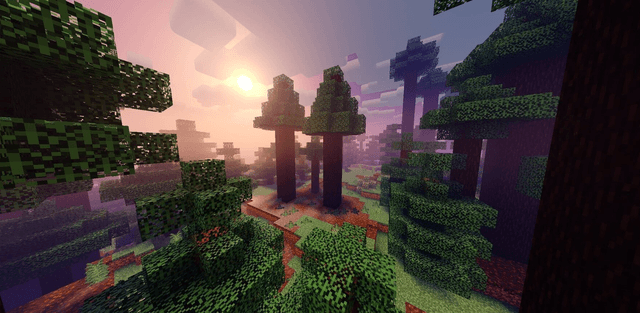
  • true darkness and vivid skies
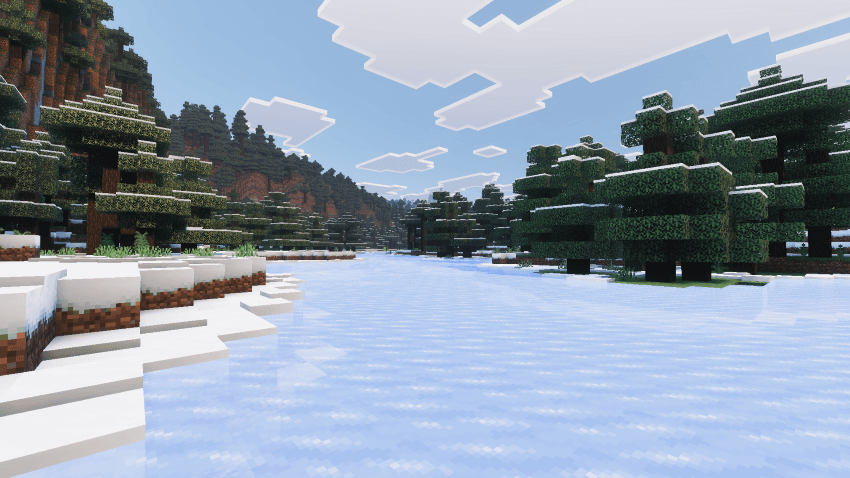
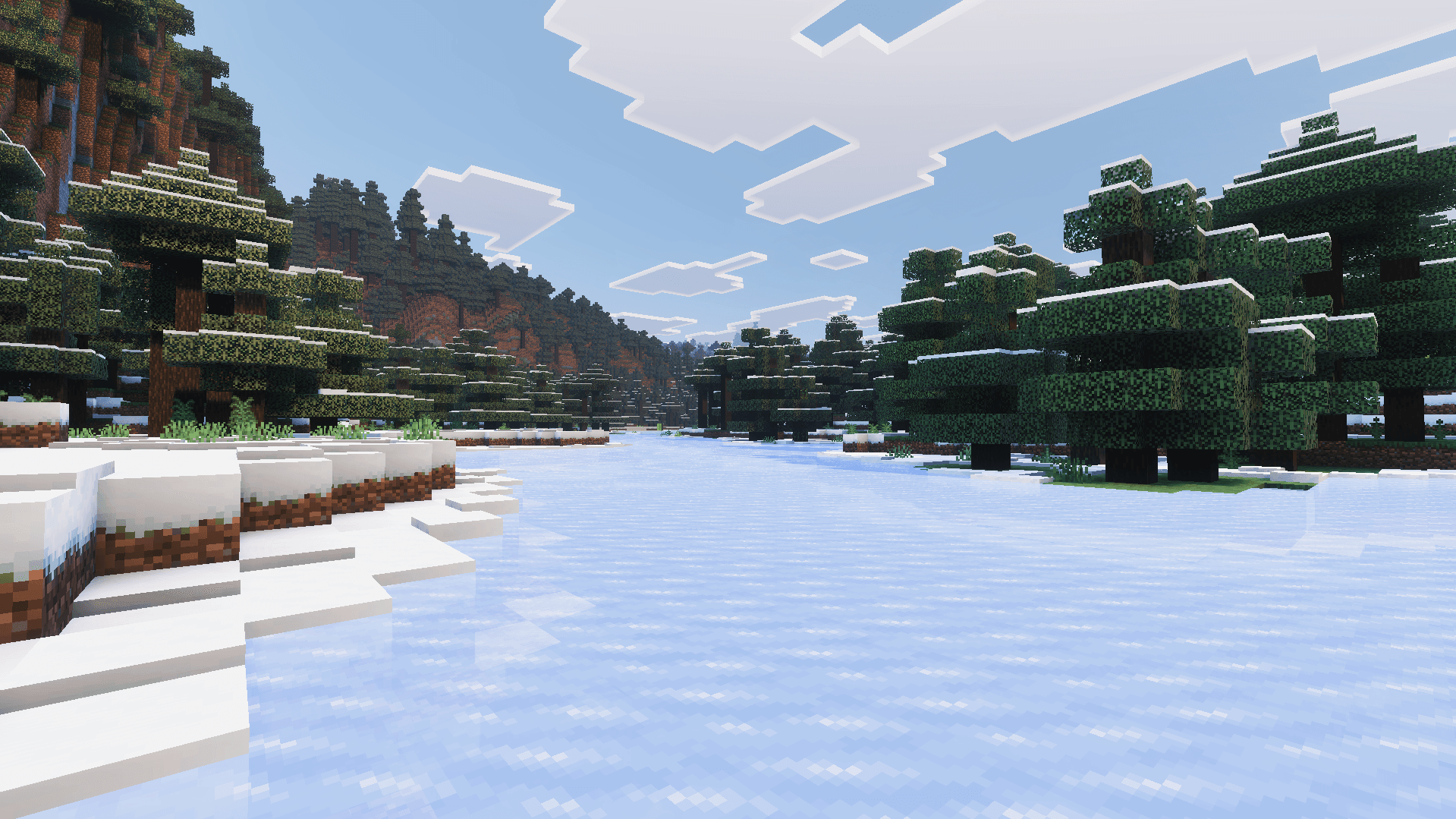
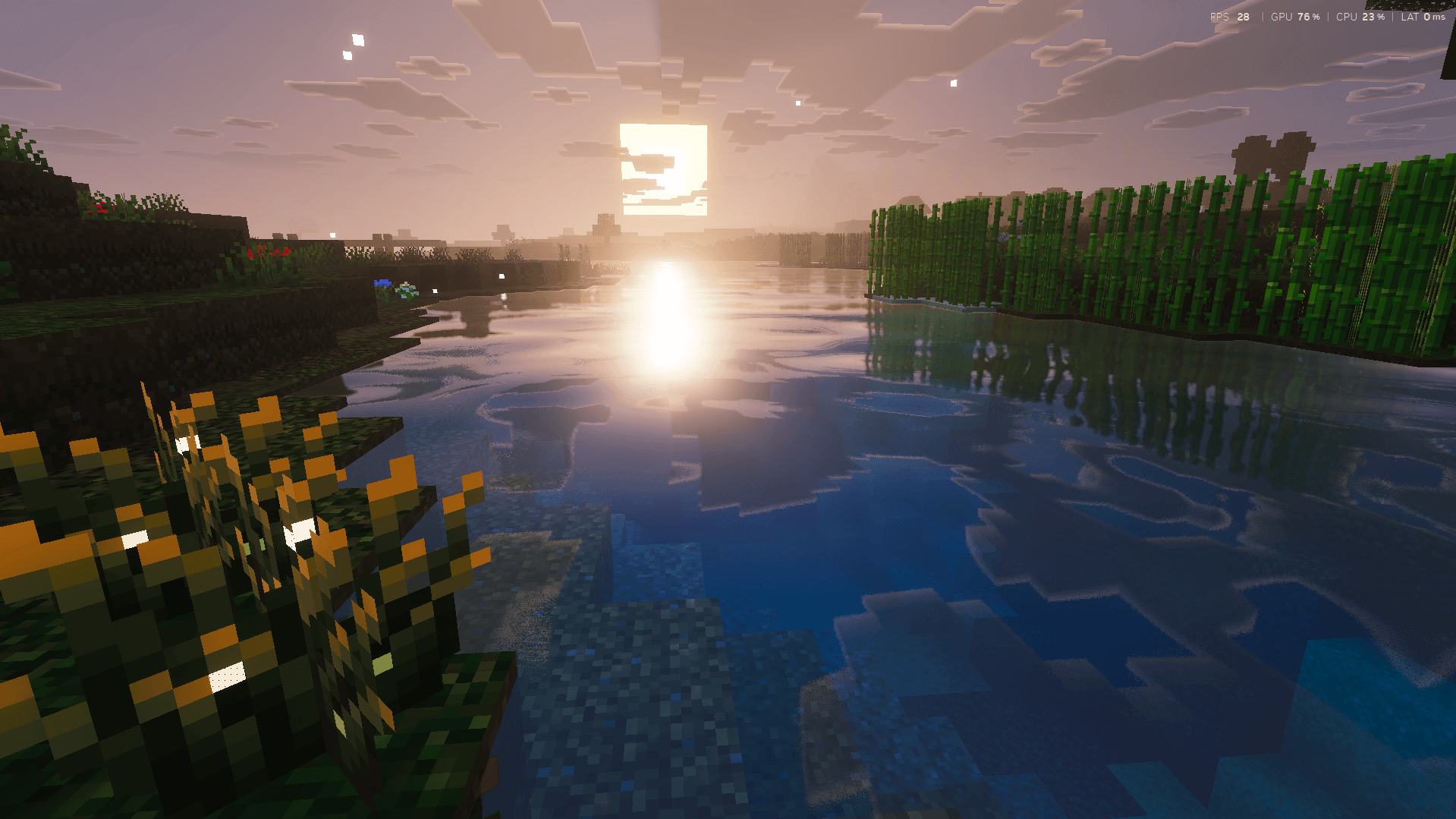
  • smooth terrain and enhanced water
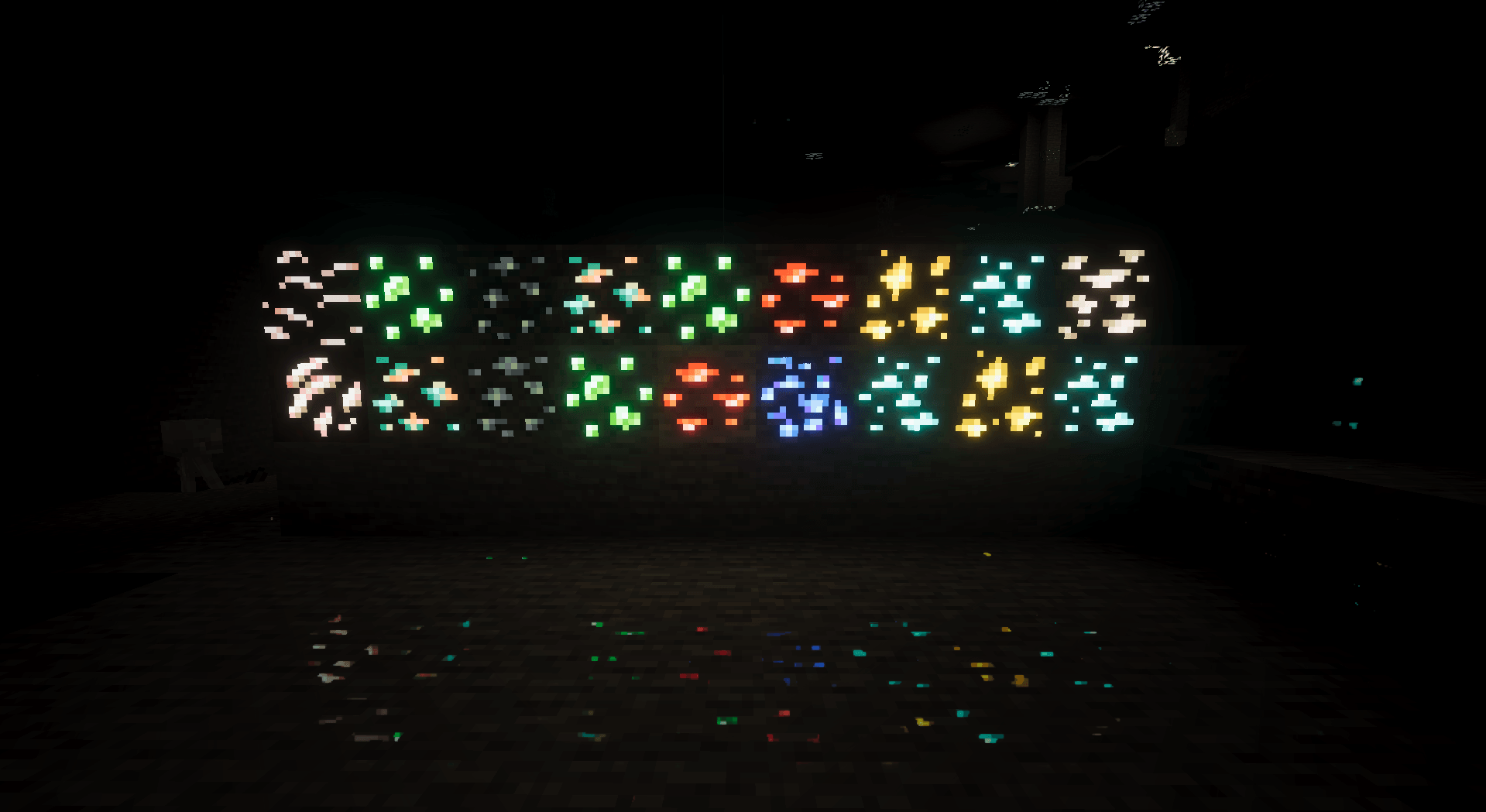
  • glowing ores and reflective armor
  • PBR materials in deferred rendering mode
  • a custom main-menu panorama

Screenshots
ZenXVeda Shaders 1

ZenXVeda Shaders 2

ZenXVeda Shaders 3

ZenXVeda Shaders 4


ZenXVeda Shaders 7

ZenXVeda Shaders 8

ZenXVeda Shaders 9

ZenXVeda Shaders 10

ZenXVeda Shaders 11

ZenXVeda Shaders 12


Download ZenXVeda Shaders (.mcpack)
Download

[23.91 Mb] Downloads: 21


How to install the shader

Download the .mcpack file, open it with Minecraft and wait for the import to finish. Enable the pack in the world's Resource Packs settings. Shader compatibility depends on the Minecraft version and graphics mode.

Supported Minecraft Versions
26.40

Author: Steve

Category: Shaders

Оставить комментарий
reload, if the code cannot be seen