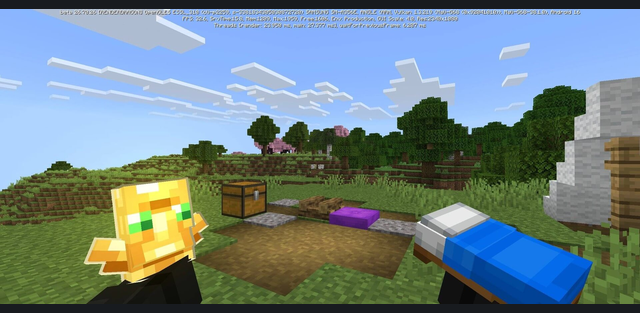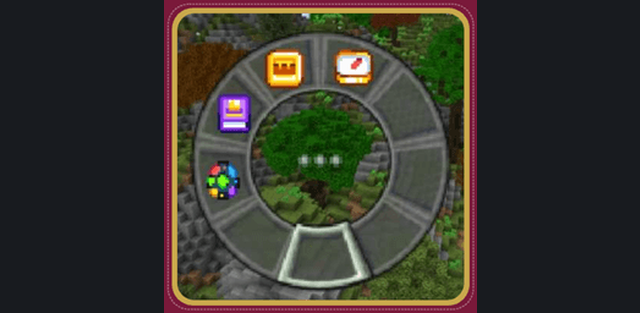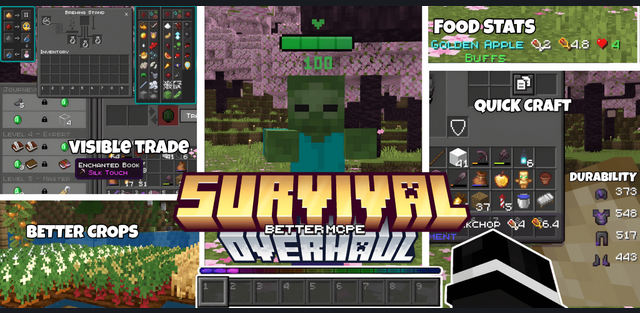
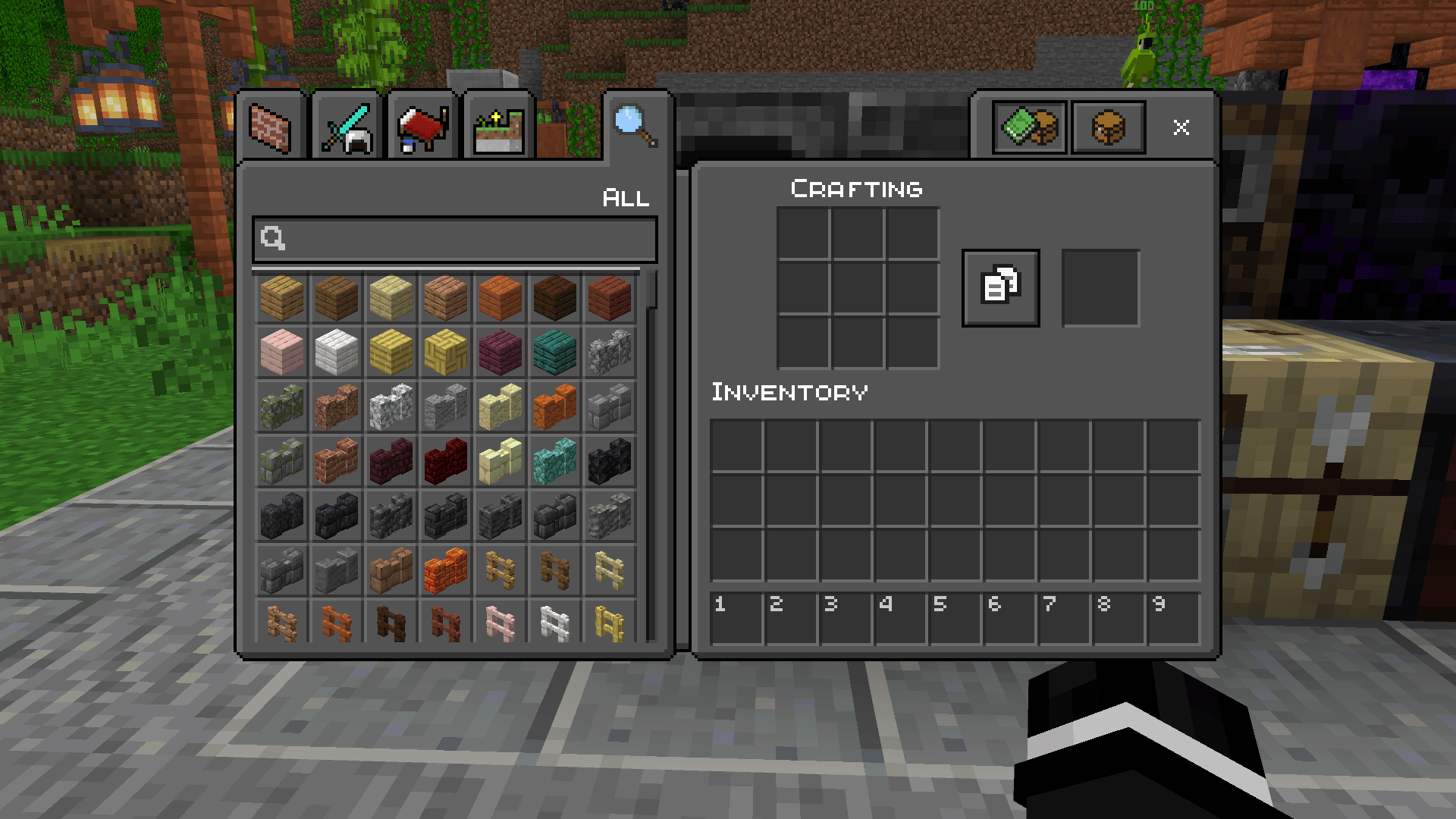
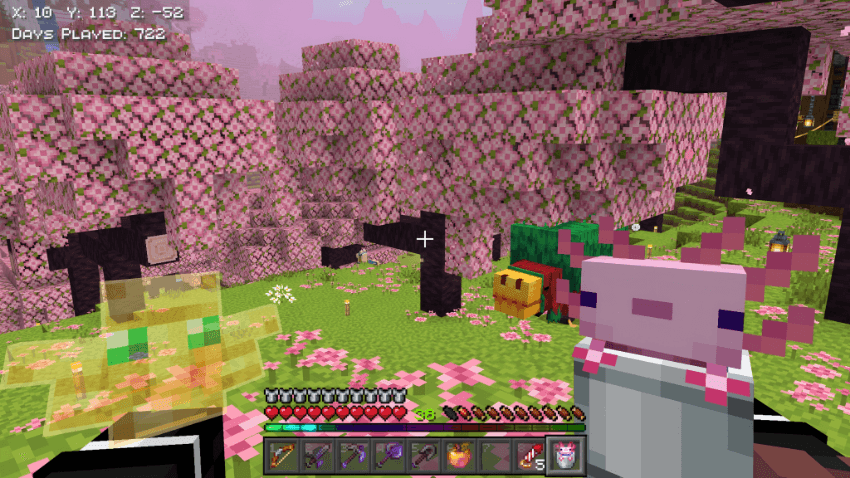
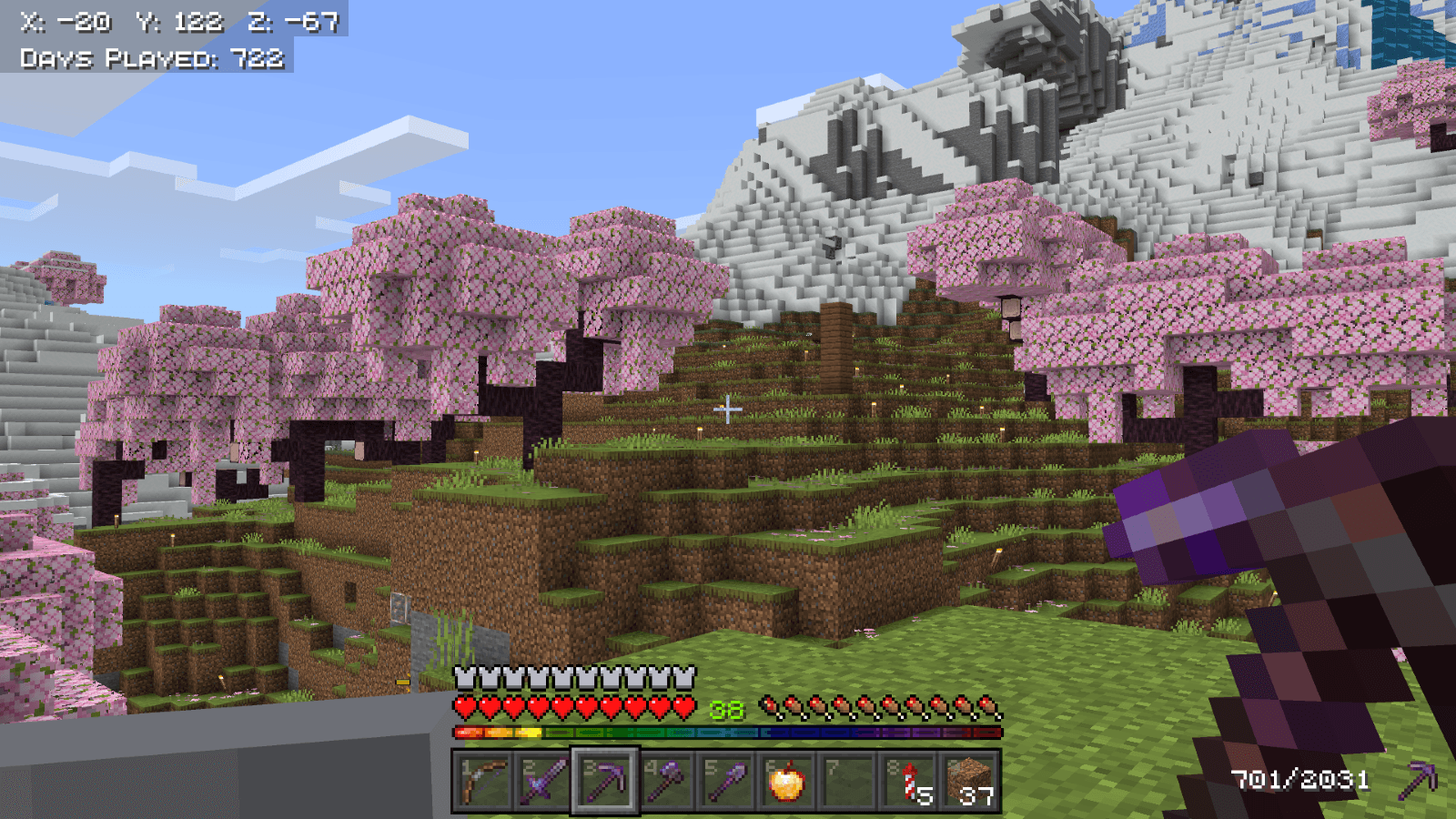
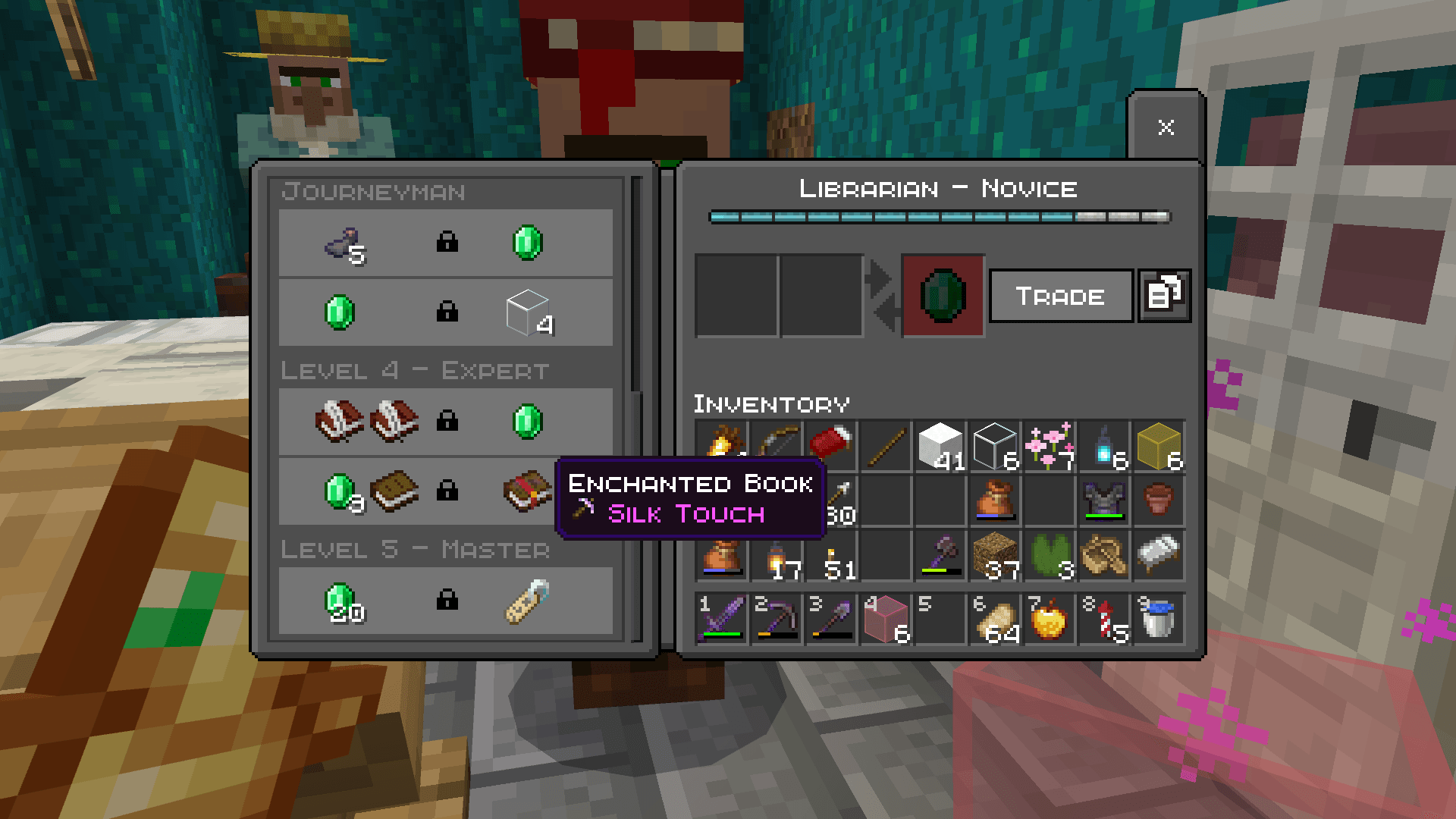
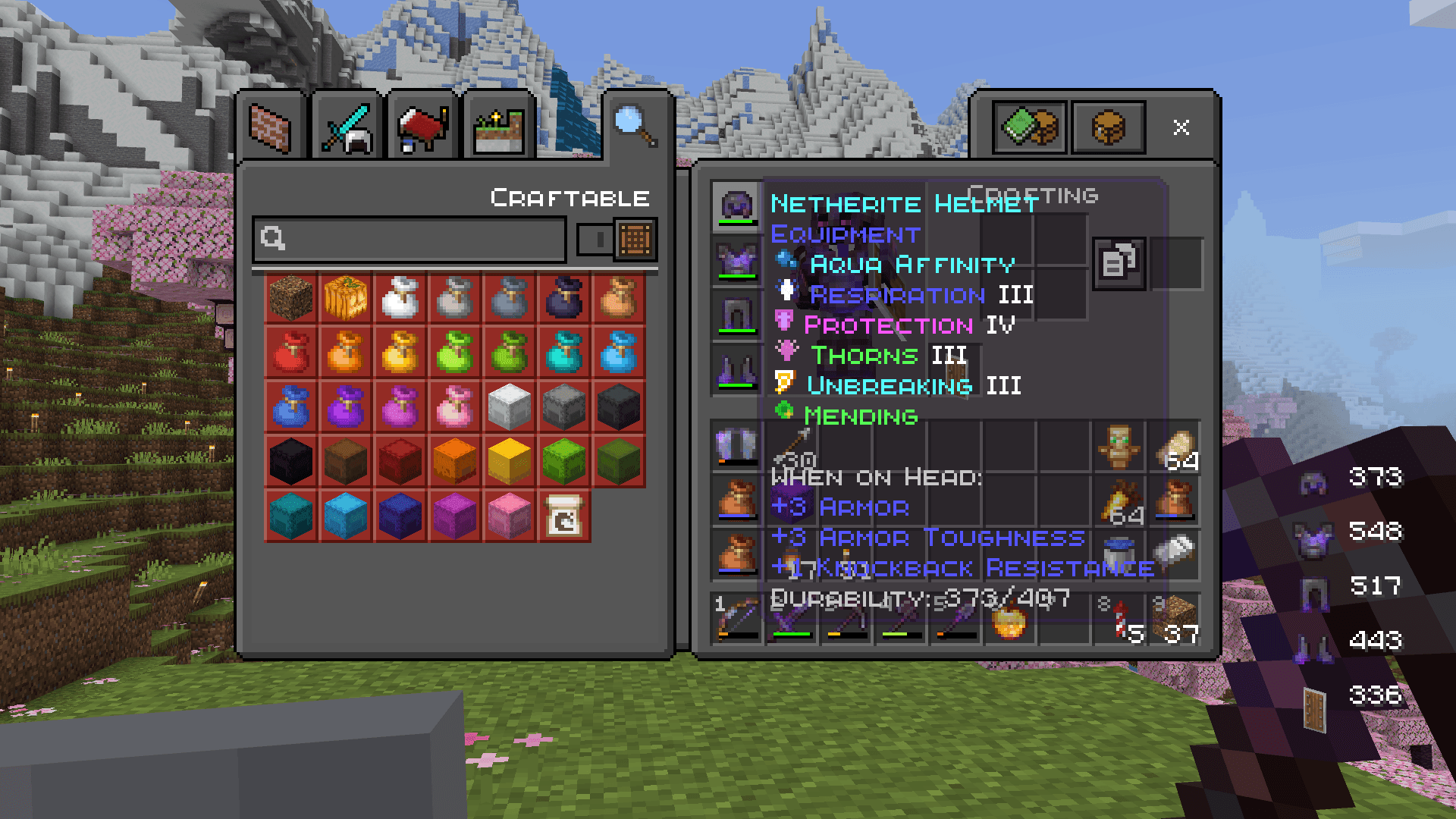
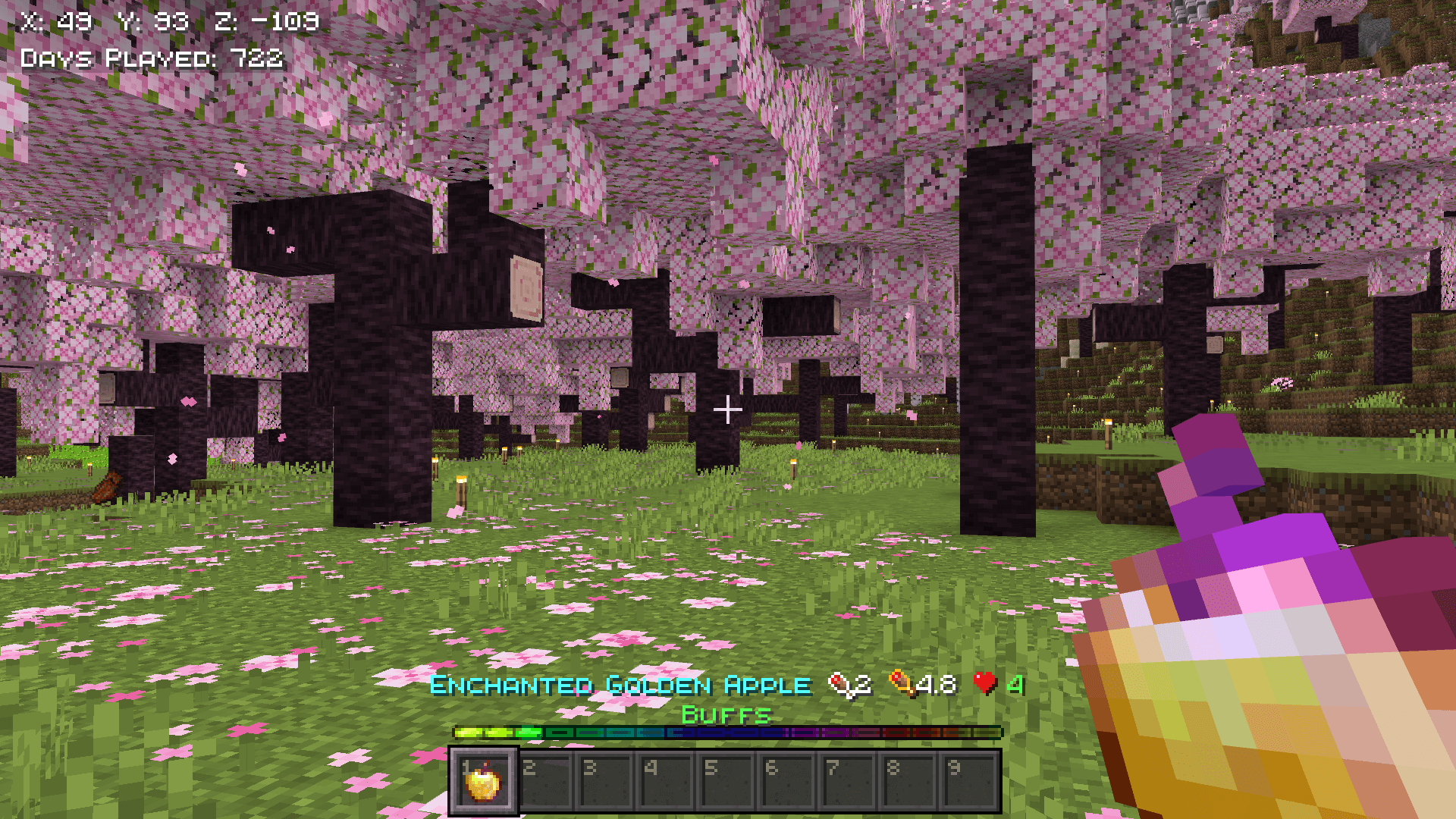
Survival Overhaul replaces inventory, crafting, brewing, trading and settings panels with a dark interface and readable light text. A moving RGB experience bar and numbered hotbar slots refresh the HUD. Held tools show durability values and percentages, with blinking below 20%; armor and offhand indicators occupy the left side and hide empty slots.
Health and useful information
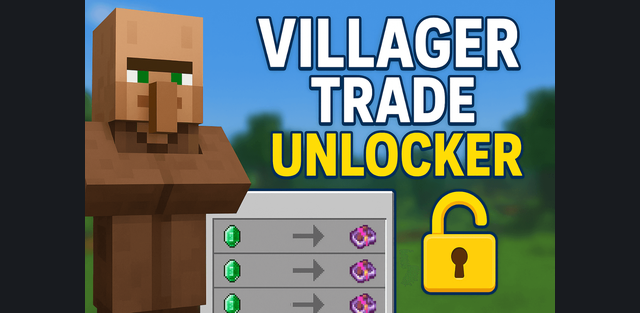
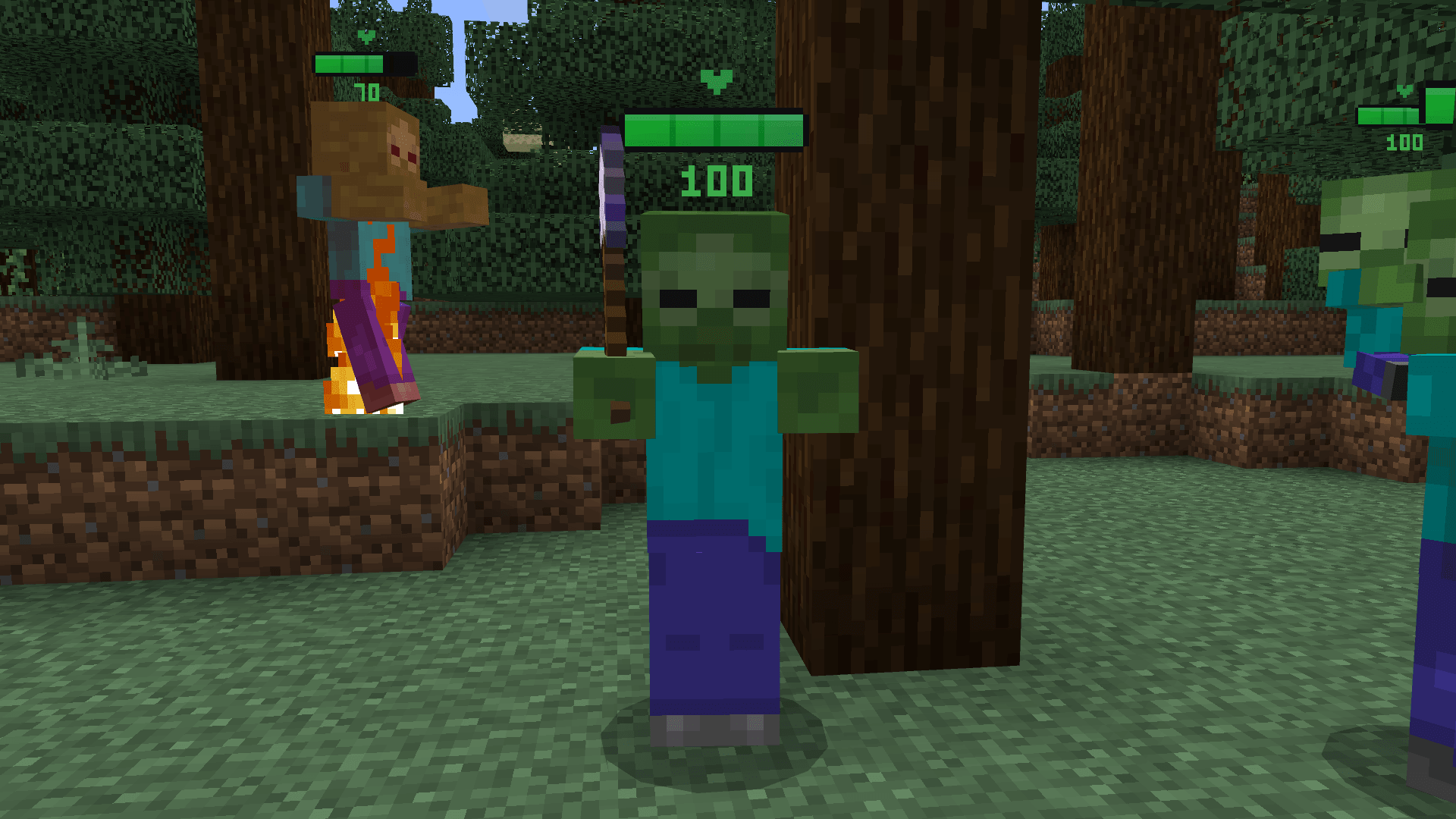
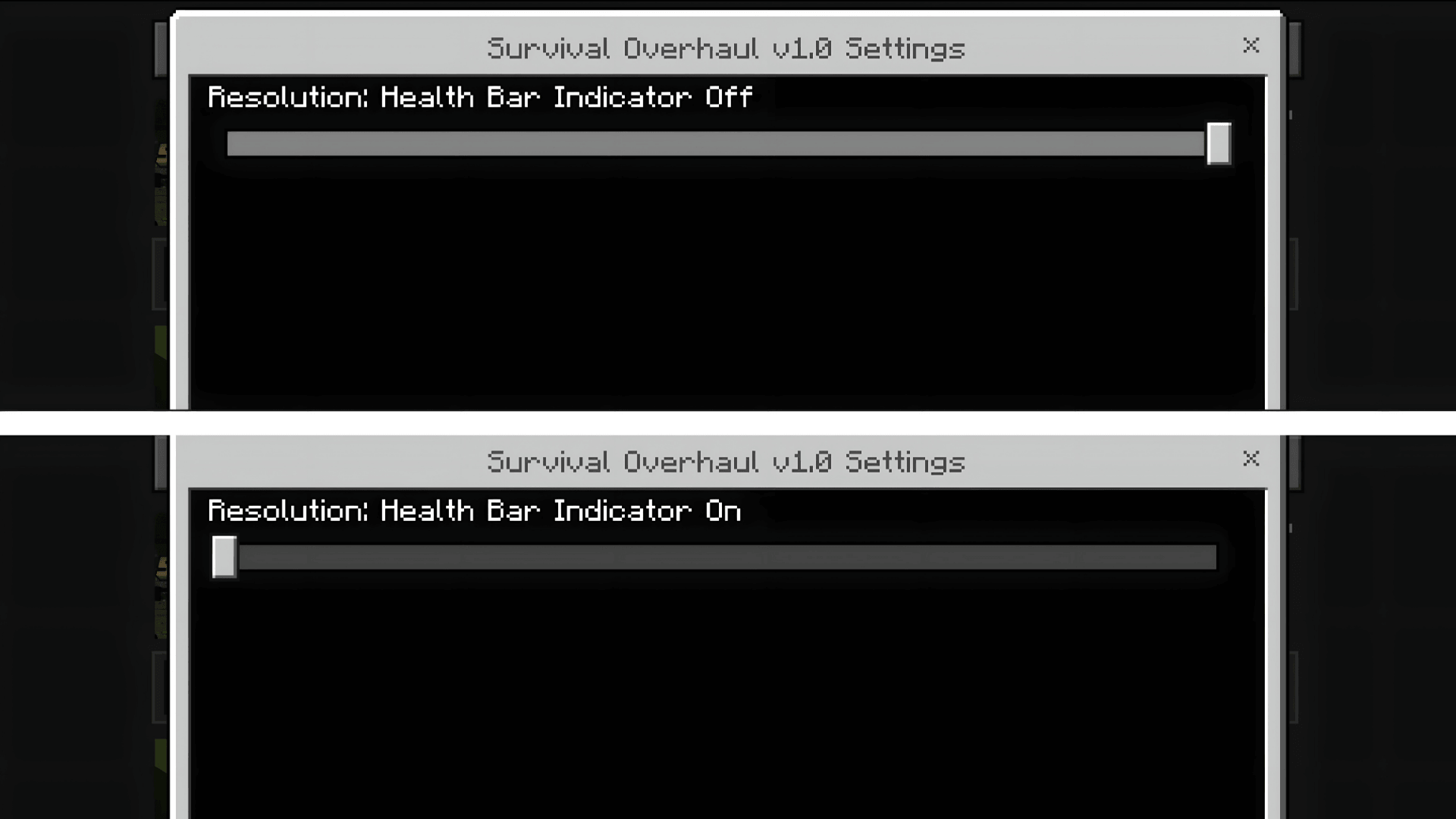
Health bars are supported for 86 mobs and bosses, but not for players. The gear settings can turn those bars off. Trading screens distinguish locked offers, enchantments gain clearer icons, and food names show hunger and saturation information. These displays do not change the server's trading rules or item properties.
Farming and activation
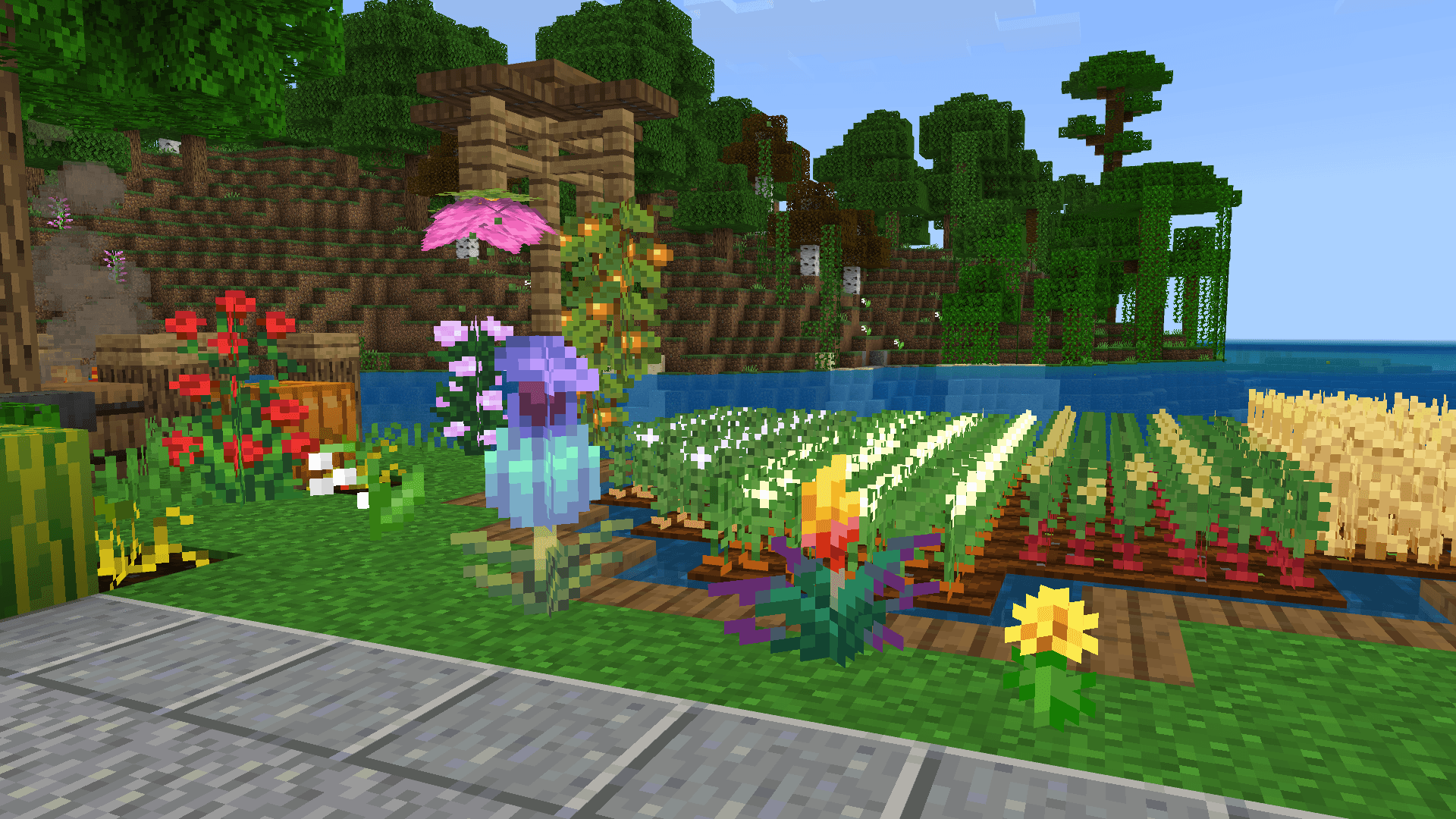
Ripe wheat, carrots, potatoes and beetroot are easier to distinguish, with additional plant and hay details. Activate the resource pack and place it above other interface packs. Enable Show Coordinates in the world if coordinates are needed. The author supports Simple, Fancy and Vibrant Visuals modes; no behavior pack or experiments are needed.