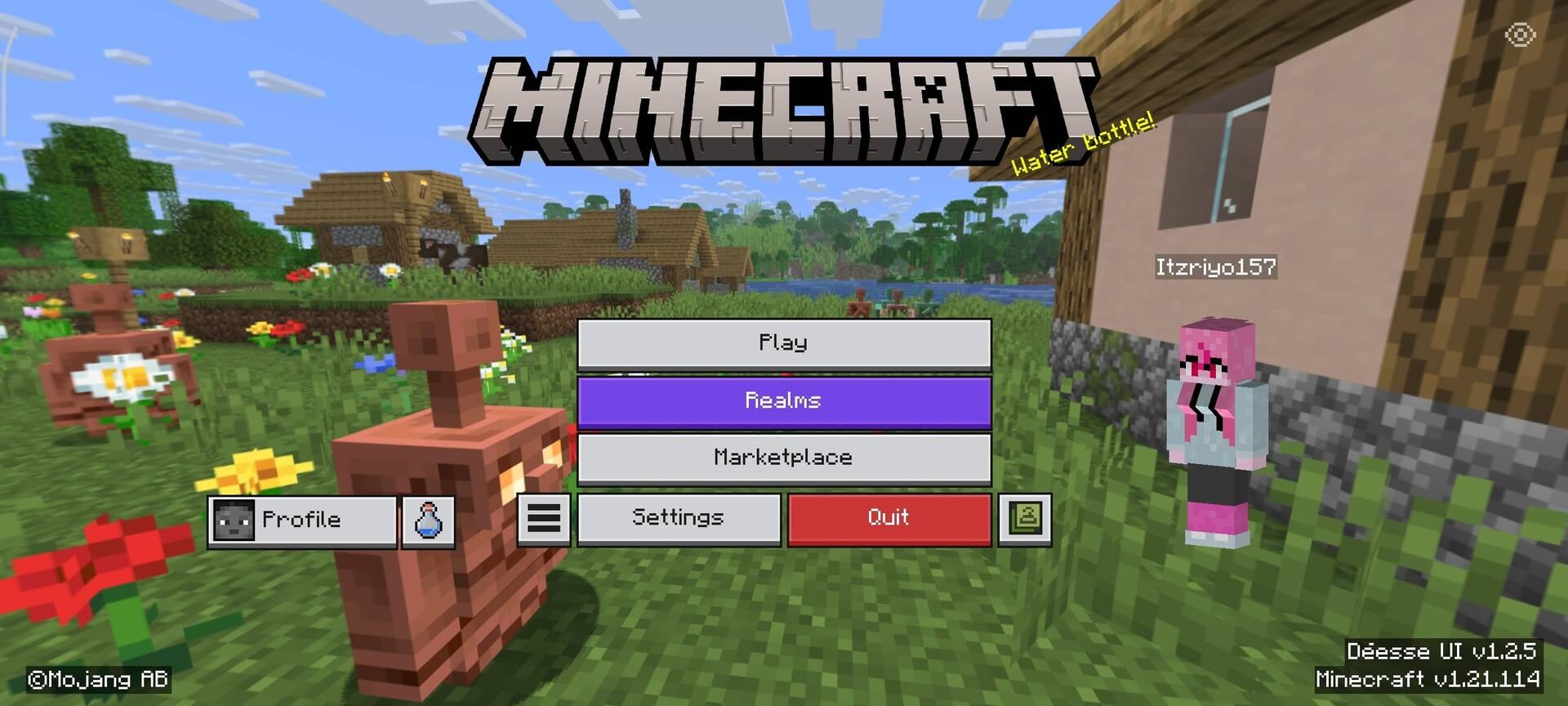
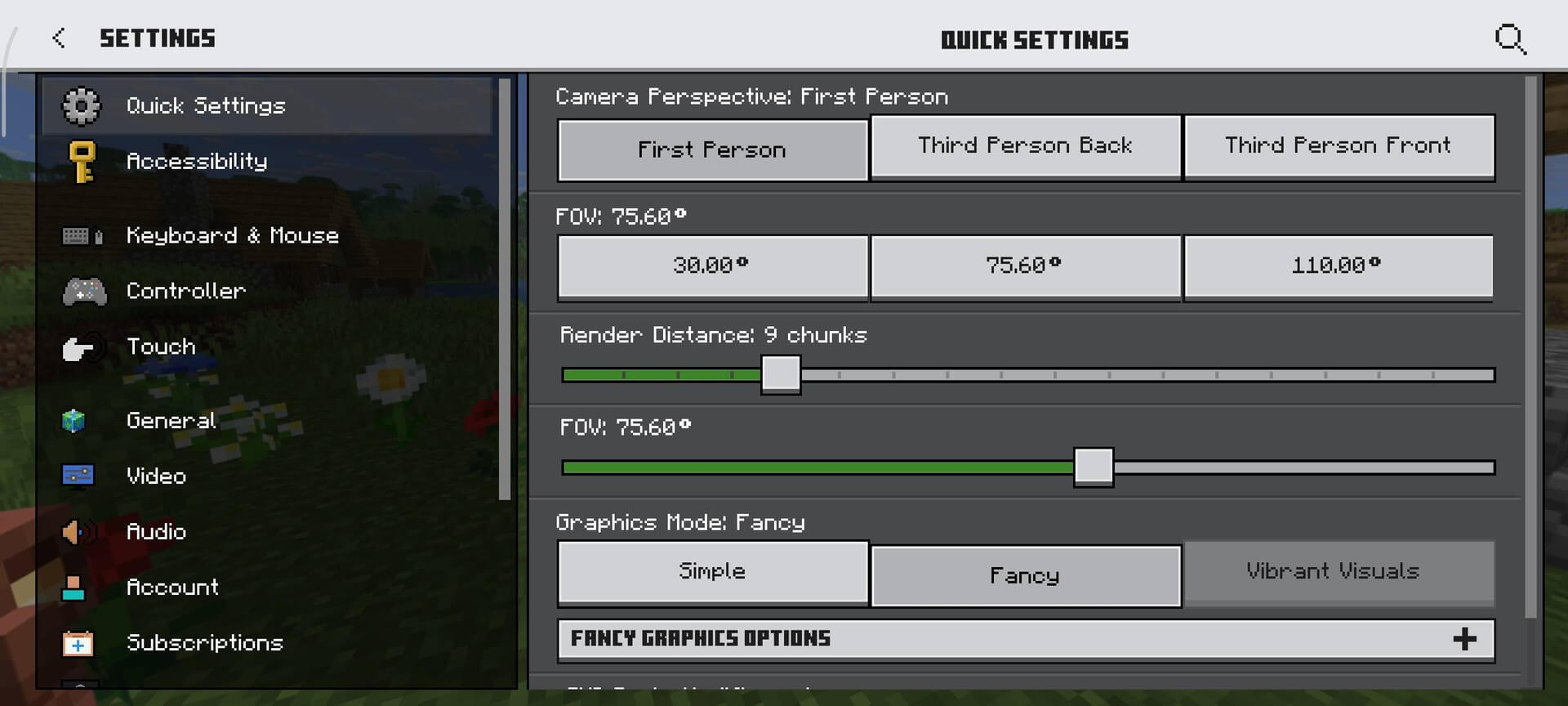
Déesse UI redesigns the main menus, inventory, containers and in-game panels around practical survival tools. Choose Default, Full Features or Performance in the pack settings. Version 1.3.96 is intended for Minecraft 26.60 and includes compatibility fixes for that release.
Information on the HUD
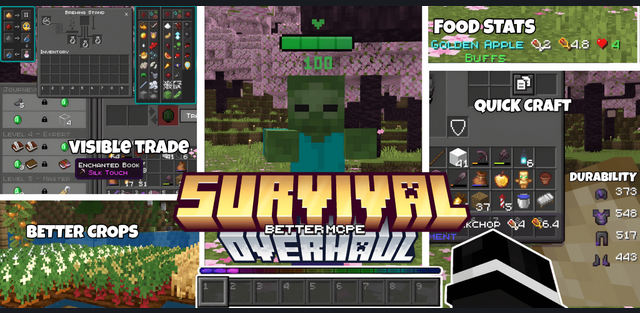
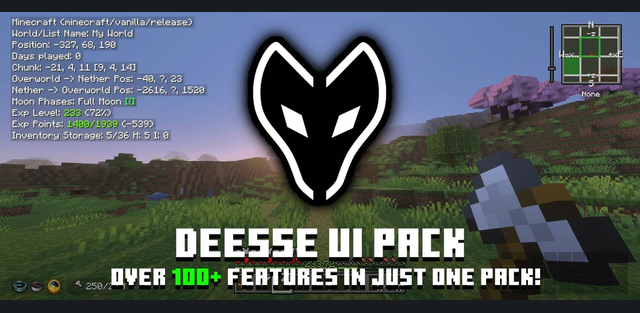
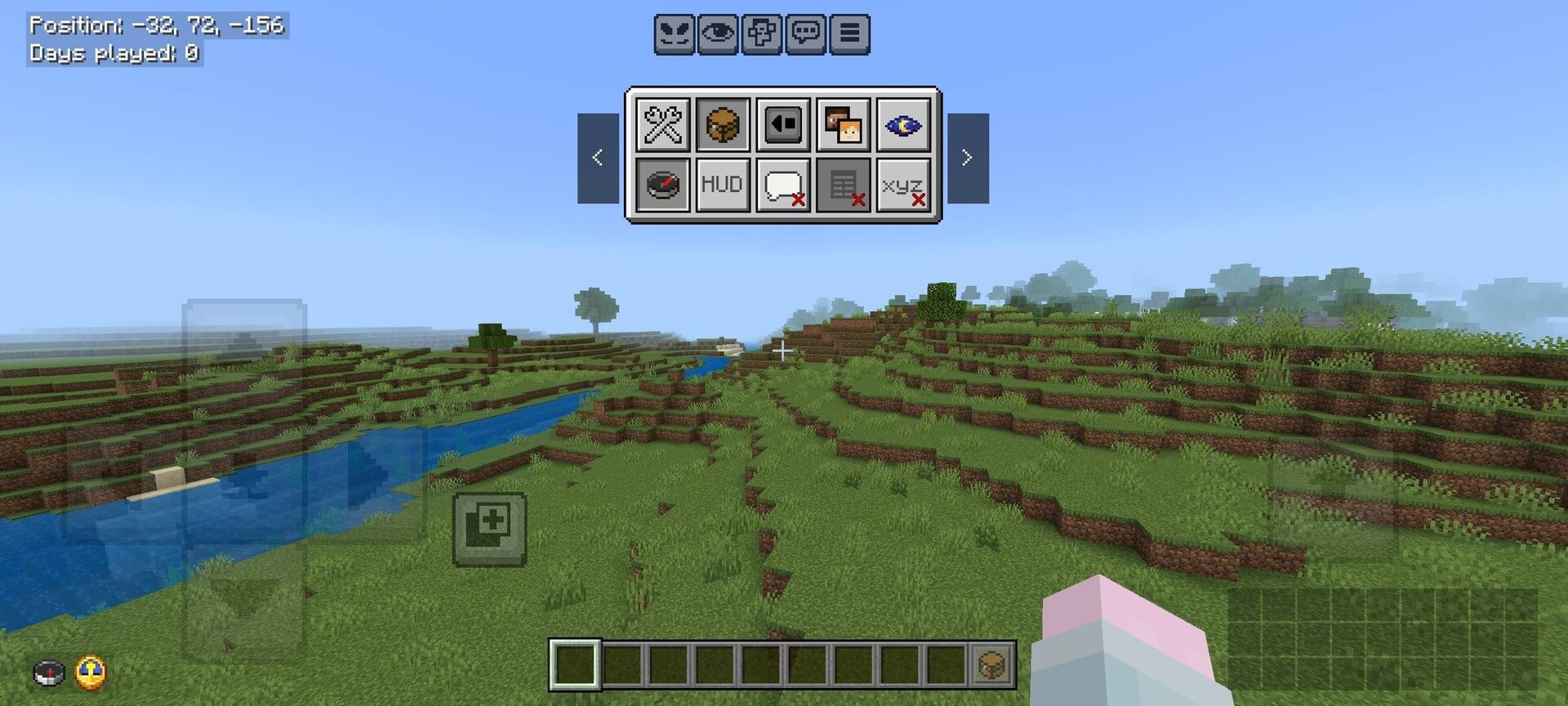
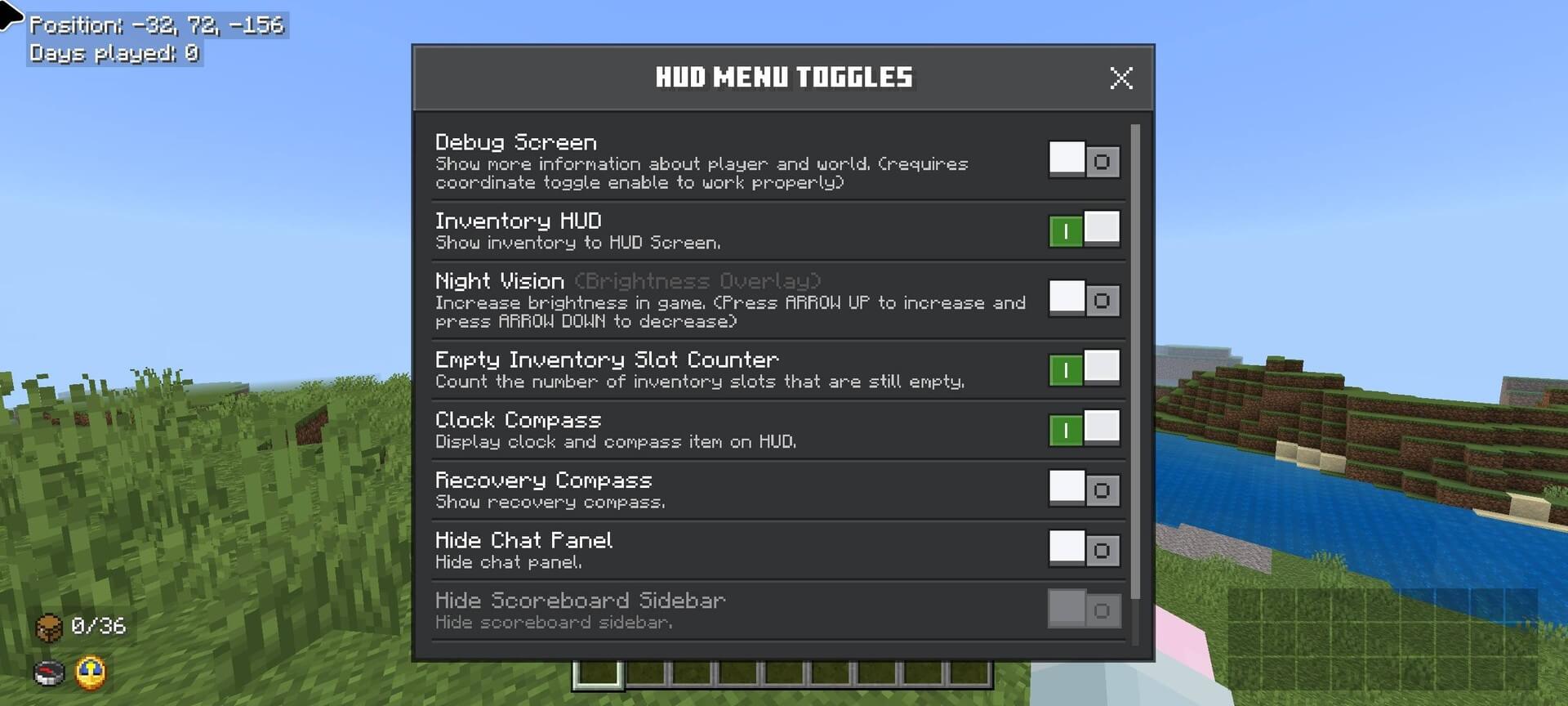
The HUD can show held-item durability, inventory contents and occupied slots, clocks and compasses, a player list and world information such as chunk position or moon phase. Individual panels can be toggled. On touch devices, open the HUD menu with its on-screen button; keyboard users access its toggles with the left and right arrow keys and show the player list with Tab.
Inventory and crafting
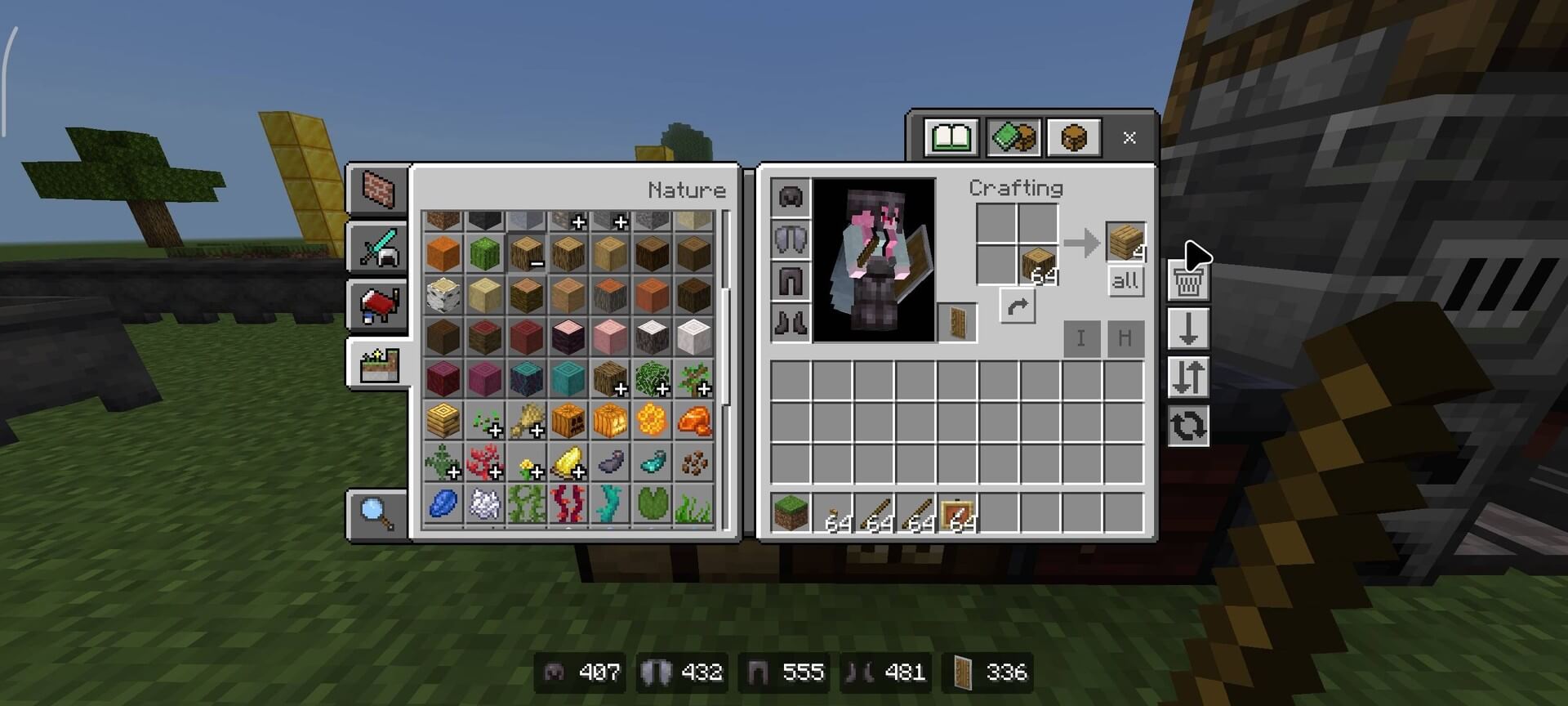
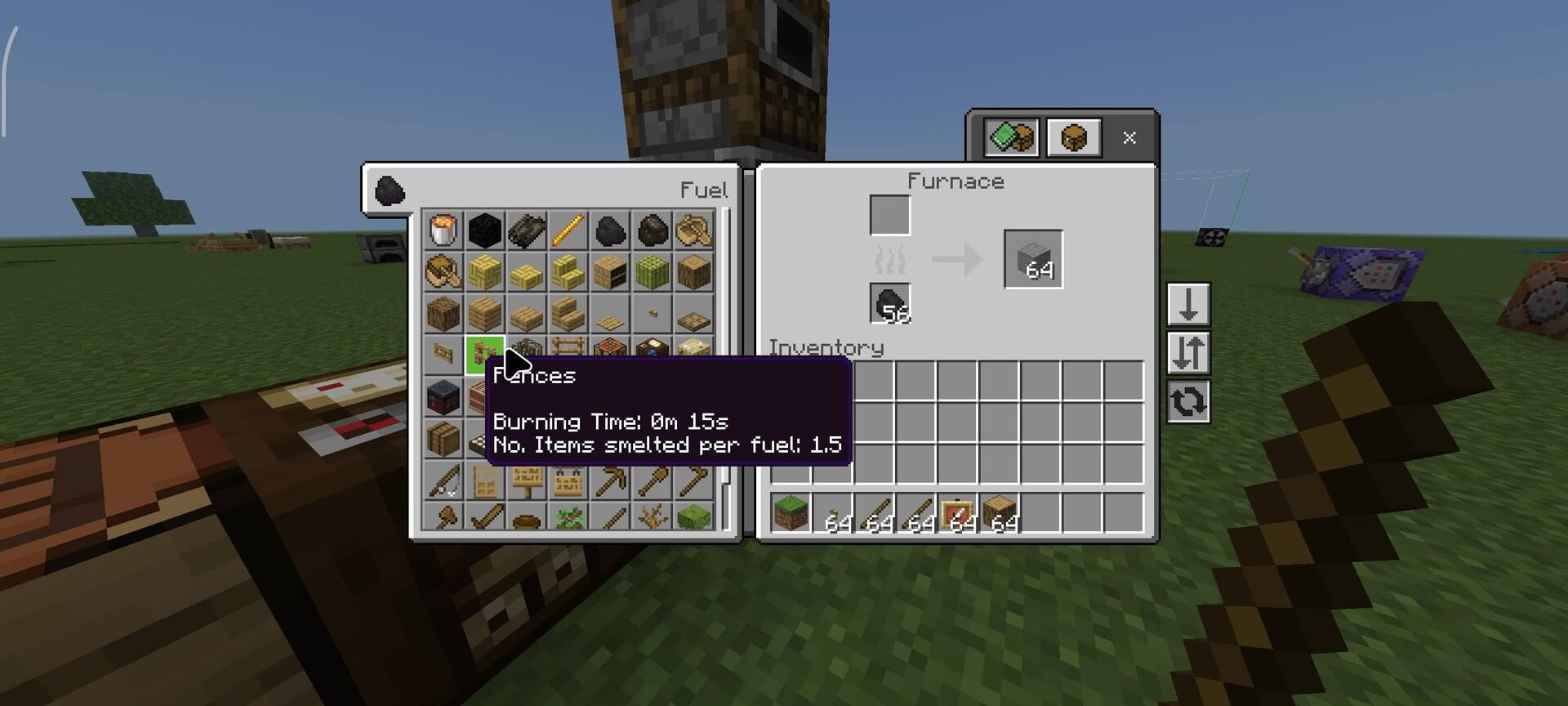
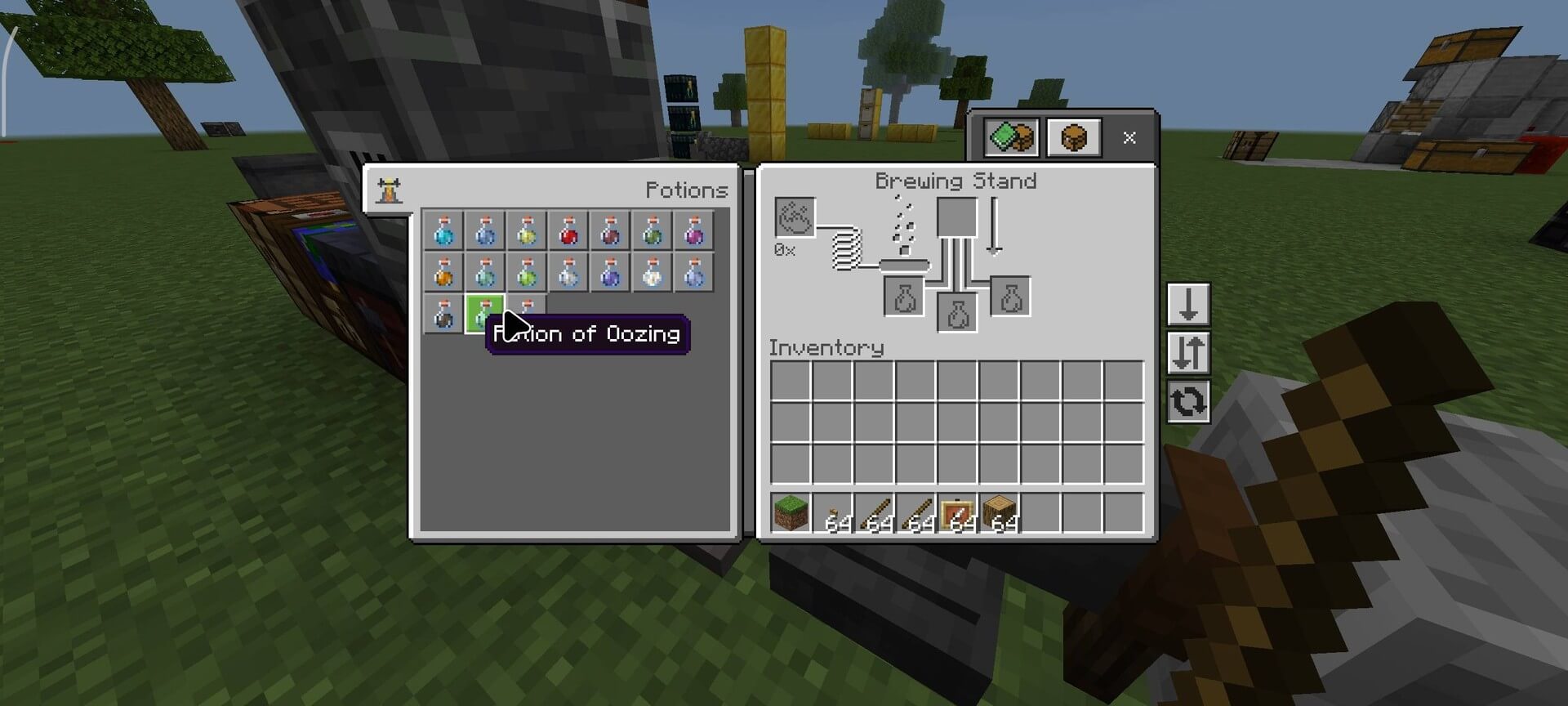
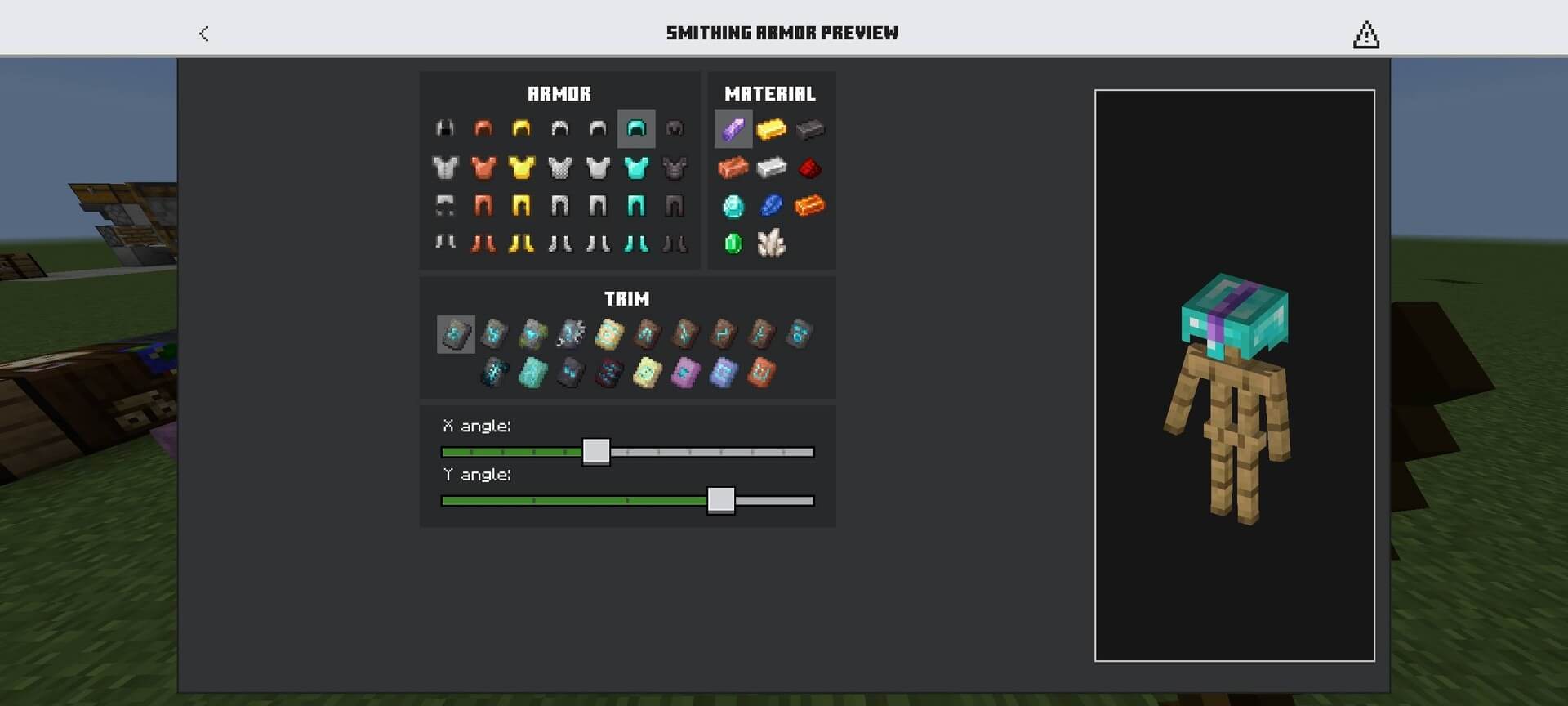
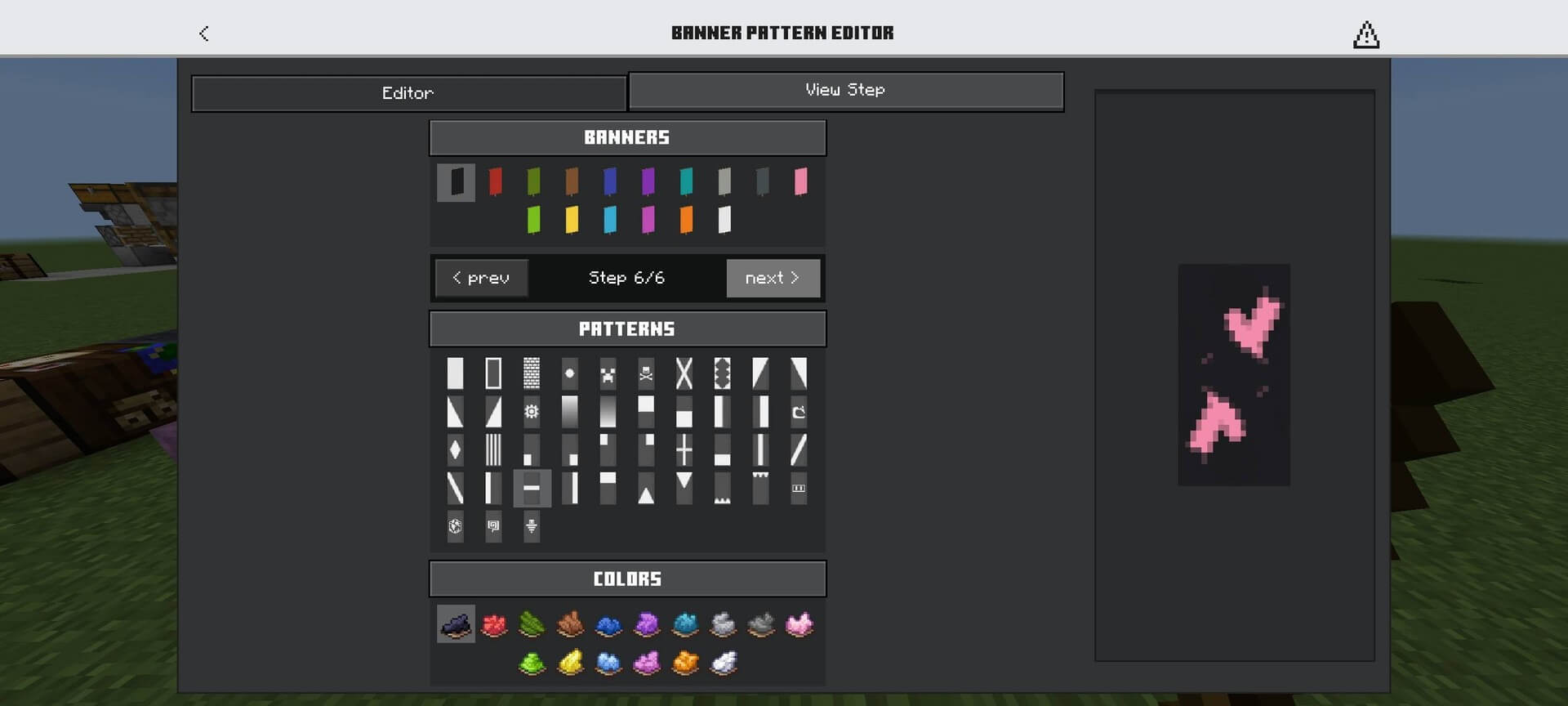
Quick container controls move matching items, rows or columns, while search helps locate resources. Trading and crafting screens gain faster actions; furnaces display fuel information. Armor trim previews and a banner pattern editor help inspect decorative results before choosing them.
Chat and editor tools
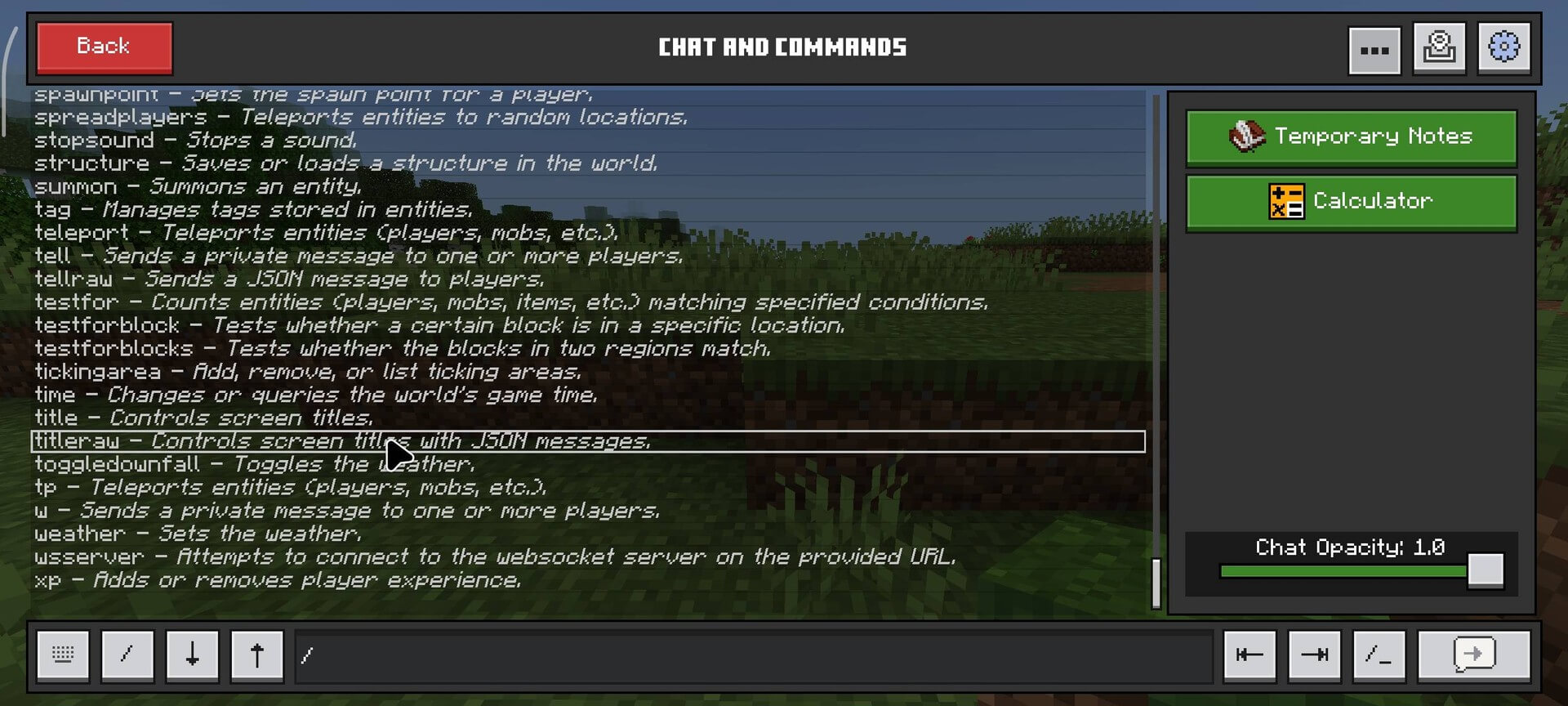
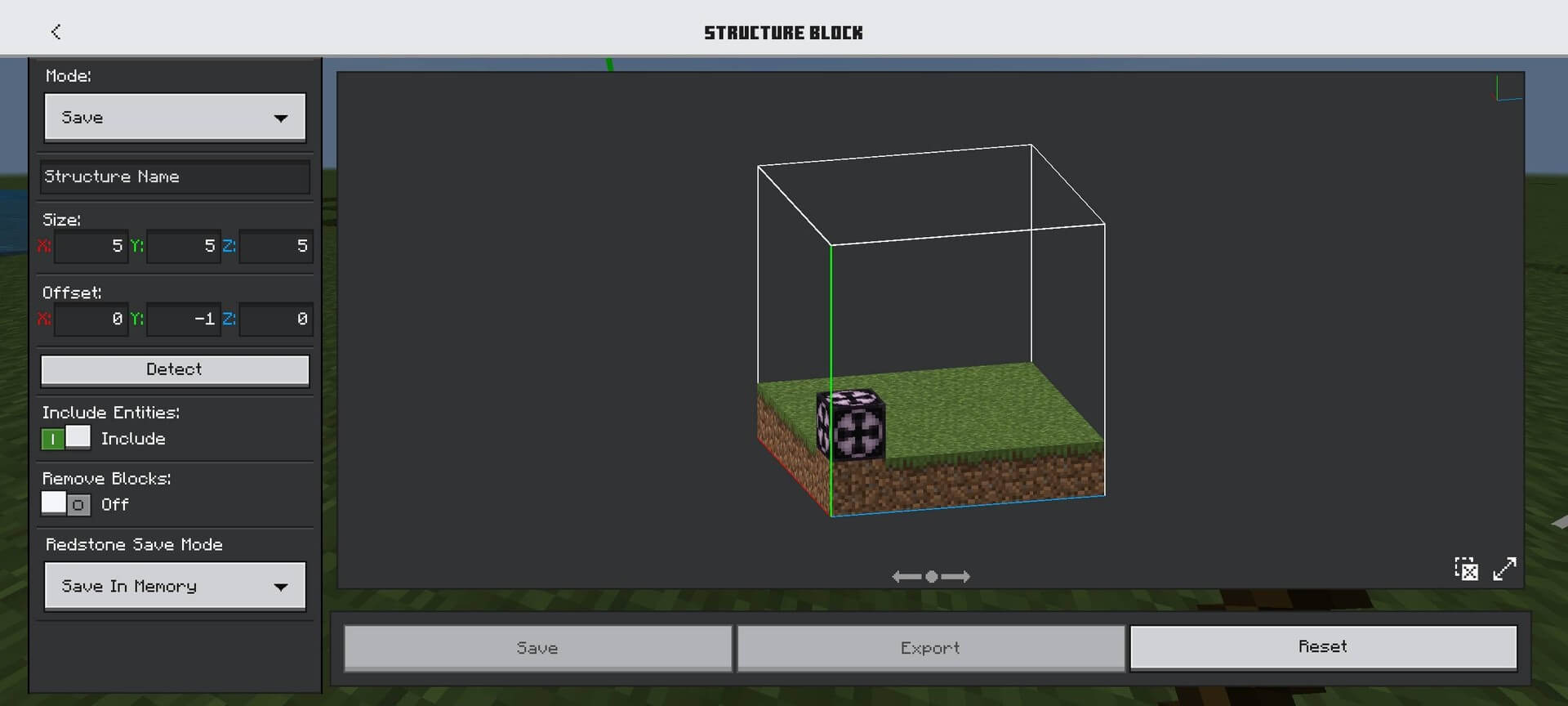
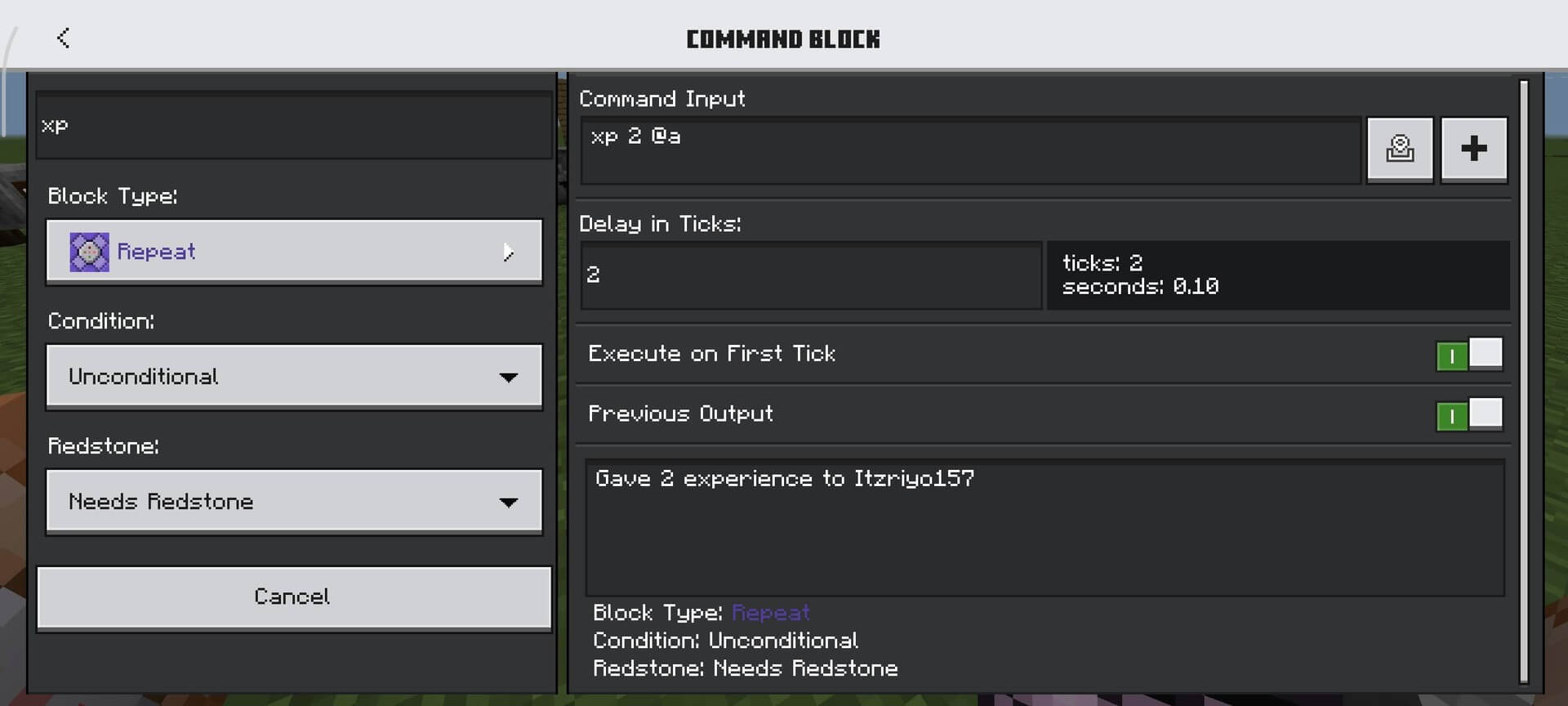
The chat includes a calculator, command helpers and temporary notes. Notes are cleared when leaving the world or server. Structure and command block screens are reorganized. Some actions depend on the control scheme: the full chunk map is a touch feature of Full Features, and controller support has fewer HUD controls.
Compatibility
Use the built-in About UI > Features section for the complete control list. Avoid enabling separate copies of this author's Quick Container, Trade Utils or other features already included here: they replace the same UI files. Other HUD packs can also override panels. Performance mode reduces optional features for weaker devices.