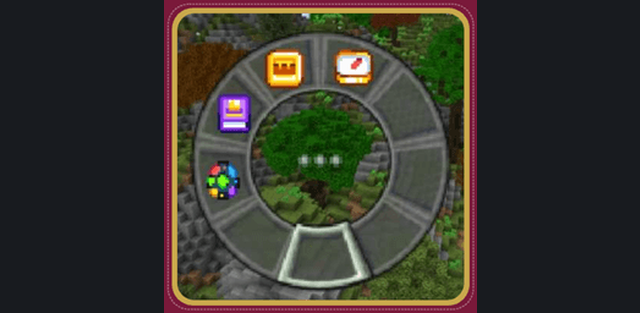
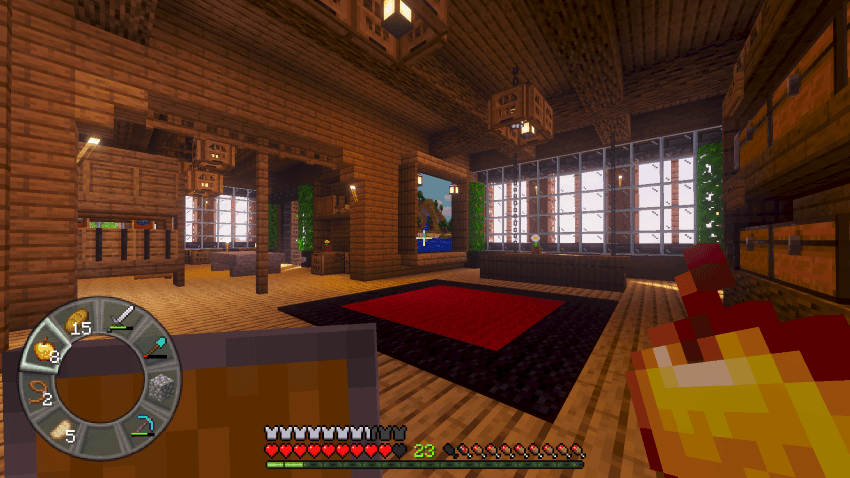
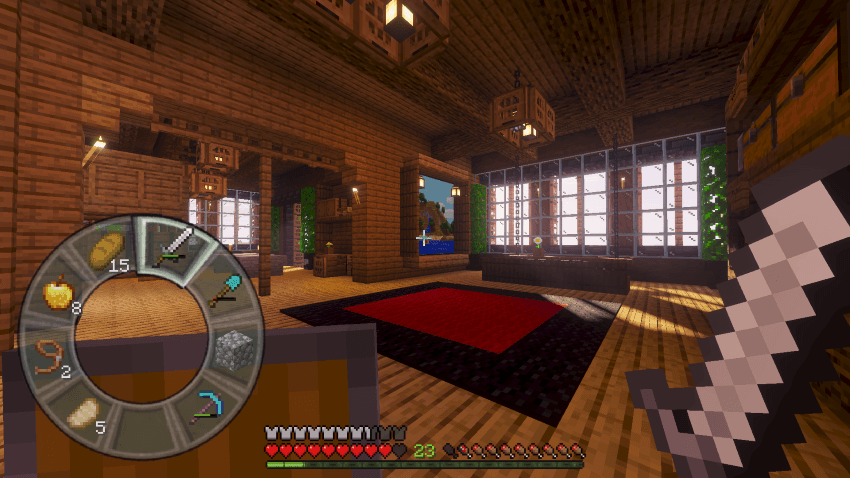
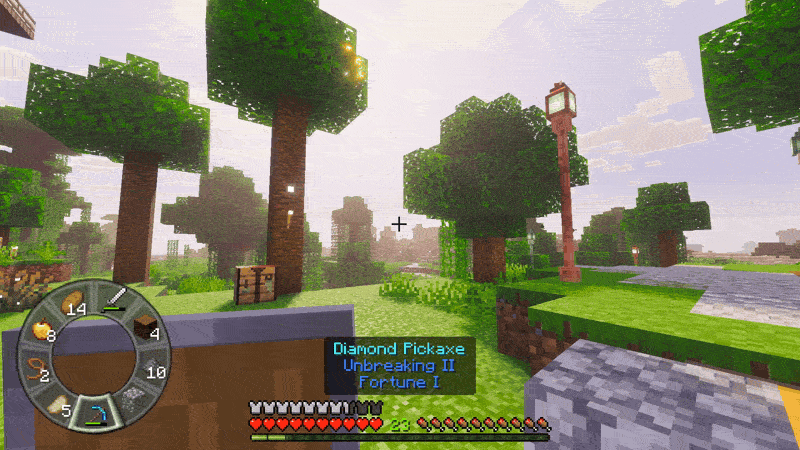
A small interface change can make Minecraft feel quite different. Vanilla Circular Hotbar arranges the quick-access item slots around a circle while preserving the familiar visual style of the game. It offers both normal and enlarged layouts, with separate handling for desktop and touch controls.
Default or Large
Both sizes are included in the same resource pack. After activating it, open its settings using the gear button and select Default or Large. The enlarged layout gives the slots more screen space; the standard option keeps the wheel compact.
How to use it on a phone
- To open your inventory, double-tap the three dots in the middle of the hotbar.
- To reposition the hotbar, touch those dots and drag the circle to where you want it.
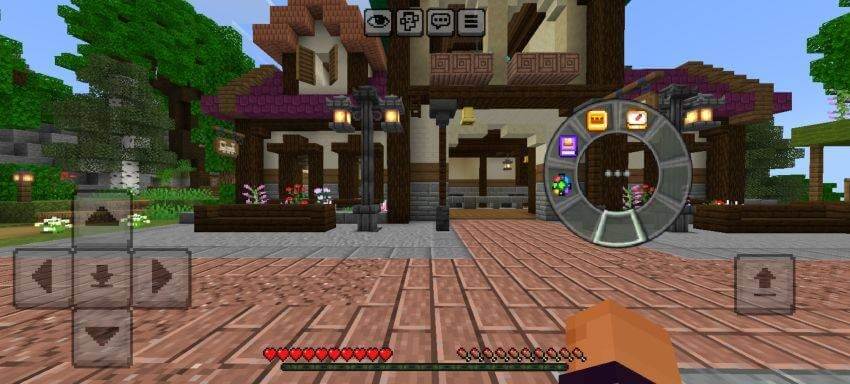
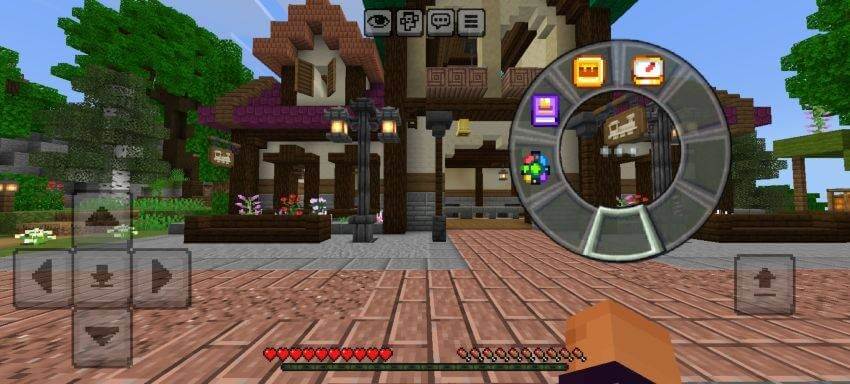
The screenshots show both mobile sizes. Choose the layout that is easier to reach with your fingers and place the circle where it is convenient for your usual controls.