FancyGrass+ Makes The Grass Blocks Look More Fancy. Doesn’t Change The Grass Block Icon In The Inventory To Prevent Confusions With Other Blocks. With FancyGrass+ You Can Customize The Texture With Given Subpacks
FancyGrass+ Makes The Grass Blocks Look More Fancy. Doesn’t Change The Grass Block Icon In The Inventory To Prevent Confusions With Other Blocks. With FancyGrass+ You Can Customize The Texture With Given Subpacks
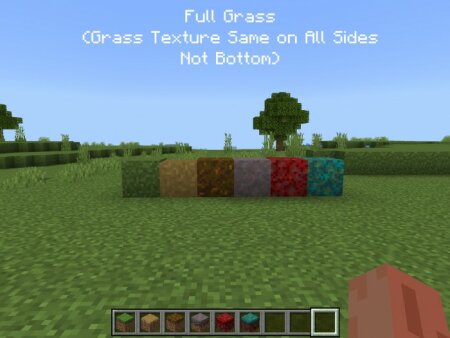
Full Grass: Makes The Block Sides Use Block’s Top Texture To Give A Nice Look! ( It Doesn’t Changes The block Icon To Prevent Confusion With Other Block)
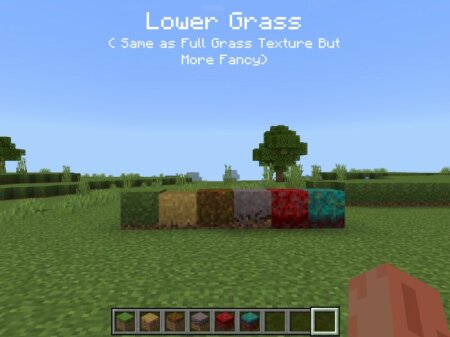
Lower Grass: Same As Full Grass Texture But The Side Texture Is Lowed To Provide A Fancy Look! ( Doesnt Changes The Block Icon To Prevent Confusion With Other Block)
Download the .mcpack file, open it with Minecraft and wait for the import to finish. Then enable the pack under Resource Packs for the selected world or in Global Resources.

 Addon By MrPug