Shader: Newb CraftEdge
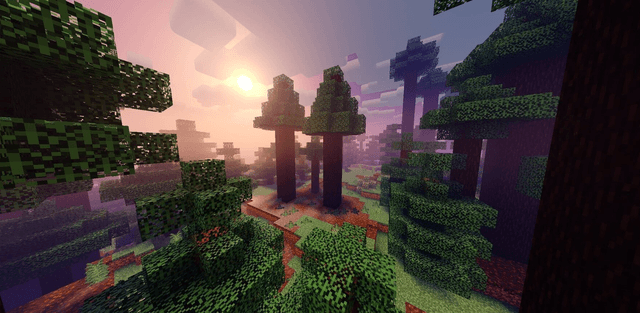
Author: CraftEdgeProductions
How to enable: use a compatible RenderDragon shader loader, import the pack and activate it in Global Resources, then restart the game. Importing it into the standard client alone does not enable its shader effects. Use MB Loader on Android, Wyvern on Windows or Hynis on iOS. On Linux, the author specifies mcpelauncher-manifest with mcpelauncher-materialbinloader. Select Low, Medium, Realistic Clouds or High in the pack settings.
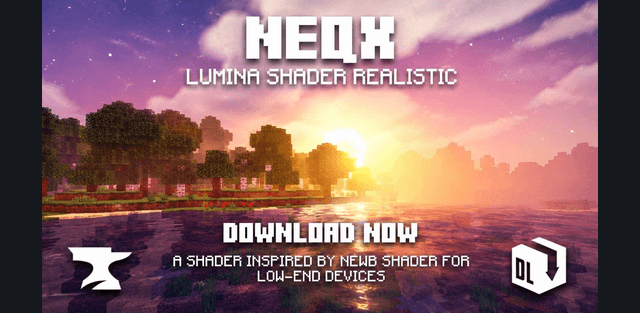
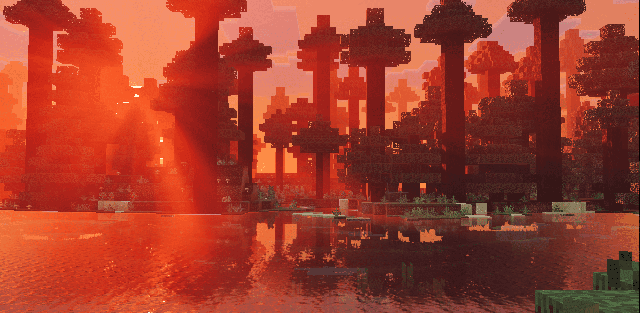
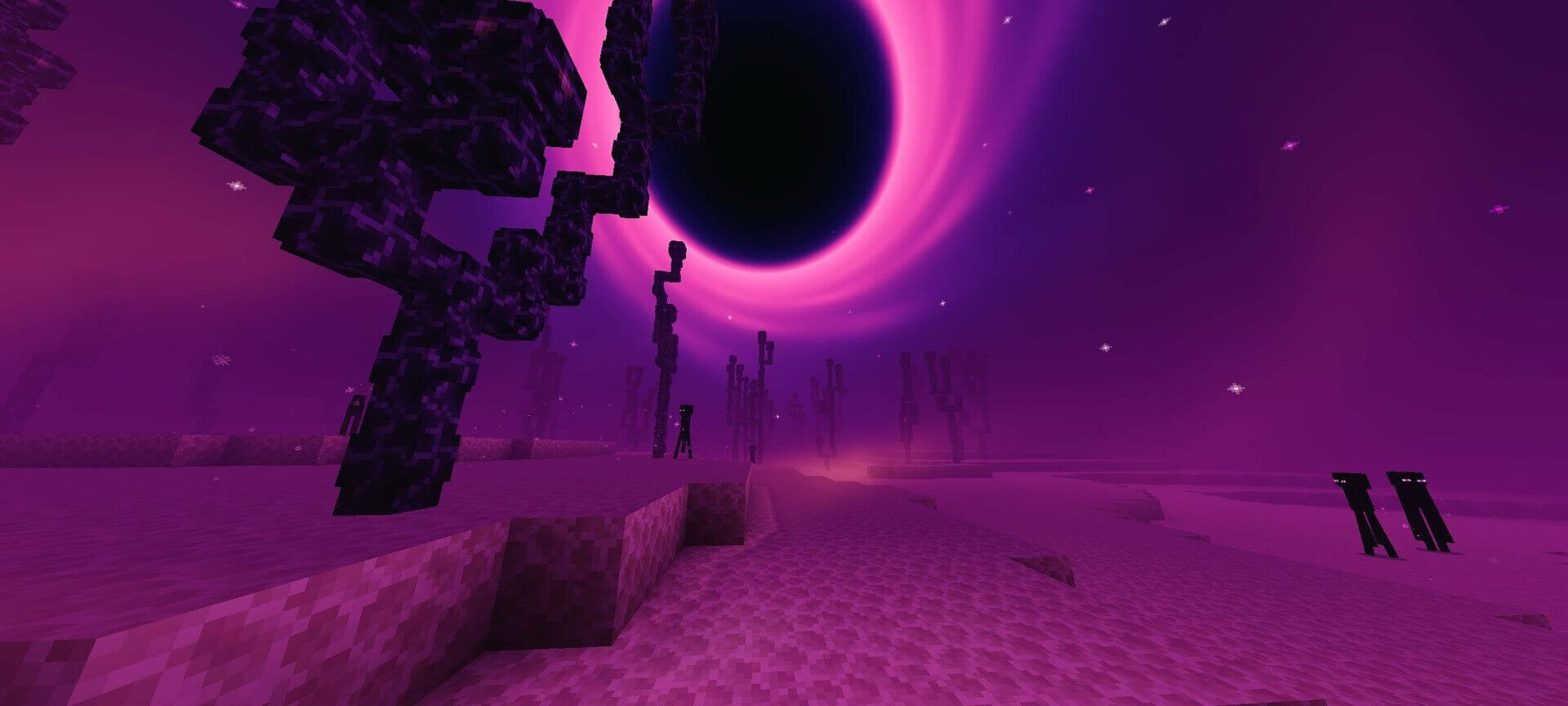
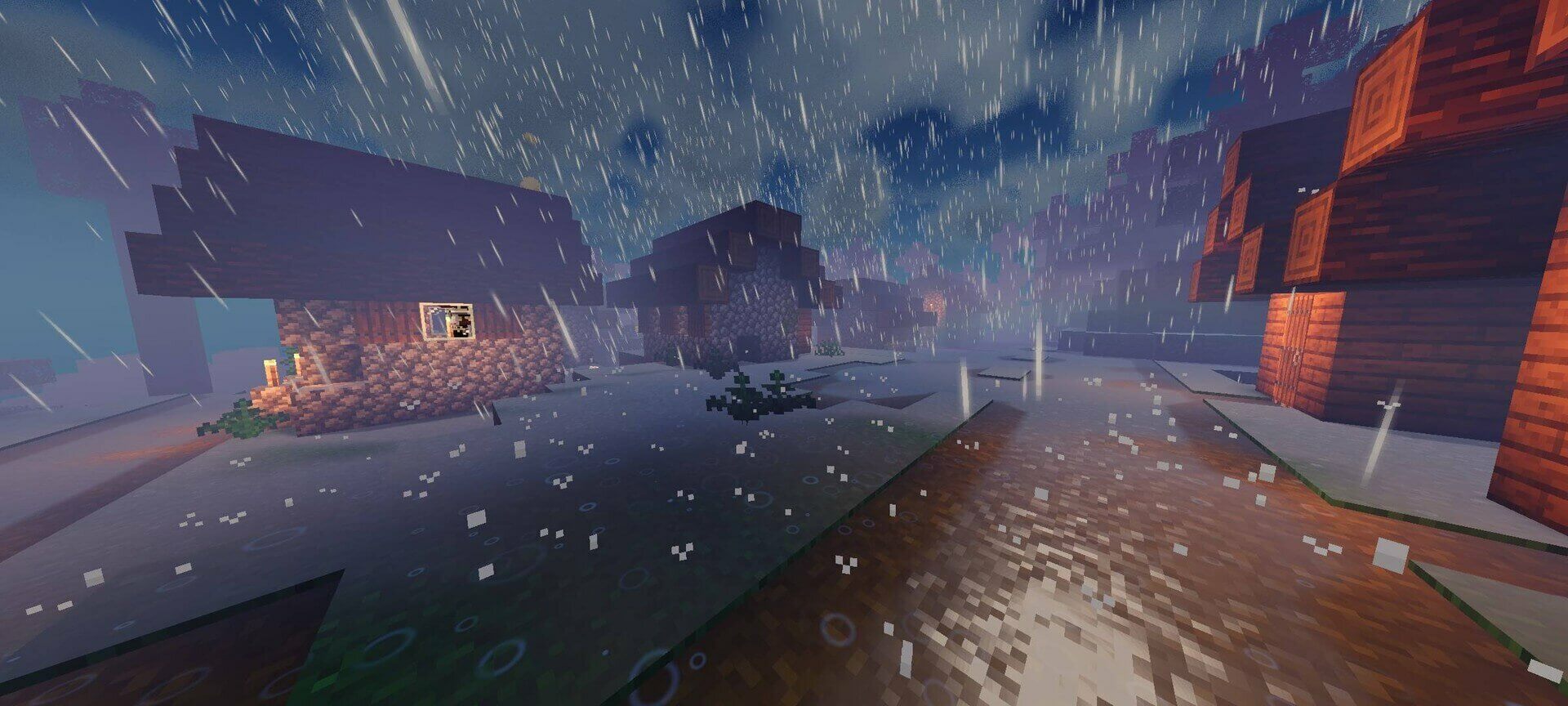
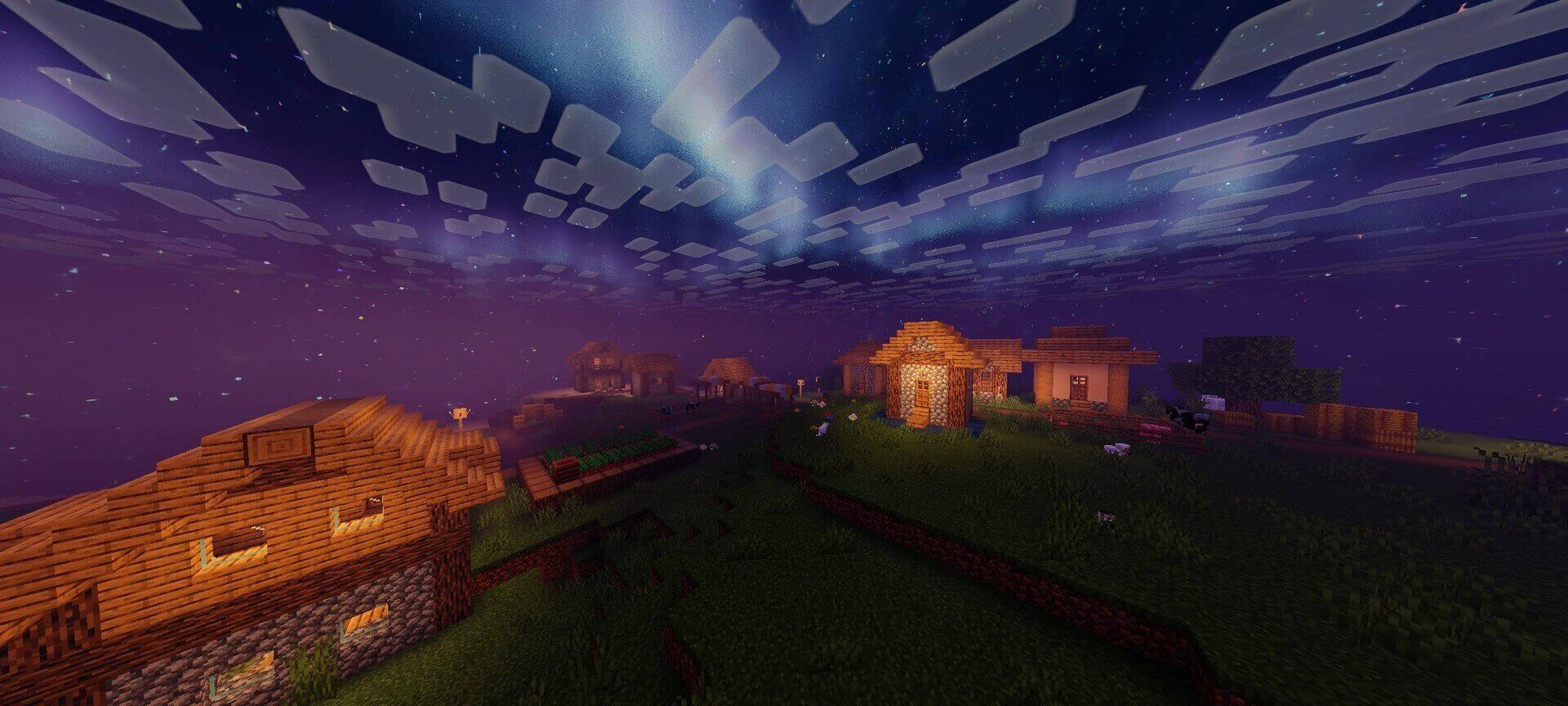
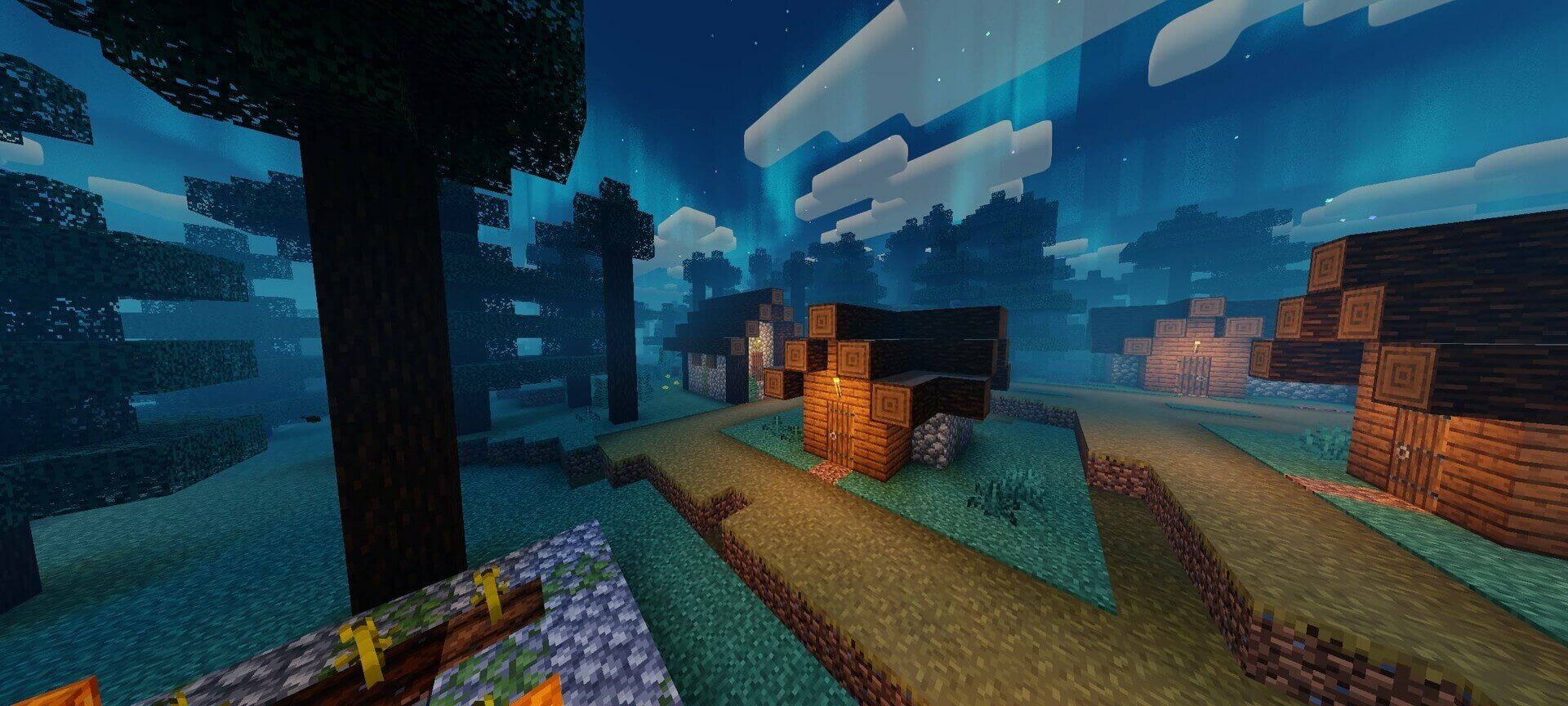
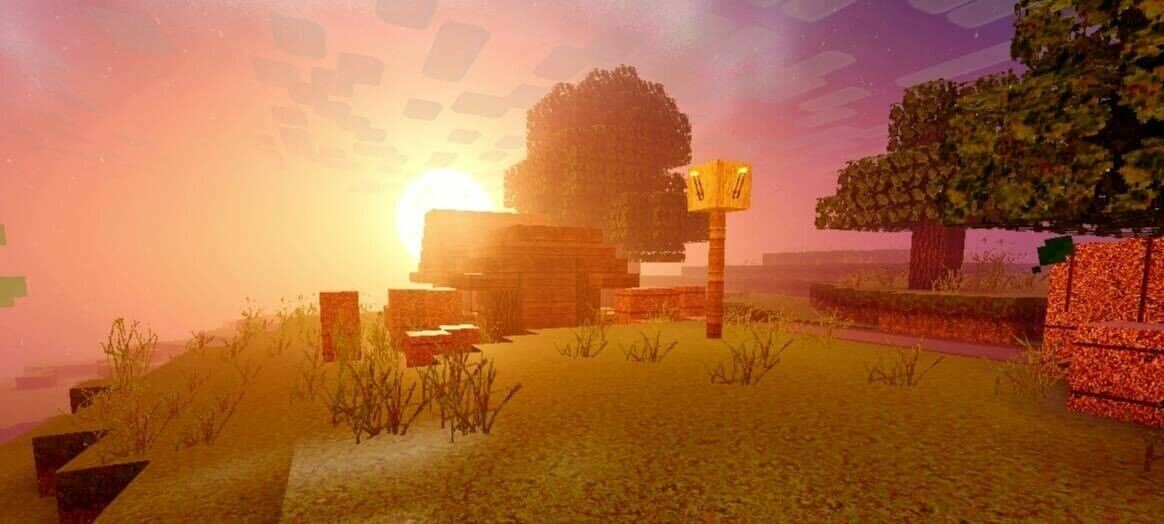
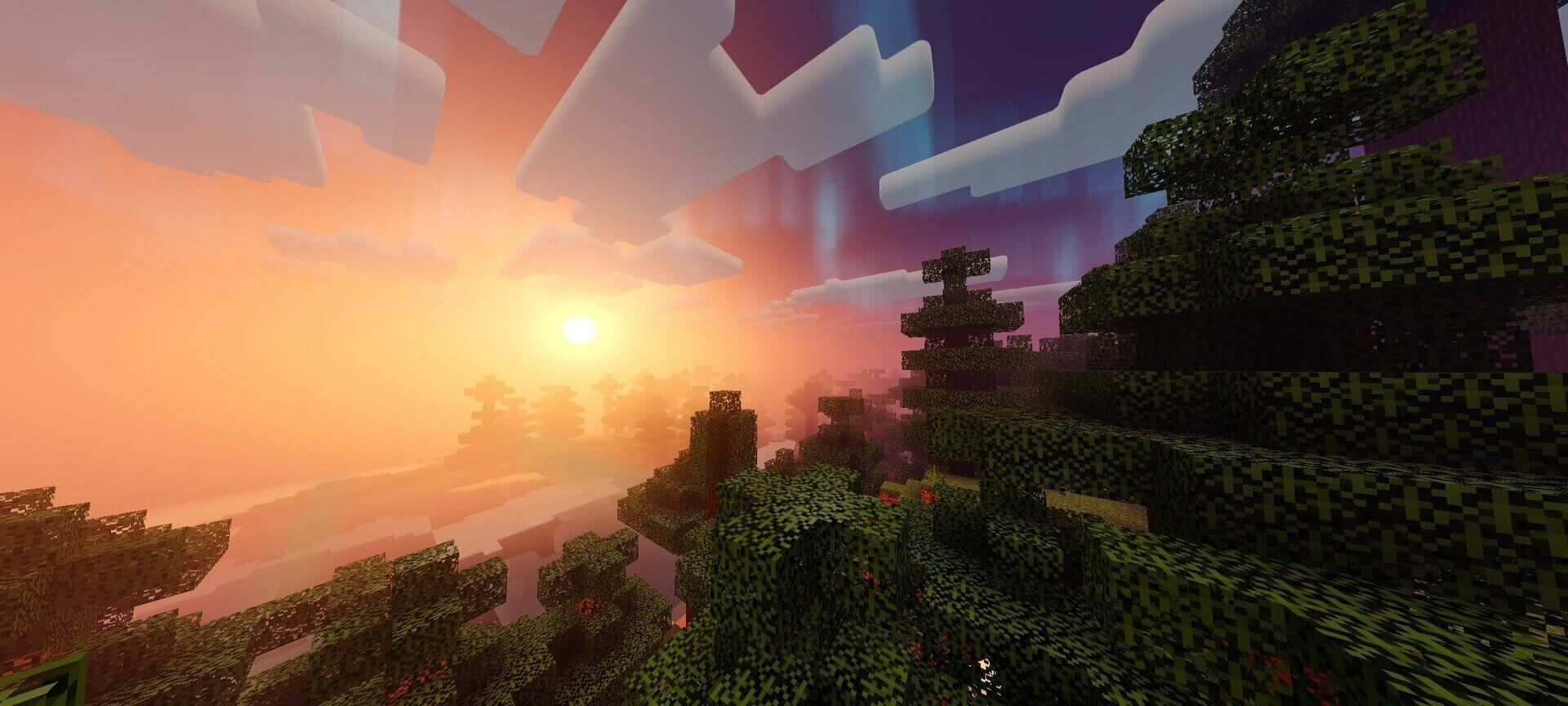
Newb CraftEdge gives the world stronger sunlight, layered distance fog and reflective water. Clouds, the sun and moon can be mirrored on water, while rain creates wet ground and puddle-like reflections. The End receives a dark cosmic sky.
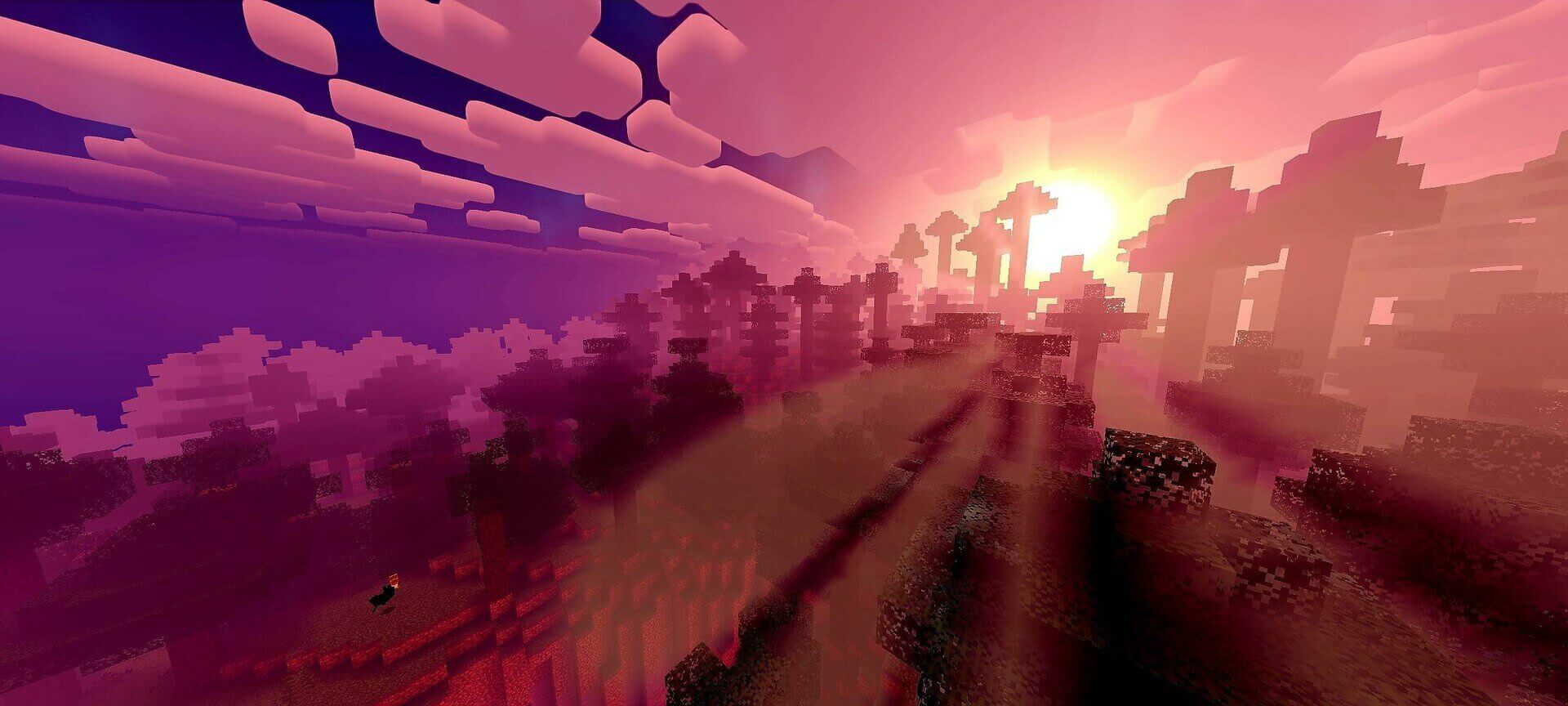
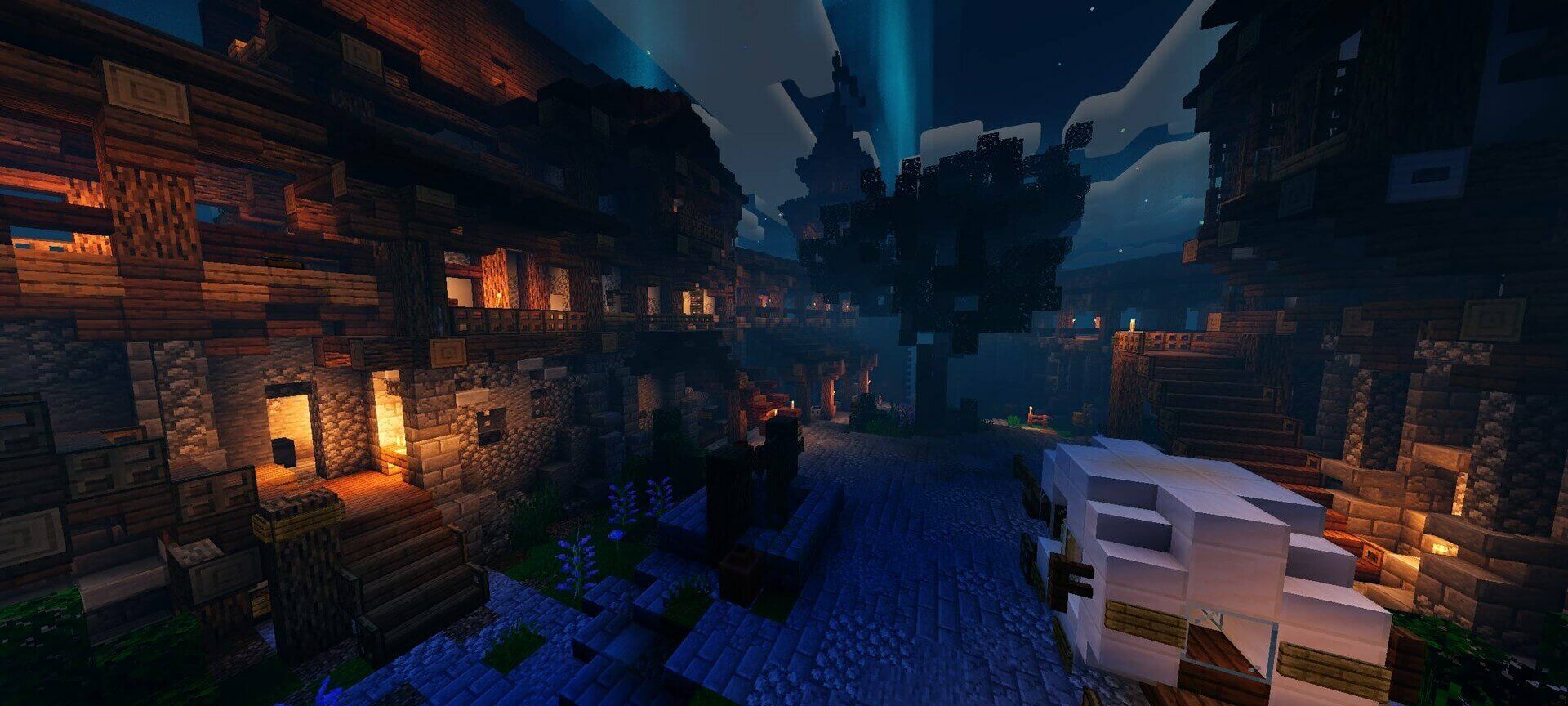
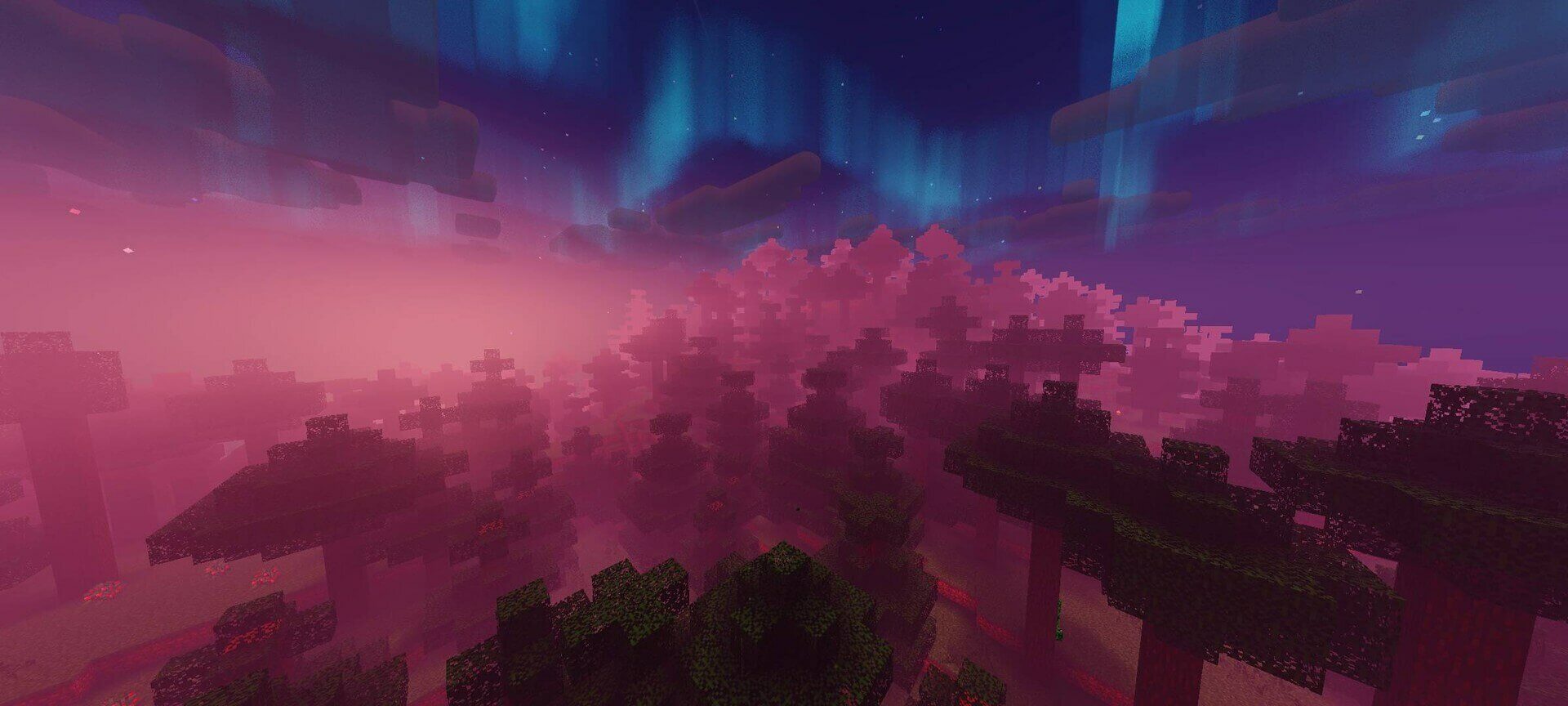
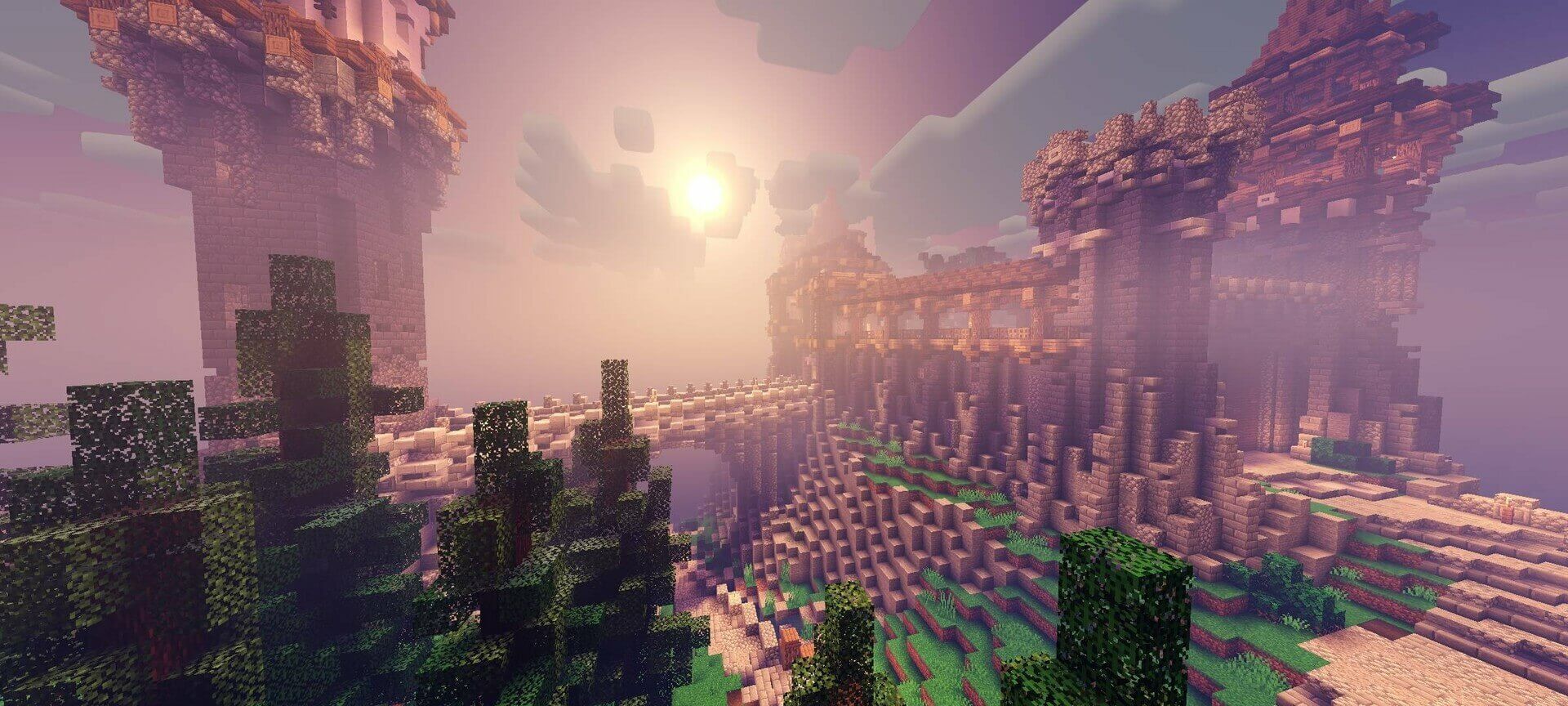
Low removes ground, block and water reflections. Medium keeps ground reflections and the sun/moon mirror but disables cloud and aurora reflections on water. Realistic Clouds is the heavier cloud option, while High provides the full presentation.
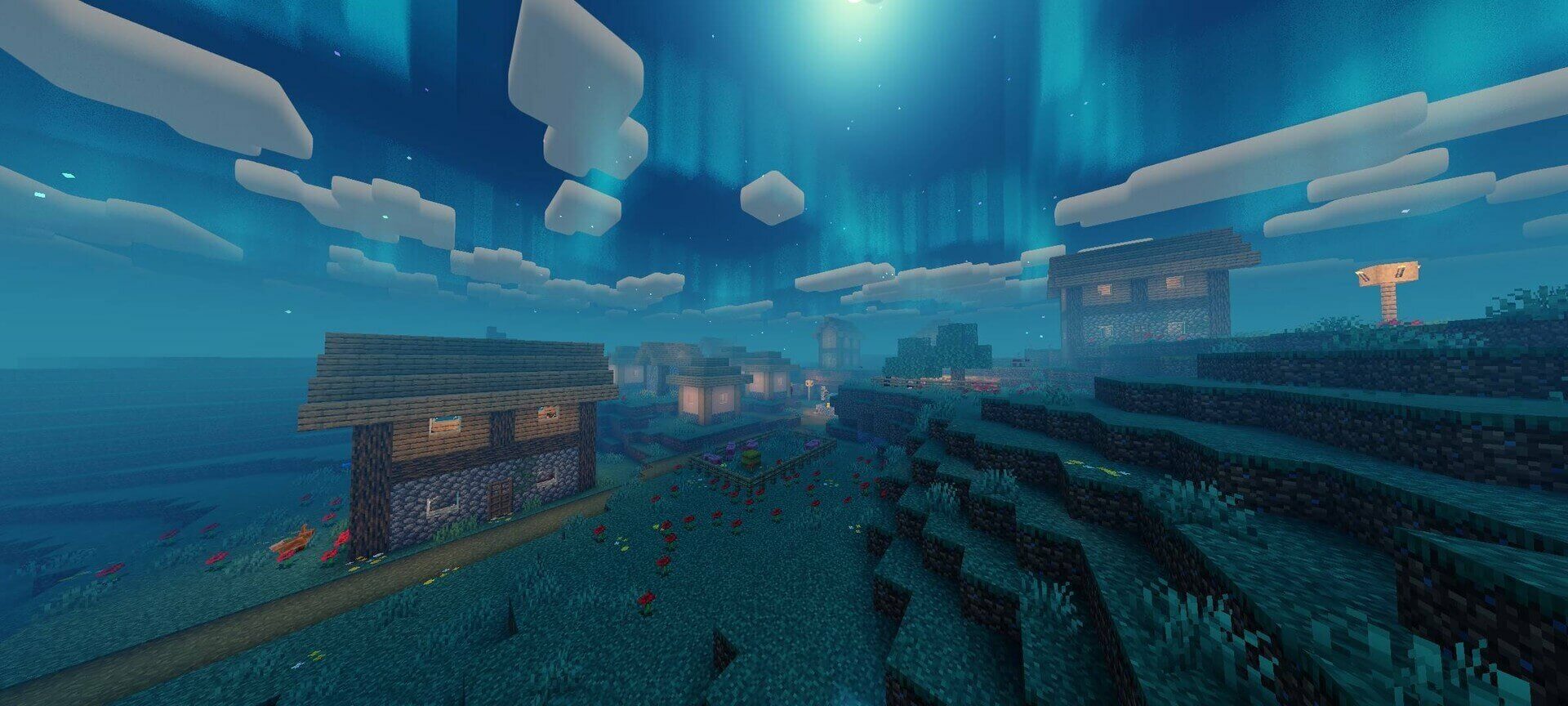
The supplied 1.0.2 file requires Minecraft 26.50+. Restart the game after activating it through the loader. For a lighter result, choose Low or Medium rather than the heavier Realistic Clouds preset.
How to install the shader
Download the .mcpack file, open it with Minecraft and wait for the import to finish. Enable the pack in the world's Resource Packs settings. Shader compatibility depends on the Minecraft version and graphics mode.