Shader: Post Apocalypse Visuals
Author: tryzzmc
How to enable: import the pack, activate it in Global Resources or in the world resource packs, then select Vibrant Visuals in Settings > Video > Graphics Mode. A device that supports this mode is required. This file requires Minecraft 1.21.120 or newer.
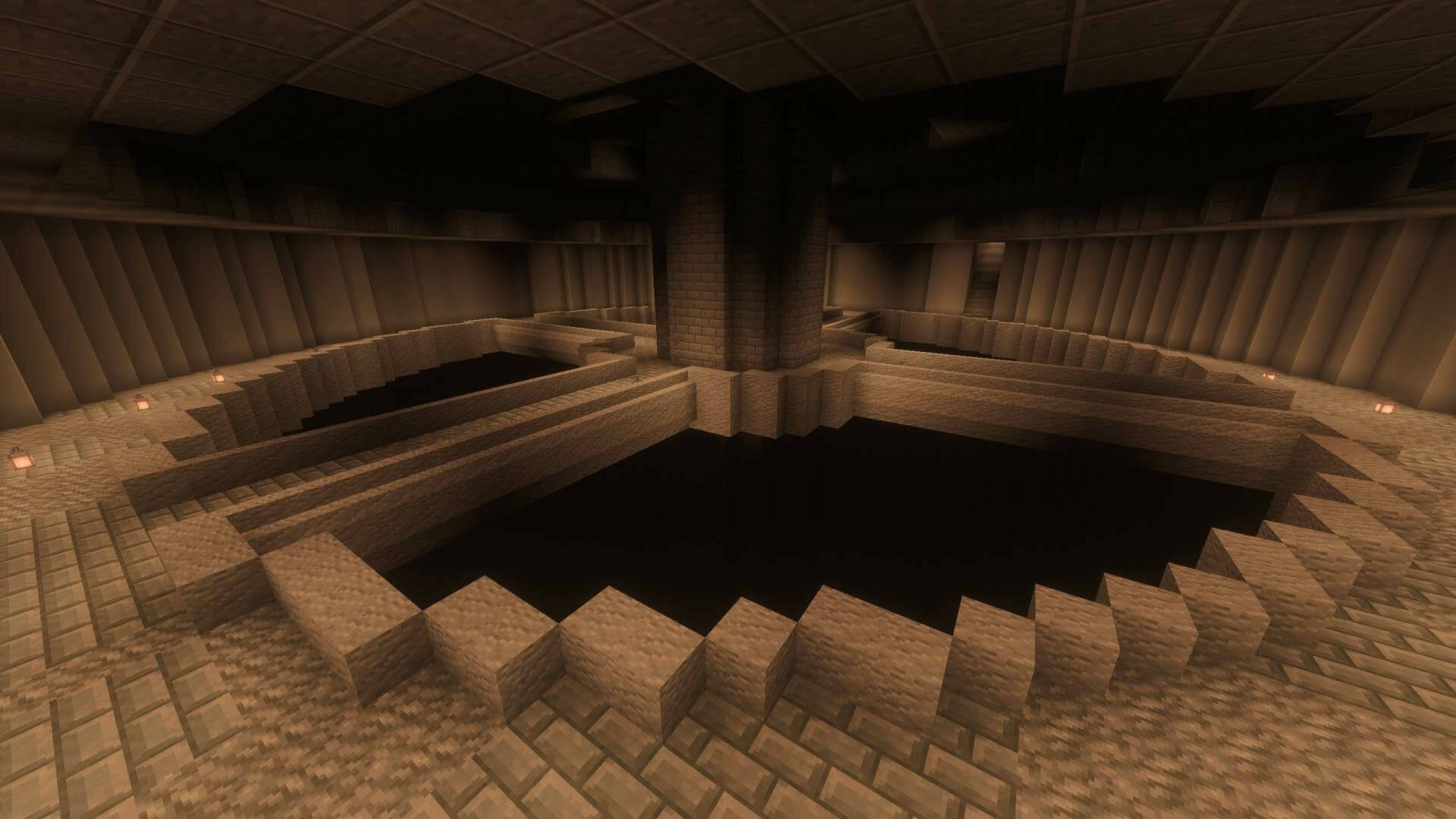
Post Apocalypse Visuals covers the world in a dusty, weathered palette. Rust, amber and faded brown replace the usual bright colors, while haze makes streets and distant structures look abandoned.
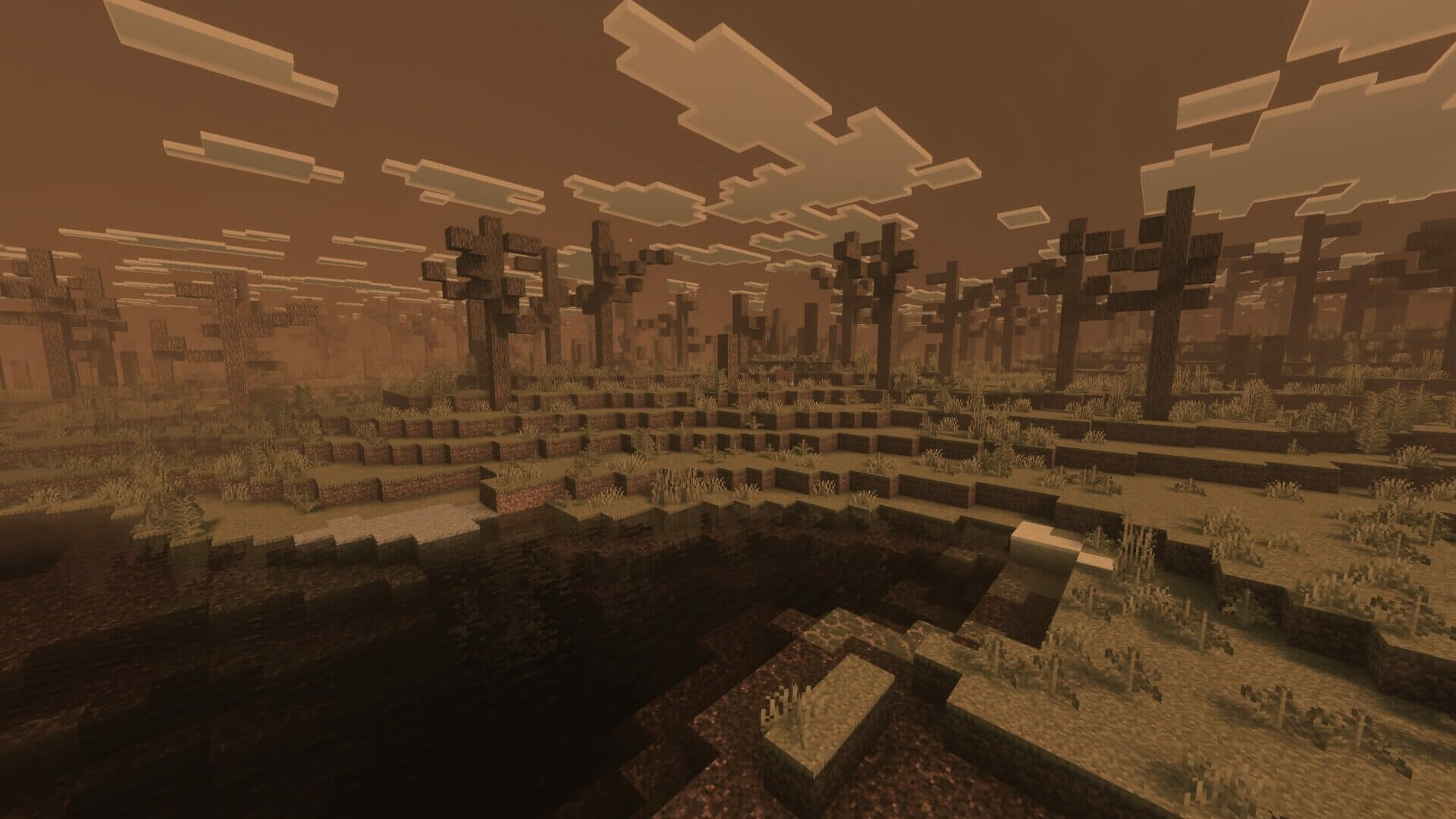
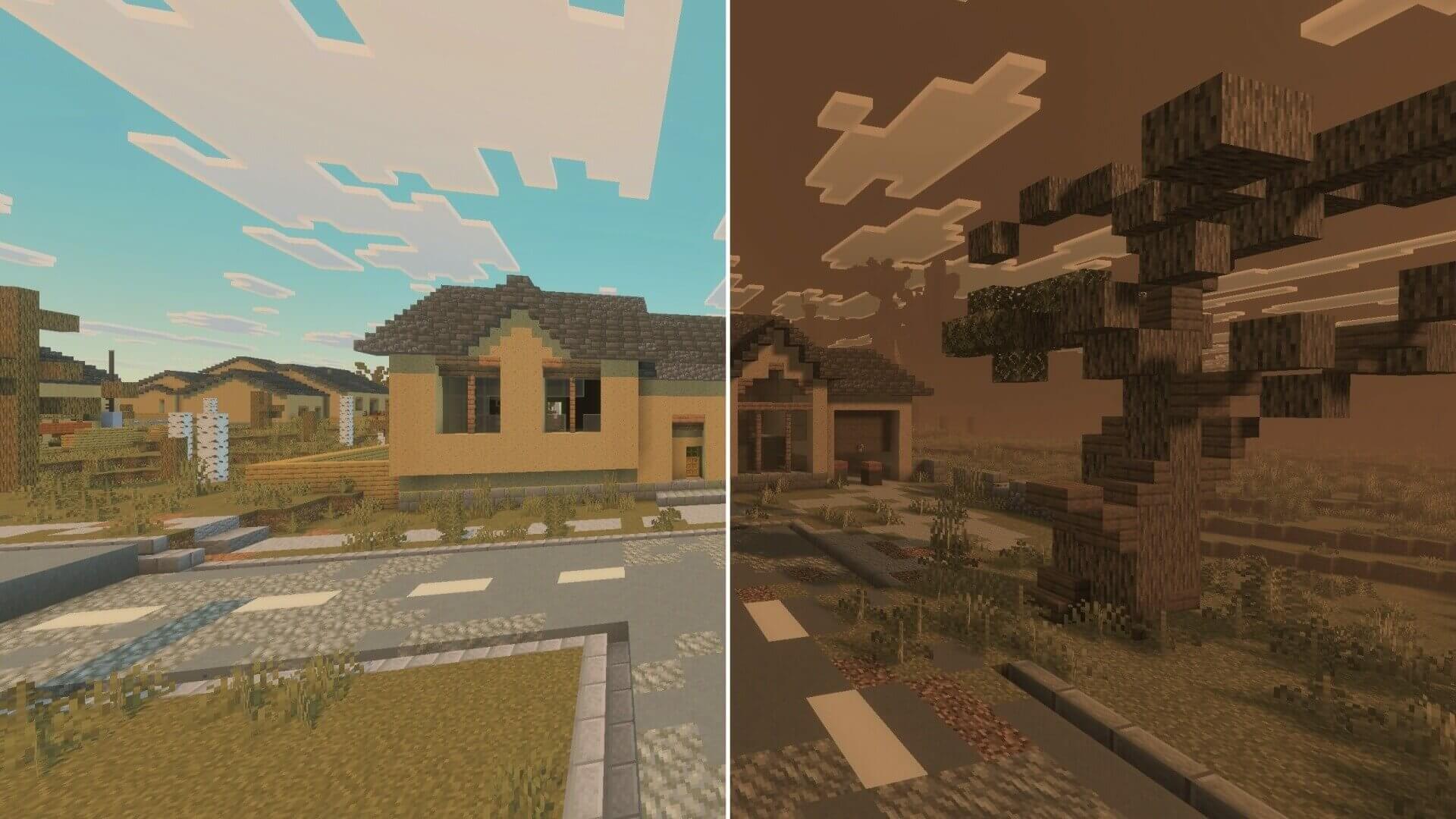
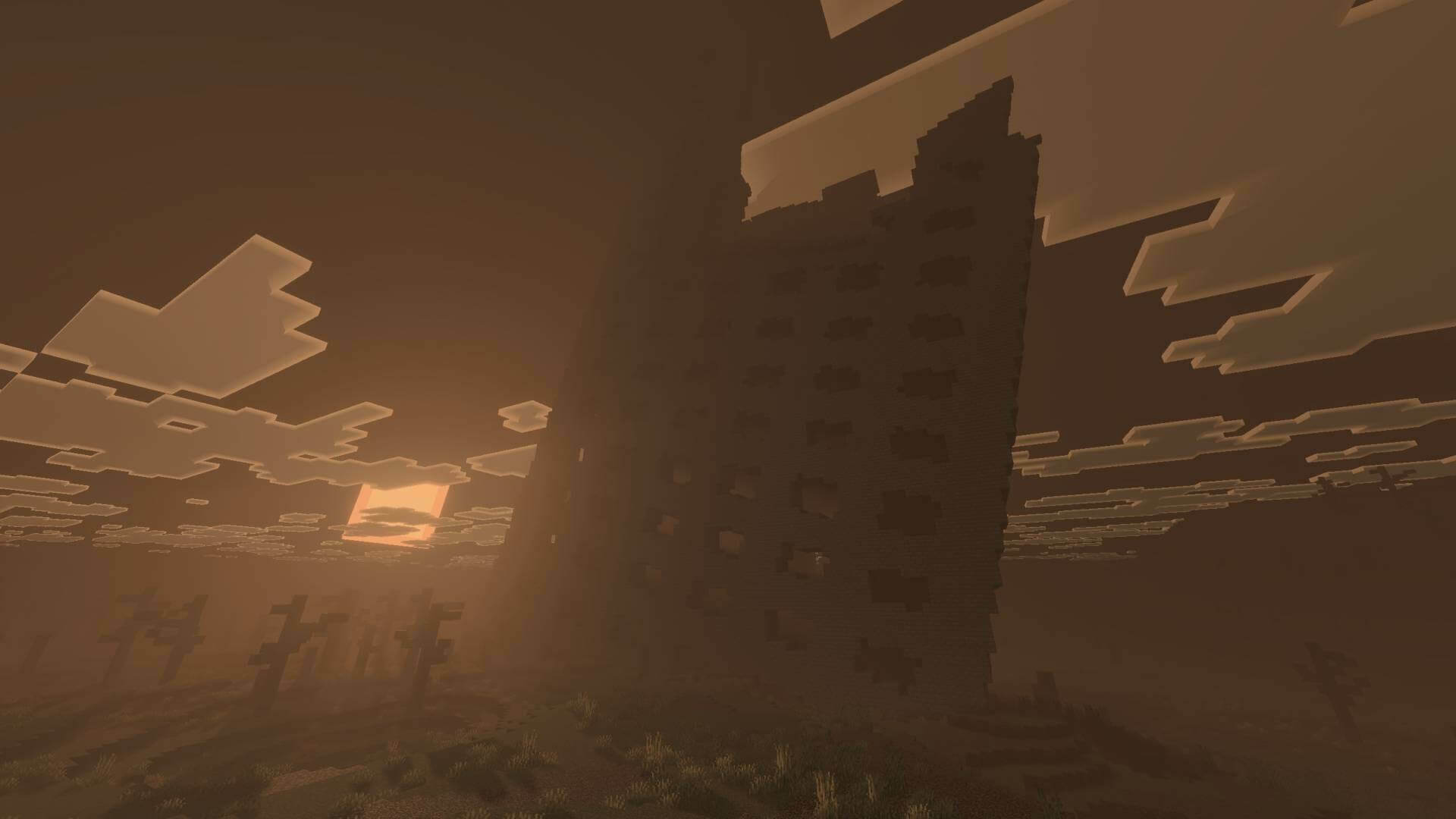
Water becomes murkier and the light feels filtered through polluted air. The pack is suited to ruined cities and survival maps, but it does not generate ruins, change the map or add an apocalypse event. All of those changes are visual.
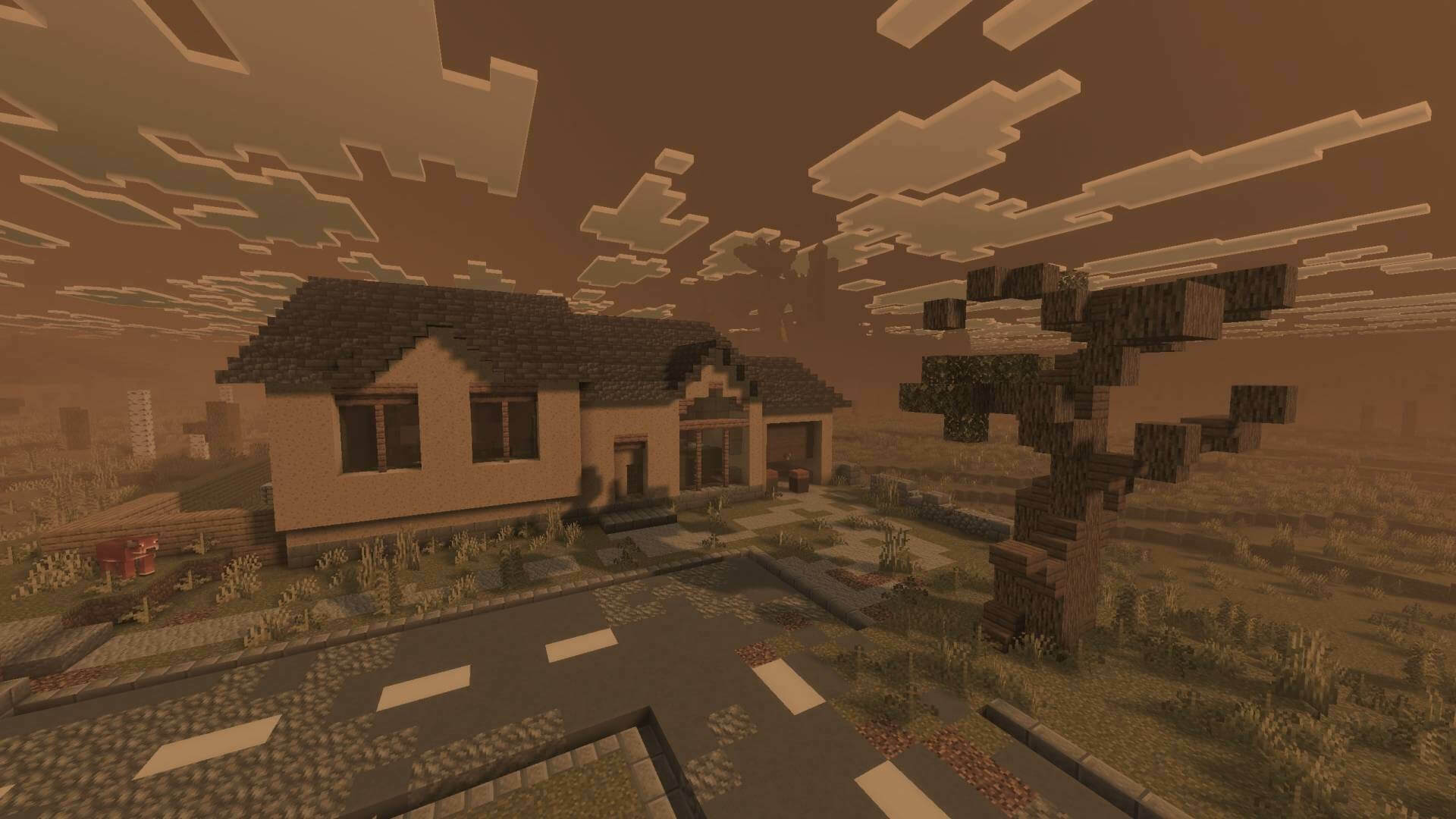
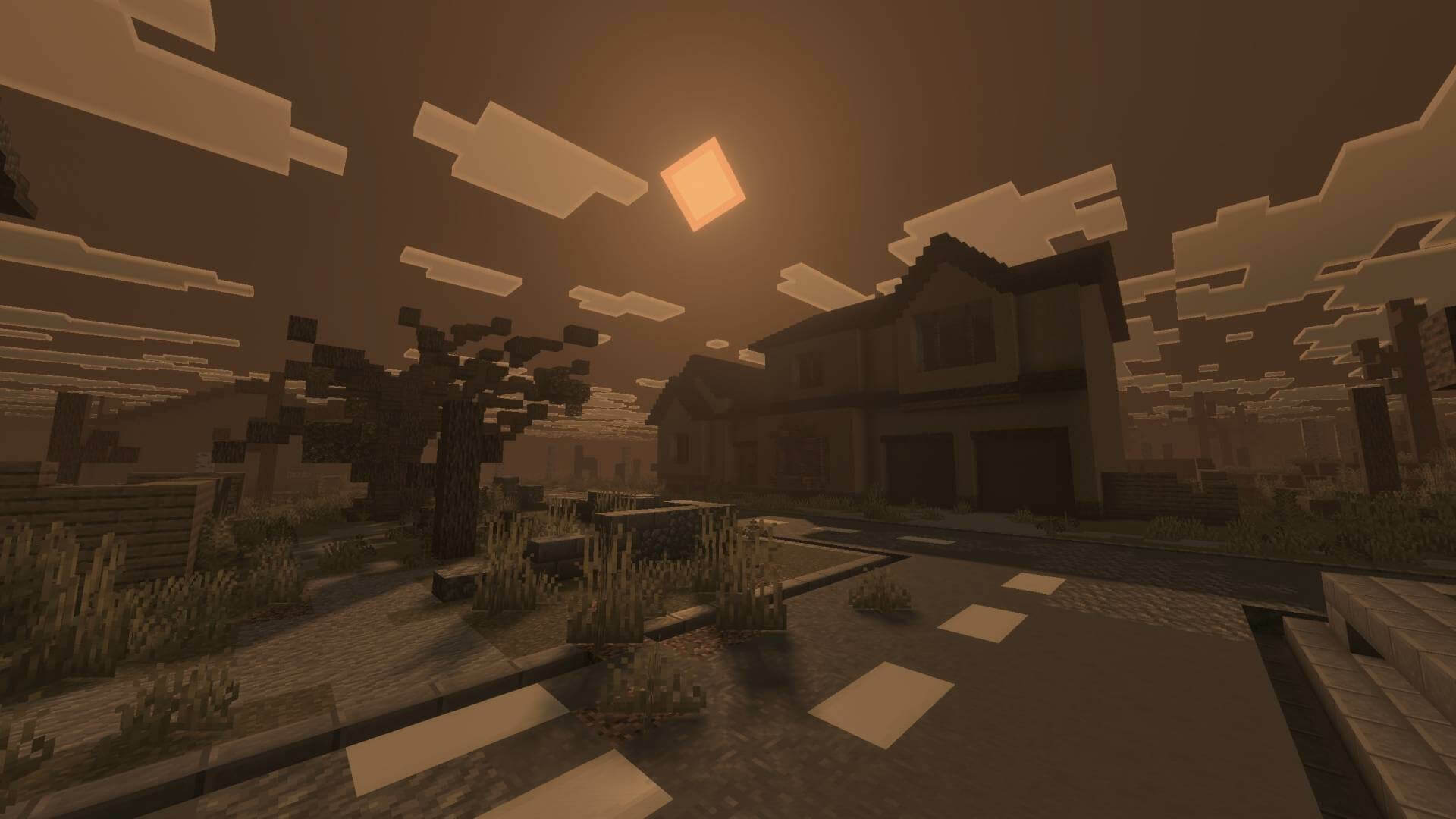
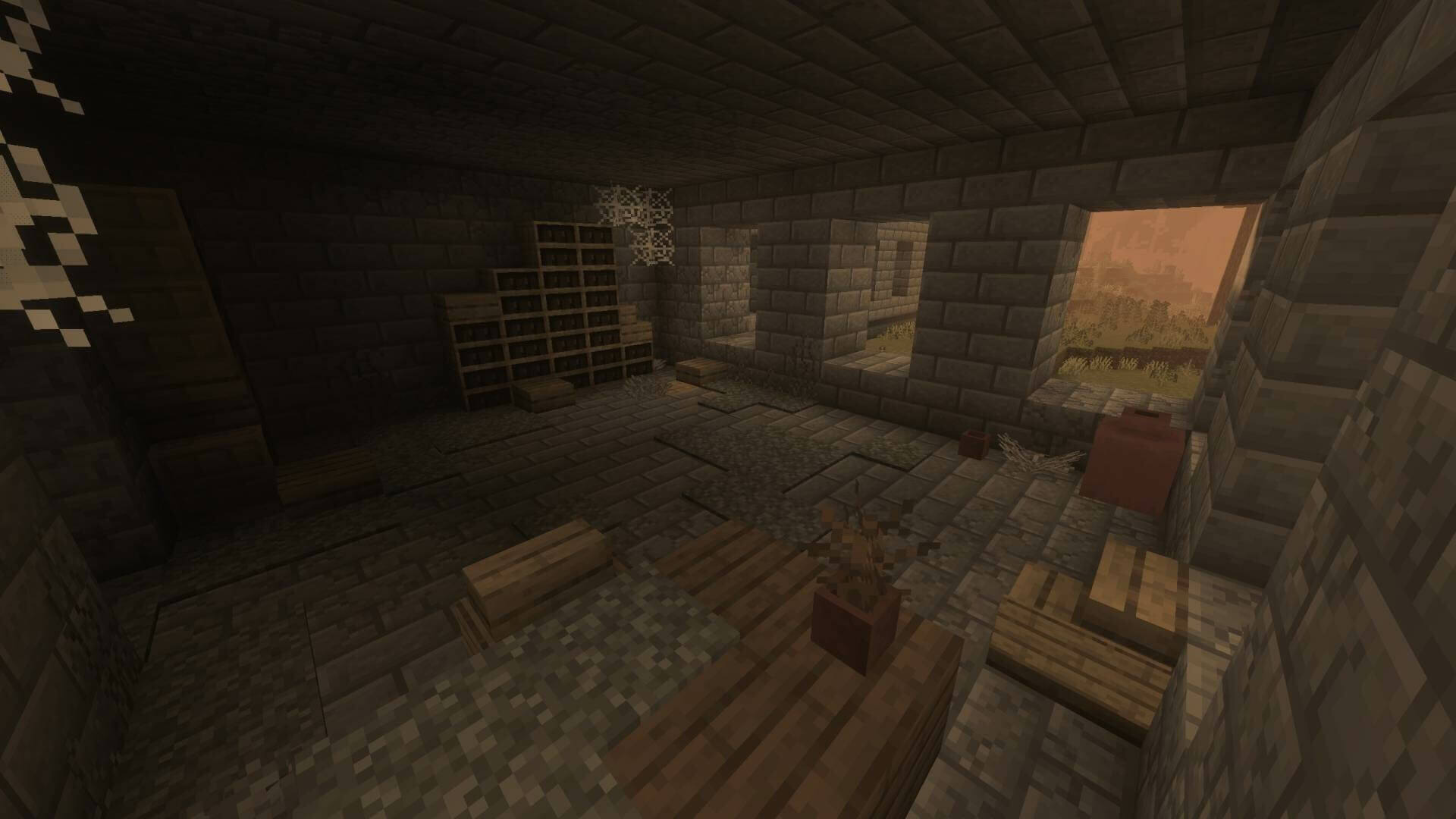
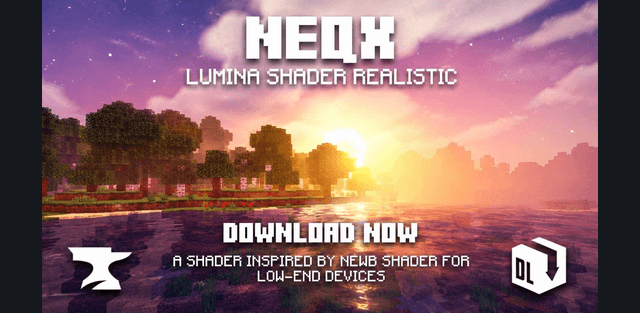
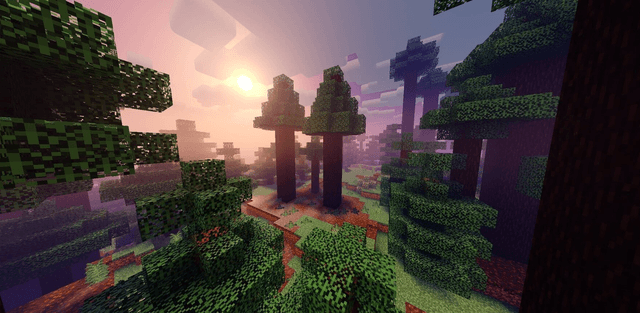
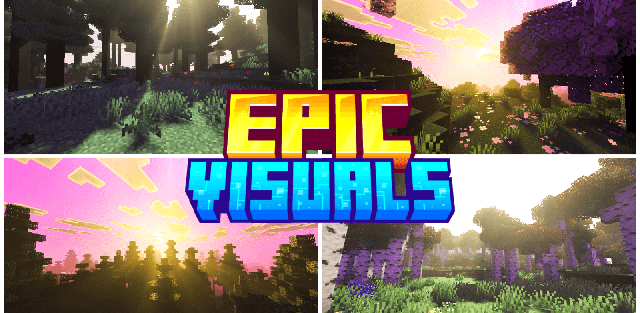
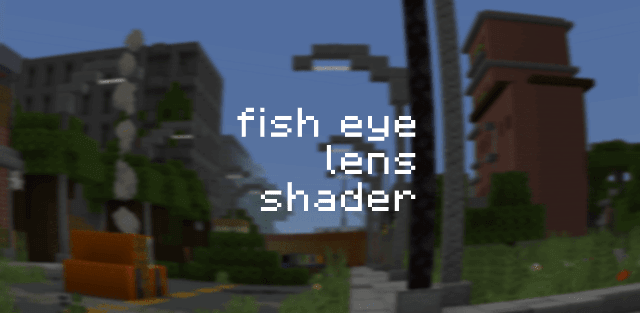
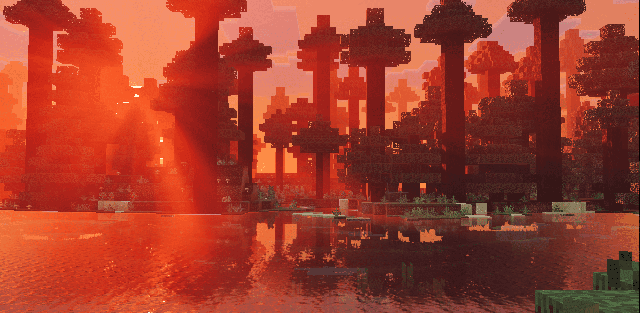
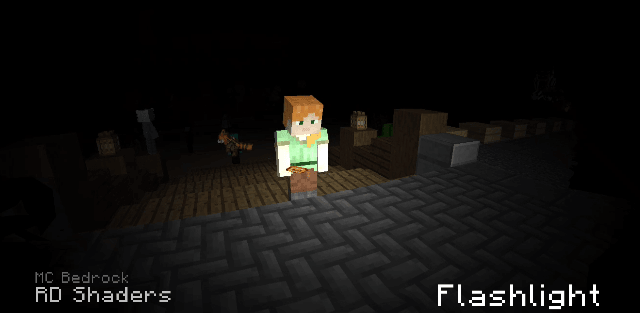
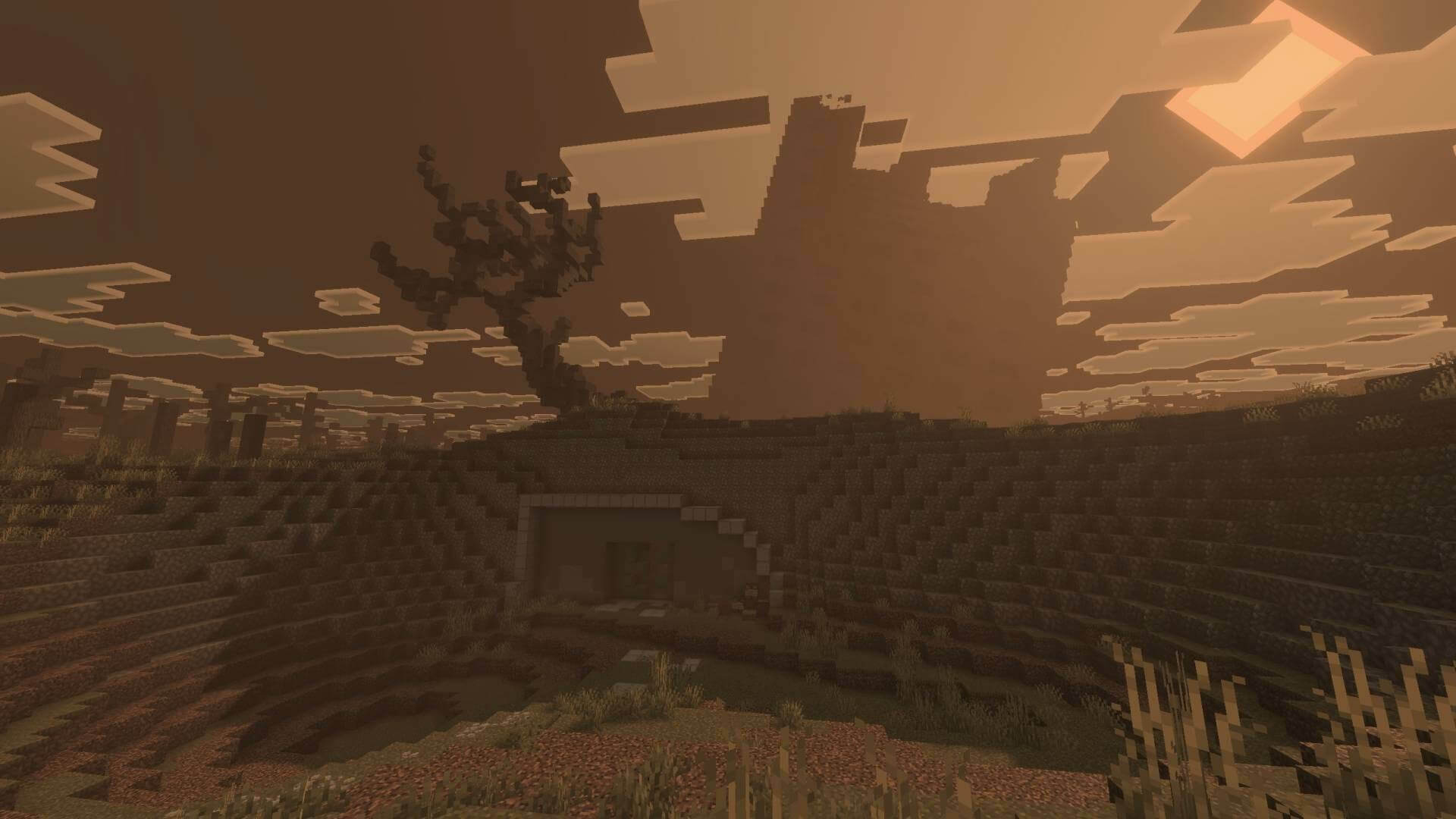
The screenshots demonstrate the mood on a prepared map. Buildings, wreckage and other structures visible there are not added to a world by installing this pack.
How to install the shader
Download the .mcpack file, open it with Minecraft and wait for the import to finish. Enable the pack in the world's Resource Packs settings. Shader compatibility depends on the Minecraft version and graphics mode.