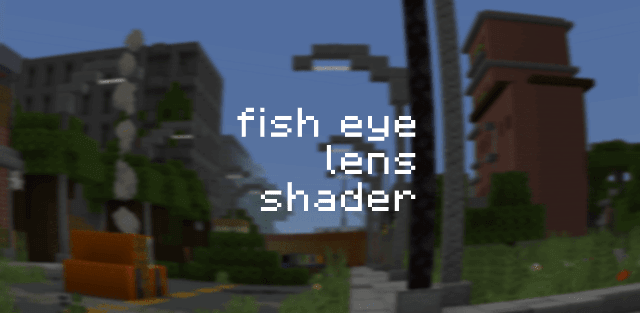
How to enable: use a compatible RenderDragon shader loader, import the pack and activate it in Global Resources, then restart the game. Importing it into the standard client alone does not enable its shader effects. MaterialBinLoader or another compatible shader-enabled client is required on Android, Windows or iOS. The author recommends FOV 80-100.
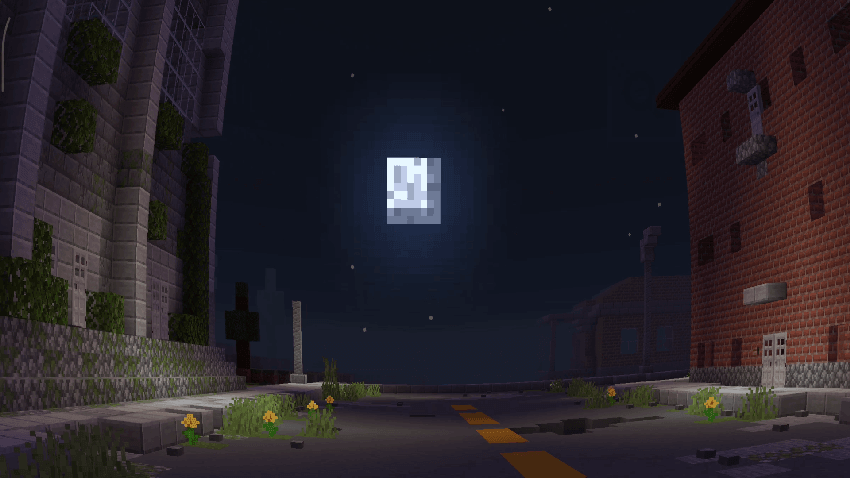
Fish Eye Lens Shader curves the view to imitate a wide-angle camera lens. Straight walls and nearby scenery bend toward the edges, giving movement through streets and buildings a body-camera feel.
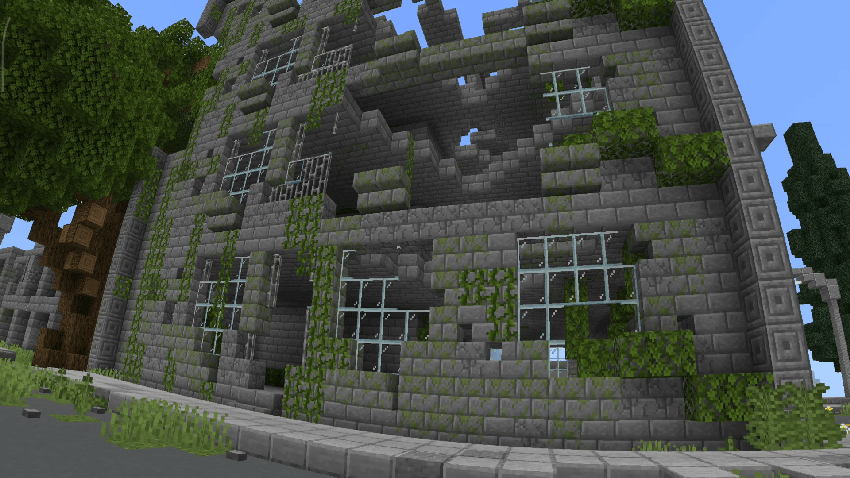
It is the standalone lens effect from Flashlight Shader, without the flashlight lighting setup. That makes it suitable when you want the camera distortion while keeping another lighting style. The provided file is the release for Minecraft 26.50+.
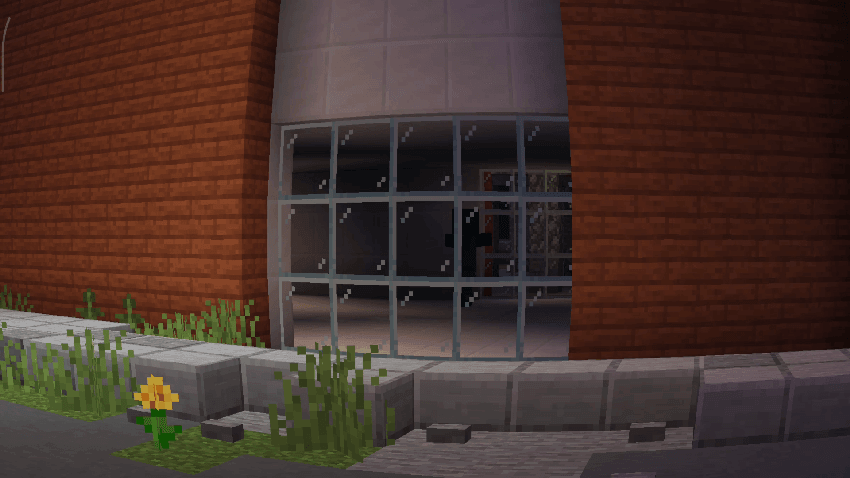
Use the recommended field of view as a starting point. The distortion is intentional; selecting ordinary Fancy graphics without a shader loader does not activate it.