Shader: In The Dark
Author: sunnyblocks
How to enable: import the pack, activate it in Global Resources or in the world resource packs, then select Vibrant Visuals in Settings > Video > Graphics Mode. A device that supports this mode is required. The downloaded release requires Minecraft 1.21.120 or newer.
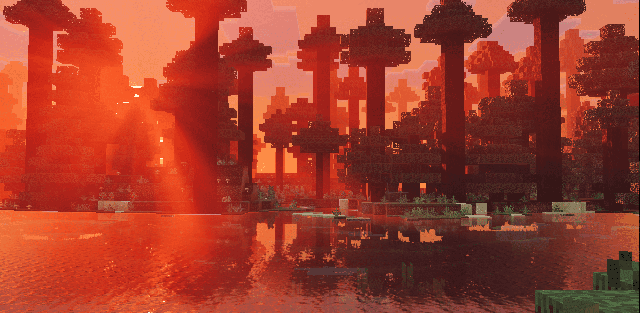
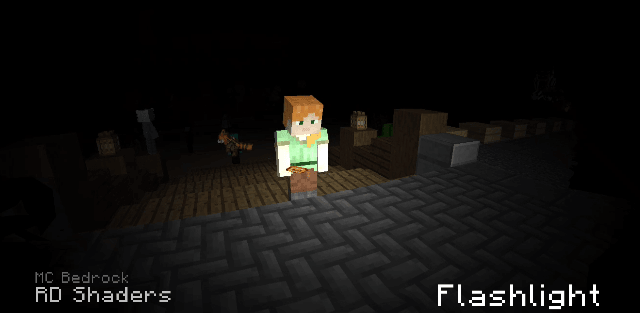
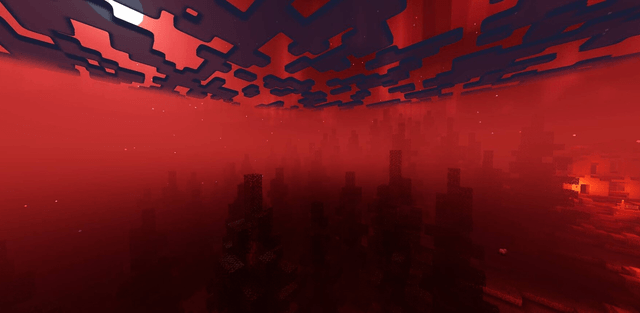
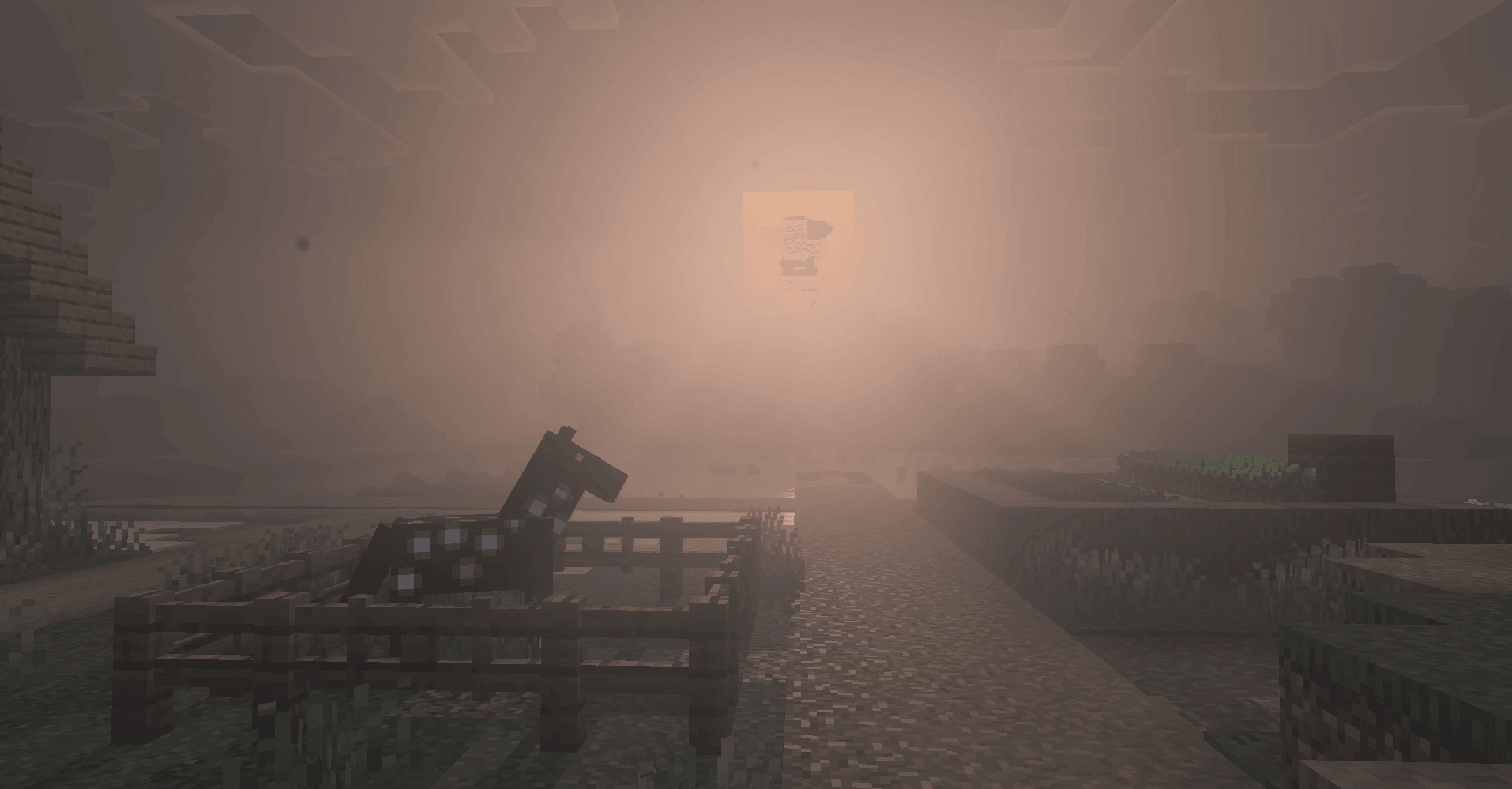
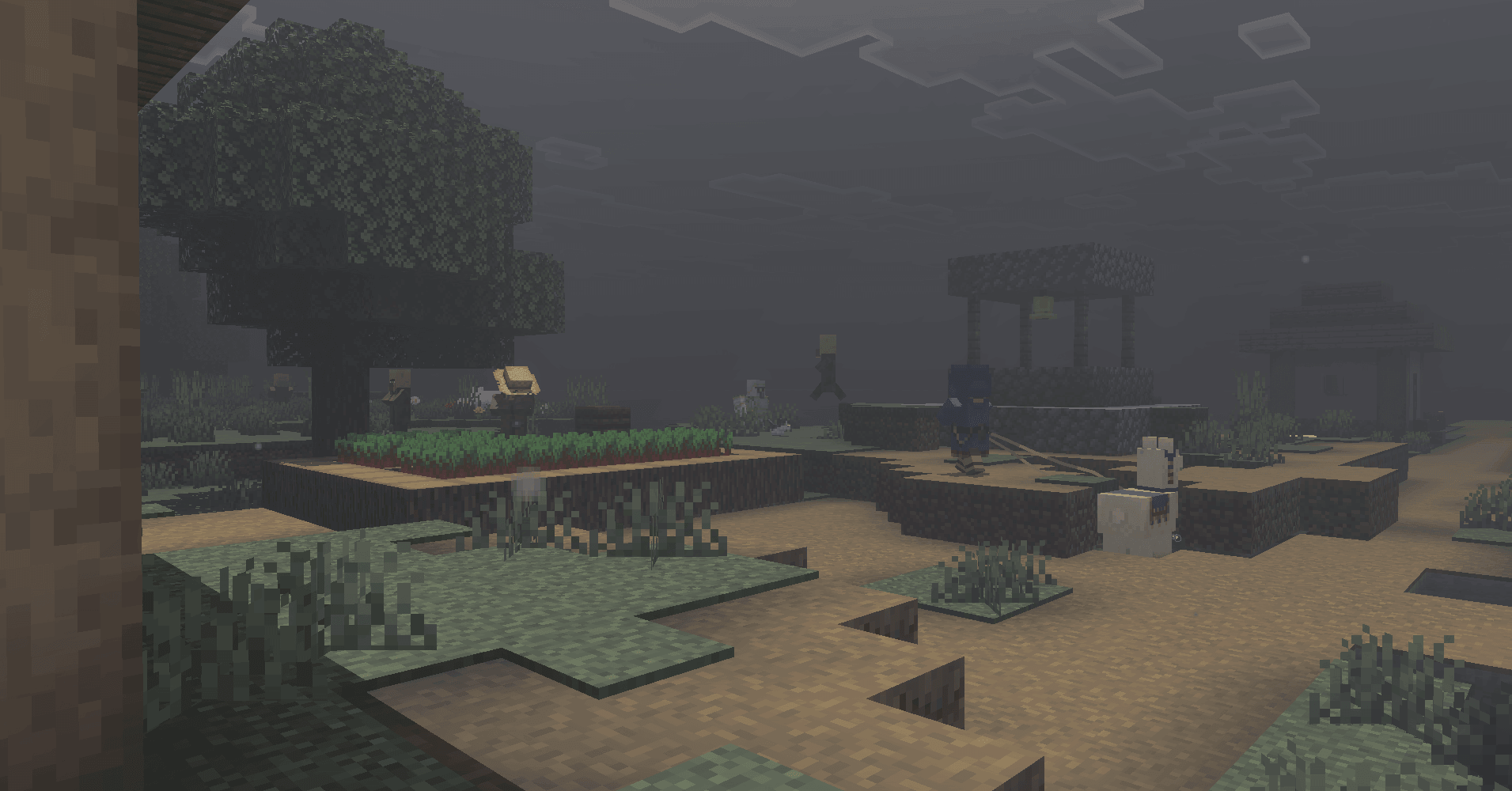
In The Dark drains warmth from the world and replaces cheerful daylight with gray skies, cold shadows and heavy fog. Sunset can turn blood-red, while nighttime becomes much darker and torchlit areas feel isolated.
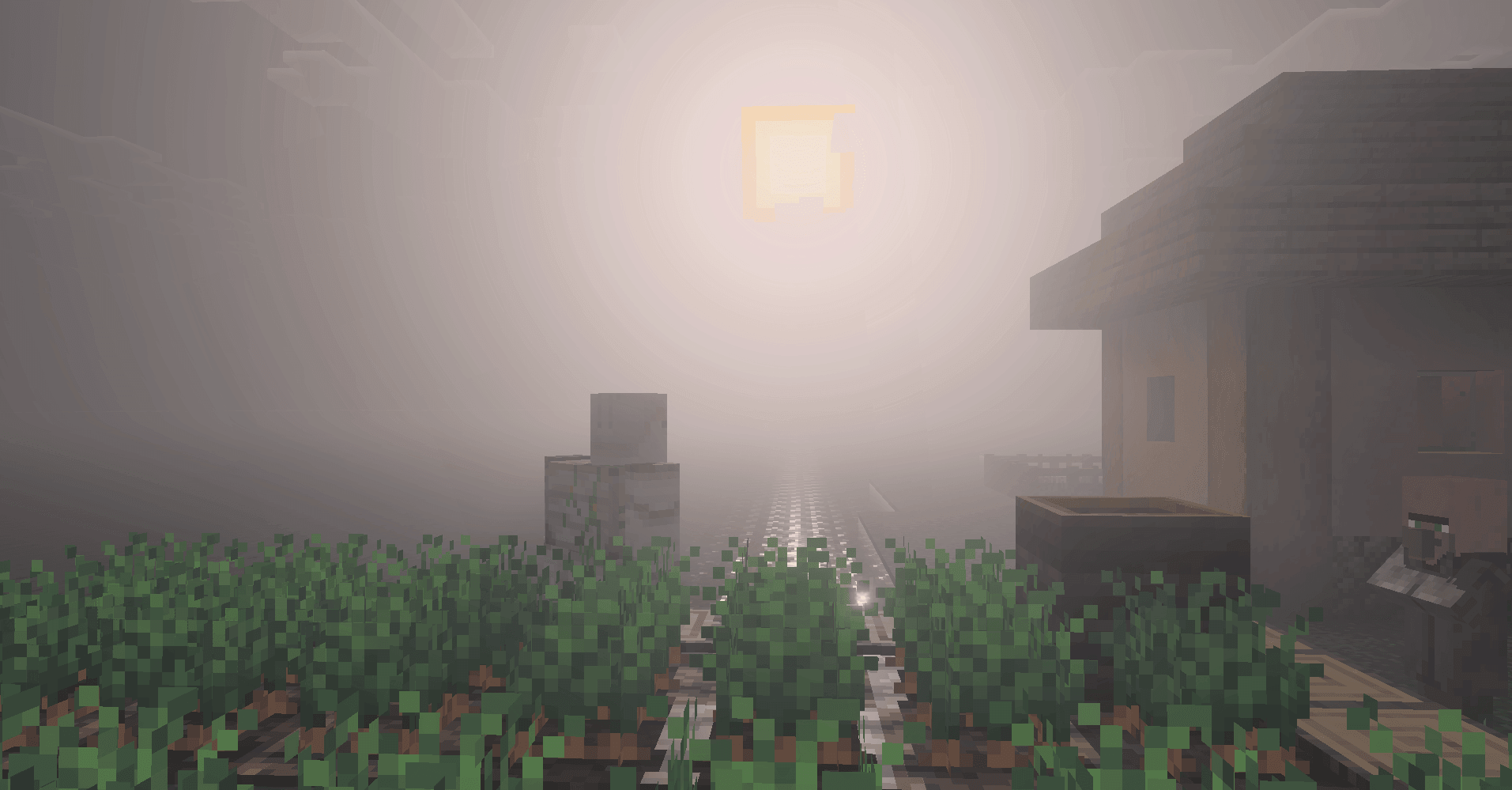
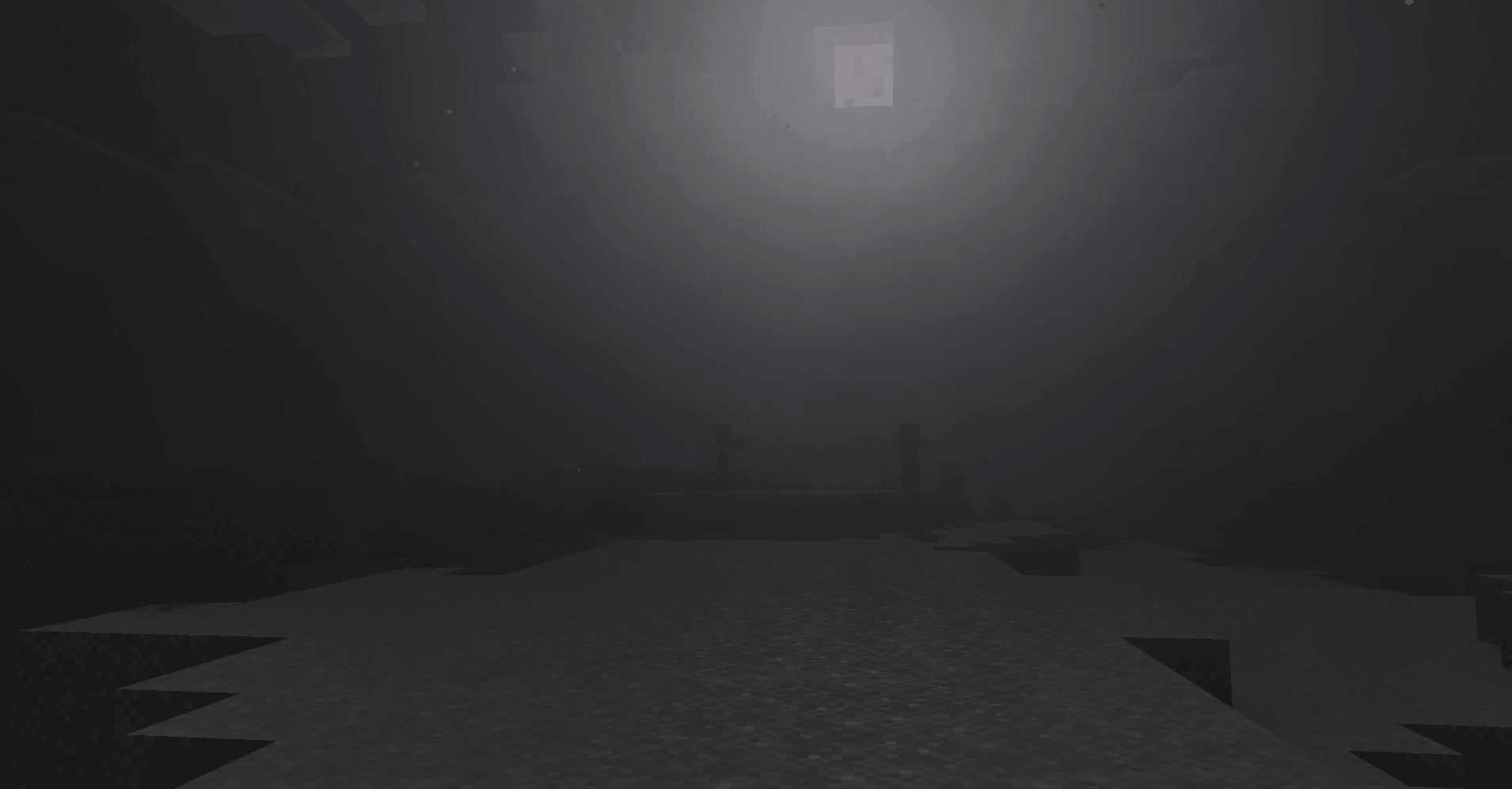
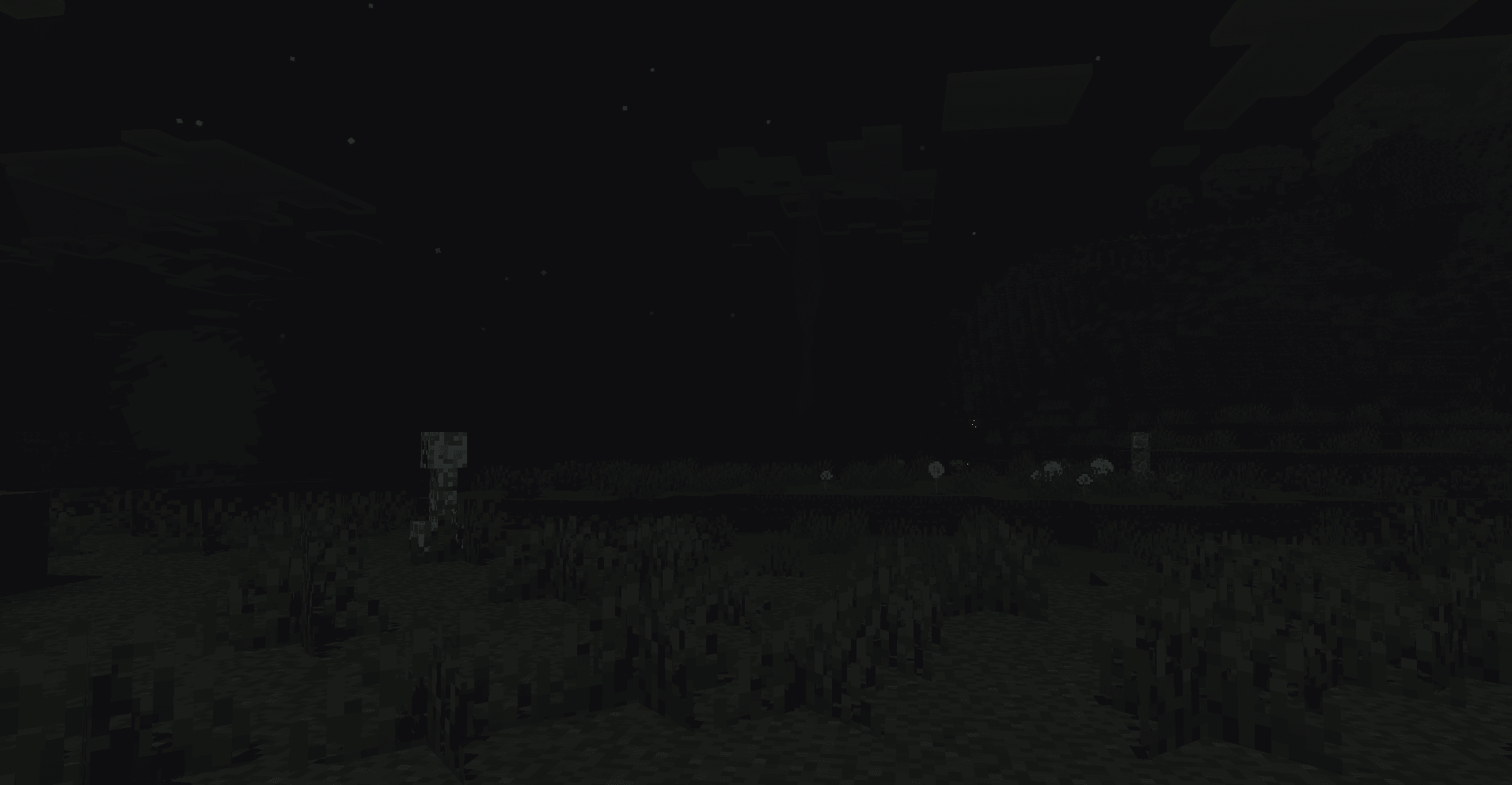
Warm ordinary lights and cyan soul lights contrast with murky water and muted scenery. Ambient particles suggest bats, red eyes and distant tall silhouettes. These are atmosphere effects rather than newly added hostile mobs. Fog and color settings vary between biomes.
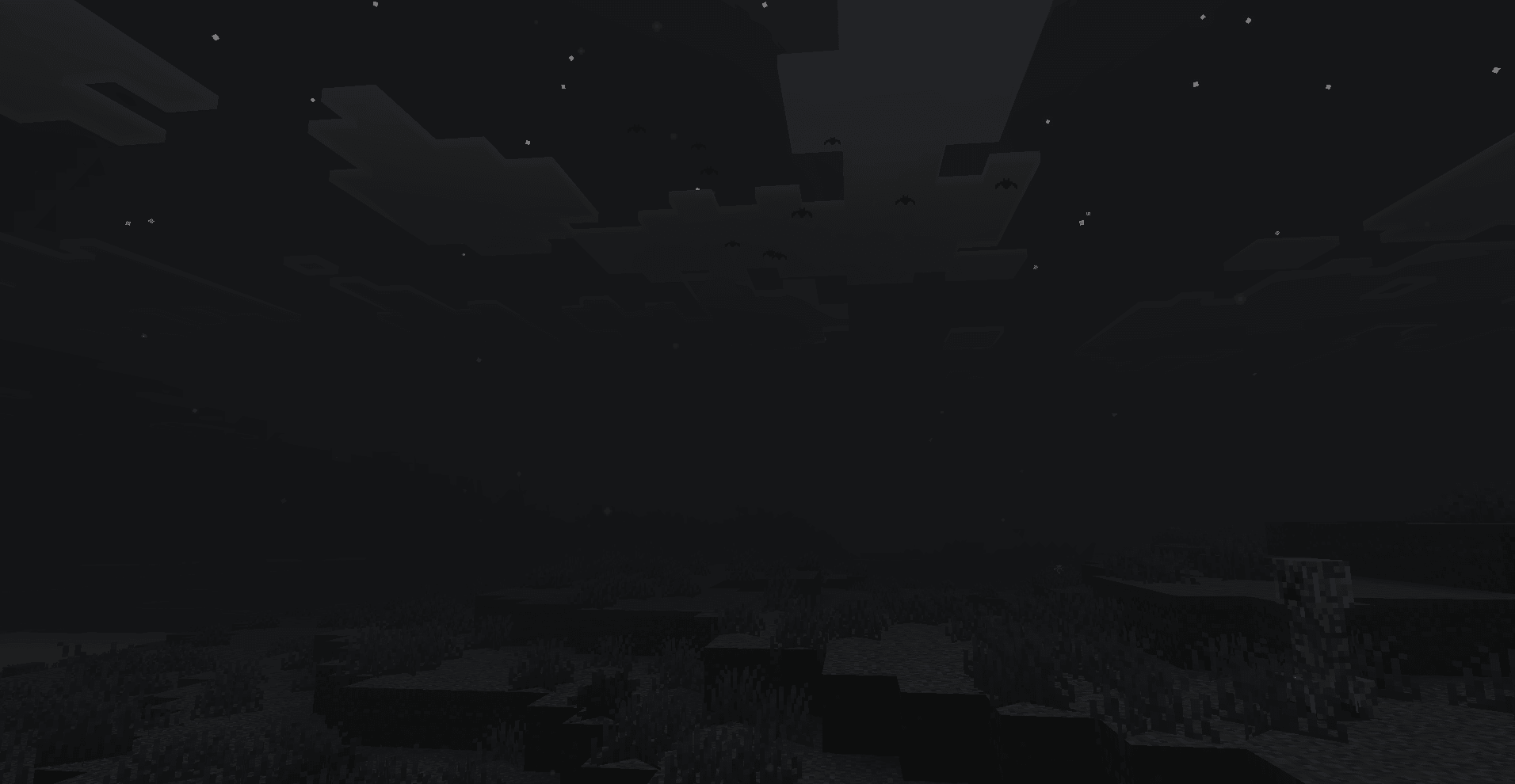
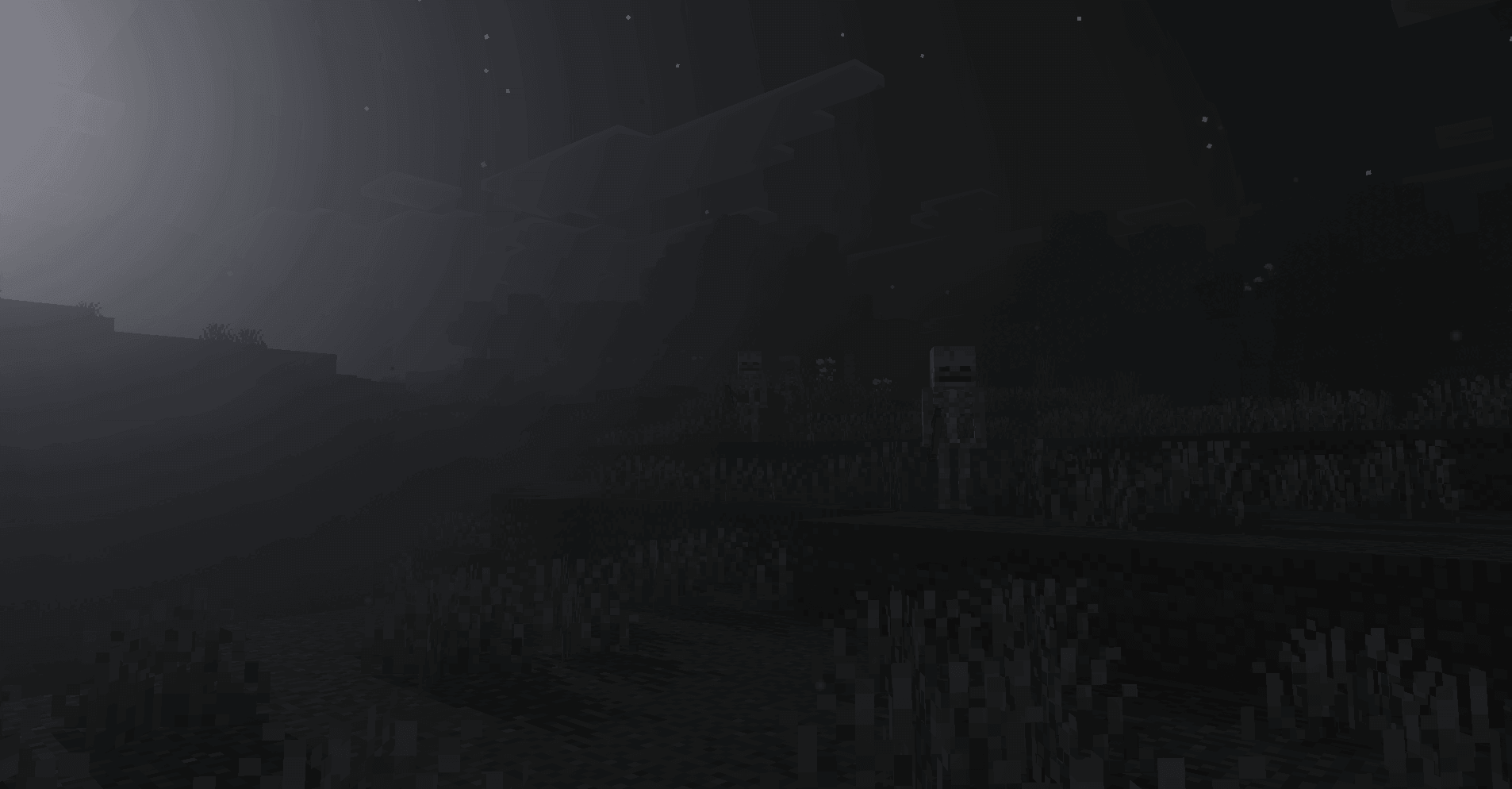
The atmosphere includes cave spores and fleeting silhouette-like particles. They should not be mistaken for a creature addon: the pack changes what the world looks like, not the behavior of enemies.
How to install the shader
Download the .mcpack file, open it with Minecraft and wait for the import to finish. Enable the pack in the world's Resource Packs settings. Shader compatibility depends on the Minecraft version and graphics mode.