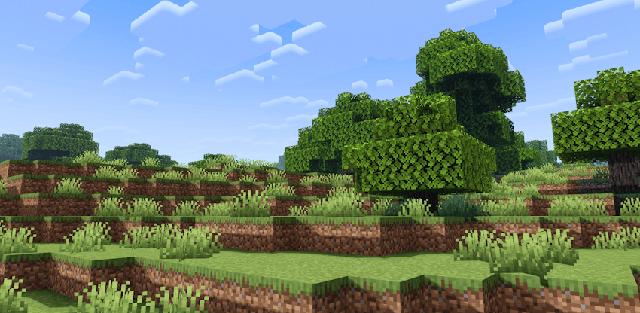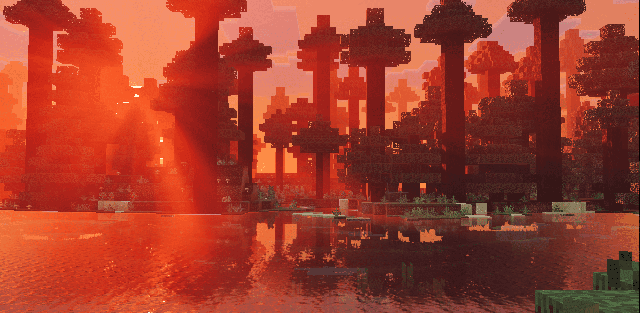
How to enable: import the pack, activate it in Global Resources or in the world resource packs, then select Vibrant Visuals in Settings > Video > Graphics Mode. A device that supports this mode is required. The pack contains Vibrant Visuals atmosphere and lighting settings. An additional PBR texture pack is optional, not a requirement.
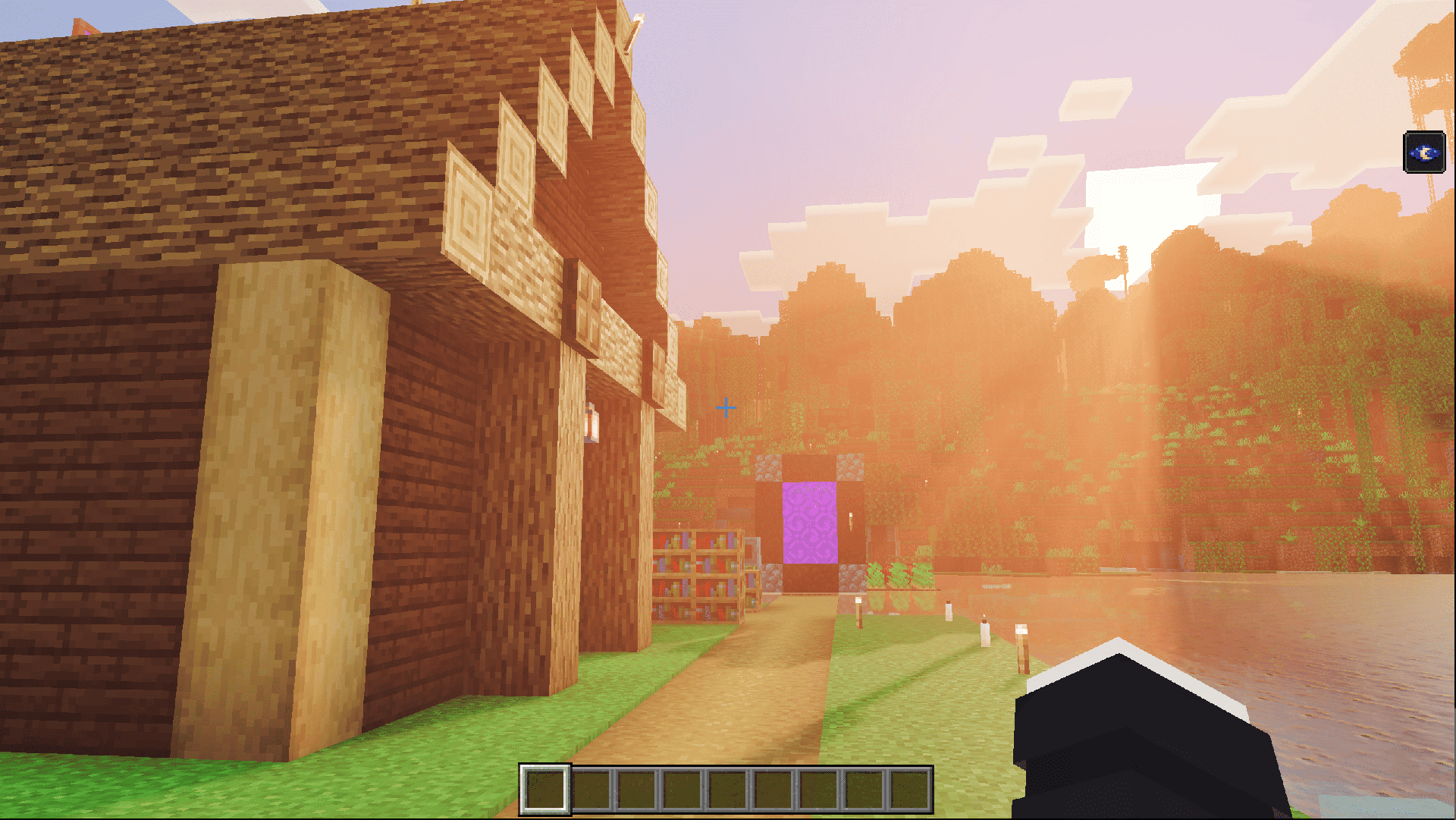
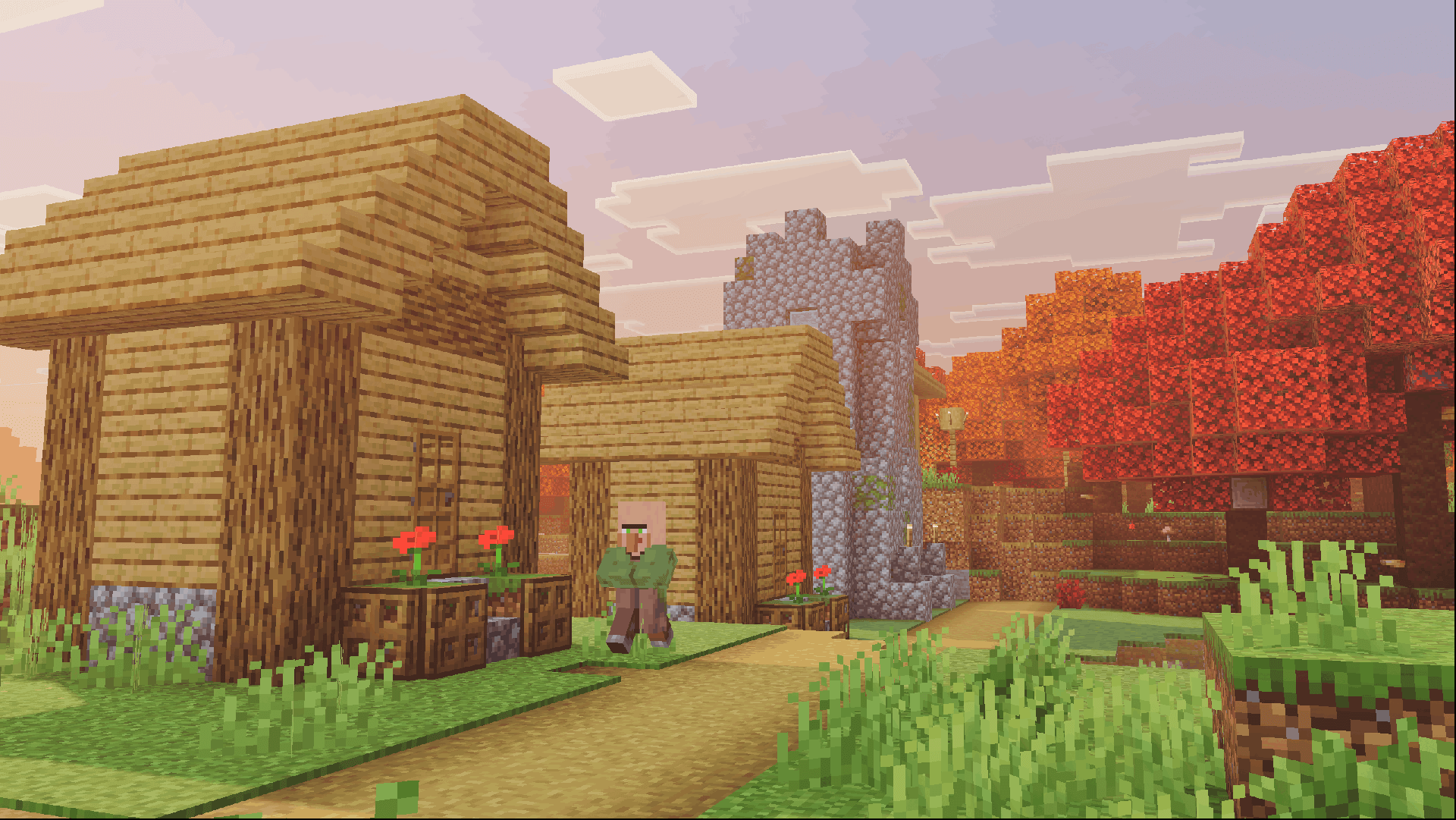
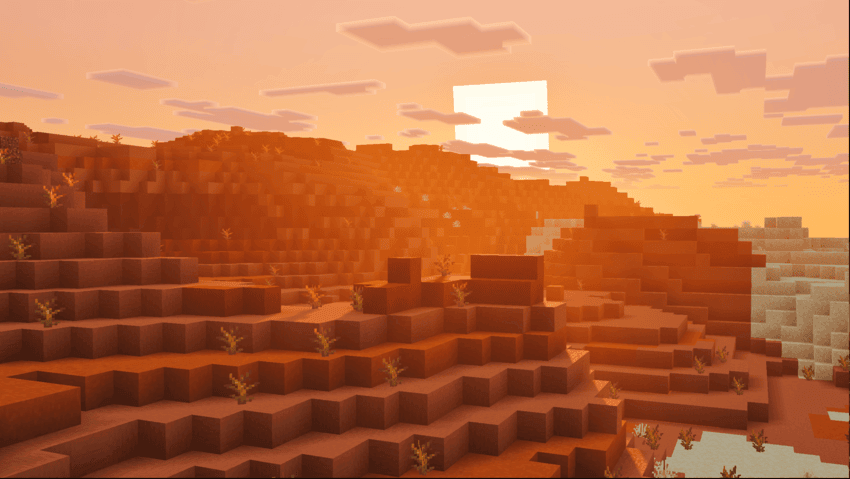
Visuals + changes lighting, fog and color grading without replacing the main block textures. Deserts and badlands gain warmer tones, the Deep Dark becomes more ominous, and oceans, cherry groves and the End receive their own atmosphere.
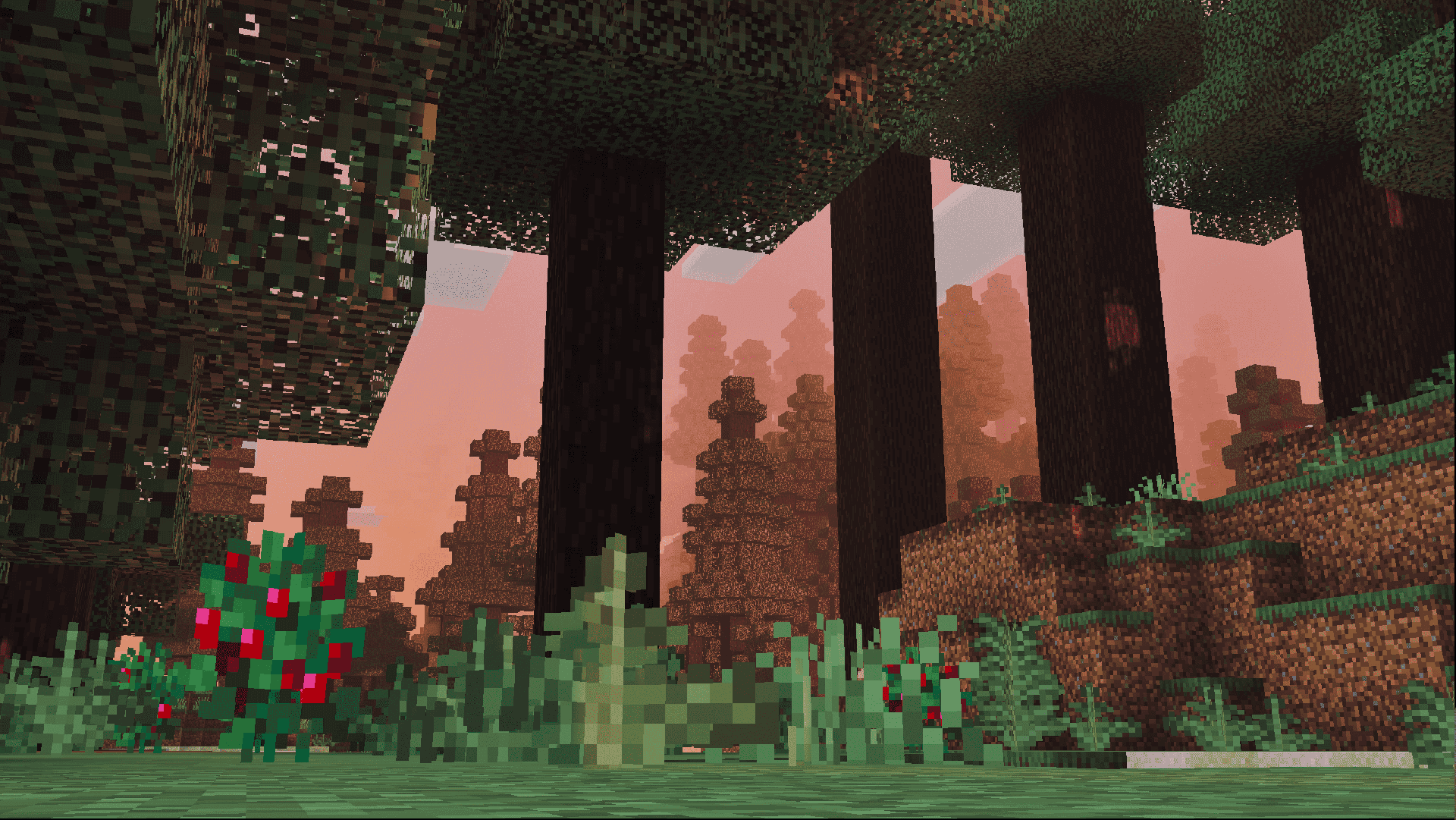
The 1.3.0 release also refines the Dappled Forest look. Clear water and bright outdoor light keep the world readable, while shaded areas and night scenes provide a stronger contrast. This is a lighting-focused pack rather than a new collection of blocks.
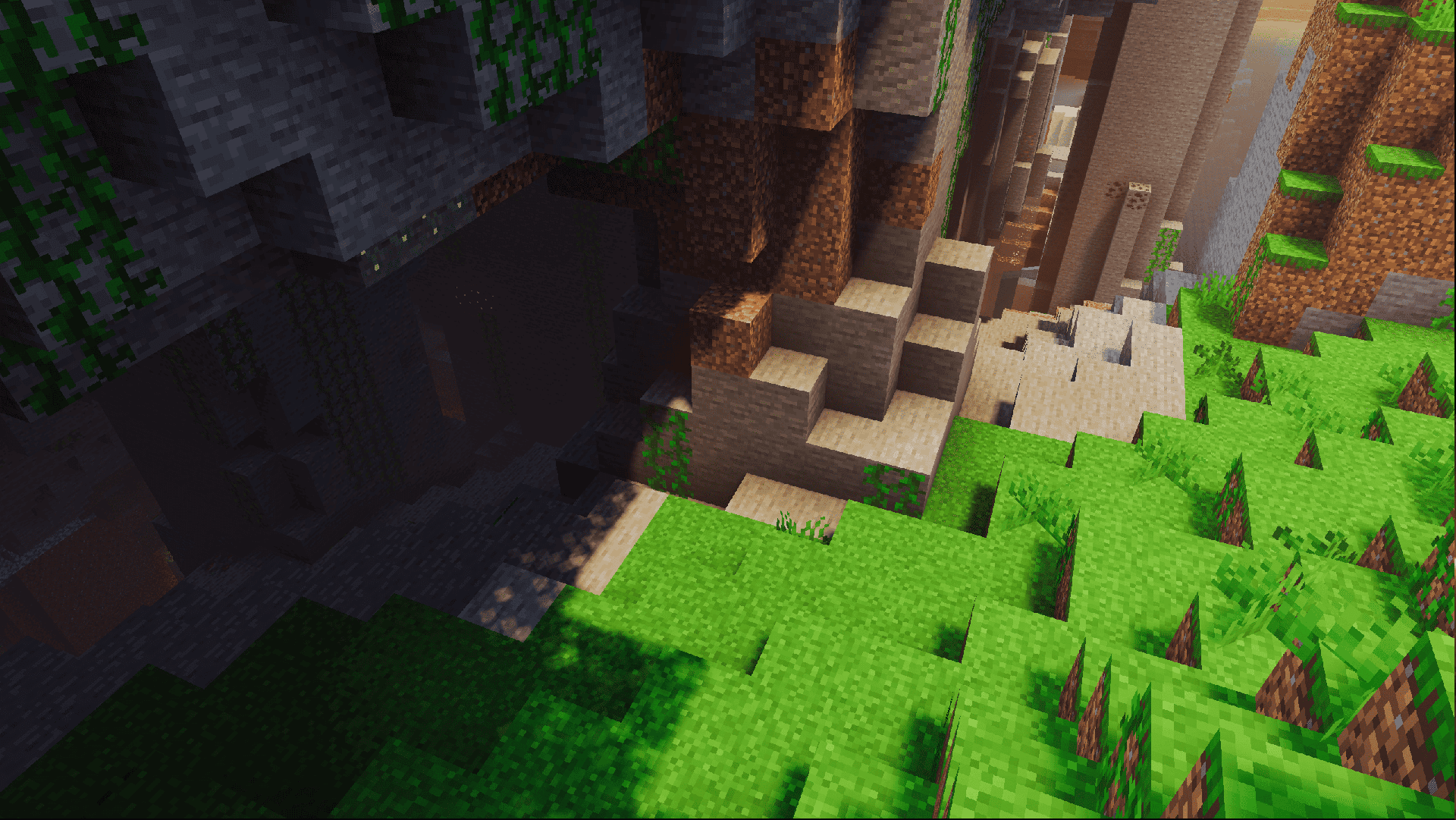
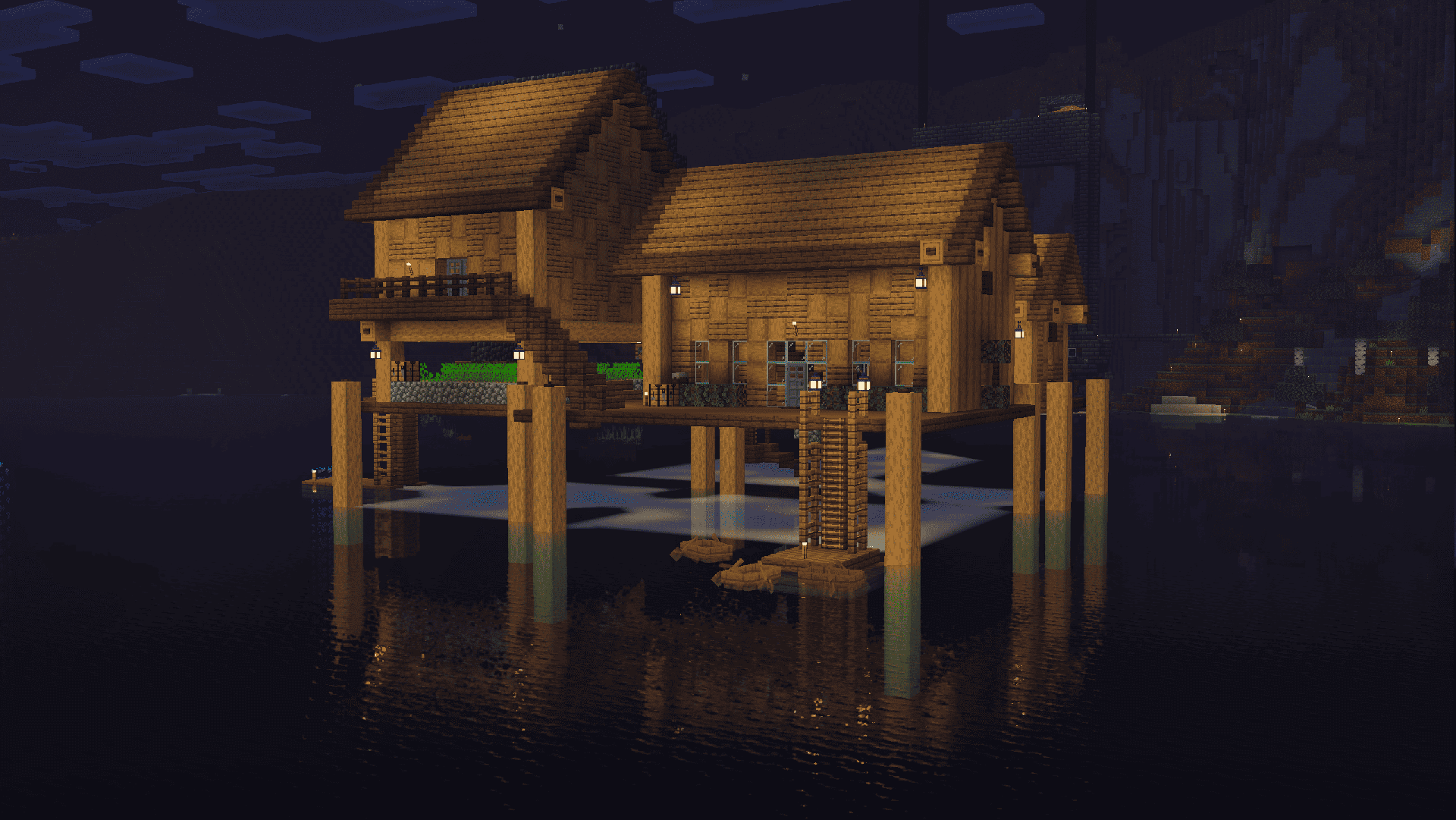
The downloaded file contains PBR-capable rendering settings but no large library of replacement material textures. Another PBR pack can supply those surfaces, while Visuals + provides the lighting and fog.