How to enable: use a compatible RenderDragon shader loader, import the pack and activate it in Global Resources, then restart the game. Importing it into the standard client alone does not enable its shader effects. MaterialBinLoader or a compatible patched client is needed on Android, Windows or iOS. Set FOV to 80-100 and brightness to about 50%.
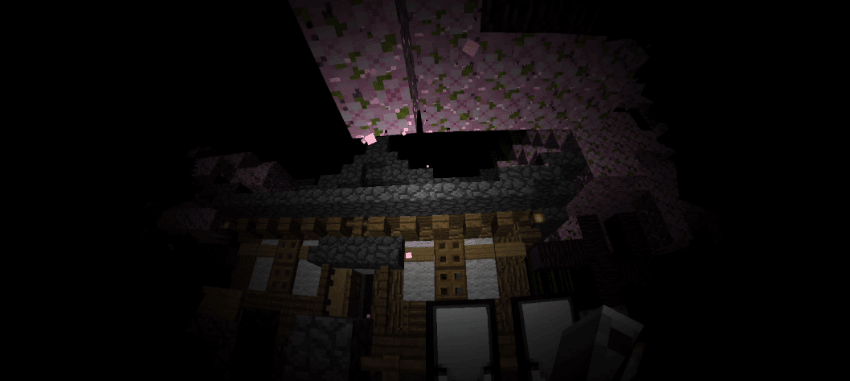
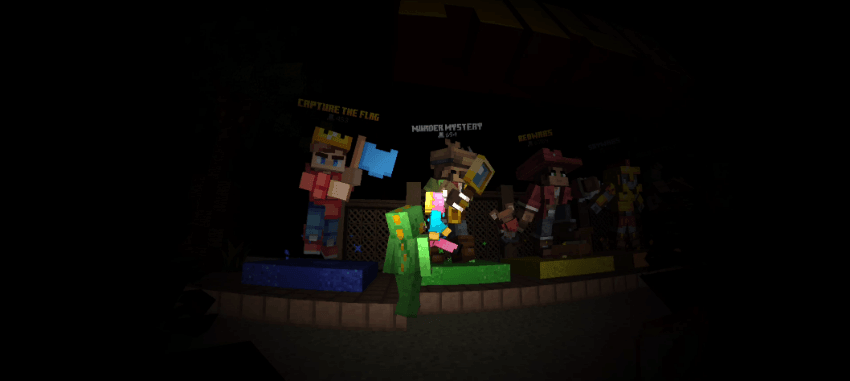
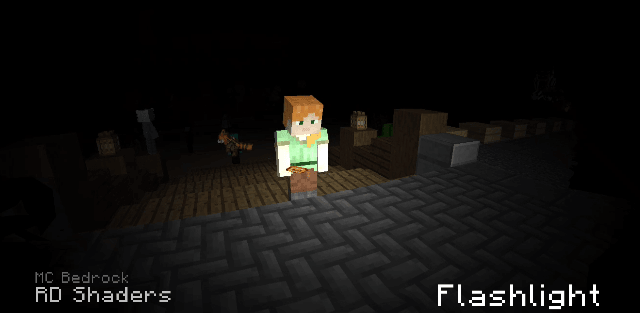
Flashlight Shader simulates a beam aimed in the direction of your view. Areas inside the beam are visible while the surroundings remain dark, changing how caves, abandoned buildings and nighttime maps feel.
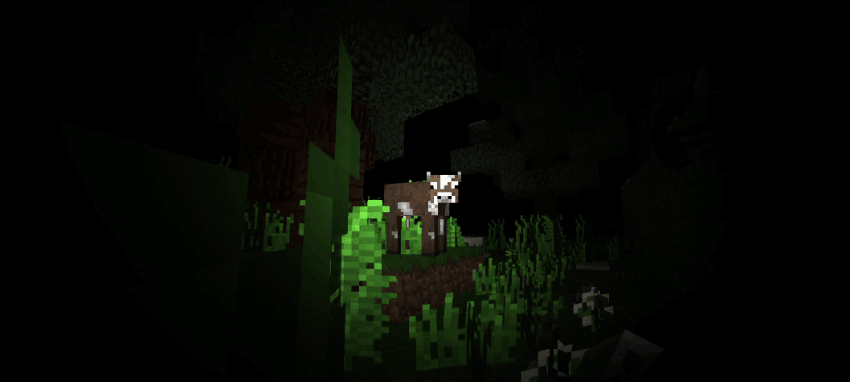
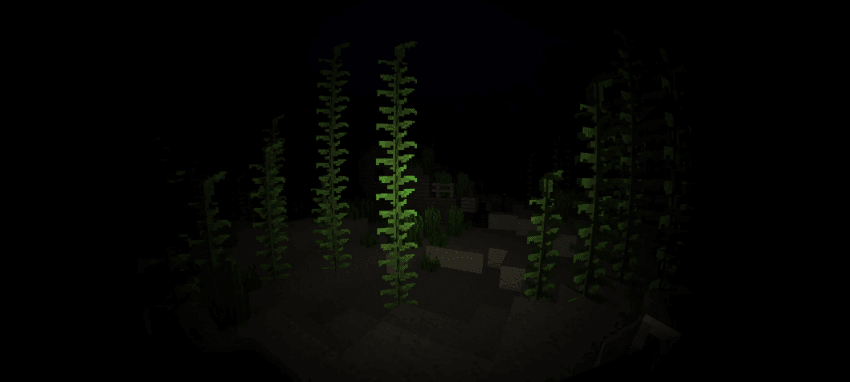
The default preset combines the beam with a fish-eye camera effect. Pack settings also offer a version without lens distortion and a flashlight-only preset with stronger distortion and no ordinary sunlight or other light sources. Some tinted particles may render incorrectly.