Shader: Mellow V Shaders
570
0
1
How to enable: Activate the pack in Global Resources or the world settings. The author does not specify that a separate patched client is required.
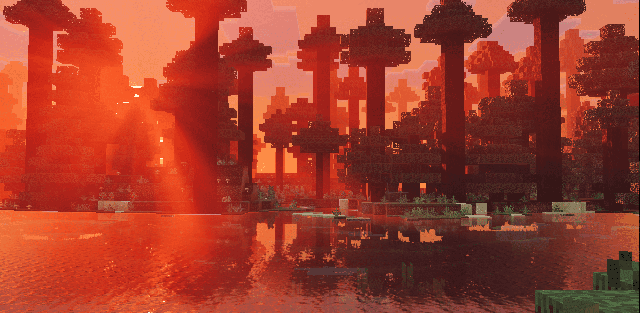
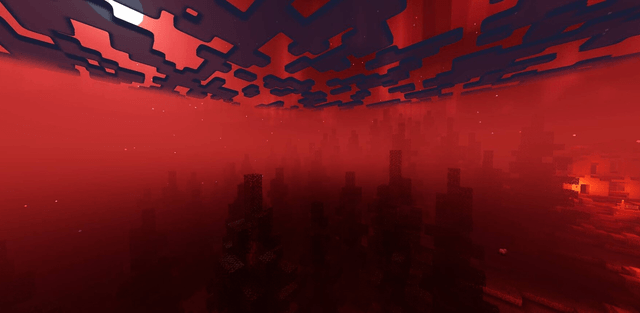
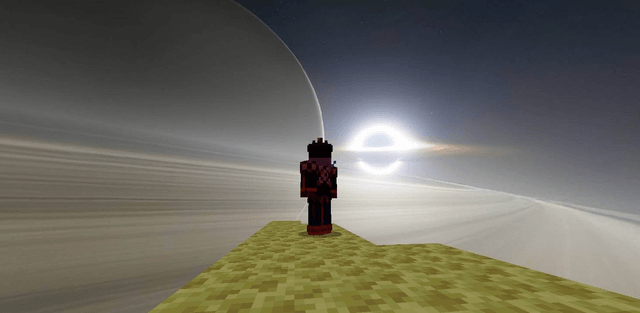
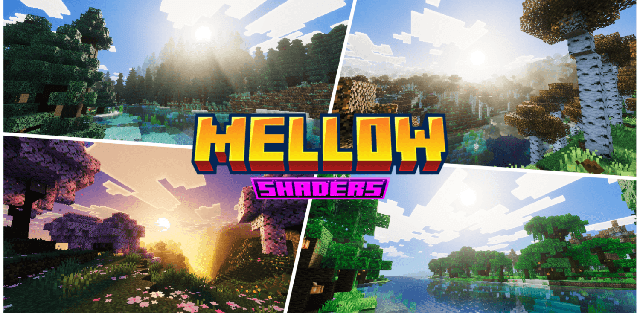
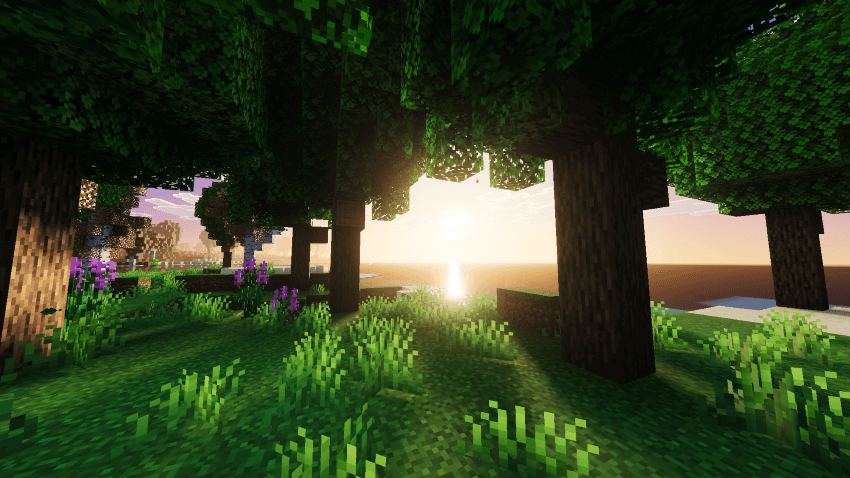
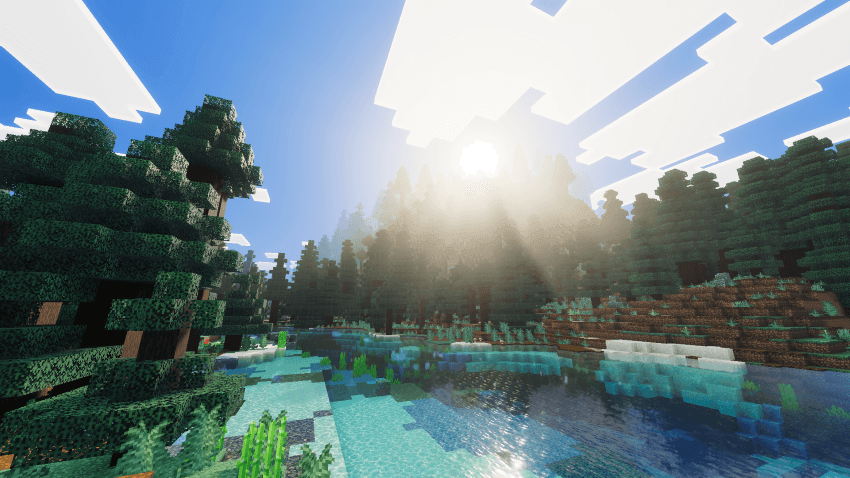
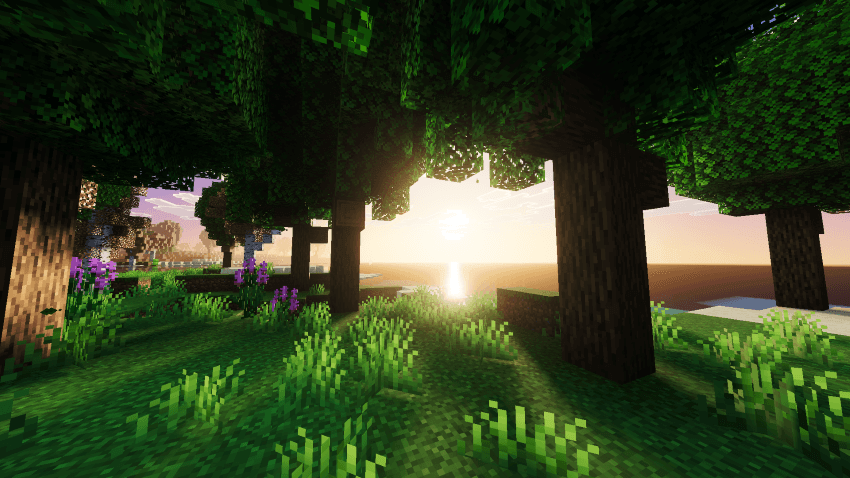
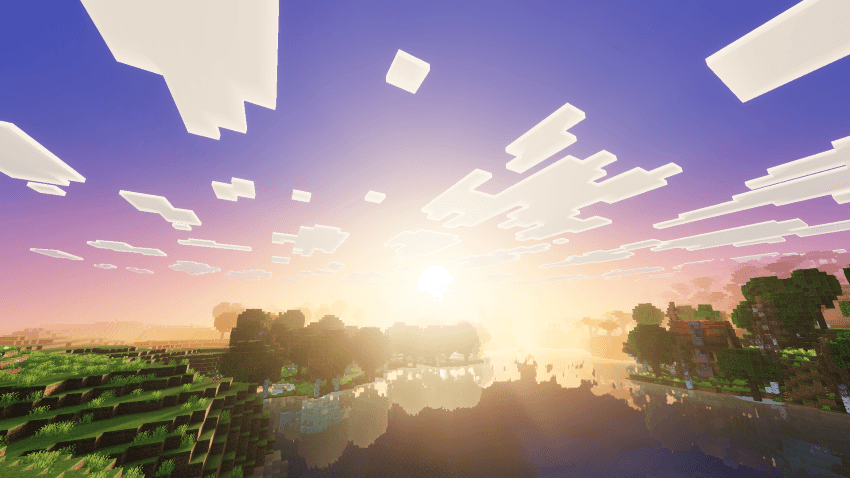
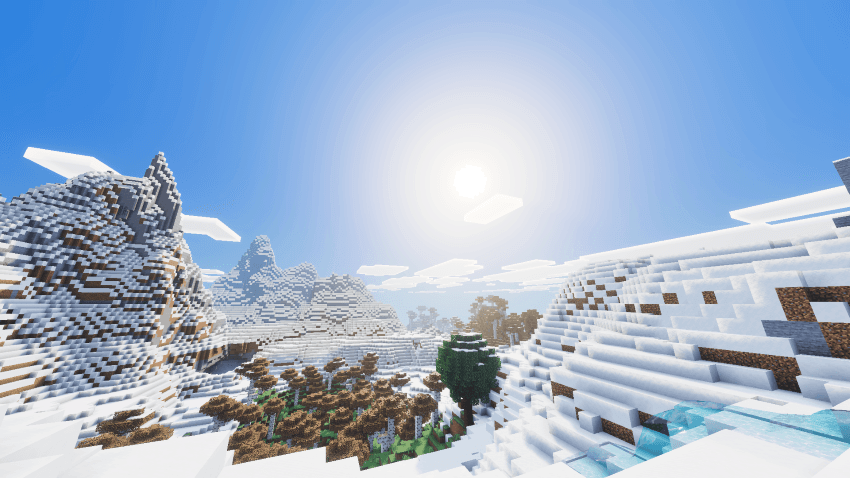
Mellow V Shaders creates gentle golden-hour lighting while remaining lightweight enough for regular gameplay. It reworks fog, water, shadows, clouds, and the night sky.
Author: reefycraft.
Features
- warm lighting and volumetric fog
- enhanced water and soft shadows
- reworked clouds and auroras
- visual tuning across different biomes
- optimization for a broad range of devices
Screenshots

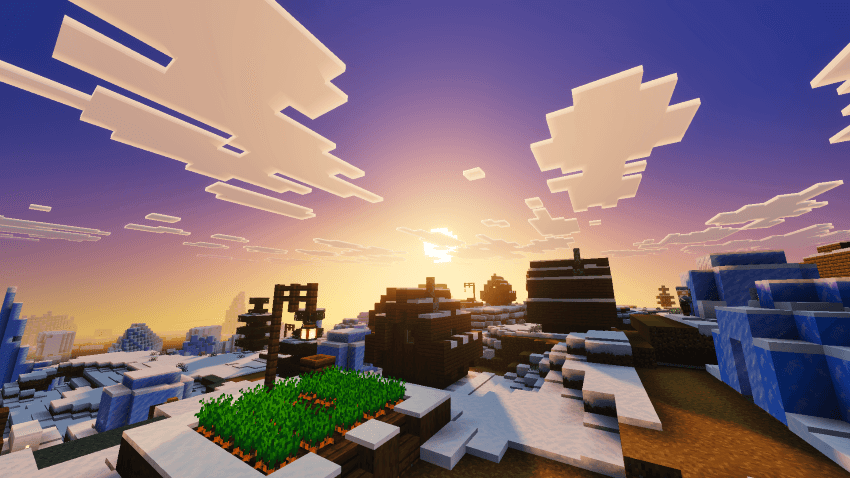
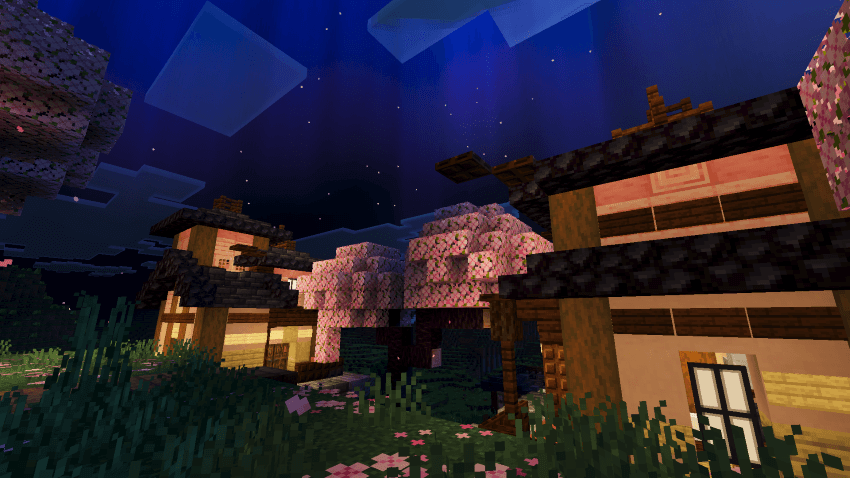
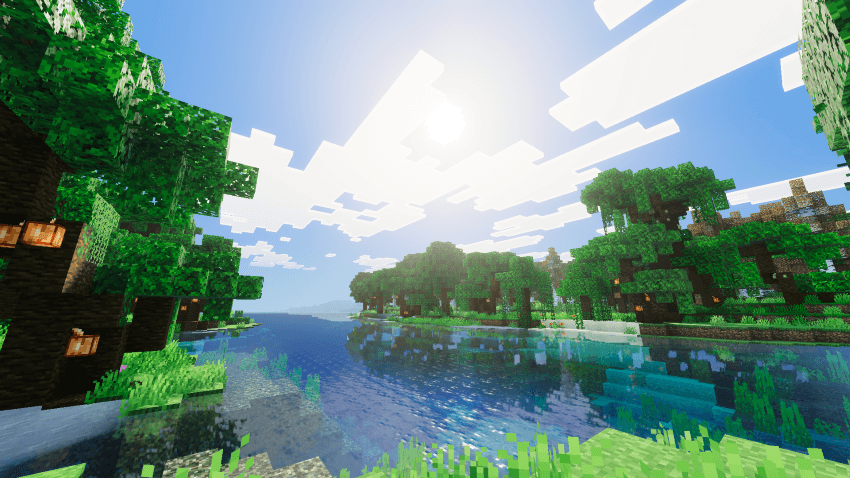
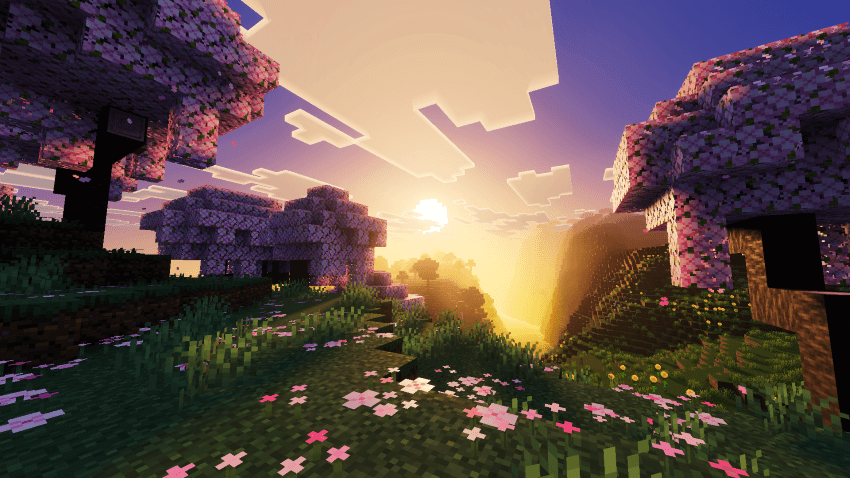
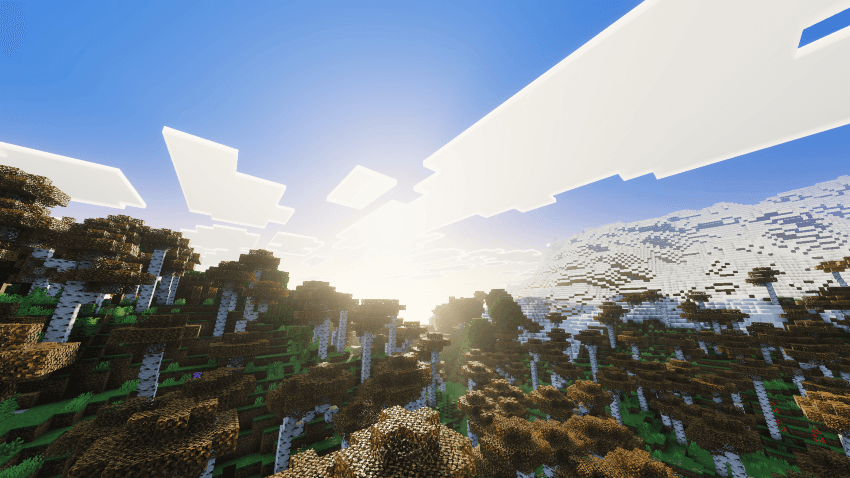
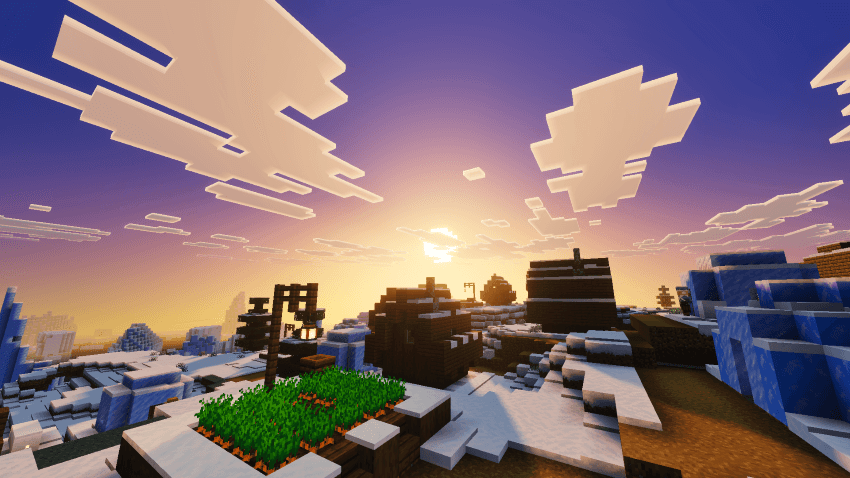
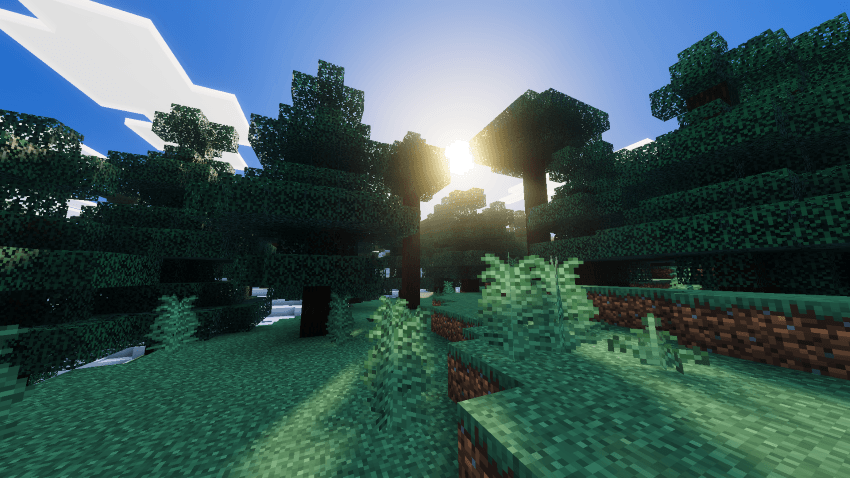
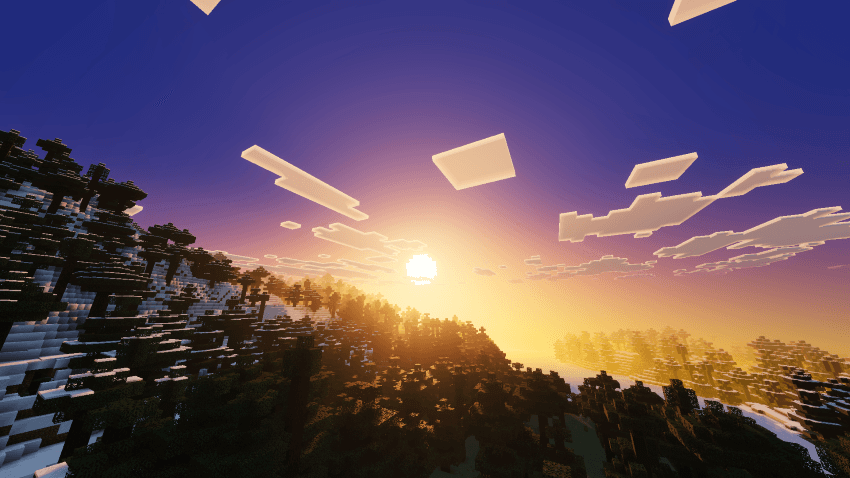
How to install the shader
Download the .mcpack file, open it with Minecraft and wait for the import to finish. Enable the pack in the world's Resource Packs settings. Shader compatibility depends on the Minecraft version and graphics mode.
Supported Minecraft Versions
26.40
Related News