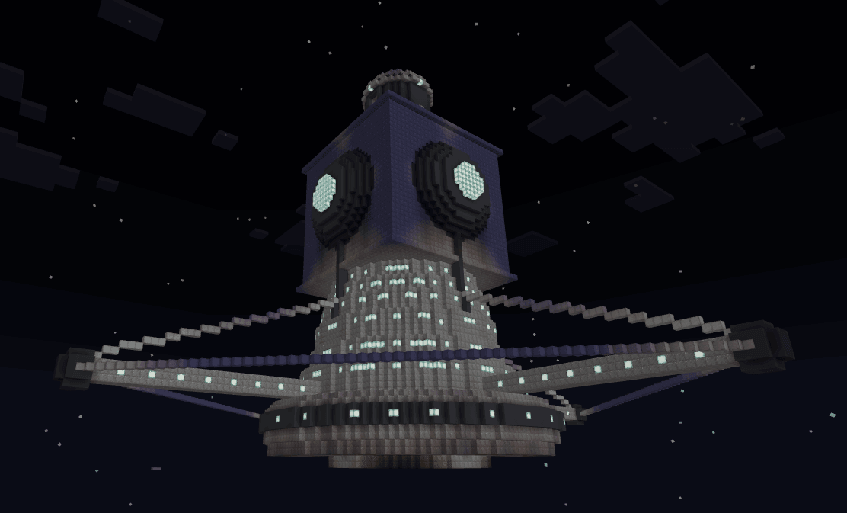
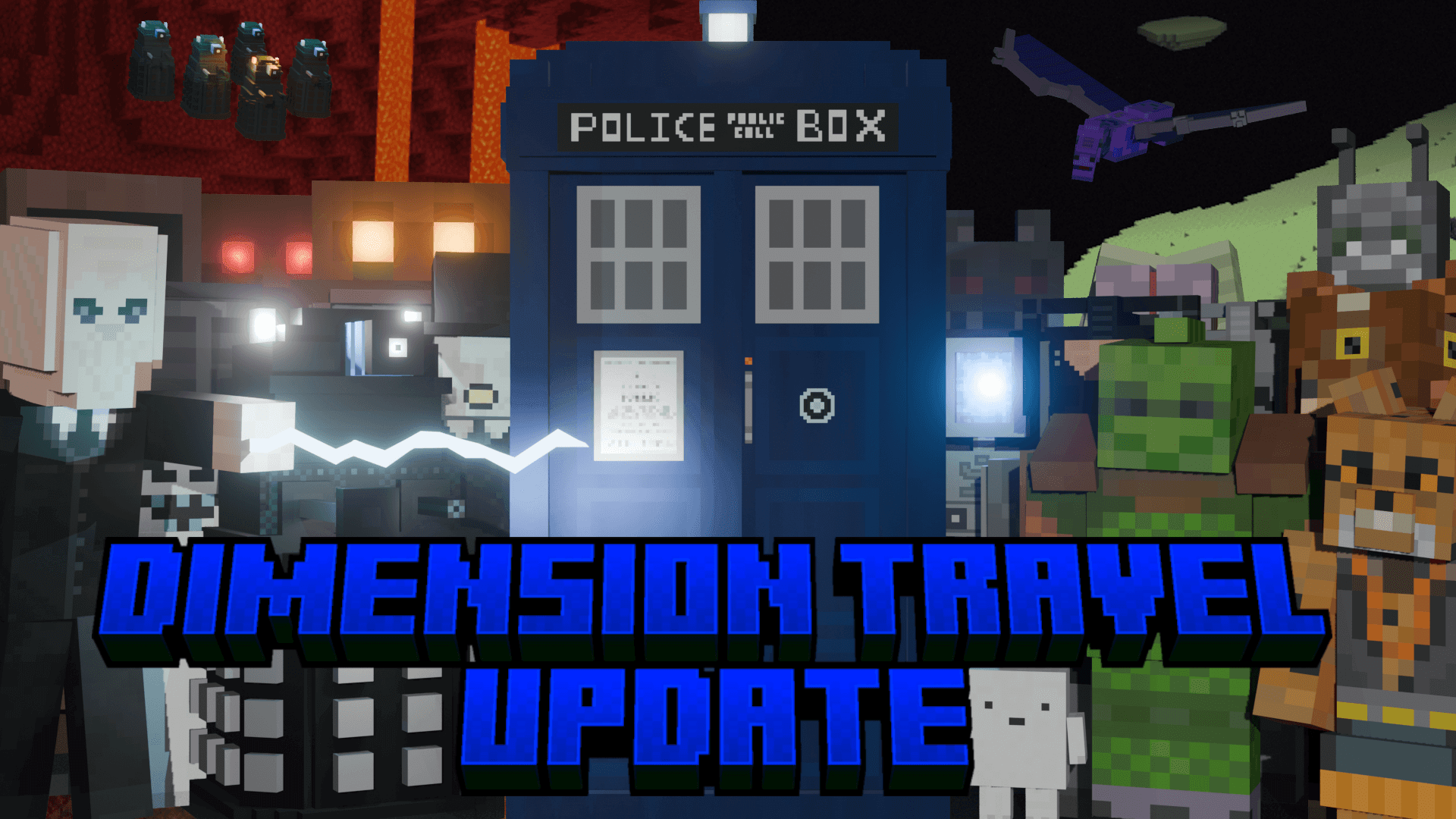
A police-box exterior hides an explorable interior and a travel system inspired by Doctor Who. The Dimension Travel update adds direct flight and travel between dimensions to a world populated with recognizable monsters, equipment and large structures.
How to start
Activate both packs and enable the experiments and commands requested by the addon. Place a new TARDIS in the Overworld first. There are five numbered copies of each interior and exterior per world, identified by wool colors: white 1, orange 2, magenta 3, light blue 4 and yellow 5.
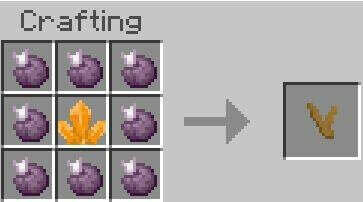
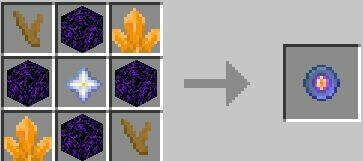
Mine Zeiton 7 underground. Surround it with eight chorus fruit to make TARDIS coral. The coral is used in the Eye of Harmony recipe shown below, together with crying obsidian, Zeiton 7 and a nether star. The two recipe images show the exact layouts.
Using the TARDIS
On first use of the exterior, allow about twenty seconds for the interior to generate. Keep a free inventory slot: entering gives you the TARDIS key, which is removed on exit. Its menu provides travel to coordinates within the current dimension, manual Flight Mode and Switch Dimension. During dimension travel, the player can arrive a few seconds before the TARDIS; keep the area loaded while it follows.
Interiors include classic and modern designs such as Hartnell, Troughton, Coral, the Smith and Capaldi Toyota rooms, Copper and the 60th Anniversary style. If a delayed interior fails to load and your Y coordinate keeps falling for more than four seconds, switch to Creative flight until the room appears.
Creatures, structures and tools
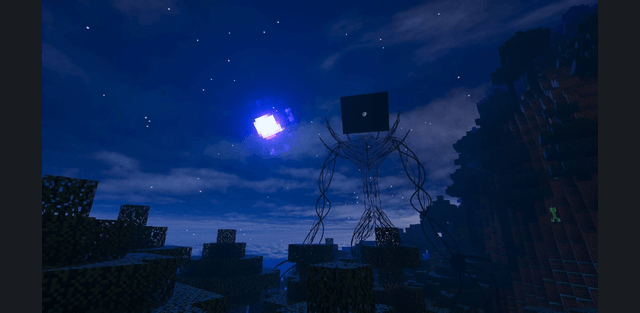
Meet Daleks, Cybermen, Weeping Angels and many other creatures from different eras. Ships, graveyards, libraries and cities add themed places to explore. Sonic devices use batteries and can activate redstone in a 3 x 3 x 3 area for five seconds, giving familiar gadgets an actual use in the world.