VFXCore enriches the world with ambient visual effects that react to the biome, weather, time of day, player movement, and nearby objects. The goal is to make ordinary exploration feel more alive without replacing the basic Minecraft art style.
Fog and atmosphere
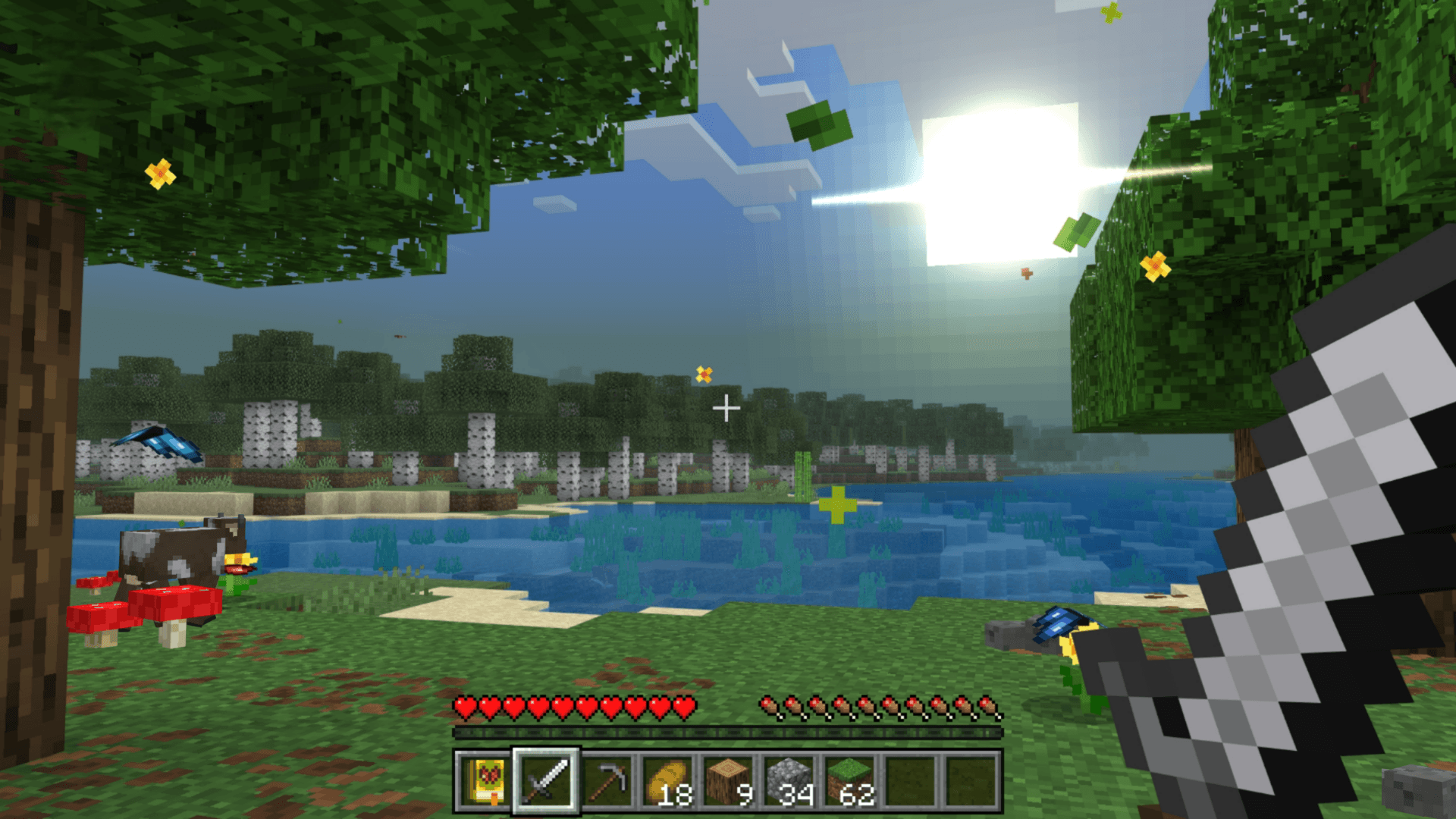
Fog changes through twenty-four daily phases and is tuned for different biomes. Dawn, midday, sunset, and night receive their own colors, while volumetric light scattering can enhance the view when Vibrant Visuals or ray-traced rendering is active.
Ambient life and foliage
Butterflies move through flower fields, fireflies appear in suitable conditions, and birds add seasonal calls. Cherry petals, falling leaves, leaf litter, wild flowers, pebbles, and mushrooms make forests and open terrain look less static.
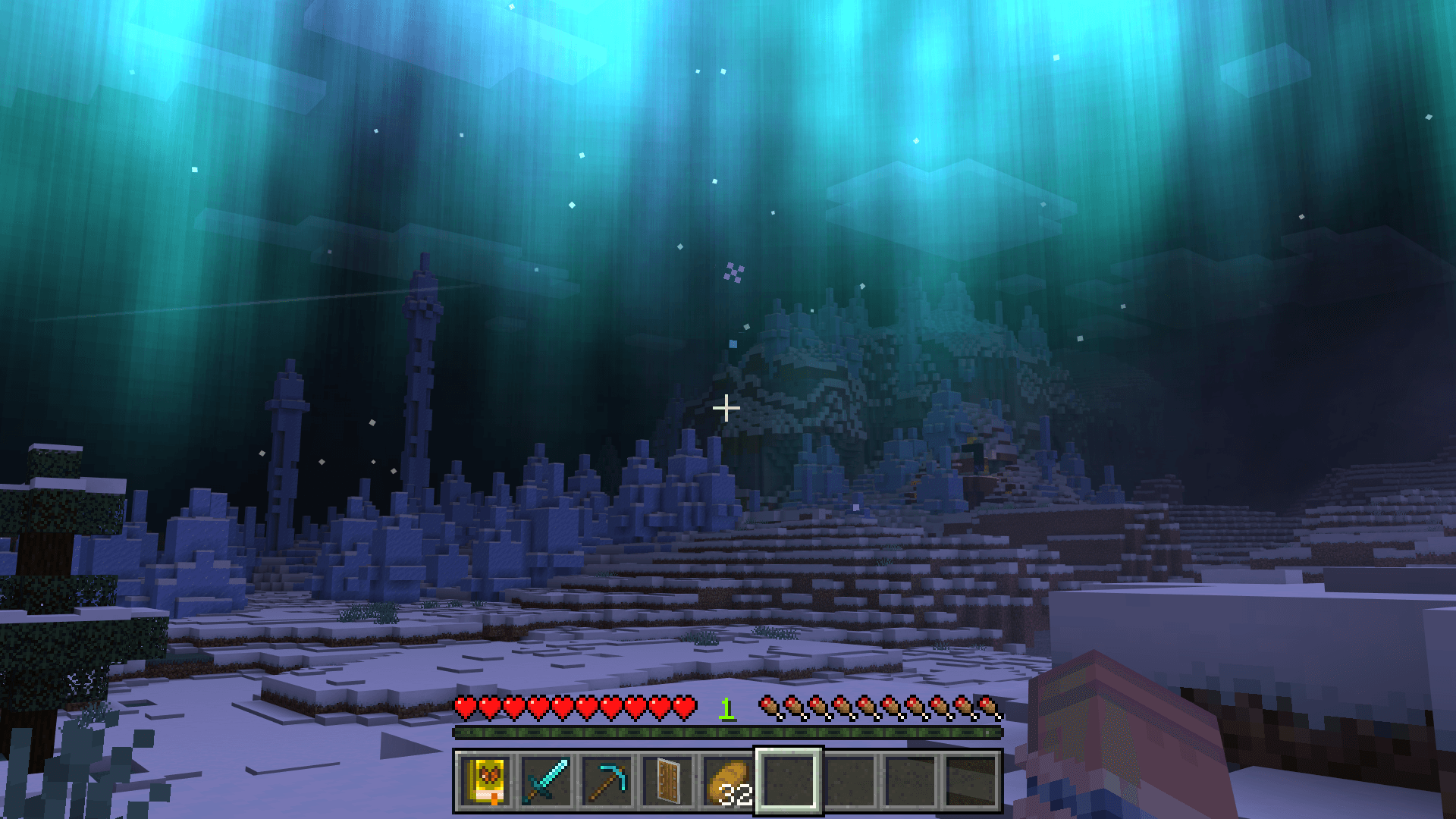
Sky and weather events
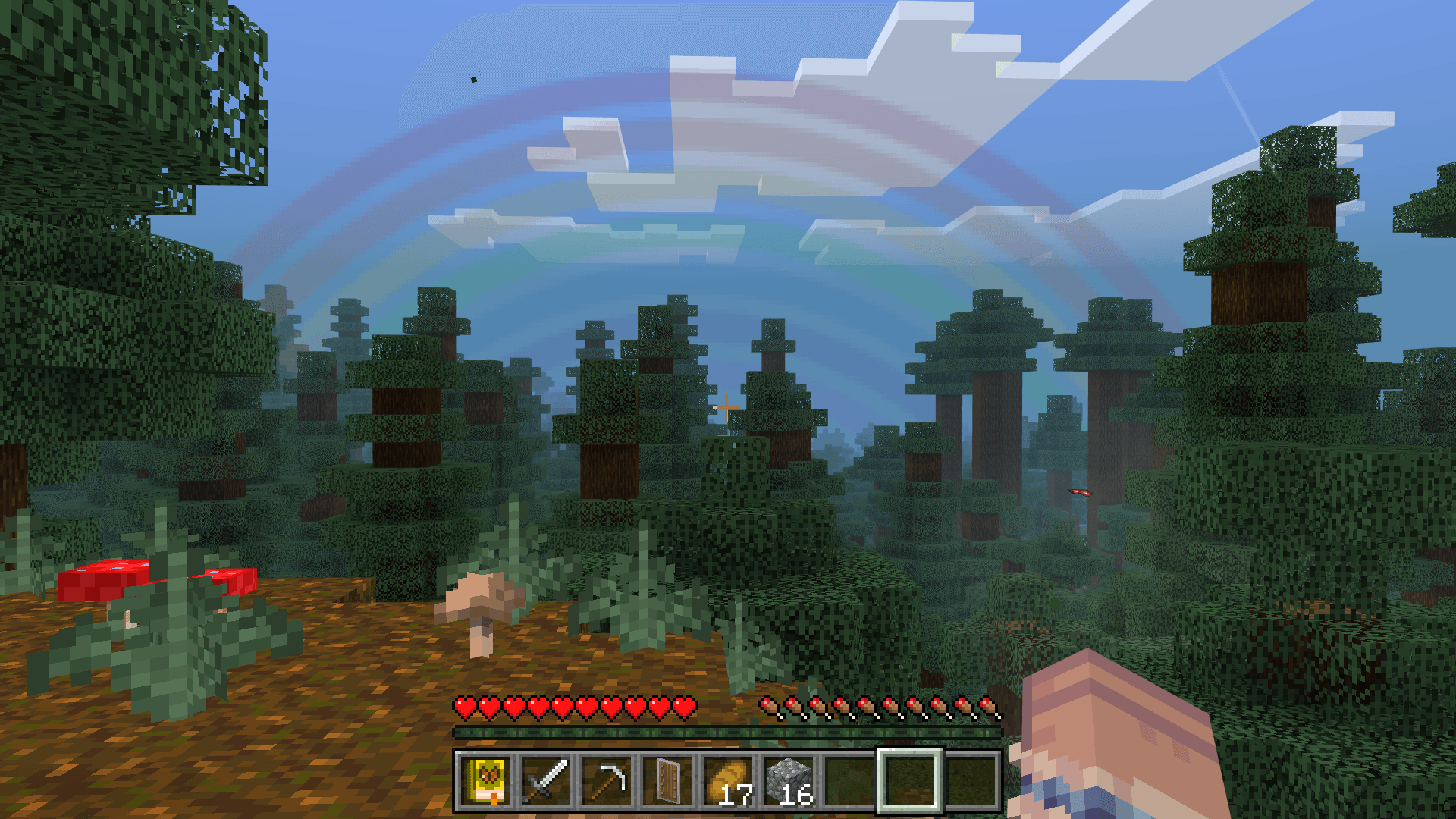
The sky can show auroras, shooting stars, meteor showers, rainbows, and lens flare. Rain receives denser effects, while cold and dry regions can produce blizzards, snow flurries, sandstorms, and low ground fog.
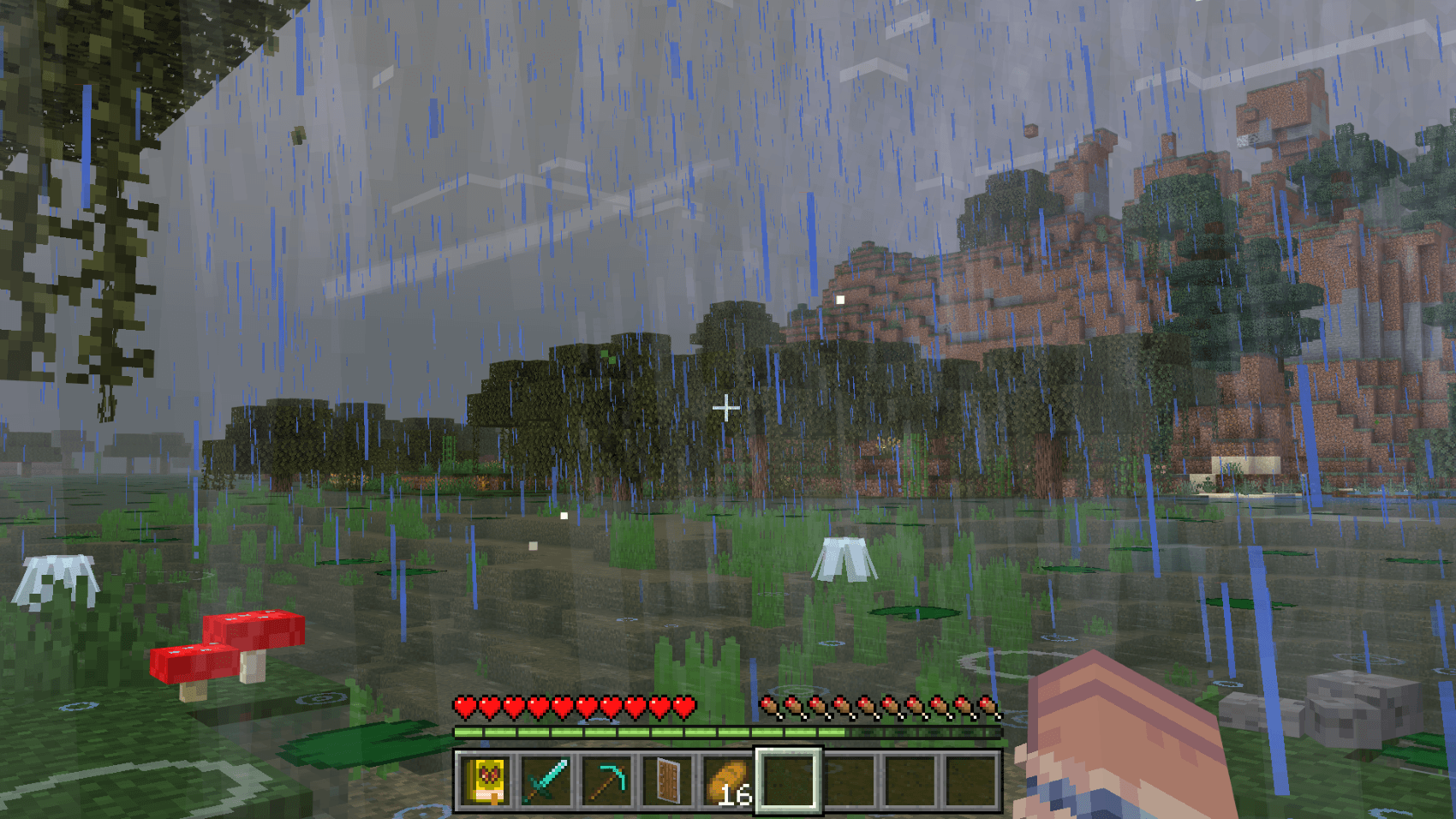
Movement and water
Players and vehicles leave more visible traces: splashes, wakes, boat trails, footprints, and running dust respond to movement. These small details connect the character to the environment instead of leaving the surrounding world unchanged.
Light and sound
Colored light sources, blinking lanterns and ores, furnace glow, and other local effects improve dark scenes. Separate ambient soundscapes accompany forests, beaches, underwater areas, storms, and the End.
In-game controls
A settings book allows every major effect to be switched independently. Players can keep only the atmosphere they enjoy or use the dedicated Vibrant Visuals optimization mode for that rendering system.