Author: kazu1212
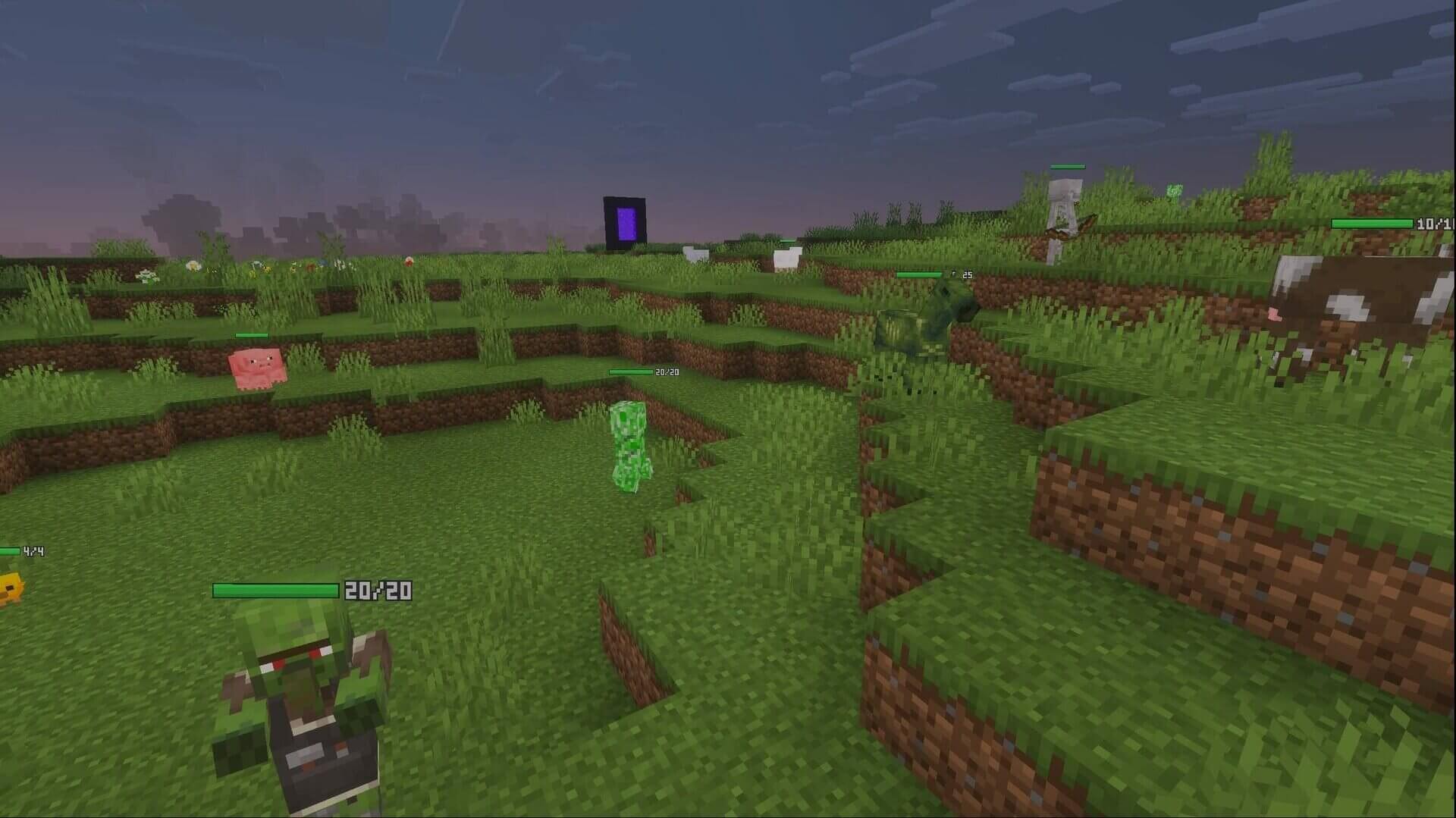
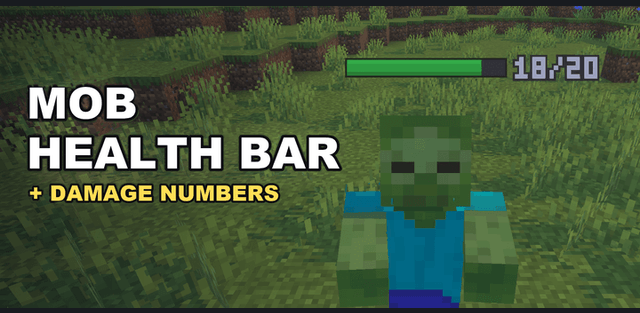
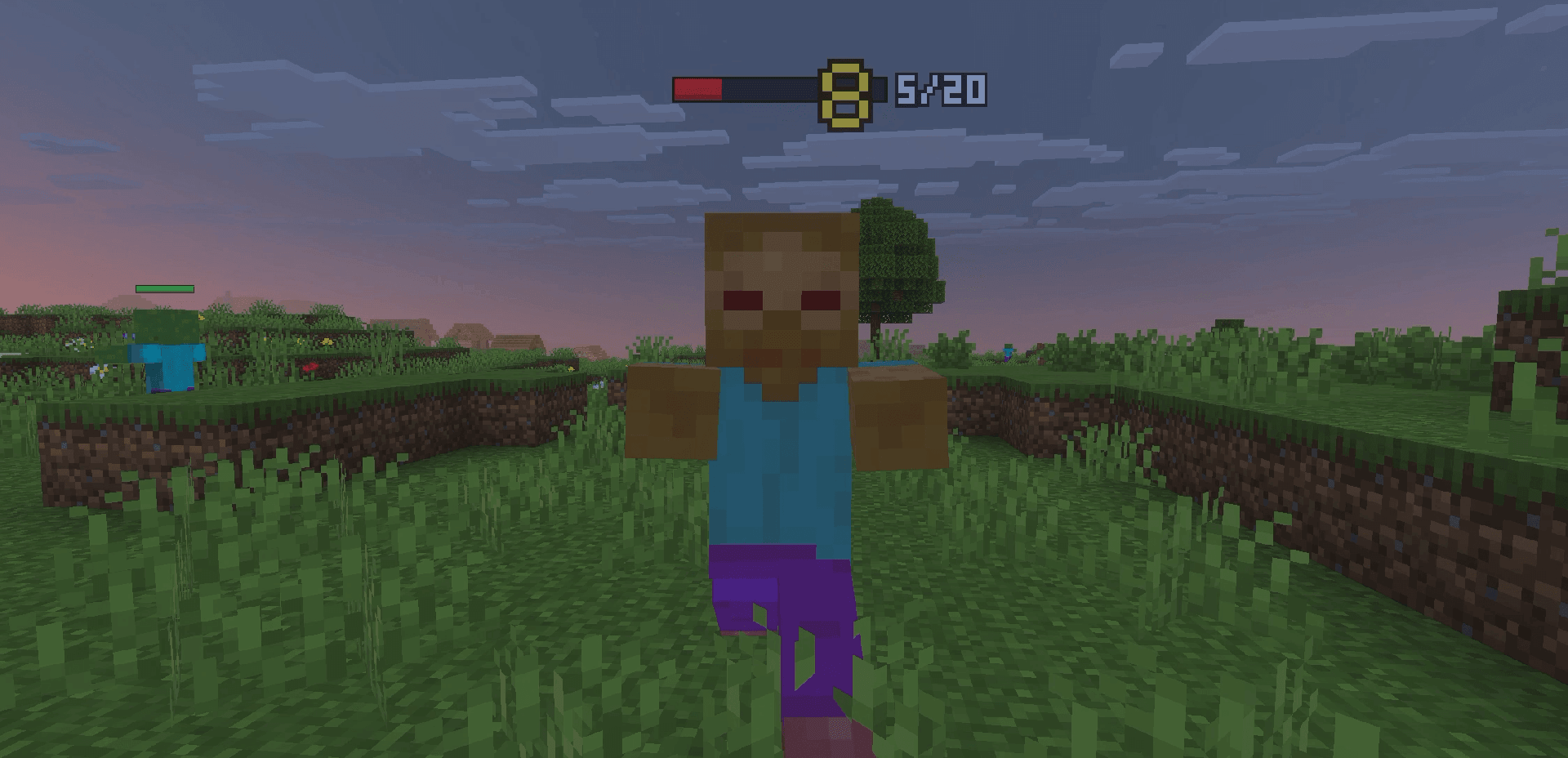
Mob Health Bar & Damage Numbers displays a floating health bar, exact HP and combat numbers above nearby creatures. The bar follows movement and knockback, changing from green to yellow and red as health falls. Damage from weapons, fire, falls and other causes appears as floating numbers; version 1.1.0 also adds green healing numbers.
Settings for each world
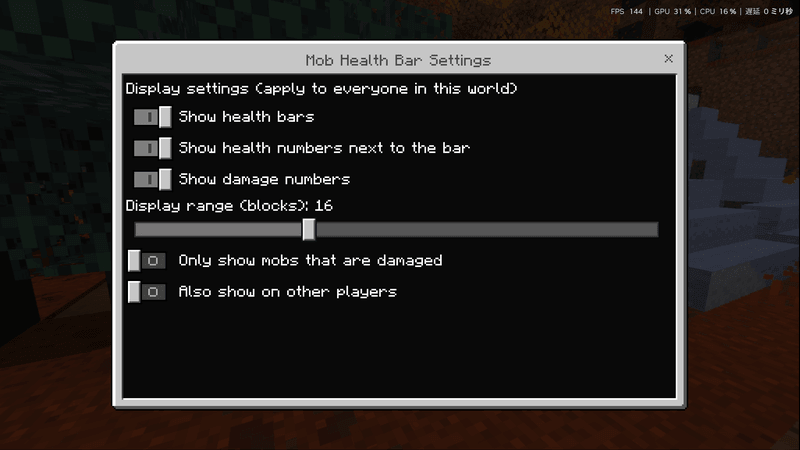
Open the gear icon beside Mob Health Bar in the Behavior Packs list. Toggle bars, health values, damage and healing numbers separately, choose a display range from 8 to 32 blocks, show only damaged mobs or include other players. Changes apply in about a second and are saved for the world.
Display rules
Invisible mobs and players remain hidden. The system uses particles, without changing name tags or replacing vanilla entities and interfaces. It works in single-player and multiplayer, and experimental features are not required. Activate the behavior pack together with its resource pack.
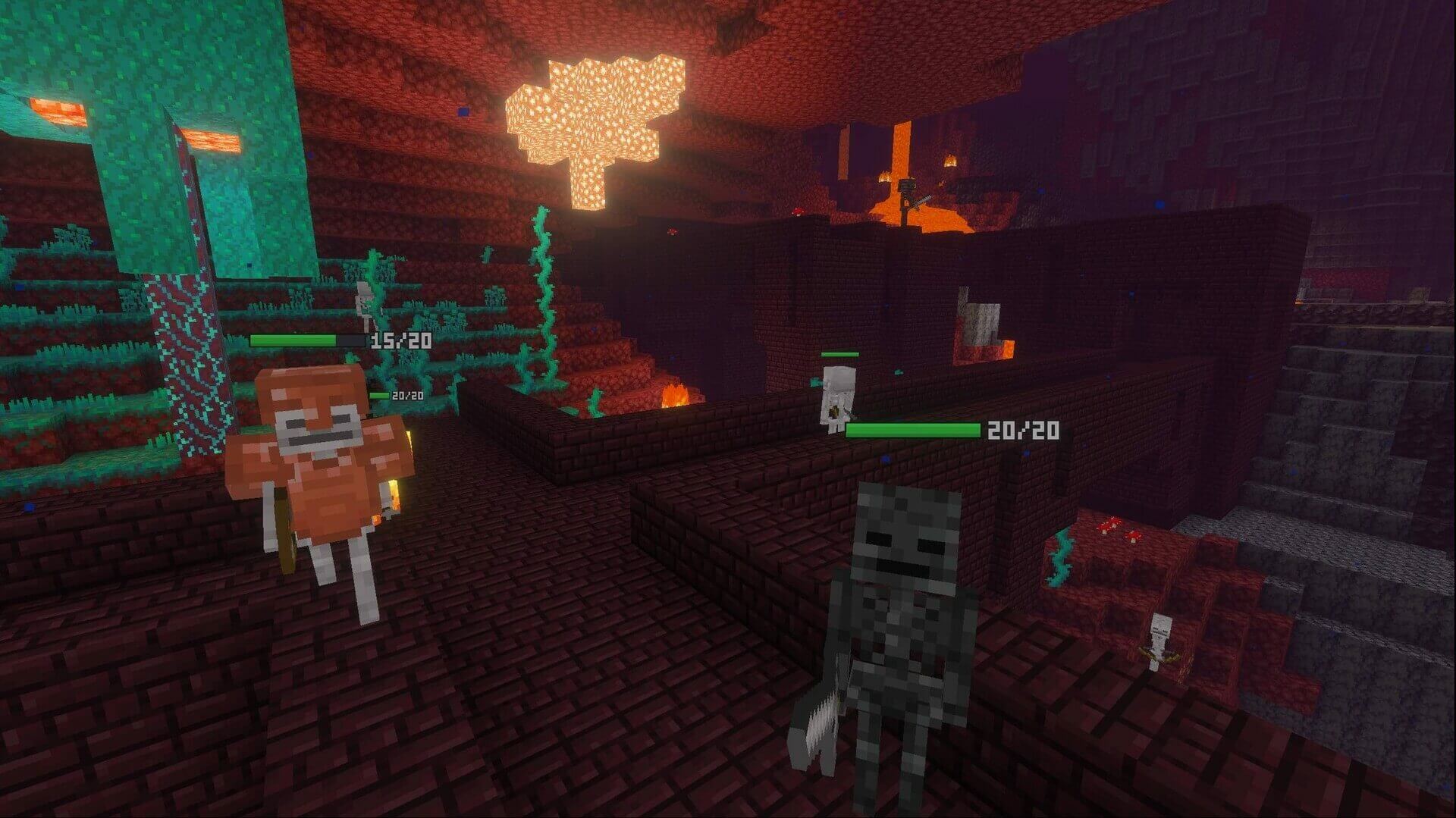
Floating numbers are visible within 12 blocks and values above 999 are displayed as 999. Bars prioritize the 24 nearest mobs, with additional slots for eight damaged mobs and eight other players. Your own incoming damage, armor stands and the mob you are riding do not receive these displays.