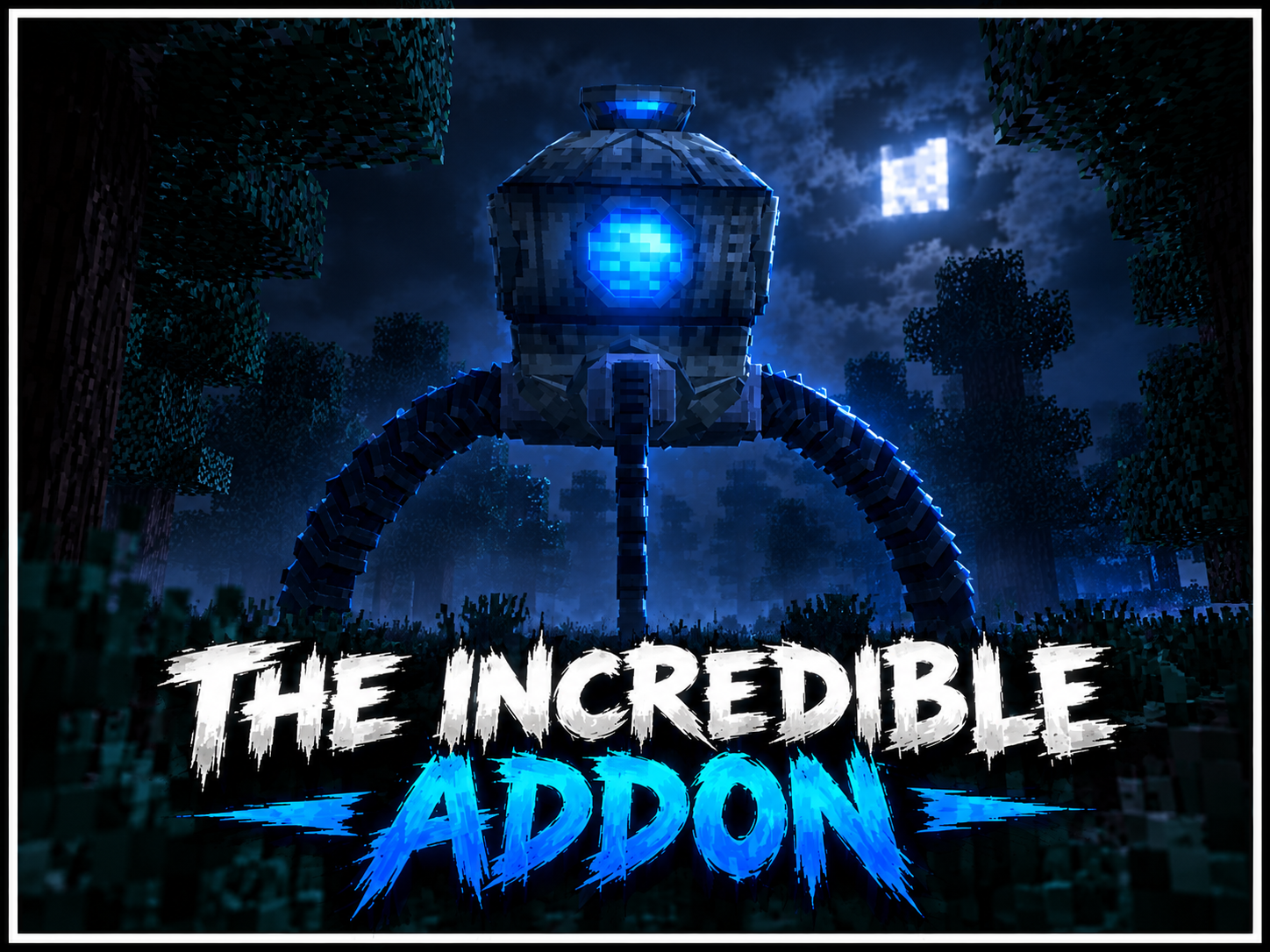
I Heard It Too builds a progressive horror scenario around the Maternal Wraith. The creature does more than chase the player: it observes conditions, changes behavior and adapts to repeated methods of attack.
Adaptive enemy

When the Wraith adapts, it sheds its current body and returns in a form resistant to the threat that affected it. Repeatedly using arrows, for example, can make the next form immune to the same tactic. Visible changes to its body also indicate accumulated damage.
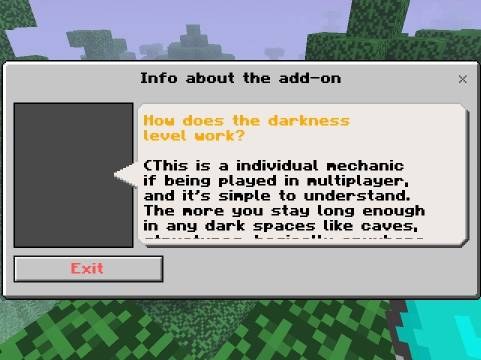
A hidden darkness level tracks players who spend too much time without light and can influence the creature's appearance. The Wraith normally avoids deserts, oceans, caves, icy regions, mountains, the Nether and the End, making forests and jungles more likely hunting grounds.
Two modes
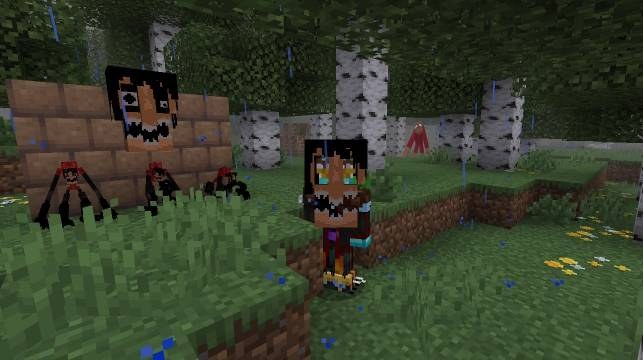
- Classic mode focuses on the Wraith's primary form and its roaming behavior.
- Abnormal mode adds less predictable events, including stolen supplies, imitated player names and other disturbances.
Survival tools

The mobile phone's flash briefly slows the creature and cancels its current adaptations, creating an opportunity to fight back. A walkie-talkie detects nearby activity through sound, speakers can distract the Wraith, and a portable saw processes abnormal remains for useful drops. Batteries, a power bank and electronic components support these devices.
The in-game guide explains the equipment and status screen. The add-on works on Bedrock 1.21.70 and newer, supports multiplayer and achievements, and does not require experimental options.