Author: MasterCrafting
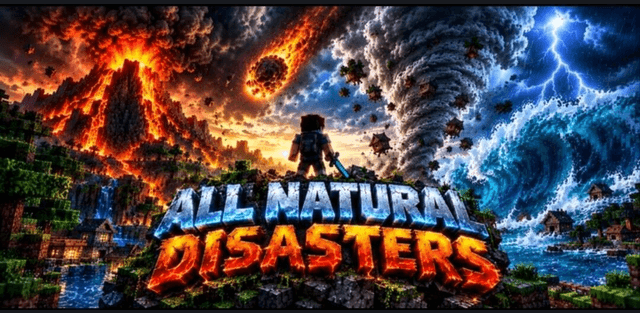
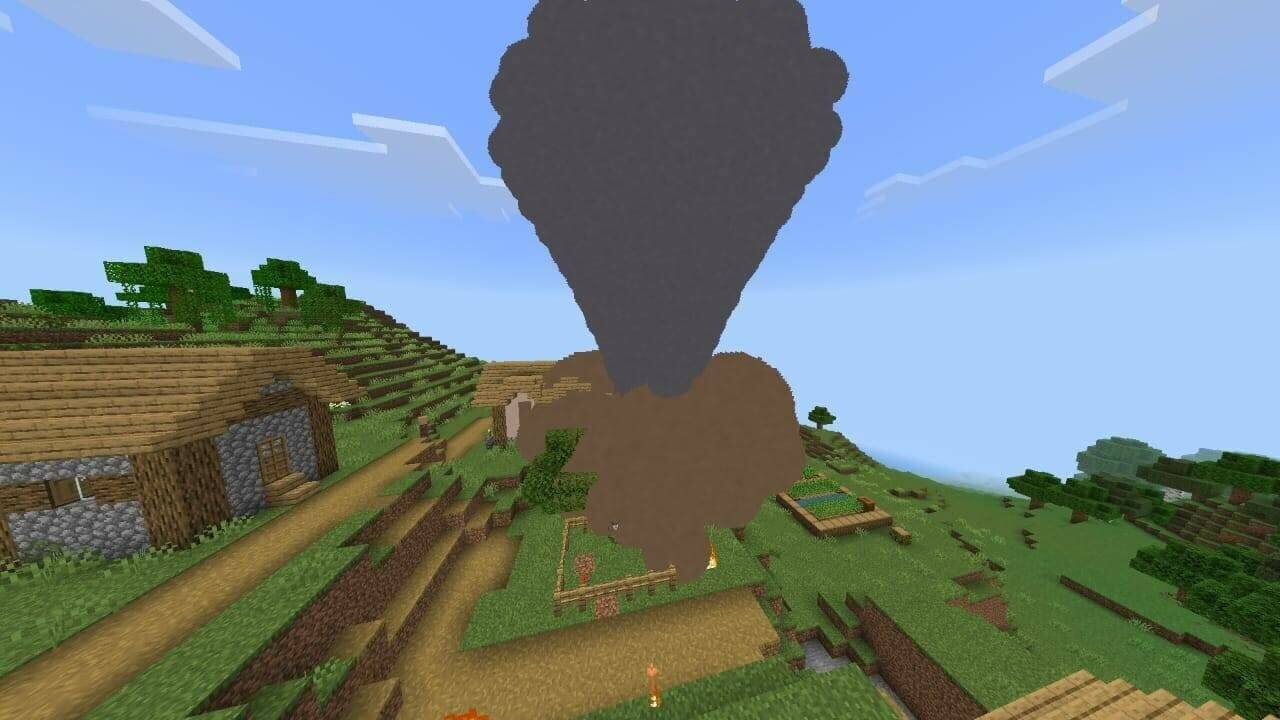
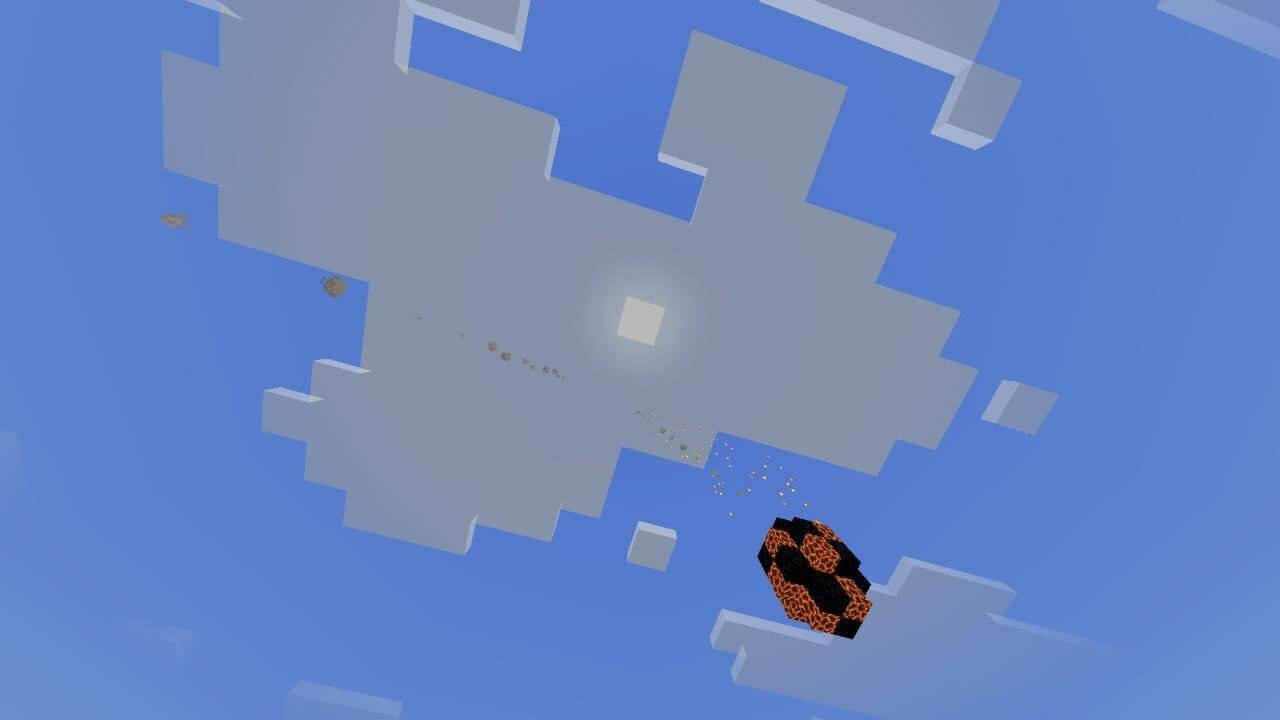
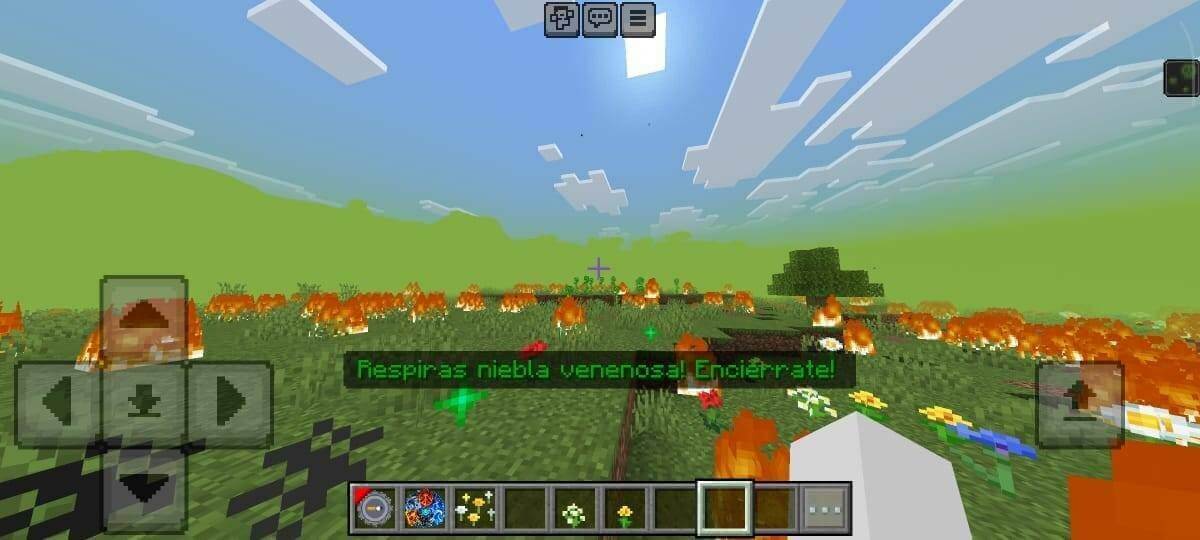
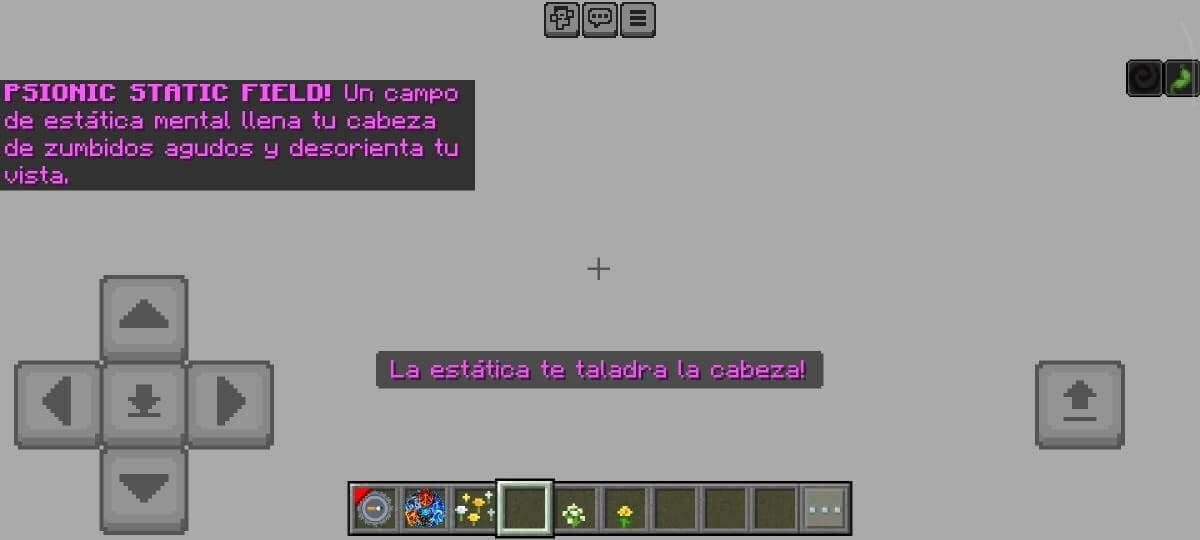
All Natural Disasters adds a large collection of weather events, geological hazards and fantastical catastrophes. Tornadoes, tsunamis, earthquakes, meteor impacts, lava floods and intense heat can transform a familiar world into a survival challenge. Many events change real blocks rather than only displaying particles.
Automatic survival mode
Automatic disasters are enabled initially. The file schedules them every 3,000 game ticks, approximately 150 seconds at normal speed. Nearby players within a 150-block group share an event. The danger multiplier starts at 0.1 and increases by 0.1 per day up to 1.0, so the challenge escalates as the world ages.
Settings and manual selection
The Settings item is given automatically and remains after death. A replacement can be crafted from an iron ingot, redstone dust and paper. Its menu switches between low, medium and high quality, toggles test mode and changes the interface style. Lower quality reduces the workload on weaker devices.
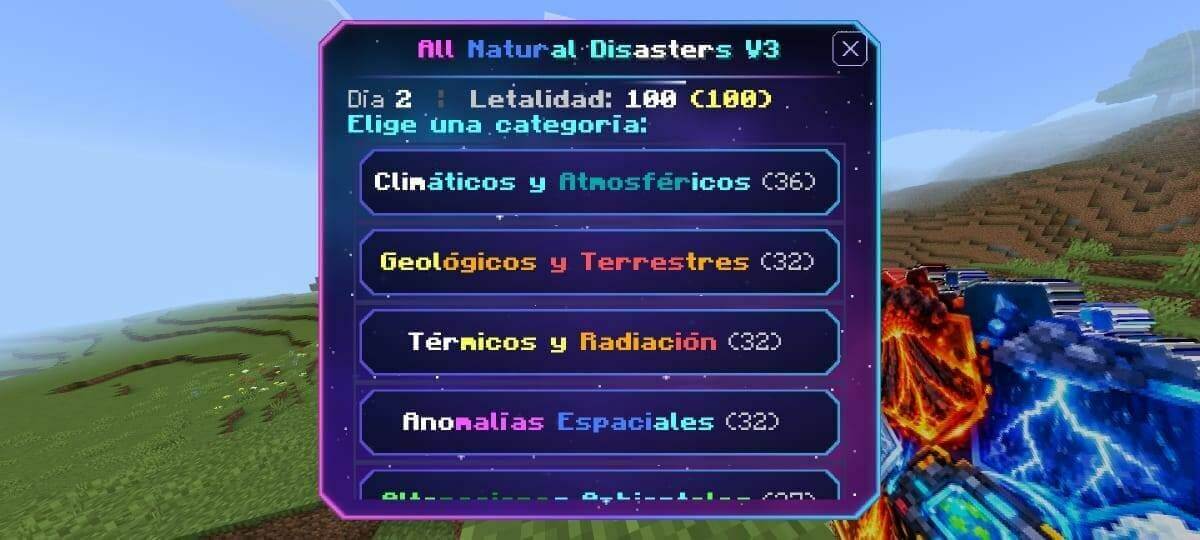
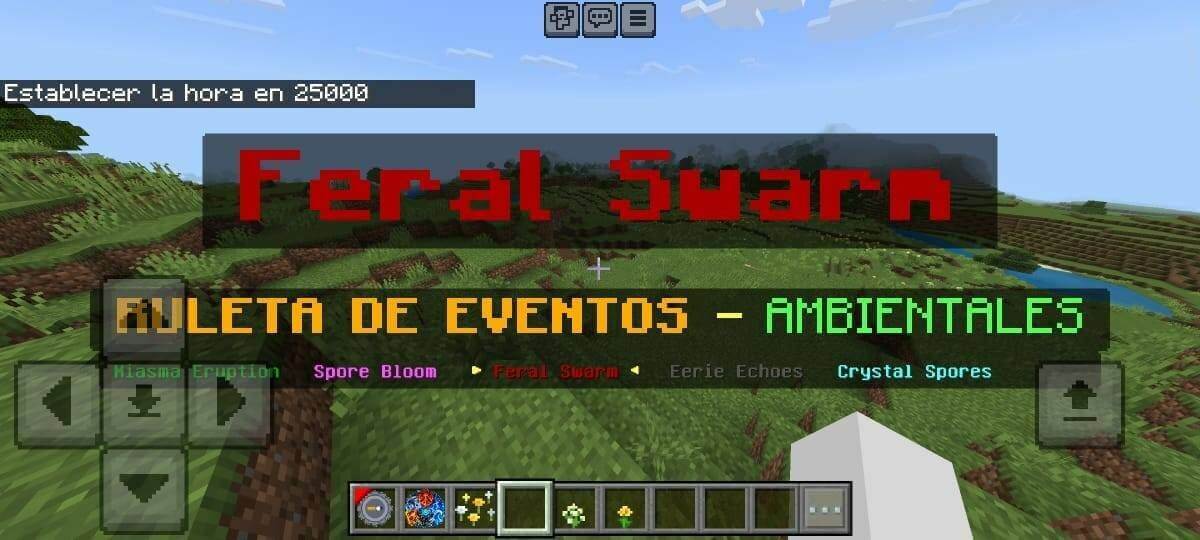
Test mode is off by default. Enable it in Settings to receive the Disaster Amulet and launch events manually through categories or a roulette. Disabling test mode removes the amulet but leaves automatic disasters running. The interface uses Spanish labels, including Ajustes for settings and Modo de pruebas for test mode.
Useful commands
With command access, /scriptevent dis:items restores the control items, /scriptevent dis:ayuda opens help, and /scriptevent dis:interfaz changes interface style. Direct event commands also require test mode; for example, /scriptevent dis:tornado go triggers a tornado. Activate both supplied packs. Large disasters can damage builds and generate considerable particle and block-update load.