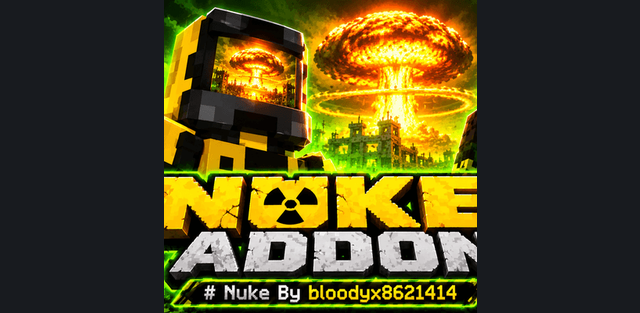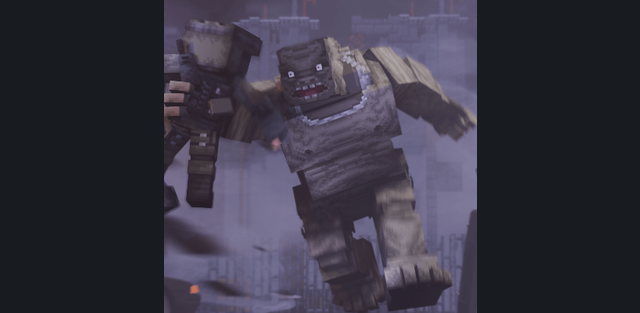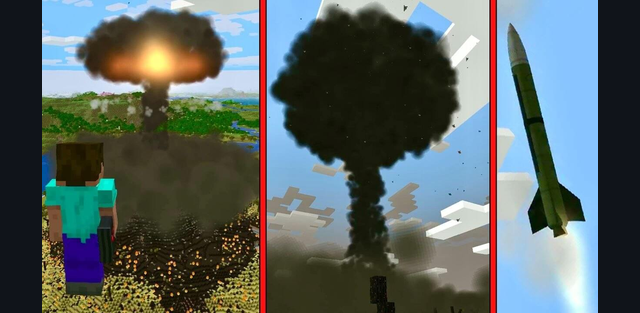
Turn an empty Minecraft landscape into a cinematic strike scenario. Nuclear Briefcase by Midorya combines a handheld targeting menu, six strike options, animated launch platforms and persistent radiation. The experience continues after the mushroom cloud: damaged terrain, contaminated ruins and protective equipment create a new setting for survival or custom scenes.
Six strike options
- Tactical Nuke: a missile launched from a mobile platform.
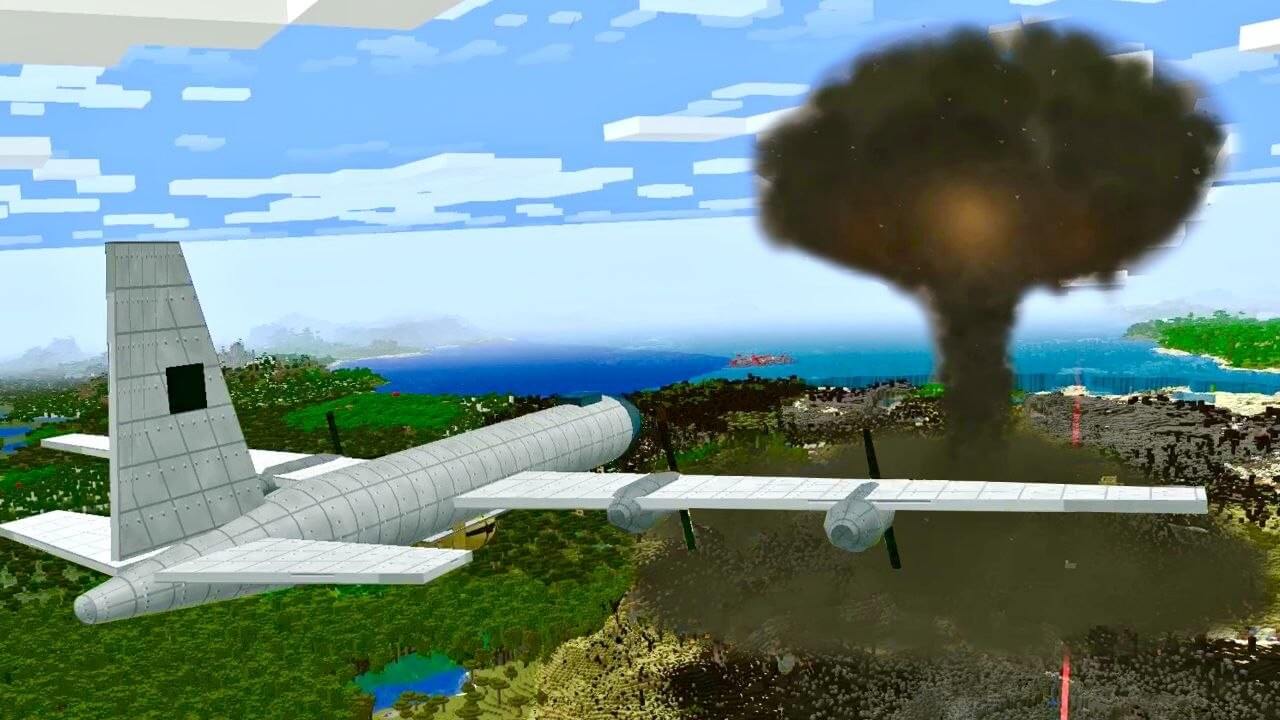
- Little Boy and Fat Man: bombs delivered by an aircraft.
- Strategic Nuclear Missile: a multi-stage missile launched from a silo.
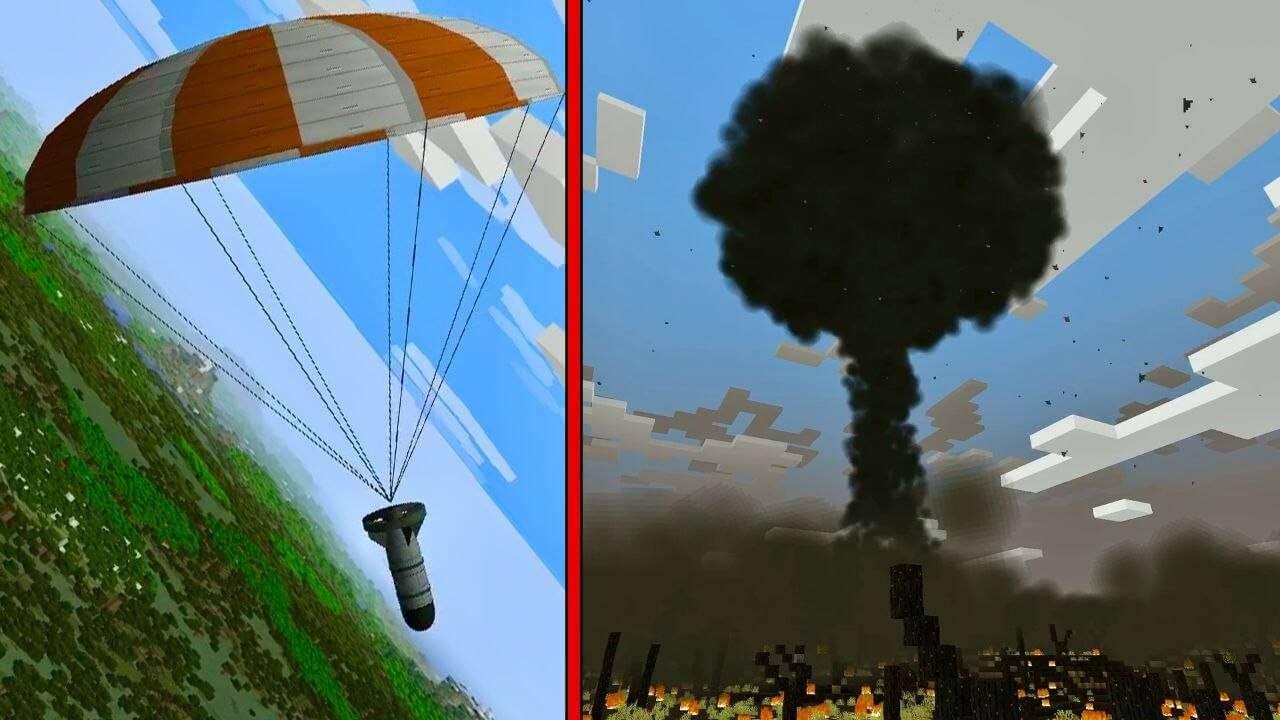
- Tsar Bomba: a heavy bomber drops a large bomb with a parachute.
- Orbital Doomsday Device: a fictional superweapon attacking from an orbital platform.
How to use the briefcase
Find the Nuclear Briefcase in the creative inventory, craft it, or obtain it with the command below. The crafting recipe uses four iron blocks, two TNT, one lever, one nether star and one redstone block. Arrange the rows as iron block / lever / iron block; TNT / nether star / TNT; iron block / redstone block / iron block.
Get the briefcase: /give @s mi:nuclear_briefcase
- Hold the briefcase and use it to open Nuclear Briefcase. Choose New strike order and select a munition.
- Choose your current position, the block under the crosshair, or enter X and Z coordinates. Targeting under the crosshair reaches up to 256 blocks; coordinate range is up to 1,024 blocks for the tactical missile and 4,096 for the other options.
- Adjust the yield where available and the time until impact, from 0 to 300 seconds. Zero selects the fastest launch sequence, not an instant explosion.
- Use Add target to queue up to five targets, then Confirm and launch. Active strikes / abort can cancel an order only during its countdown, before the launch sequence is committed.
Saved strikes and the control button
Choose Save for Control Button to remember an order. Obtain the Nuclear Control Button with /give @s mi:nuclear_control_button, place it and interact with it to link it to your saved order and launch it. The linked owner must be online. This is an interaction-operated control; it does not require holding the case. Launches are limited to the Overworld. In this build, separate munition items are not consumed when firing.
Blast aftermath and protection
The strike produces a flash, shockwave, camera effects and a mushroom cloud. Terrain is carved into craters, buildings and vegetation can be damaged, and scorched or irradiated blocks replace parts of the surroundings. Radiation remains after the blast, harms creatures and builds up a dose on players. The HUD shows radiation, accumulated dose and shielding; Geiger-counter clicks provide an audible warning.
Wear all four pieces of the hazmat suit for full protection from additional radiation exposure while the equipment remains intact. Individual pieces give only partial protection, and the suit wears down inside contaminated zones. Reinforced concrete, heavy bunker doors and filtration blocks can provide partial shielding when they surround the player. Neither radiation shielding nor a hazmat suit makes you immune to the explosion itself.
Useful commands
/scriptevent mi:help- show the addon command hints./scriptevent mi:clear- remove radiation zones; it does not repair craters or buildings./scriptevent mi:camera- release the cinematic camera if it remains stuck.
Commands require cheats and the appropriate permissions. Use a separate test world or a copy of your map: strikes really destroy blocks. Large explosions and several simultaneous orders can be demanding on the device. The original Java mod is by GasboMc; this Bedrock port is by Midorya (MidoriyaMC).
Planning a strike sequence
A single order may contain different munitions for different targets. Saved targets, power settings and timing can be reused from the briefcase menu or its linked button. Launch vehicles and the orbital platform are animated parts of the strike sequence, not vehicles that the player can pilot.