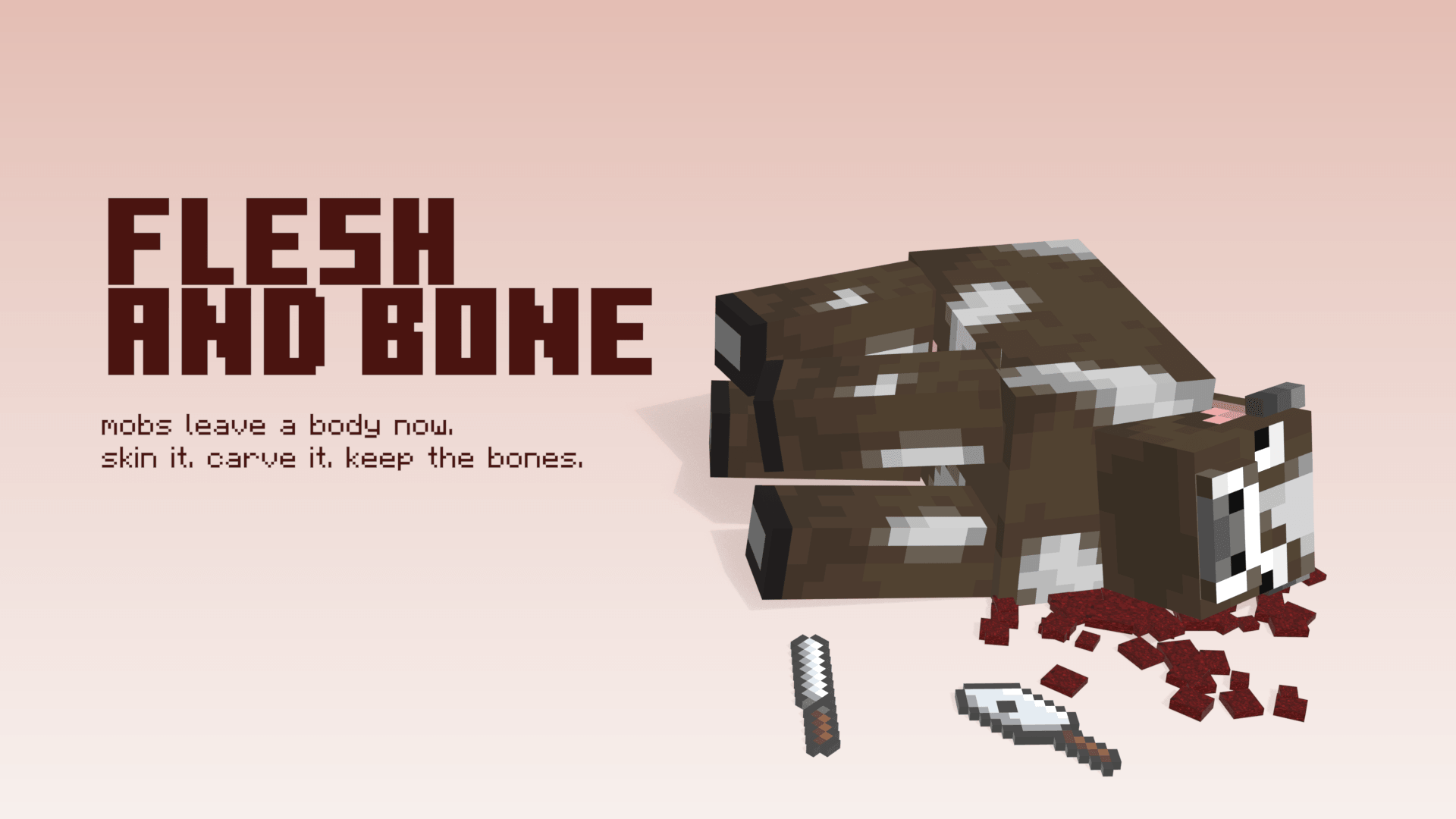
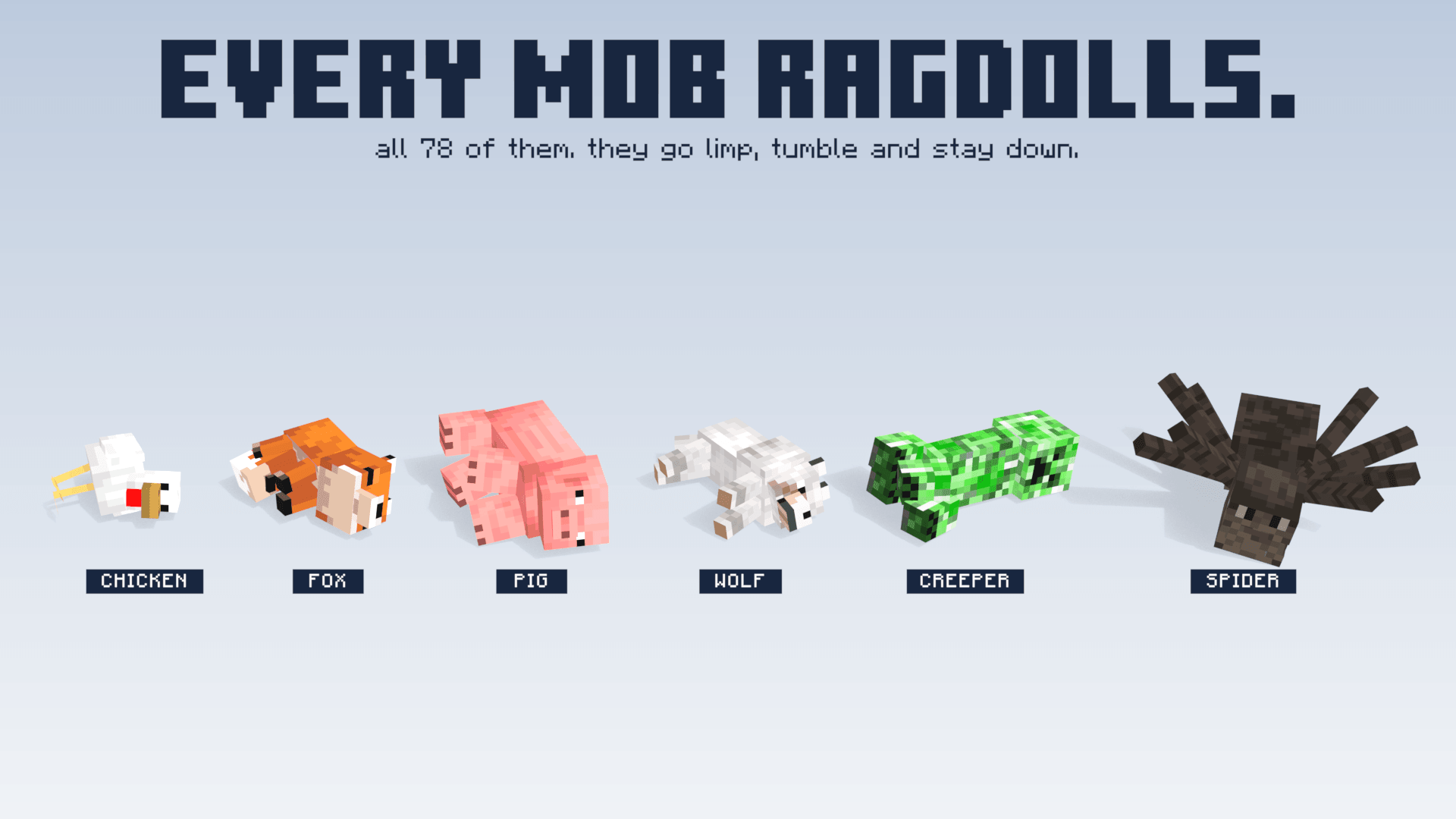
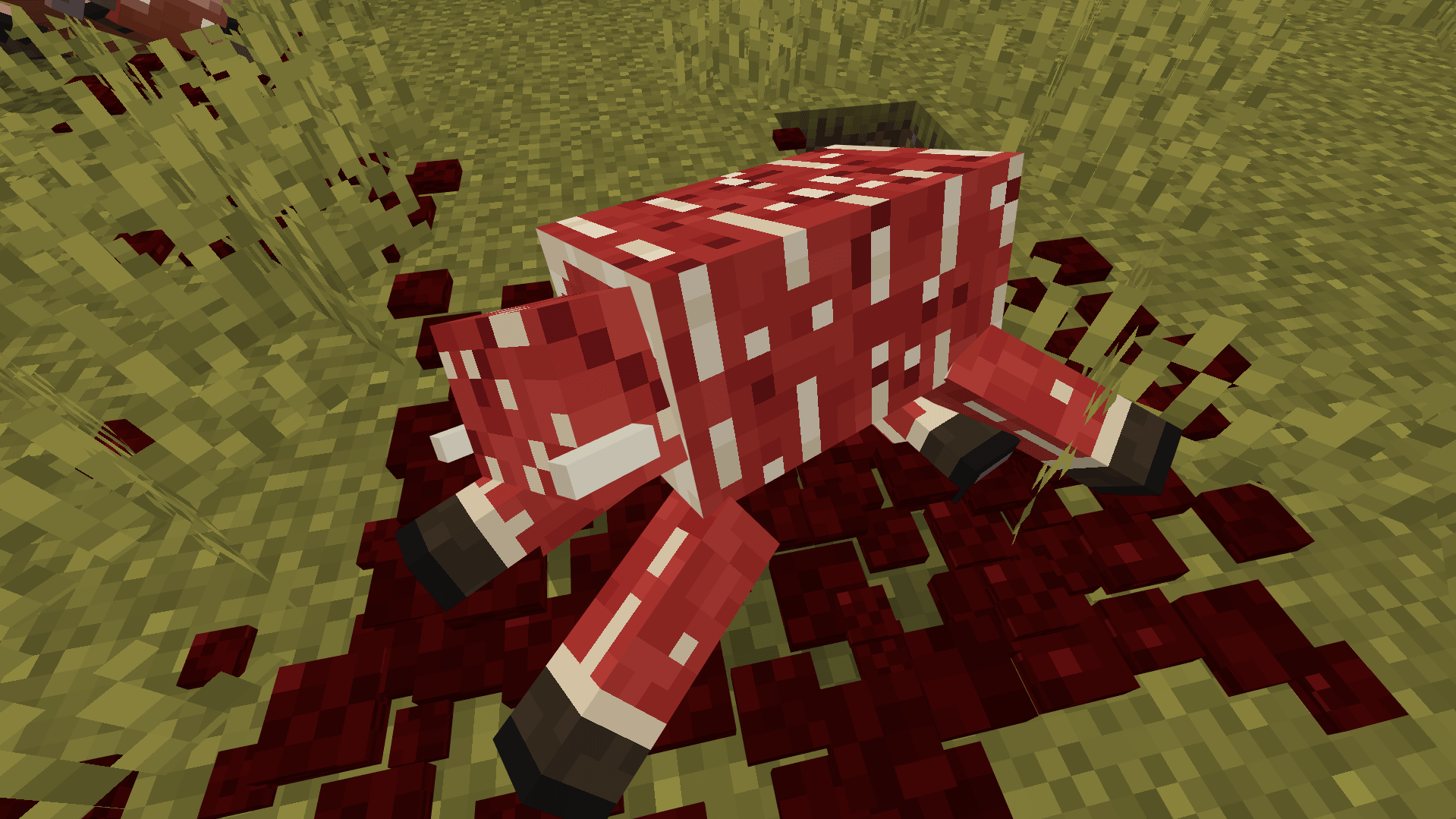
Flesh and Bone changes what happens after a mob dies. Bodies collapse with ragdoll physics and remain where they fall, instead of immediately disappearing. You can move a carcass, butcher supported animals and collect their remains. The included physics system covers 78 mobs; 25 animals have the complete skinning and meat-harvesting sequence.
How to butcher an animal
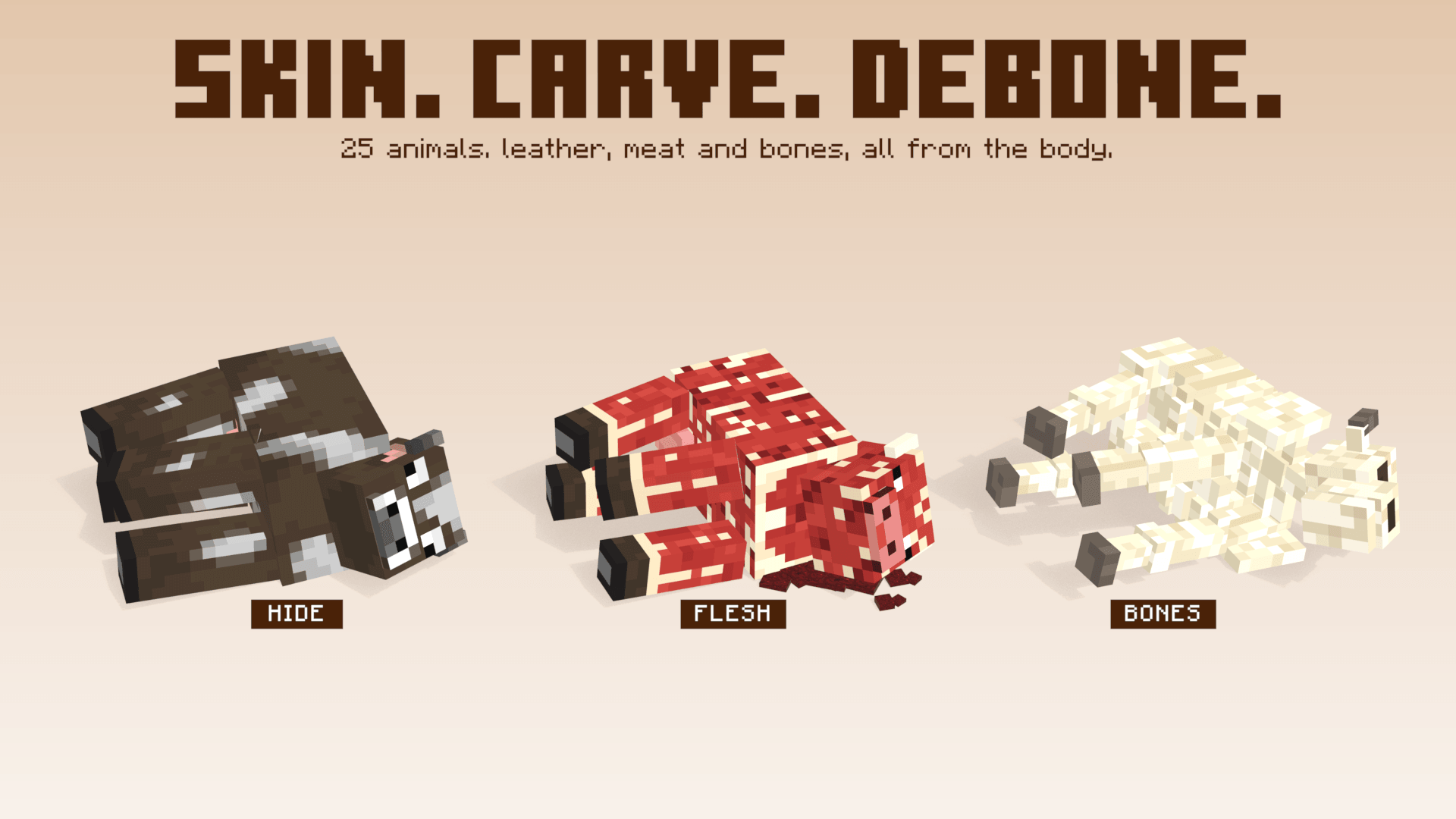
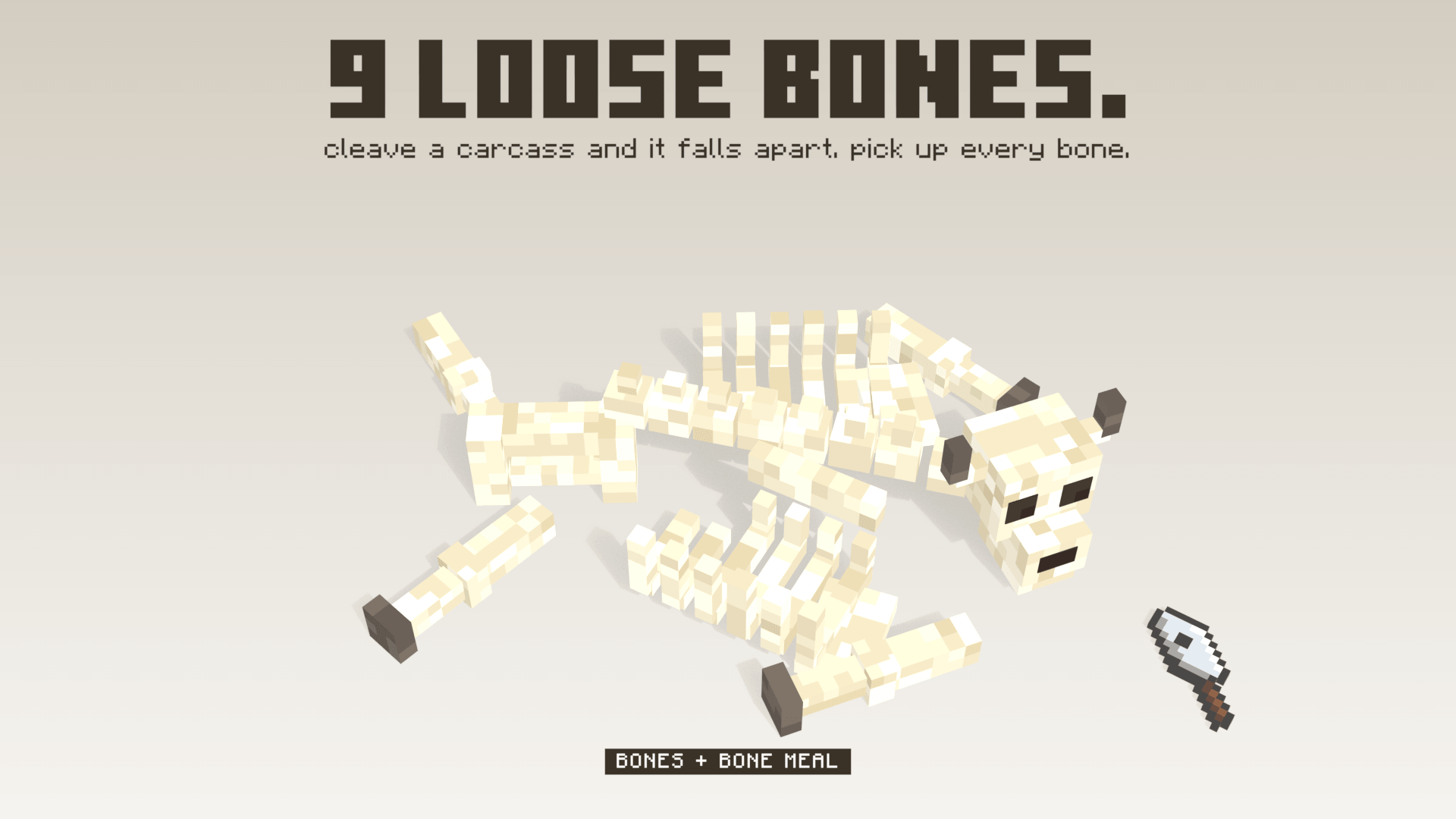
First kill a supported animal and wait for its body to settle. Use the Butcher Knife on the carcass to remove the hide. Switch to the Cleaver to harvest the meat, then break up the remaining skeleton and collect its loose bones. These are successive stages, so the knife and cleaver perform different jobs.
Crafting the tools
The knife recipe uses one iron ingot and one stick: put the ingot above and to the right of the stick in a 2×2 area. The cleaver uses three iron ingots and one stick: fill the upper row with iron, then put iron at bottom left and the stick at bottom right. Both recipes are used at a crafting table.
Decay and skeletons
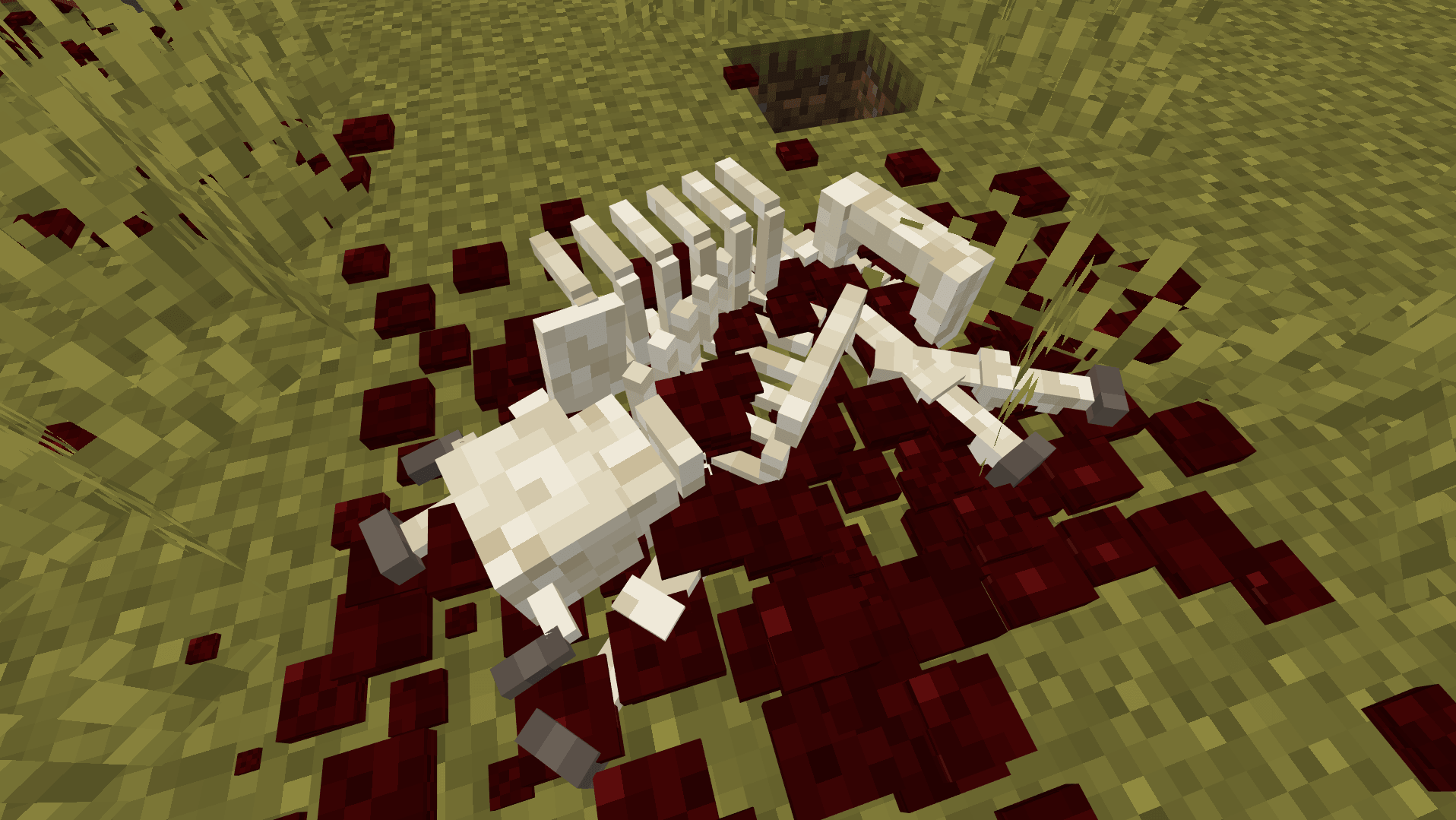
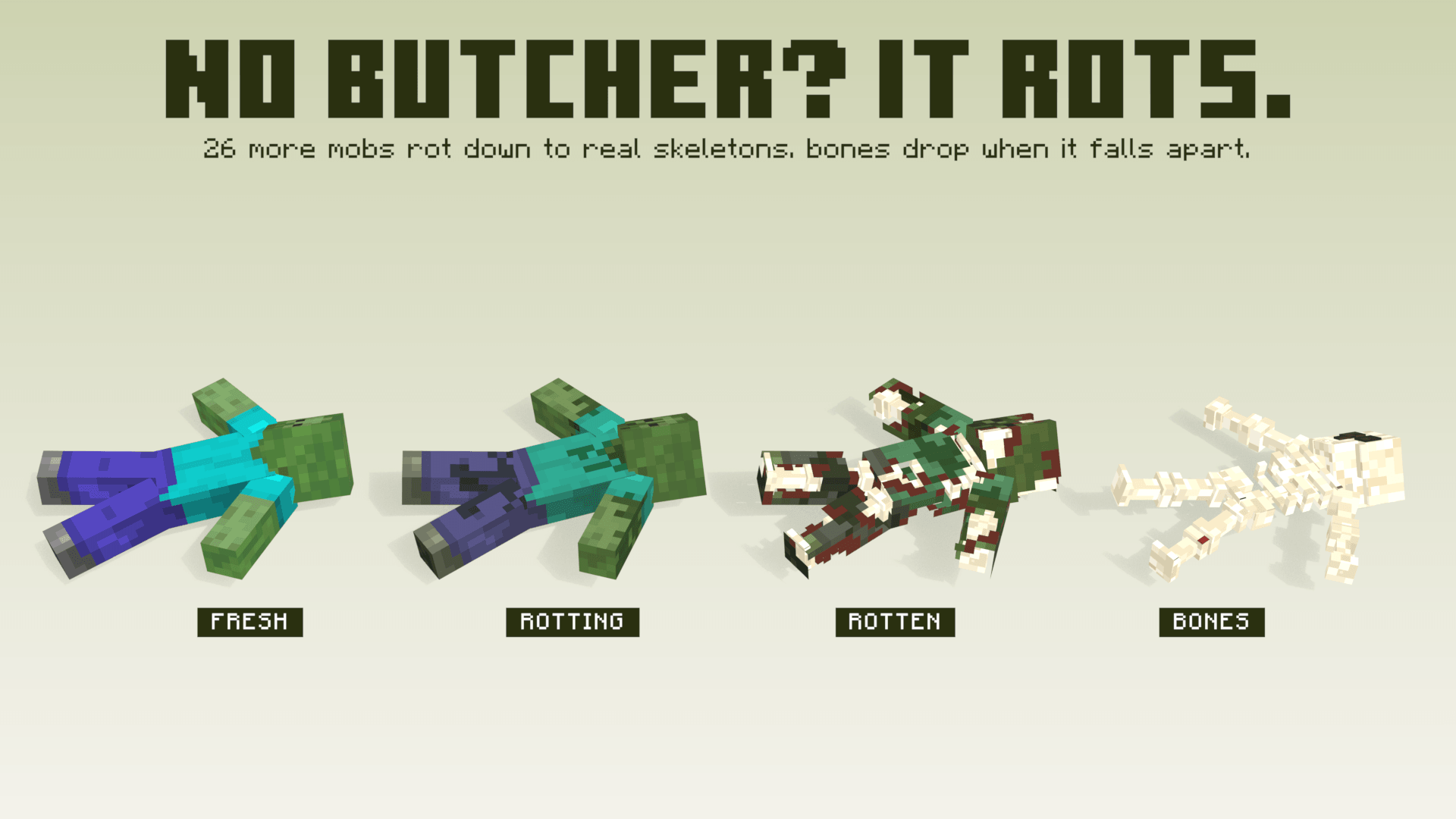
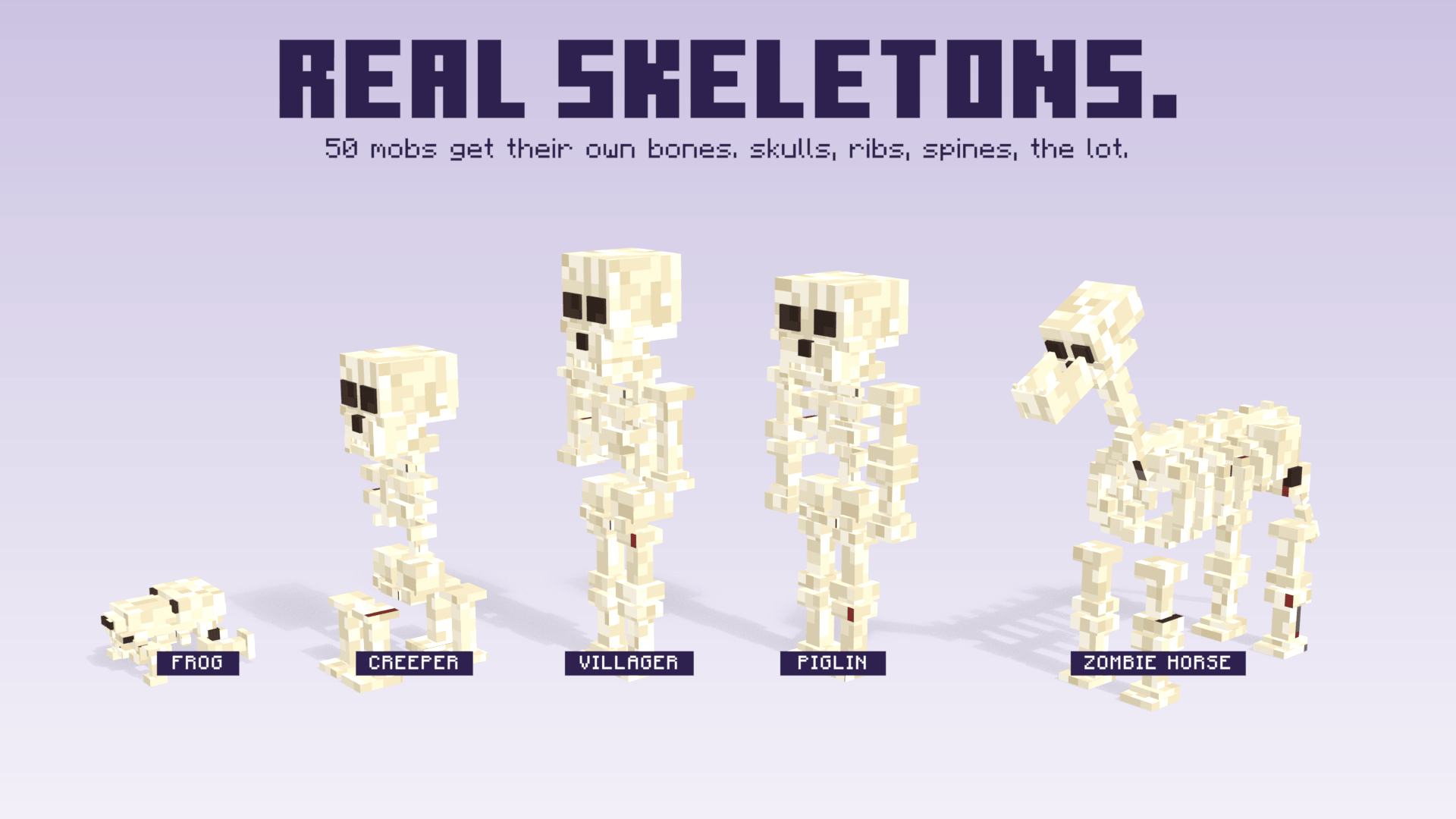
Fifty vertebrates have detailed skeletons with separate skulls, ribs, spines and limb bones. Twenty-six non-butcherable mobs pass through decay stages before their skeletons fall apart. Loose bones respond to impacts and explosions, giving the remains physical movement rather than a fixed death pose.
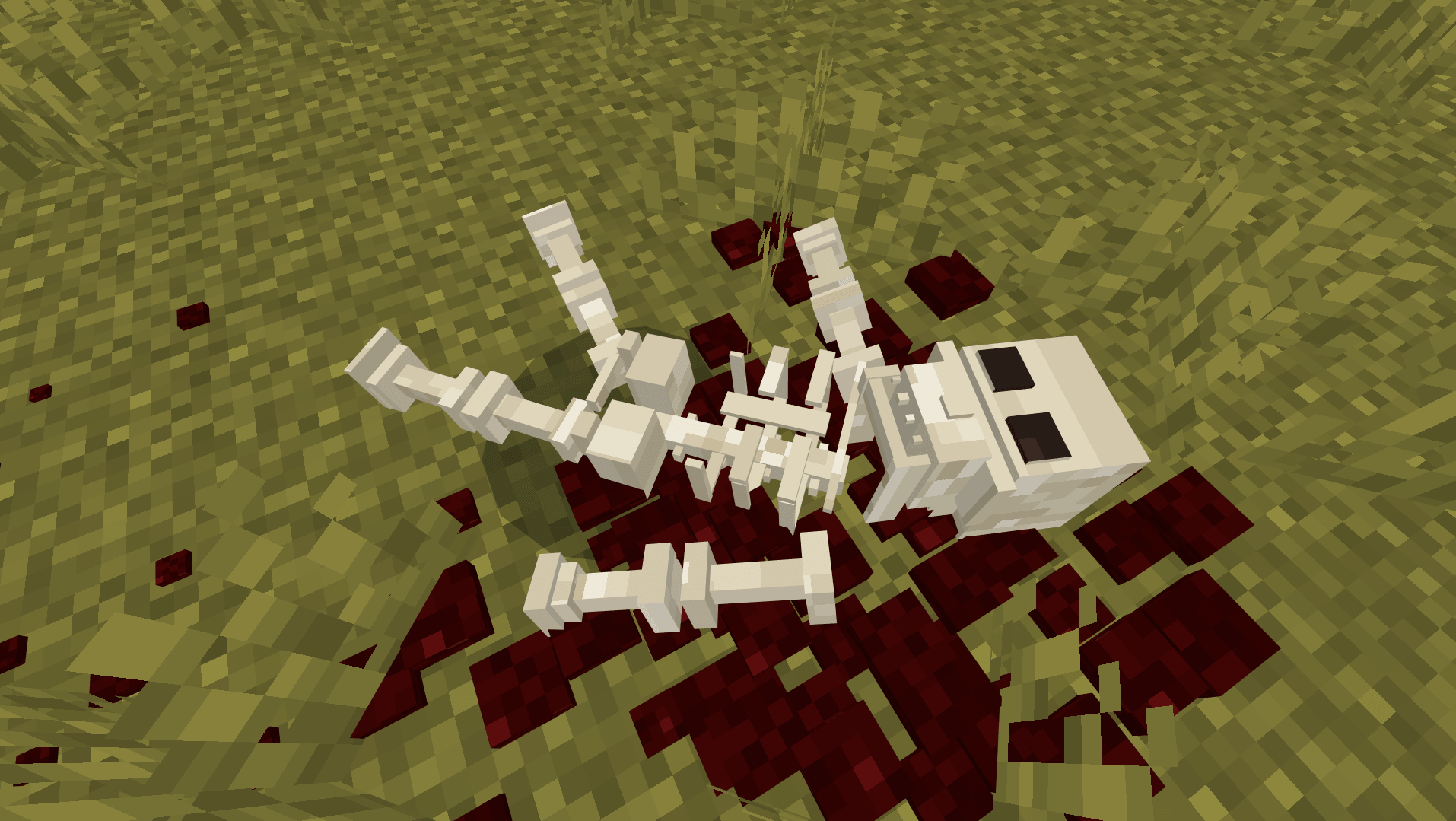
Blood and moving bodies
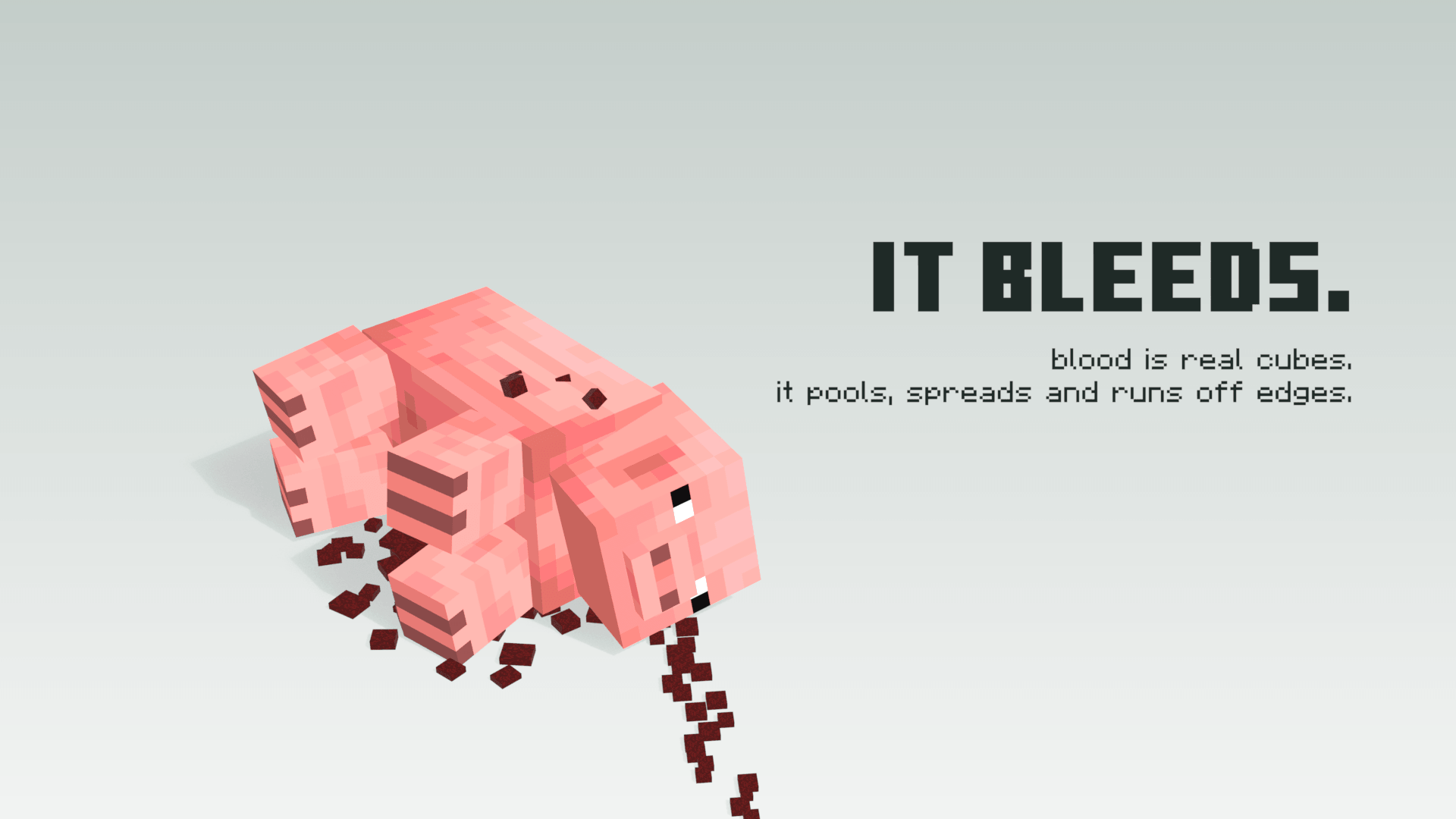
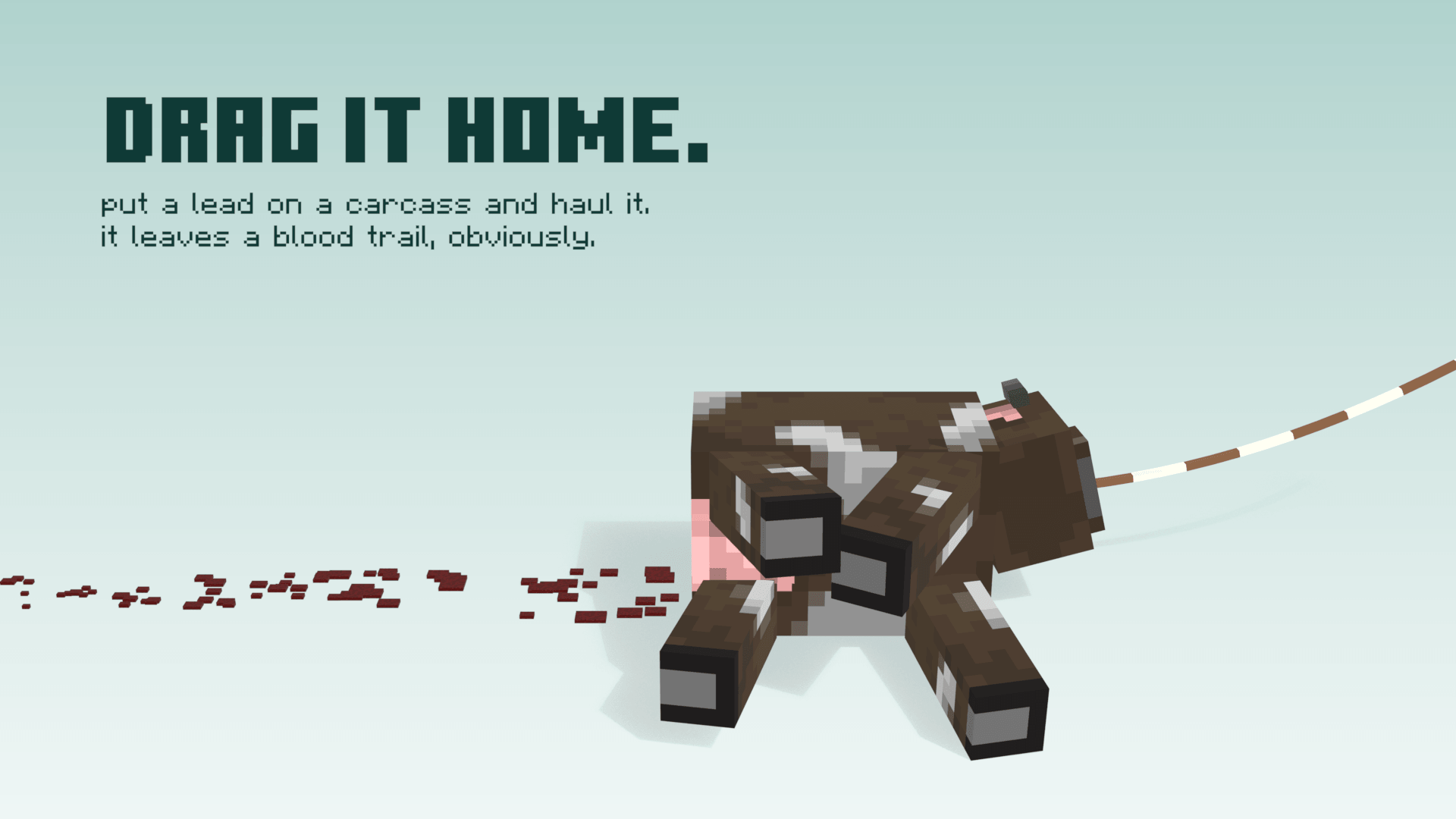
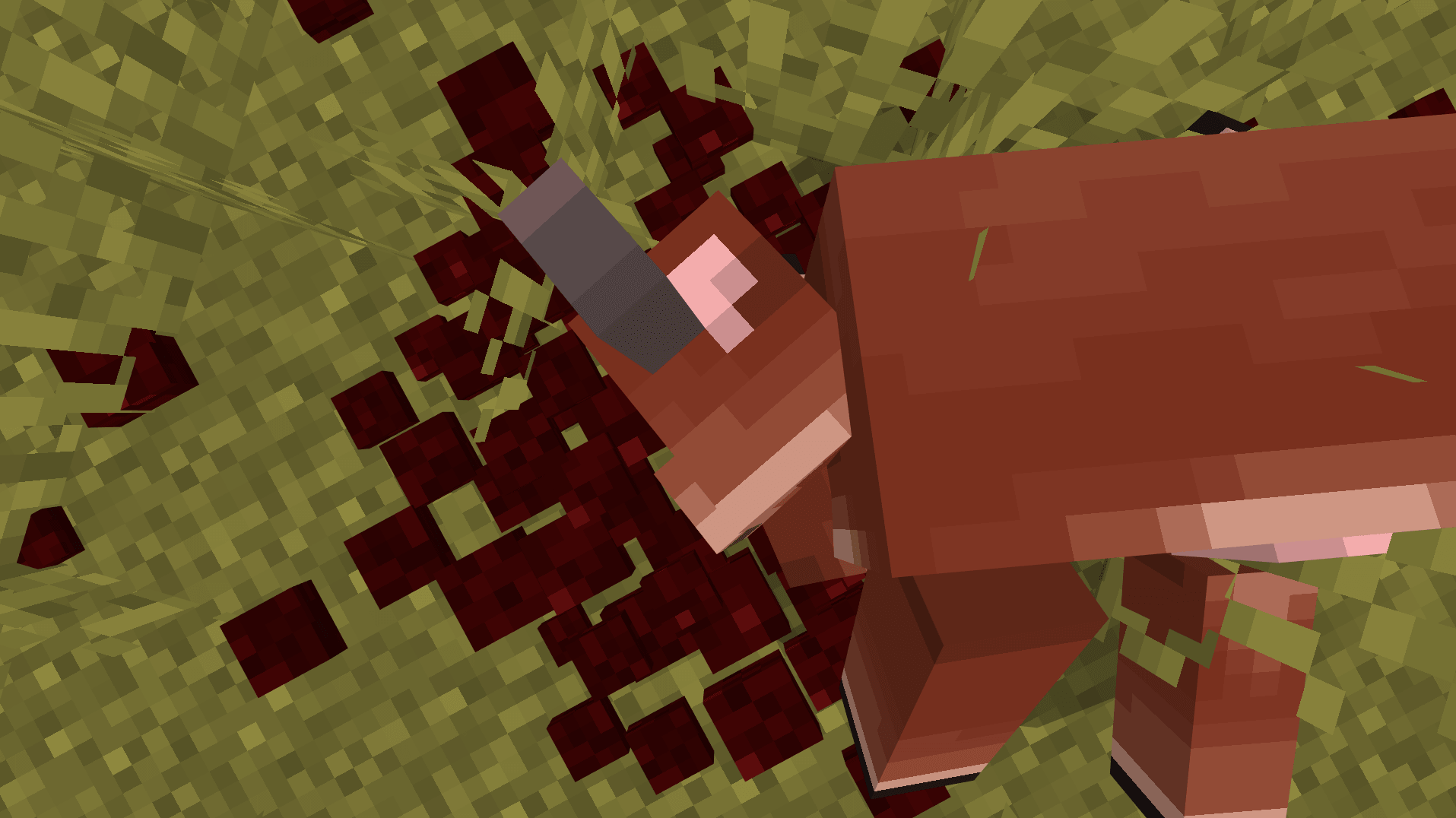
Blood spreads across nearby surfaces and forms pools. Removing a supporting block makes the blood fall. Carcasses can be pushed or moved with a lead, including dragging an animal back to your base. Vibrant Visuals adds material detail to flesh, bones, blood and tools. This is the regular edition; the Actions and Stuff edition is a separate download.