Camera presets
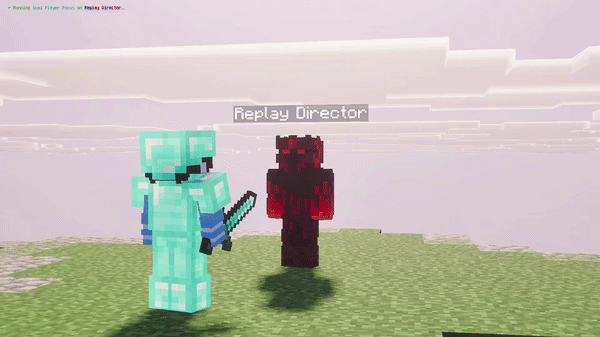
The collection includes 36 camera presets, from orbiting shots and smooth approaches to a Dolly Zoom. Two-actor setups include duel views, over-the-shoulder framing, face-to-face shots and a shared orbit. These give conversations and fights a starting composition without building every movement by hand.
Paths and timing
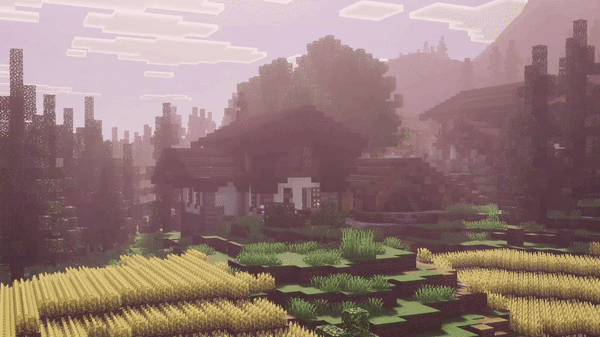
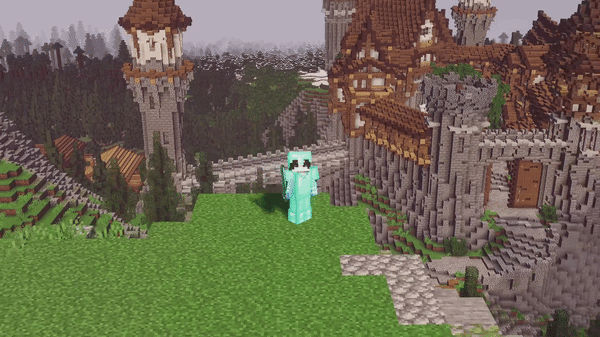
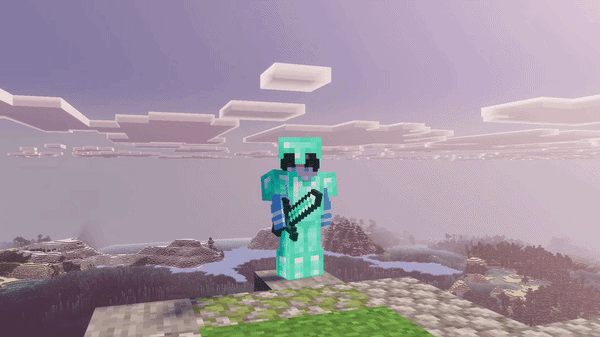
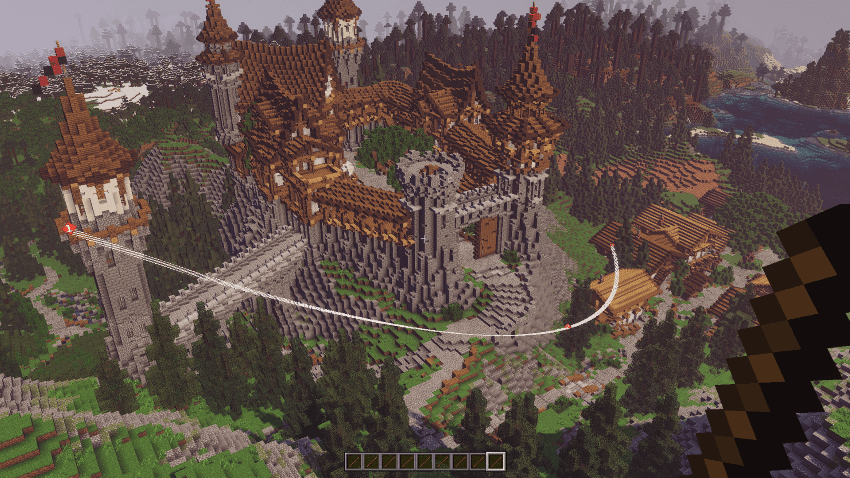
Place camera keyframes, arrange them on a timeline and set how the camera moves between them. Linear movement and easing options control whether a shot runs at a constant pace or accelerates and slows smoothly. Custom paths are useful for fly-throughs, reveals and carefully timed introductions.
Recording and playback
The replay tools record a scene for playback inside the world. Playback controls let the director review the action and set up camera work around it. This is an in-game filming tool, not an automatic video-file exporter.
Getting started
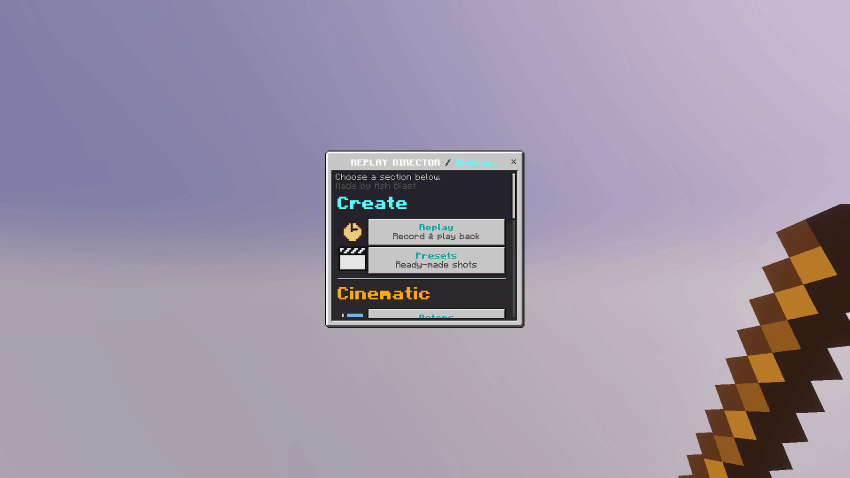
Activate both packs; experiments are not required. The main tool is the Director Stick. With permission to run commands, use /scriptevent replay:give to receive it, then use the stick to open the director menu. The supplied package requires Minecraft 26.10 or newer.