Placing cameras
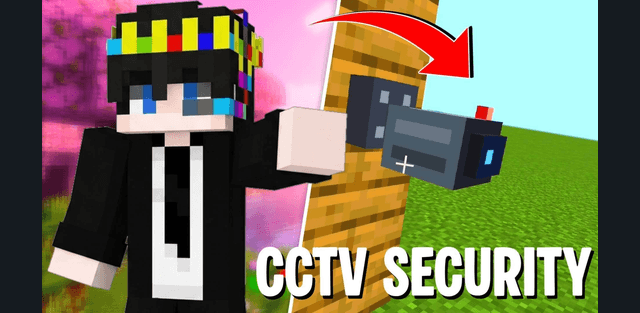
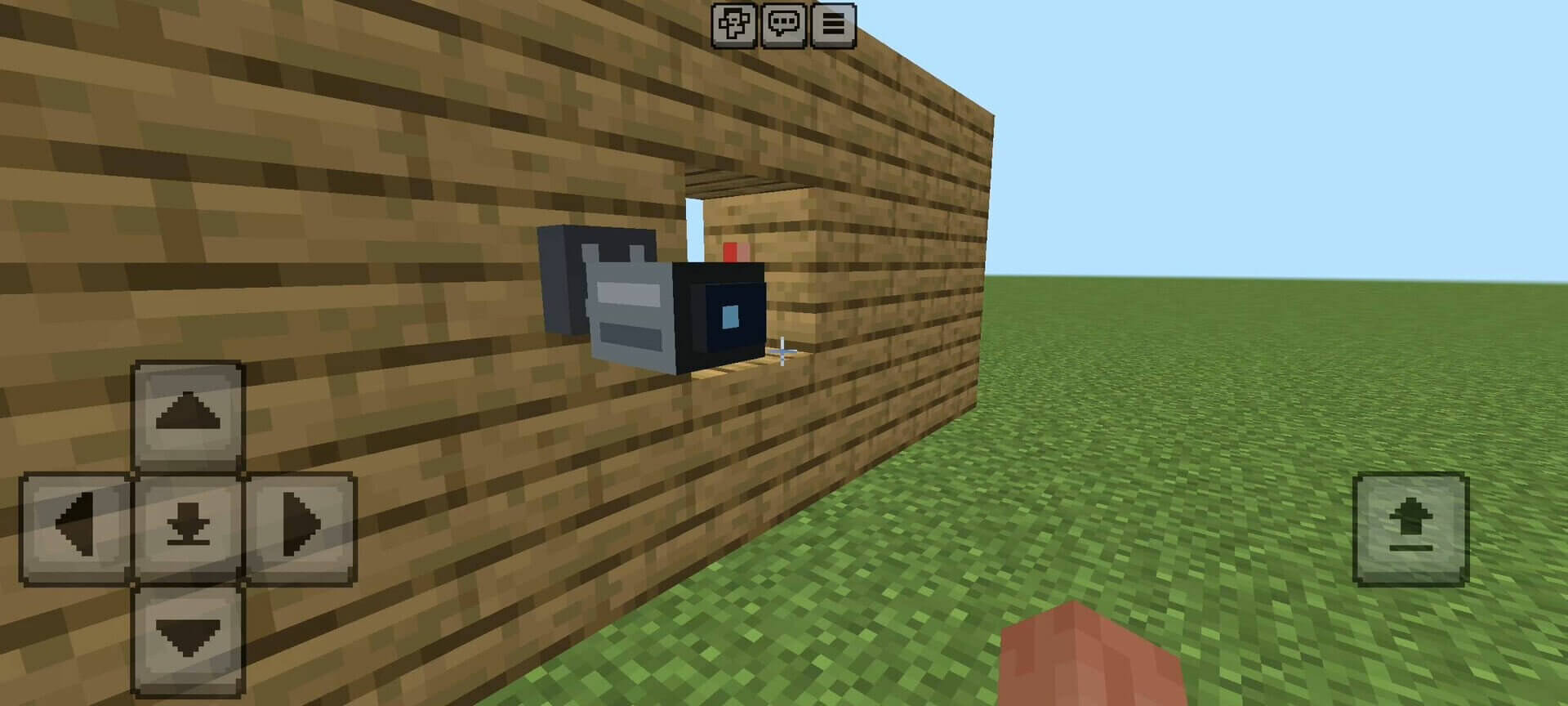
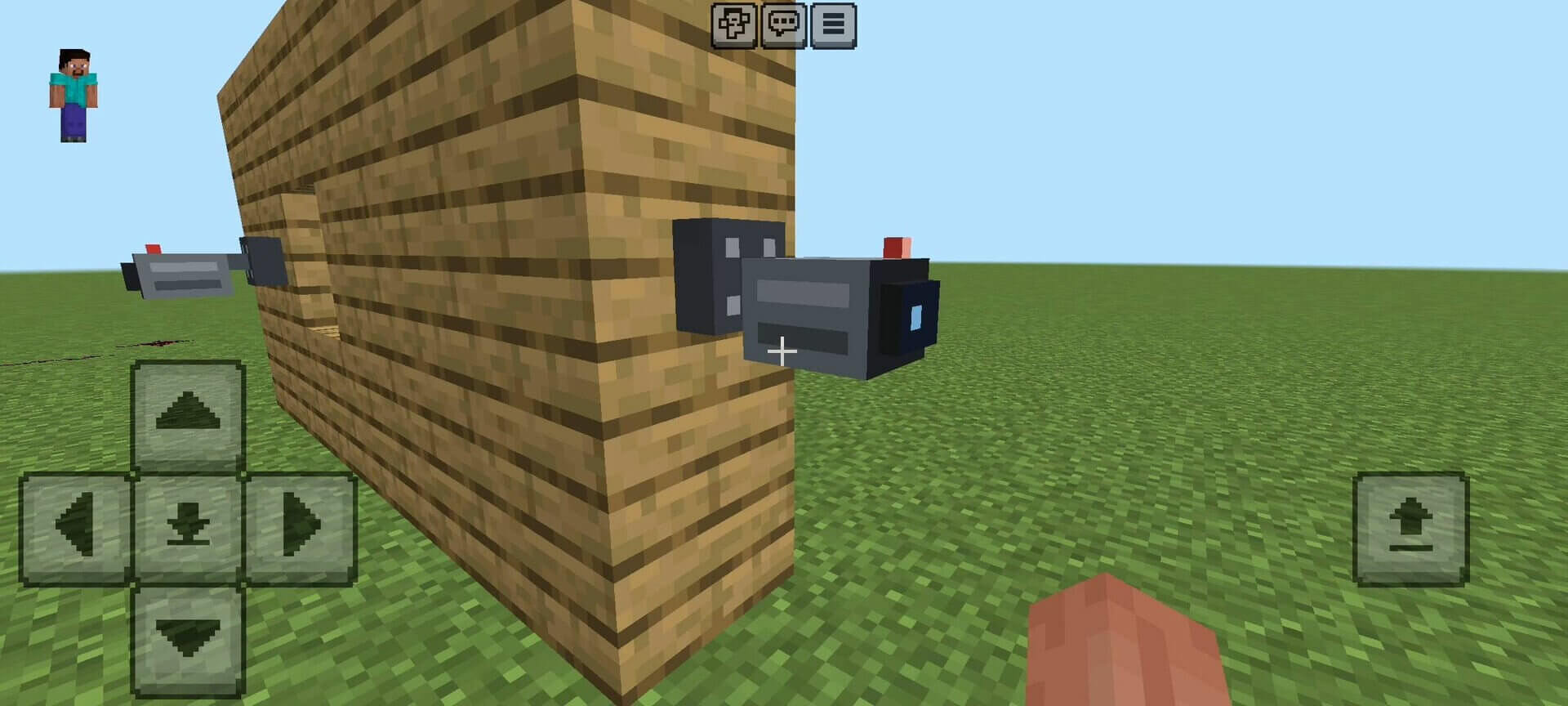
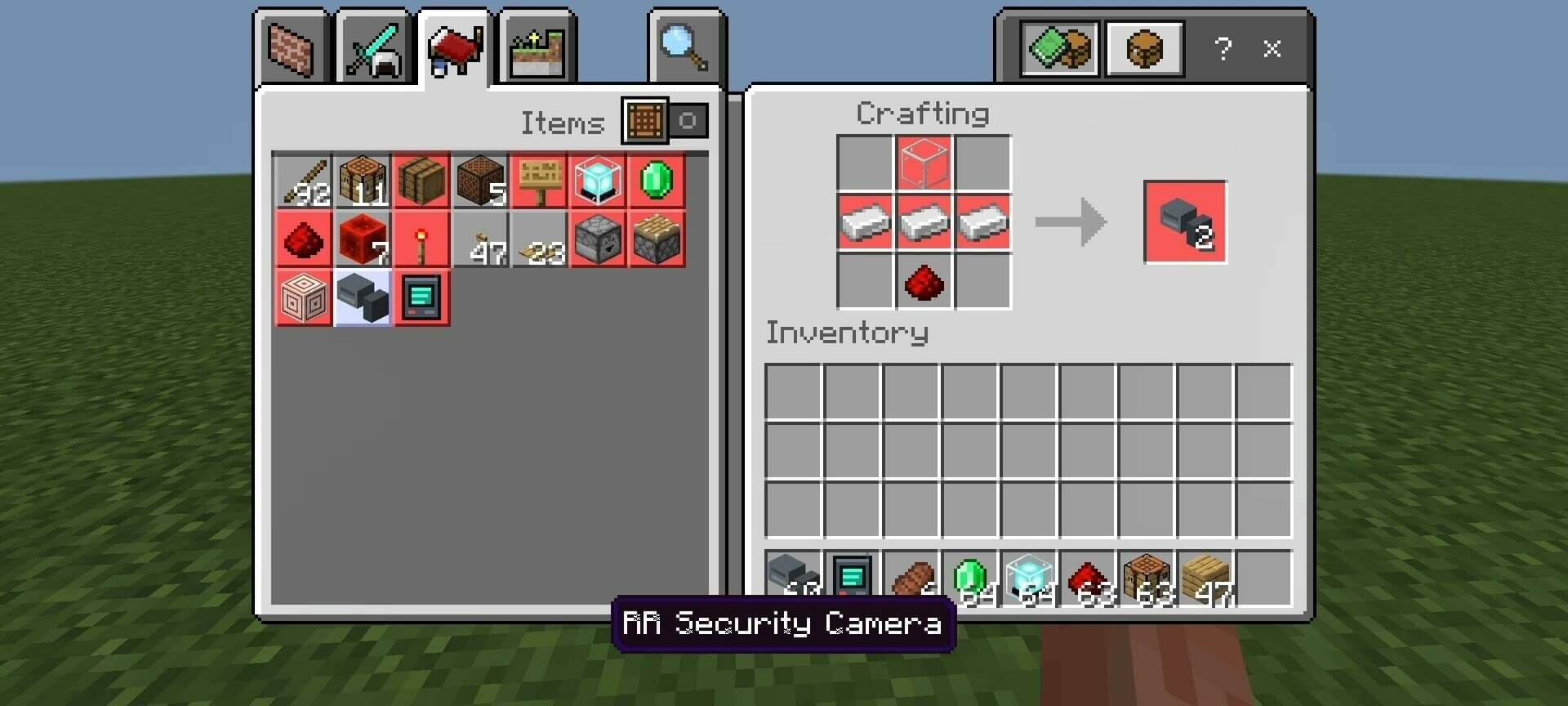
The current version uses camera blocks that orient themselves when placed on walls, floors or ceilings. Three iron ingots, glass and redstone craft two cameras. Give each camera a useful name so that entrances, storage rooms and other locations are easy to distinguish in the list.
The monitor
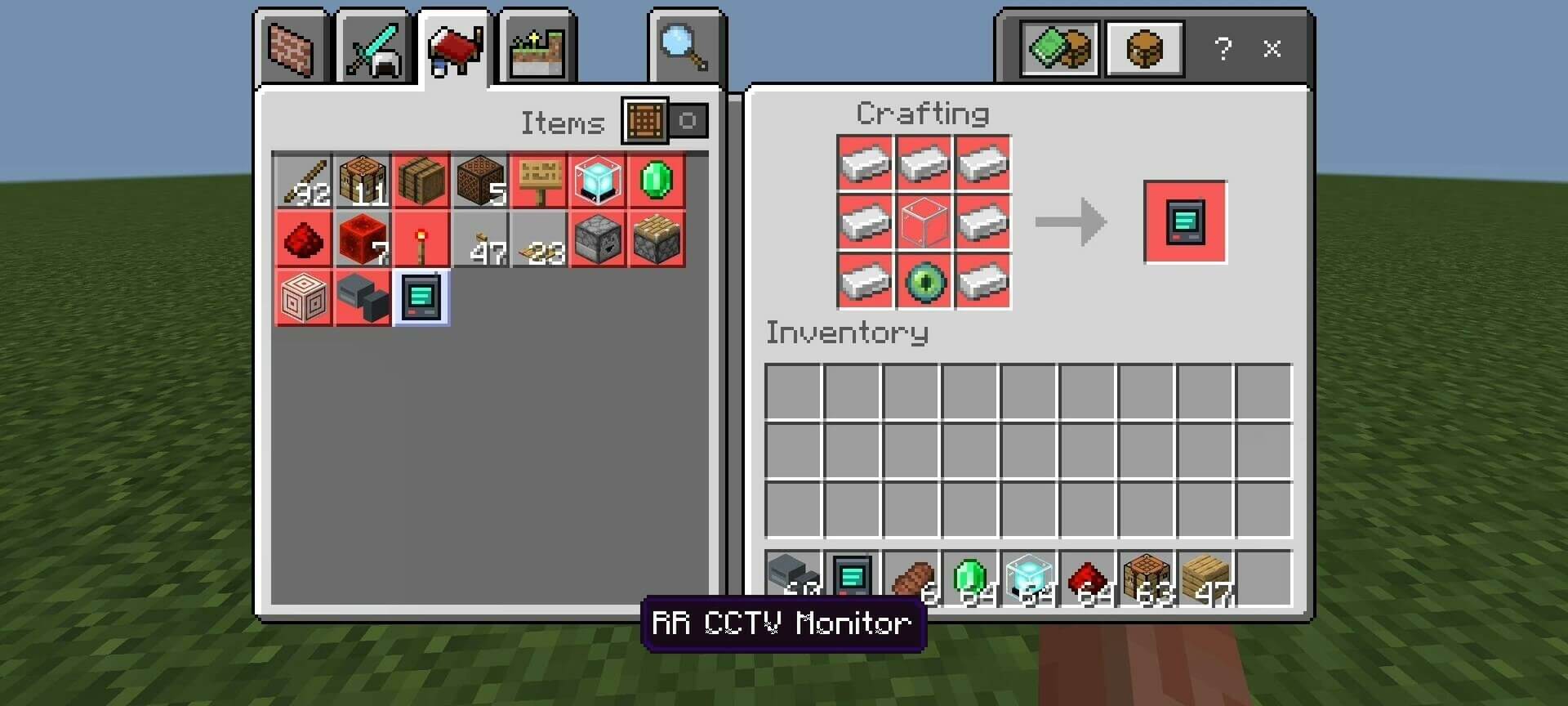
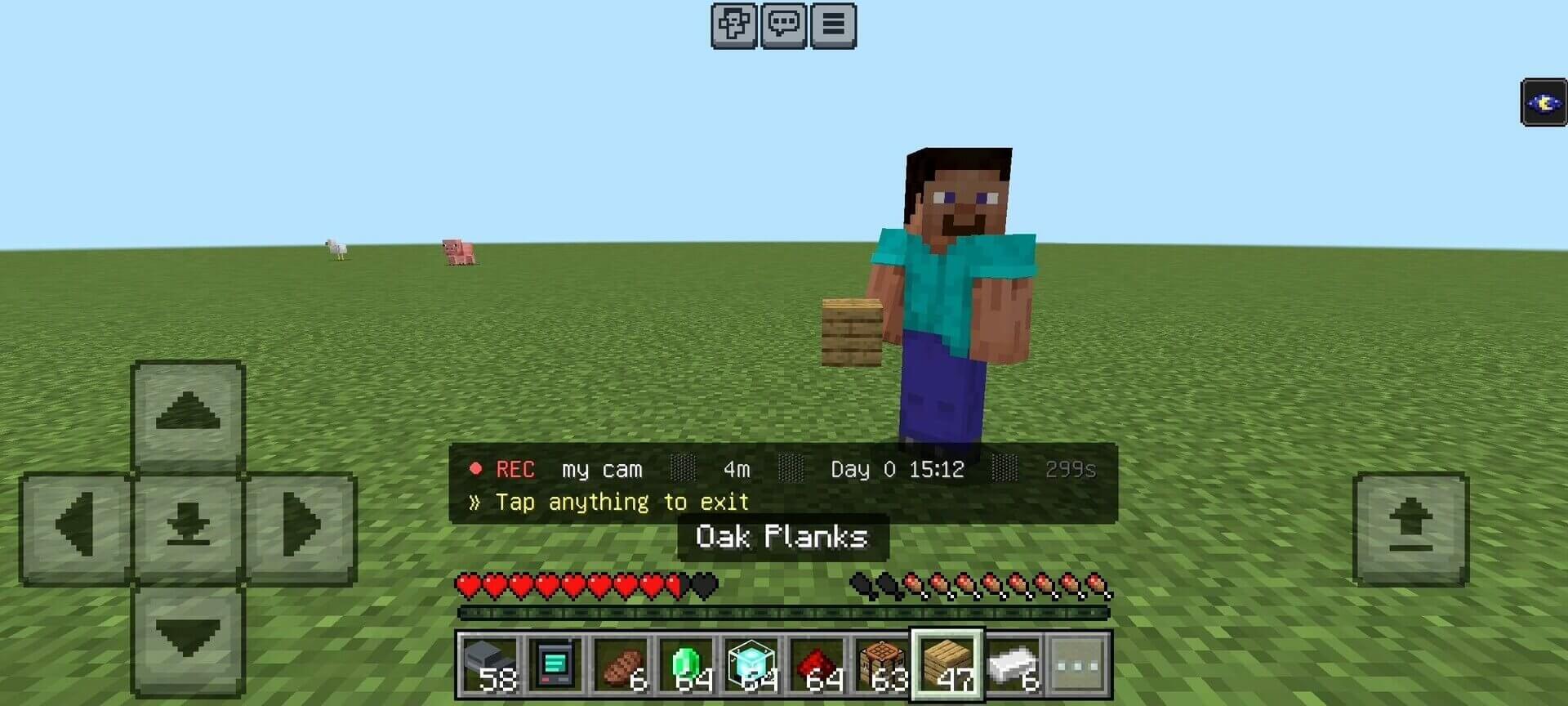
Craft a monitor from seven iron ingots, glass and an Eye of Ender. Use it to open the control panel, or sneak while using it for a quick connection. Each player can register up to 32 cameras. The normal connection range is 150 blocks and can be adjusted between 50 and 300 blocks.
Watching a feed
Select a camera to view its surroundings. Night vision helps with dark rooms and night-time surveillance. Your body stays in place while you watch, so choose somewhere safe before connecting. Using an item exits the feed; damage and the session timeout also end viewing. The timeout defaults to 120 seconds and is adjustable.
Detection and alerts
Cameras detect supported hostile mobs and can also report other players. Detection normally covers a 16-block radius, adjustable from 8 to 32 blocks. Movement alerts, an audible alarm mode and a short log of recent observations help you notice activity without constantly watching the screen.
Managing the system
The panel includes camera names, settings and statistics. You can adjust the connection range, detection radius, alert interval and viewing time to suit the size of the base. Activate the behavior and resource packs; this version uses stable features and does not require experimental switches.