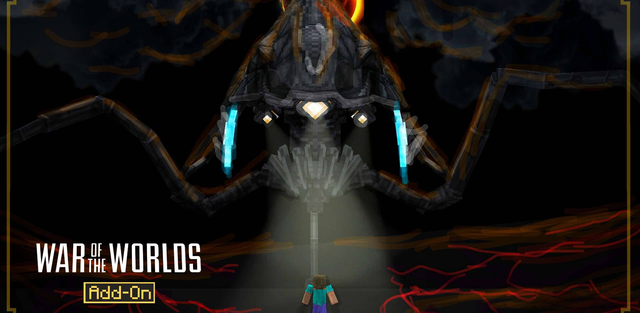
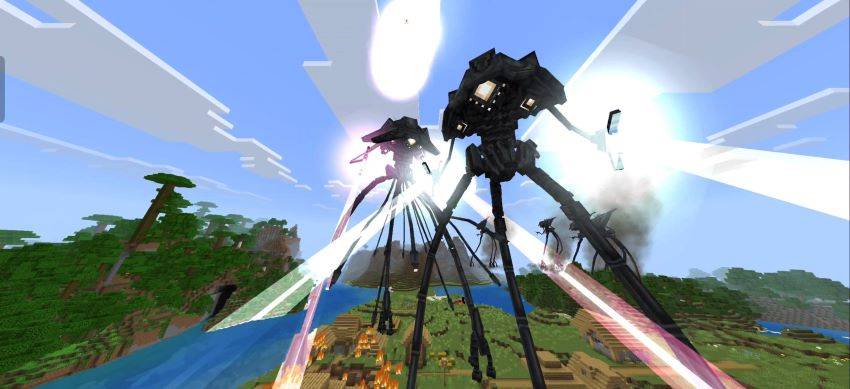
A Martian invasion inspired by the 2005 War of the Worlds comes to Minecraft Bedrock with enormous Tripods, heat rays, Red Weed, faction selection, and a 30-day survival scenario. Players can resist the machines as humans or take control of one of three specialized Tripods and experience the conflict from the invaders' side.
Choosing a Side
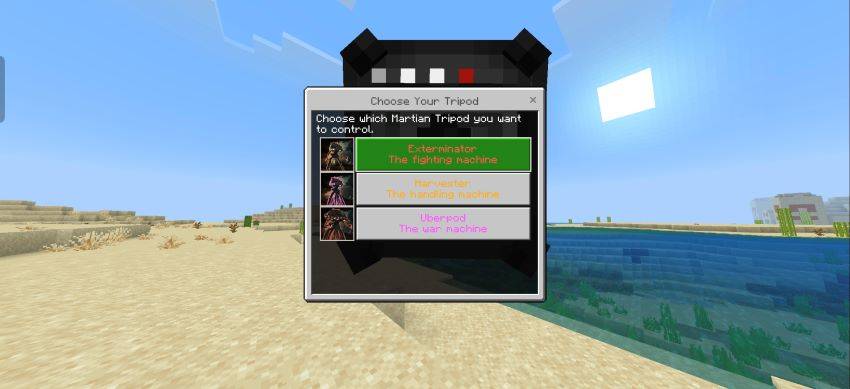
A special selector opens the first important choice between humans and Martians. The human route keeps the player in ordinary survival and turns the world into a battlefield where alien machines can appear without warning. Choosing the Martian faction opens a second menu with three controllable forms: Exterminator, Harvester, and Uberpod.
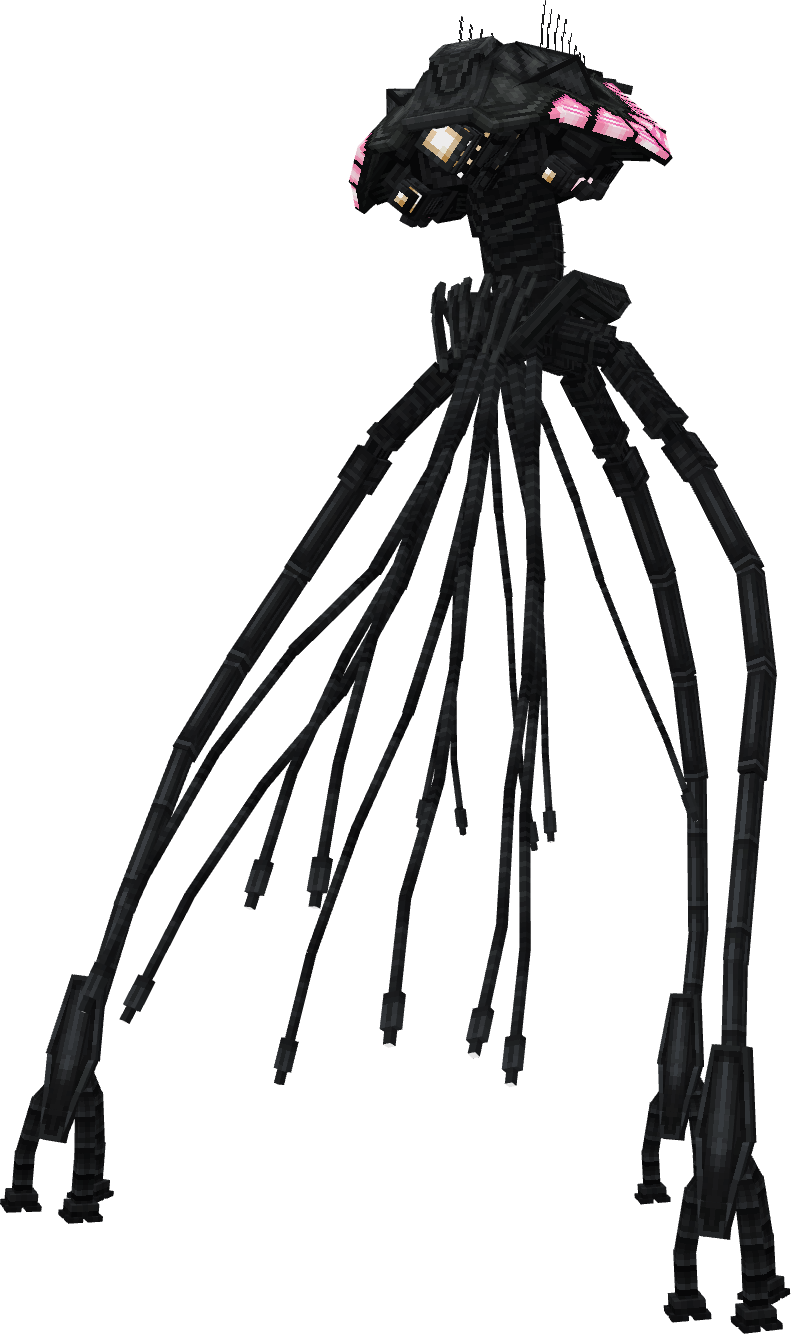
Exterminator
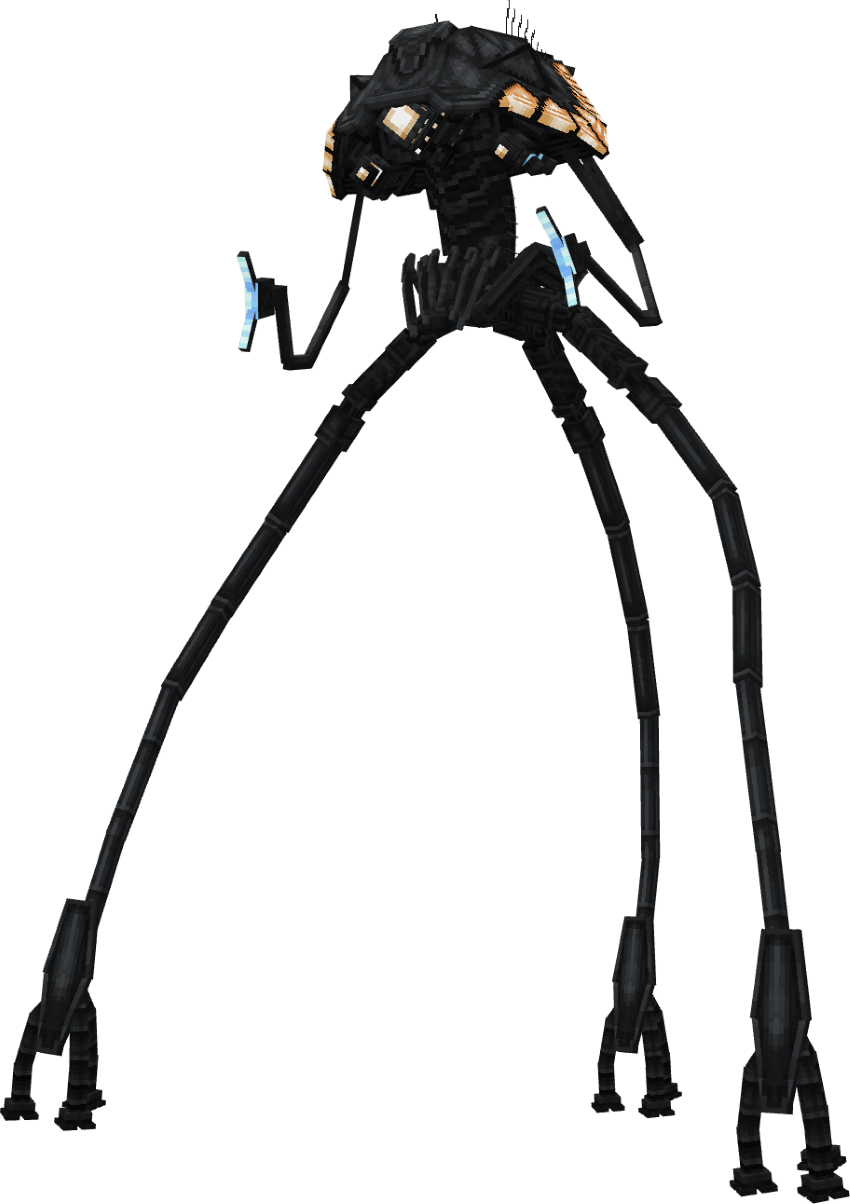
The Exterminator is the classic Fighting Machine and the most direct combat option. Its long legs provide a clear view across the landscape, its heat ray burns targets in front of the machine, and an energy-based defense helps it withstand incoming projectiles. It works best for hunting enemies in open terrain and breaking through organized resistance.
Harvester
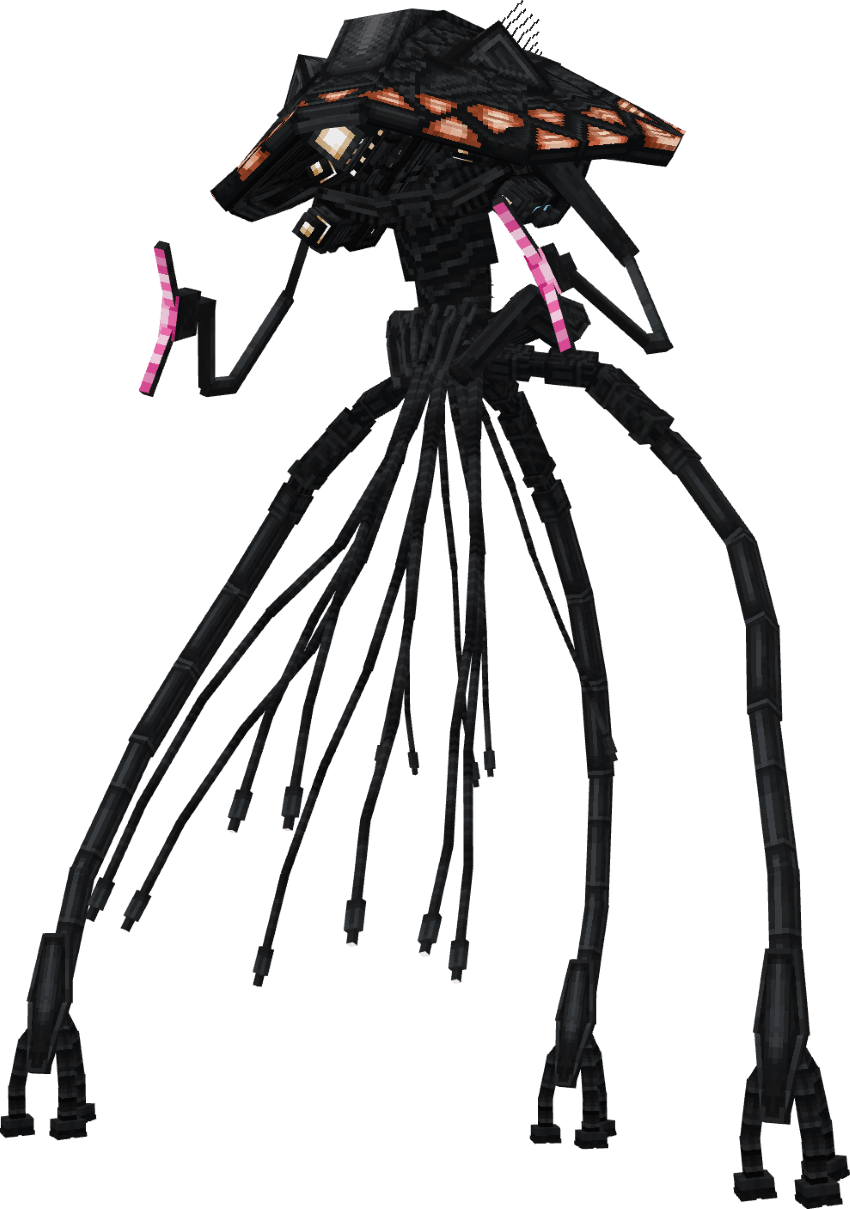
The Harvester is a Handling Machine created to capture and process nearby creatures. Harvested targets restore the resources needed to keep a player-controlled Tripod active. This machine is also tied to the spread of Red Weed, so its presence changes more than the balance of a fight: the invaded landscape gradually takes on a distinctly Martian appearance.
Uberpod
The Uberpod is the largest and toughest playable war machine. It combines increased durability with heavy weapons and chemical attacks, making it suitable for long battles and encounters with groups of enemies. Its size and firepower make it the most destructive of the three forms, but it still relies on active resource management.
From Player to War Machine
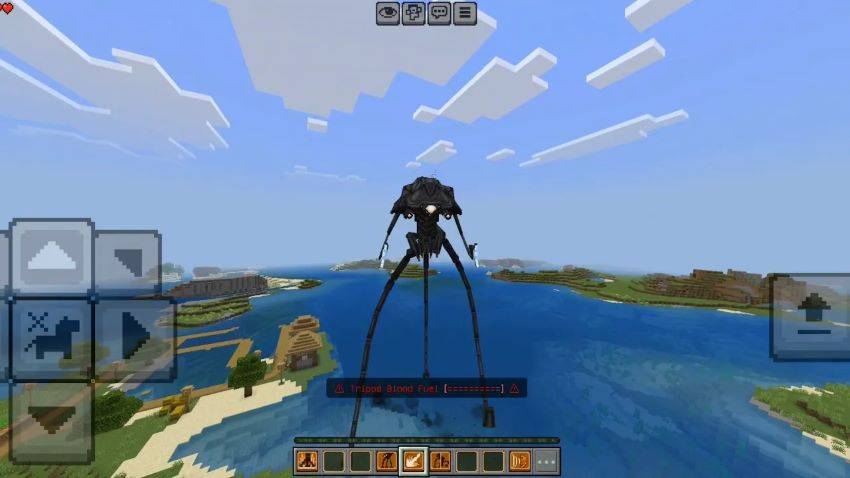
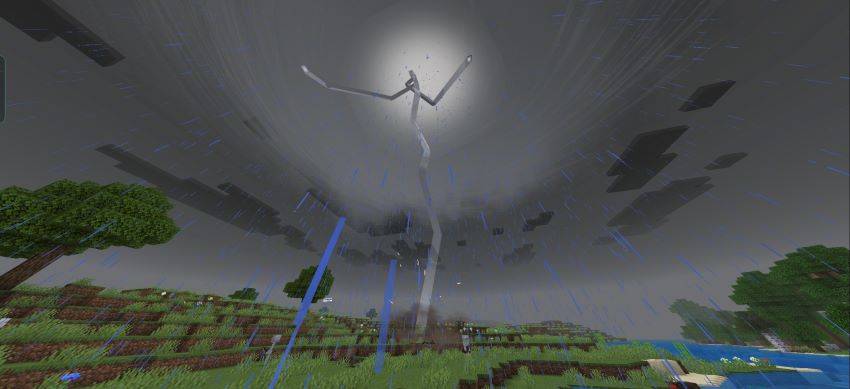
After a Martian form is selected, the chosen machine emerges with lightning and a short transformation sequence. Control then passes to the player, who moves and attacks through a dedicated Tripod interface. Each form has its own role, while the shared control system keeps the experience closer to piloting a creature than simply wearing powerful armor.
Tripod Blood Fuel
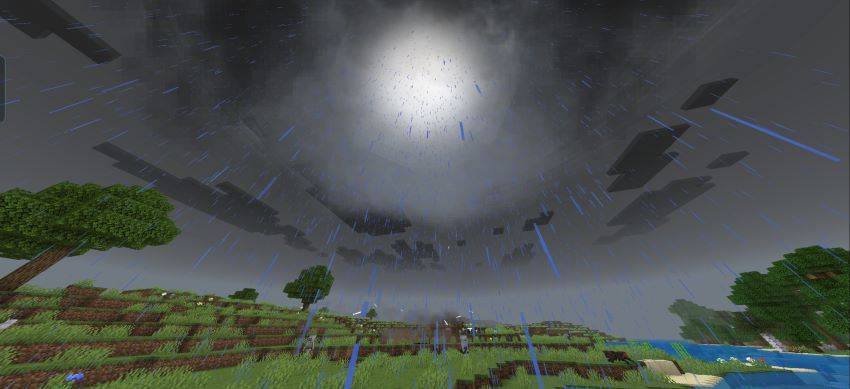
A controllable Tripod uses a separate Blood Fuel reserve. Harvesting suitable targets restores it, but allowing the reserve to reach zero destroys both the machine and its pilot. The mechanic forces an invader to keep moving and searching for resources instead of treating the Tripod as unlimited protection.
Standing still for too long creates another danger. A warning announces the beginning of bacterial infection, and a machine that remains motionless eventually dies together with its controller. Moving again resets the threat, turning constant activity into an important part of Martian survival.
Natural Invasion
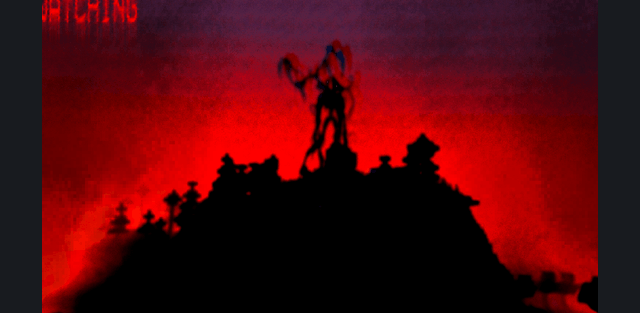
Tripods also appear naturally away from players. Lightning and towering silhouettes can announce a new machine in the distance, but the encounter may develop quickly once its weapons find a target. Several Tripods can operate in the same area, creating large battles rather than isolated encounters with a single boss.
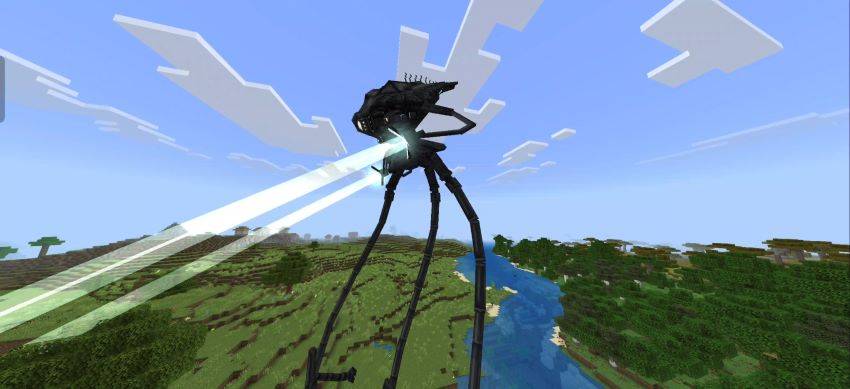
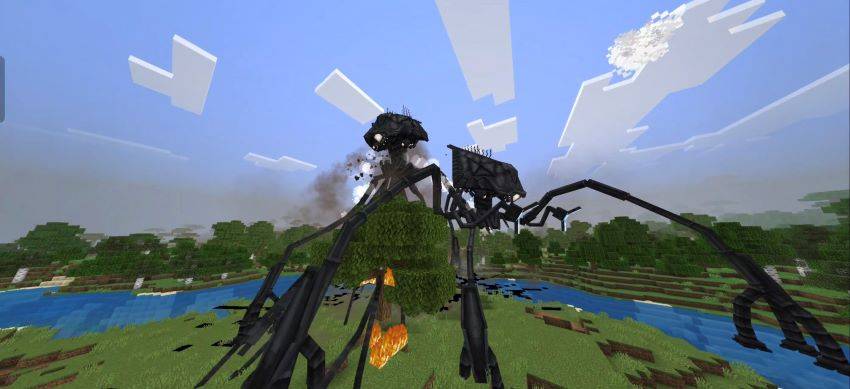
The machines attack living creatures and can make open ground extremely dangerous. Heat rays cross long distances, groups of invaders dominate the horizon, and the spread of Red Weed leaves visible evidence that an area has already been affected. The result is a survival world that changes as the invasion develops.
The 30-Day Challenge
The main survival arc asks players to remain alive for 30 Minecraft days. On the thirtieth day the condition of the invading Tripods changes, bringing the central scenario to its conclusion. A solo player can treat this as a long-term horror challenge, while a group can organize shelters, watch the horizon, and cooperate during attacks.
Multiplayer and Atmosphere
Faction selection makes multiplayer especially flexible. One group can defend the world as humans while other players operate Martian machines, or everyone can join the same side and focus on survival or destruction. Storms, lightning, enormous silhouettes, and bright heat rays create the strongest atmosphere at night and in poor weather.
Current Beta
The current beta adds compatibility with Vibrant Visuals and includes small fixes. Large animated creatures, frequent effects, and active world events can place a heavy load on low-end devices, so a medium or high-performance phone, tablet, or computer is recommended for smoother play.