Author: Studio38
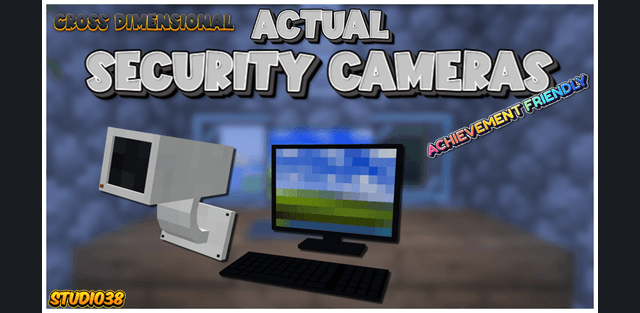
Actual Security Cameras creates a live surveillance network for bases, storage rooms, farms and other important locations. Cameras provide real-time views instead of static screenshots, and monitors let you switch between different locations from a central control point.
Cameras and crafting
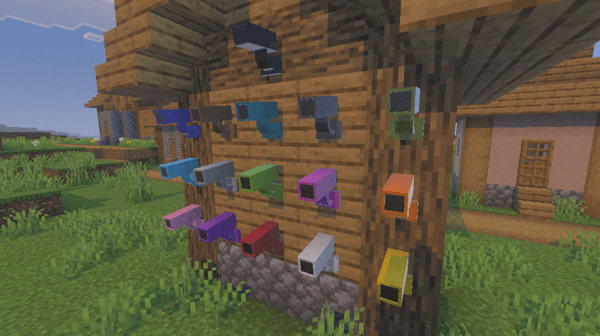
Cameras support all sixteen dye colors, and planks can give them a wooden casing. Place them on a perimeter, inside a room or near a path you want to watch. The recipes use common materials, allowing the system to become part of survival building.
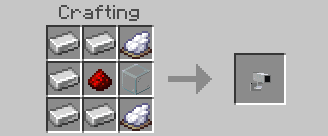
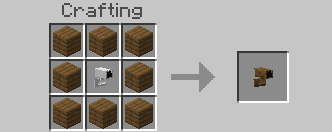
Name each camera by its location and choose a private or public feed. While watching, pan up to 45 degrees in either direction to check corners. The cameras also provide light, helping reveal dark areas within their view.
Monitors and controls
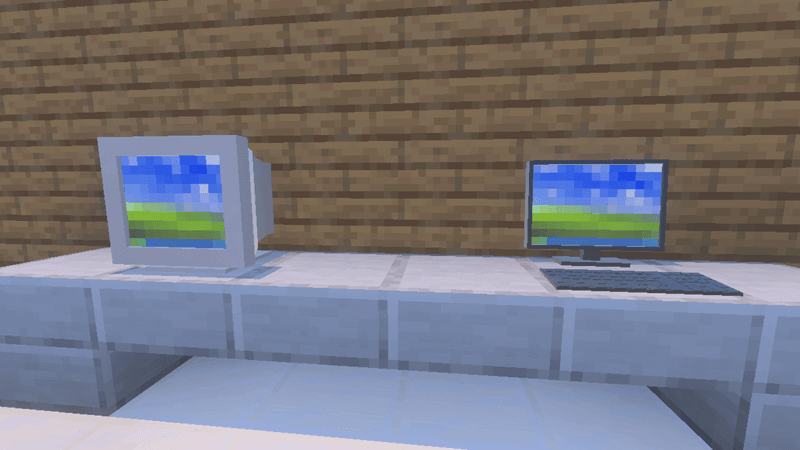
Choose a flat-screen monitor or an older bulky design. While viewing a feed, jump to switch to the next active camera and sneak to leave the view. Scroll through or tap hotbar slots to change zoom. The network works across dimensions, and the interface shows whether the selected camera is in the Overworld, Nether or End.
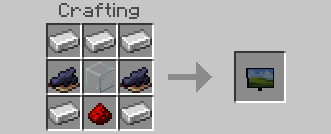
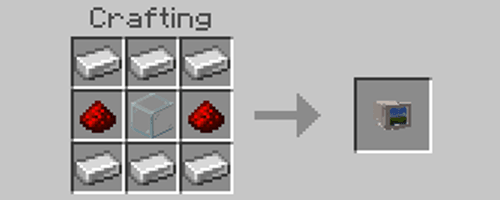
In version 0.18, players cannot remove cameras by mining them. Their owner must open the camera interface and use its removal option, which returns the camera to the inventory. Updated interface icons match the camera models with lights.
Some features require Vibrant Visuals to be enabled. The project does not replace player files and is described by its author as achievement-compatible.